 Photography Colleges
Alamy Watermark Remover


Best Examples


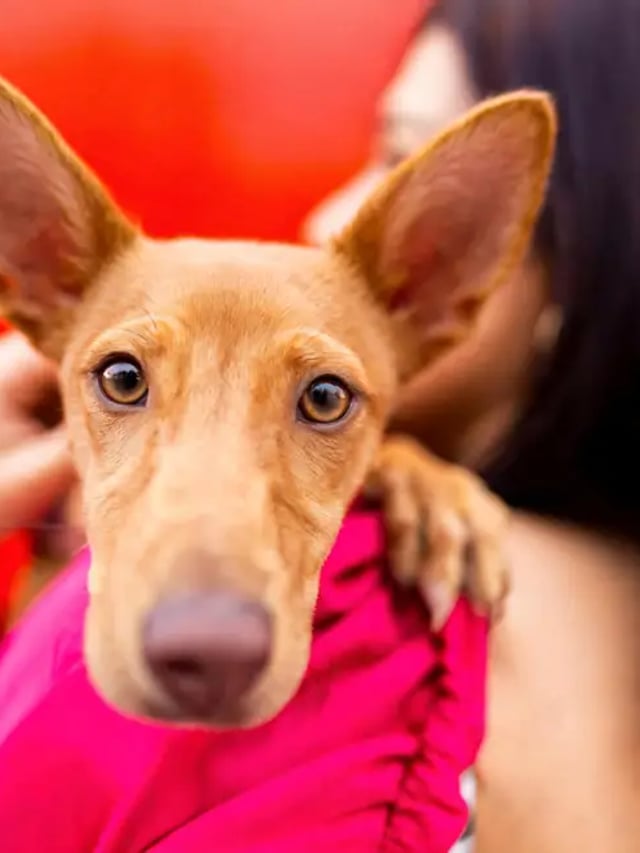
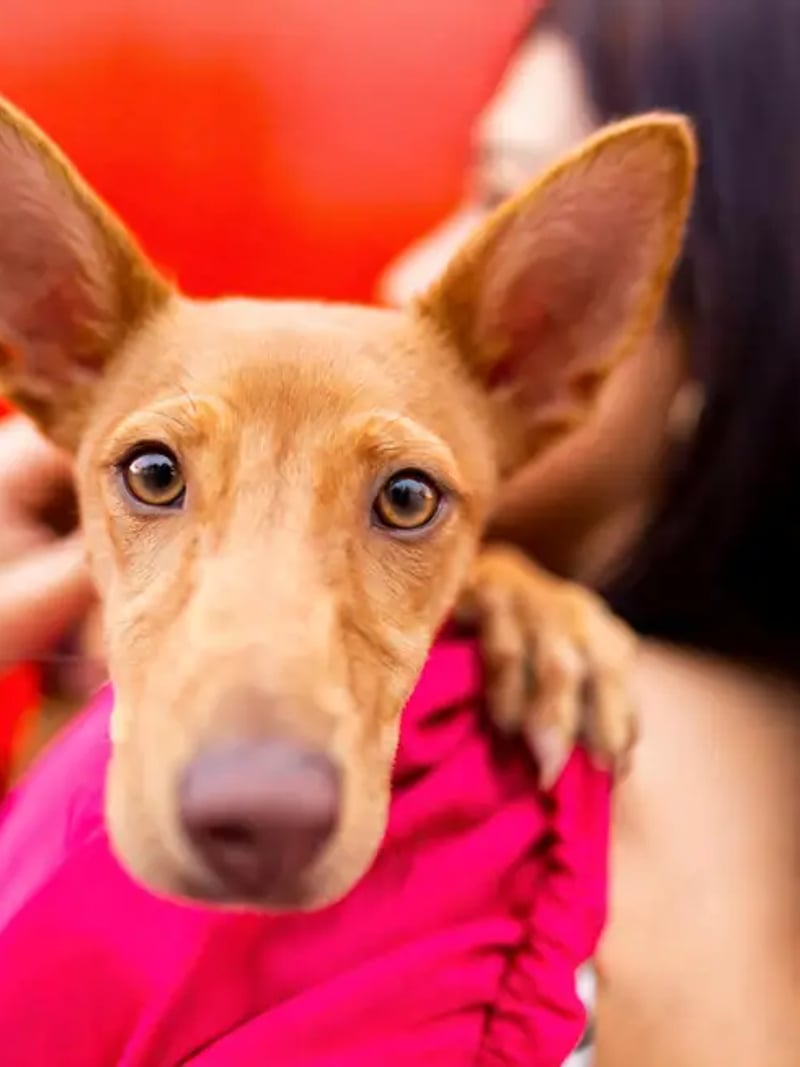
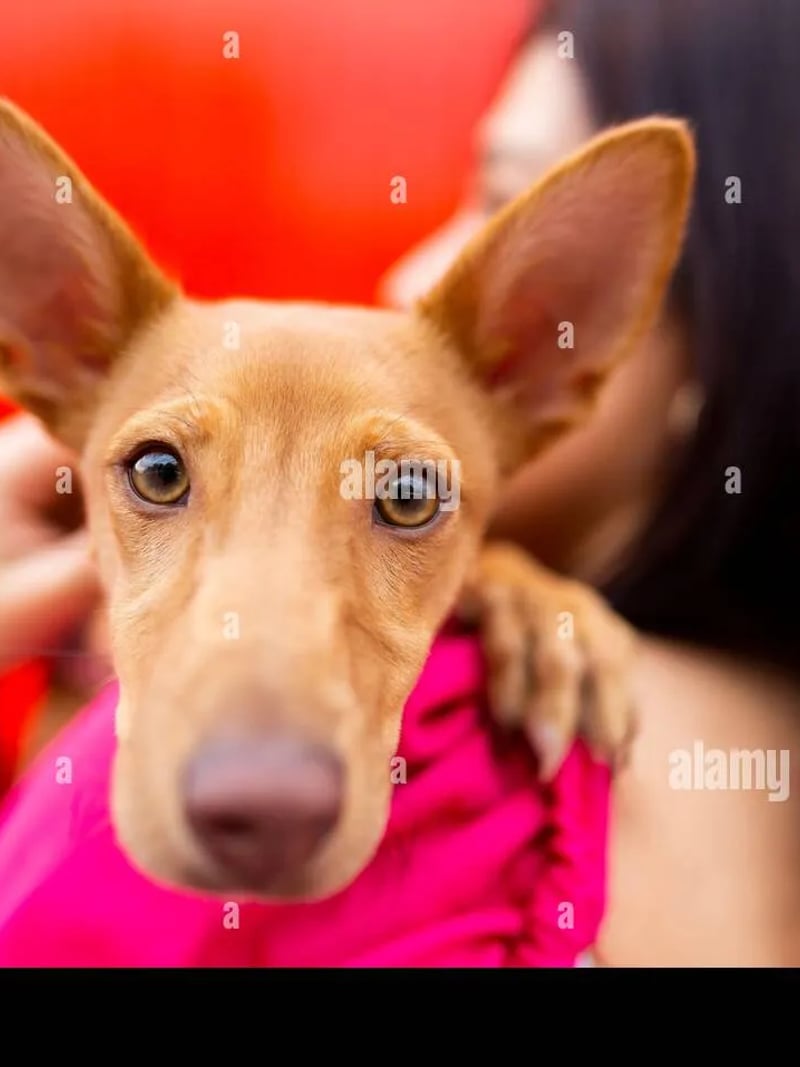






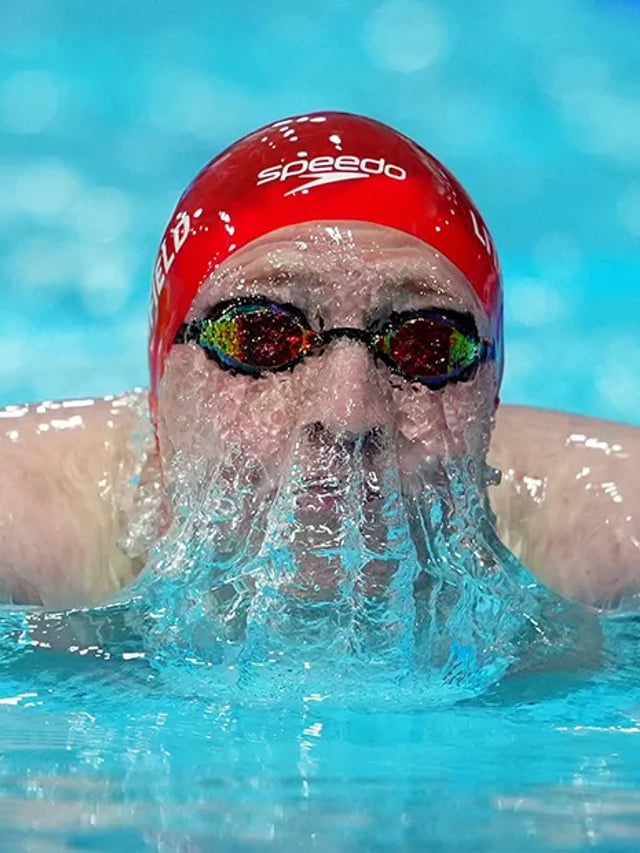
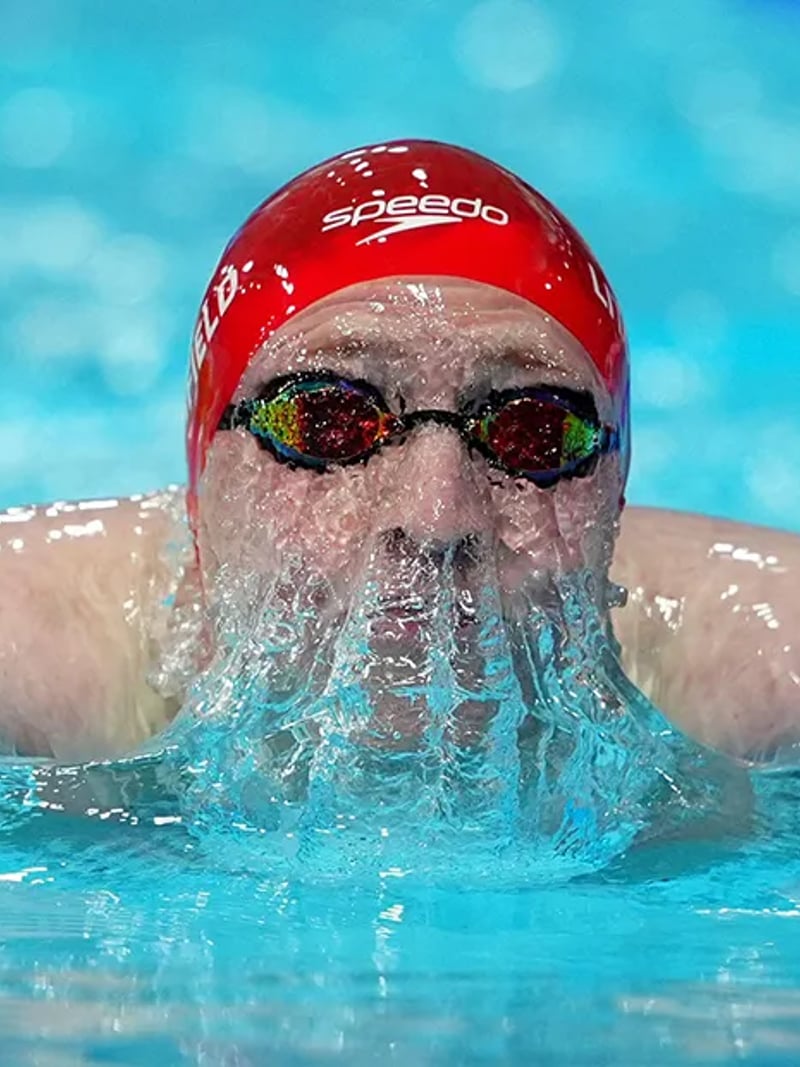







Alamy Watermark Remover: Clean Stock Previews in Seconds
Use our AI Alamy watermark remover to clear tiled preview marks while textures, edges and faces stay natural. Results in seconds. Free to try today.
The Alamy Watermark Remover is an online AI tool that clears repeating preview marks from a stock photo you own, have licensed, or are otherwise permitted to edit. Instead of painting over each letter by hand, the model reads the whole frame and separates the mark layer from the picture underneath. Everything outside the marks stays exactly as you shot or bought it.
It is built for people who work with comps: newsroom layout editors, teachers building lecture decks, book and packaging designers, and agency teams assembling a pitch. You get a readable draft image in seconds, so a client or an editor can judge the crop and the mood before anyone signs a license. When the image goes to print or to a live campaign, you buy the license first.
Manual cleanup with a healing brush is slow and uneven. One pass fixes the obvious letters, then ghost edges show up on a sleeve, a window frame, or a strand of hair. This Alamy watermark remover treats the repeated pattern as one problem, so faces, fabric weave, grain and hard object outlines survive the cleanup instead of turning into soft, smeared patches.
How the Alamy watermark remover clears a full tiled grid
Preview marks are rarely one logo in a corner. They repeat in a grid, sit at low opacity, and change contrast as they cross a bright sky and then a dark jacket. The model scans the entire upload, maps every instance of the pattern including the faint ones, and treats them as a single layer. That is why a full-frame grid comes out as evenly as a single centered mark.
Once the mark layer is identified, the covered pixels are reconstructed from context: the grain direction, the color gradient, and the shapes that run underneath. Nothing is blurred to hide the gap. The result keeps the same subject, pose, background and lighting you uploaded, so the cleaned file still matches the original composition when you drop it into a layout.
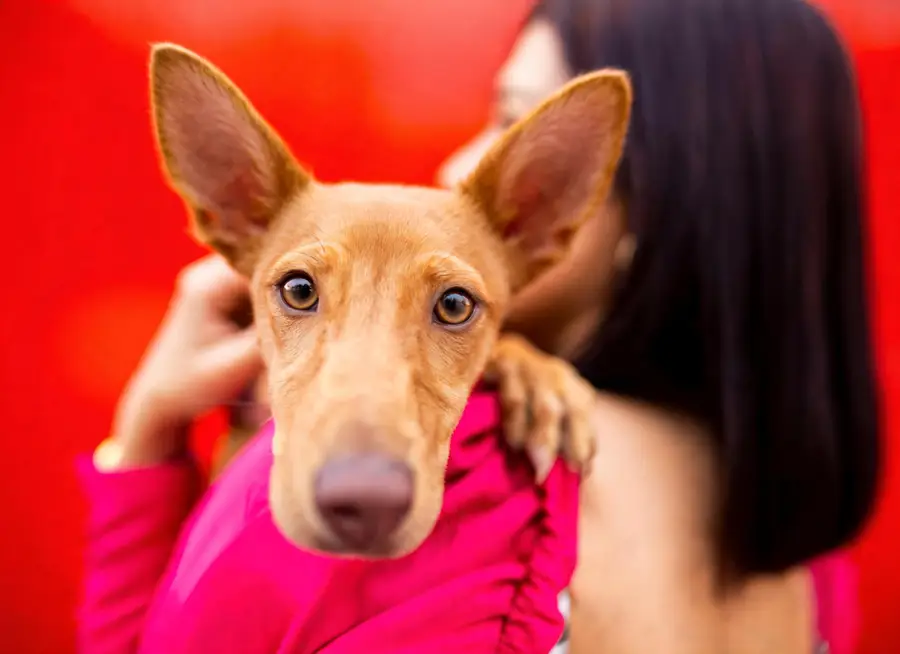
Detail that survives when you remove an Alamy watermark: skin, fabric, grain and hard edges
The hardest areas are the ones people zoom into. A mark that crosses a cheekbone, a striped shirt, a chain-link fence or a product outline gives generic erasers trouble, because they average nearby pixels and leave a soft bruise. Our model rebuilds along the structure it detects, so the edge of a sleeve stays a straight line and skin keeps its pores rather than turning into plastic.
Flat graphics behave differently from photographs, and both are handled. On vector illustrations the tool restores clean color fields without banding. On press and sports frames it keeps motion blur, sensor grain and stadium lighting consistent. Run one pass, review at full size, then rerun if a busy patch needs another attempt.

An online stock photo watermark remover, faster than manual Photoshop cleanup
Brushing a grid of marks out by hand can eat a large part of an afternoon on a crowd scene, and it is tedious even on a plain background. The browser workspace turns that into an upload and a click. You need no masking skills, no desktop license and no plugin. Sign in with Google, then download the file.
You can also ask for up to four variations in one request. That matters on textured backgrounds, where different reconstructions of the same patch look slightly different. Compare them side by side, keep the one that reads best at full size, and discard the rest. It beats undoing brush strokes and starting over.
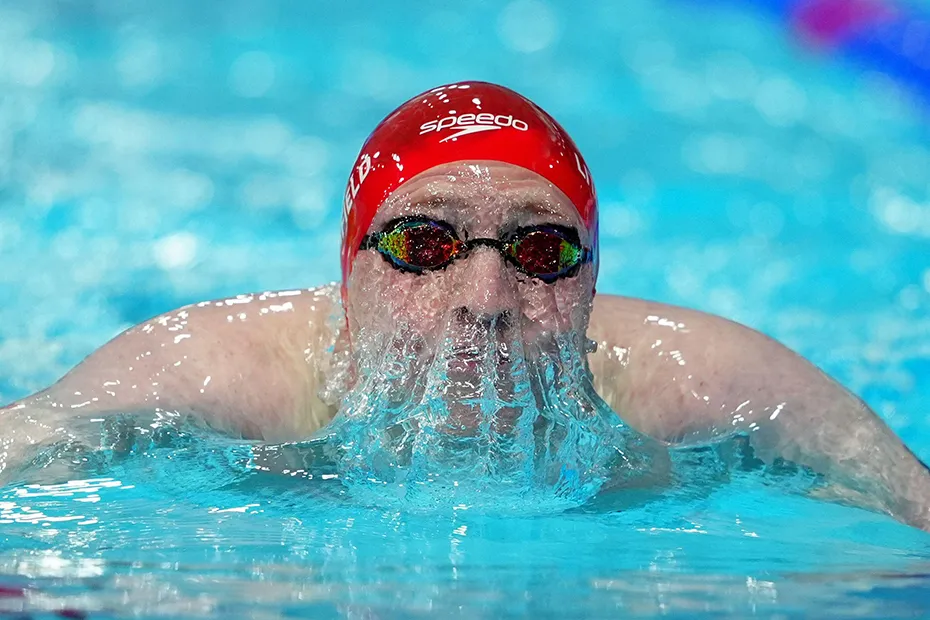
Rights, licensing and responsible use of stock previews
Only use this tool on images you own, have licensed, or have clear permission to edit. Removing a watermark does not transfer any copyright and does not create a usage right. A preview is meant for evaluation. A cleaned preview belongs in an internal draft, a comp, or a layout test, never in a published campaign or a product you sell.
If the image survives the review and goes live, buy the appropriate license from the rights holder first. The same rule covers photos of other people: get their consent before you edit them, and keep results to personal, creative and lawful use. We are an independent tool and are not affiliated with any stock photo marketplace.

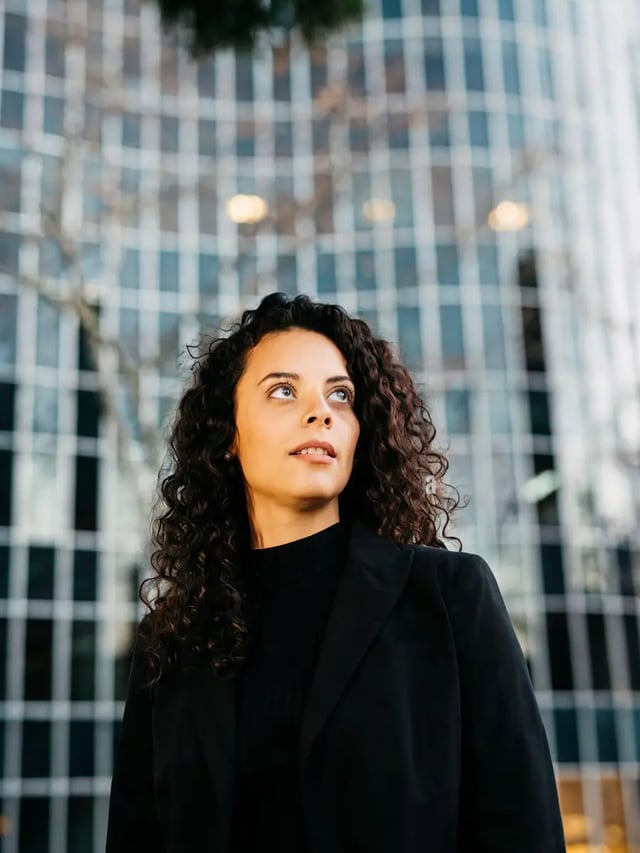
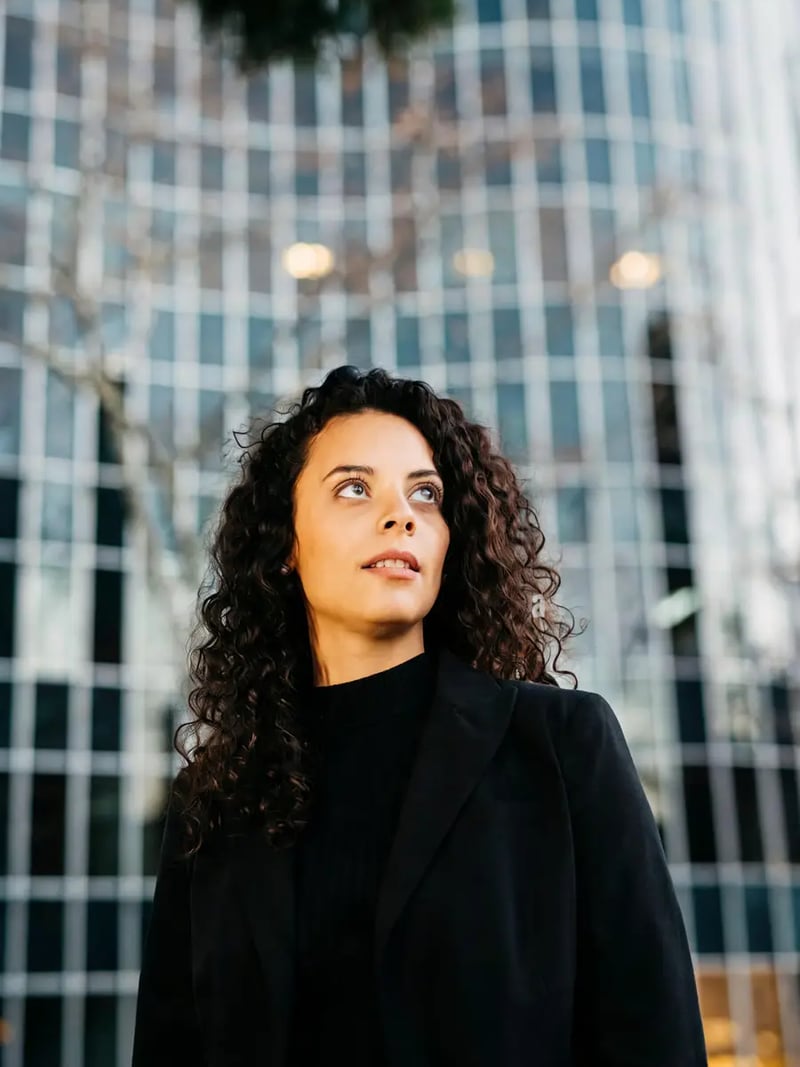
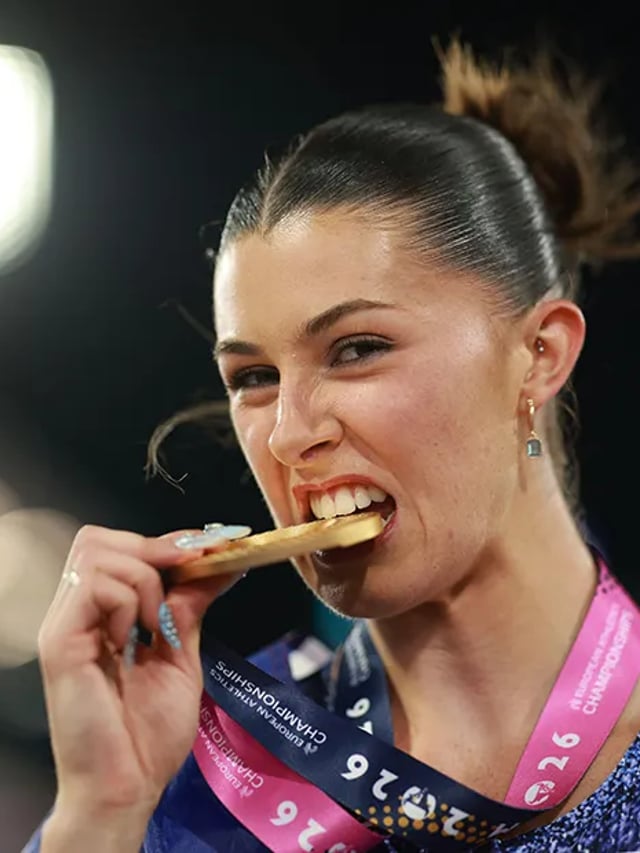
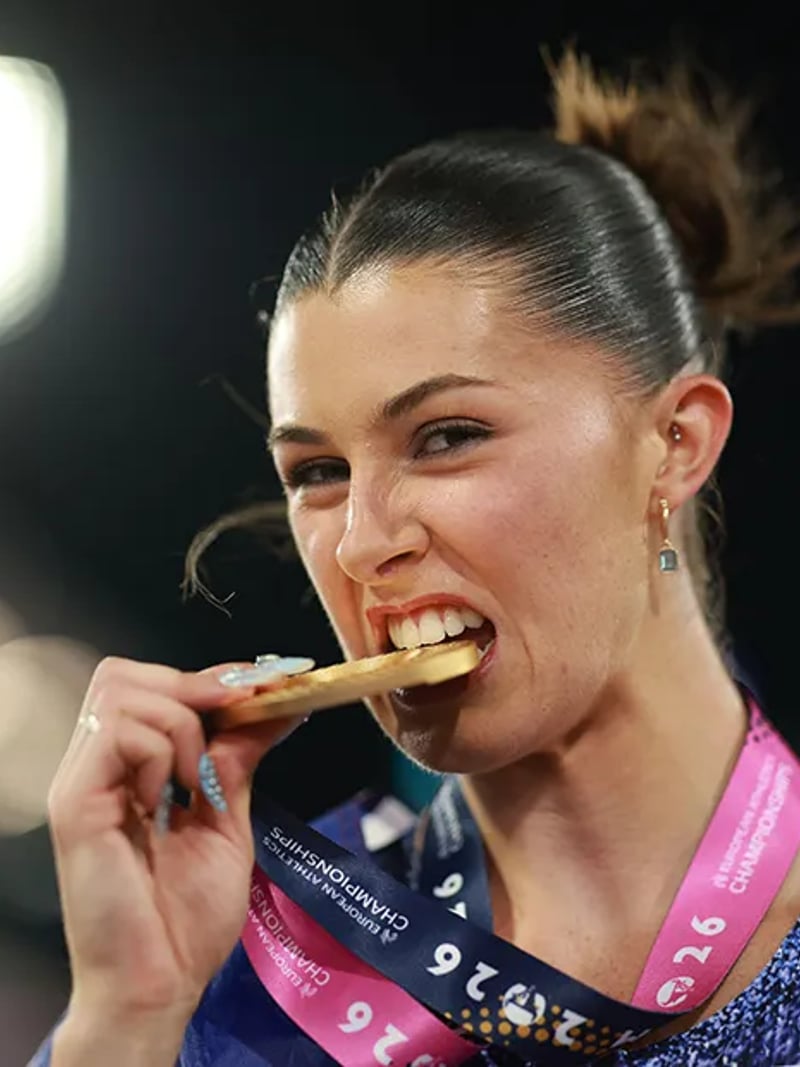
Before & After: Alamy watermark remover results
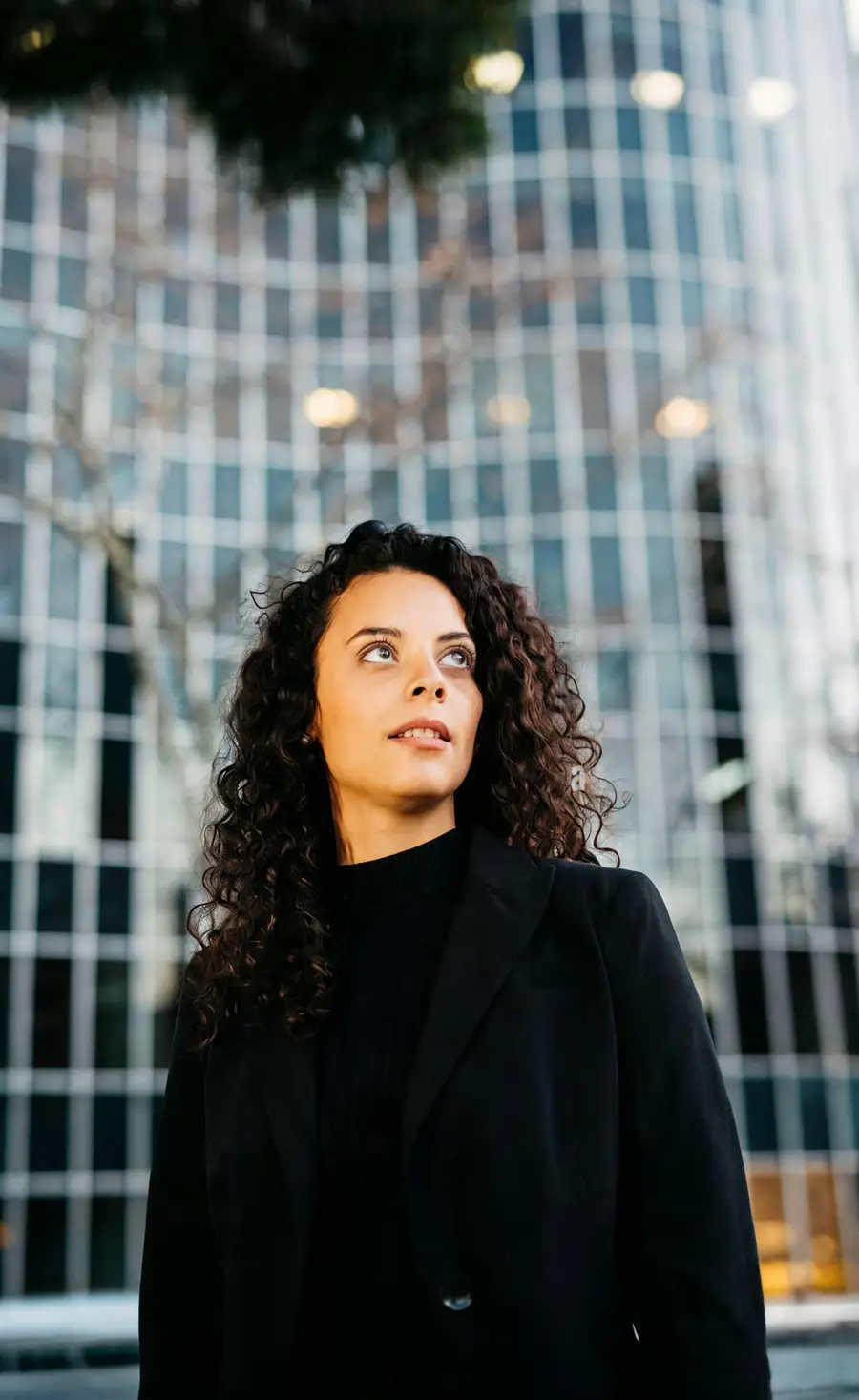






How to use Alamy Watermark Remover
- 1Upload the watermarked photo
Open the workspace and drop your JPG, PNG or WEBP into the Photo slot. Use the largest, sharpest copy you have and avoid tight crops, because more surrounding texture gives the AI more to rebuild from.
- 2Set how many results you want
Choose a Quantity between 1 and 4. One result is enough for a clean background; ask for three or four when marks sit over faces, crowds or fine patterns so you can pick the strongest reconstruction.
- 3Generate, review and download
Click Generate and wait a few seconds to about a minute, then save Alamy photos without the watermark grid for your draft. Inspect edges, skin and repeated patterns at full size before you download, and rerun if a small area still needs another pass.
Perfect for
Newsroom and editorial layouts
Drop a clean preview into a page proof so the desk can judge the crop, the headline fit and the color balance before the picture editor buys the frame. The layout reads the way it will in print, and the licensing decision happens with the full context in front of everyone.
Lecture slides and research decks
Teachers and researchers need readable reference images in a deck, not a grid of letters across a historical photograph. Clean the preview of an image you are licensed to use, keep the citation on the slide, and replace it with the licensed file before anything is published or distributed.
Book covers and packaging comps
Cover designers test three or four candidate images against typography before committing. A clean comp shows how the subject sits behind a title block and where the spine crops it. Once the publisher picks a direction, the licensed high-resolution file replaces the draft.
Agency pitch decks and UI mockups
Client pitches and interface mockups look unfinished when preview marks cover every hero image. Clean the drafts you are permitted to edit, present the concept, and buy the license for images that make the final cut.
Your own watermarked photo archive
Photographers often keep only a watermarked export of an older shoot after the original files are lost. This Alamy stock photo watermark remover restores those images without repainting the background by hand, so you can rebuild a portfolio page or reprint a favorite frame from your own work.
Tool facts at a glance
FAQ
Is it legal to remove an Alamy watermark?
Only when you have the right to edit that image. You may use this tool on photos you own, have licensed, or have written permission to change. Removing a mark never transfers copyright and never creates a usage right. Cleaned previews are for drafts, comps and internal review, and you should buy the proper license before you publish or sell anything.
Is the Alamy watermark remover free to try?
Yes. Sign in with Google and new accounts receive free credits, with no credit card needed to start. Each image costs 3 credits, and each result you request spends its own credits, so a request for four variations costs 12. Start with one result and add variations only where the marks sit over difficult texture.
Can it handle a full-screen tiled grid, not just one logo?
Yes. The model looks at the whole frame and treats the repeated pattern as one layer, including faint, low-contrast instances that are easy to miss by eye. That is the case this tool is built for. A single centered logo or a corner mark works too, since both are just simpler versions of the same problem.
Will the cleaned photo lose quality or look blurry?
No, not in the way a blur-based eraser does. The covered pixels are rebuilt from surrounding texture rather than blurred, so grain, skin and fabric stay believable and edges stay defined. If a result still looks soft, the source itself may be low resolution, since stock previews are published small on purpose. Start from the largest copy you have, because this tool does not add resolution and a small preview stays small.
How is this different from a regular eraser or healing brush?
An eraser treats the mark as random pixels and averages what is nearby, which leaves ghost edges and soft patches. This tool reads the repeated pattern as one layer across the whole frame and rebuilds each covered area along the structure underneath, so a sleeve edge stays straight and skin keeps its texture.
Which file formats can I upload?
JPG, PNG and WEBP photos are accepted, so you can remove a watermark from a JPEG, a PNG export or a WEBP preview. Upload the highest quality version you have, because a heavily compressed screenshot gives the AI less texture to work from. The tool runs in your browser workspace, so there is nothing to install and no desktop plugin to configure before you start.
How long does one image take?
Most results appear in seconds, and a complex frame with several requested variations can take up to about a minute. You stay on the page while it runs, then review the output and download it. If a small area needs more work, generate again rather than brushing it manually.
Can I edit a photo that shows other people?
Only with their consent, and only for personal, creative and lawful use. Do not edit pictures of other people without permission, and do not use cleaned images to misrepresent anyone. The AI leaves identity, pose, background and lighting untouched, so the person in the frame looks exactly as they did in the upload.
What happens to the images I upload?
Uploads are processed by our AI service to produce your result, and they may be processed and stored to provide the tool, as described in our privacy policy. Do not upload anything you are not permitted to share. Keep confidential client files out of any online editor.