 Photography Colleges
Watermark Remover


Best Examples




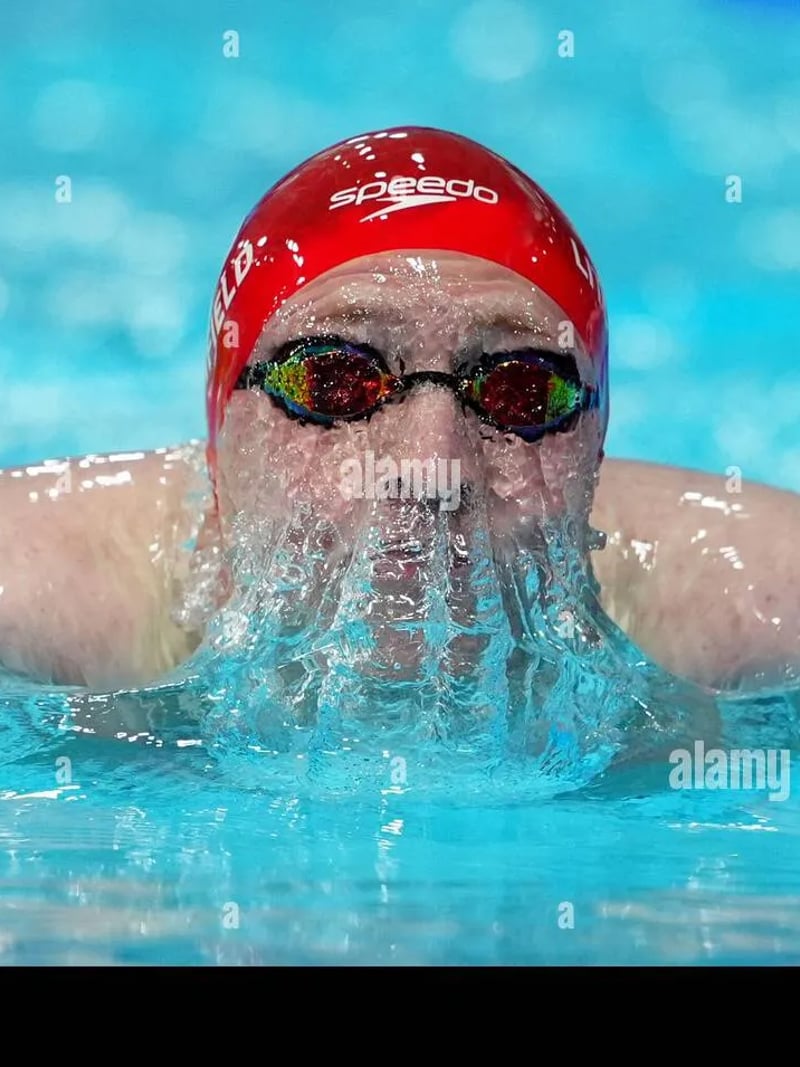












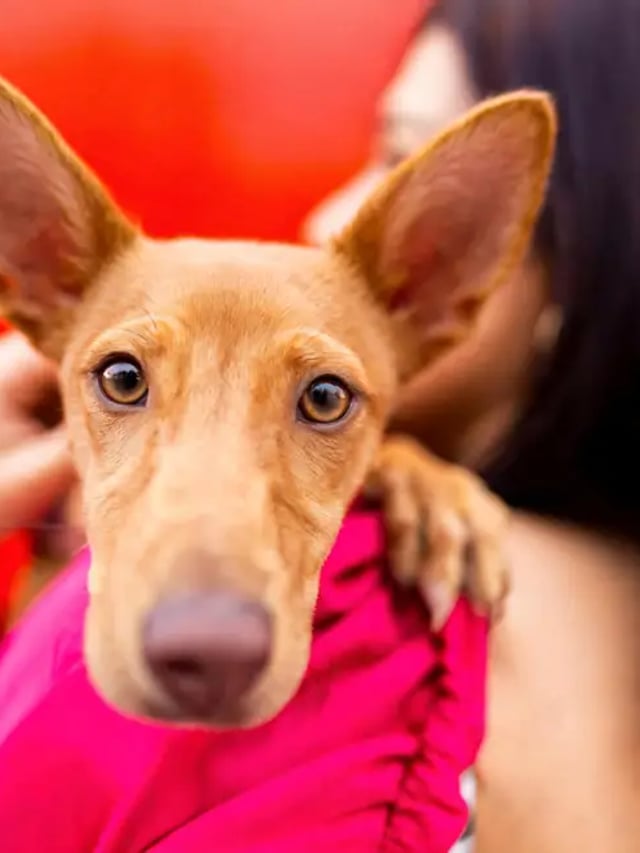
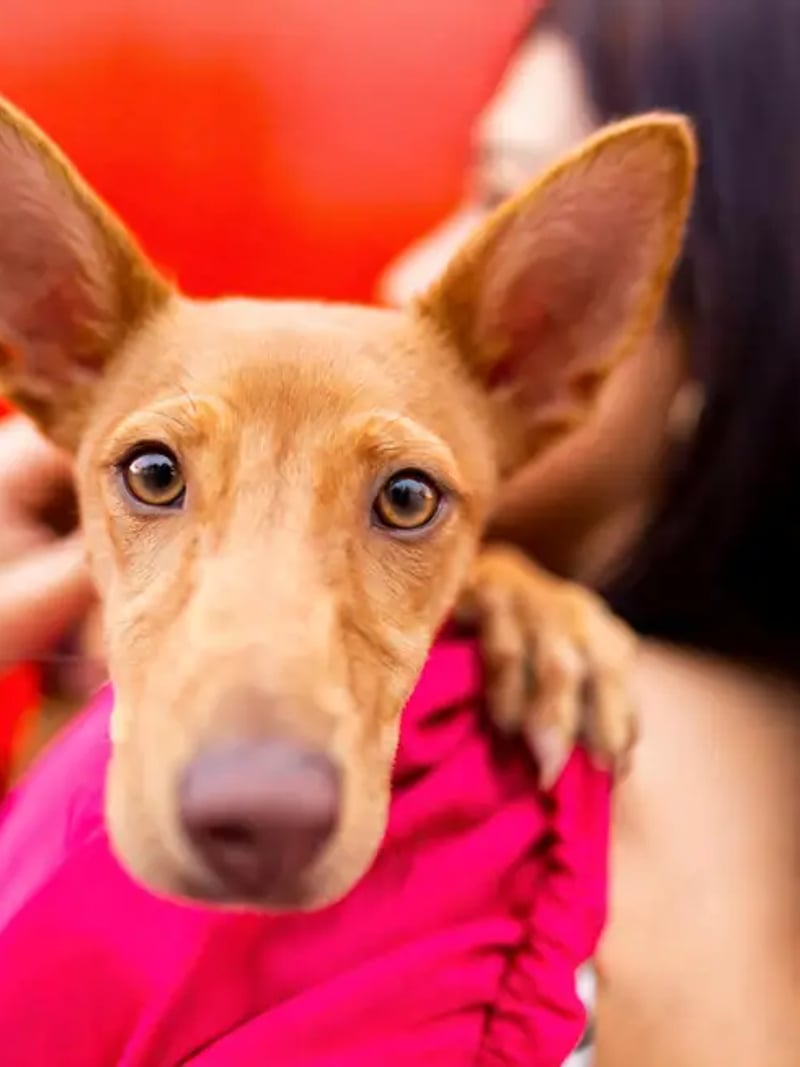
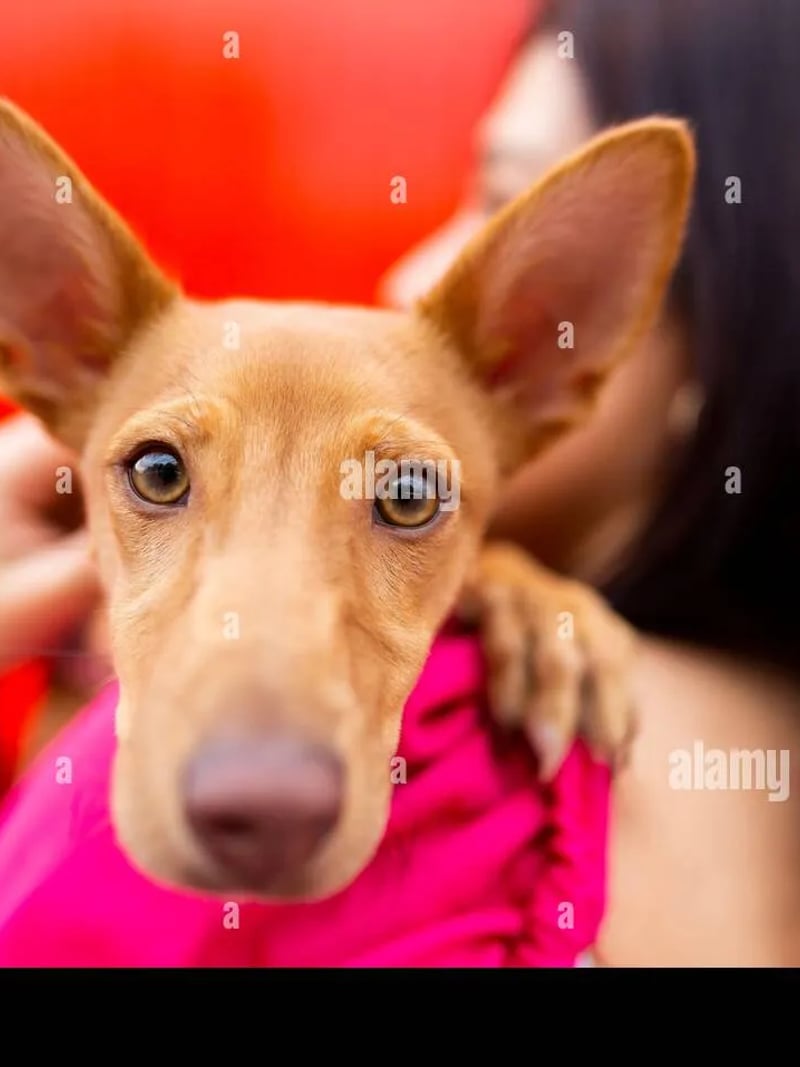












Watermark Remover — Erase Watermarks from Photos Fast
Our AI watermark remover erases logos, stamps and text overlays from images you own, and the rest of the photo stays untouched. Try it free, no card needed.
This watermark remover erases logos, date stamps, captions and translucent overlays from pictures you own or have permission to edit. Upload a JPG, PNG or WEBP file, choose how many versions you want, and the AI repaints the covered area using the texture, color and lighting around it. Everything outside the mark stays exactly as you shot it, so faces, product edges and backgrounds keep their original detail.
It is built for photographers cleaning their own proofs, designers reworking licensed assets, sellers preparing listing images, and anyone clearing the generator stamp from AI images they created. You do not need masking skills or a subscription to a desktop editor. The workspace runs in your browser, and a first run takes only a few seconds of your attention.
Manual cloning is slow and it shows. Patching a mark by hand in a photo editor means tracing a selection, sampling nearby pixels, then fighting the smudge that appears over hair, skin or fine text. The AI reconstructs the hidden content instead of blurring it, which is why an image watermark remover built on inpainting usually beats a rushed clone-stamp job.
How the AI watermark remover rebuilds the hidden area
The model reads the whole frame before it touches anything. It separates the overlay from the picture underneath, then predicts what the covered pixels should look like based on the surrounding grain, gradient and edges. A stamp lying over grass is filled with grass. A caption bar across a sky is filled with the same gradient and cloud shape that continues on both sides.
That is the difference between removal and concealment. Blur tools and heavy clone work leave a soft patch that catches the eye at full size. Reconstruction keeps the local contrast, so a viewer scanning the photo has nothing to snag on. Lighting direction, shadow falloff and color temperature all carry through from the untouched part of the frame.
Online watermark remover with no manual masking
There is nothing to trace and nothing to mask. To remove a watermark from an image, upload the file, set the quantity, and press Generate. A desktop workflow asks much more of you. One tiled overlay can mean twenty minutes of selection work, followed by a second pass to fix the seams you created while fixing the first problem.
Speed matters most when a job repeats. Cleaning one proof by hand is tolerable, but a stack of them turns into an evening. Here each file is one upload and one click, and the request comes back in seconds to about a minute — you can ask for up to four versions at once.

Which watermarks this photo watermark remover handles
Corner logos, repeated tiled patterns, semi-transparent text bars, date stamps burned in by an old camera and generator badges on AI images all fall in scope. Illustrations and flat vector exports work as well as photographs, because the model matches solid fills and line work the same way it matches natural texture.
Difficulty scales with how much the mark hides. A small stamp on an even background is usually the easiest case and leaves no trace worth hunting for. A wide overlay across a detailed subject asks the model to invent more, so results vary and several versions help. Uploads accept JPG, PNG and WEBP, whether the file came from a camera, a screenshot or an app export.

Fair use, permission and licensing
Use this tool only on images you own, images you have licensed, or images the rights holder has allowed you to edit. Watermarks exist to protect photographers and illustrators, and stripping a mark from someone else's work gives you no right to publish it. If you need a stock image for a campaign, buy the license.
Legitimate cases are common. Think of your own watermarked exports, client deliverables you commissioned, or licensed assets that arrived with a preview stamp. AI images you generated yourself and old family photos carrying a burned-in date qualify too. Please do not edit photos of other people without their consent. Results are meant for personal, creative and lawful use only.

Before & After: watermark remover results






How to use Watermark Remover
- 1Upload your photo
Sign in with Google, open the tool, and add the marked picture in the Photo slot. JPG, PNG and WEBP files all work. Use the highest quality copy you have, since the AI has more detail to rebuild from.
- 2Set quantity and generate
Choose a Quantity between 1 and 4 to decide how many versions you want from this run, then press Generate. Each image costs 3 credits. Results usually appear within seconds, and a busy frame can take up to about a minute.
- 3Compare and download
Look at the finished versions side by side, zoom into the area where the mark used to sit, and pick the cleanest one. Download it to your device, ready for your portfolio, listing, deck or print job.
Perfect for
Photographers: a watermark eraser for your own proofs
You send watermarked previews to clients, then need a clean master once the invoice clears. Drop the proof in, get the unmarked version back in seconds, and skip re-exporting from your catalog. Everything outside the watermark — pose, background, color and lighting — is left untouched, so the clean copy still sits beside the rest of your set.
AI images with a generator badge
Images you generated yourself often ship with a small corner badge. This removes it and repaints the area to match the surrounding render, whether that is sky, fabric or a soft studio backdrop. Handy when the picture is heading into a mood board, a personal print or a concept deck you are presenting.
E-commerce and listing photos
Product shots from your own studio sometimes carry a supplier stamp or an old campaign tag. Clear it so the listing image looks current, and keep the product edges crisp for marketplace crops. Only use photos you own or have written permission to edit, and license anything sourced from a stock library.
Designers reworking licensed assets
Licensed artwork occasionally arrives with a preview overlay still baked in. Once you hold the license, drop the file in and the overlay is cleared, so you can place the asset into a layout without rebuilding it. Flat illustration, gradients and typography all reconstruct cleanly in most cases.
Old family photos with date stamps
Film cameras and early digital models burned an orange date into the corner. Scan the print or grab the original file, run it through, and the numbers disappear into whatever was behind them. It is a quick win before a photo book, a framed enlargement or an anniversary slideshow.
At a glance
FAQ
What is a watermark remover?
It is an AI tool that detects an overlay on a picture and rebuilds what was underneath it. Instead of blurring the mark, the model fills the area with matching texture, color and lighting taken from the rest of the frame. The result is a clean image where the rest of the photo, including faces and background, looks exactly as it did before.
Is this a free watermark remover?
New users get free credits to try any tool on the site, and no credit card is required to start. You sign in with Google first. Each generated image costs 3 credits, and asking for more versions in one run costs proportionally more, so your starting credits are enough to test the tool on a real photo before you commit.
Is it legal to remove a watermark?
Only when you have the right to edit that image. Use the tool on pictures you own, pictures you have licensed, or work the rights holder has given you permission to change. Removing a mark from someone else's photo does not grant you a license to use it, and stock images still need to be purchased for commercial work.
Will the rest of my photo change?
No. The edit is confined to the area the mark covered, so identity, pose, background, framing and lighting stay as they were. Nothing is recomposed or restyled. If you zoom into a finished result, the only difference you should find is where the overlay used to be.
Which file formats can I upload?
JPG, PNG and WEBP photos are accepted. Camera files, screenshots and app exports all work the same way. Upload the highest quality version you have rather than a compressed copy from a chat app. Heavy compression strips detail that the model would otherwise use when it rebuilds the covered area.
How long does it take?
Most results appear within a few seconds, and a complex frame can take up to about a minute. Requesting several versions at once may add a little time. You stay in the workspace while it runs, then download the finished image straight to your device.
How many versions can I generate at once?
Between one and four per request, set with the Quantity control. Four is useful when the mark sits over something detailed, such as printed text, hair or a face, because the reconstruction differs slightly each time. Compare them at full size and download only the one you want to keep.
What happens to the photos I upload?
Uploads are processed and may be stored so the service can generate and deliver your results, as described in the privacy policy. Please avoid uploading images of other people without their consent, and keep sensitive documents off the platform. Everything you make here is for personal, creative and lawful use.
Is this watermark remover safe to use?
Yes, within its intended use. It runs in your browser on the Photography Colleges workspace, you sign in with Google, and uploads are processed and may be stored to deliver your results, as described in the privacy policy. Use it only on images you own, have licensed, or have permission to edit, and keep it away from photos of other people who have not consented.
Do I have to select or mask the watermark myself?
No. There is no brush, box or lasso to draw. Upload the photo, set Quantity, and press Generate — the model locates the overlay and repaints only that area, leaving the rest of the frame untouched.