 Photography Colleges
AI Bikini
Free for a limited time
Generate without spending credits. Sign-in required.
Community Creations
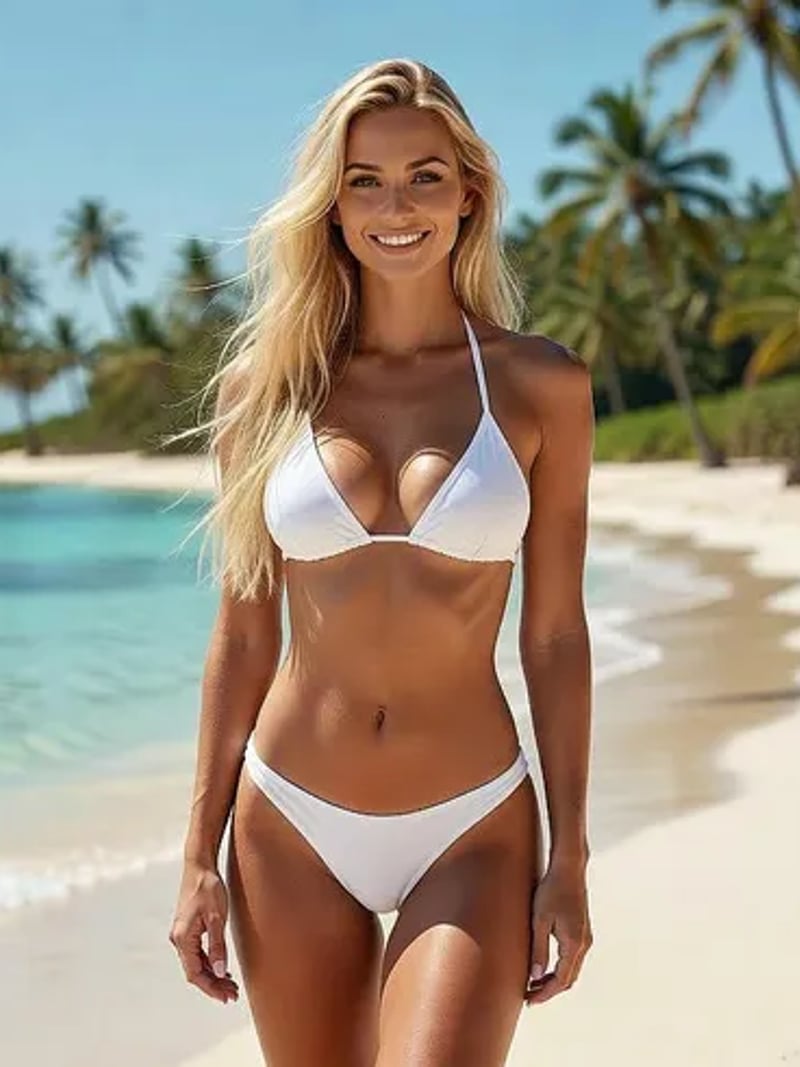
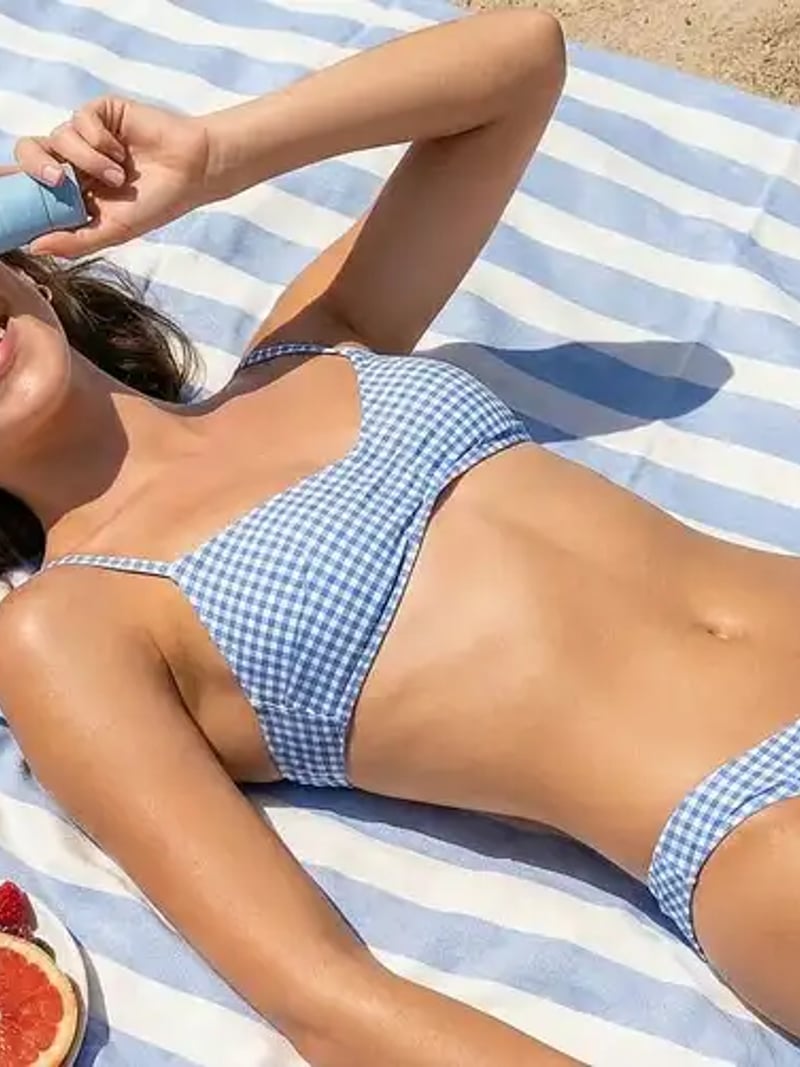
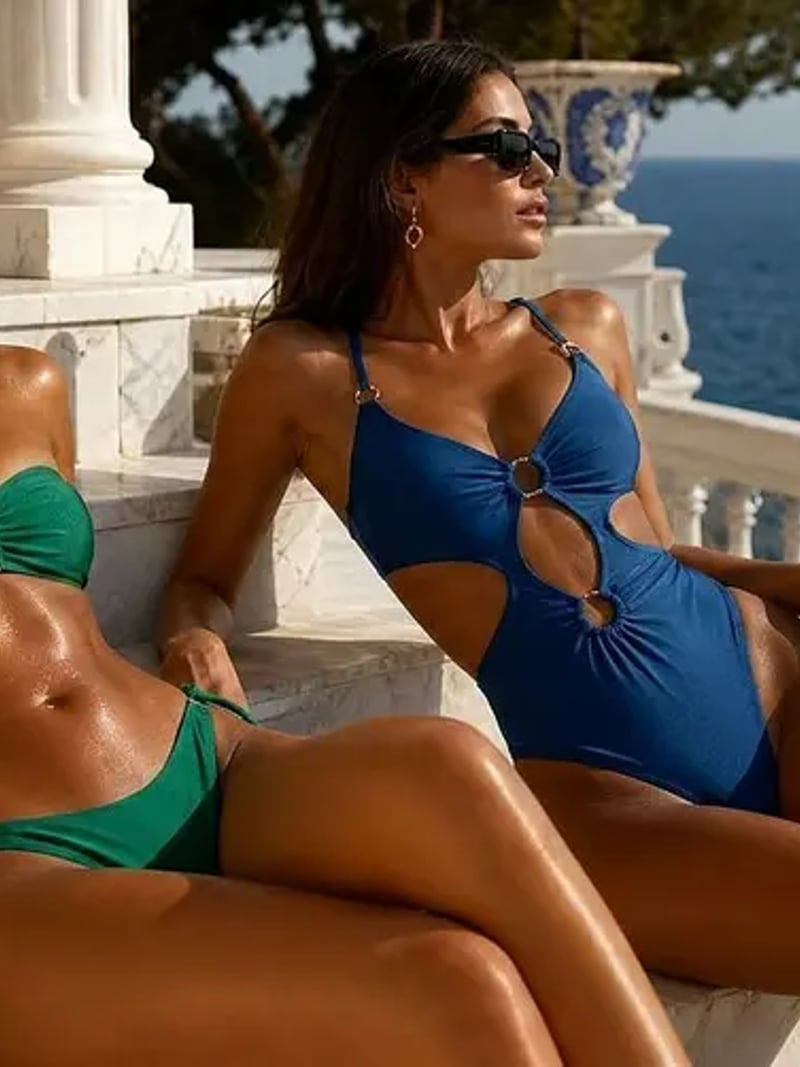
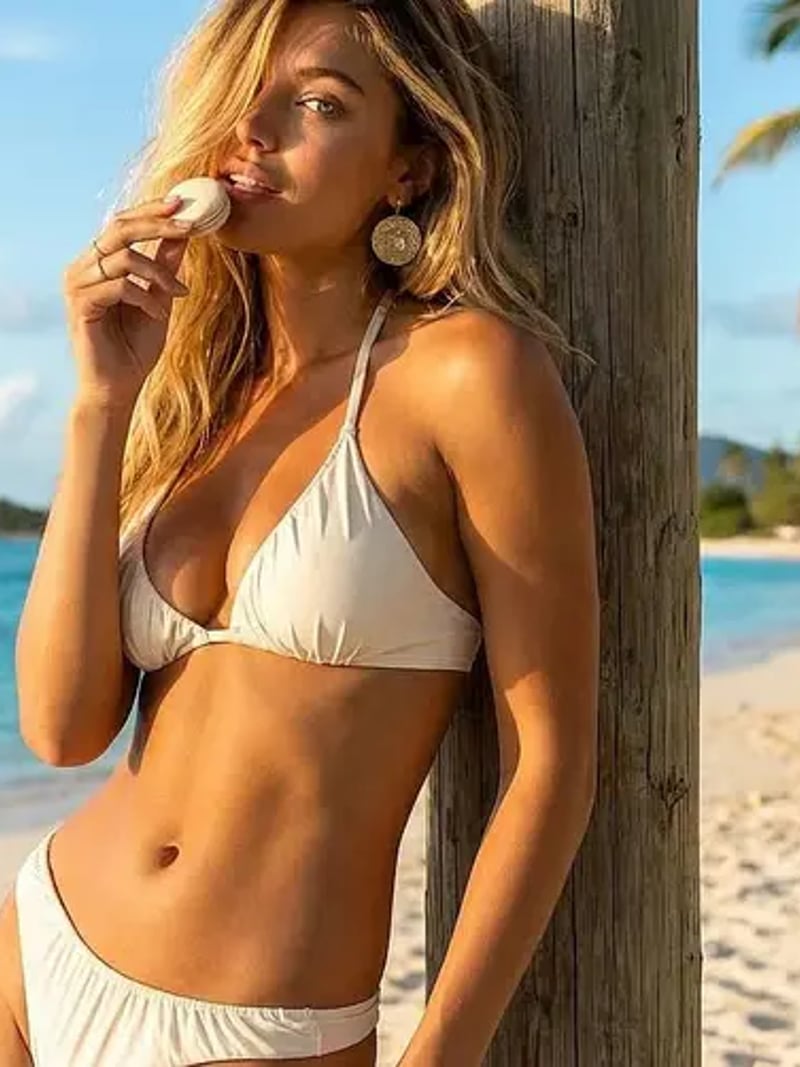
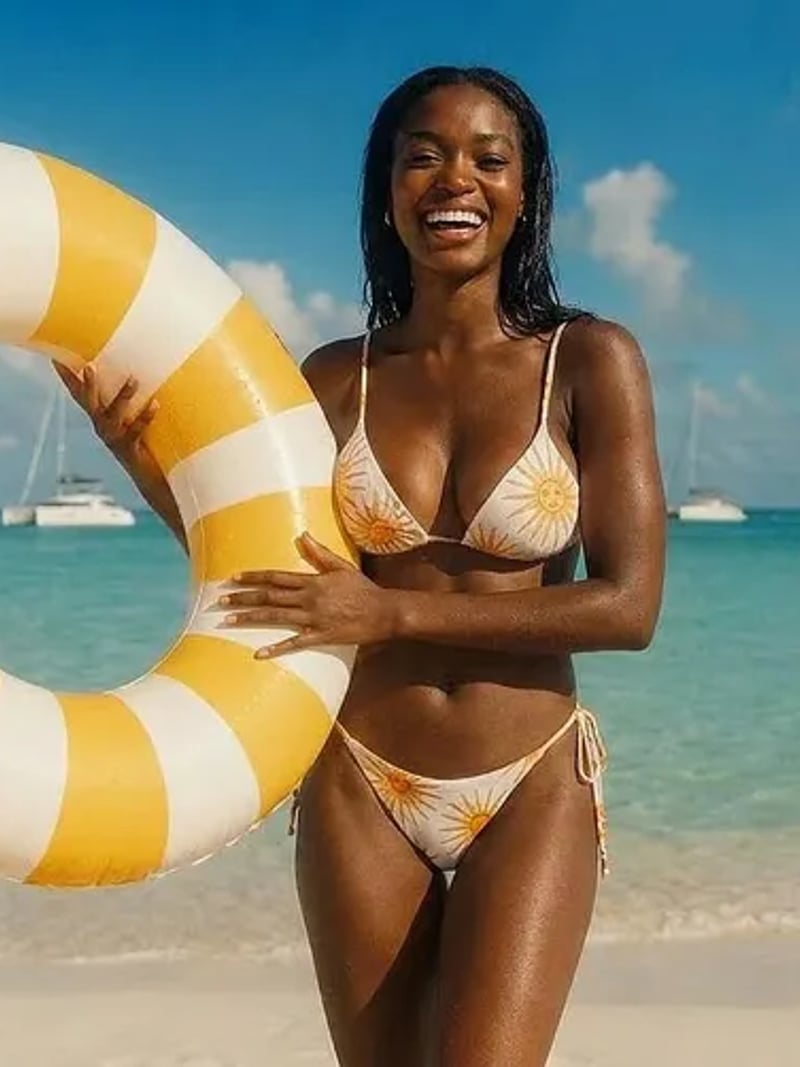
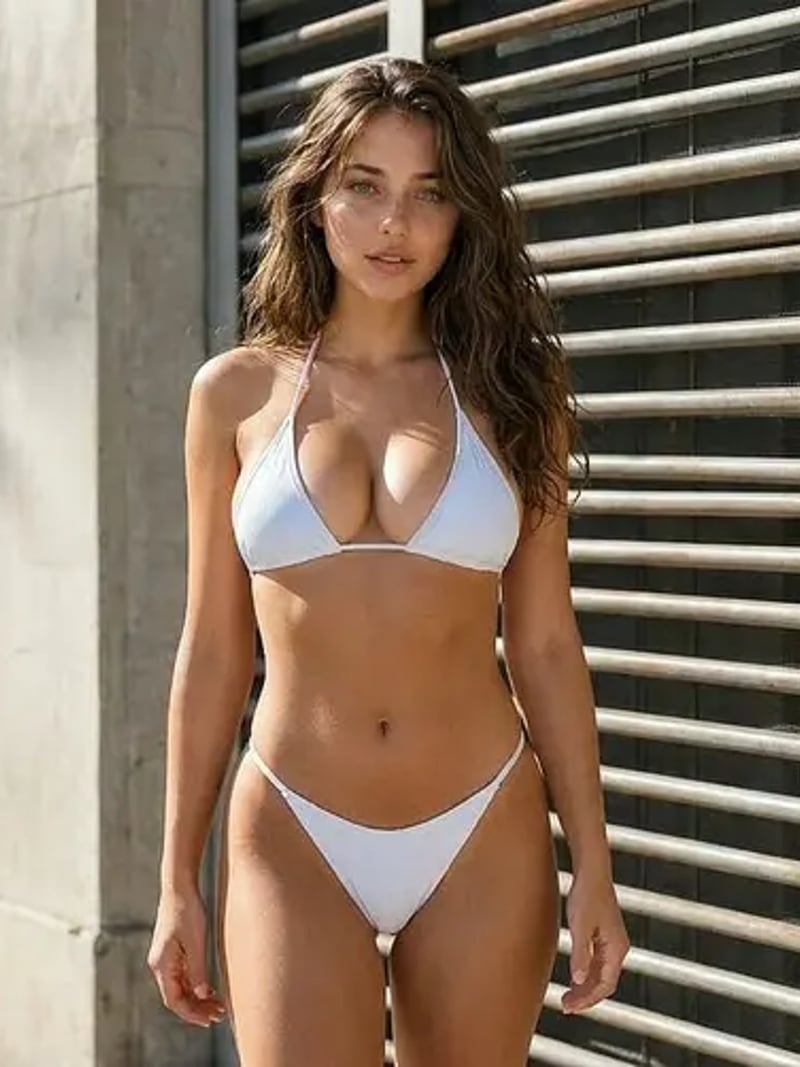
AI Bikini Generator: Realistic Swimwear Try-On Edits
Our AI bikini generator previews realistic swimwear on a photo you own, keeping face, pose, lighting and background unchanged. Try it free, no card needed.
The AI bikini tool restyles the swimwear in a photo you already own and leaves the rest of the frame alone. Your face, hair, pose, lighting and background come back exactly as you shot them. Upload one clear photo, ask for up to four variations, and compare swimsuit looks side by side. This is outfit editing for adults, on clothed and non-explicit photos only.
It is built for people who need a fast wardrobe preview. Swimwear designers sketch a summer line, cosplayers plan a beach set, fitness accounts refresh a shoot, and creators build a styled avatar without another day at the coast. You keep the photo that already works and change only the outfit, so the result still reads as you.
Doing the same edit by hand means masking the body, painting fabric, redrawing straps, then matching grain, shadow and skin tone until nothing looks pasted. That is an hour in a layer stack for one look. Here you upload, set the quantity and generate, and the results arrive in seconds to about a minute. Free for a limited time: no credits are deducted. Sign in with Google to generate.
How the AI bikini generator reads your photo
The model first locates the person in your upload and maps the body outline, the direction of the light and the way the original fabric falls. It then renders swimwear onto that shape rather than pasting a flat cutout. Straps follow the shoulders, seams follow the torso, and the shadow under the edge of the fabric matches the light already in your frame.
Everything outside the edited area is protected. Facial features, hair, skin tone, hands, pose and the entire background come back as they were, without the drift a manual retouch usually introduces. That identity lock is the reason the output still looks like the same photograph, taken on the same day, in the same place.
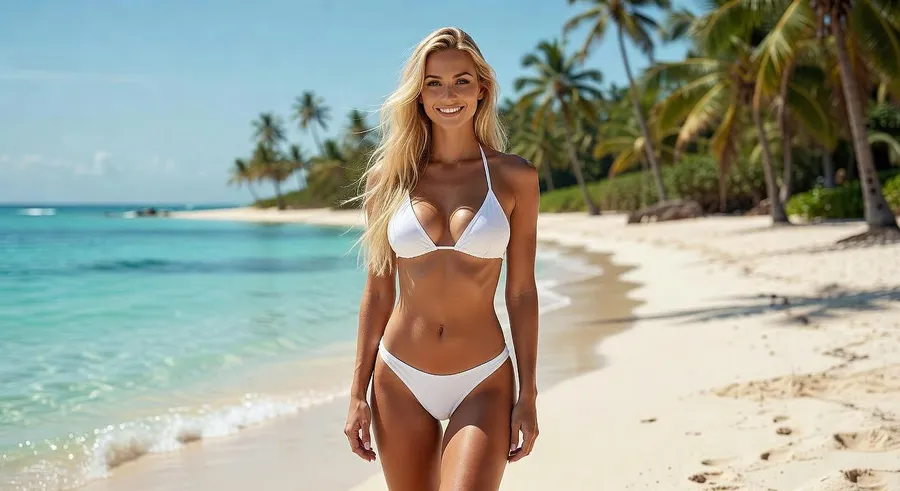
Realistic bikini photos without booking a reshoot
Realism tracks input quality, so a sharp, evenly lit, full-body or half-body shot gives the cleanest result. Fabric texture, strap layout and color read convincingly at social and portfolio sizes. Fine hardware such as tiny clasps and rings renders as an impression rather than a catalog-accurate part. That is normal for generative editing, and worth knowing before you build a product page around it.
Each run can return up to four AI bikinis, so you can judge a look the way a stylist does. Generate a set, keep the frame that sits best on the body, then run again if the fit is not right. Free for a limited time: no credits are deducted. Sign in with Google to generate.
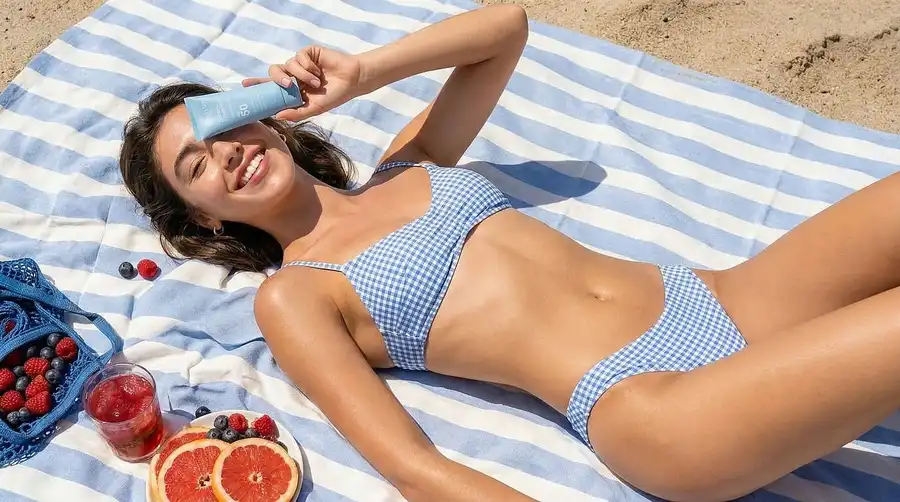
Bikini try-on for fashion previews, cosplay and fitness content
A design review runs best when only one variable moves. Hold the reference photo still and change only the cut, from a triangle top to a bandeau to a one-piece, so the comparison stays fair. Cosplay and avatar work goes the other way, where the character stays fixed and the setting does the storytelling. Fitness and wellness feeds sit in between, reusing a single frame instead of booking studio time again.
Because the background is preserved, one strong location shot becomes a small series. Shoot once at the pool or in the studio, then run the same frame through several swimwear ideas and publish the set. Nobody has to travel again to fill a feed.
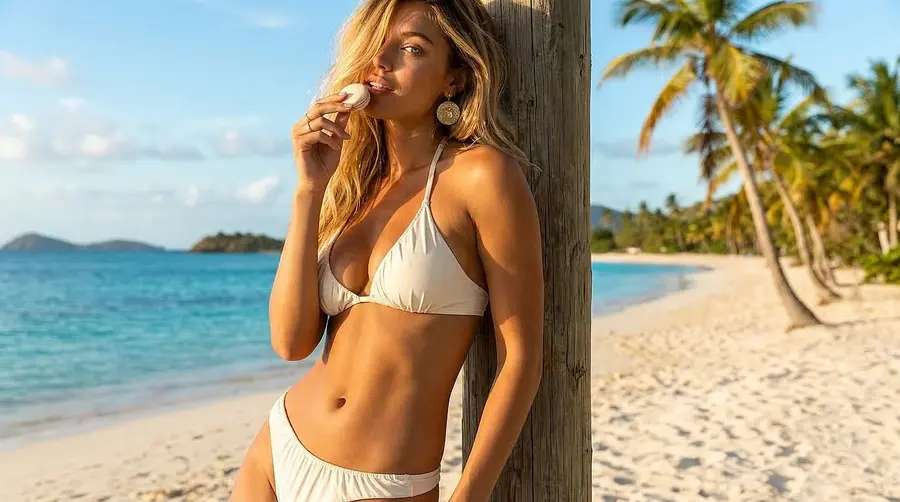
Consent, age rules and fair use of AI bikini edits
This tool is for users aged 18 or over, working on their own photos or on photos where the subject is an adult who has given explicit permission. Never upload an image of a minor, and never edit someone's photo without asking first. Results are for personal, creative and lawful use, and the tool is not a way to undress or sexualize anyone.
The output is an outfit change on a clothed photo, not a removal of clothing, and explicit uploads are out of scope. Uploads may be processed and stored so the service can deliver your results, which is set out in our privacy policy. Treat any edited image as an edit, and label it as AI-assisted wherever your platform or client expects that.
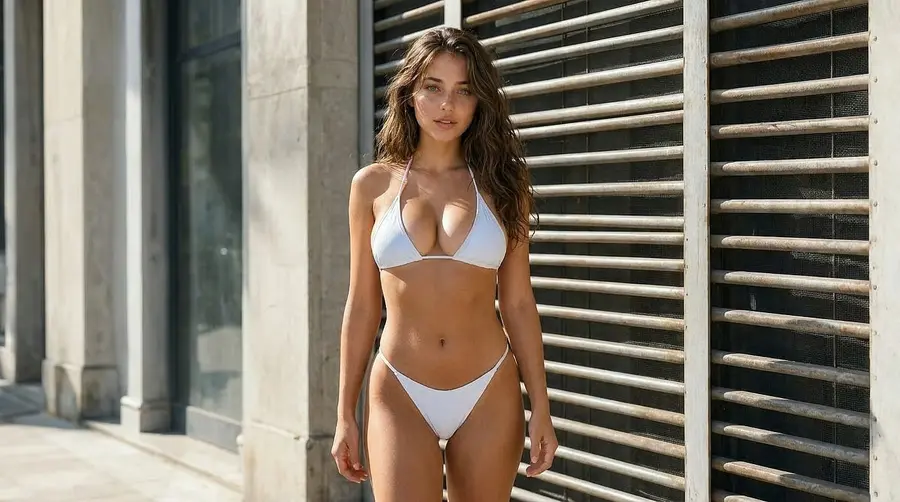
How to use AI Bikini
- 1Upload your photo
Open the workspace and drop a JPG, PNG or WEBP into the Photo slot. A clear, well-lit full-body or half-body shot of an adult works best, and it must be your own photo or one you have permission to edit.
- 2Set the quantity and generate
Choose how many variations you want, from 1 to 4, then click Generate. Free for a limited time: no credits are deducted. Sign in with Google to generate. Results usually appear in seconds to about a minute, right there in the browser.
- 3Compare and download
Look through the variations, check the fit at the shoulders and waist, and download the frame you like. If a strap or color is not right, run the same photo again and pick from a fresh set.
Perfect for
Swimwear design previews
Show a proposed cut on a real body while the line is still on paper. Drop the reference into the workspace, generate four takes, and put them in front of the team in the time a fitting would take to book. Early reviews get easier when everyone is looking at the same frame.
Cosplay and fantasy avatars
Build a summer or beach variant of a character without sewing a second costume. Your face and pose carry over from the reference shot. The avatar still reads as your version of the character across posts, profile art and convention promos.
Fitness and wellness creators
Refresh a shoot you already like instead of scheduling another one. Run the same gym or poolside frame through a few swimwear ideas and hold one styling across a run of posts. Everything outside the outfit, including the room and the light, stays as photographed.
Travel and social content
Preview a swimsuit before you pack it. Run last year's poolside frame through the styles you are deciding between, see which color holds up against that light, and buy the one that actually works on camera. The post you publish after the trip starts from a frame you have already shot.
AI bikini generator at a glance
FAQ
What is an AI bikini generator?
A bikini AI tool is a photo editor that swaps the outfit in an uploaded picture for a realistic bikini. The face, pose, lighting and background stay unchanged. You supply a clothed, non-explicit photo of an adult, choose how many variations you want, and the AI renders the new swimwear onto the body it detects in the frame.
Is the AI bikini generator free to try?
Free for a limited time: no credits are deducted. Sign in with Google to generate.
Will the edited photo still look like me?
Yes. The AI edits only the outfit area and protects everything else, so your facial features, hair, skin tone, hands, pose and background come back as they were. That is the core promise of every tool here. The most common reason a result drifts is a soft or badly lit source photo, so start with a sharp, evenly lit shot.
Does this remove clothing or create nude images?
No. It changes an outfit on a clothed photo and produces a swimwear look, nothing more. Explicit uploads are out of scope, and the tool is not a way to undress or sexualize anyone. Use it on your own photos, or on photos of an adult who has given clear permission, and keep the results within the rules of wherever you publish them.
Is it legal and safe to use?
Yes, within clear limits: edit only photos you own or have explicit permission to edit, and only when the subject is an adult. Rules on publishing edited images vary by country and platform, so check what applies where you post. The tool is restricted to users aged 18 and over, and images of minors are never acceptable. Results are for personal, creative and lawful use. Editing or publishing someone else's photo without consent can expose you to real legal consequences.
How many AI bikini images can I generate at once?
Between one and four per request. Set the quantity before you generate, then compare the variations side by side and download the one you want. Asking for several at once is usually the faster route to a good result, because fit and fabric differ slightly between renders even from the same source photo.
How do I make AI bikini photos?
Free for a limited time: no credits are deducted. Sign in with Google to generate. Uploads can be JPG, PNG or WEBP files. A front-facing, evenly lit full-body or half-body photo of a single adult gives the strongest results. Keep the pose open and the body clear of bags, furniture and heavy shadow, because small crops, motion blur and busy overlapping subjects make the fit harder to read.
How long does a result take, and what happens to my upload?
Most results arrive in seconds, and a busy queue can stretch that to about a minute. Uploads and generated images may be processed and stored so we can deliver the service, as described in our privacy policy. Download anything you want to keep, and only upload photos you have the right to use.