 Photography Colleges
AI Lace Lingerie
Free for a limited time
Generate without spending credits. Sign-in required.
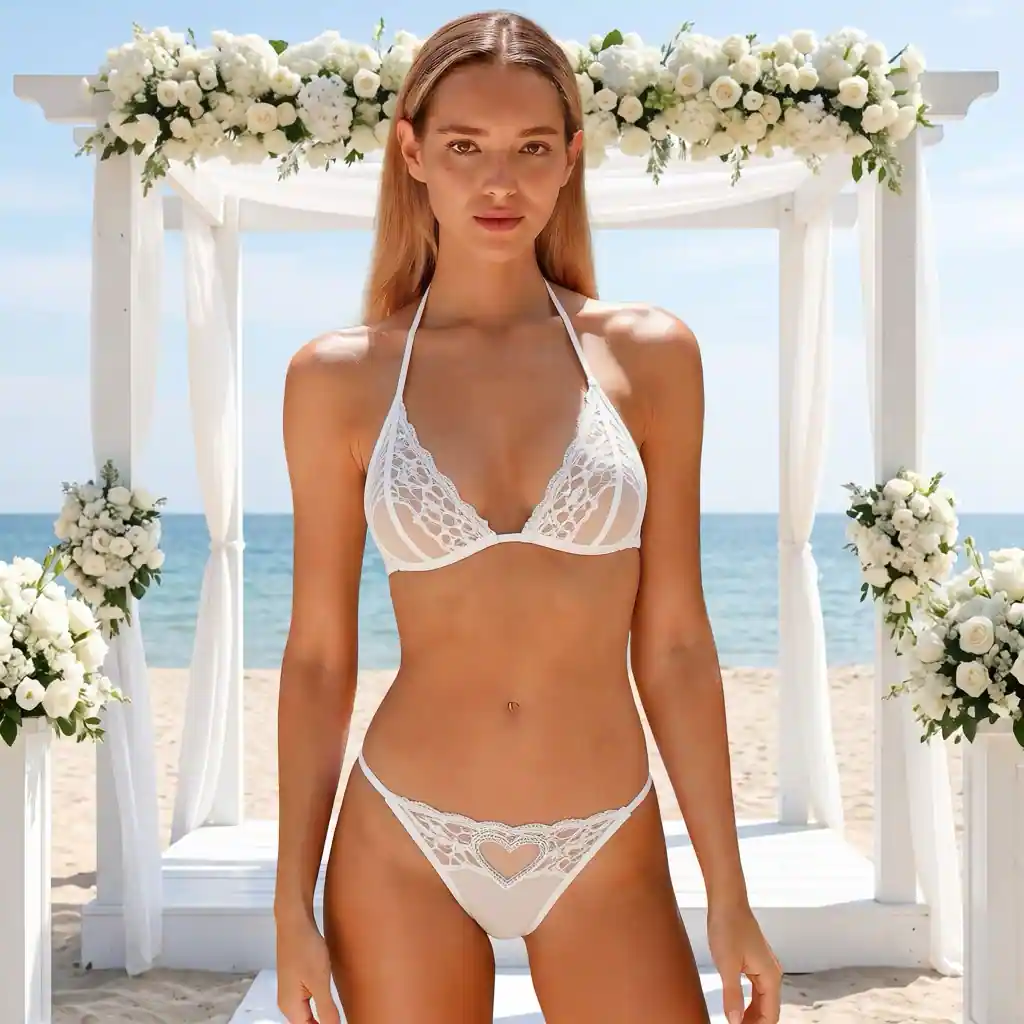
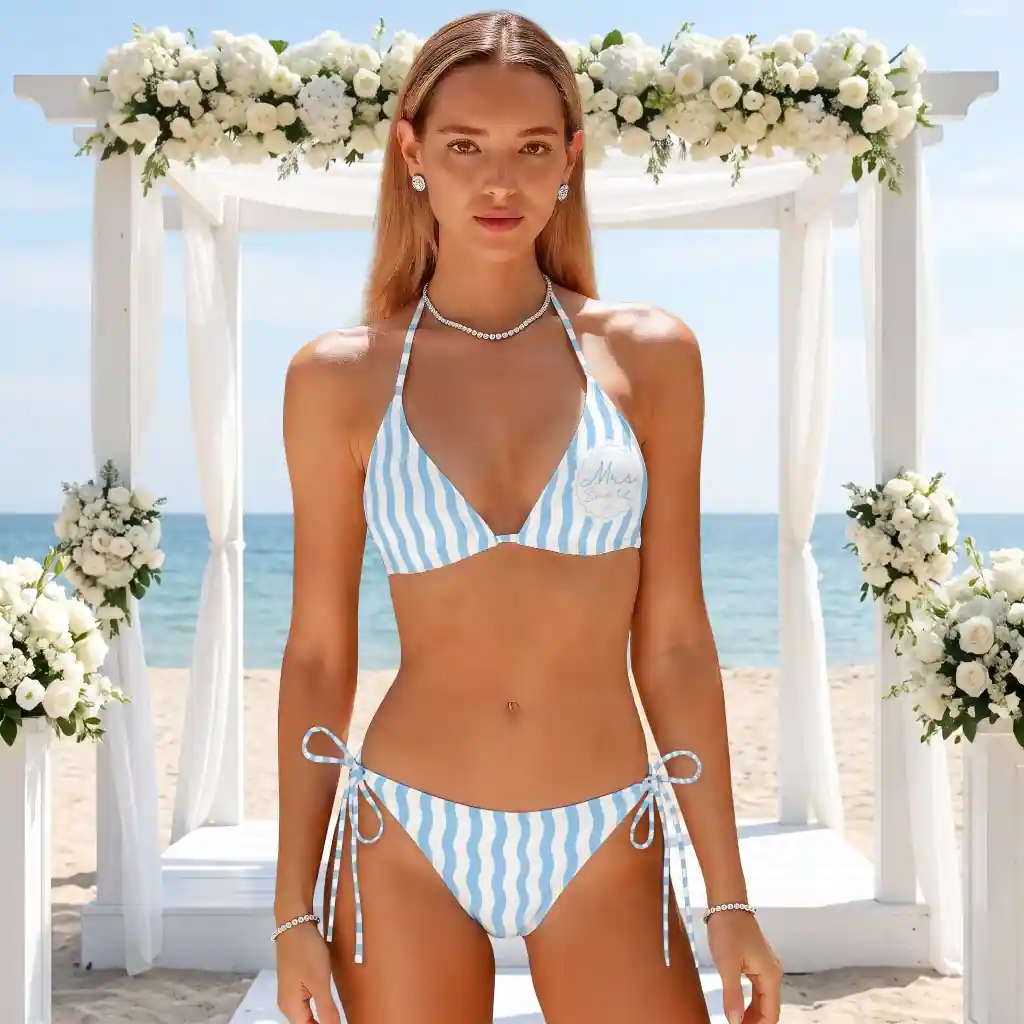
Community Creations
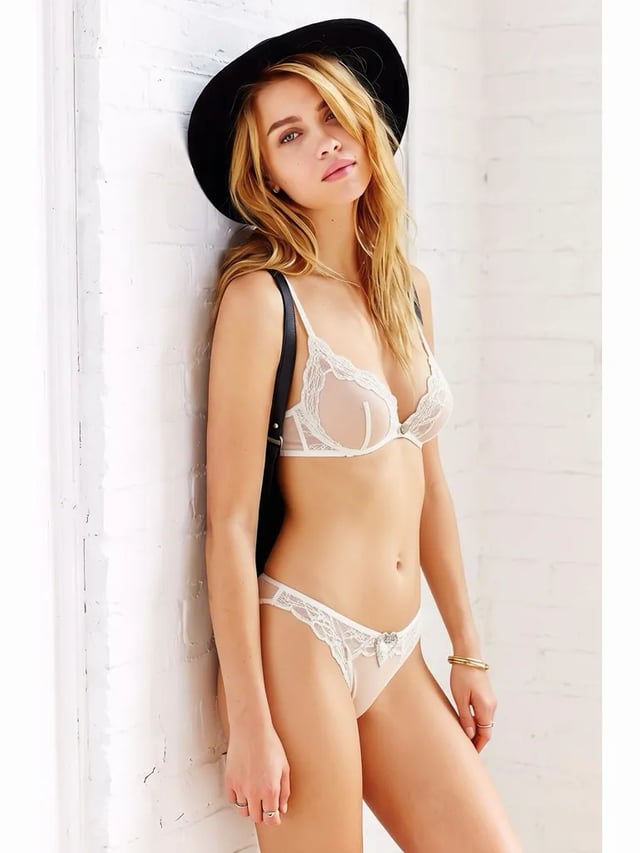
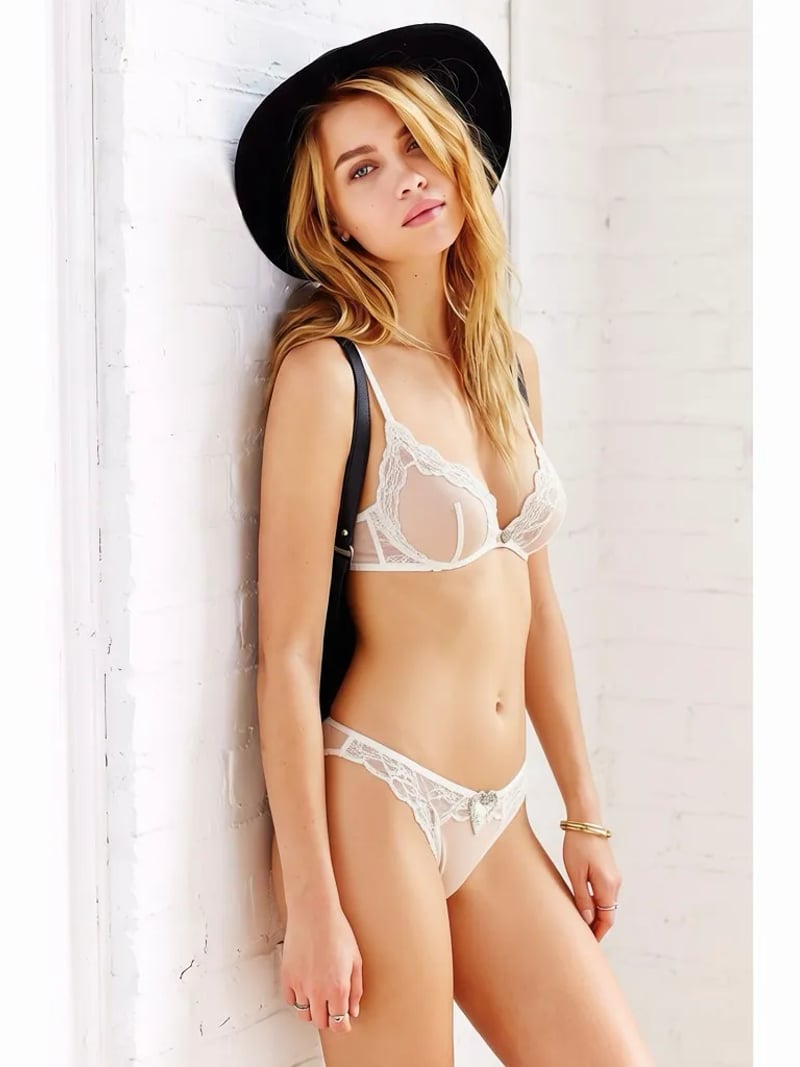
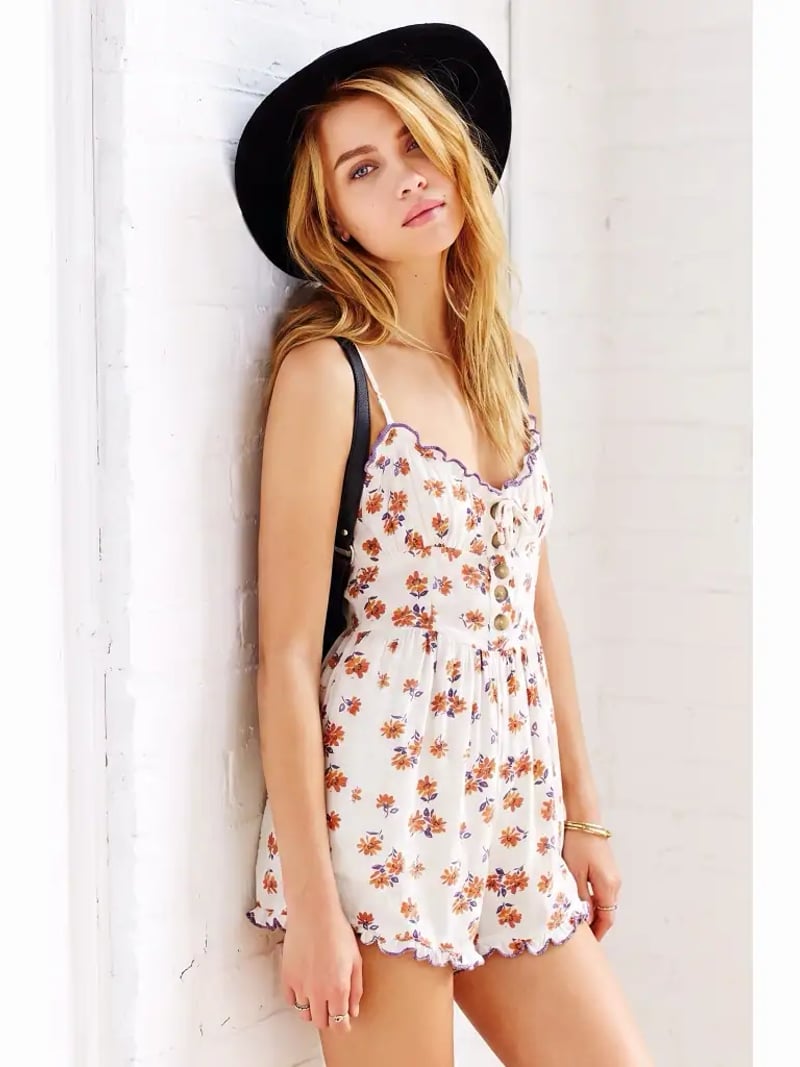
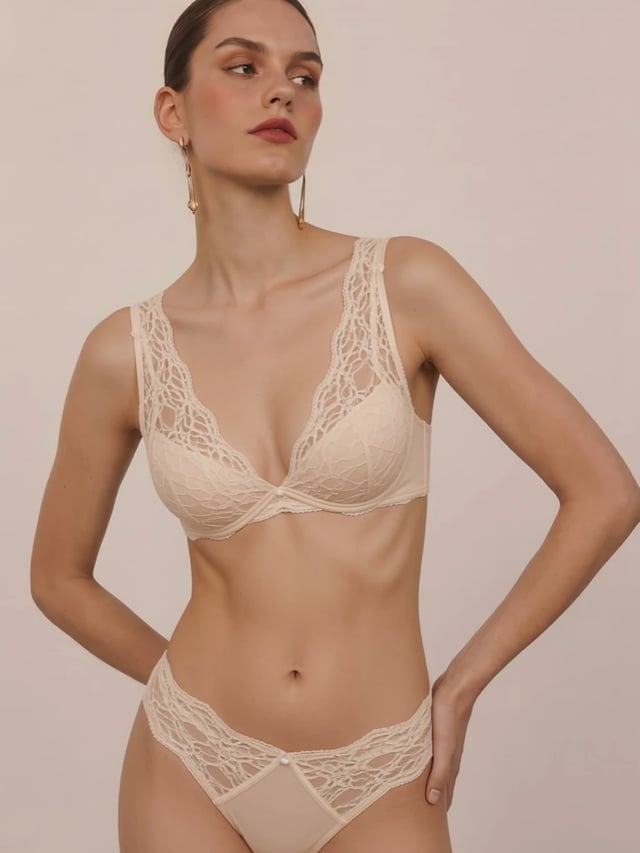
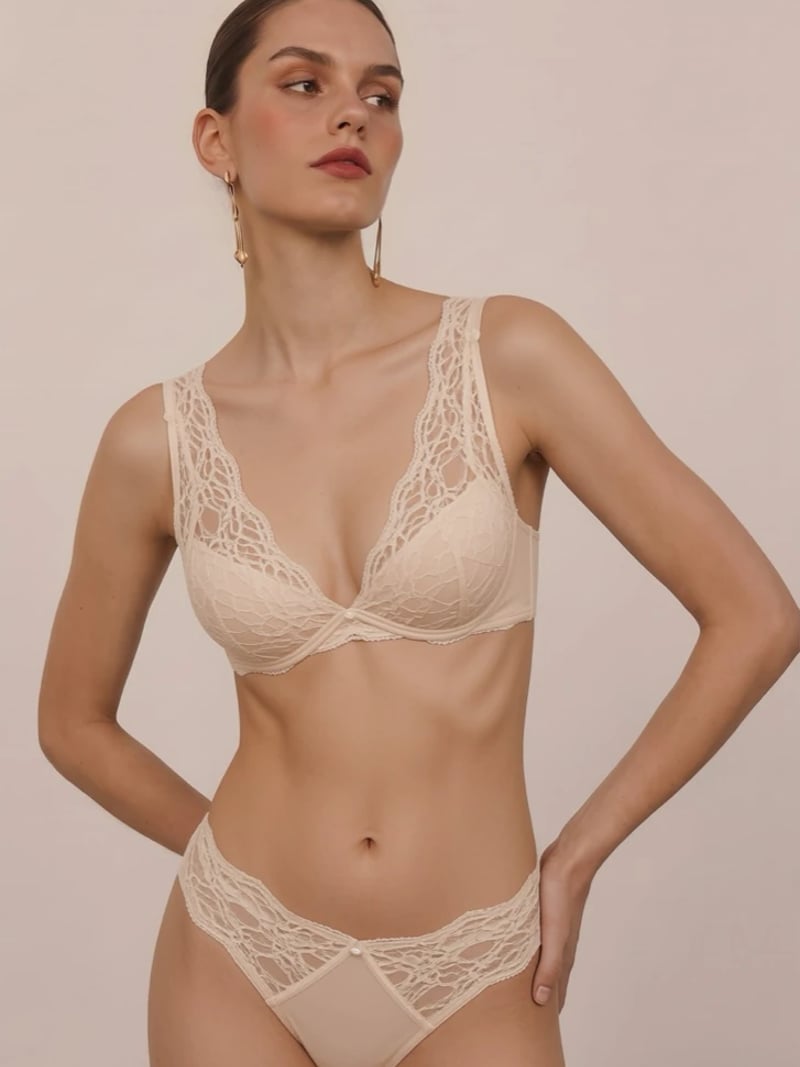
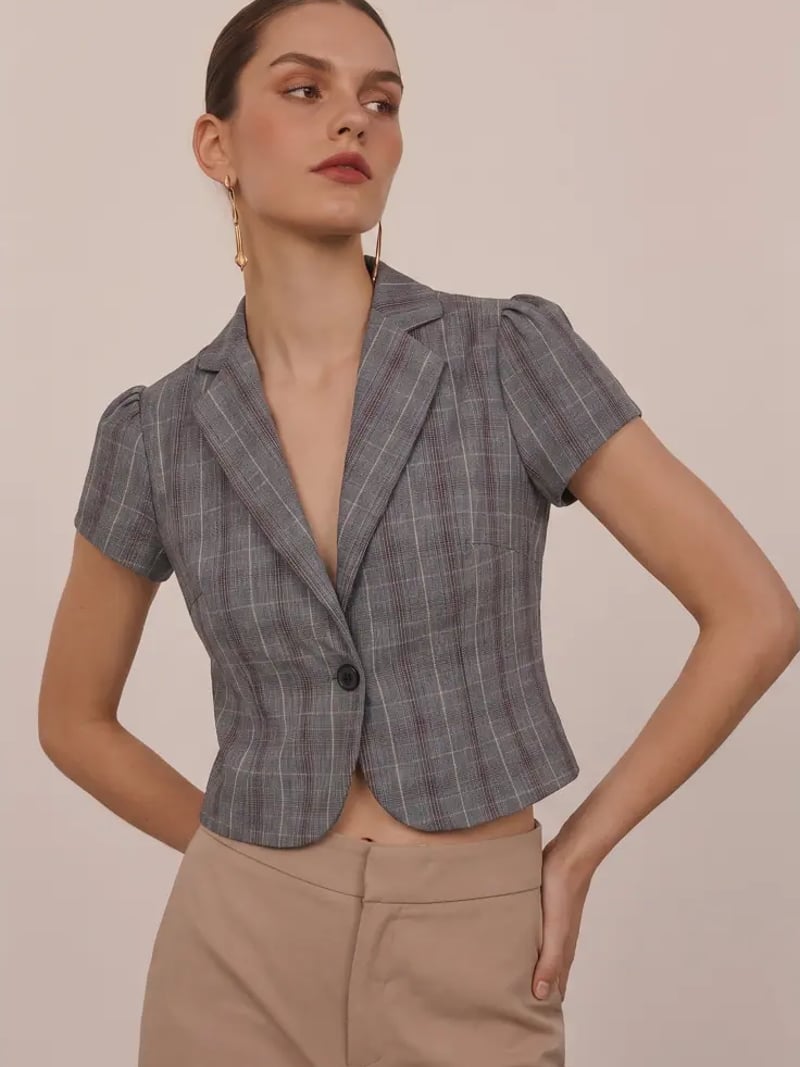
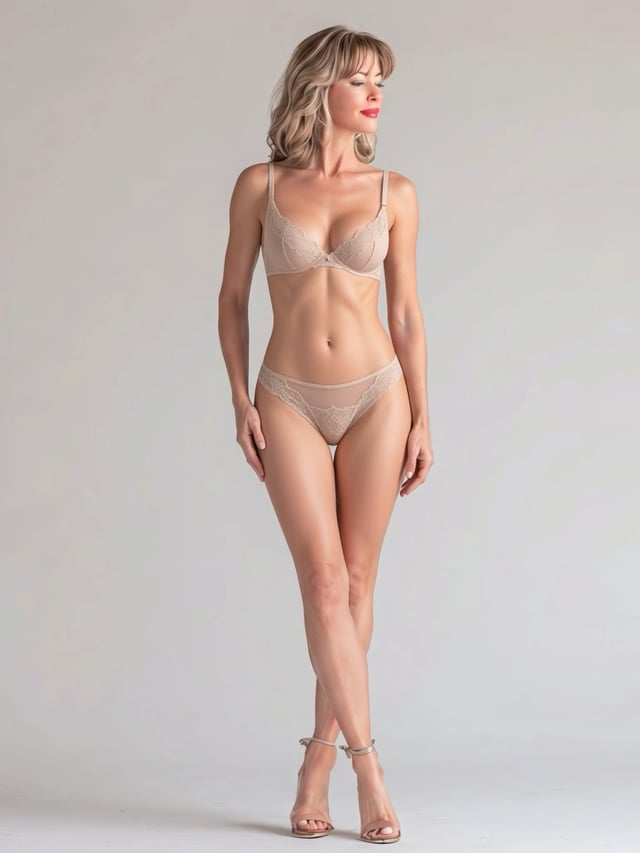
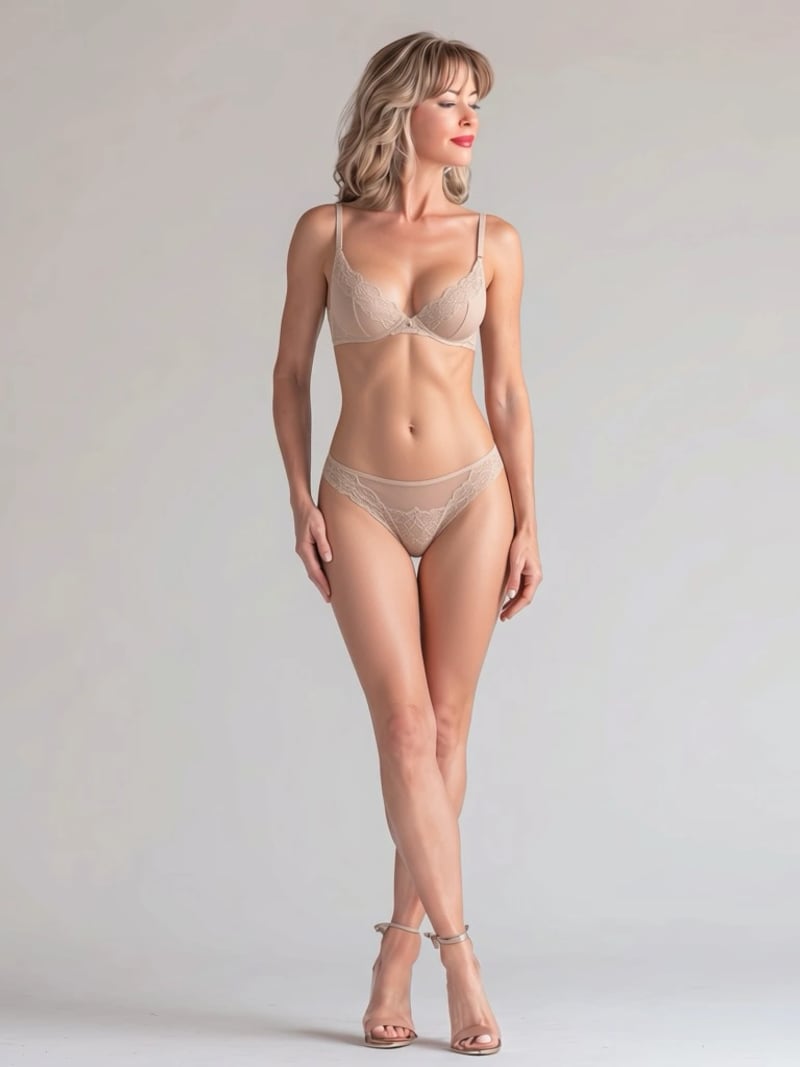
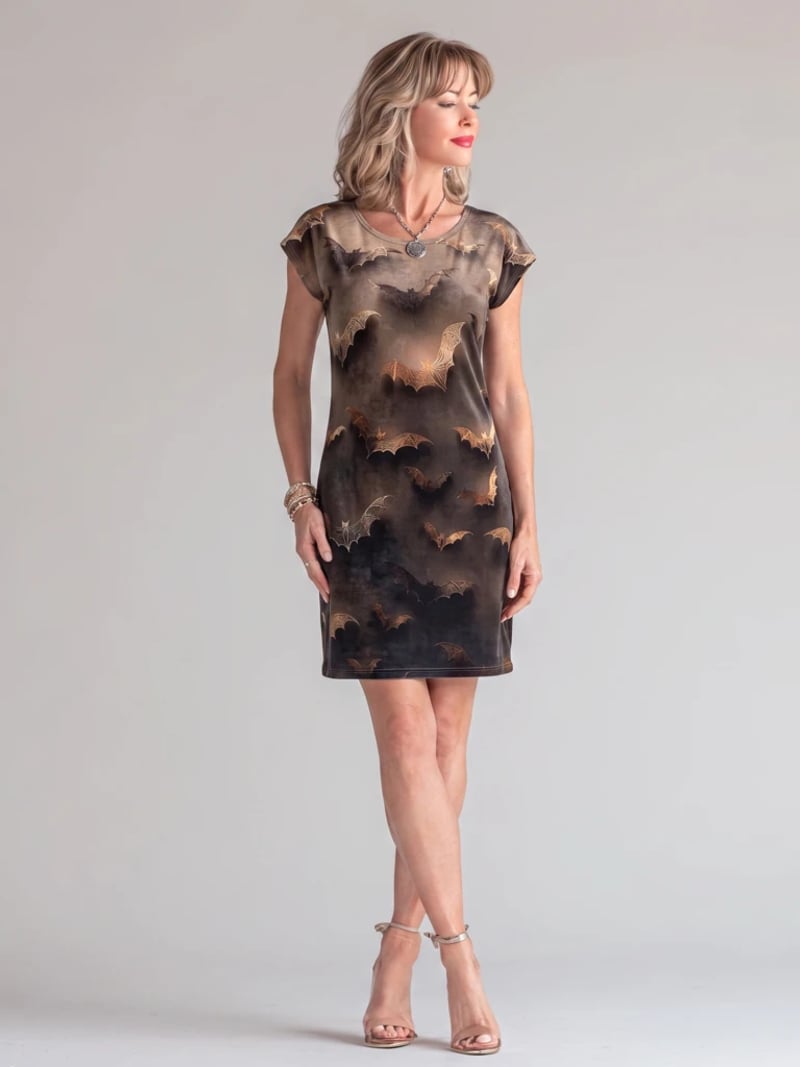
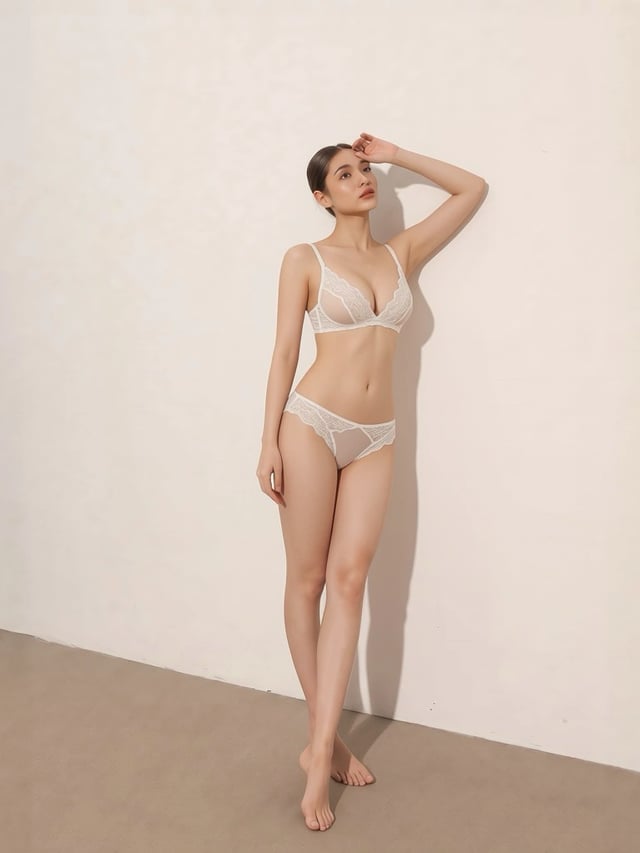
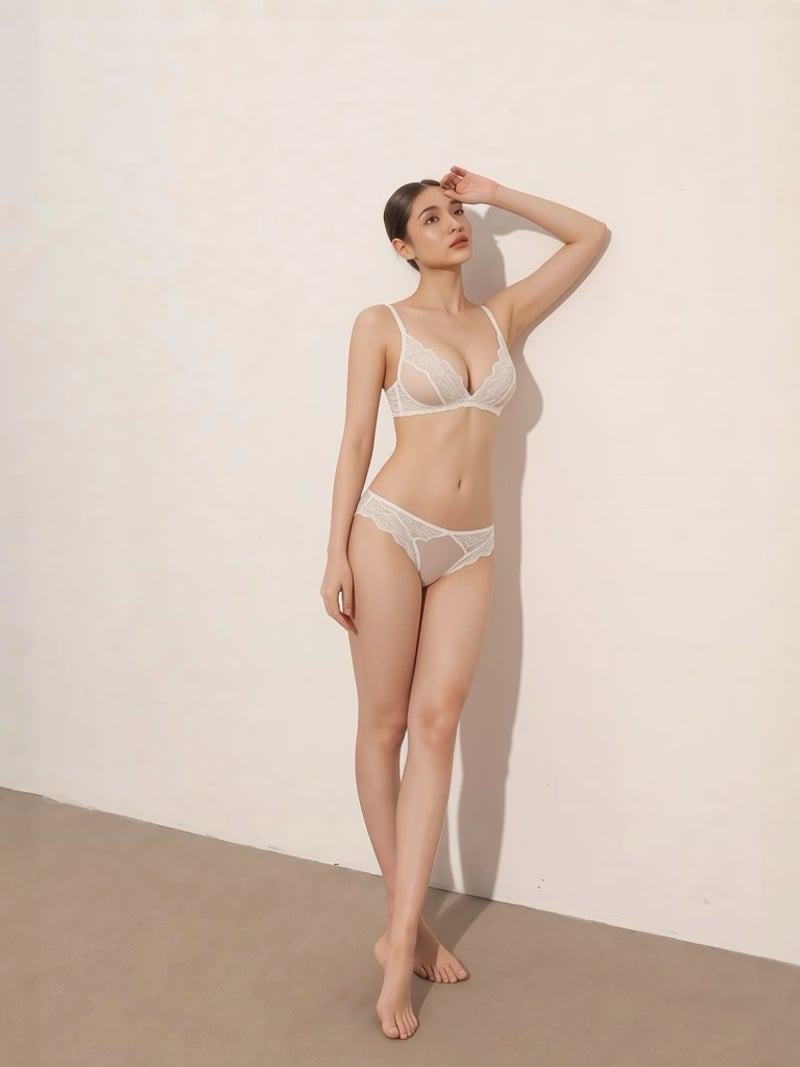
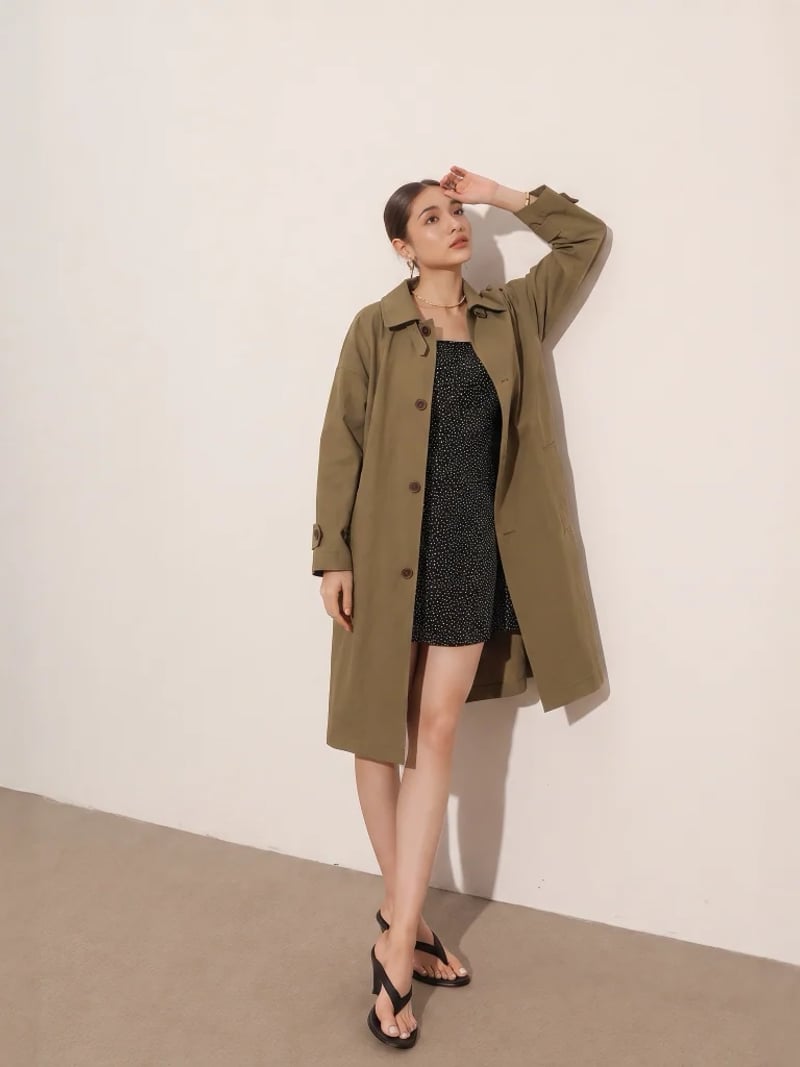
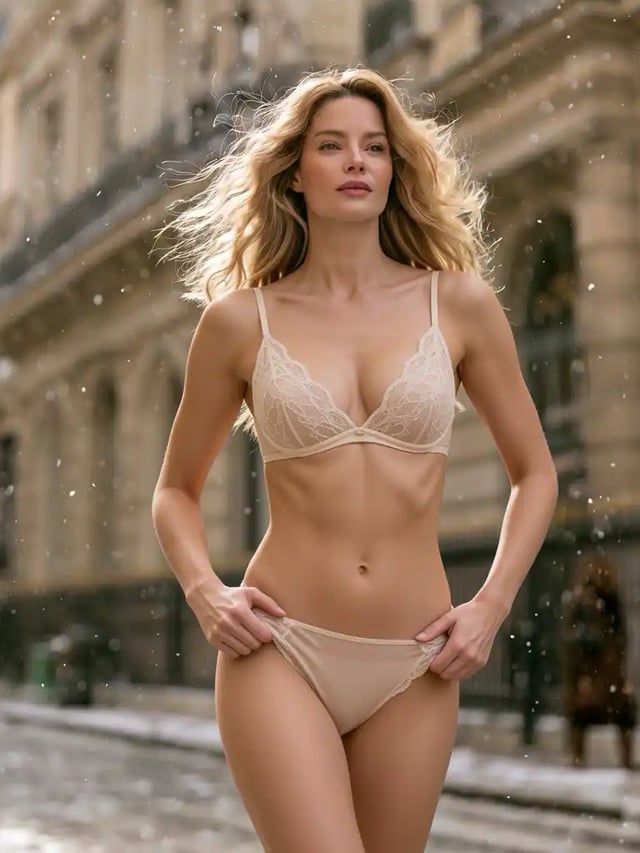
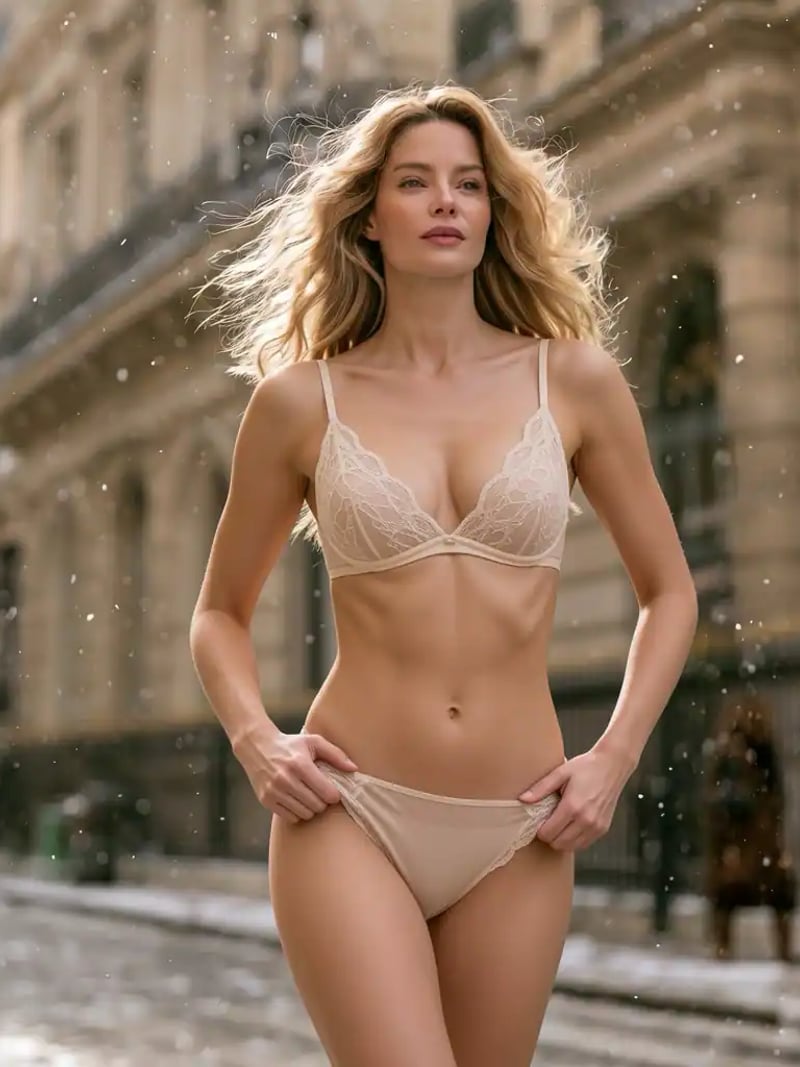
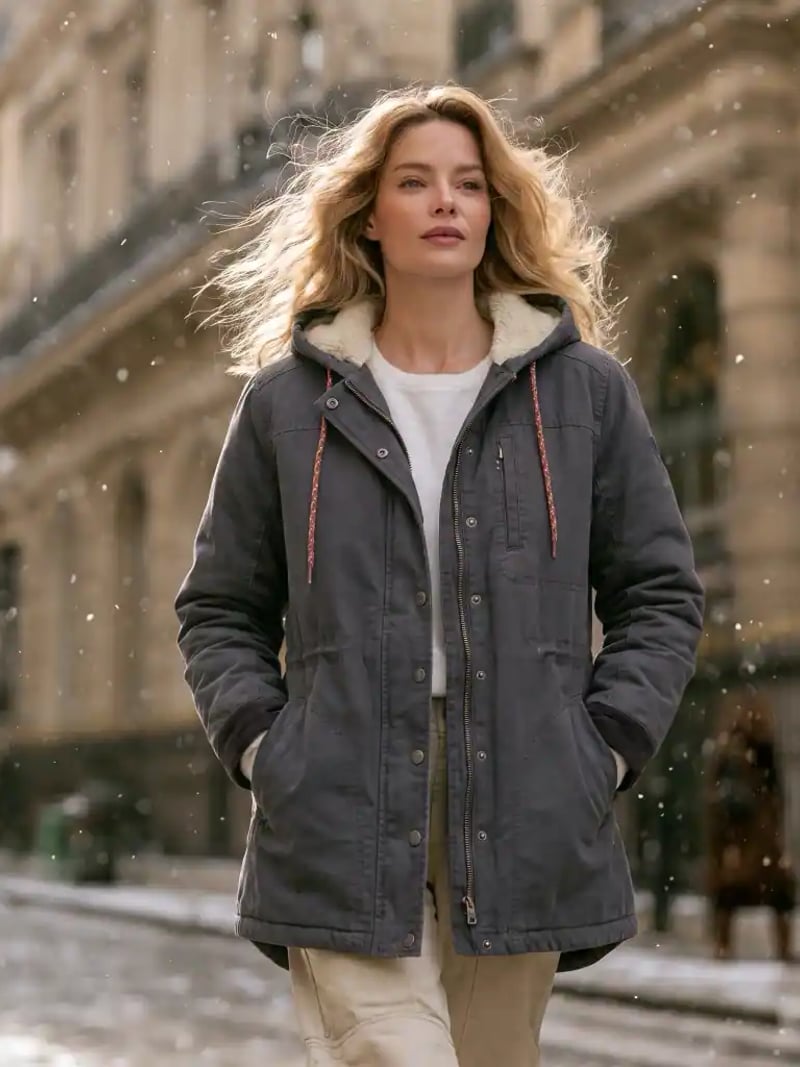
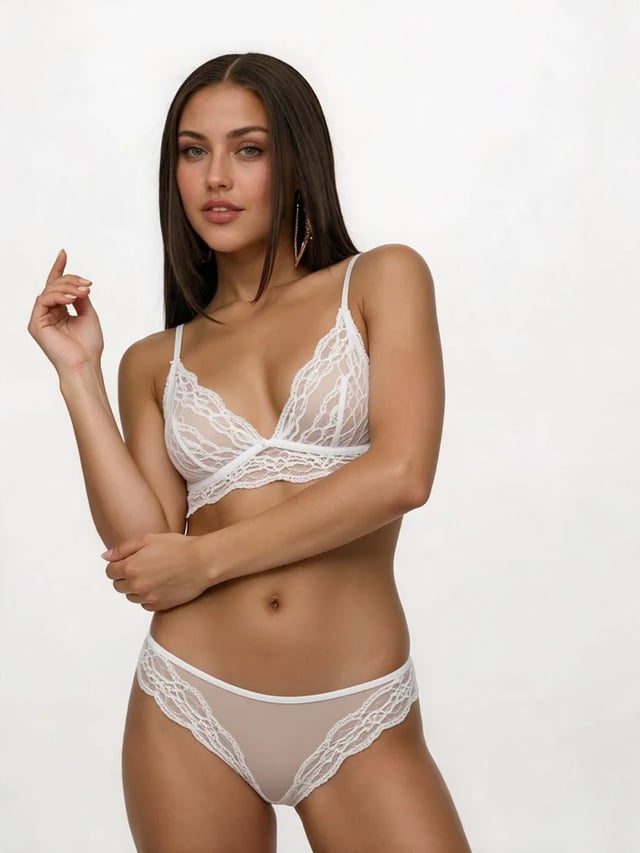
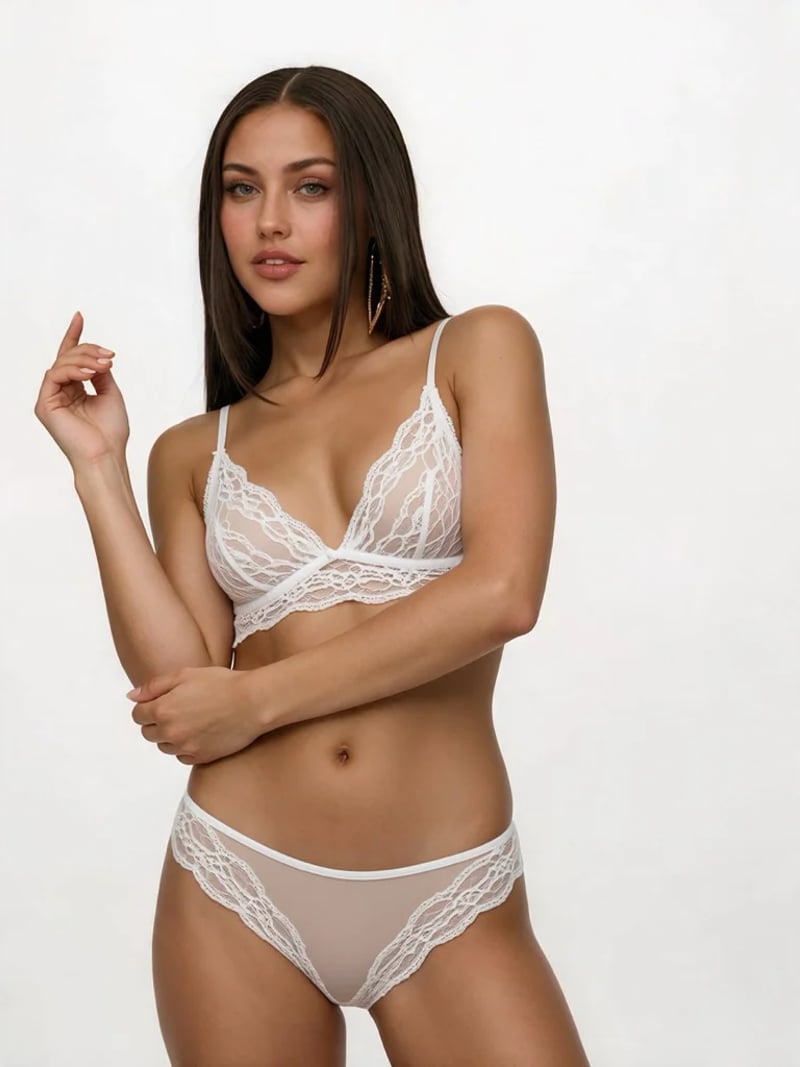
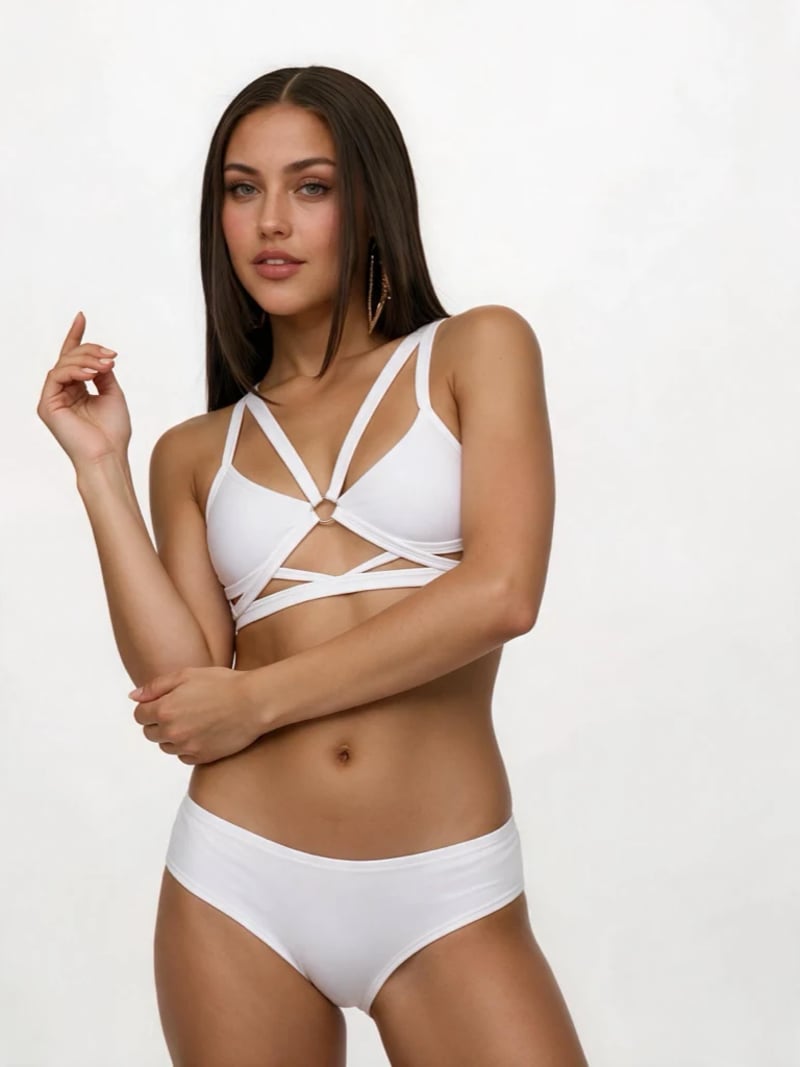
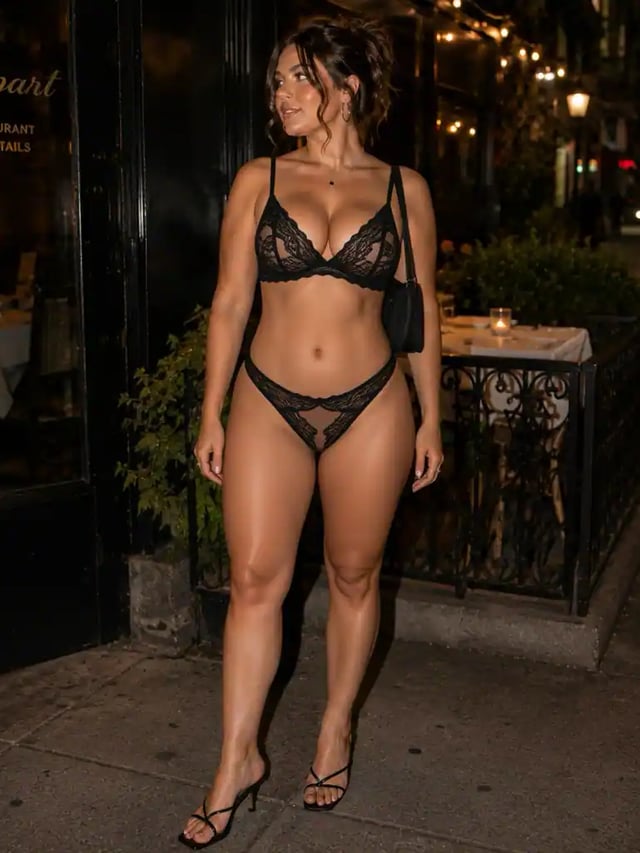
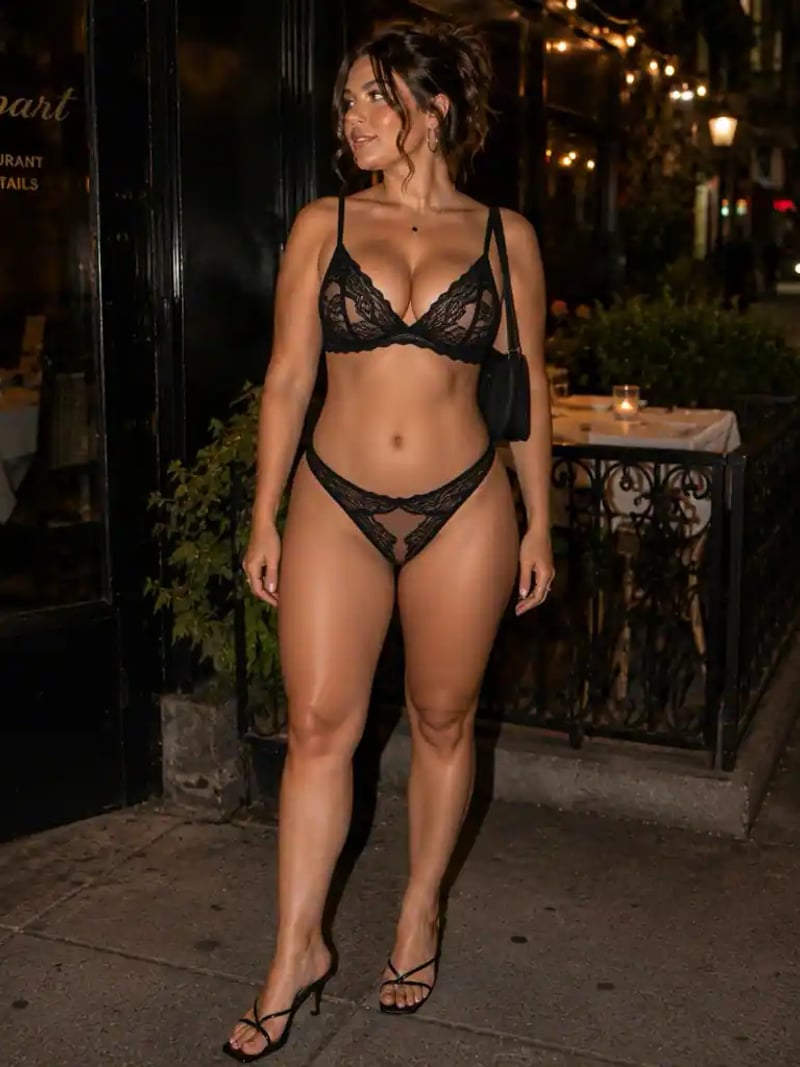
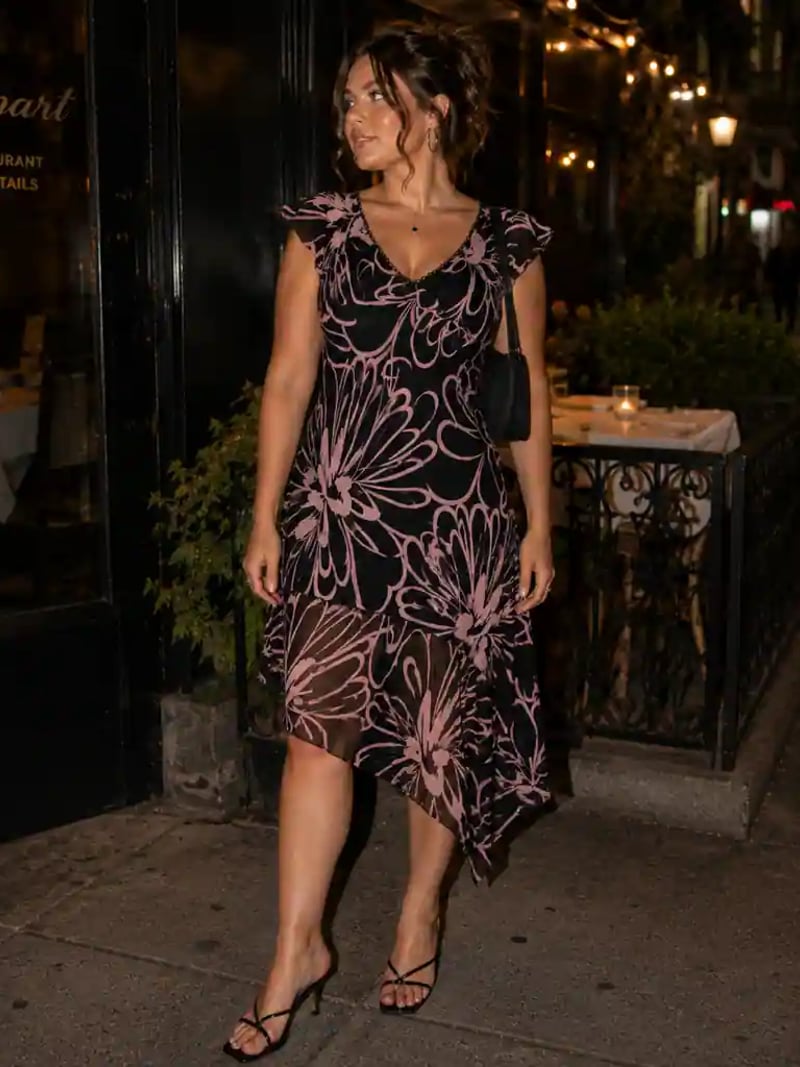
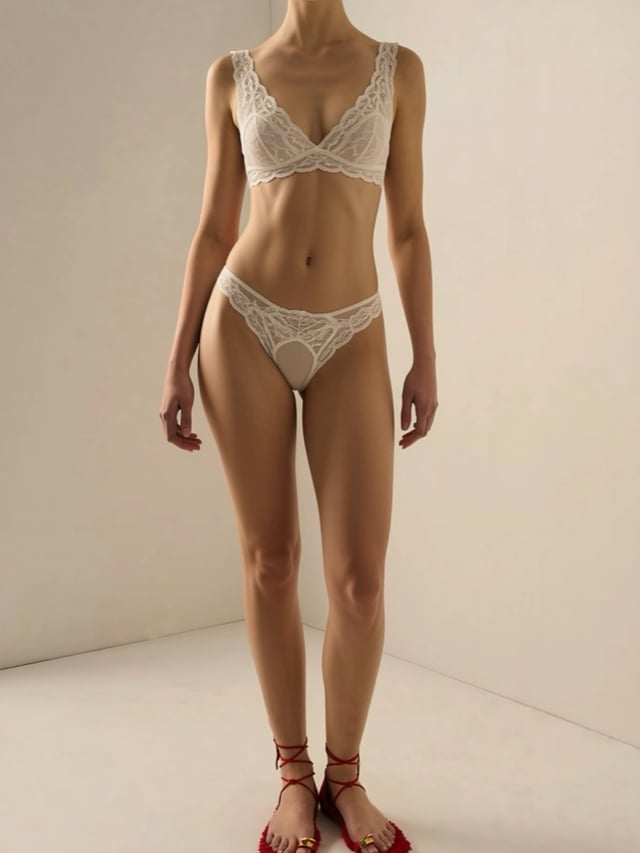
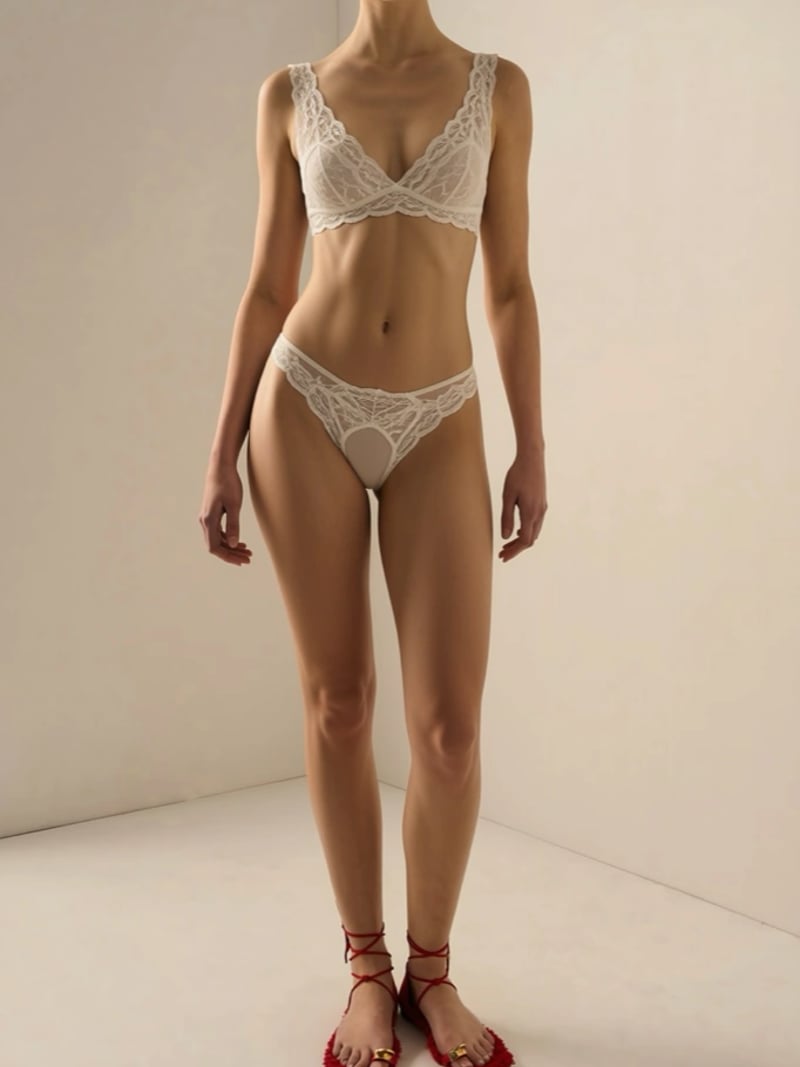
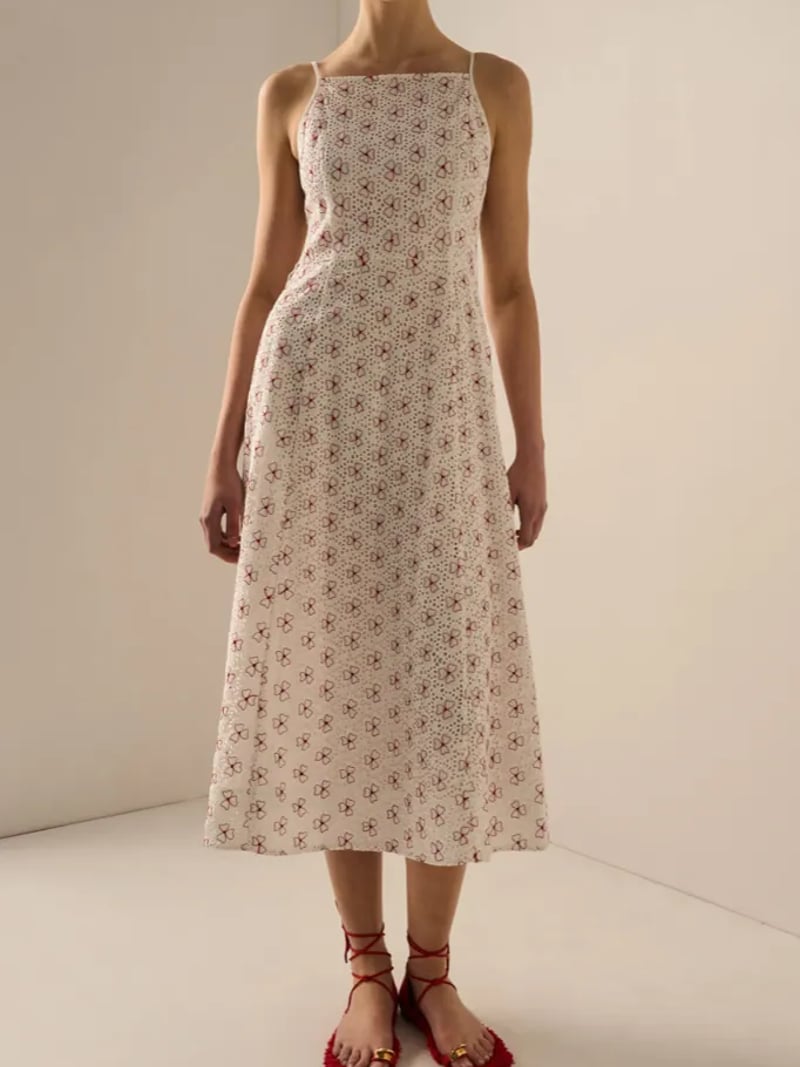
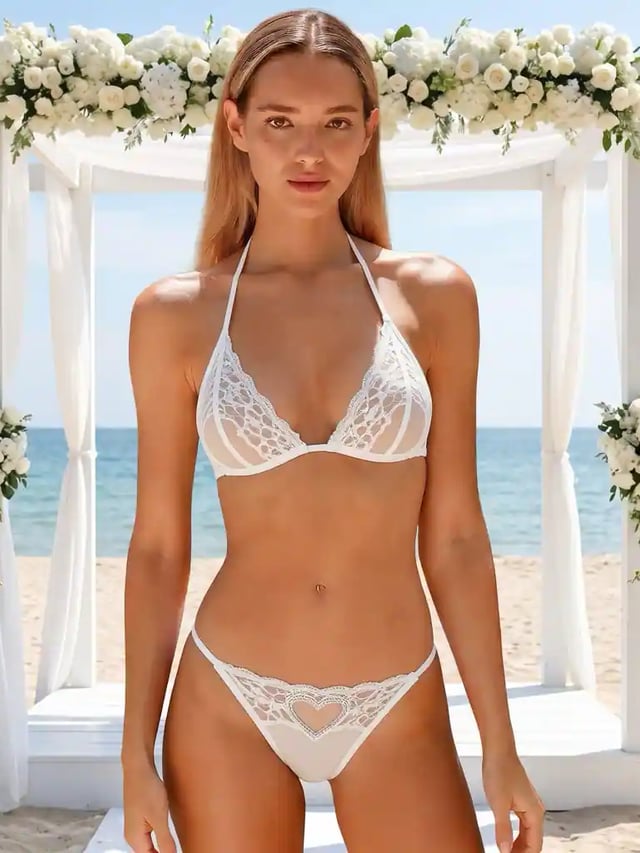
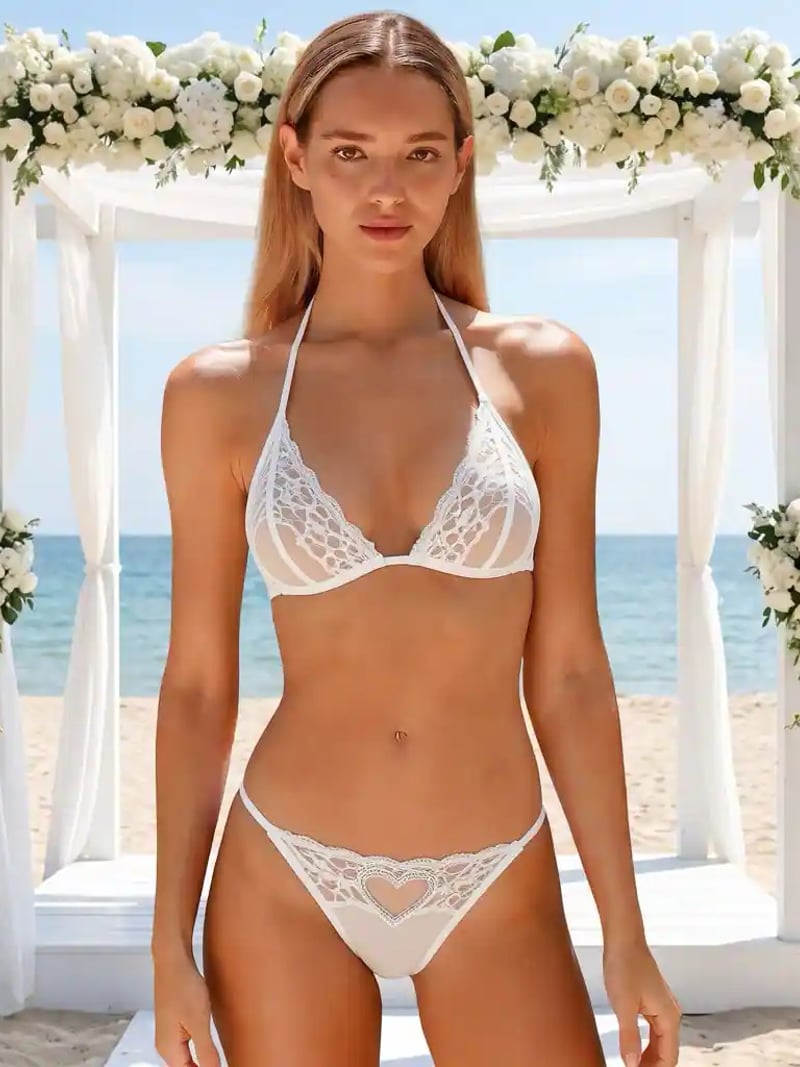

AI Lace Lingerie: AI Lingerie Editor for Your Photos
AI lingerie restyling swaps the outfit in your photo for an elegant lace set, while face, pose and background stay exactly as shot. Free for a limited time: no credits are deducted. Sign in with Google to generate.
AI Lace Lingerie is an AI lingerie editor that restyles the outfit in a photo you upload into a delicate lace set. Upload one picture, choose how many versions you want, and the model rebuilds only the clothing region. The face, hair, pose, body proportions, lighting and background come back untouched, so the result still reads as the same photograph rather than a new synthetic person.
It is built for adults working on their own images: fashion creators drafting a lookbook, cosplayers testing a costume idea, boudoir photographers planning a session. Everything stays non-explicit. The tool restyles an outfit into lace lingerie. It is not a way to undress anyone, and it is not for photos of people who have not agreed to the edit.
By hand, this edit means masking the garment, painting lace texture, matching folds and fixing the light on the skin. That is an evening of retouching for one frame. Here the pass runs in the browser in seconds. Free for a limited time: no credits are deducted. Sign in with Google to generate.
How the AI lingerie generator restyles your photo
The model reads the photo before it changes anything. It locates the body and works out how the current garment sits across the shoulders, waist and hips. Then it replaces that region with a lace lingerie set built for the pose in the frame. Straps follow the real shoulder line. Fabric edges follow the real silhouette rather than floating on top of it.
Everything outside that region is left alone. Your face keeps its expression, the hair keeps its stray strands, the room behind you keeps its furniture and its shadows. That single rule is what separates a believable edit from a collage. It also means you can restyle a photo you already like without losing the framing and lighting that made you keep it.
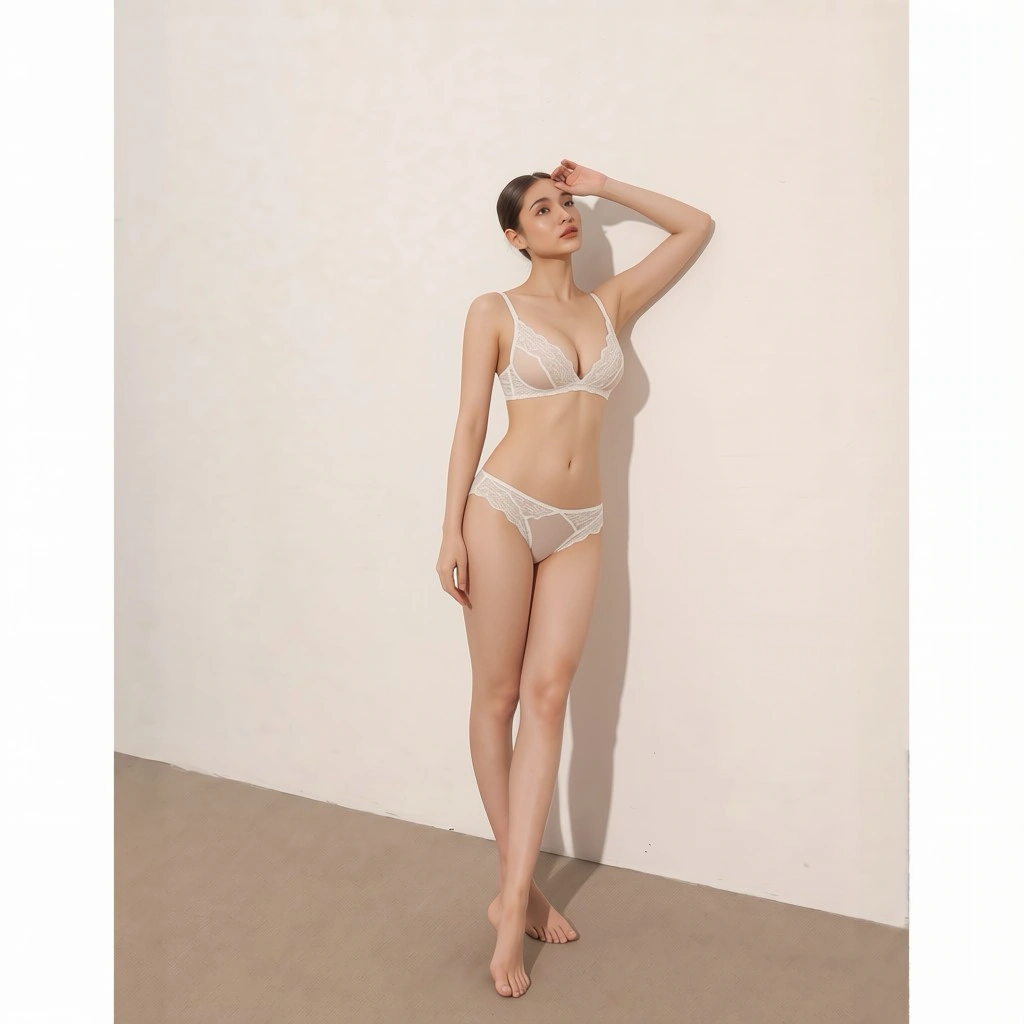
Lace texture, fit and realism that survive a close crop
Lace is the hardest fabric to fake because it is mostly holes. Scalloped edges have to break cleanly against skin, the pattern has to continue across a seam, and sheer panels darken where they overlap. This AI lingerie tool is tuned for that detail. It renders the openwork, the trim and the strap hardware at a scale that holds up when you crop in on the bodice.
Working as an AI underwear generator, it treats the band, the straps and the briefs at the same fidelity as the bodice, so the lower half of the set does not collapse into a smudge when you look closely. Fit matters just as much. The set is generated for the body already in the frame, so the band sits where a band would sit and the fabric compresses slightly where the pose compresses it. There is no stretched decal look, and no second body quietly replacing yours.
Results depend on the source. A clear, evenly lit half-body or full-body shot with the current outfit fully visible gives the cleanest render. Heavy motion blur, deep shadow across the torso or a garment hidden behind crossed arms will lower the odds of a usable first take.
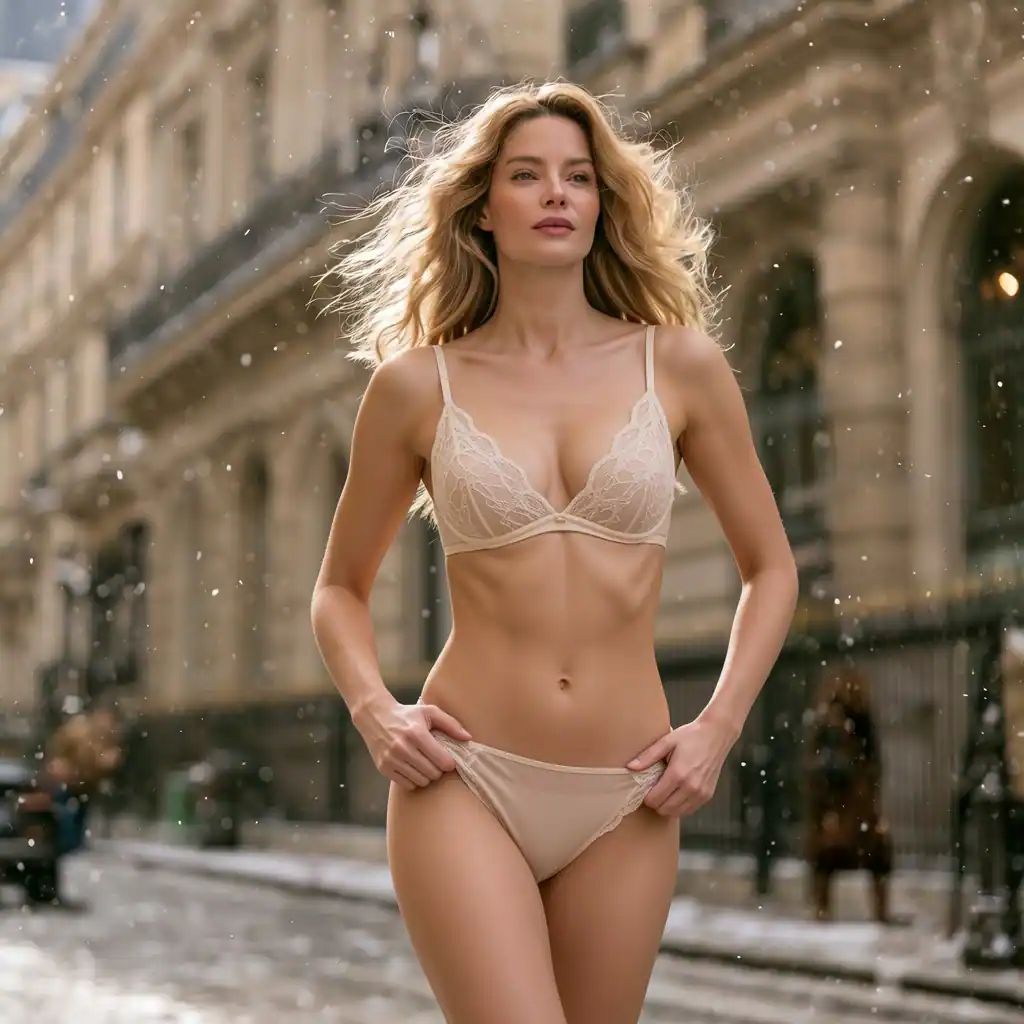
AI lingerie editing versus manual retouching
A manual version of this edit is a layered job. You mask the existing outfit, source or draw lace texture, then warp it to the body. Next you rebuild the parts of the torso the old garment covered and repaint highlights, so fabric and skin share one light source. A careful retoucher spends hours on a single image.
The AI pass compresses that into one request. Upload, set the quantity, generate. Results land in seconds to about a minute, and you download the frame you want. For a moodboard of eight concepts, that is the difference between a week of work and a coffee break. Manual editing still wins when you need a specific real garment reproduced stitch for stitch.
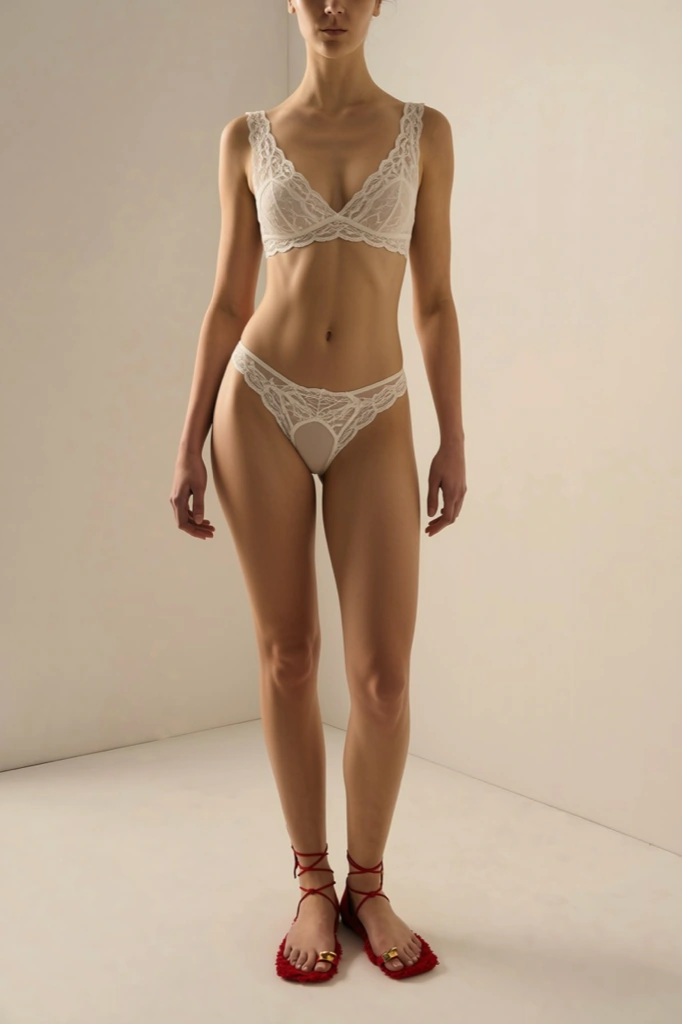
Consent, age limits and acceptable use
This tool is for users aged 18 or over. Upload only photos of yourself, or photos where the person shown is an adult who has given you clear, explicit permission for this kind of edit. Editing someone's photo without their agreement is not something we support, and it can be illegal where you live. Results are for personal, creative and lawful use only.
The output stays non-explicit: it restyles an outfit, and it does not remove clothing or produce nudity. You sign in with Google, and uploads are processed on our servers so the tool can run. Read the privacy policy for how images are handled. Do not upload photos of minors, and do not use the tool to harass, deceive or impersonate anyone.
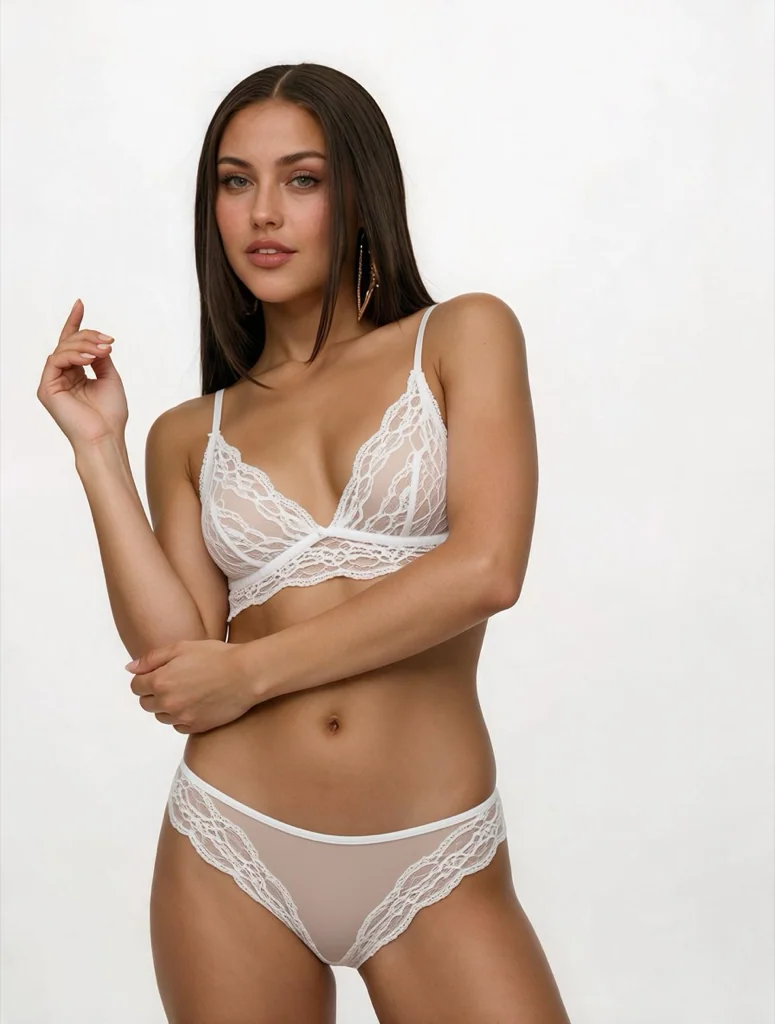
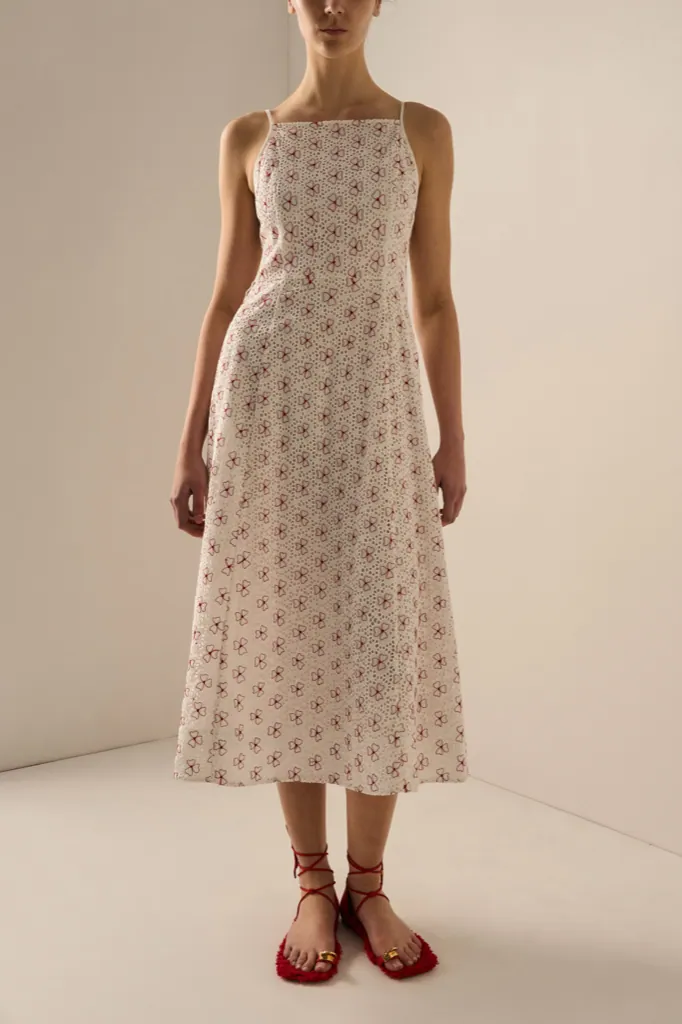
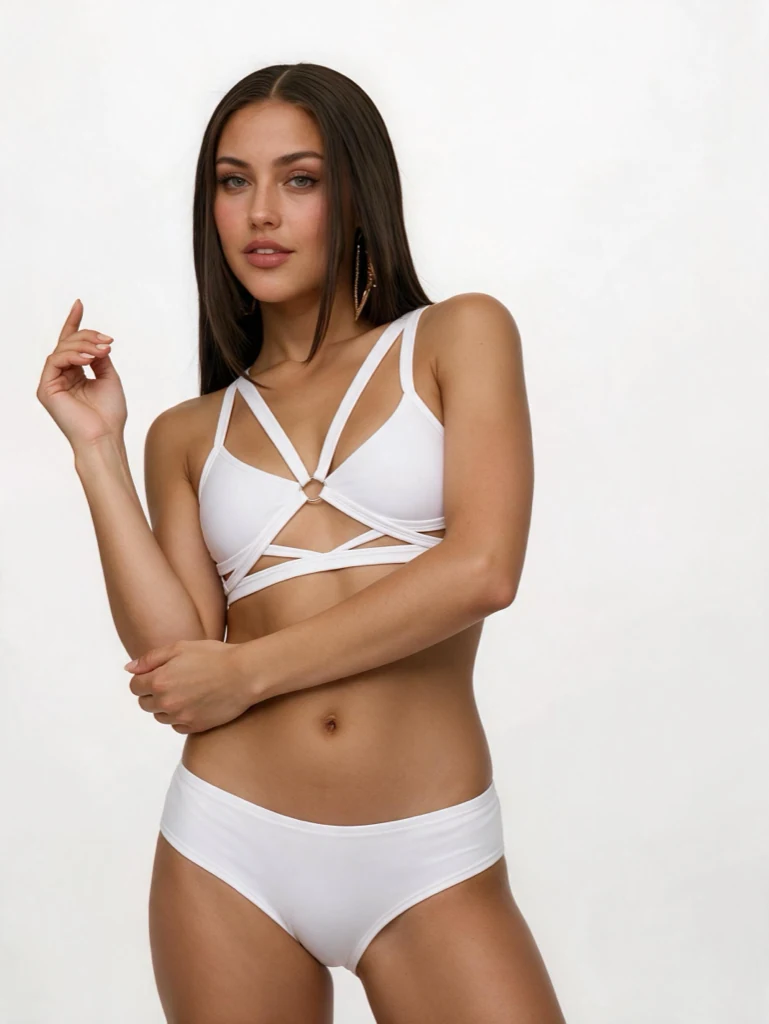
Before & after: AI generated lingerie photos
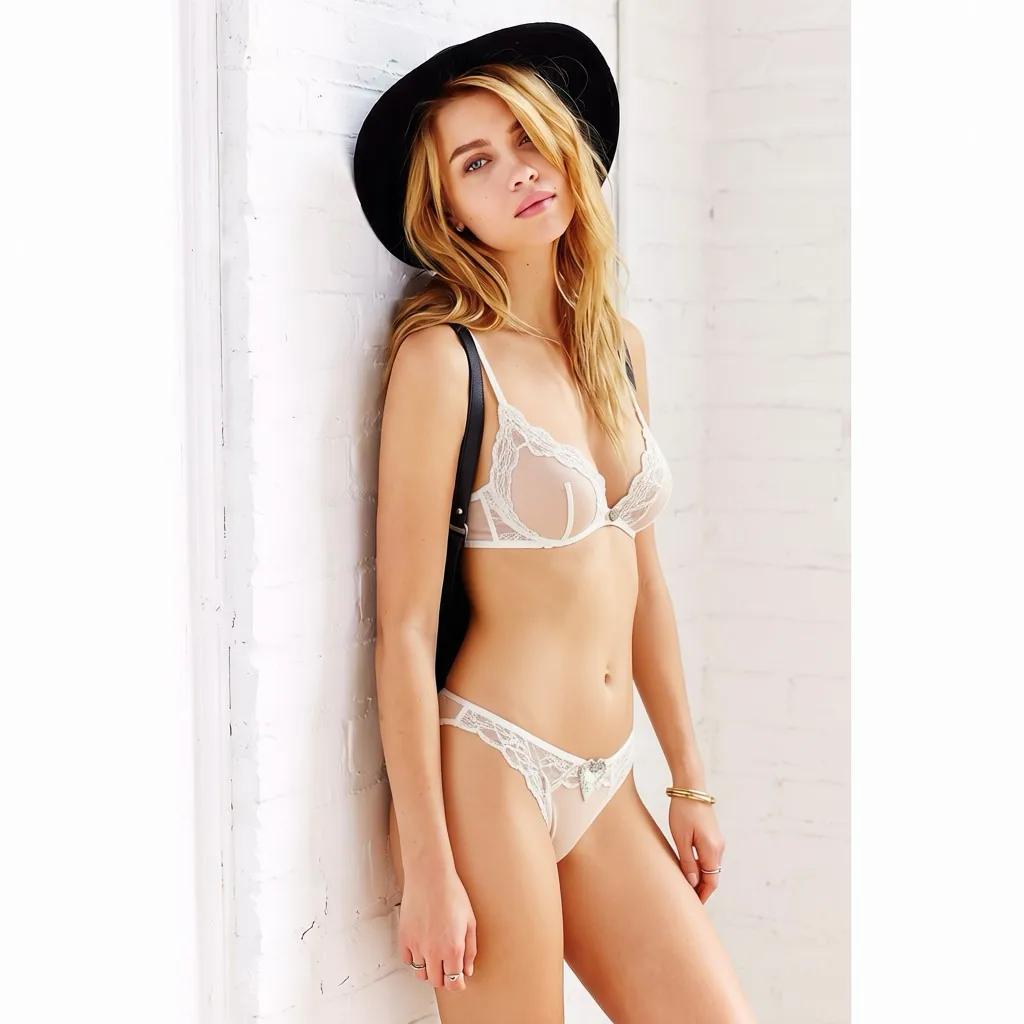
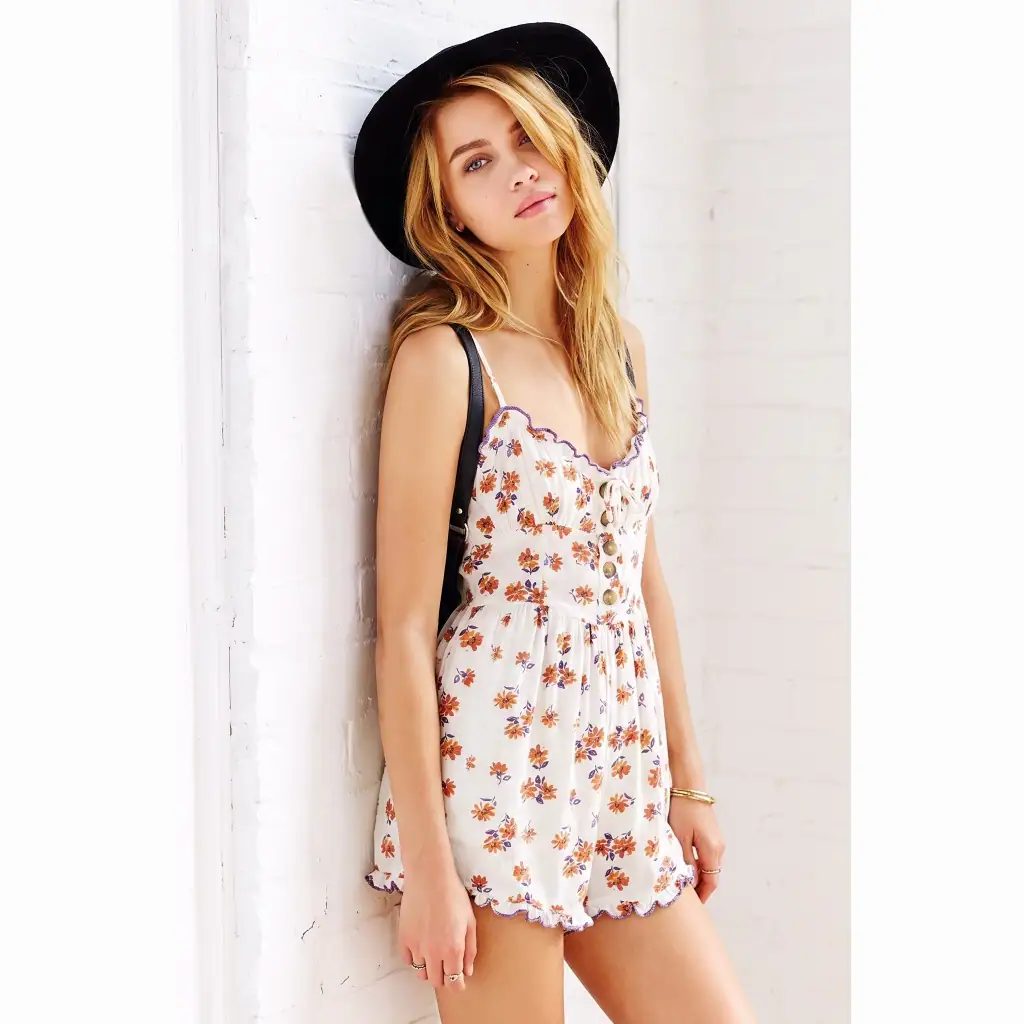
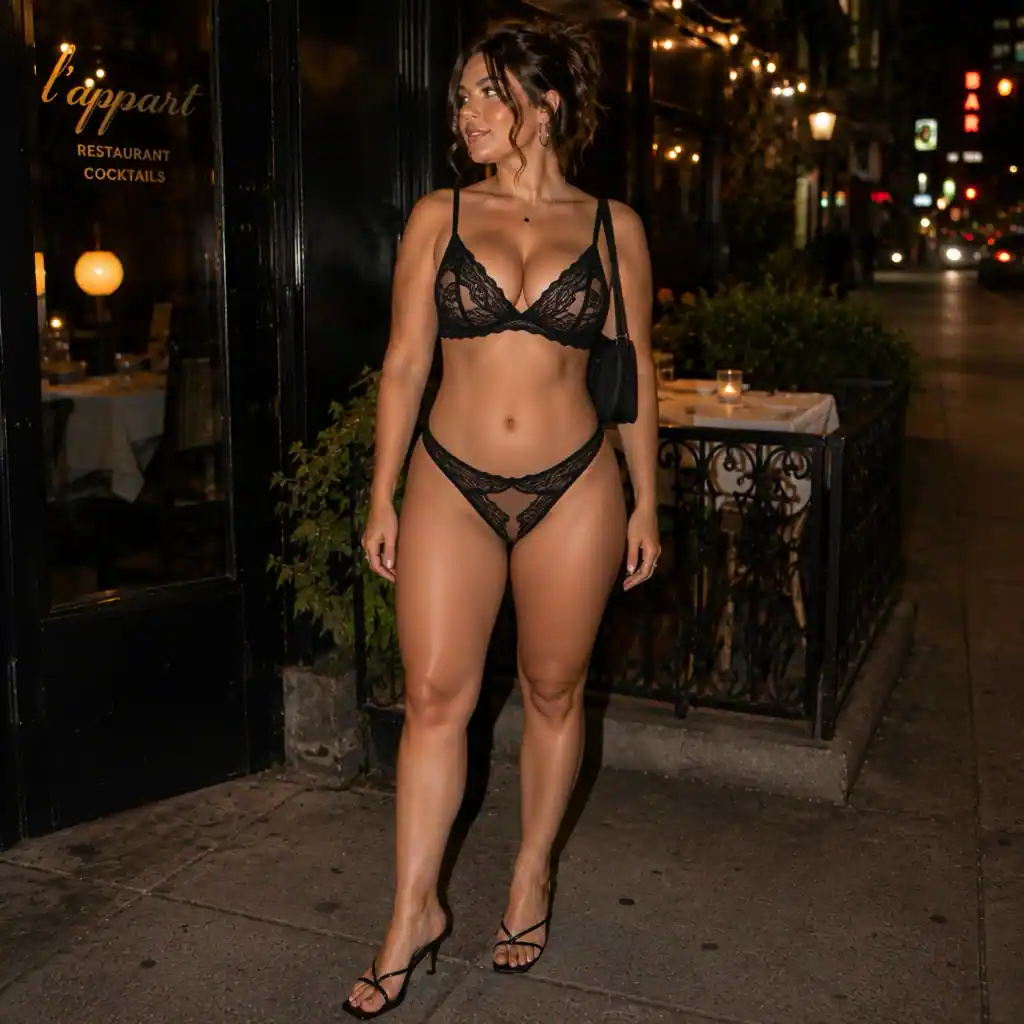
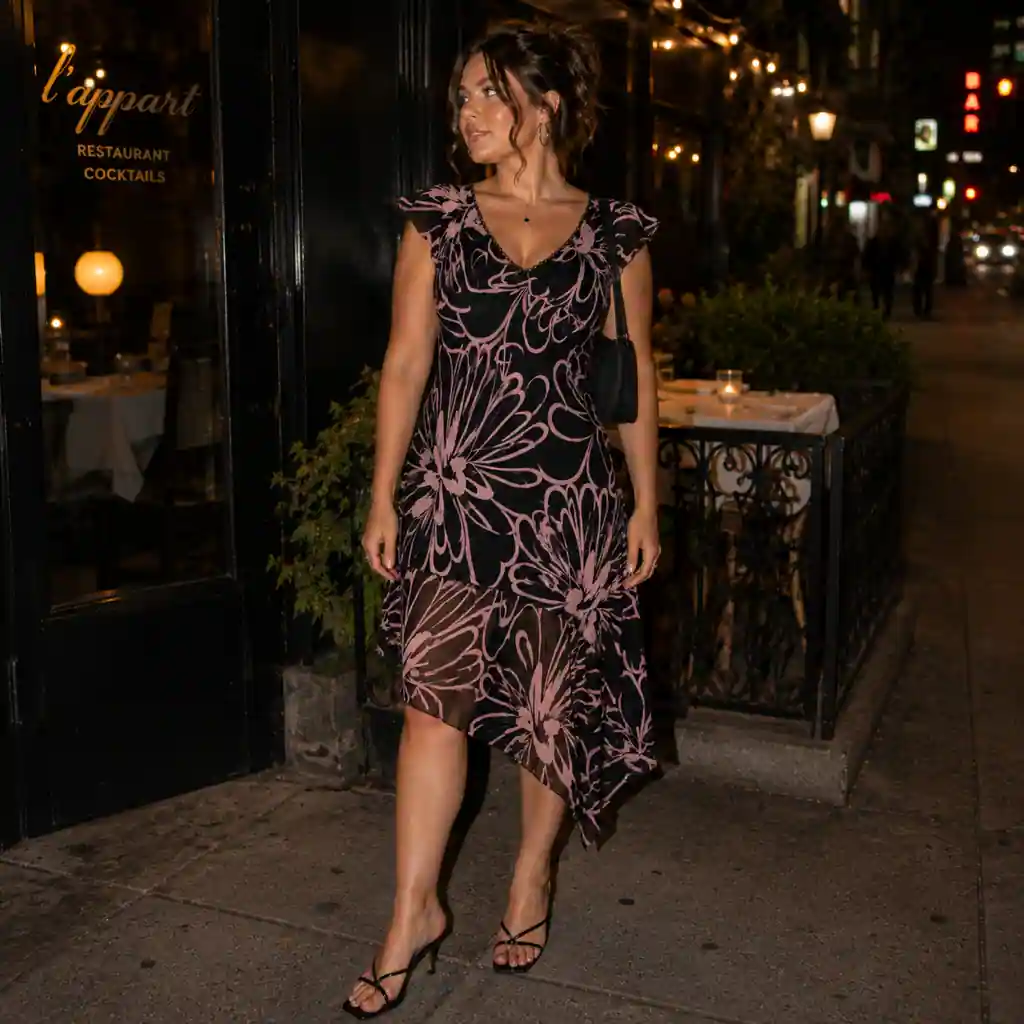
How to use AI Lace Lingerie
- 1Upload your photo
Sign in with Google, open the workspace and add one JPG, PNG or WEBP image to the Photo slot. Half-body or full-body shots where the current outfit is clearly visible and evenly lit give the most reliable restyle.
- 2Set the quantity and generate
Pick how many versions you want, from one to four, then click Generate. Free for a limited time: no credits are deducted. Sign in with Google to generate.
- 3Compare and download
Results appear in seconds to about a minute. Open them side by side, check the lace edges and strap placement at full size, then download the version you like. Run the request again if you want a different drape or coverage.
Perfect for
AI lingerie try-on for concept previews
Draft how a lace set would read on a model shot you already have, before you book a studio day. Generate four styling directions from one frame, drop them into a moodboard, and use them to align a photographer or a design team. Treat the output as concept art, not as a catalog image of a real product.
Cosplay and character costume drafts
Many characters wear layered lace or corset-style pieces. Restyle a reference photo of yourself in the pose you plan to shoot, and you get a quick read on how the silhouette works before you cut fabric. It is a cheap way to test two or three costume ideas in an evening.
Boudoir shoot planning
Photographers and clients often struggle to describe a look in words. Run a clothed test frame through the AI lingerie restyle and you have a shared visual for the styling conversation, with the client's own posing and lighting already in shot. Use it only with the subject's explicit written agreement.
Fantasy avatars and creative portraits
Illustrators, writers and game masters use this to visualize a character quickly. Start from your own photo or a portrait you have permission to edit, restyle the outfit into lace, then take the result into your own painting or collage workflow. Keep everything non-explicit and lawful.
Tool facts at a glance
FAQ
What does this AI lingerie tool actually do?
It restyles the outfit in a photo you upload into a lace lingerie set, with fine lace panels, subtle sparkling accents and a matching low-rise thong. Only the clothing region changes. The person's face, hair, pose, proportions, the lighting and the background are all preserved, so the edit reads as the same photograph in different styling.
Is it free to try?
Free for a limited time: no credits are deducted. Sign in with Google to generate.
Do I need permission to edit someone else's photo?
Yes. Upload only photos of yourself, or photos where the adult subject has given you clear, explicit permission for this kind of edit. Never upload images of minors. Editing or sharing someone's picture without consent can break the law and platform rules. Results are for personal, creative and lawful use only.
Is there an age requirement?
You must be 18 or older to use this tool, and every person shown in an uploaded photo must also be an adult. The output is non-explicit outfit styling, not nudity, but the subject matter is adult-adjacent. If you are under 18, do not use this tool.
Will the result still look like me?
Yes. The restyle is limited to the clothing area, so your identity is untouched. Face, expression, skin tone, hair, body proportions, pose and the scene behind you all stay exactly as they were in the source file. That is the core rule the model follows on every generation.
Does this remove clothes or create nudity?
No. It swaps one outfit for another one: a lace lingerie set that keeps the body covered. It does not undress anyone, does not generate explicit imagery and does not change a pose into a sexualized one. Think of it as wardrobe styling on a photograph, the same way a bikini or jacket swap works.
Can I try on a specific lingerie product?
No. This is an AI lingerie generator rather than a product try-on: the workspace has two inputs, your Photo and the Quantity, and there is no slot for a garment reference image. The model designs a lace set to suit the body and pose already in your frame, so treat the result as a styling concept, not as a picture of a real item you can buy.
Which file formats can I upload?
JPG, PNG and WEBP photos are accepted. Use the clearest version of your image you have, since the AI works from the detail that is actually in the file. A well-lit half-body or full-body shot with the current outfit visible gives the cleanest lace rendering and the most accurate strap placement.
How long does one generation take?
Most requests finish in seconds, and busy periods can stretch a run to around a minute. Asking for several variations at once takes a little longer than a single image. You run and track the whole job from the browser workspace, so you can watch the queue and download each result as soon as it lands.
Can I use the results commercially?
Check the terms of service for the licensing that applies to images you generate here. Whatever you do with them, the outputs are for personal, creative and lawful use only, they must not be passed off as photographs of a real person wearing a real product, and you still need the subject's explicit permission for any image that is not of yourself.