 Photography Colleges
Cat Work Meme Maker
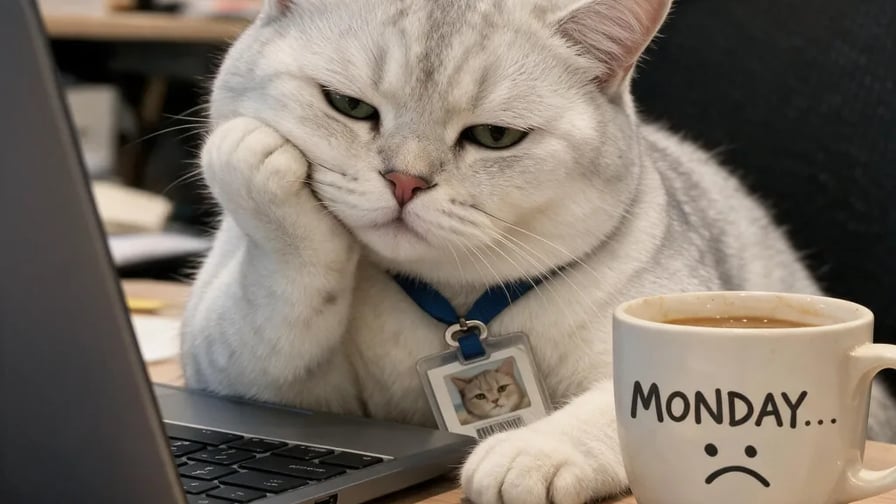
Best Examples
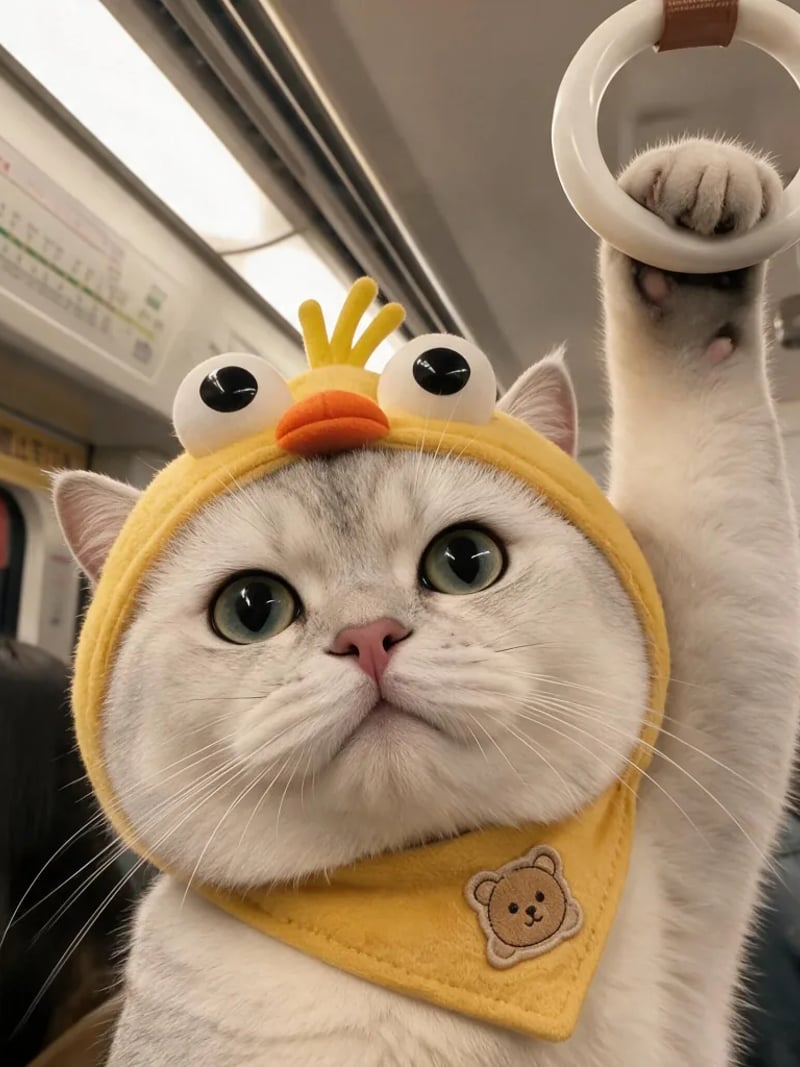
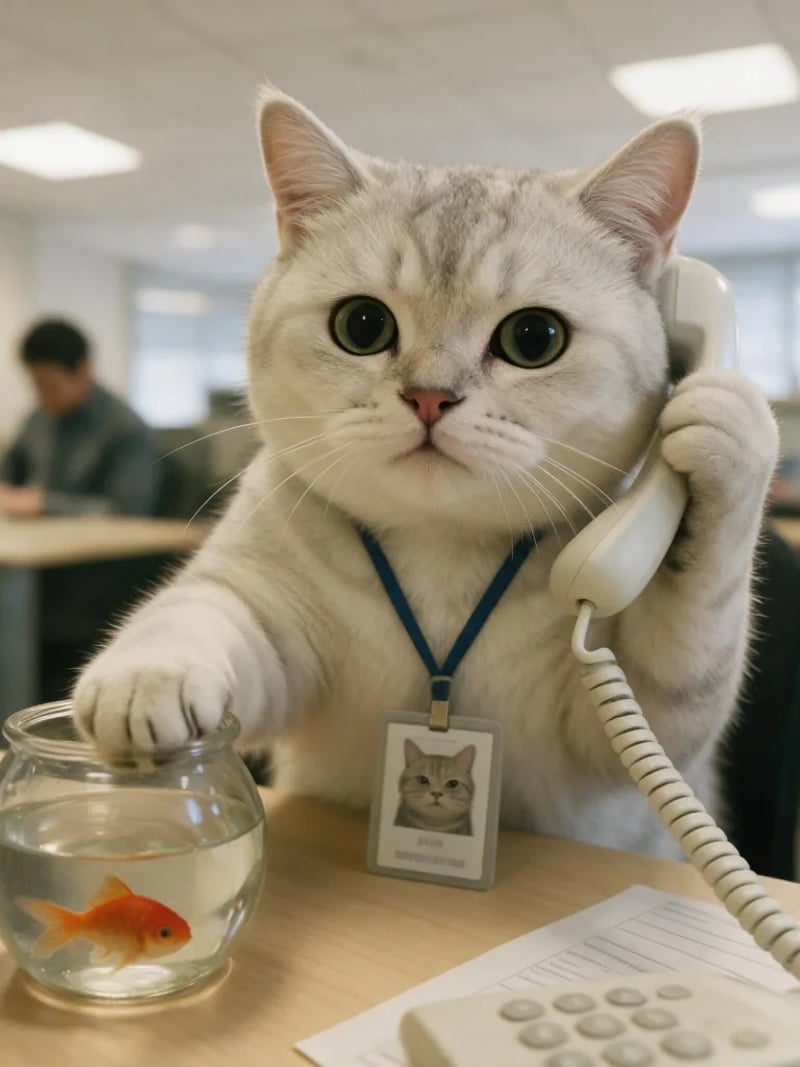
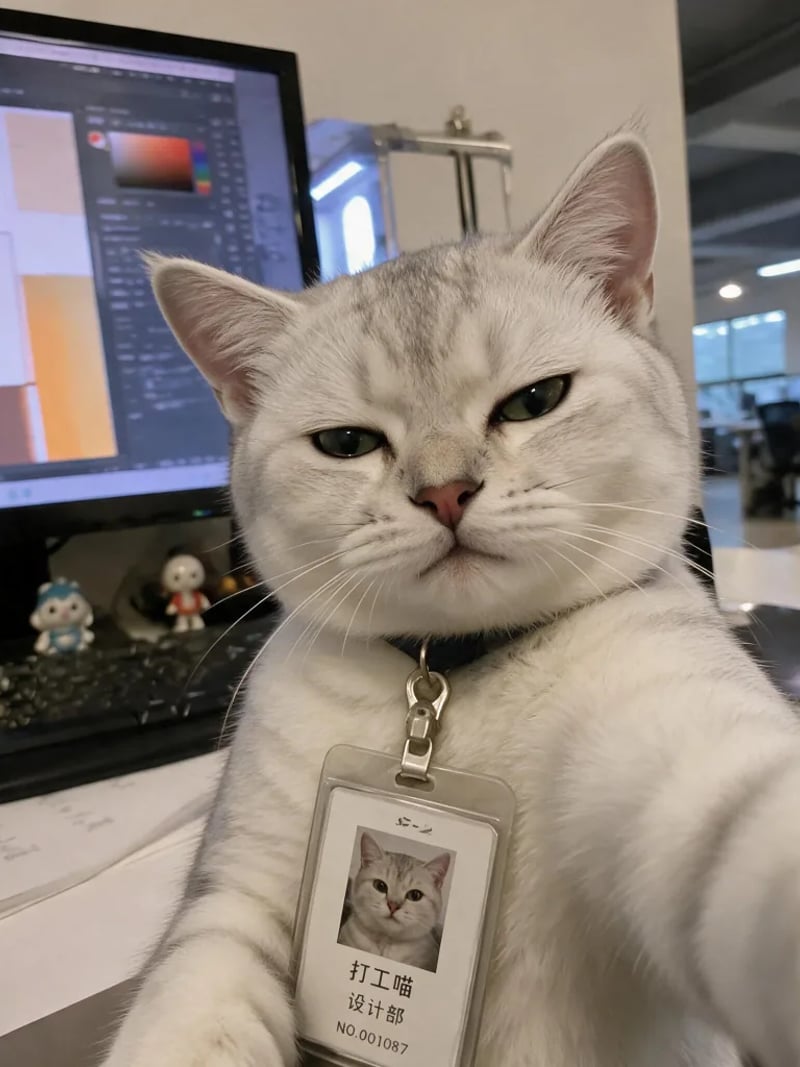
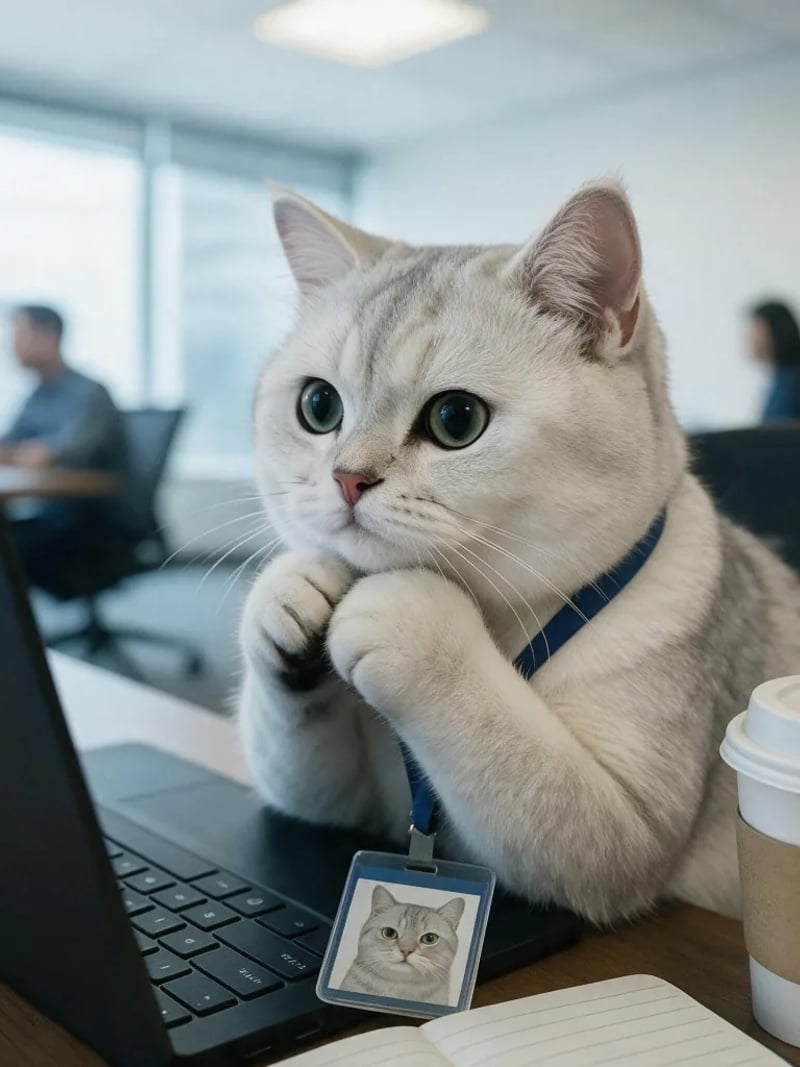
Cat Work Meme Maker: Turn Your Cat Into a Working Cat Meme
Turn a photo of your cat into a working cat meme. Pick one of 7 office scenes — Monday slump, coffee run, wall of code — and get a photoreal meme in seconds.
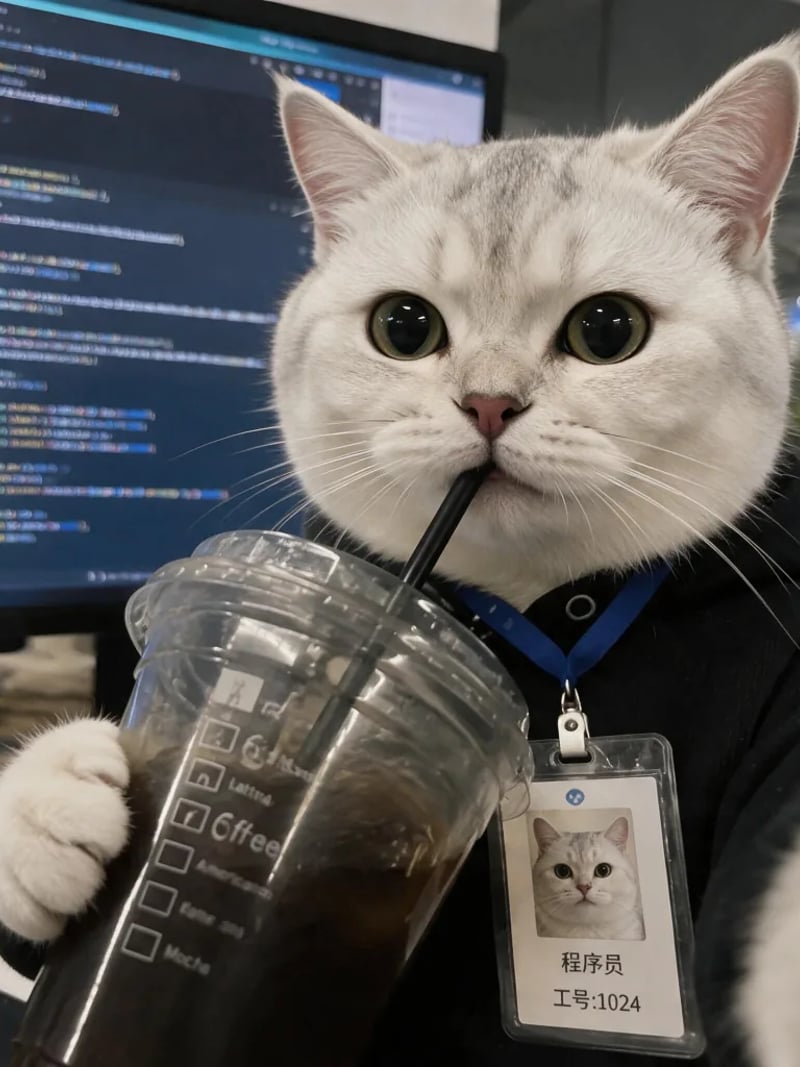
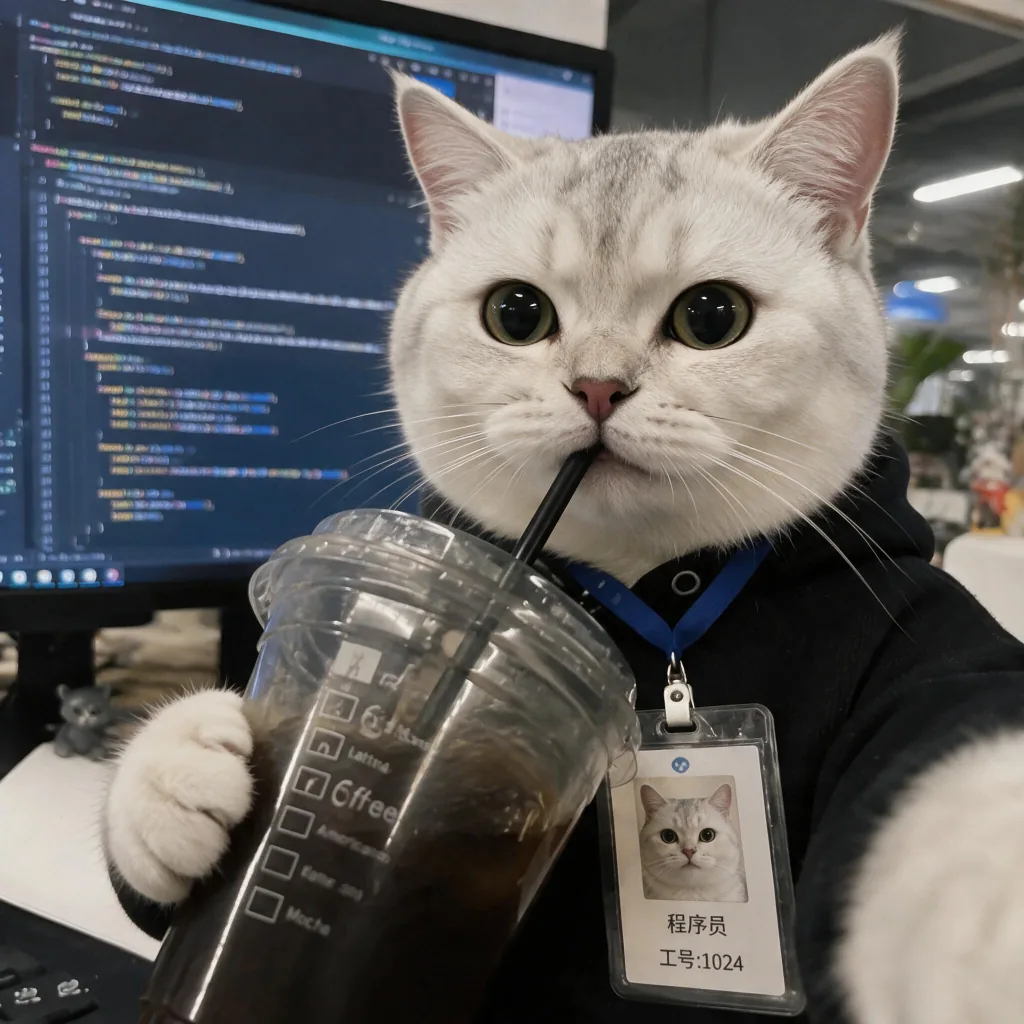
Upload one photo of your cat, pick a workday scene, and get a working cat meme back with your own cat in it. A classic cat meme generator puts a caption over a stock template, so the cat in the picture is always someone else's; this tool rebuilds the picture instead. The template fixes the desk, the pose, the action and the expression, and your cat supplies the face and the fur. Your cat ends up at the laptop, badge on, clutching an iced coffee in front of a wall of code — a photograph, not a cartoon, and not a cut-out pasted onto a stock photo.
It is for anyone who has wanted to say “this meeting could have been an email” with their own cat's face. Group chats, team channels, stand-up slides and a Monday cat meme that says Monday without typing it: the joke lands harder when the cat is recognisably yours. Shops and cafés with a resident cat can carry the same scene onto packaging, a stall sign or a social post.
Doing this by hand means cutting the cat out of the photo, rebuilding the lighting and the contact shadows in the new scene, and matching the pose so the head does not float — an afternoon per image. Here you choose a template, press Generate and get up to four images in one run; a different office scene is one more click. New accounts start with free credits, so you see a result before you spend anything.
How a cat photo becomes a working cat meme
Two images go into the model: your photo of the cat, and the template you picked. The template carries the composition — the desk, the chair, the monitor, the angle of the head, the paw that is doing something — and your photo carries the identity: fur pattern, eye colour, the shape of the muzzle and the length of the whiskers.
Keeping those two jobs apart is what makes the results predictable. The scene does not have to be invented per run, so a template reused with the same cat gives a consistent series, and the same template with a different cat gives the same joke with a different animal. It also means the pose is not left to chance: sitting, reaching, sipping, slumping and staring are decided by the template, not guessed by the model.
Cat work meme maker vs. caption-on-template generators
Most cat meme generators work the same way: pick Grumpy Cat, Smudge or a stock work cat, type a top line and a bottom line in Impact, download. That is the right tool when the joke is the caption and the cat is a prop. It is the wrong tool when the joke is that it is your cat at the desk, because the template's cat never changes.
This tool does the opposite. It has no text layer and no font picker; its whole job is to put your cat into the scene with the right lighting, contact shadows and pose. If you want a caption on top, add it afterwards in any editor — the download is a clean photo, so it drops into a caption tool like any other picture.
Photos that make the best working cat memes
Use a clear, evenly lit photo with the whole face visible: both eyes, the nose and the muzzle. Facial markings and eye colour are what make the result recognisably your cat, and a front-facing shot gives the model the cleanest mapping onto the template's head position.
Avoid heavy motion blur, a paw covering the face, a strong shadow across the eyes or a cat turned fully away. A sharp phone photo beats a soft high-resolution one. If two cats share the frame, crop to the one you want first, and if you plan to run several templates, keep using the same photo so the series looks like one cat all day.
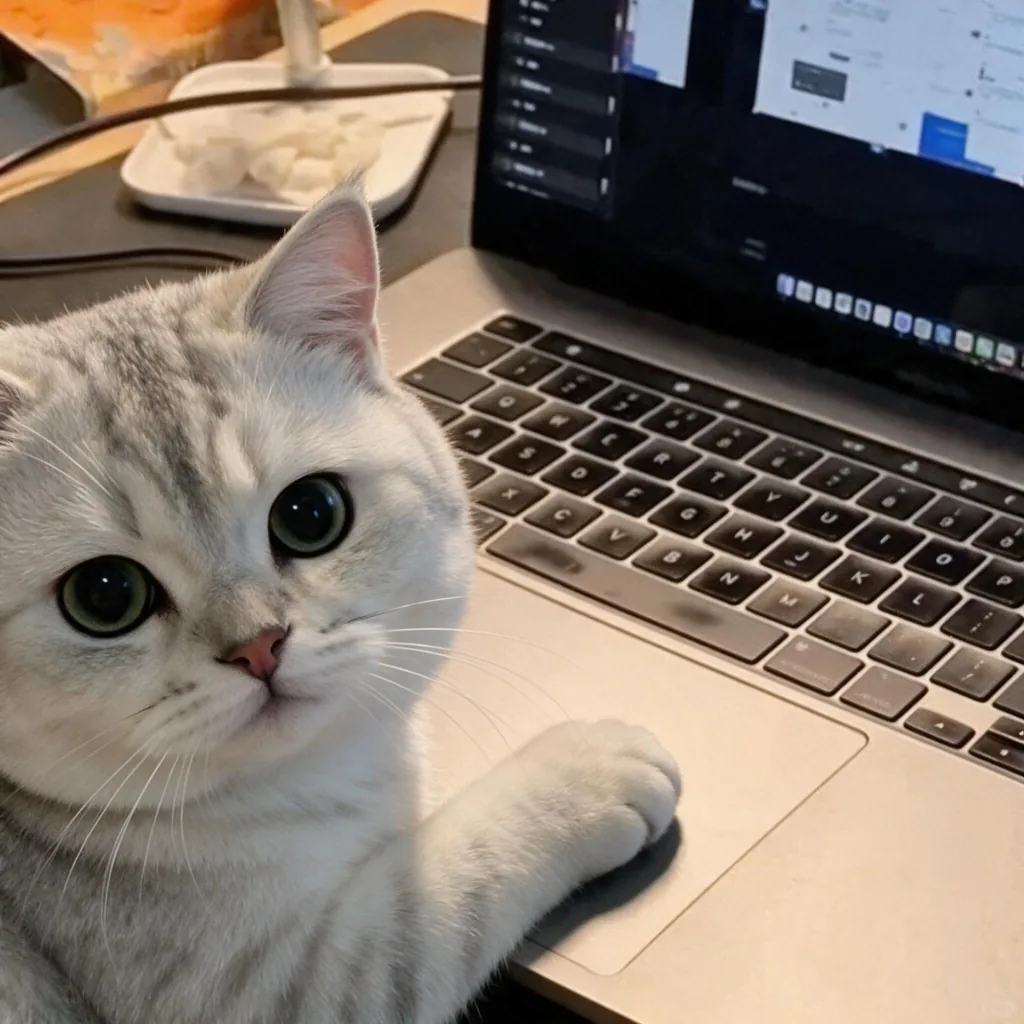
A working cat meme for every part of the week
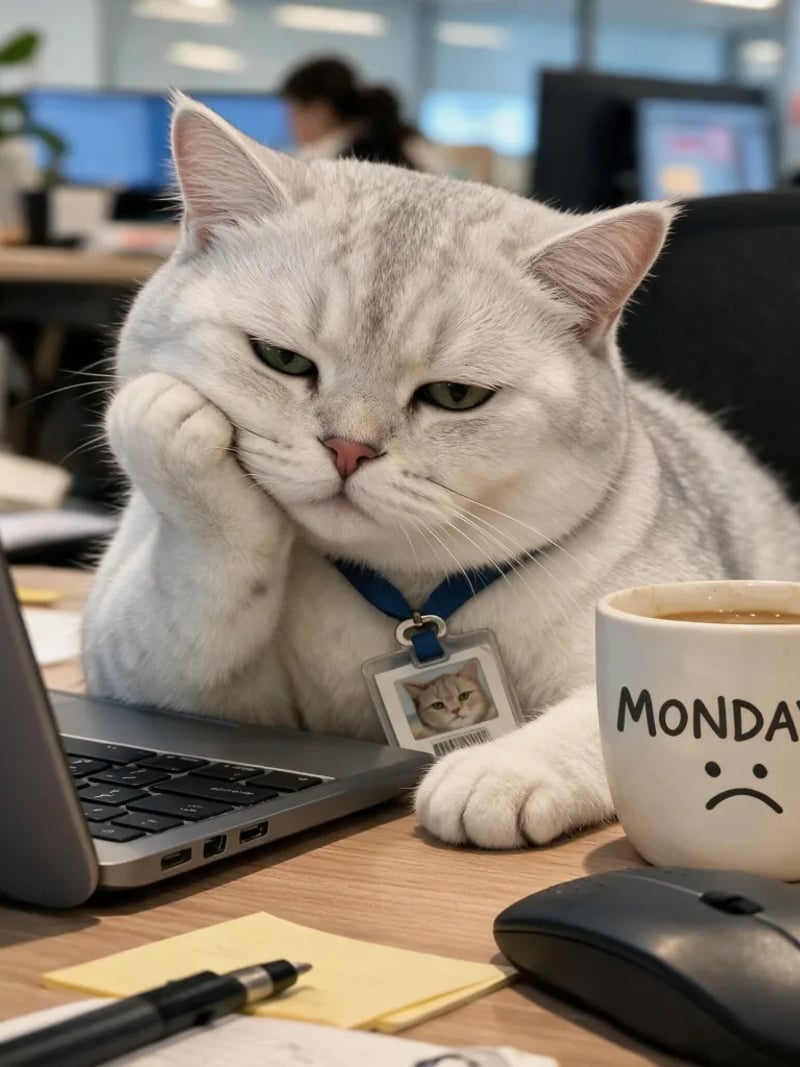
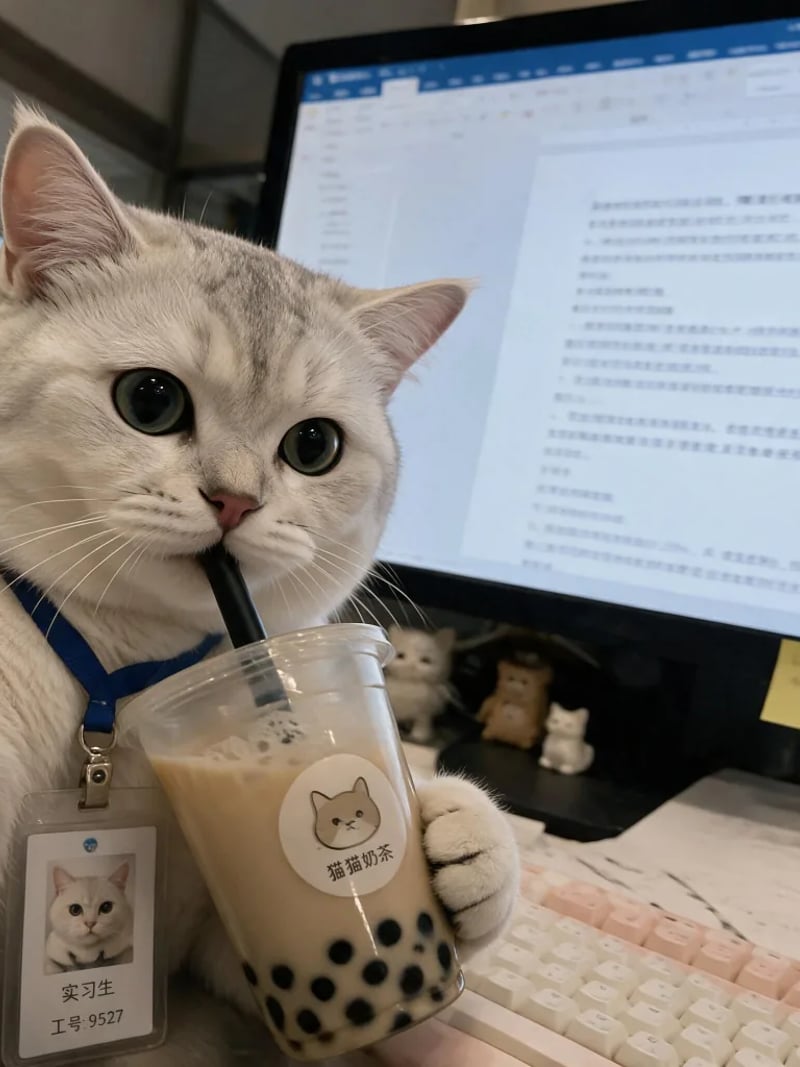
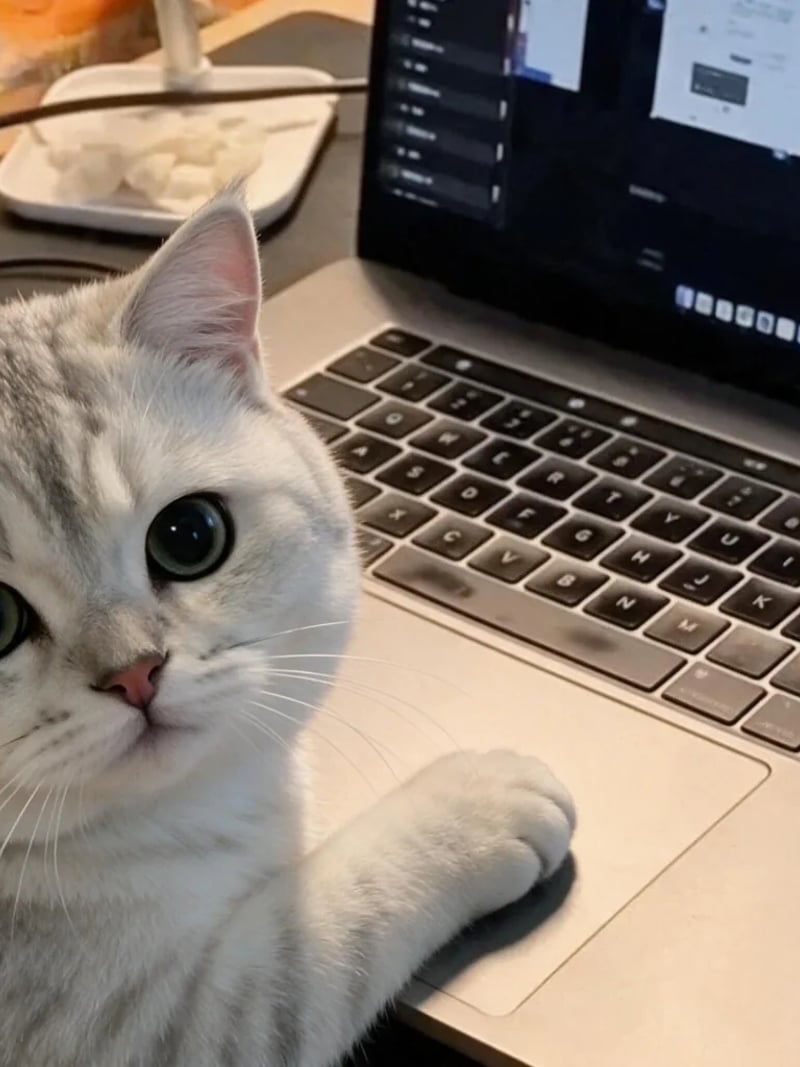
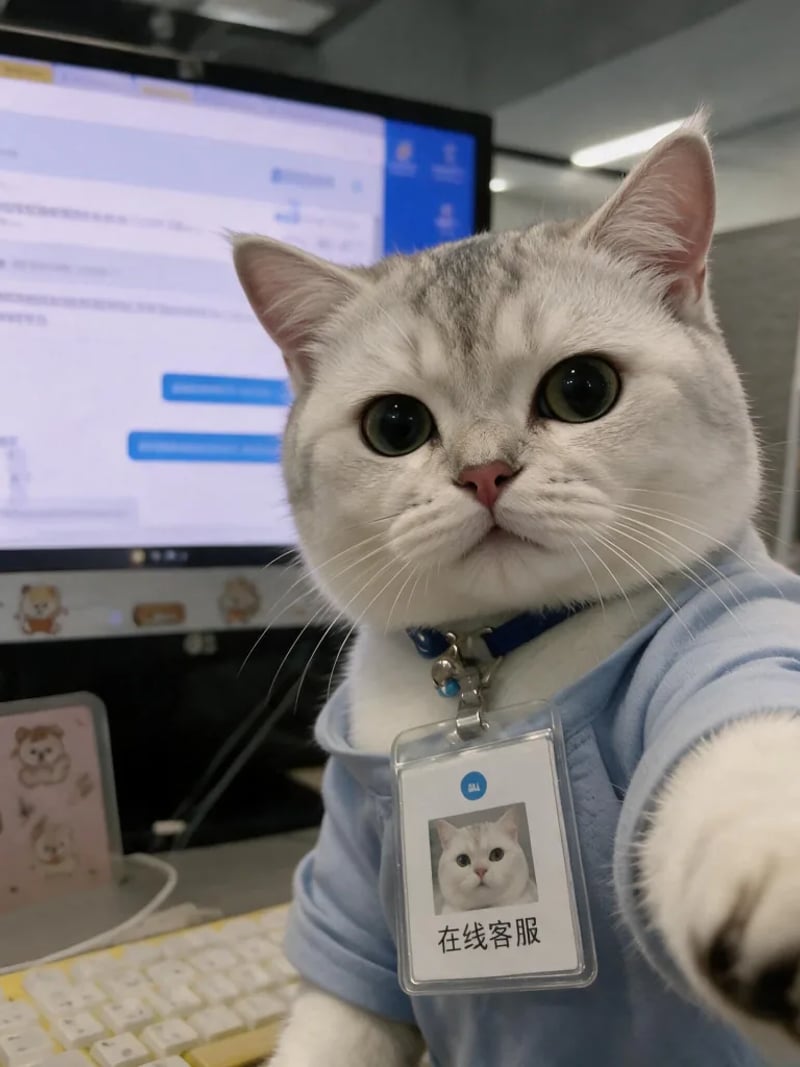
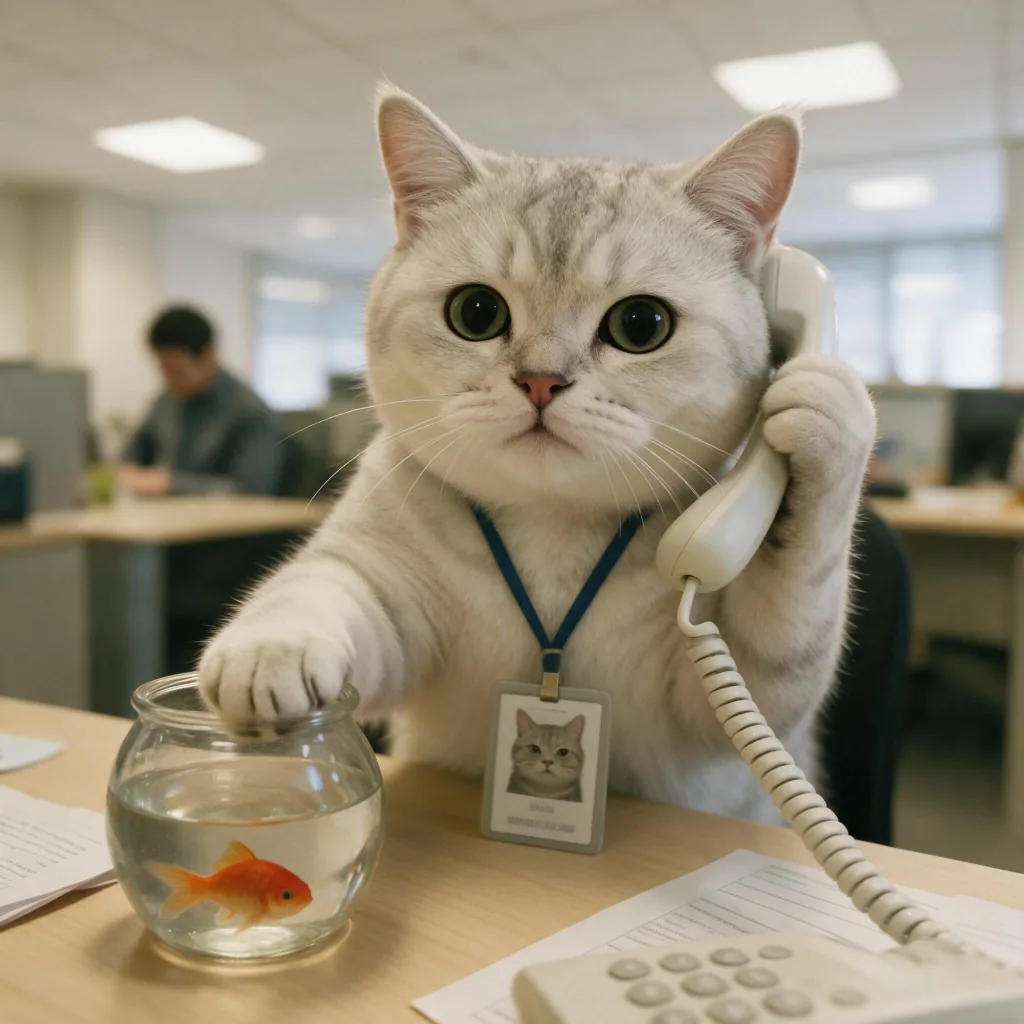
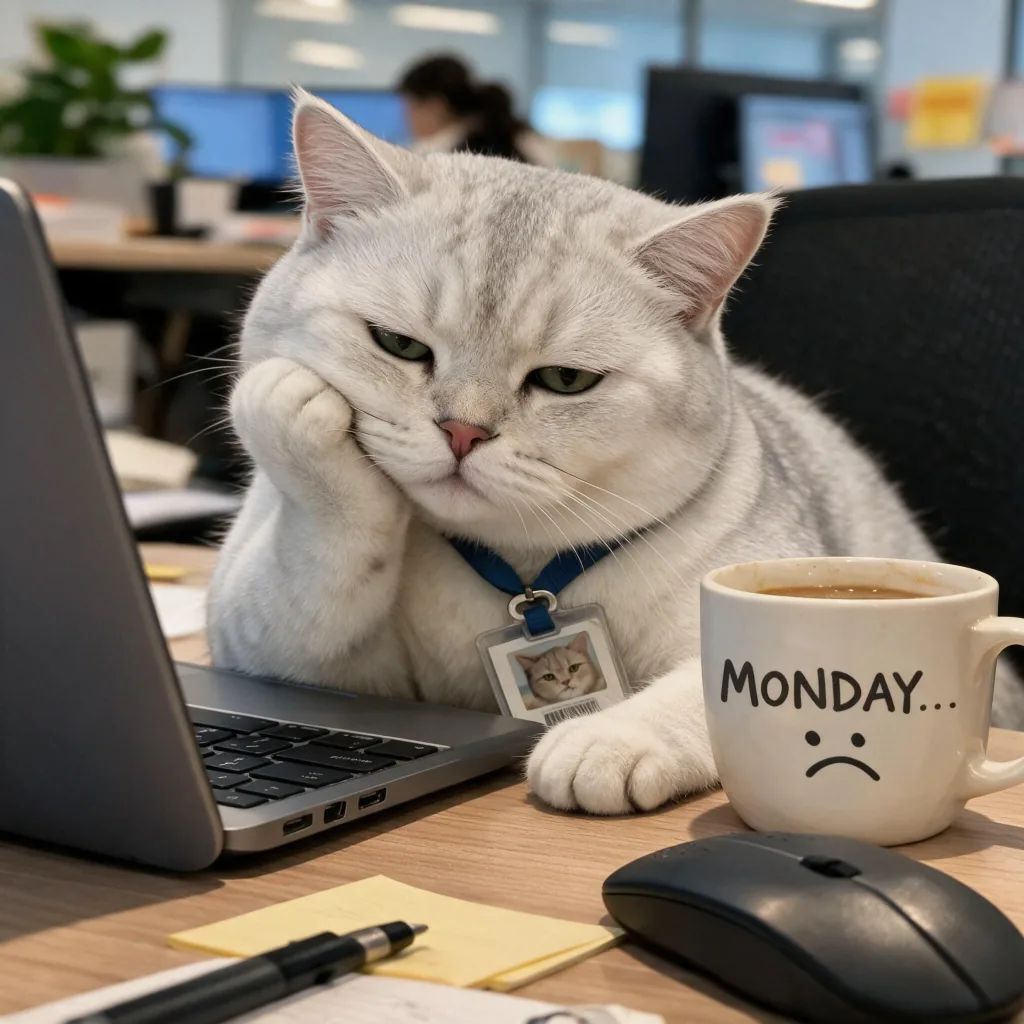
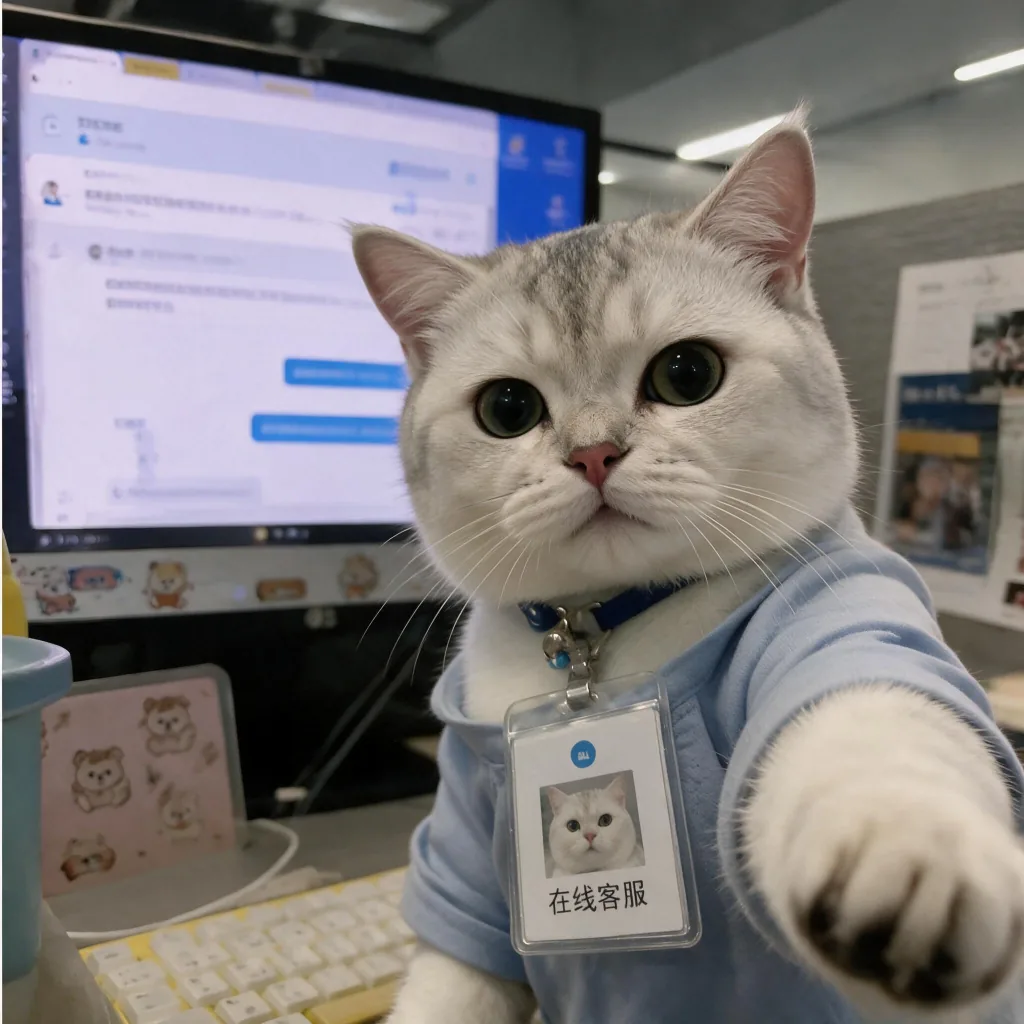
The seven templates cover the office day and the office week. There is a Monday cat meme — chin on paw, sad mug — for the start of the week; the coffee-cup selfie with a staff badge for the morning; the iced coffee in front of a wall of code for the developer; the bubble-tea break in front of an unread document; the customer-service desk with a chat window open; the designer's unimpressed stare at a brand board; and the wide-eyed cat caught with a paw on the laptop trackpad. Pick the one that matches what you actually want to say, then reuse it — a repeated scene across weeks reads as a series rather than a random image.
Some scenes include props with text: a staff badge, a slogan on a mug, a screen or a sign behind the cat. That text belongs to the scene and will normally appear in your result, so read the generated image before sending it, especially if you are putting it in a work channel.
Credits, privacy and fair use
Each generated image costs 3 credits, and Quantity generates 1 to 4 images of the chosen scene per run. New accounts get starter credits after signing in with Google, so the first result comes before any spend.
Uploads may be processed and stored so the service can generate and deliver the images, as described in our privacy policy; we do not promise automatic deletion, so do not upload a photo you consider sensitive. For commercial use — packaging, ads, merchandise — make sure you hold the rights to the cat photo and check the terms first, and never build a meme from someone else's pet without their permission.
How to use Cat Work Meme Maker
- 1Upload a photo of your cat
Use a JPG, PNG or WEBP photo where your cat's eyes, nose and muzzle are clearly visible and not hidden by a paw, long hair or deep shadow. The template supplies the body and the pose, so a front-facing shot with the whole face in frame and even light gives the model the most to work from.
- 2Pick a workday template
Choose one of the seven office scenes from the template row, or open the full list in the picker: the Monday mug, the coffee selfie, the iced coffee in front of a wall of code, the bubble-tea break, the customer-service desk, the designer's unimpressed stare and the paw on the laptop trackpad. The template decides the setting, the pose, the action and the expression, so pick the mood you want to send. One template per run; change it to build a series.
- 3Generate, download and send
Press Generate and download the images you like. Quantity generates 1 to 4 images of the same scene in one run, and each generated image costs 3 credits — so 3 credits for one image and 12 for four. The result is a clean picture with no caption layer, so drop it straight into the chat or add your own text in any editor first. Signed-in accounts start with free credits.
Perfect for
Monday cat memes and end-of-day posts
The slumped-on-a-paw scene with a sad MONDAY mug is a ready-made Monday cat meme, and the same cat with an iced coffee or at the customer-service desk covers the rest of the week. Post the pair as a before-and-after of the working day, or keep one scene for every Monday.
Group chats and team channels
The joke works because the cat is real. Put your own cat in a meeting pose, keep the deadpan eyes, and drop it in the group chat where everyone already knows the cat. Run a few templates and you have reactions for overtime, for the 4 pm coffee and for the meeting that should have been an email.
Stand-up slides, Slack and internal comms
Teams use working cat memes in sprint decks, newsletters and Slack channels. A cat in a hoodie in front of a wall of code makes a status update readable, and one template reused every week becomes a running visual signature for the team.
Cat accounts on Instagram and TikTok
A pet account needs a steady supply of new pictures of the same cat. Seven office scenes with the same face give you a week-long series — Monday-mug cat on Monday, programmer cat on Tuesday, designer cat on Wednesday — without a new photoshoot each time.
Avatars, covers and profile art
A large cat face in a recognisable office scene reads clearly at avatar size. Crop to the head for a chat avatar, or keep the desk and the monitor for a channel cover.
Store cats and small business posts
A shop, café or studio with a resident cat already has a mascot; this turns it into a scene that matches the promotion. Use the images in social posts, on a stall sign, on thank-you cards or on packaging labels, and check the usage terms before you print at scale.
Cat Work Meme Maker at a glance
FAQ
What is a cat work meme maker?
It is an AI image tool that puts your own cat into ready-made office meme scenes. You upload one cat photo, choose a workday template, and the result is a working cat meme that uses your cat's face in that template's setting, pose, action and expression.
How is this different from a cat meme generator like Imgflip or Kapwing?
A classic meme generator overlays text on a template, so the cat in the picture stays the template's cat. This tool keeps the template's scene but swaps in your cat, so you get a new photo of your own cat at work rather than a caption on somebody else's. There is no text layer here; if you want a caption, add it in any editor after you download.
How do the workday templates work?
The template you choose is sent to the model as a second reference image alongside your cat photo. The model keeps the template's composition — where the cat sits, what it is doing and the expression on its face — and replaces the cat with yours. Because the scene comes from the template, results stay consistent between runs.
Will the meme still look like my cat?
The model is instructed to preserve your cat's fur markings, eye colour, nose and muzzle while placing it in the template's scene. Likeness can vary between runs; a clear, evenly lit, front-facing photo of your own cat gives it the best reference, and Quantity set to 2-4 lets you pick the closest take.
Is the cat work meme maker free?
New accounts receive starter credits after signing in with Google, which is enough to try it before you pay. Each generated image costs 3 credits: one image is 3 credits, and Quantity set to 4 is 12 credits. There is no unlimited free tier, and further generations need credits.
What kind of cat photo works best?
A sharp, evenly lit photo with the whole face visible beats a soft, artistic one. Avoid motion blur, a paw over the muzzle, heavy shadow across the face or a cat turned away, because the model has less to anchor the likeness on. JPG, PNG and WEBP uploads are all accepted.
Can I add text or a caption to the meme?
Not inside the tool. The download is a clean photo without a caption layer, so you can add top and bottom text in your phone's photo editor, a chat app's sticker tool or any meme generator. Text that is part of the scene — a badge, a mug slogan — comes from the template and is already in the image.
Can I choose more than one template at a time?
One template per run. Quantity generates 1 to 4 images of that same scene, which is useful for picking the best take. To get a set — a Monday cat meme, a coffee run and a customer-service shift — run the tool again with a different template and the same cat photo.
Some templates contain text on a badge, a mug or a screen. Will it appear in my image?
Yes. Text that is part of the scene — a staff badge, a mug slogan, signage — belongs to the template, so it usually carries into the result. Read the generated image before you send it, because small text in AI output is not always spelled correctly.
Does it work with dogs or other pets?
It is built for cats: every template is a cat scene, and the model is told to keep a cat's markings, eye colour and muzzle. It is not tuned for dogs or other animals, so results from a non-cat photo are unpredictable.
How is this different from the Cat Sticker Maker?
The Cat Sticker Maker puts a prop over your cat's head and keeps the head as the whole subject. This tool keeps your cat photo as the face but takes the whole scene from a template, so you get an office story — a desk, a badge, a coffee, a Monday mug — instead of a head shot.
Can I use the memes commercially?
Use them in personal chats, posts and slides freely. For commercial use — packaging, advertising, merch — make sure you hold the rights to the source photo of your cat and check our terms before you print or sell. Do not use a stranger's pet photo without permission.
What happens to the photo I upload?
Uploads may be processed and stored so the service can generate and deliver your meme, as set out in our privacy policy. We do not promise automatic deletion, so avoid sending images you consider sensitive. Sign in with Google to start.