 Photography Colleges
GTA Style Art Generator
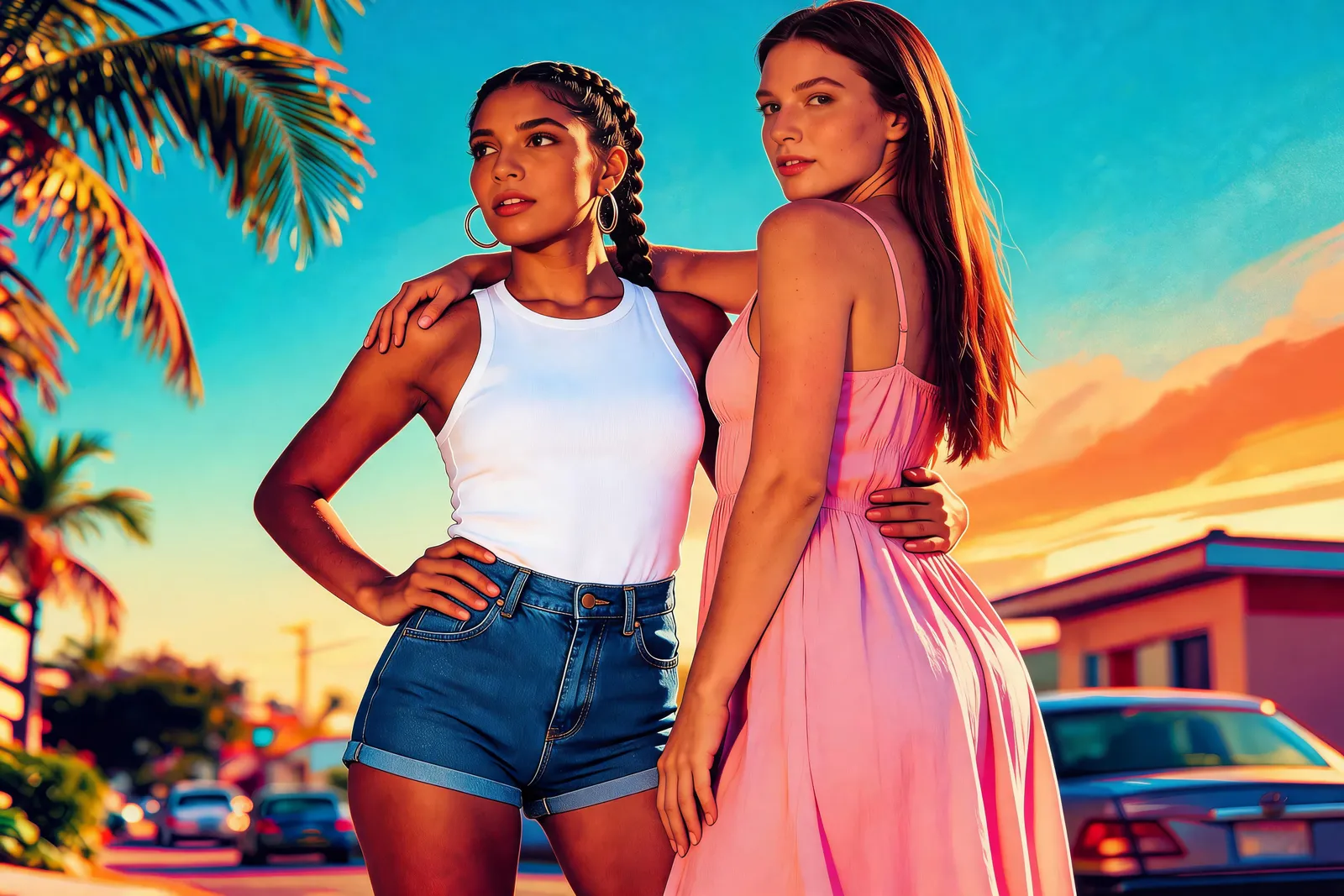
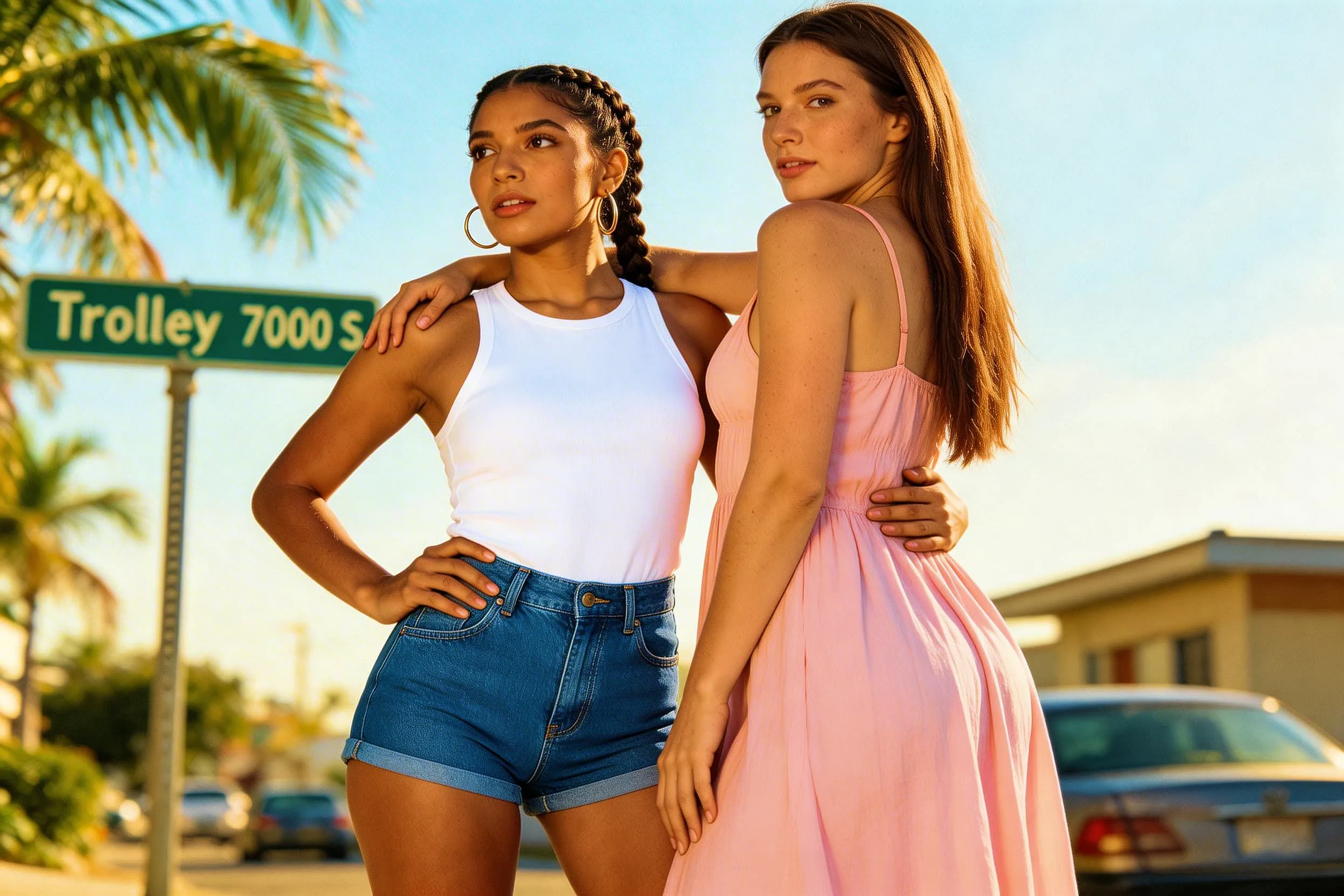
Community Creations
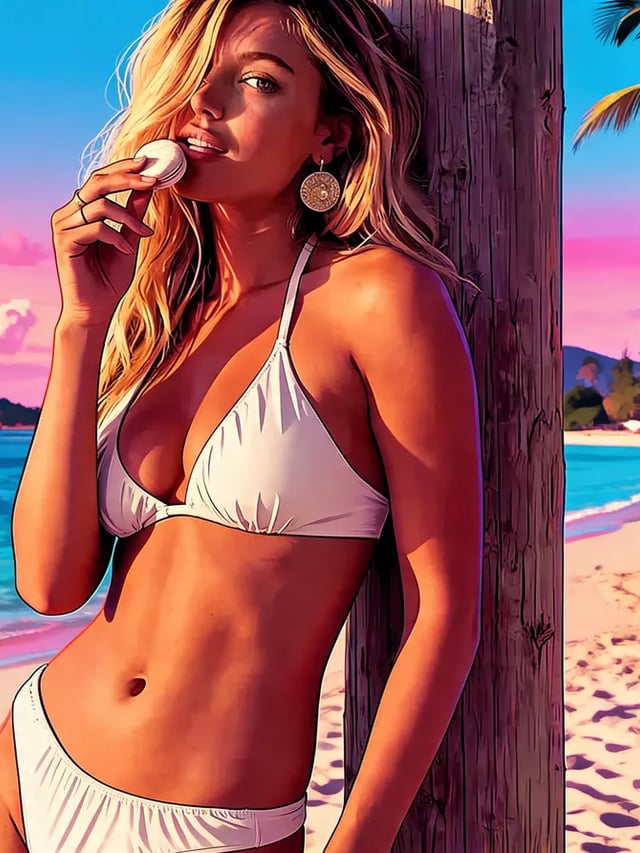
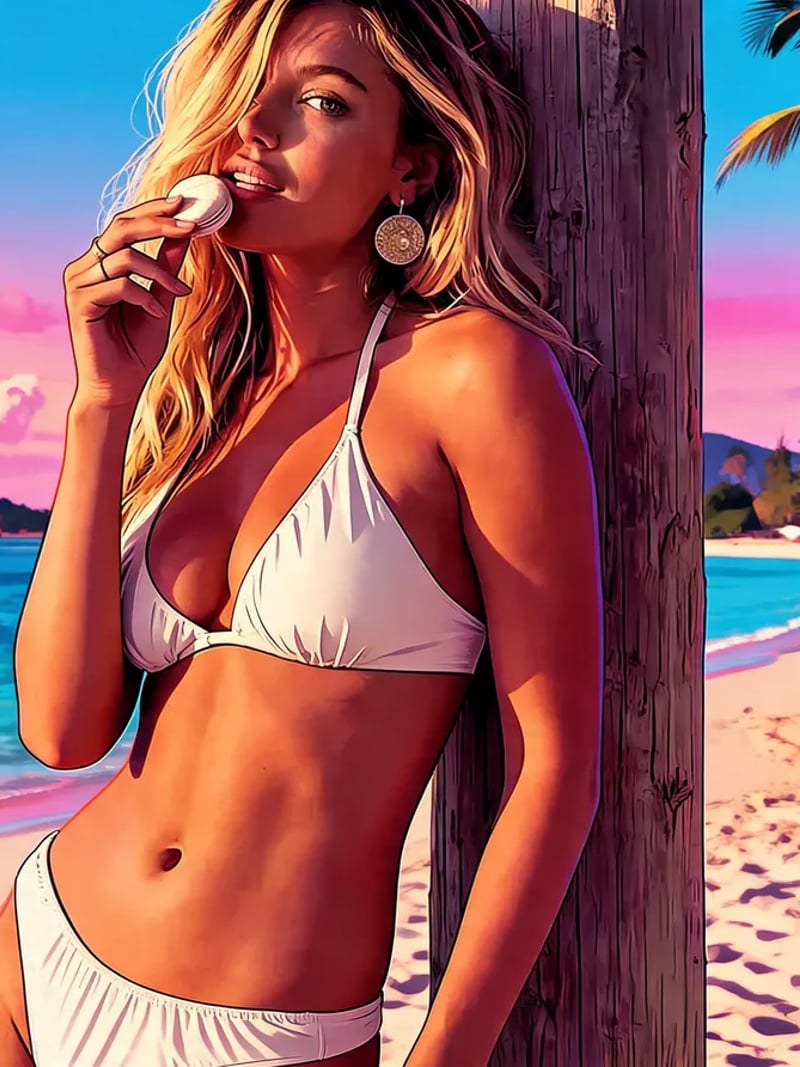
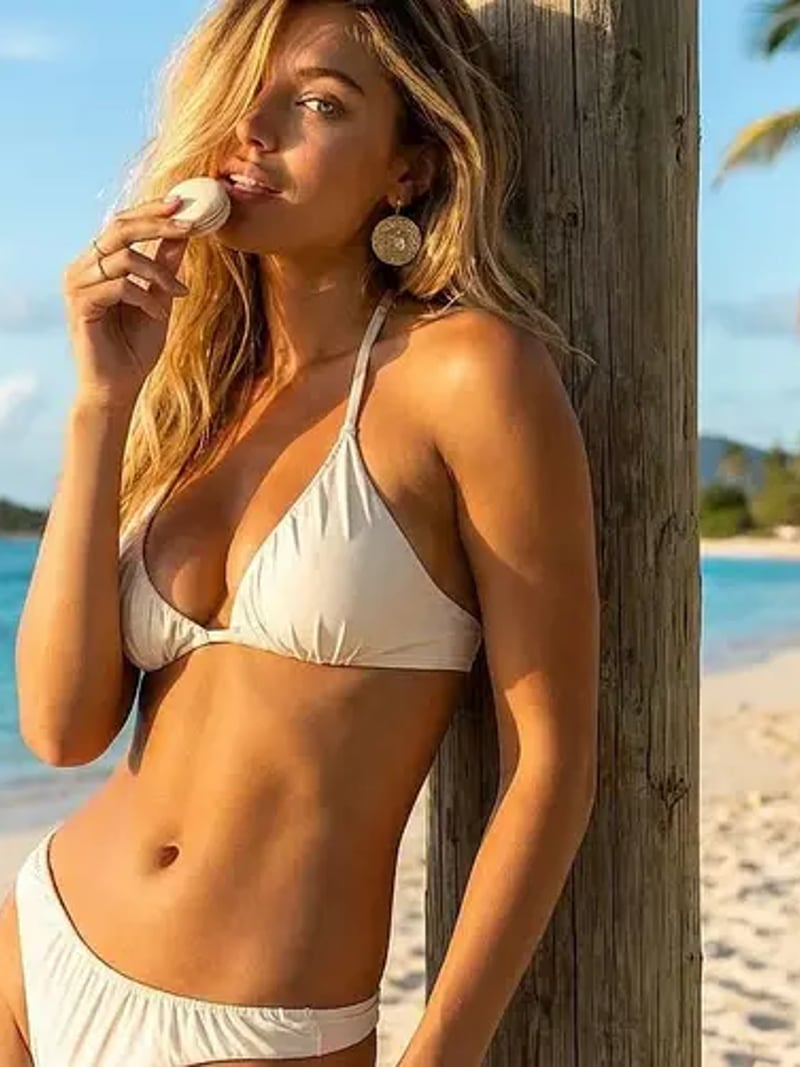
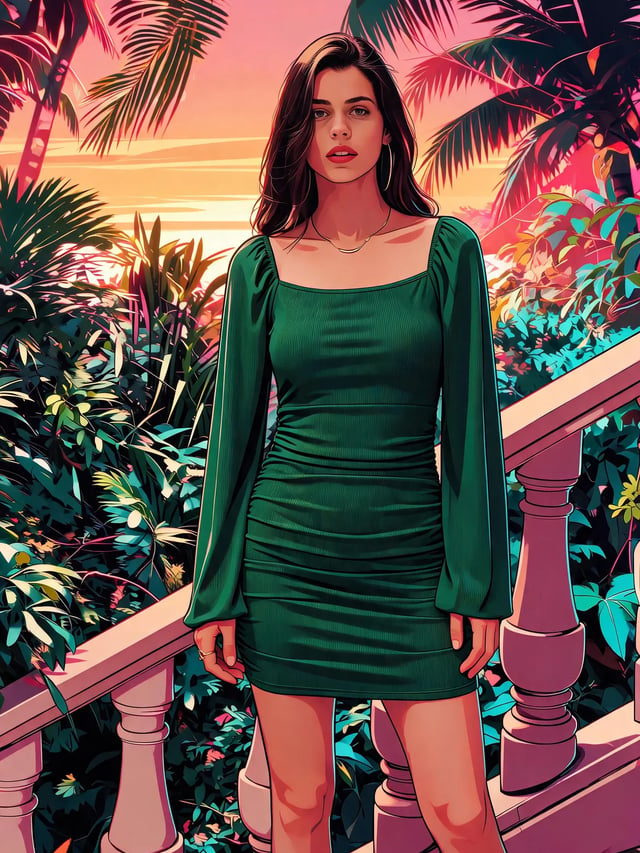
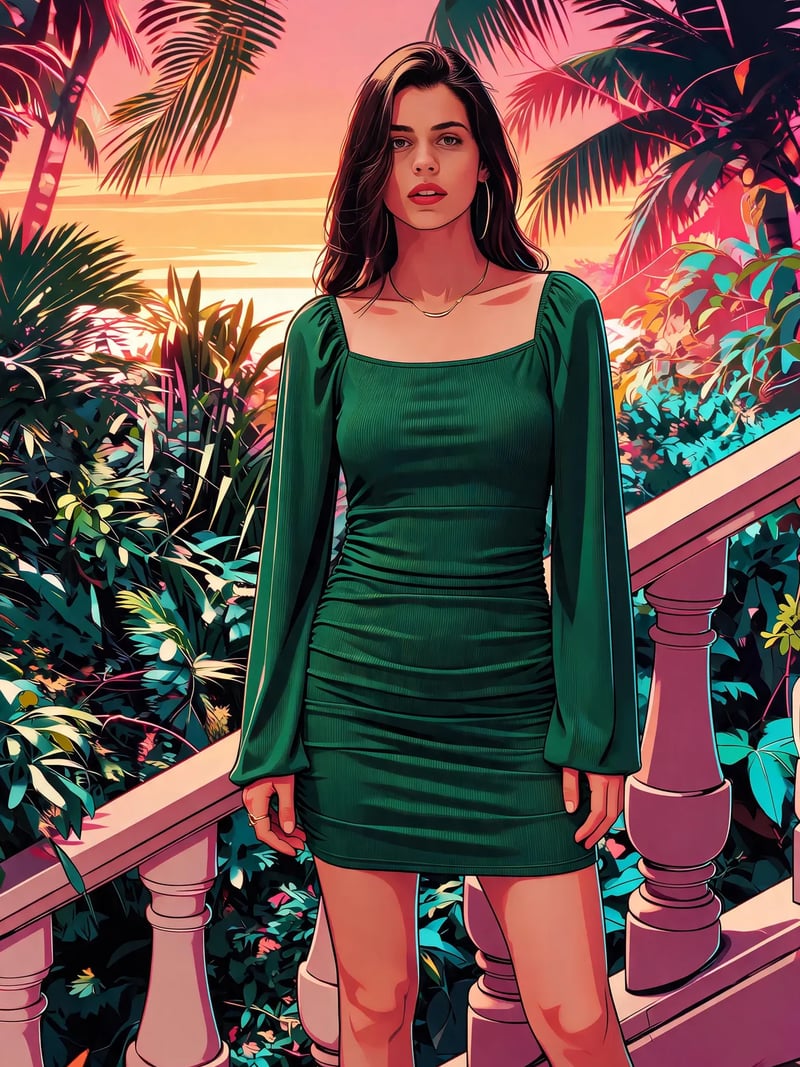
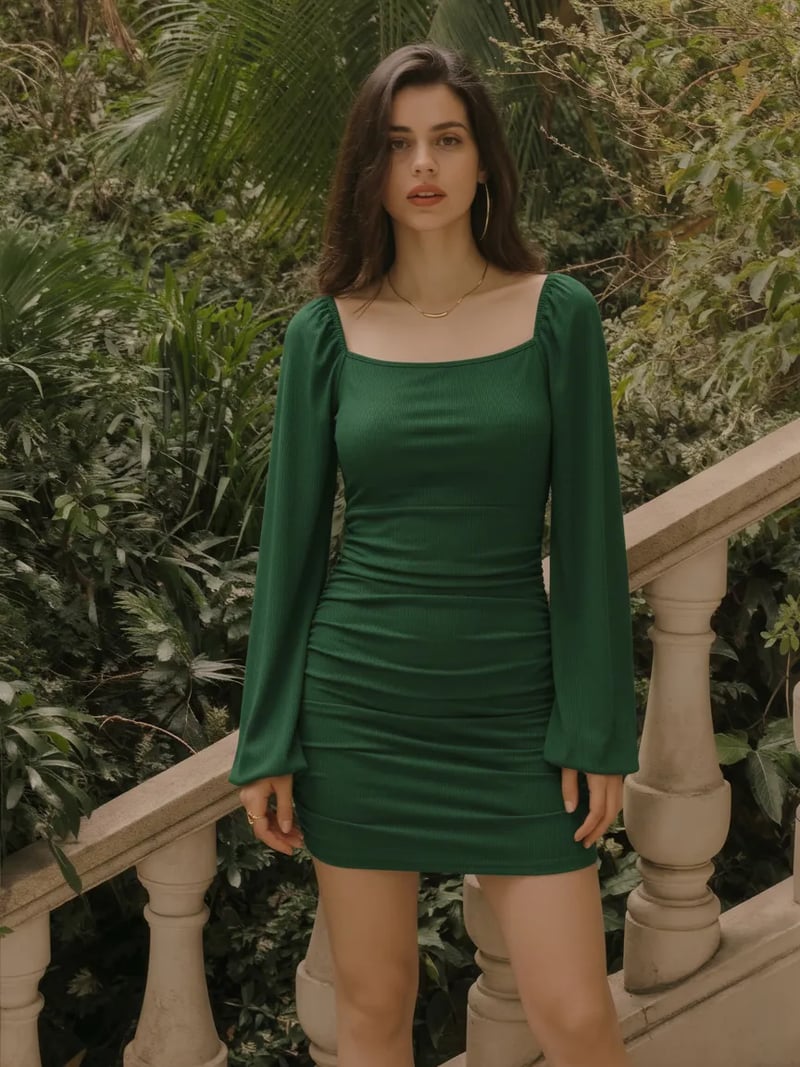
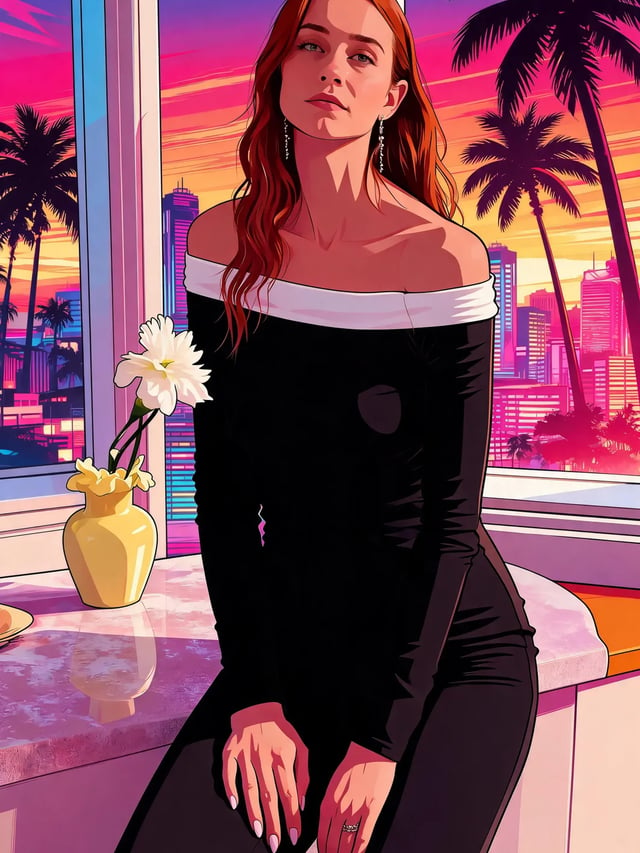
GTA Style Art Generator: Turn Photos Into Poster Art
Use our GTA style art generator to turn a photo into cel-shaded, neon-lit poster art in seconds, with your face and pose kept intact. Free to try.
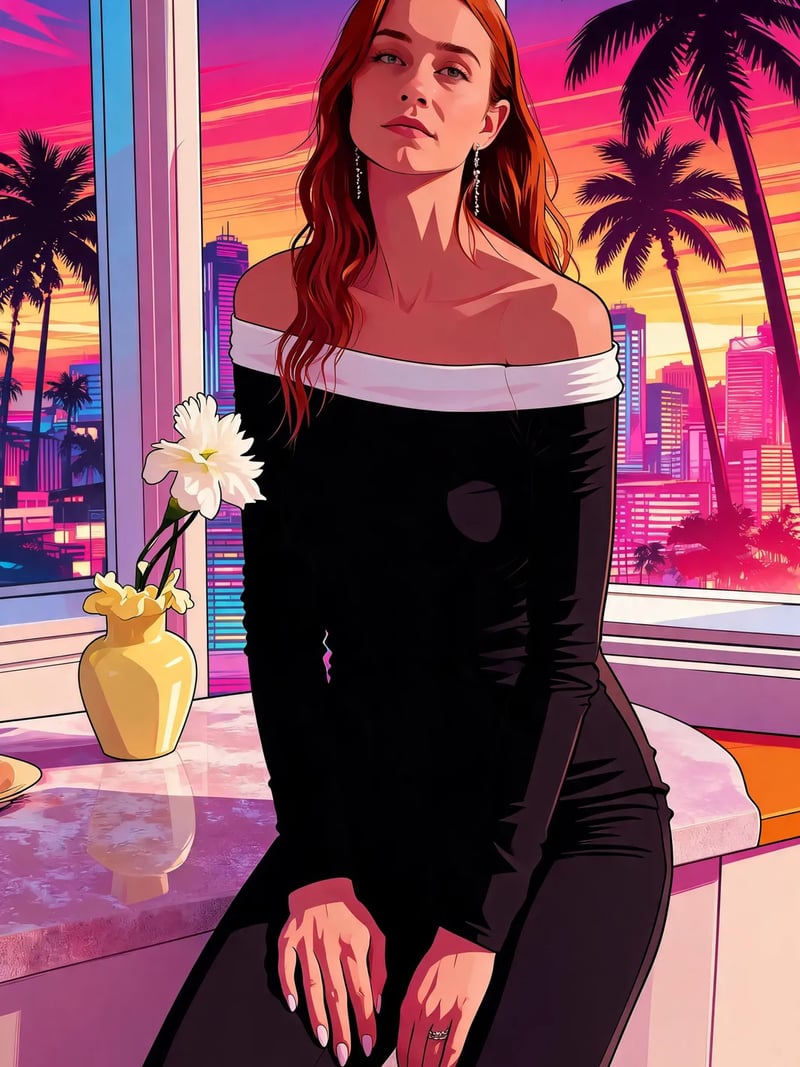
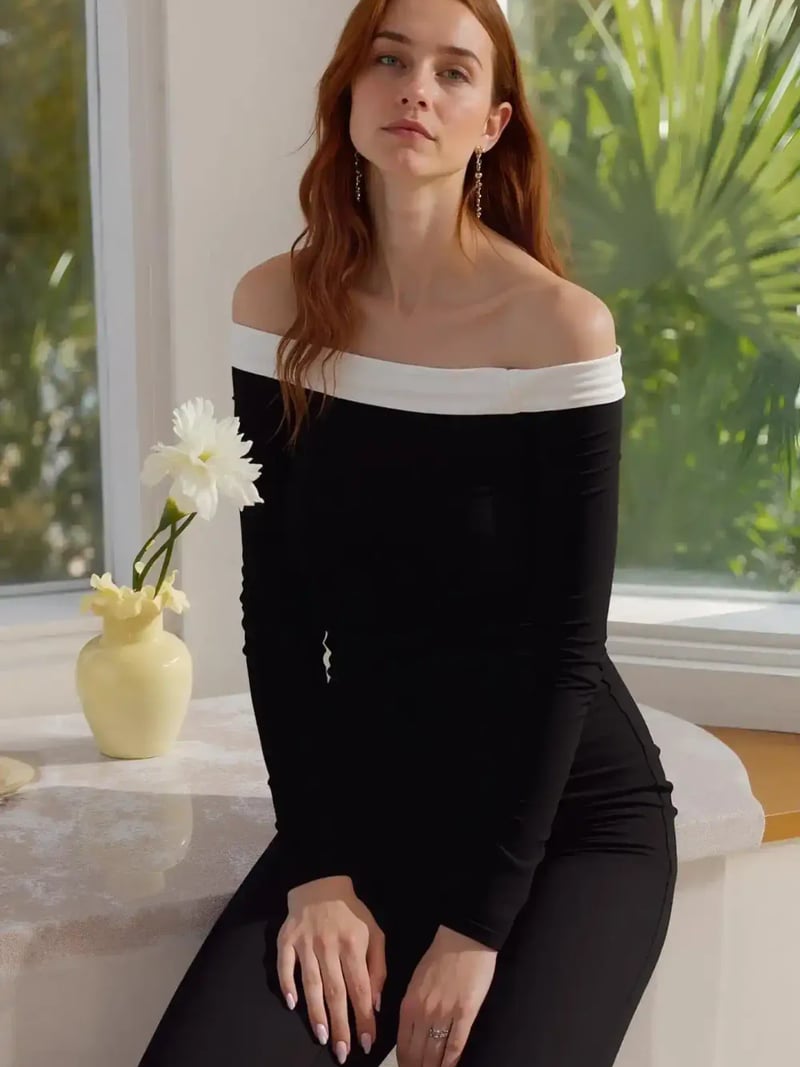
The GTA Style Art Generator turns an ordinary photo into bold, cel-shaded poster art in seconds. Upload a selfie, a group shot or a picture of your car and choose how many versions you want. The AI rebuilds the image with heavy ink outlines, posterized shadows and a saturated city palette. Your face, pose, outfit and background stay recognizable. Only the rendering changes.
It is built for gamers, streamers, Discord and Steam regulars, small creators and anyone who wants a striking profile picture without opening design software. You do not need to draw, mask, or know what cel-shading means. One photo is enough, and there is no photo set to collect and no model to train before your first result.
Doing this by hand means tracing outlines, flattening color into bands, faking neon rim light and repeating all of it for every image. This GTA art generator does the same restyle in about a minute or less. It hands you up to four versions per run, so you can compare looks instead of committing to one.
At a glance
Before & after: GTA style art generator results
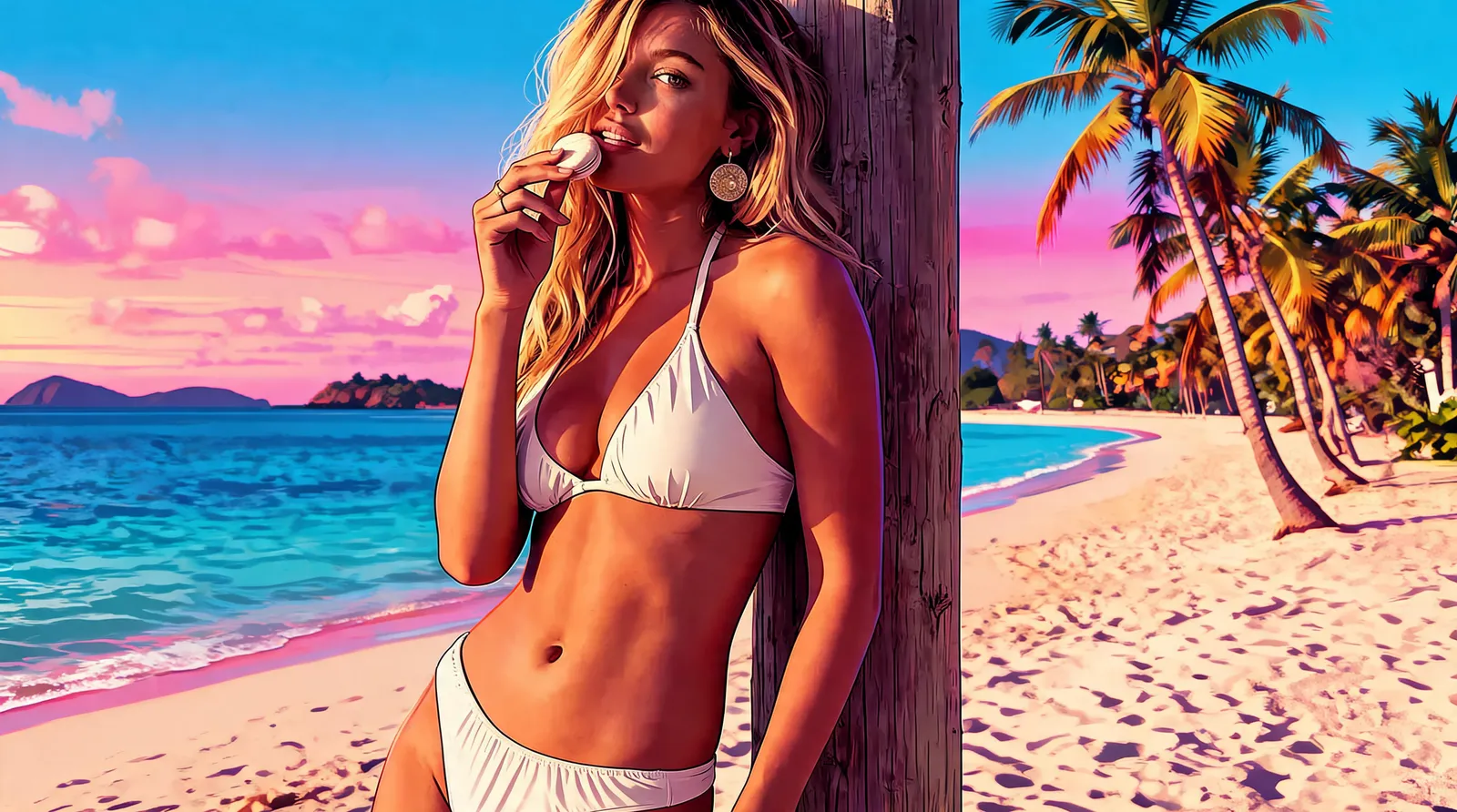
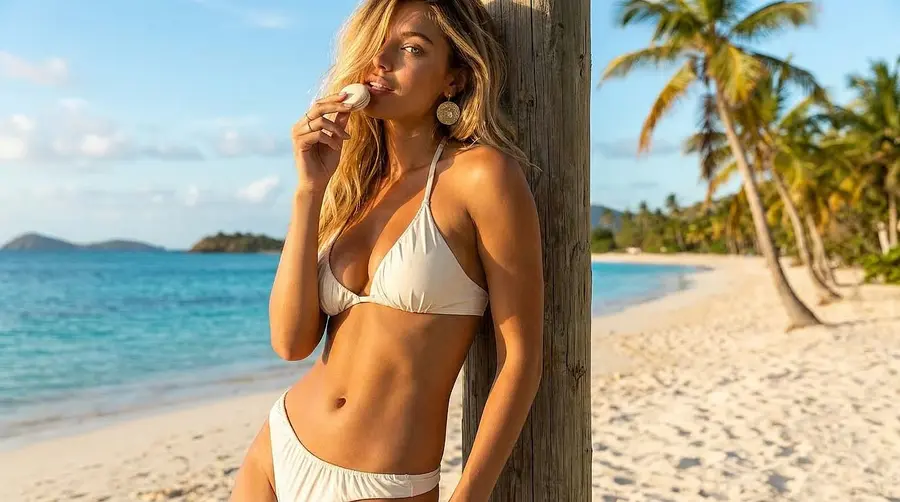
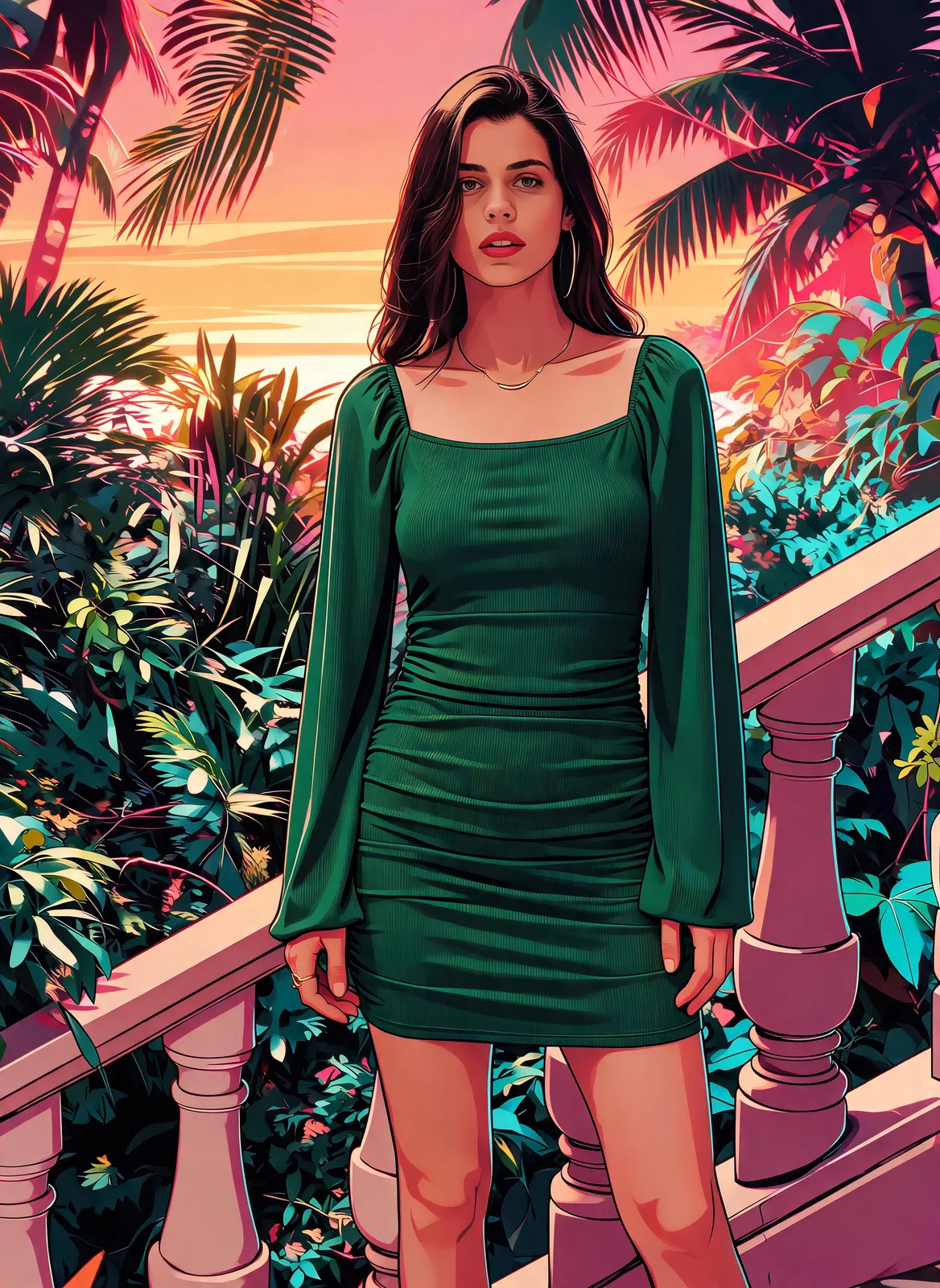
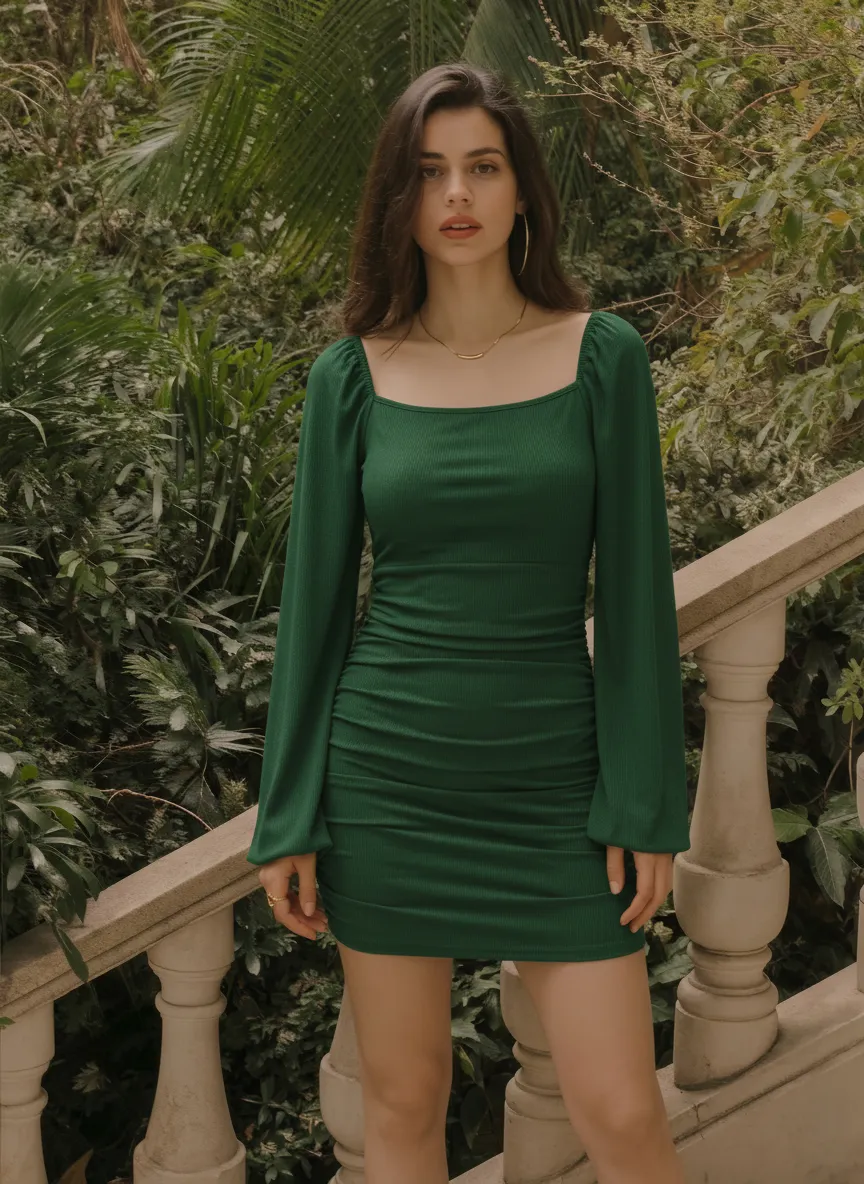
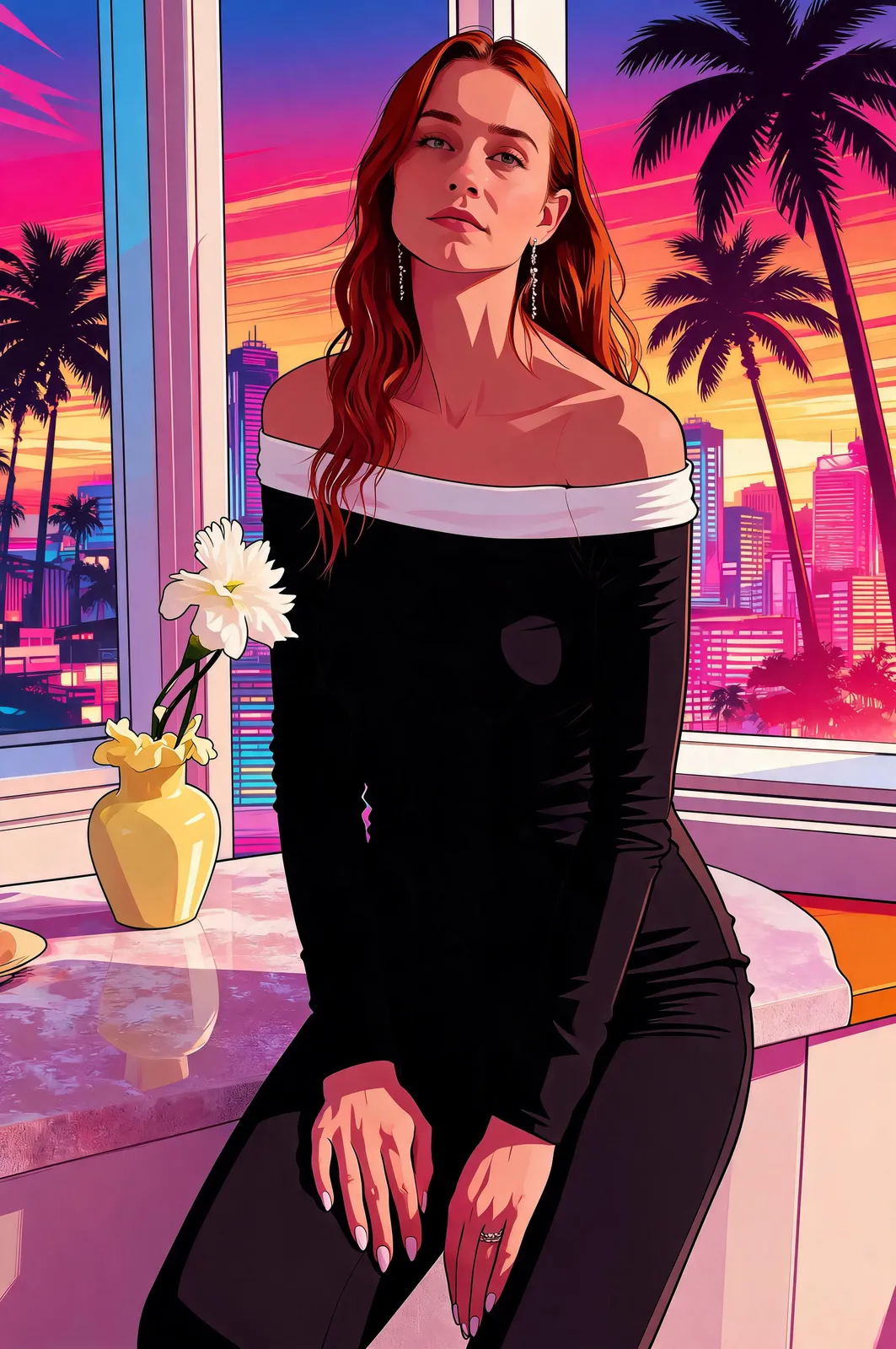
How the GTA style art generator works on your photo
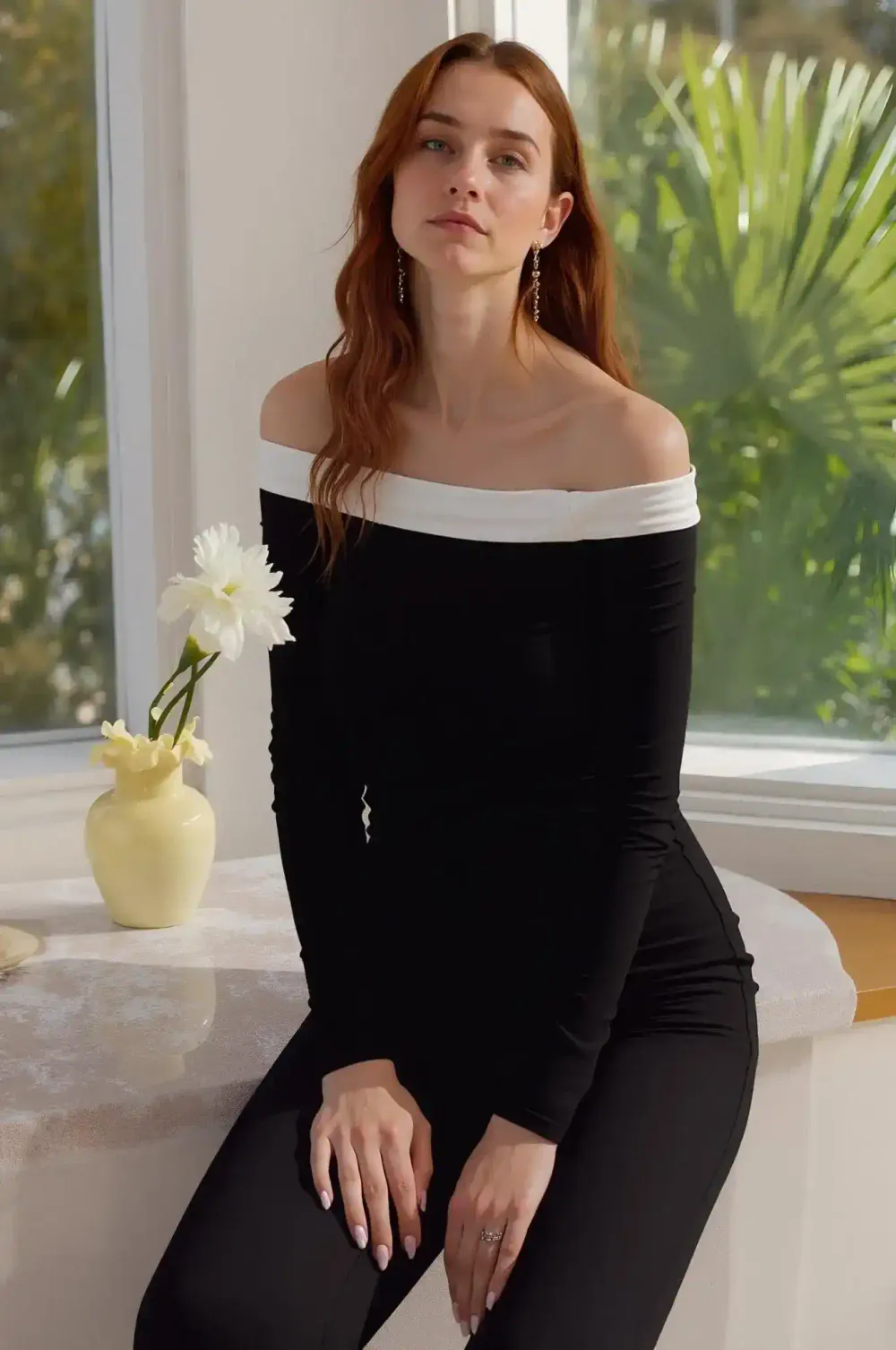
You upload one image in JPG, PNG or WEBP, set the quantity between one and four, and press Generate. The model reads the photo first: where the face is, how the light falls, which edges matter, what the background is doing. Then it repaints the whole frame in the style rather than pasting a texture over the top, which is why the result still reads as you.
Everything outside the restyle is left alone, so a photo of you leaning on a balcony still shows you leaning on that balcony. Results usually land in seconds and rarely take more than a minute. Each image costs 3 credits, and new accounts start with free credits to test the look before spending anything.
What makes the GTA look different from a normal filter
A color filter shifts hue and contrast and stops there. The game-poster look is illustration. You get flat color blocks instead of gradients, hard-edged shadow shapes, black ink lines that vary in weight, and color pushed past what a camera records. That is why the art stays legible at avatar size.
Our GTA filter reproduces those ingredients rather than approximating them. Skin keeps its structure, jawlines and eyes gain definition, chrome and glass turn into bright graphic highlights, and skies get that late-afternoon or neon-night wash the series is known for.
Portraits, crews, cars and skylines
Portraits are the most common input, but the style suits far more. A couple photo becomes a two-hander cover. A group shot becomes a crew poster. A low-angle picture of a car picks up chrome highlights and hard shadow. A city skyline turns into the kind of establishing shot a loading screen would use.
Framing matters more than resolution here: a subject that fills a decent share of the frame gives the outlines something to bite into. If a run misses, swap the source photo or generate again and pick a different version.
Fair use, consent and what the results are for
This is an independent fan-style tool. It is not affiliated with, endorsed by or sponsored by Rockstar Games or Take-Two Interactive, and it does not use official game logos, trademarks or assets. What you get back is original stylized artwork in a popular illustration style, meant for personal, creative and lawful use.
Only upload photos you have the right to use. If another person appears in the shot, get their permission first, and do not restyle someone else's face without asking. Uploads are processed on our servers so the tool can produce and deliver your result, as described in our privacy policy. Sign in with Google to start; no credit card is needed.
How to use GTA Style Art Generator
- 1Upload your photo
Open the workspace and add one JPG, PNG or WEBP image to the Photo slot. Sharp, well-lit shots with a clearly visible face give the strongest lines and the most recognizable likeness in the final art.
- 2Set the quantity
Choose how many versions you want, from one to four. More versions give you different color moods and lighting reads of the same photo. Each generated image costs 3 credits, so a run of four costs 12.
- 3Generate and download
Click Generate and wait a few seconds. Compare the results side by side, then download the one you want and use it as an avatar, wallpaper, thumbnail or printed poster for personal projects.
Perfect for
Profile pictures and avatars
Turn a selfie into a GTA style photo that holds up at avatar size on Discord, Steam, Twitch and X. Flat color and heavy outlines stay readable at small sizes, where soft photographic portraits usually fall apart.
Thumbnails and stream panels
Streamers and video creators need art that reads in a crowded grid. Restyle a face-cam still into poster art, generate four versions, and keep the one with the strongest contrast for your thumbnail, offline screen, channel banner or panel set.
Crew and couple posters
Upload a group photo or a couple shot and the whole frame gets restyled together, so everyone lands in the same lighting and palette. It makes a good birthday gift for a friend who plays.
Wallpapers and room prints
A street shot, a skyline or a favorite travel photo becomes a neon-washed desktop or phone wallpaper. Download the result and print it for a gaming room, a desk frame or a dorm wall. Keep prints personal rather than commercial — the look is tied to a well-known franchise.
Cars, bikes and pets
Shoot your car or motorcycle from a low angle and the GTA art generator turns chrome, paint and glass into bright graphic highlights. Pets work the same way, with fur simplified into shaped color blocks and a bold outline that reads instantly.
FAQ
What is a GTA style art generator?
It is an AI tool that repaints your photo in the illustration style used on Grand Theft Auto poster and cover art. Instead of adding a color overlay, it rebuilds the image with flat color blocks, hard shadow edges, bold outlines and saturated city color. Your face, pose and background stay where they were.
How do I make GTA style art from a photo?
Sign in, open the tool page, upload one JPG, PNG or WEBP photo, set the quantity between one and four, and click Generate. Results appear in seconds to about a minute. Review the versions, then download the one you like.
Is the GTA filter free to use?
New accounts get free credits, so you can try the tool without paying and without entering a credit card. Each generated image costs 3 credits, which means a run of four versions costs 12. When your free credits run out you can buy more. Sign-in with Google is required before you generate.
Is this tool affiliated with Rockstar Games?
No. This is an independent fan-style tool with no affiliation to, endorsement from or sponsorship by Rockstar Games or Take-Two Interactive. It does not use official logos, trademarks or game assets. The output is original stylized artwork in a popular illustration style, intended for personal, creative and lawful use.
Will the result still look like me?
Yes, in most cases. The tool restyles the rendering and leaves identity, pose, outfit, background and lighting direction unchanged, so your features carry into the artwork with sharper edges and stronger contrast. Front-facing or three-quarter portraits with even light give the closest likeness. Very dark, blurry or extreme-angle shots are the usual reason a result drifts.
How long does one GTA style photo take?
Most runs finish in seconds, and a busy queue rarely pushes past about a minute. Asking for four versions can take a little longer than asking for one. Finished images appear in the workspace, ready to download.
Can I upload a photo of someone else?
Only with that person's permission. Upload photos you have the right to use, and ask before restyling a friend, partner or colleague's face. Do not use the tool on photos of people who have not agreed, or to create anything misleading, harassing or unlawful. Results are for personal and creative use.
What happens to the photos I upload?
Uploads are processed and may be stored so the service can generate and deliver your results, as set out in our privacy policy. If a photo is sensitive, the safest choice is not to upload it.
What file formats and photos work best?
Upload JPG, PNG or WEBP files. Sharp, evenly lit images with a visible face or a clear main subject produce the cleanest ink lines and the most convincing color. Avoid heavy motion blur, very low light, strong backlighting and photos that already have a heavy preset applied, since those leave the model less structure to redraw.
Can I use the artwork commercially?
We do not clear results for commercial use. The artwork is intended for personal and creative projects — avatars, wallpapers, thumbnails, gifts and prints for yourself. Because the look is tied to a well-known franchise, any commercial use is your responsibility: make sure your intended use does not infringe anyone else's trademarks or other rights before you sell anything.