 Photography Colleges
Cat Sticker Maker
Community Creations
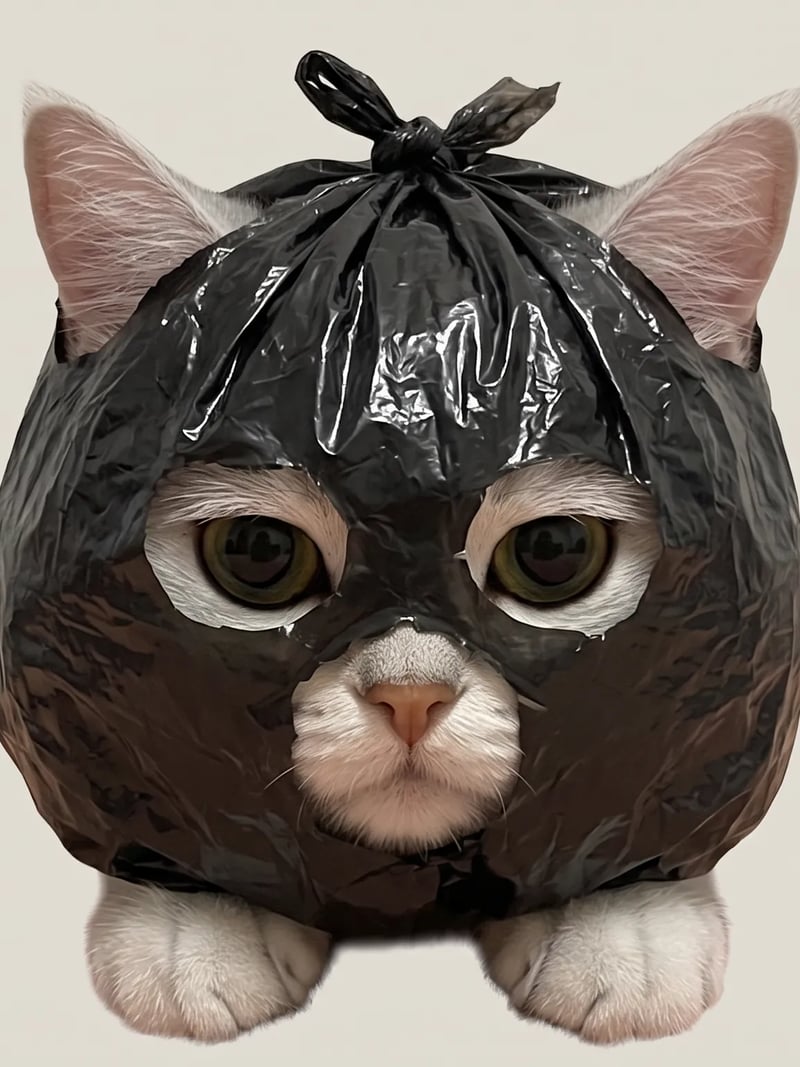
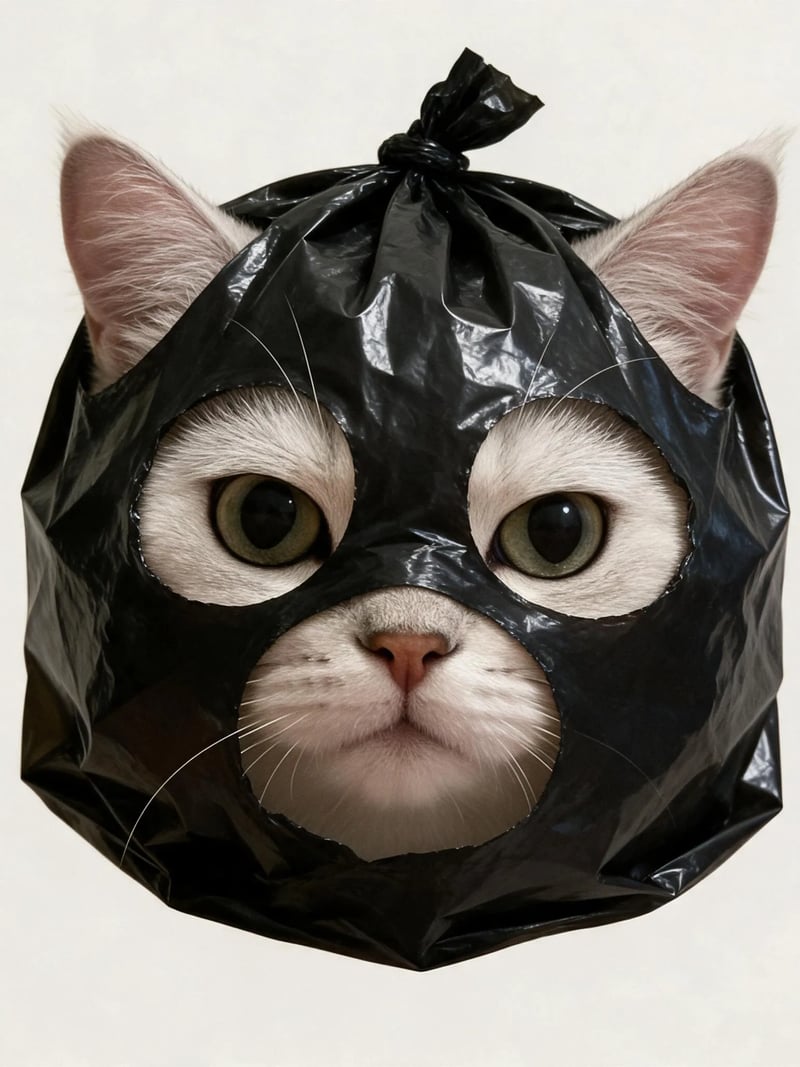
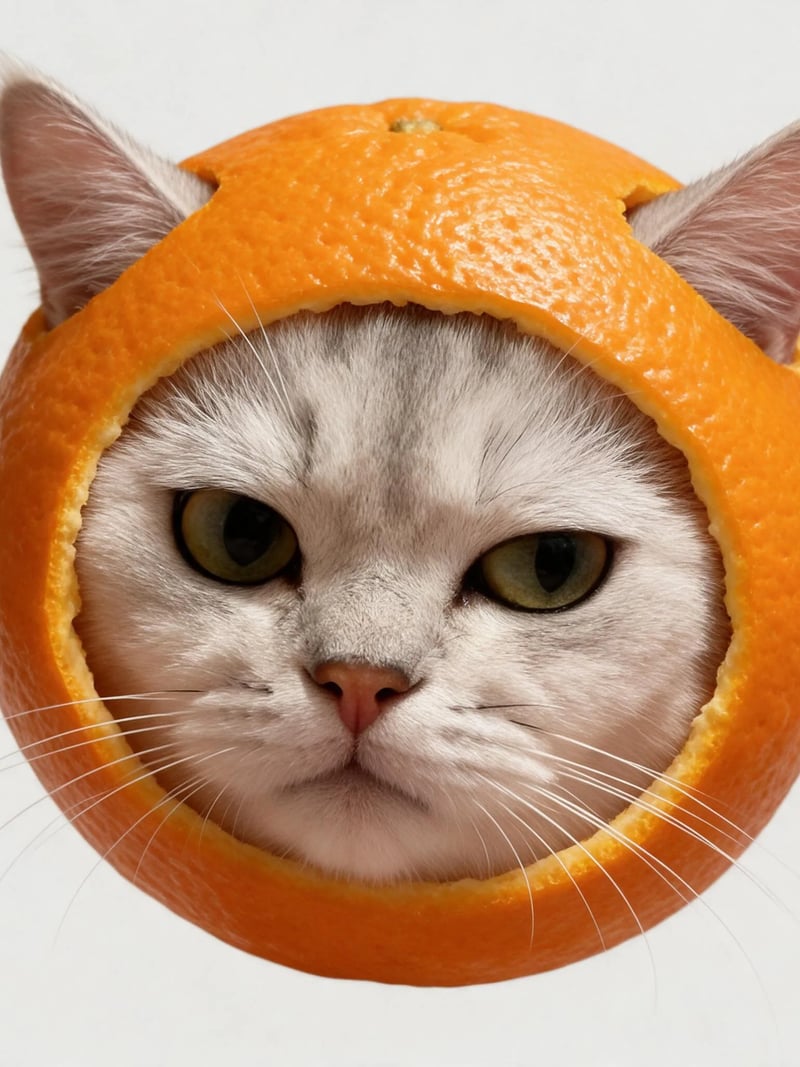
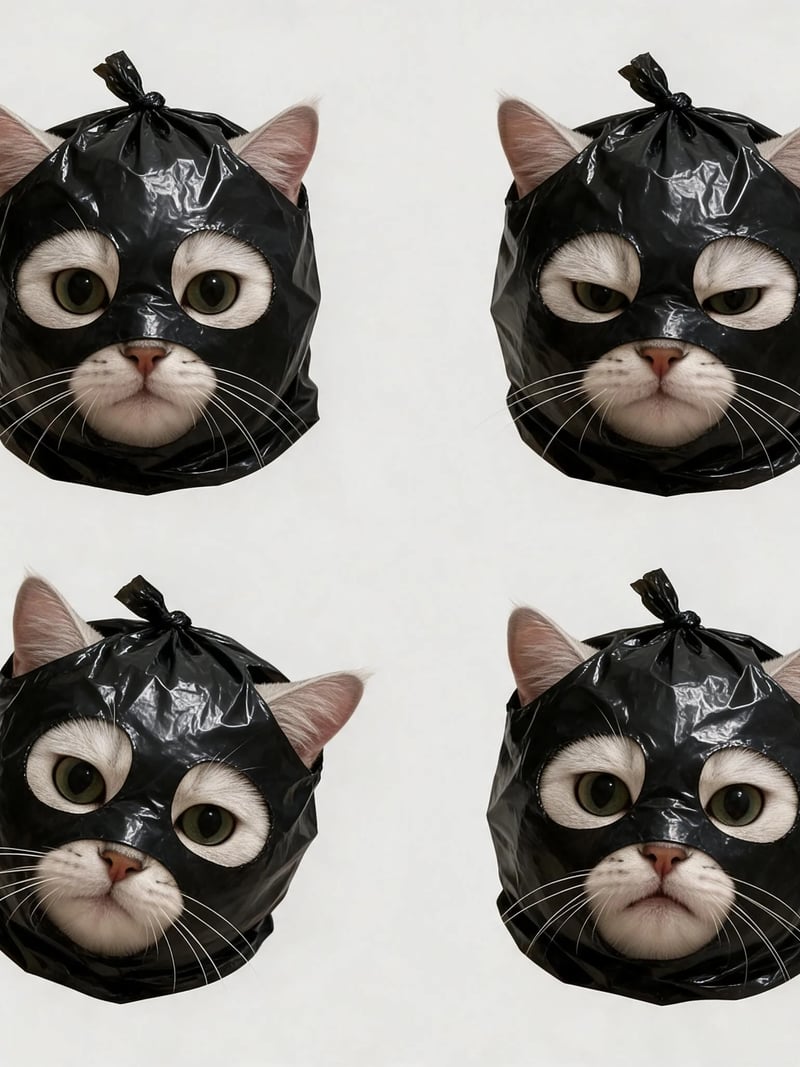
AI Cat Sticker Maker: Turn Your Cat Into a COVERCAT-Style Sticker
Custom cat stickers from your own cat's photo: a black plastic bag, burger, orange peel or sheet mask over the head, MIND A DAY (COVERCAT) style, 1-4 images per run.
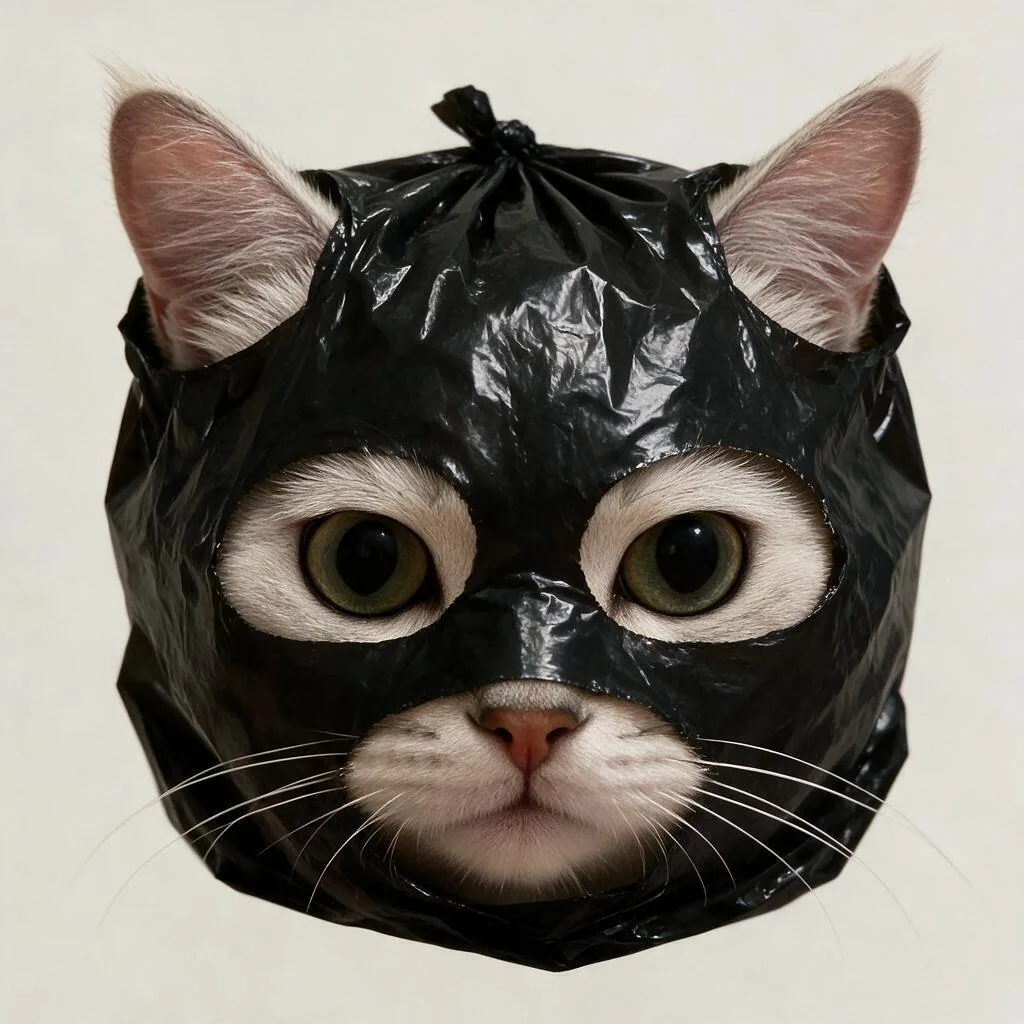
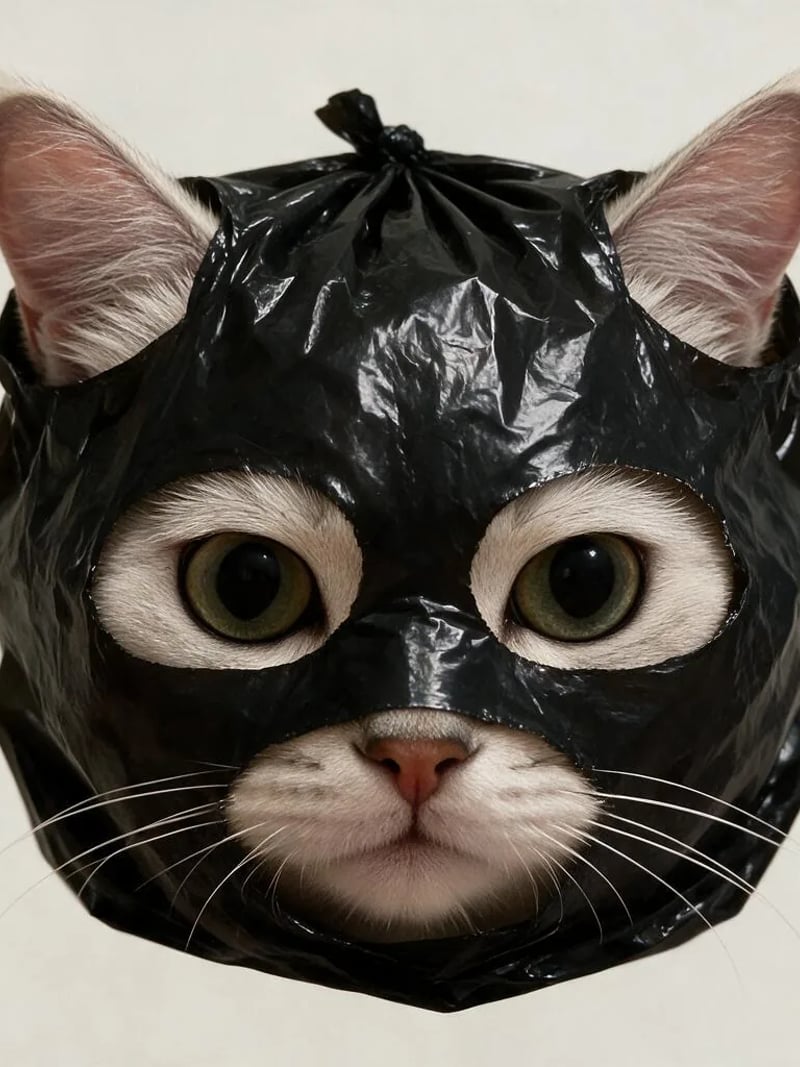
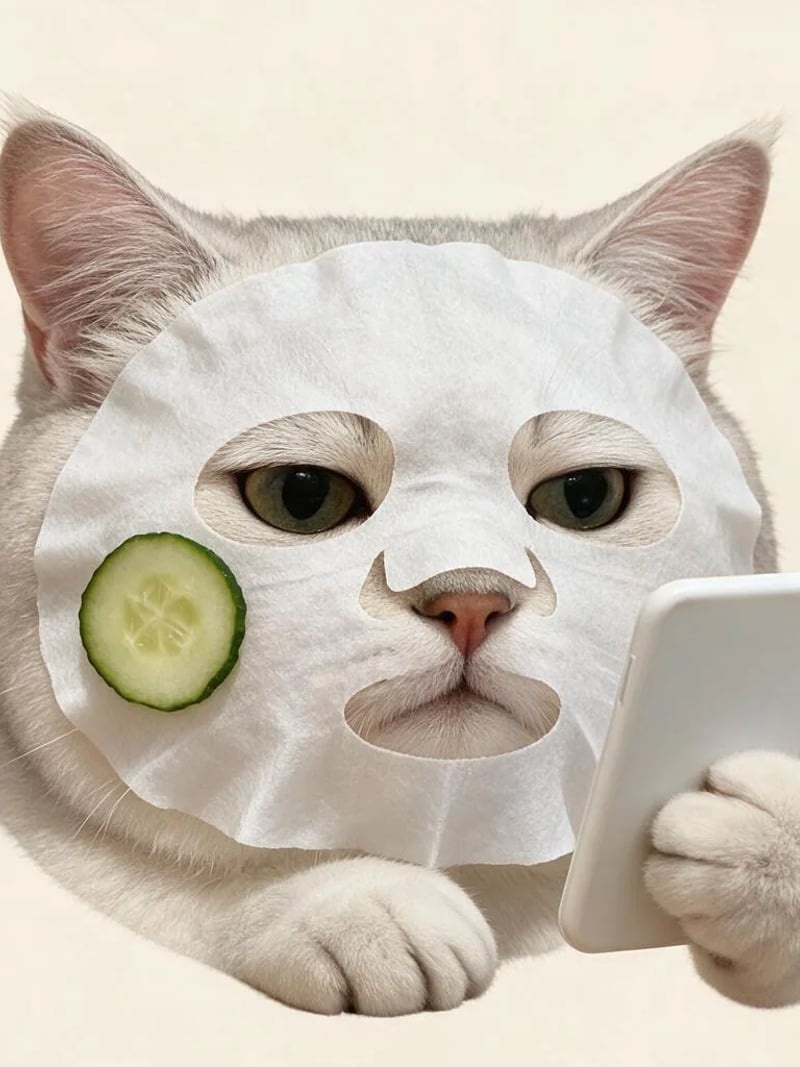
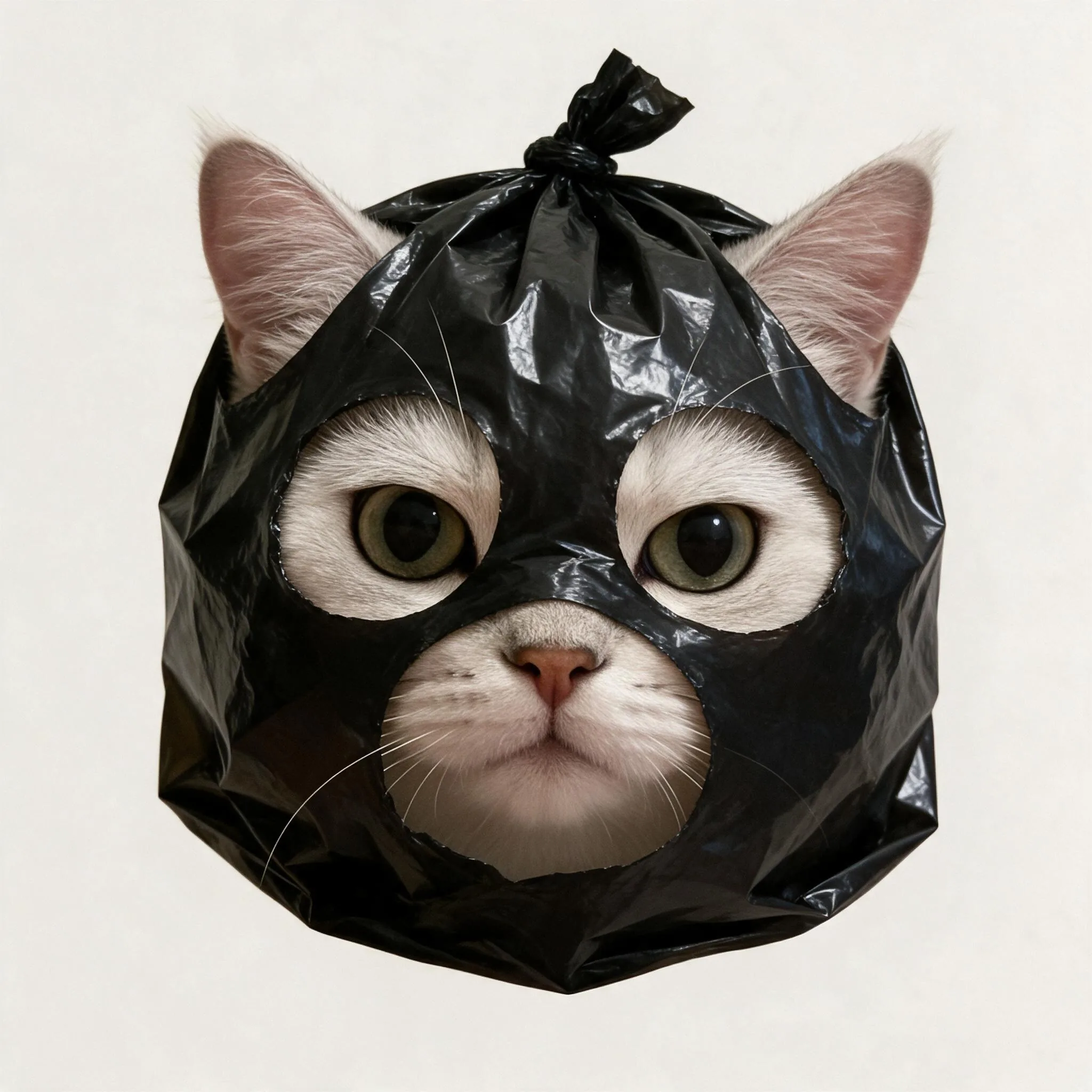
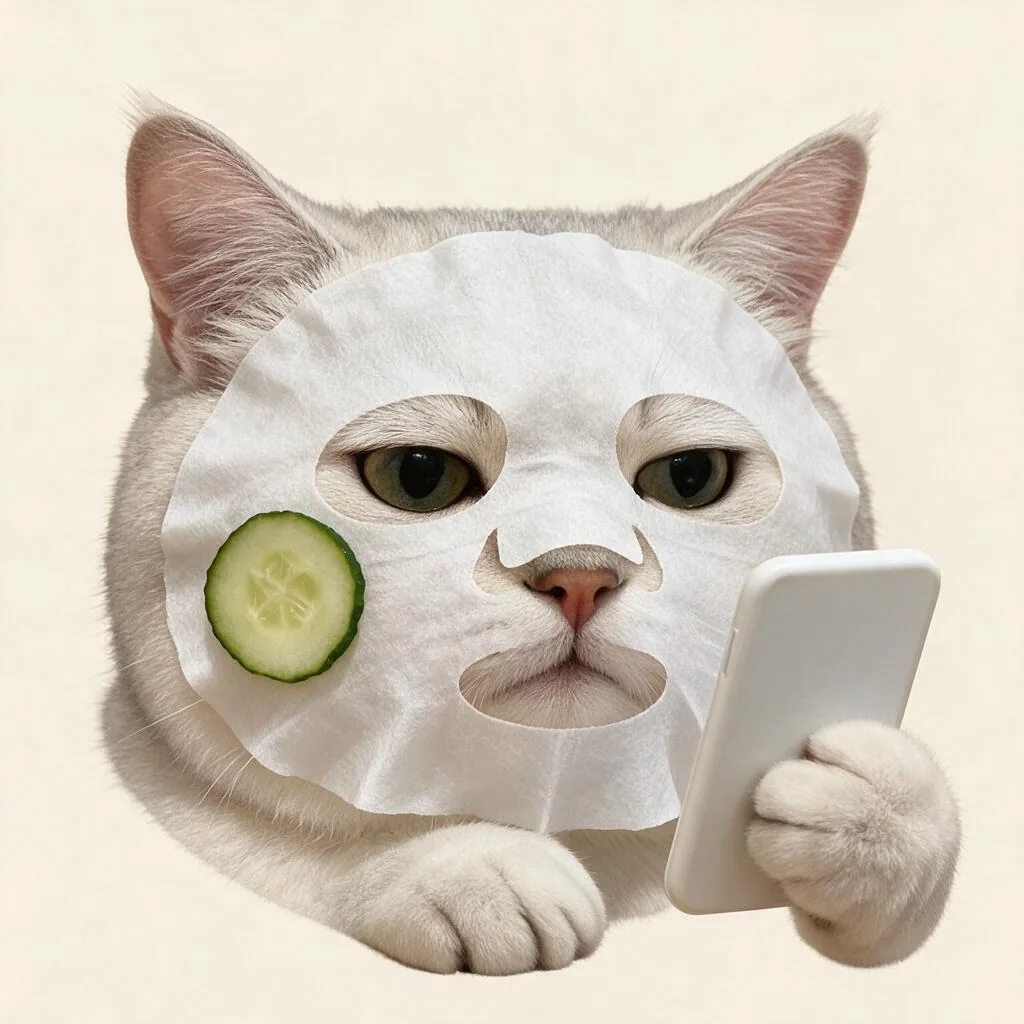
Upload one photo of your cat, pick a prop, and get a custom cat sticker in the MIND A DAY (COVERCAT) style: a real cat, un-cartooned, with a knotted black plastic bag pulled over its head and only the ears, eyes and muzzle showing. Burger buns can sandwich the face instead, orange peel can frame it, or a sheet mask and a paw-held phone can turn it into a skincare-night cat. Real fur and tactile objects meet oversized props, a completely deadpan expression and, at most, two small paws. The result is a head-dominant image on a plain light background, without the thick white border of a cartoon sticker.
It is for cat owners who want a sticker of their own cat rather than a stock cat or a drawn one. Send it as a reaction in the group chat, build a sticker pack for WhatsApp, Telegram, LINE or iMessage, use it as cover art for a channel or a playlist, or print it for a laptop, a phone case or a journal. Shops with a store cat use the same output on packaging labels, order cards and market stall signs.
Doing this by hand means compositing a bag onto a cat photo in a layer editor, rebuilding the creases, the contact shadow and the lighting so it does not look pasted on, then cutting the silhouette out cleanly — an evening for one image. Here you pick a prop, press Generate and get up to four sticker images in one run; a different prop is one more click. New accounts get free credits, so you see the first result before you spend anything.
How a cat photo becomes a COVERCAT-style sticker
The MIND A DAY (COVERCAT) look starts from a real cat, and so does this tool. The model takes the recognisable face from your photo and adds a tactile everyday prop on top: realistic fur, plastic creases and local contact shadows give the object weight, while the exaggerated proportion keeps the result playful instead of cartoonish.
The cat head stays the whole subject. Eye direction, eyelids and head tilt carry the sleepy, sceptical or pleased expression; there is no visible body. Only Everyday Prop allows small cropped paws, for holding a phone or resting beneath the chin.
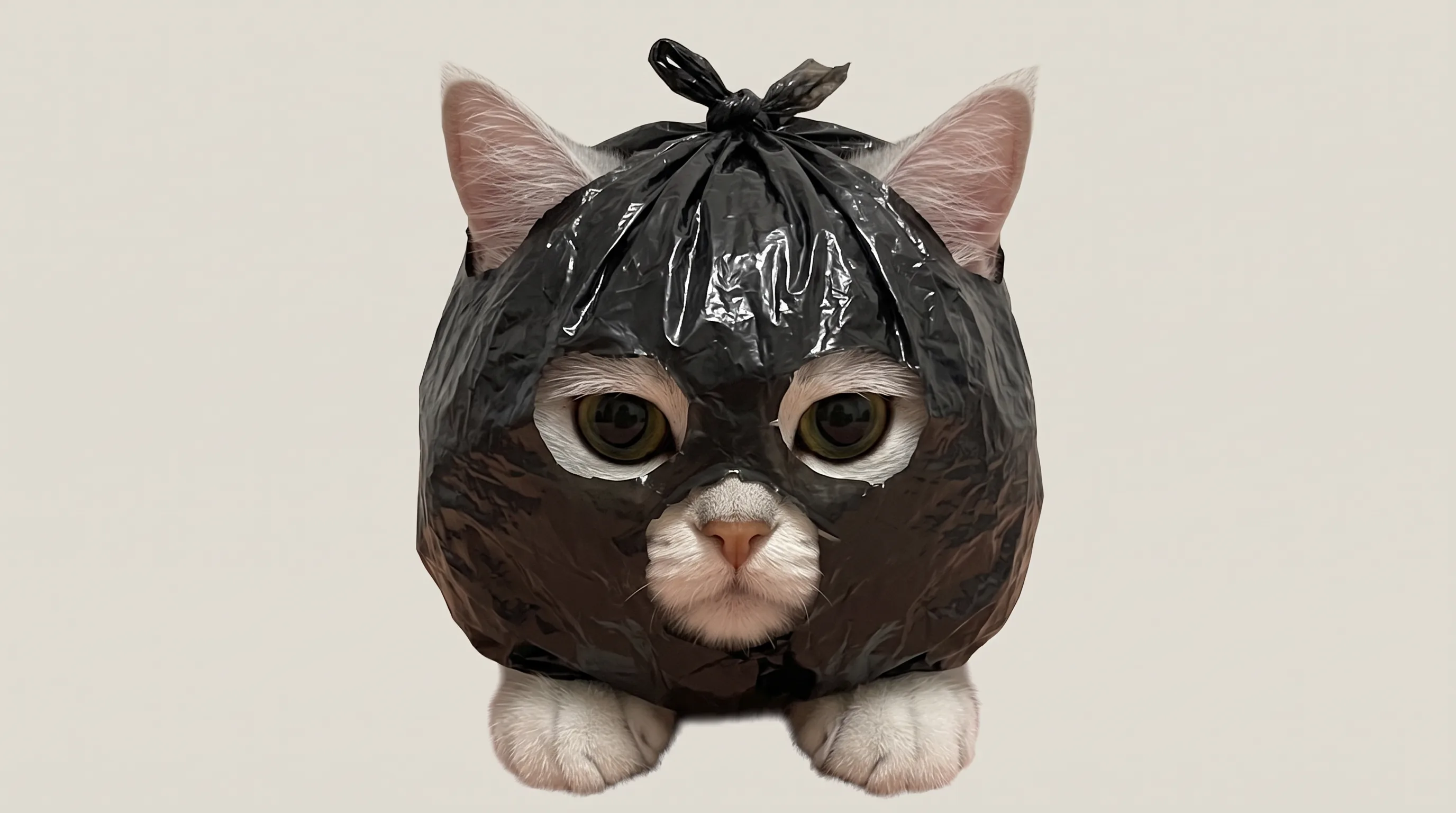
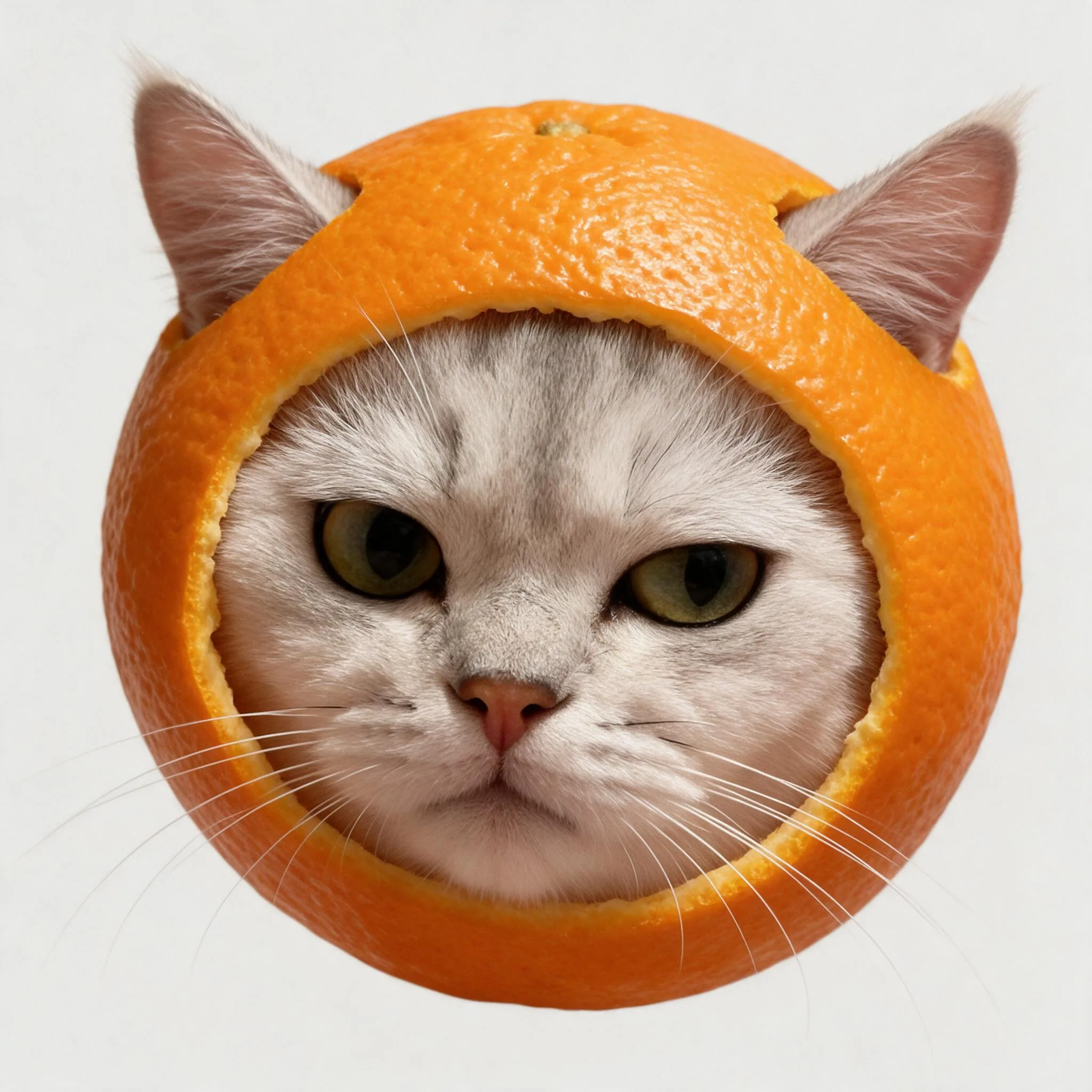
The four props, and what each one covers
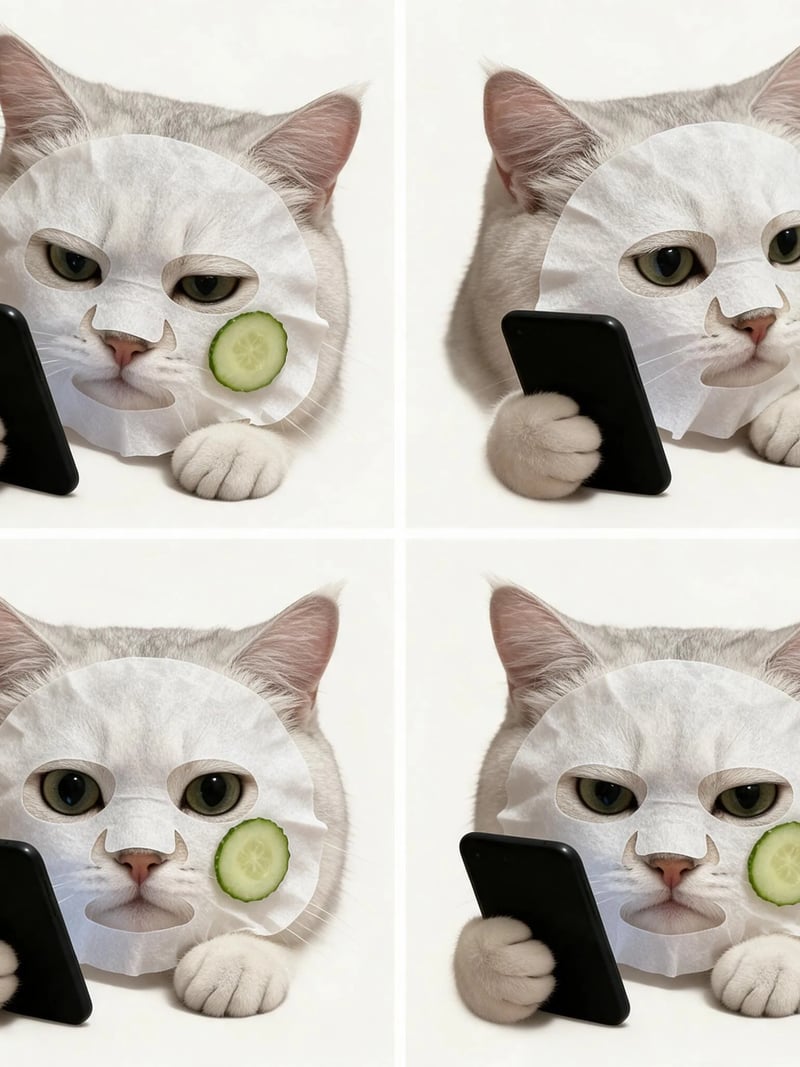
Plastic Bag is the classic cat-with-a-bag-on-its-head: a glossy black bag knotted on top covers the forehead, cheeks and chin, with small openings for the eyes and the nose-mouth area and the ears poking out. Burger sandwiches the face between two buns. Fruit frames only the head with orange peel, no paws. Everyday Prop combines a white sheet mask and cucumber slices with a paw-held phone and an optional chin-resting paw.
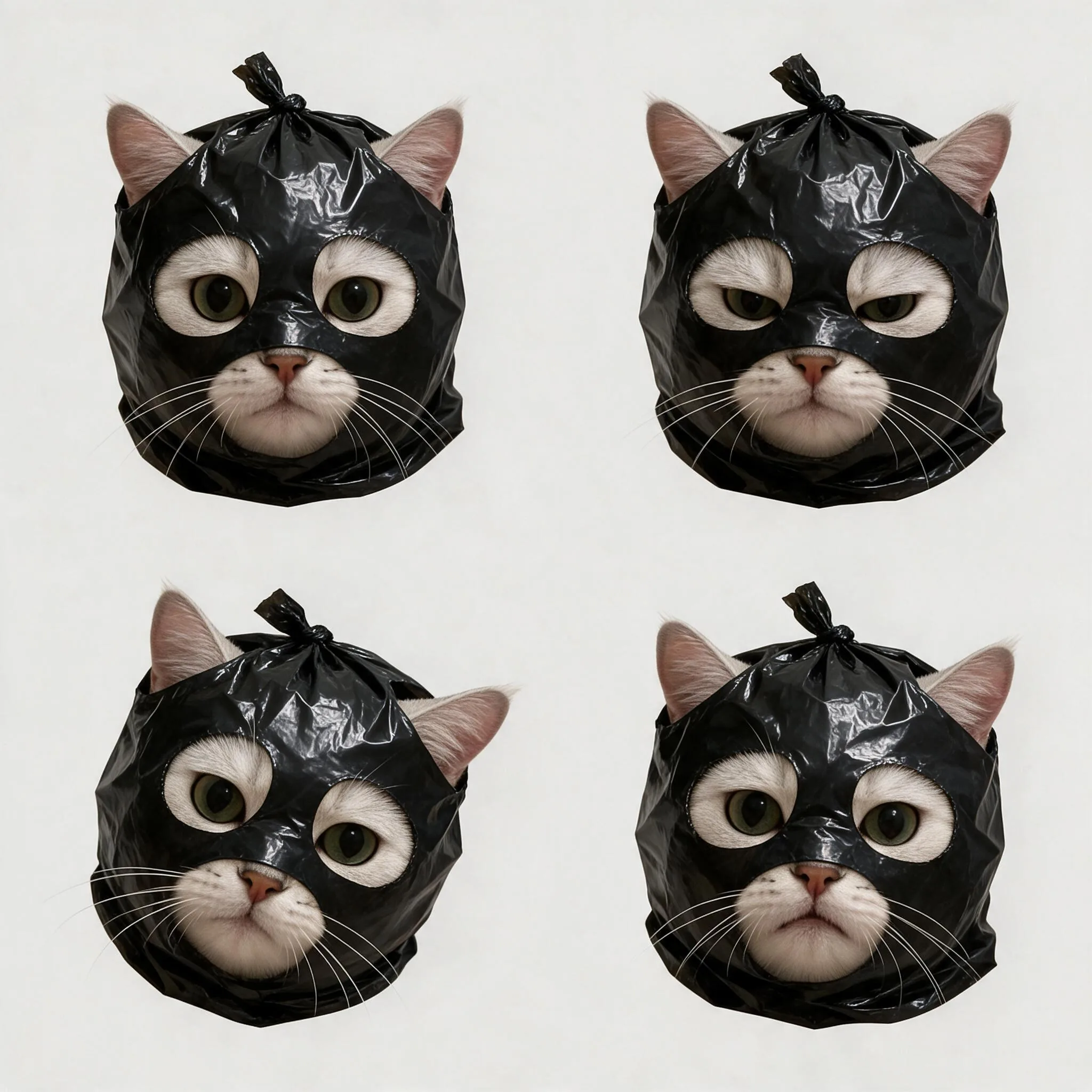
Build the set one prop at a time. Generate two to four images of one prop, keep the best, then switch. Use Single Image for one composition per file, or Collage (2×2) when you want four expressions of the same prop together on one sticker sheet.
Photos that make the best cat stickers
Use a clear, evenly lit photo with the whole head, eyes, nose and mouth visible. Facial markings and eye colour are what make the sticker recognisably your cat, and a front-facing shot gives the prop a natural place to sit.
Avoid motion blur, deep shadow across the face, a paw over the muzzle or a cat turned fully away, because the model has less to anchor on. A sharp phone photo beats a soft high-resolution one, and JPG, PNG and WEBP uploads are all accepted. If two cats are in the frame, crop to one first so the sticker maker knows which cat to cover.
Adding the stickers to WhatsApp, Telegram and LINE
The download is a plain image file with a light background, which is what most chat apps expect. On WhatsApp and Telegram, a sticker-pack app can bundle several files into one pack; on iMessage and LINE the images can be sent or saved as stickers directly. The plain background keeps the face readable on both light and dark chat themes.
A transparent background is not guaranteed. If you need a clean cutout for a die-cut print or a design, remove the background in any editor after you download.
Printing, sharing and fair use
Prepare the background, size and cut lines for your chosen print format. If you sell prints or use the images on packaging, make sure you hold the rights to the source photo and check the terms first. The style is inspired by MIND A DAY (COVERCAT); this is an independent tool with no connection to the brand.
Sign in with Google to start, and new accounts receive free credits so you can test a prop before spending. Uploads may be processed and stored so the service can deliver your stickers, as our privacy policy sets out; we do not promise automatic deletion, so do not send a photo you would rather not keep on a server.
How to use Cat Sticker Maker
- 1Upload a photo of your cat
Pick a JPG, PNG or WEBP photo where your cat's eyes, nose and muzzle are clearly visible and not hidden by a paw, hair or a shadow. The prop covers the rest of the head, so a front-facing shot with the whole head in frame and even light gives the sticker maker the most to work from.
- 2Pick a prop and a layout
Choose Plastic Bag for the classic COVERCAT look, Burger, Fruit for an orange-peel frame, or Everyday Prop for the sheet mask and phone. Single Image gives one composition per file; Collage (2×2) puts four variations of the same prop in one sticker sheet. Quantity generates 1 to 4 separate files.
- 3Generate, download and add to your chat app
Press Generate, compare the results and download the files you like. Each generated image file costs 3 credits; a 2×2 collage is one file and also costs 3 credits, and Quantity set to 4 costs 12. Import the files into the sticker feature of WhatsApp, Telegram, LINE or iMessage, or send them straight into the chat as images.
Perfect for
Cat stickers for WhatsApp, Telegram and iMessage
The joke works because the cat is real. Put a black plastic bag over your cat's head, keep the deadpan eyes, and send it as a reaction in the group chat where everyone already knows the cat. Generate the four props in a row and you have a small sticker pack that all stars the same animal.
A COVERCAT-style series of your own cat
Build the set one prop at a time with the same photo: the knotted bag, the burger, the orange peel, the sheet mask. Because the face is always yours, the four images read as one character — the way the original COVERCAT series does — rather than four random stickers.
Covers, avatars and profile art
A large cat face and one oversized prop read clearly at avatar size and as a channel or playlist cover. Crop to the head for a chat avatar, or remove the plain background if you want to place the silhouette on a different cover.
Prints, phone cases and small merch
Use the sticker in phone-case, mug, magnet or die-cut sticker designs. Prepare the background, dimensions and any cut lines to suit the printer before you print.
Small business mascots
Shops that already have a store cat can turn it into a mascot without commissioning an illustrator. Use the stickers on packaging labels, thank-you cards, market stall signs and social posts. Generate several props so the mascot can match a promotion, and check the usage terms before you print at scale.
Cat Sticker Maker at a glance
FAQ
What is an AI cat sticker maker?
It is an image tool that turns one photo of your cat into a humorous photographic sticker. You pick a prop — a black plastic bag, a burger, orange peel or a sheet mask — and a layout, and each run generates up to four image files, each holding a single composition or a 2×2 collage of your own cat.
What is the MIND A DAY (COVERCAT) style?
COVERCAT is the character created by the Korean design brand MIND A DAY: a timid real cat that gains confidence when it hides its face in a black plastic bag, photographed un-cartooned with the eyes and muzzle left visible and the expression completely deadpan. This tool generates new images in that style from a photo of your own cat. It is an independent tool and is not affiliated with, endorsed by or connected to MIND A DAY or its artists.
How is this different from a regular AI sticker maker?
Most AI sticker makers draw a cartoon from a text prompt or trace a cutout with a thick white border. This one keeps your cat as a photograph — real fur, real eye colour, real markings — and only adds the prop, the lighting and the deadpan expression. If you want a drawn cat, use a cartoon sticker app; if you want your cat, use this.
Will the sticker still look like my cat?
The model is instructed to preserve your cat's fur markings, eye colour, nose and muzzle while adding the prop and subtle expression changes. Likeness can vary between runs; a clear, evenly lit, front-facing photo gives it the best reference, and Quantity set to 2-4 lets you pick the closest take.
Is the cat sticker maker free?
New accounts receive starter credits after signing in with Google, enough to try a prop before you pay. Each generated image file costs 3 credits, whether it holds a single composition or a 2×2 collage. Quantity set to 4 generates four files for 12 credits. Further generations require credits; there is no unlimited free tier.
What kind of cat photo works best?
Use a clear, evenly lit photo with the whole head, eyes, nose and mouth visible. Facial markings and eye colour are what make the sticker recognisably your cat. The output focuses on the head; neck and chest markings are not included.
Can I use the stickers in WhatsApp, Telegram, LINE or iMessage?
Yes. Download the image files and import them into the sticker feature of the chat app you use. WhatsApp, Telegram, LINE, Signal and iMessage all accept custom sticker images, and the plain background keeps the sticker readable on both light and dark chat themes. For Telegram and WhatsApp packs you may need a sticker export app on top of the files.
Do the stickers have a transparent background?
Images use a plain light background without a thick white border. A transparent background is not guaranteed. Remove the background separately if you need a transparent cutout for a design or a sticker pack.
How do I build a whole cat sticker pack?
Use the same cat photo and change the prop to build a series: Plastic Bag, then Burger, then Fruit, then Everyday Prop. Single Image returns one composition per file; Collage (2×2) puts four variations of one prop in a single sheet. Quantity set to 4 generates four separate files per run.
Does it work with dogs or other pets?
It is built for cats: every prop is placed for a cat's head shape, and the model is told to keep a cat's markings, eye colour and muzzle. It is not tuned for dogs or other animals, so results from a non-cat photo are unpredictable.
How is this different from the Cat Work Meme Maker?
The Cat Work Meme Maker takes a whole office scene from a template — desk, badge, coffee — and puts your cat's face into it. The Cat Sticker Maker keeps the head as the whole subject and puts a prop over it, so you get a head-shot sticker rather than a scene.
Can I make stickers from a photo of someone else's cat?
Only with the owner's permission. Run your own cat, or a friend's cat with their clear agreement, and never turn a stranger's pet photo into stickers for commercial use. If you are making stickers for a shop, a brand or a client, make sure you have the rights to both the photo and the resulting artwork.
Can I print the stickers or sell them?
Use the images for reactions, profile pictures, covers and personal prints freely. For commercial use — packaging, merch, prints for sale — remove the background and prepare dimensions or cut lines for your printer, make sure you hold the rights to the source photo, and check our terms before you sell.
What happens to the photo I upload?
Uploads may be processed and stored so the service can generate and deliver your stickers, as described in our privacy policy. We do not promise automatic deletion, so avoid sending images you consider sensitive. Sign in with Google to start.