 Photography Colleges
AI Big Butt
Free for a limited time
Generate without spending credits. Sign-in required.
Best Examples
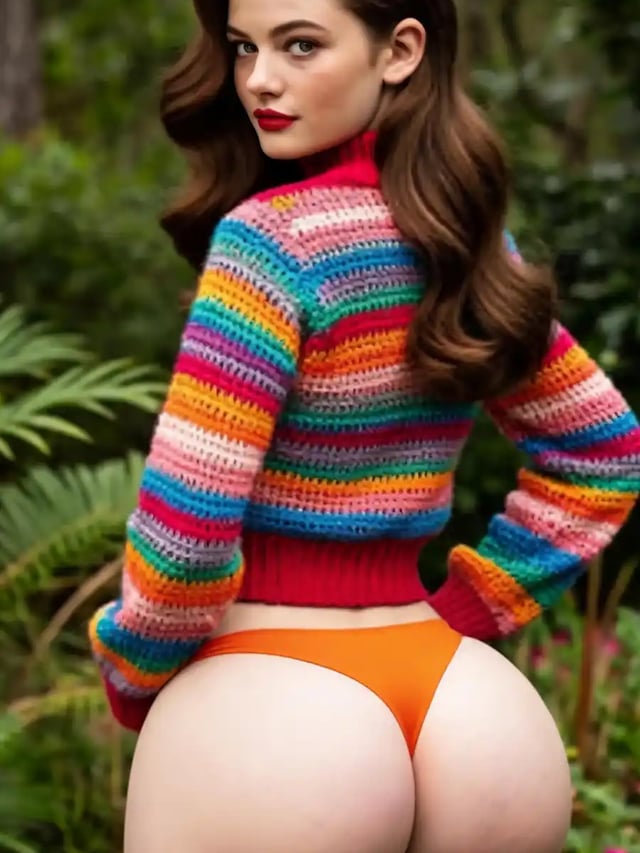
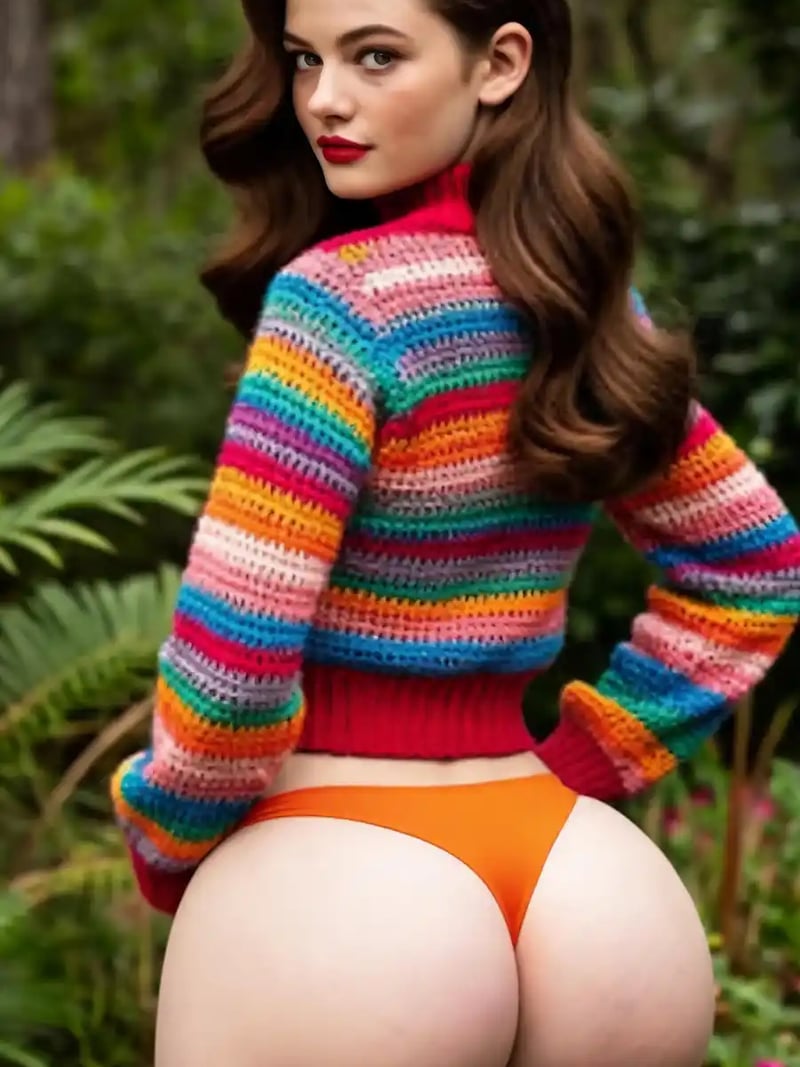
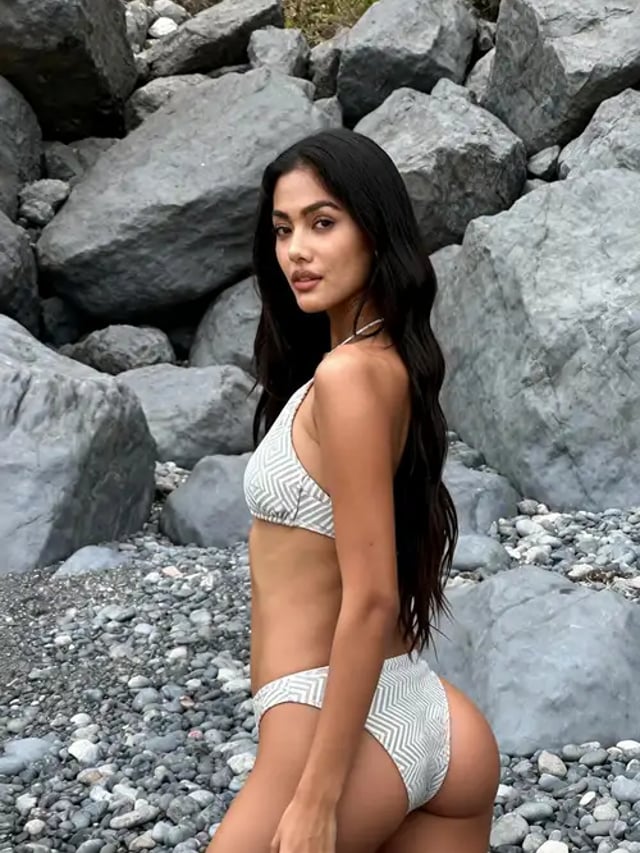
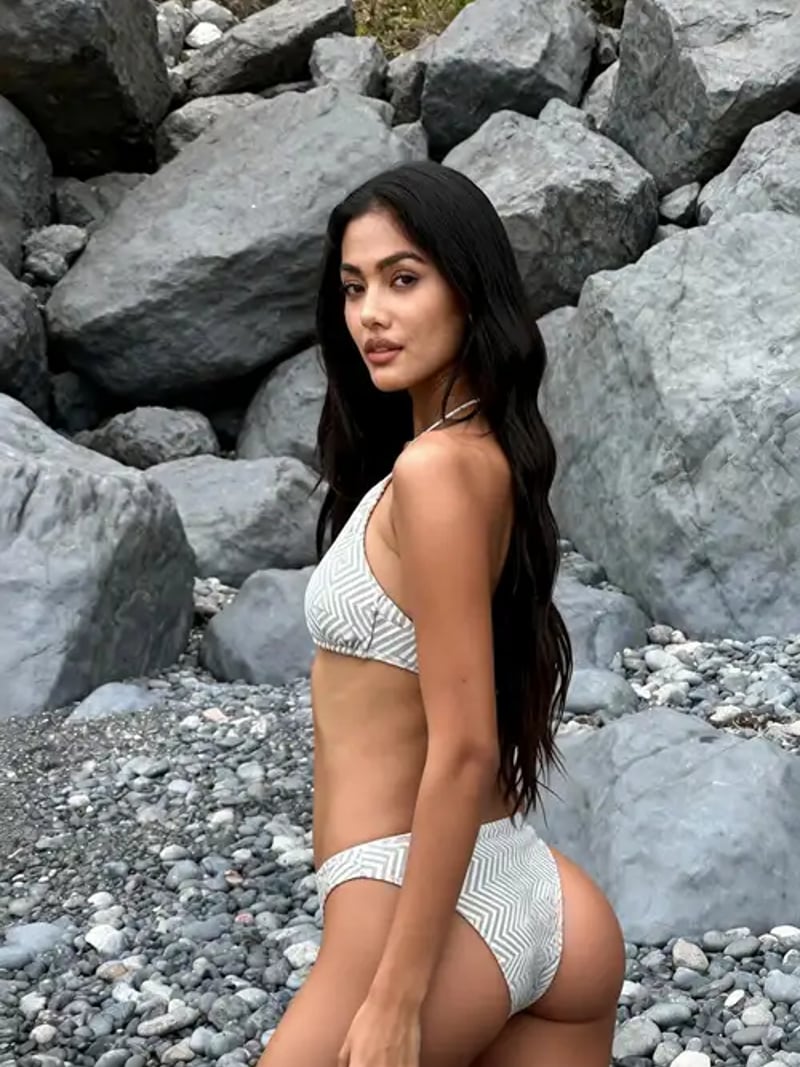
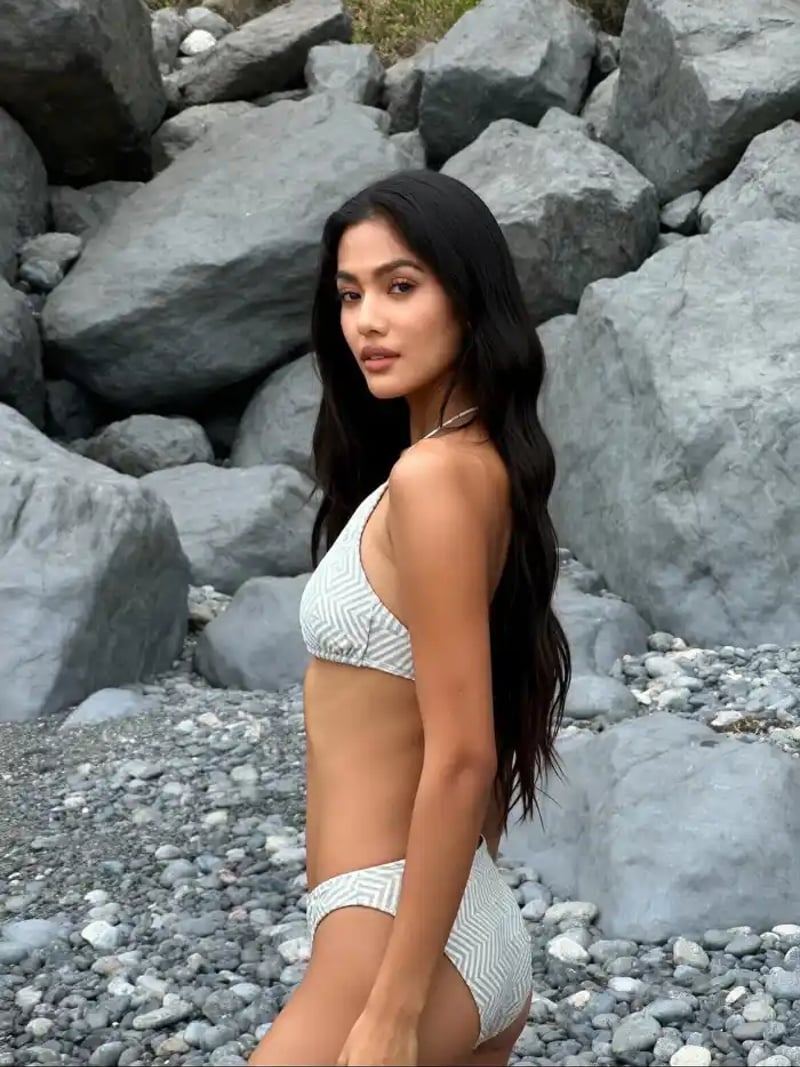
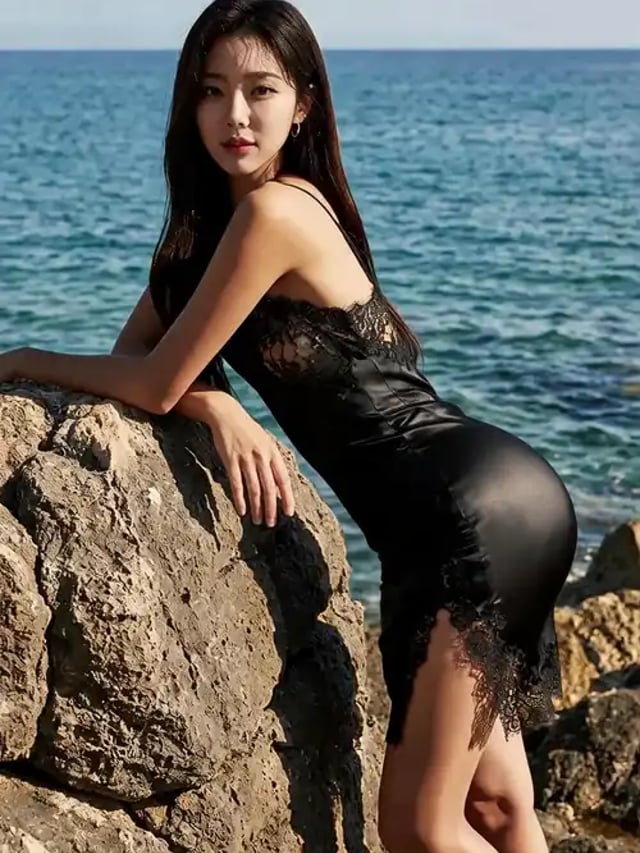
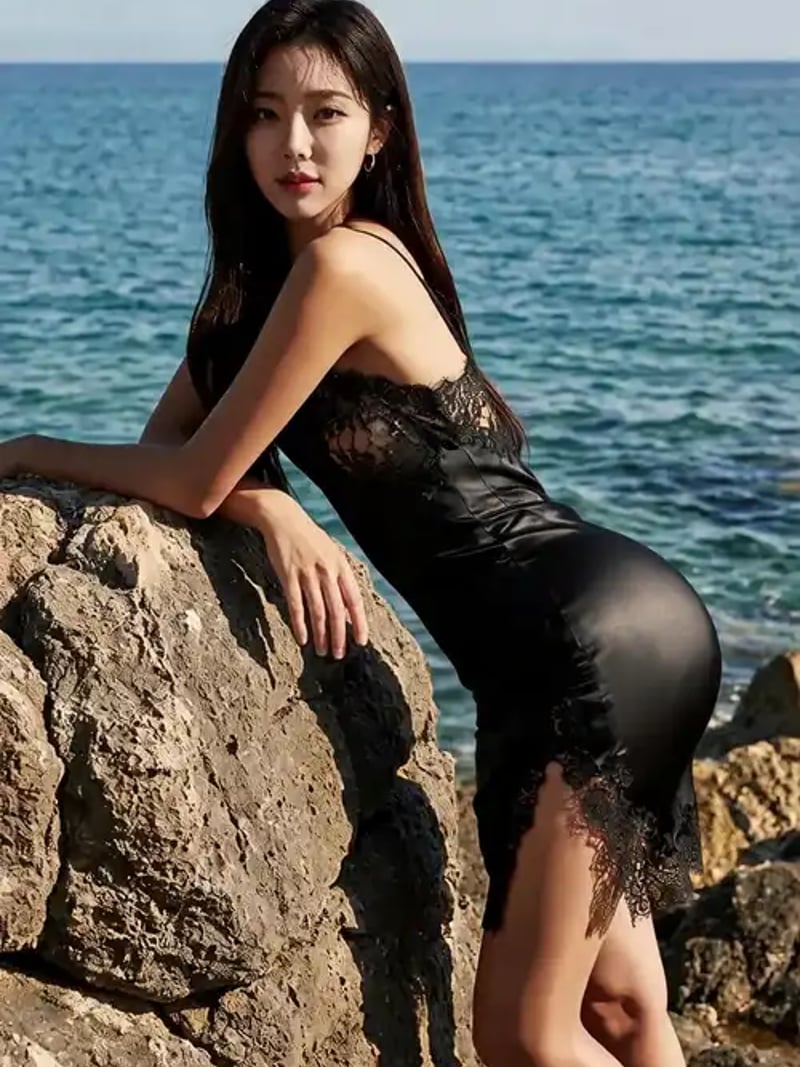
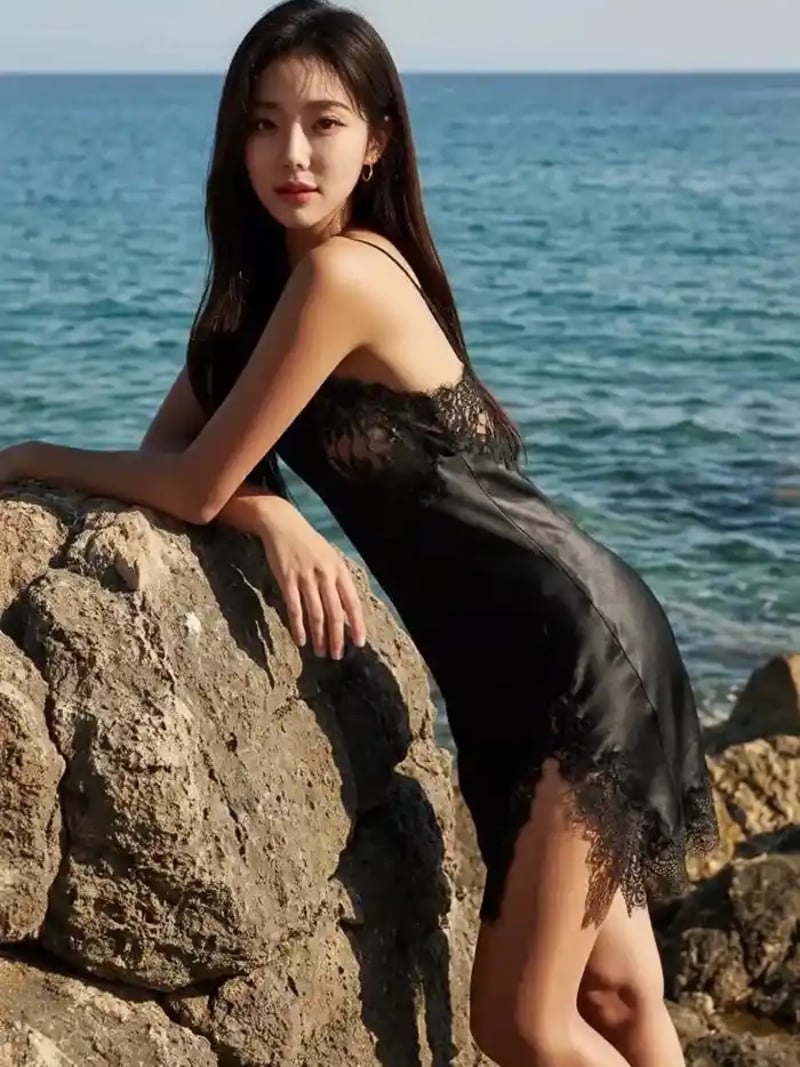
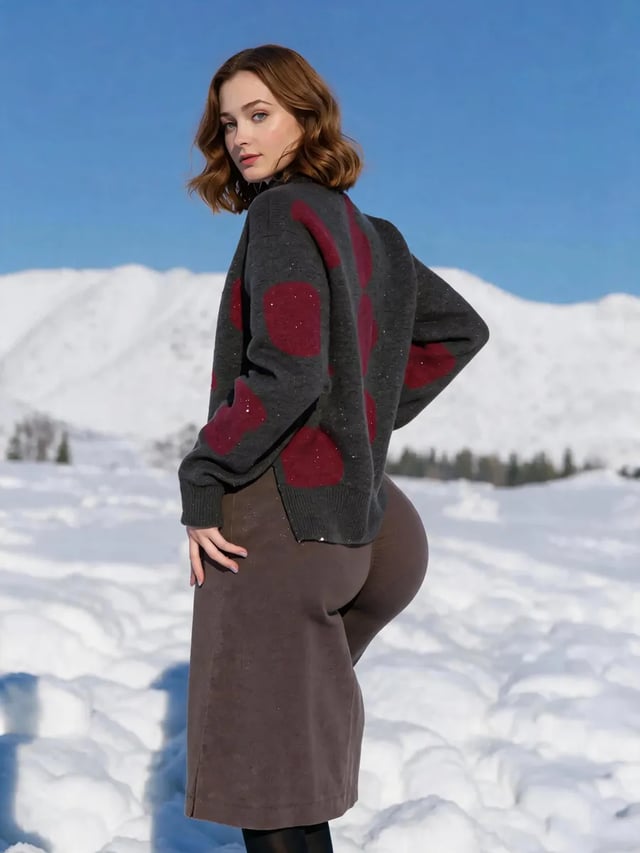
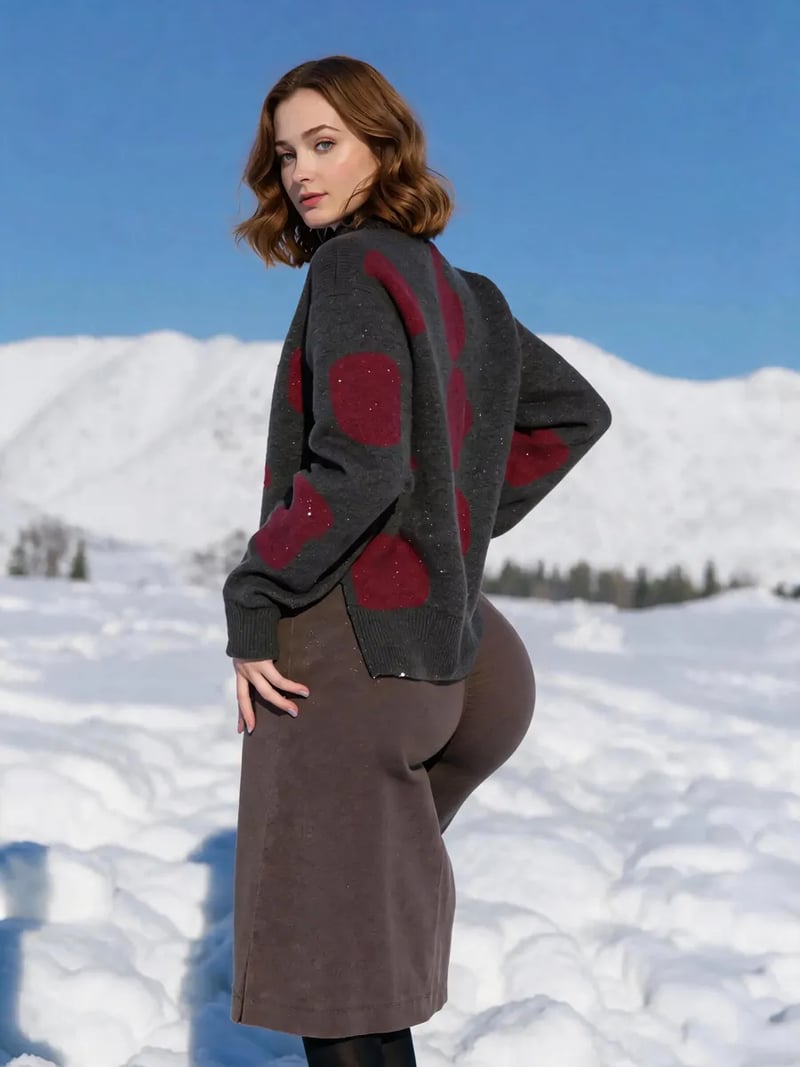
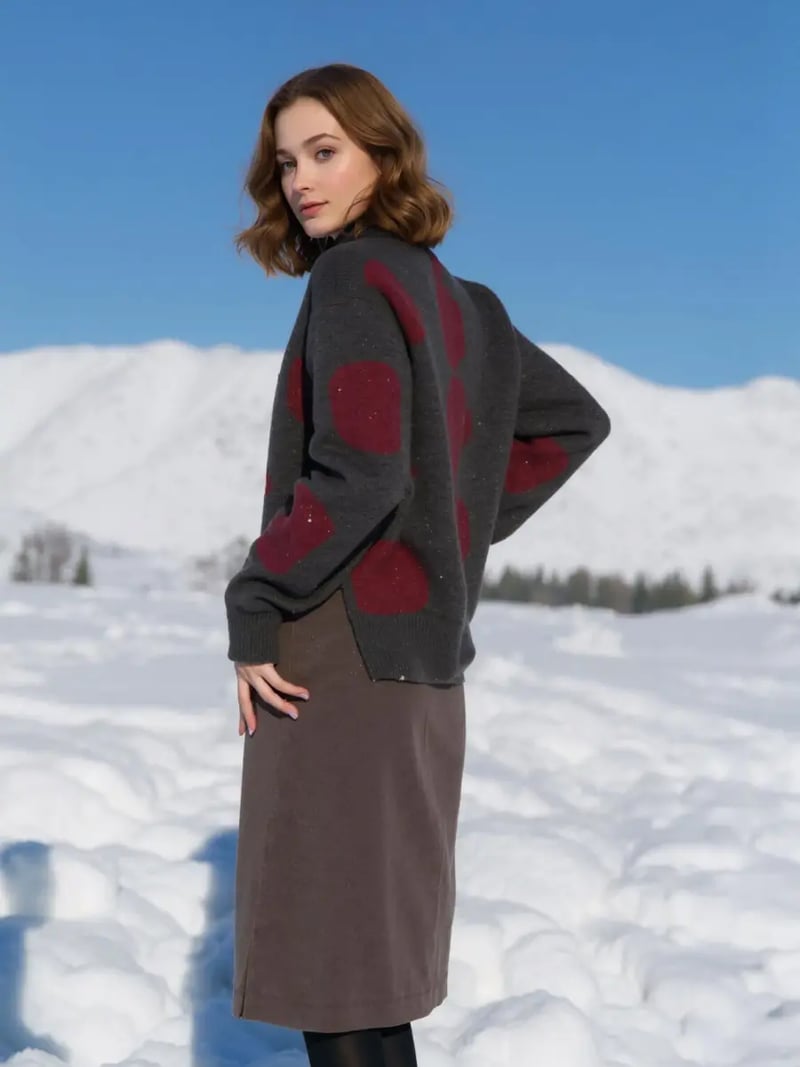
AI Big Butt Filter: Fuller, Lifted Curves in Photos
The AI big butt filter makes hips look fuller, rounder and more lifted in one upload, while outfit, pose and background stay untouched. Free to try today.
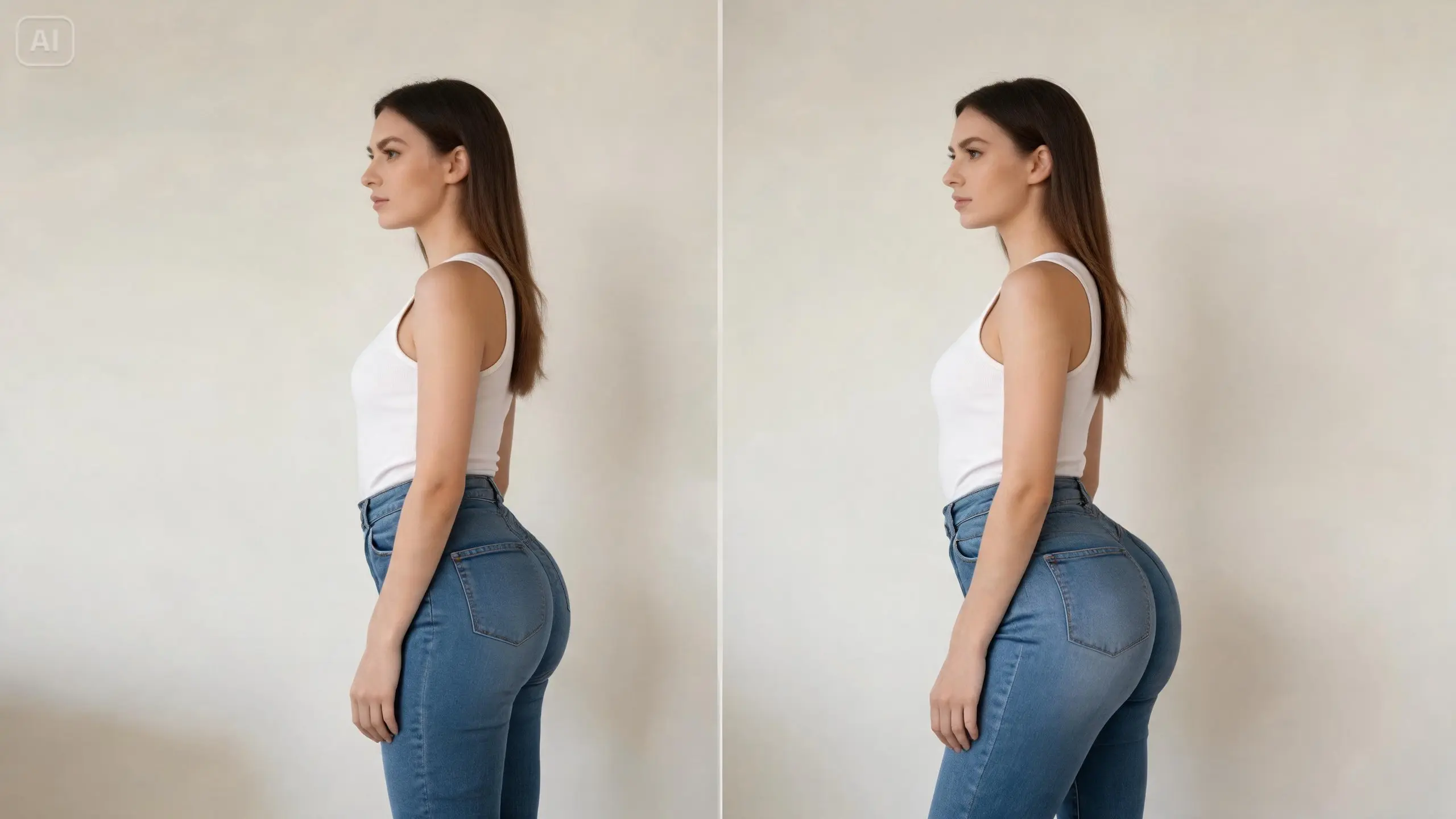
The AI big butt editor reshapes the hip and glute area of a photo you upload, so the curve reads fuller, rounder and more lifted. Everything outside that area is left alone. Your face, hair, pose, outfit, background and lighting come back exactly as you shot them. Upload one image, pick how many versions you want, and compare the results side by side before you keep one.
It is built for adults editing their own photos. Think creators planning an outfit post, cosplayers matching a character silhouette, fitness accounts previewing a look, or artists building fantasy avatars. Use it for personal, creative and lawful projects only. If a photo shows someone else, get their explicit permission first. The tool is intended for people aged 18 and over.
Manual liquify work is slow and still bends the doorframe behind you. The edit here stays inside the hip contour, so tiles, patterns and shadow edges stay straight. You do not need any retouching experience. Free for a limited time: no credits are deducted. Sign in with Google to generate.
How the AI big butt filter reshapes only the hip contour
The edit stays inside the hip and glute contour and rebalances the waist-to-hip line. Everything outside it comes back unchanged: your waist width, leg length, stance, clothing pattern and the background. That is why leggings and denim still look like leggings and denim rather than a stretched screenshot.
The frame is untouched too: same crop, same aspect ratio, same composition. That matters most in busy scenes. A gym mirror, a tiled bathroom wall or a striped dress will show a warp instantly, and a contour-level edit avoids that failure mode entirely.
Realistic results instead of an obvious big booty AI look
The most common giveaway in body edits is lighting that does not follow the new shape. Here the lighting of the original photo is kept, so a side-lit shot stays side-lit and a flat studio shot stays flat. The result is meant to be clearly visible, not cartoonish, and it should still read as your body.
Run two to four variations per request and compare them. Some photos take a stronger curve well; others read better in a subtler variation. Requesting several results in one go is how you find that out, since the only settings are the photo and how many versions you want.
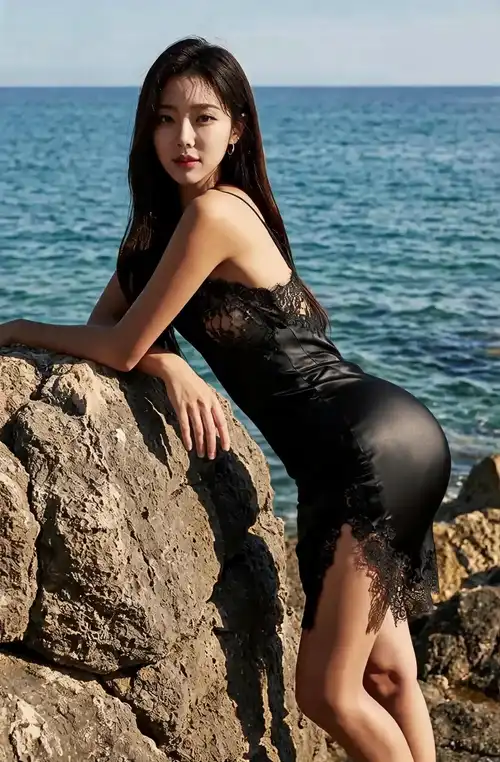
Big butt AI for outfit, cosplay and fitness previews
Fashion creators use it to test how a bodycon dress, high-waist jeans or swimwear would sit with a different silhouette before booking a shoot. Cosplayers use it to match a character's proportions without foam padding. Dance and fitness accounts use it to visualize a training goal in a photo they already own.
Illustrators and character designers treat it as a fast reference step. Shoot or upload a base pose, generate a curvier variant, and use that frame as anatomy reference for a drawing or a 3D block-out. It replaces manual warping in a desktop editor with a single upload and a short wait.
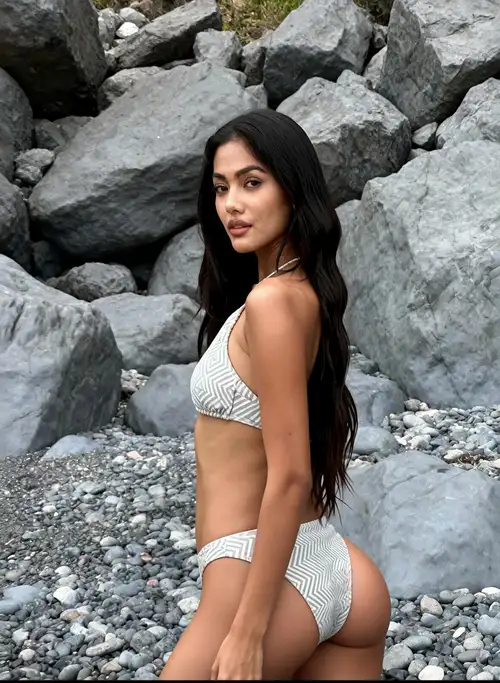
Consent, age and fair use rules you should read first
This tool is for adults, 18 and over. Upload photos of yourself, or photos where the person shown has given you explicit permission to edit their body. Never use it on images of minors, and never on a public figure or a stranger to imply something they did not agree to. Results are for personal, creative and lawful use.
It is a body and outfit editor, not a way to undress anyone. Keep uploads non-explicit and keep results non-explicit. If you post an edited photo publicly, saying that it was AI-edited is the honest move. Uploads may be processed and stored so the service can run, so review the privacy policy before you upload anything sensitive.
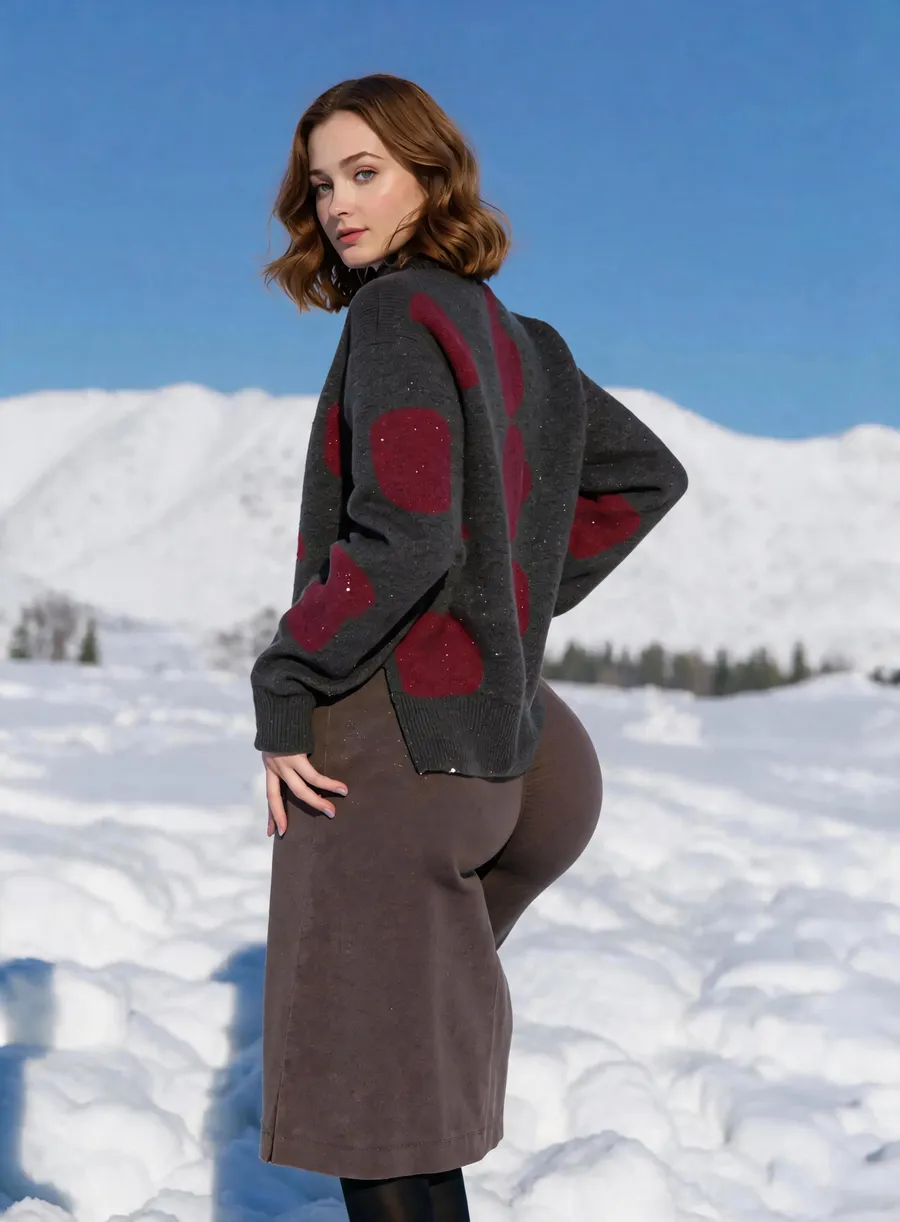
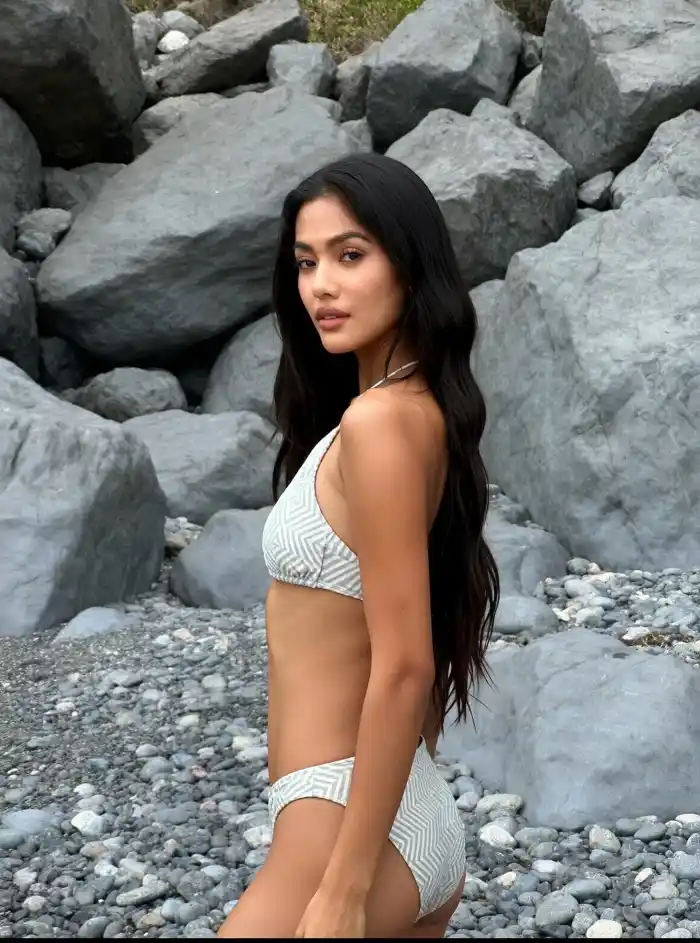
Before & After: AI big butt results
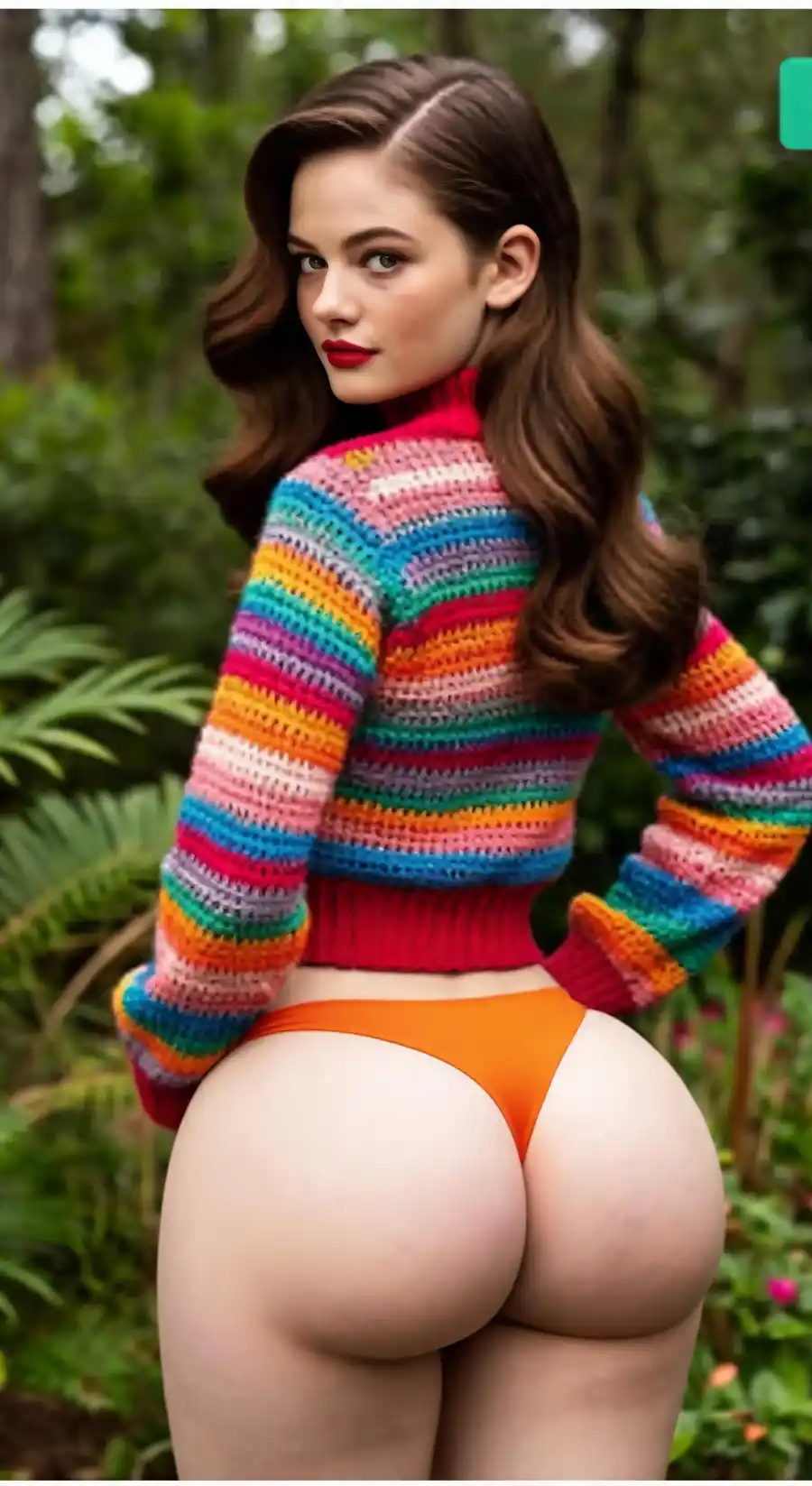
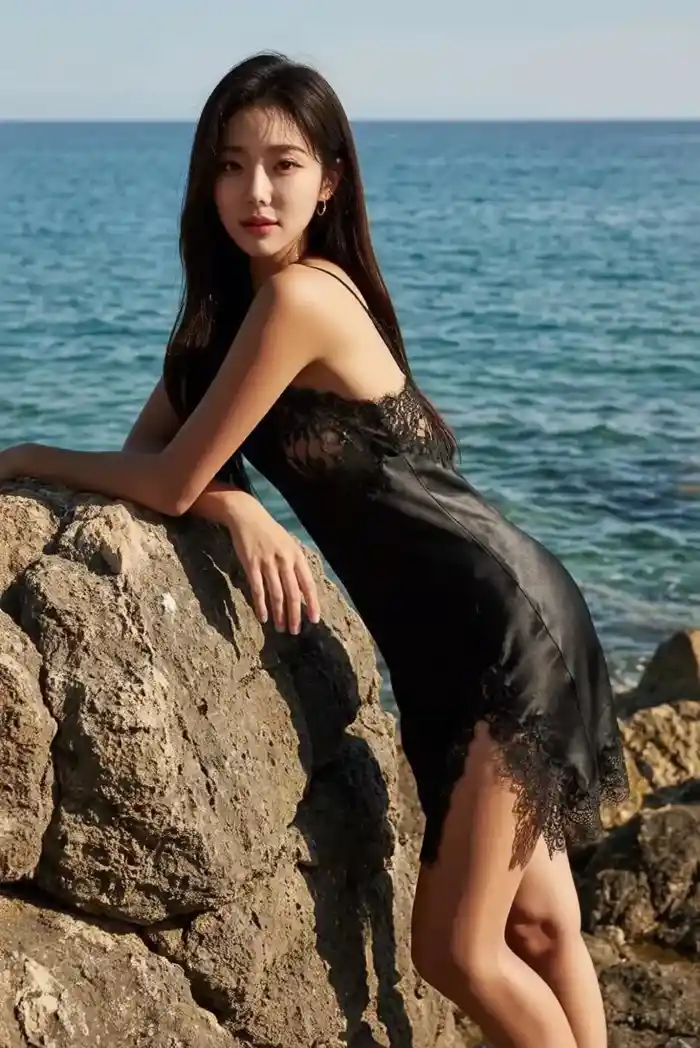
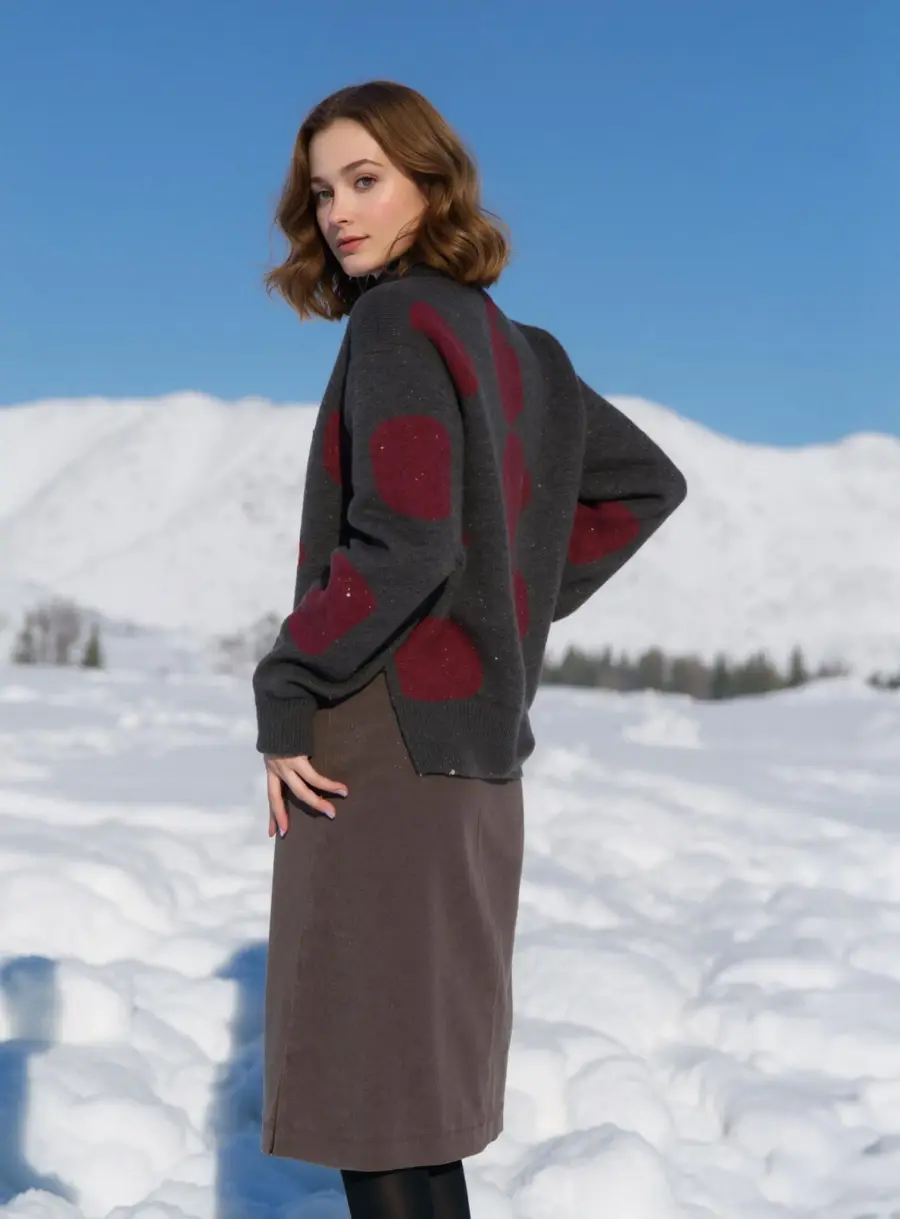
How to use AI Big Butt
- 1Upload your photo
Add one JPG, PNG or WEBP photo where the hip area is clearly visible. Full-body or waist-down shots with steady lighting, a clear body outline and some space around the figure give the cleanest edit.
- 2Set the quantity and generate
Choose between one and four variations, then click Generate. The AI reshapes the glute contour and the waist-to-hip line only, and keeps your face, outfit, pose, lighting and background exactly as they were.
- 3Compare and download
Results appear in seconds to about a minute. Open each variation, check the new shape against your overall proportions and against the photo you uploaded, then download the version that looks natural to you.
Perfect for
OOTD and fashion previews
Test a silhouette before you commit to an outfit post. Upload a jeans, dress or swimwear photo and see how an AI butt edit changes the balance of the look. The clothing pattern, seams and drape are preserved, so you are judging shape rather than a distorted print.
Cosplay and character builds
Match a character's proportions without padding or a corset. Generate a few variations of your reference shot and pick the one closest to the source art. Use it to plan costume construction, camera angles and posing for the shoot day.
Fitness and dance content
Visualize a training goal on a photo you already own. Creators use big butt AI edits to storyboard progress-style content or thumbnail concepts. Label edited images clearly if you post them, and never present an AI edit as a real training result.
Fantasy avatars and character art
Build a stylized avatar for a game profile, a VTuber concept or a personal illustration project. Generate a curvier variant of your own photo, then use it as anatomy reference while you draw, sculpt or block out a 3D model.
Client portrait retouching
Photographers who already have written client consent can preview a body-shaping edit in one upload instead of manual liquify. Keep the request tasteful and non-explicit, share the comparison with the client, and only deliver the version they approve.
At a glance
FAQ
What does the AI big butt generator do?
It enlarges and reshapes the glute contour in a photo you upload so the hips look fuller, rounder and more lifted, with a rebalanced waist-to-hip line. Only that area changes. The rest of the frame, including the crop and aspect ratio, is untouched, so the result drops straight into the same layout as the original.
Is the AI big butt filter free to use?
Free for a limited time: no credits are deducted. Sign in with Google to generate.
How do I make my butt look bigger in a photo?
Upload a photo where the hip area is visible, set how many variations you want, and click Generate. The AI adds volume to the glute contour and refines the waist-to-hip ratio. Compare each variation with the photo you uploaded, then download the version that looks natural. No manual liquify or brush work is involved.
Will it distort the background or my outfit?
The edit is limited to the hip contour and the waist-to-hip line, so the background, wall tiles, patterns, furniture, framing and your outfit are kept as they were in the original photo. Fitted denim and leggings keep their seams and drape. Generate up to four variations and pick the one that holds up best.
Which photos give the best results?
Well-lit full-body or waist-down shots where the hip area is unobstructed. Steady lighting, a clear body outline and some space around the figure all help. Fitted clothing such as jeans, leggings, activewear or a bodycon dress works better than loose fabric that hides the natural contour.
How long does one edit take?
Most results appear in seconds, and a busy queue can push a single image to about a minute. Requesting four variations takes a little longer than one. Everything runs in your browser workspace, so there is nothing to install and no desktop editing skill required.
Can I edit a photo of someone else?
Only with that person's explicit permission, and only if they are an adult. Never upload photos of minors, and never edit a stranger or a public figure. Results are for personal, creative and lawful use. Using body edits to harass, deceive or sexualize someone without consent is not allowed.
Is there an age limit?
Yes. This tool is for users aged 18 and over. It is positioned as a body and outfit editor for creators, fashion previews, cosplay, fitness content and fantasy avatars. Keep both uploads and results non-explicit. It is not a way to undress anyone or to produce sexual imagery of a real person.
What happens to my uploaded photos?
Uploads may be processed and stored so the service can generate and deliver your results, as described in the privacy policy. Read that policy before uploading anything sensitive. Free for a limited time: no credits are deducted. Sign in with Google to generate.
What image formats can I upload?
JPG, PNG and WEBP photos are accepted, and you upload one photo per request. Use the highest-quality version you have rather than a compressed screenshot or a social media re-upload. Sharper input edges give the model more to work with and produce a cleaner, more believable hip contour.