 Photography Colleges
Fat Filter
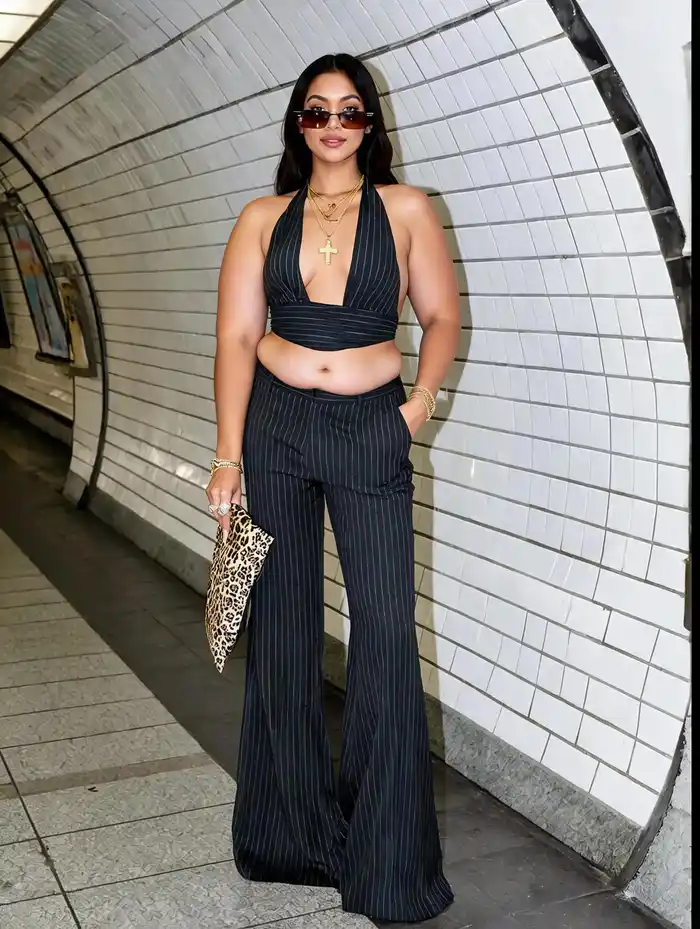
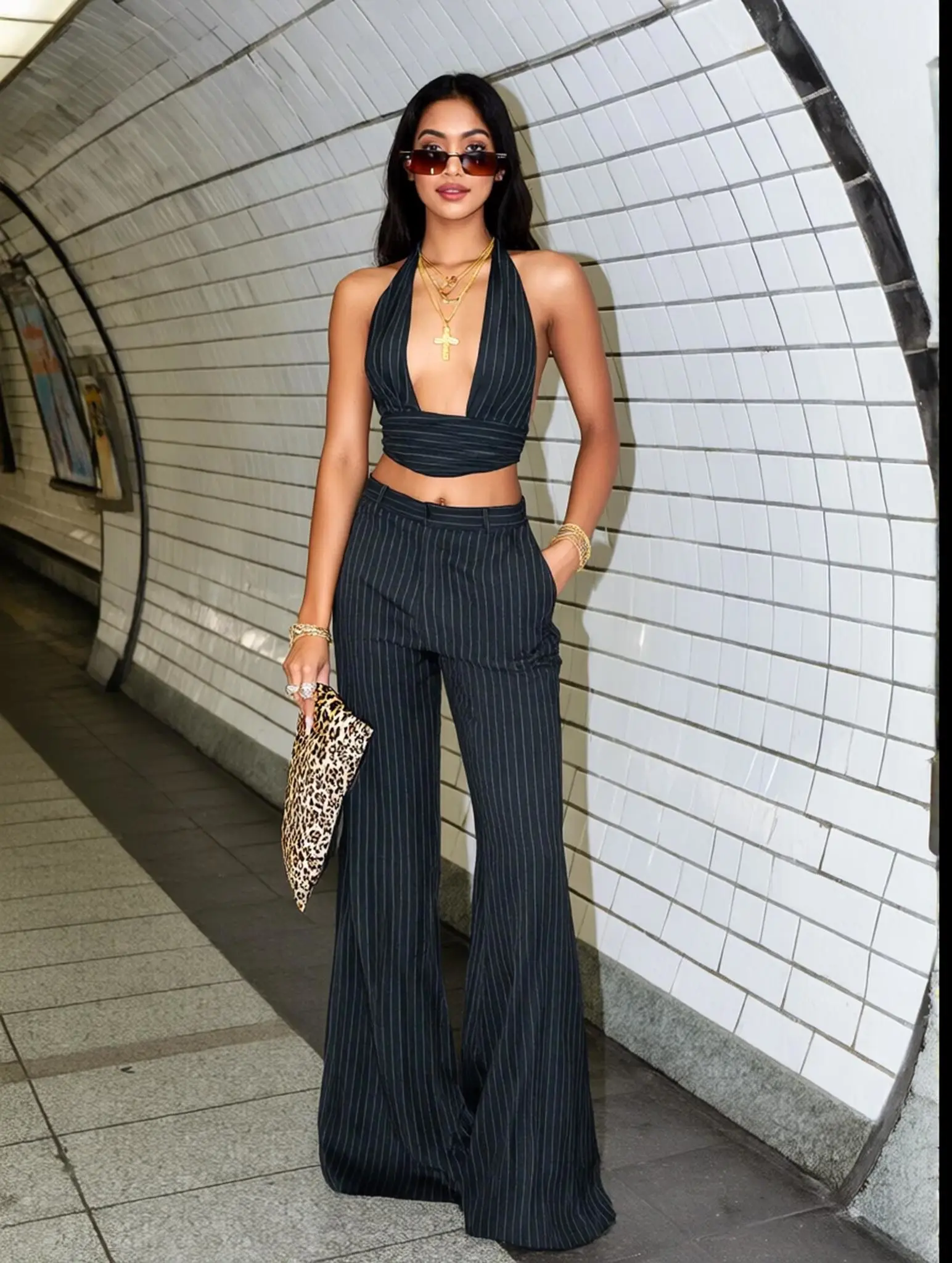
Best Examples
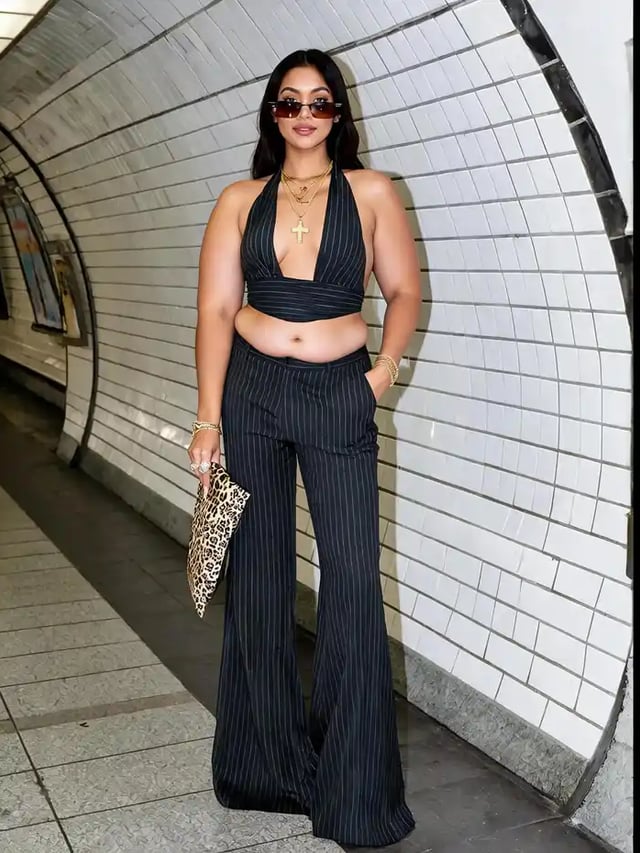
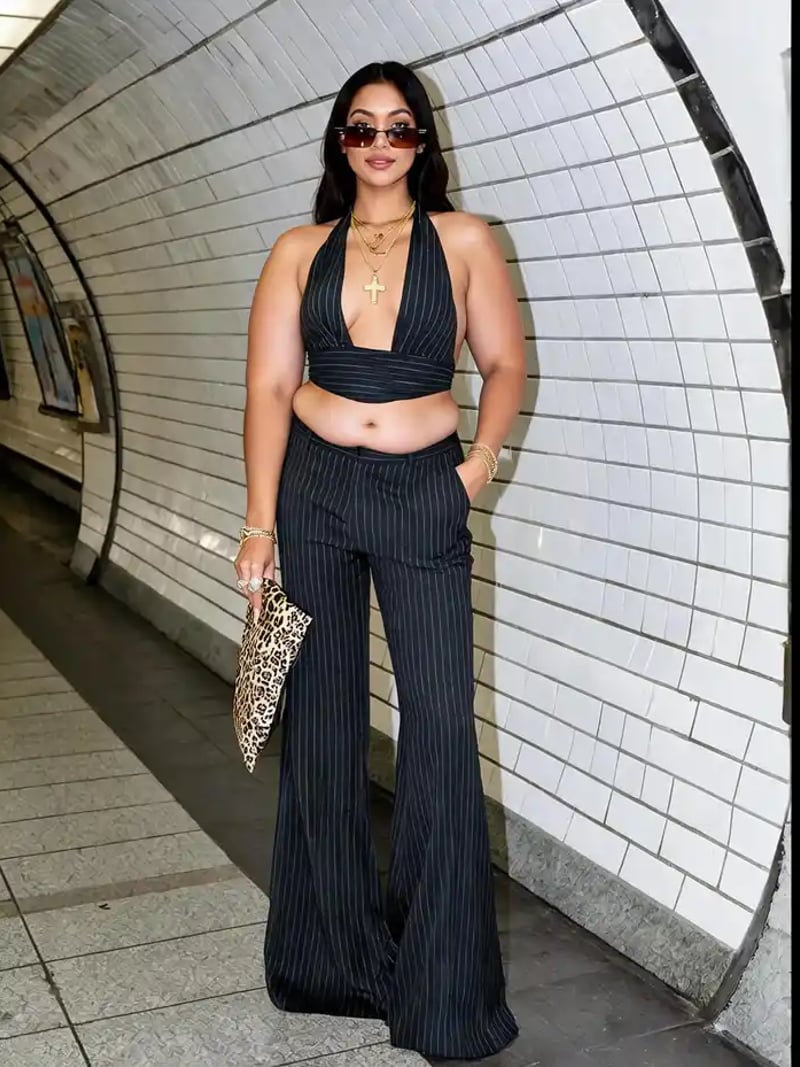
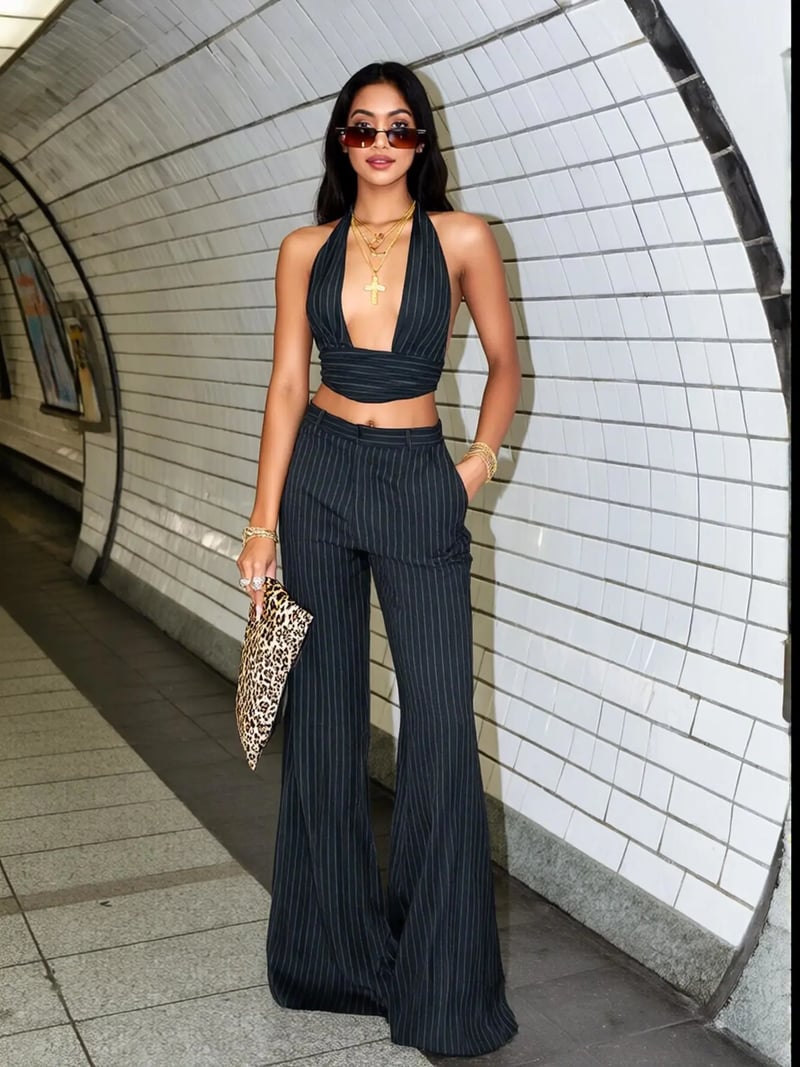
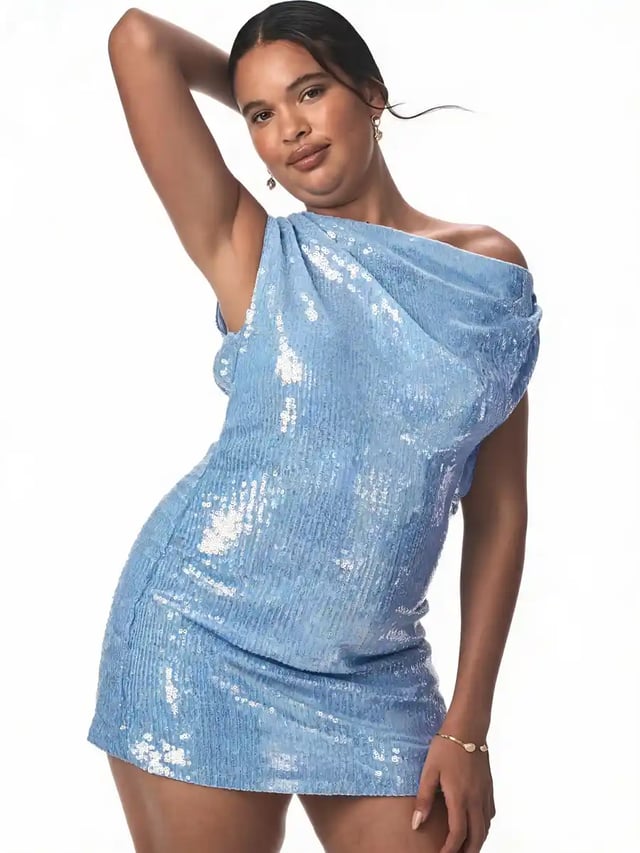
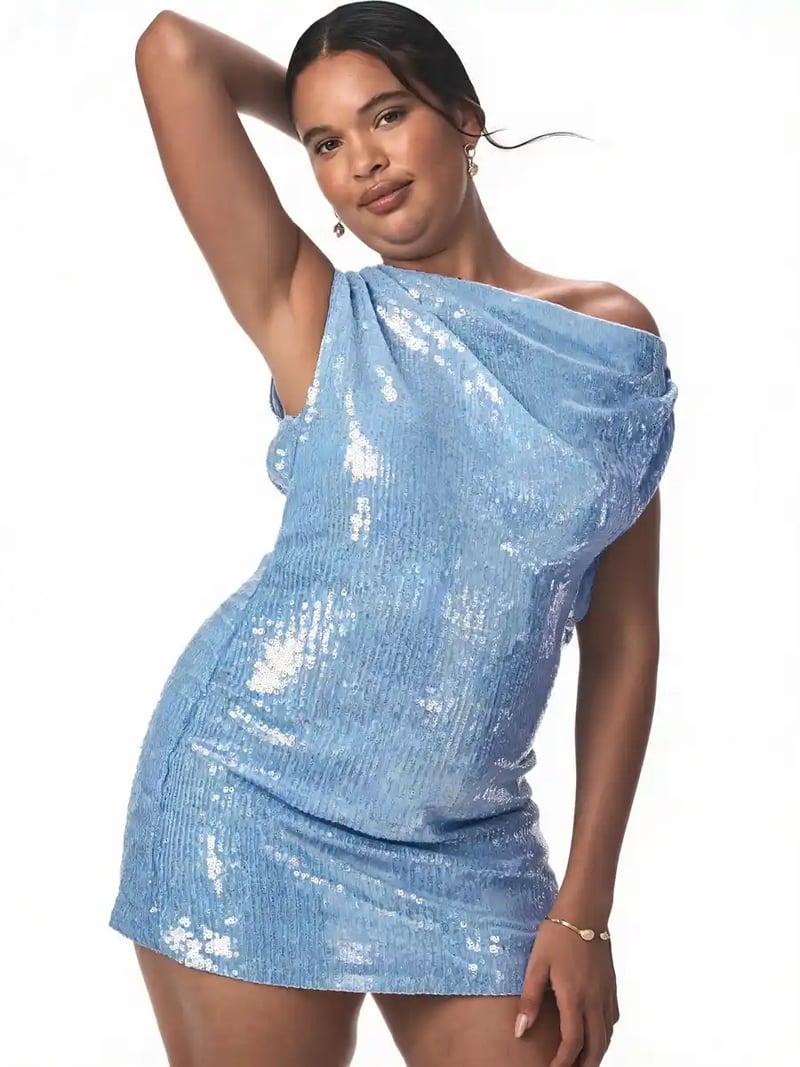
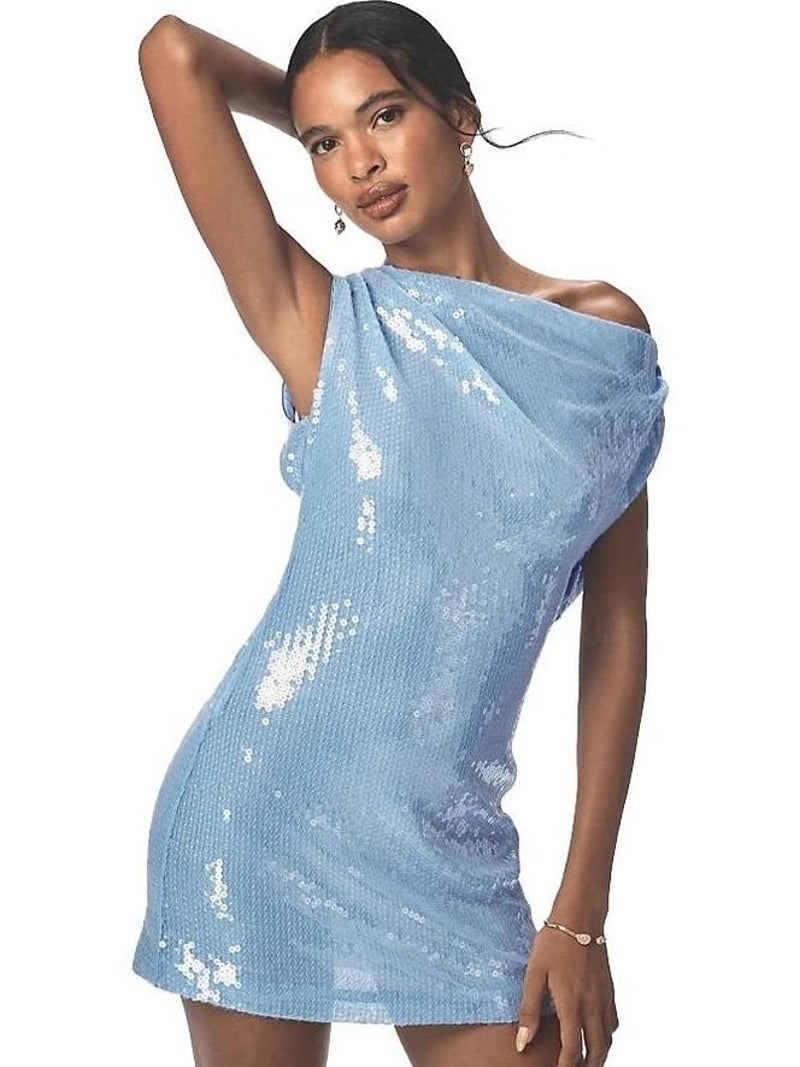
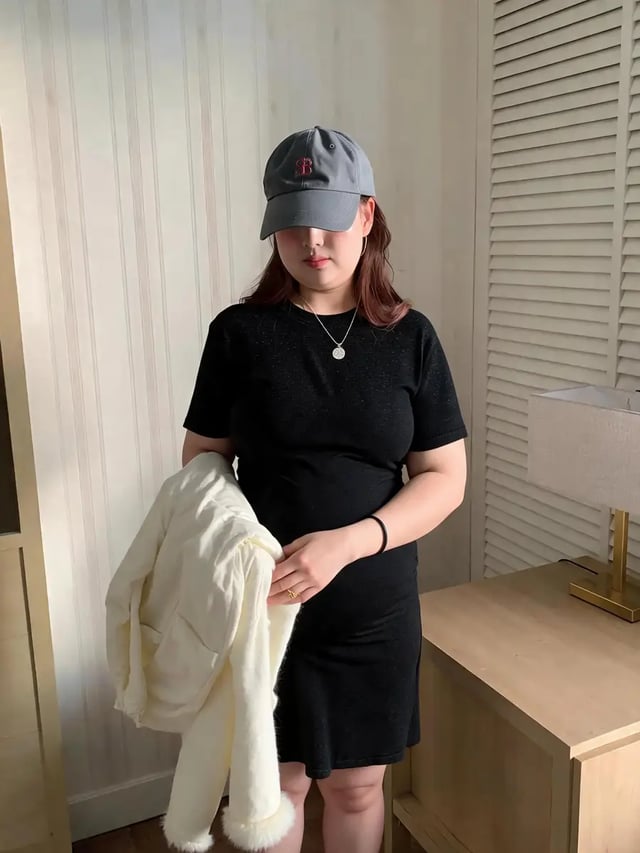
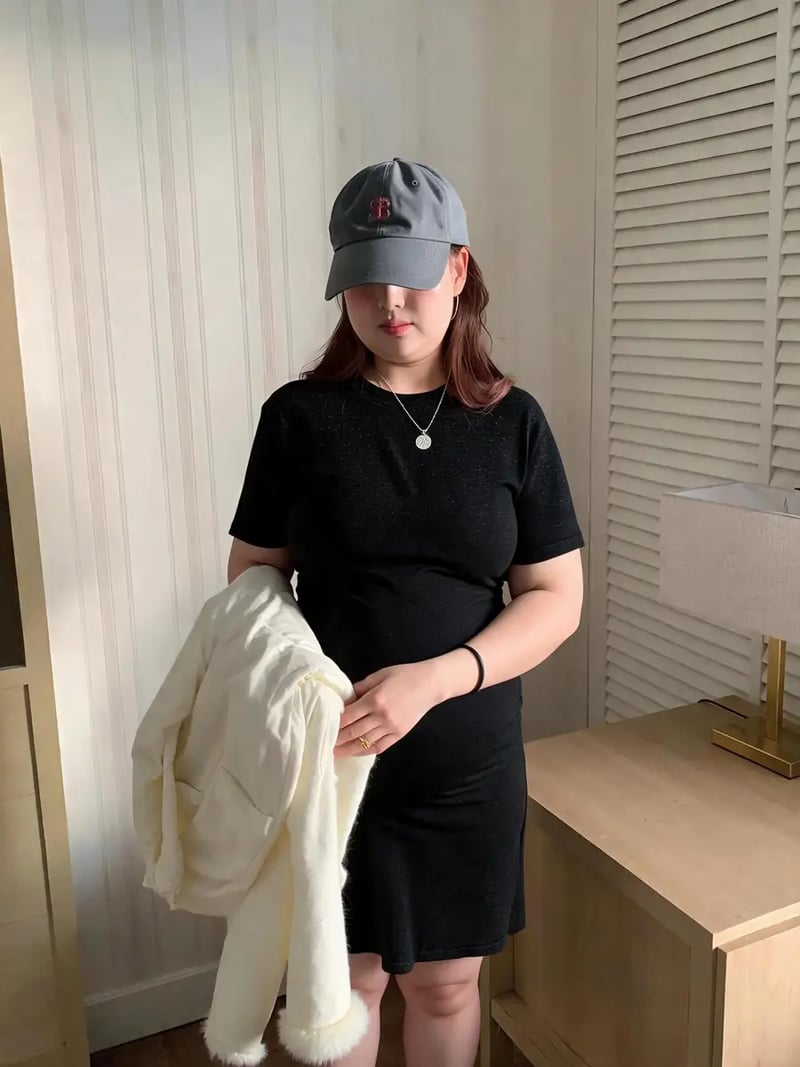
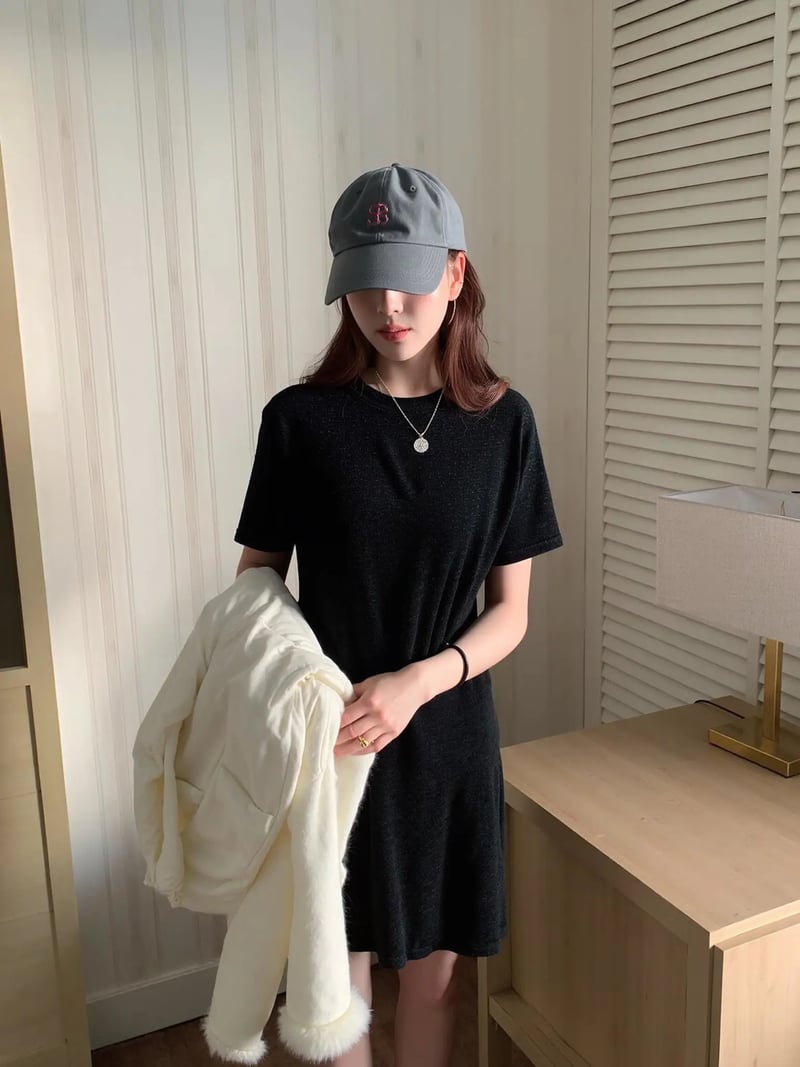
AI Fat Filter Online: Realistic Weight Gain Photo Editor
The fat filter gives any portrait a naturally heavier look: fuller cheeks, softer jawline, rounder figure. Identity and background stay intact. Try it free.
Fat Filter renders a believable heavier version of the person in your picture. Upload one photo, pick how many versions you want, and the model widens the face, neck and body in proportion. Cheeks fill out, the jawline softens, clothing drapes over a rounder shape. Everything you did not ask to change stays exactly as you shot it.
It works as a fat photo editor for people who want a believable result rather than a cartoon balloon effect. Meme makers, fitness creators, character designers and anyone looking for a fat AI preview get the same engine. Because the edit is proportional, the person still reads as themselves: same hairstyle, same expression, same outfit, same background and lighting.
Doing this by hand means liquify passes, clone stamping and hours of blending, and it usually shows. The AI reworks volume and shading together, so skin texture and shadows match the original frame. You get results in seconds instead of an evening, and you can generate up to four variations from one upload to pick the most convincing one.
How the AI fat filter reads your photo
The model reads the person in your photo and maps where weight actually settles on a human frame. Volume goes to the cheeks, under the chin, across the neck, along the torso and waist, then out to the arms and thighs. It is not a uniform stretch of the whole image, which is why the result holds up when someone looks twice.
Shading is regenerated along with the shape. New contours pick up the same light direction and color temperature as the original photo, and clothing folds are redrawn to sit on the fuller body. Because nothing is scaled, your file keeps its framing and aspect ratio, with no crop, no zoom and no added props or text.
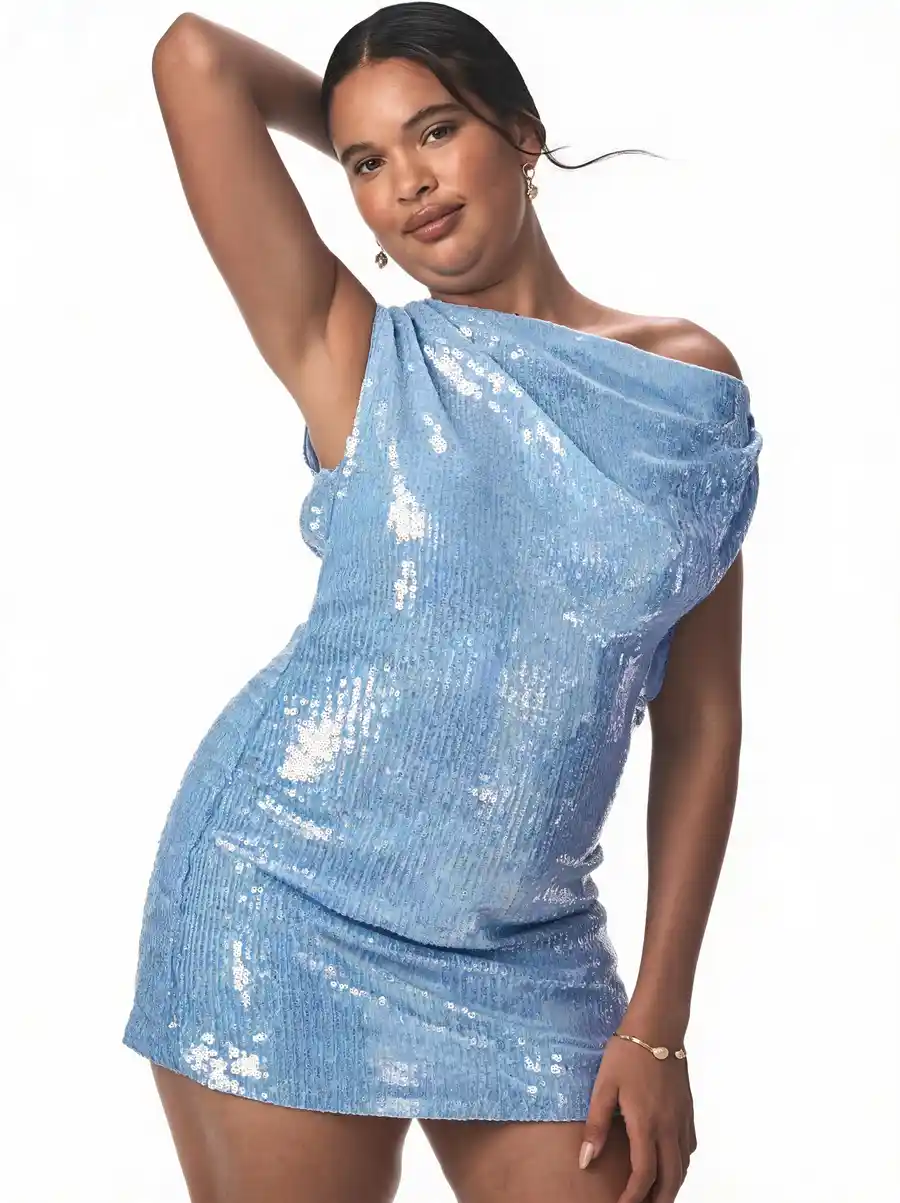
Weight gain filter results that look real, not warped
A warp tool pushes pixels around and drags the background with them. This tool rebuilds the subject instead, so straight lines behind the person stay straight and the horizon does not bend. That difference is what separates a photo you can post from one that instantly reads as edited.
Identity is the priority. Eye shape, hairstyle, expression, glasses, jewelry and outfit details survive the edit, so viewers recognize the same person at a heavier weight. If a run comes out stronger or milder than you wanted, generate again. Each request can return up to four variations, and picking between them is faster than tuning a slider by hand.
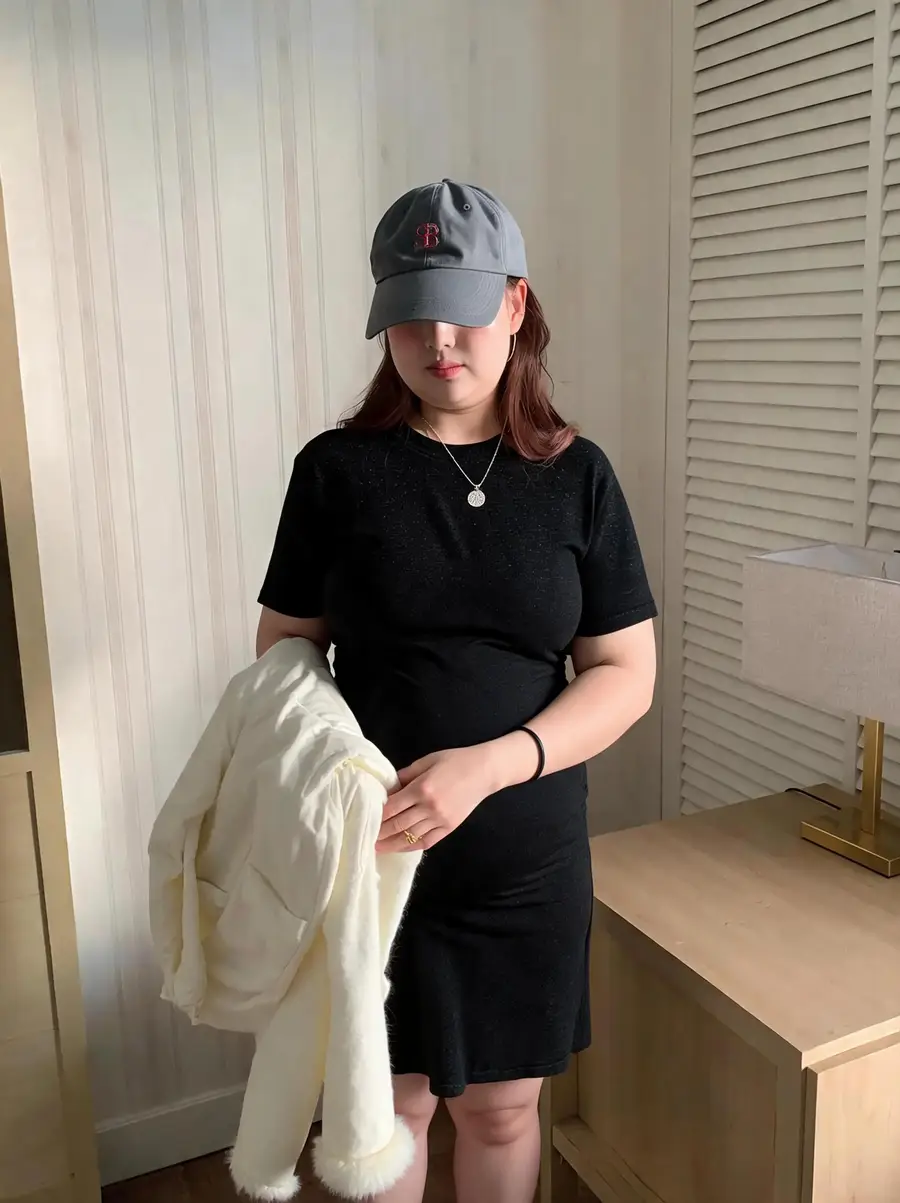
Fat face filter for portraits and close-ups
Close-up shots are the hardest case, because a face carries so much recognizable detail. The fat face filter concentrates on the cheeks, chin, jaw and neck. It adds a double chin and a rounder cheekbone line, while the eyes, nose and mouth stay where they were. Skin tone and pores stay consistent with the rest of the frame.
Full-body shots work the same way, with the change carried through the shoulders, waist and legs so the proportions agree. Front-facing photos with even lighting and fitted clothing give the cleanest result. Heavily filtered images, extreme angles and cropped limbs give the model less to work with, so start from the sharpest original you have.
Respectful use, consent and the limits of the preview
This is a creative visualization, not a health tool. The result is an illustrative render, not a medical, nutritional or physiological prediction of how anyone would look after gaining weight. Treat it as a picture, not a target, and speak to a professional for anything related to body goals or recovery.
Only upload photos you took or otherwise have the right to use, and get the person's permission before altering their image. Do not publish edits of real people in ways that mislead, harass or mock them, and keep images of minors out of body-alteration edits. Results are for personal, creative and lawful use only.
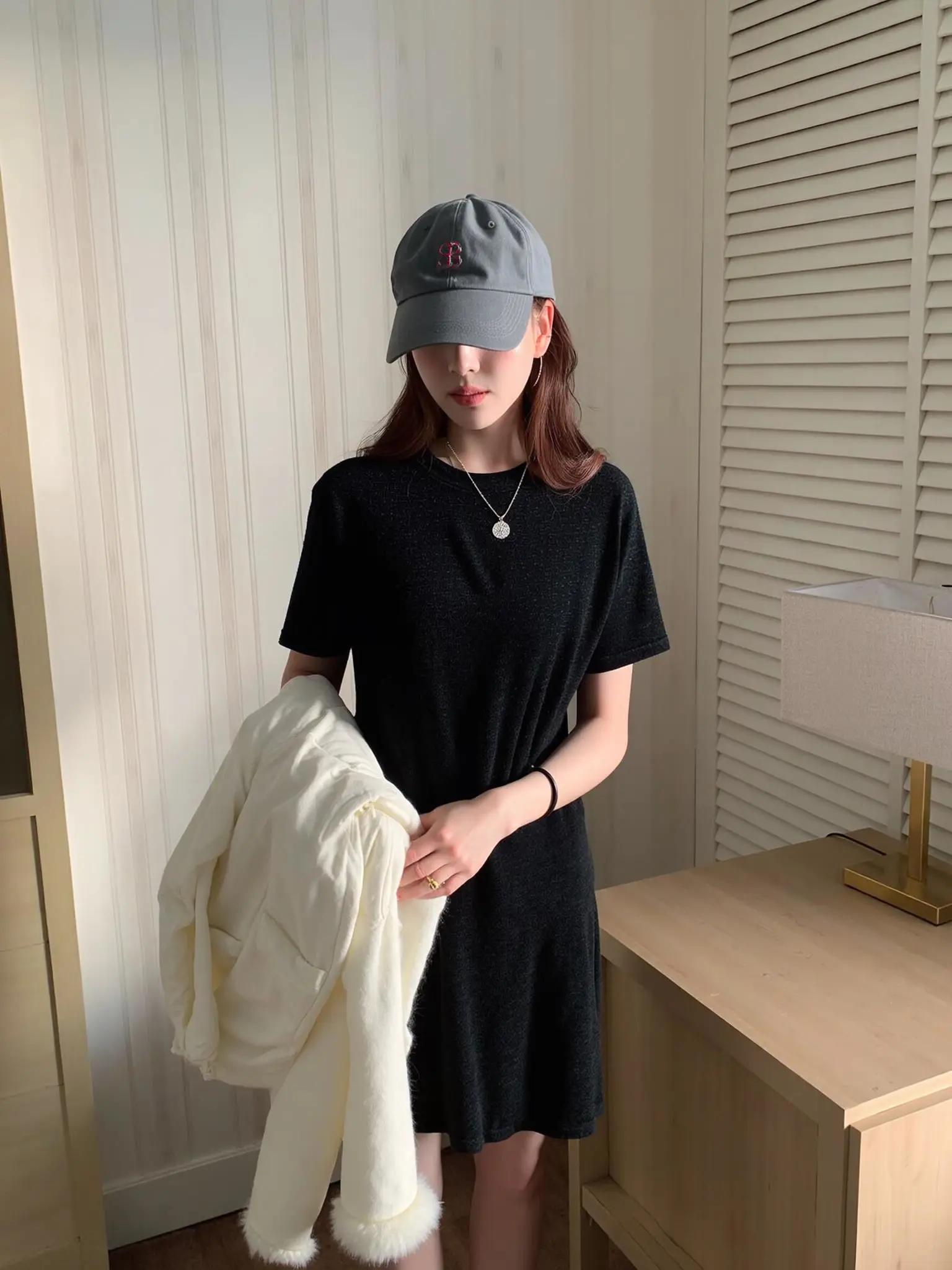
Before & after: fat filter results
How to use Fat Filter
- 1Upload your photo
Sign in with Google, open the workspace and drop a JPG, PNG or WEBP into the Photo slot. A face close-up or a full-body shot both work, as long as the person is clearly visible and in focus.
- 2Set the quantity and generate
Choose how many results you want, from one to four, then click Generate. The AI adds weight across the face and body while identity, outfit, pose, lighting and background stay untouched. Each image costs 3 credits.
- 3Compare and download
Results appear in seconds to about a minute. Compare the versions you generated, pick the one that looks most convincing, and download it. Your framing and aspect ratio come back exactly as you uploaded them.
Perfect for
Memes and group-chat pranks
With a friend who is in on it, a heavier profile picture makes for a good double-take. Because the background and outfit never move, the joke lands on the reveal rather than on obvious warping. Ask first, keep it friendly, and never post edits that could embarrass someone in public.
Fitness content: a weight gain filter for bulking posts
Illustrate a bulking phase or a body-composition talk with a visual instead of a stock photo. Always label the frame clearly as an AI visualization, and never present a generated image as a real past photo of yourself or of a client.
Character design with a fat AI generator
Illustrators, writers and costume teams can try body-type variations without a shoot or prosthetics. Run the same reference through the tool a few times to compare builds, then hand the picks to your art or wardrobe team as a reference board.
Fashion and fit visualization
See how a jacket, dress or uniform reads on a fuller figure before you commit. Clothing is redrawn to follow the new silhouette, so drape and tension across the shoulders and waist stay believable in the result. Useful for styling notes and lookbook planning.
Make me fat AI: a curiosity preview of your own photo
Plenty of people just want to see a heavier version of their own portrait for fun. Use a recent, sharp photo of yourself, compare the variations, and keep it as what it is: a playful render rather than a forecast of how you would actually look.
At a glance
FAQ
What does the Fat Filter do?
It renders the person in your photo at a heavier weight. The AI adds volume to the cheeks, chin, neck, torso, waist, arms and legs in realistic proportion, then redraws shading and clothing to match. The face you recognize, the outfit, the pose, the lighting and the background all stay as they were in your original file.
Is the fat filter free to try?
New accounts get free credits, so you can run the tool without paying anything up front and no credit card is required to start. Each generated image costs 3 credits, and one request can return up to four images, so starting with a single image per request spreads those credits across more runs.
How do I get the fat filter to work on my photo?
Sign in with Google, open this tool page, upload a JPG, PNG or WEBP photo, set the quantity between one and four, then click Generate. Everything happens in the browser workspace, there is nothing to install, and the generation runs on our servers. Download the result when it appears, usually within seconds.
Will the result still look like the same person?
Yes. Weight is added proportionally rather than by stretching the image, so the result stays recognizable. It holds up best on a sharp, front-facing photo with even lighting and fitted clothing; heavy pre-existing filters, extreme angles and cropped limbs give the model less to match against.
Does it crop or zoom my photo?
No. The output keeps the framing and aspect ratio of the file you uploaded, and nothing is cut away or scaled. The AI does not add people, props or text to the scene. Only the subject's body and face change, which is why the edit blends with the original background.
How long does a fat filter edit take?
Most results come back in seconds, and busier moments can push a request to around a minute. Asking for four variations takes a little longer than asking for one. You can stay on the page and watch the results appear, then download the version you want straight from the workspace.
Can I use it on photos of other people?
Only with their consent. Upload photos you took or otherwise have the right to use, and ask the person before altering their image. Do not publish altered pictures of real people in ways that deceive, defame or harass, and do not use the tool on images of minors. Results are for personal, creative and lawful use.
Is this an accurate prediction of weight gain?
No. The output is an illustrative render, not a medical, nutritional or physiological forecast, and it should never be used as a health target or diagnostic aid. Treat it as creative imagery. If you are thinking through body goals, weight change or recovery, talk to a qualified professional instead.
What happens to the photos I upload?
Uploads are processed and may be stored so we can run the tool and show you your results. We do not promise automatic deletion, so read the privacy policy before uploading anything sensitive. As a rule, avoid uploading images you would not be comfortable having processed by an online service.