 Photography Colleges
Square Face Maker
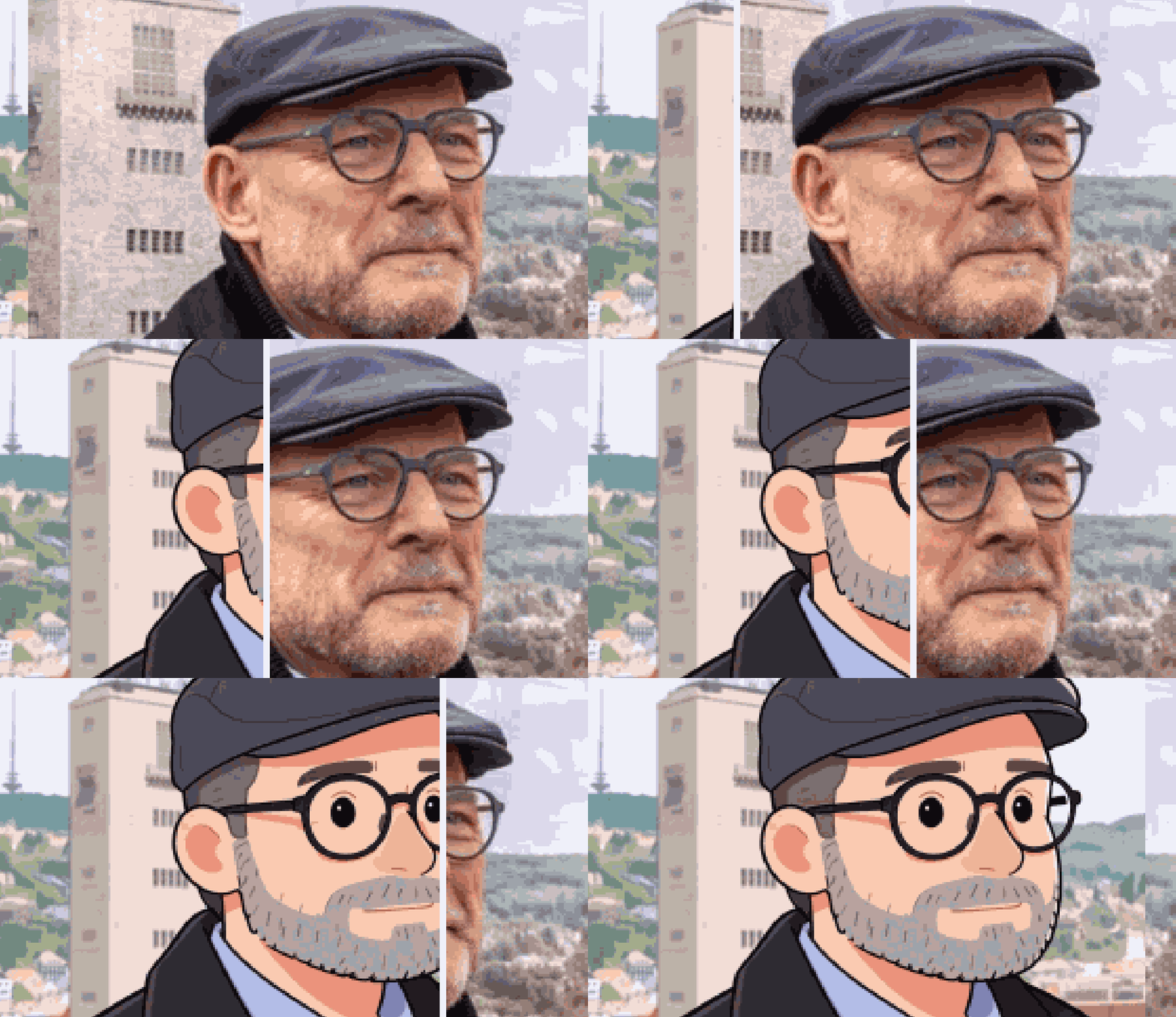
Best Examples
Square Face Maker: Turn Any Photo Into a Boxy Avatar
Square Face Maker turns your portrait into a cute rounded-square cartoon avatar while your hairstyle, features and expression stay recognizable. Free to try.
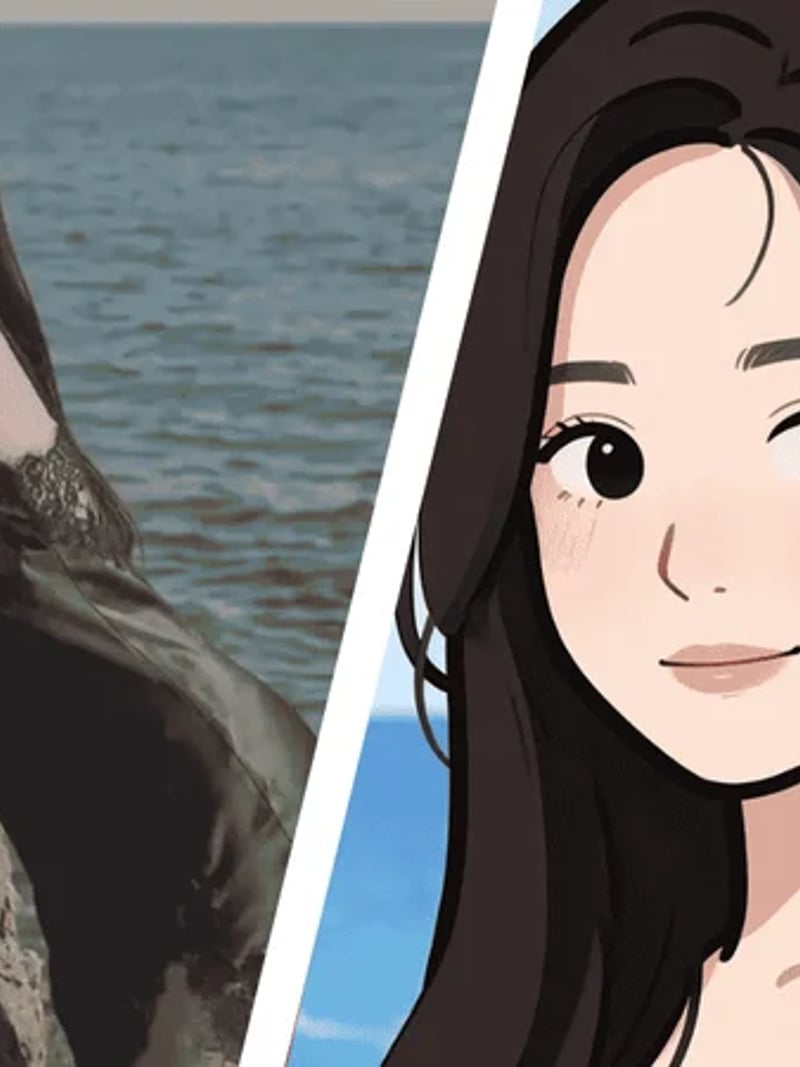
Square Face Maker rebuilds the face in your photo as a friendly rounded-square cartoon icon. Upload a head-and-shoulders portrait, choose how many results you want, and the AI redraws the face shape into a boxy avatar style. Your hairstyle, eye shape, skin tone, expression and background are left alone, so the finished avatar still reads as you at thumbnail size.
The tool is built for anyone who needs a personal profile picture fast. Streamers, Discord moderators, small brands and hobby illustrators use a square face generator when a plain selfie feels too formal and a generic clip-art icon feels too anonymous. You get the personality of your own portrait in a shape that fits square avatar frames on almost every platform.
Doing this by hand means tracing a jawline, flattening shading and matching a cartoon style across every feature. For most people that is slow, fiddly work. This square face filter does the shape change in seconds. Everything outside the edited area stays untouched, so you can compare up to four takes and pick the one that looks most like you.
How the square face generator keeps you recognizable
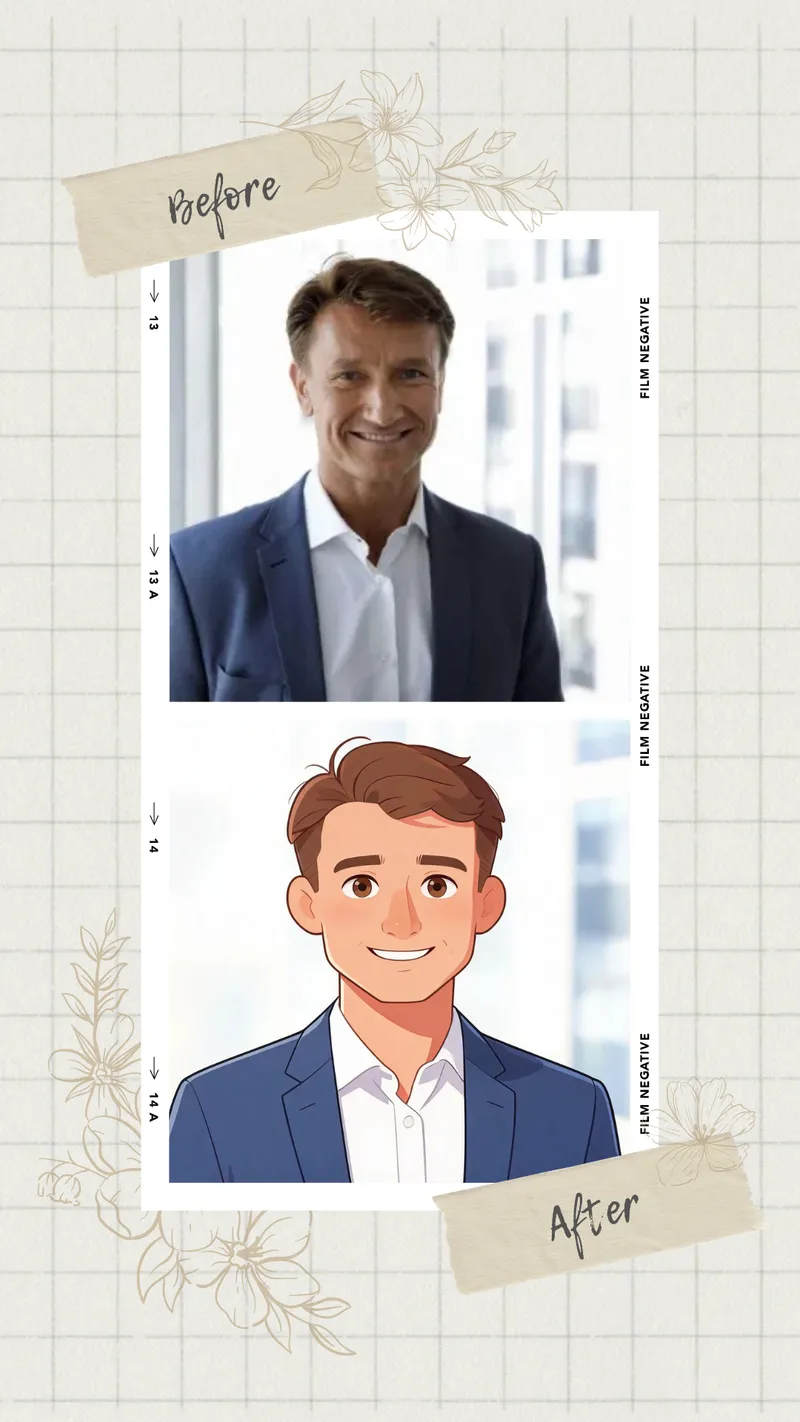
The model treats the face outline as the only editable region. It widens the jaw, squares the cheeks and softens the corners into a rounded-square silhouette, then re-renders the features to sit correctly inside that new shape. Everything else in the frame stays as shot. That constraint is what separates a square face generator from a general cartoon filter that redraws your whole head from scratch.
Because hairstyle, brow shape, glasses and expression carry most of the recognition load in a portrait, keeping them intact matters more than the face outline itself. Friends usually identify the avatar immediately. If a result drifts too far, generate again with a clearer photo and the shape lands closer to your real proportions.
Photos that give the best square face results
Use a clear head-and-shoulders shot with even lighting and the full face visible. Front-facing or a slight three-quarter angle both work well. Avoid heavy shadow across one cheek, motion blur, or sunglasses that hide the eyes, because the model has less to anchor the redraw on when features are obscured.
Resolution matters less than clarity. A sharp phone snapshot beats a large but soft image every time. JPG, PNG and WEBP uploads are all accepted. If your photo has several people in it, crop to one face first so the square face filter knows exactly which subject to work on.
Square face maker versus manual illustration
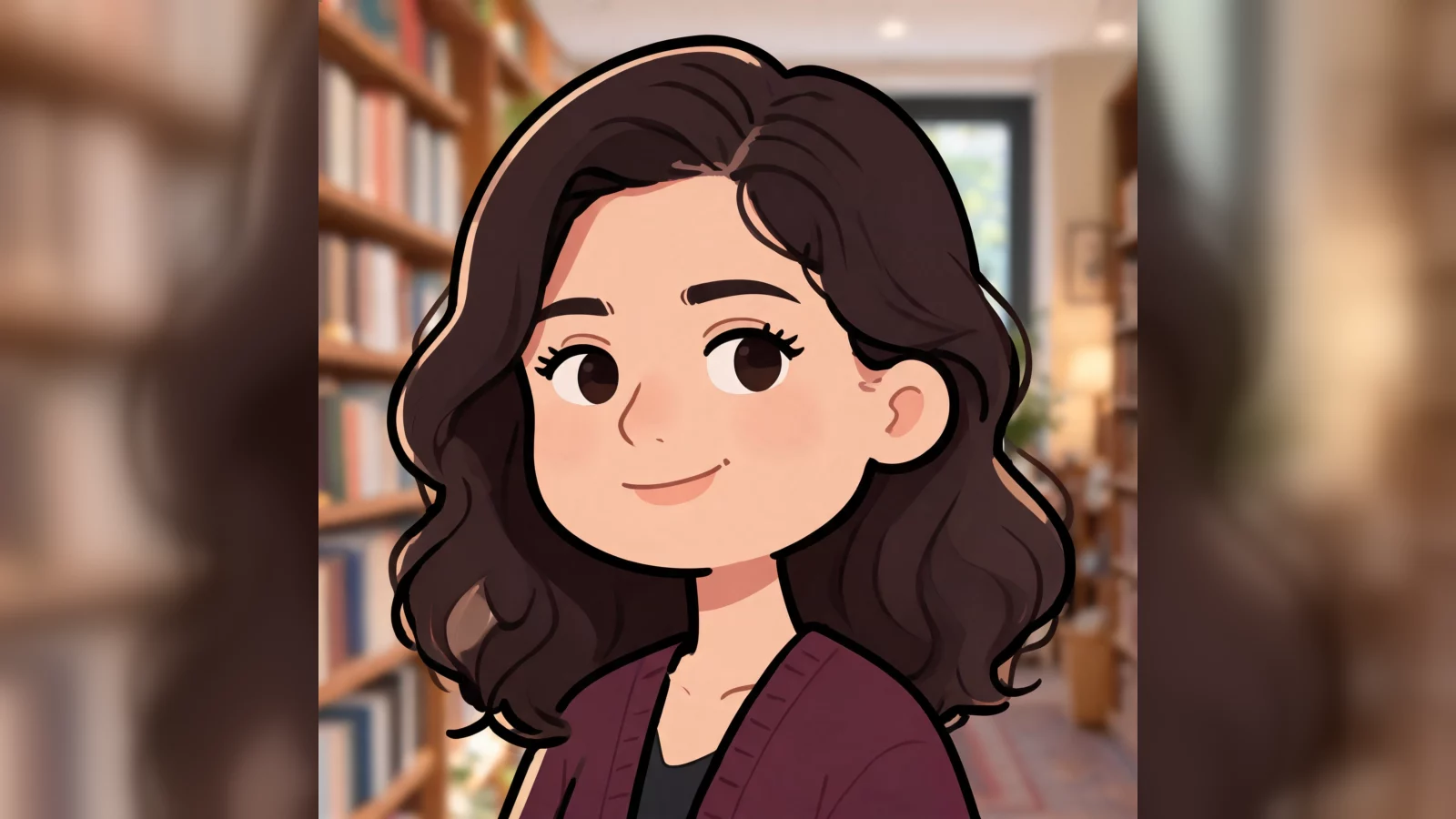
Commissioning a boxy cartoon avatar means a brief, a sketch round, revisions and a wait of several days. Drawing one yourself means rebuilding the head shape in vector software and hand-matching skin tone and shading. Neither is practical when you need a profile picture before a stream goes live or a team page ships.
This square face maker collapses that into one upload and one click. Each generated image costs 3 credits, so a request for two variations lets you try a serious version and a playful one in the same session. Download the file you like and drop it straight into a square avatar slot.
Consent, privacy and fair use
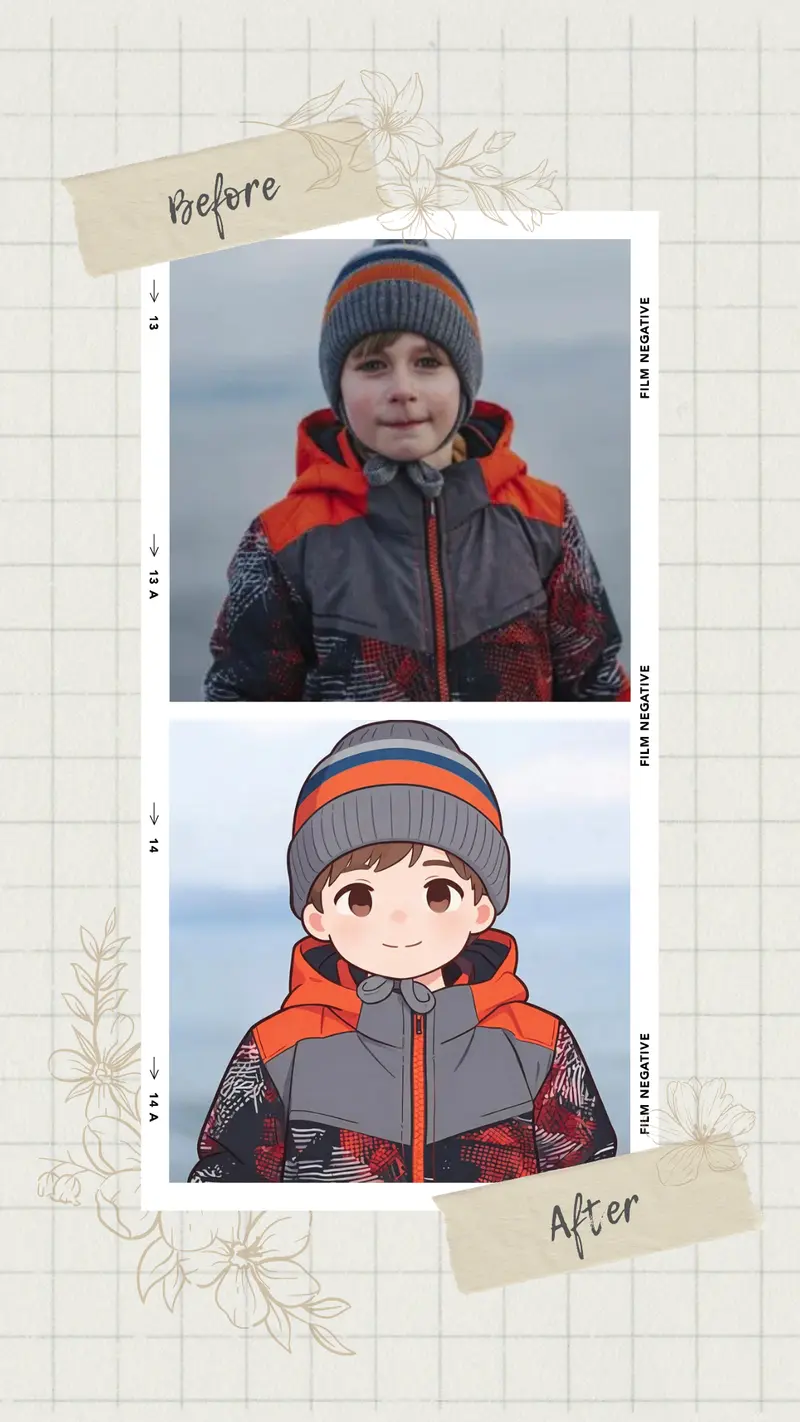
Only upload photos of yourself, or of people who have agreed to it. Results are meant for personal, creative and lawful use. Do not use the tool to impersonate someone, to imply an endorsement that does not exist, or to mock a person's appearance. A square face avatar is a stylized icon, not a document of anyone's real features.
Sign in with Google to start, and new accounts receive free credits so you can test the effect before spending anything. Uploads may be processed and stored so the service can deliver your results, which is set out in our privacy policy. Read it before you send in a photo you consider sensitive.
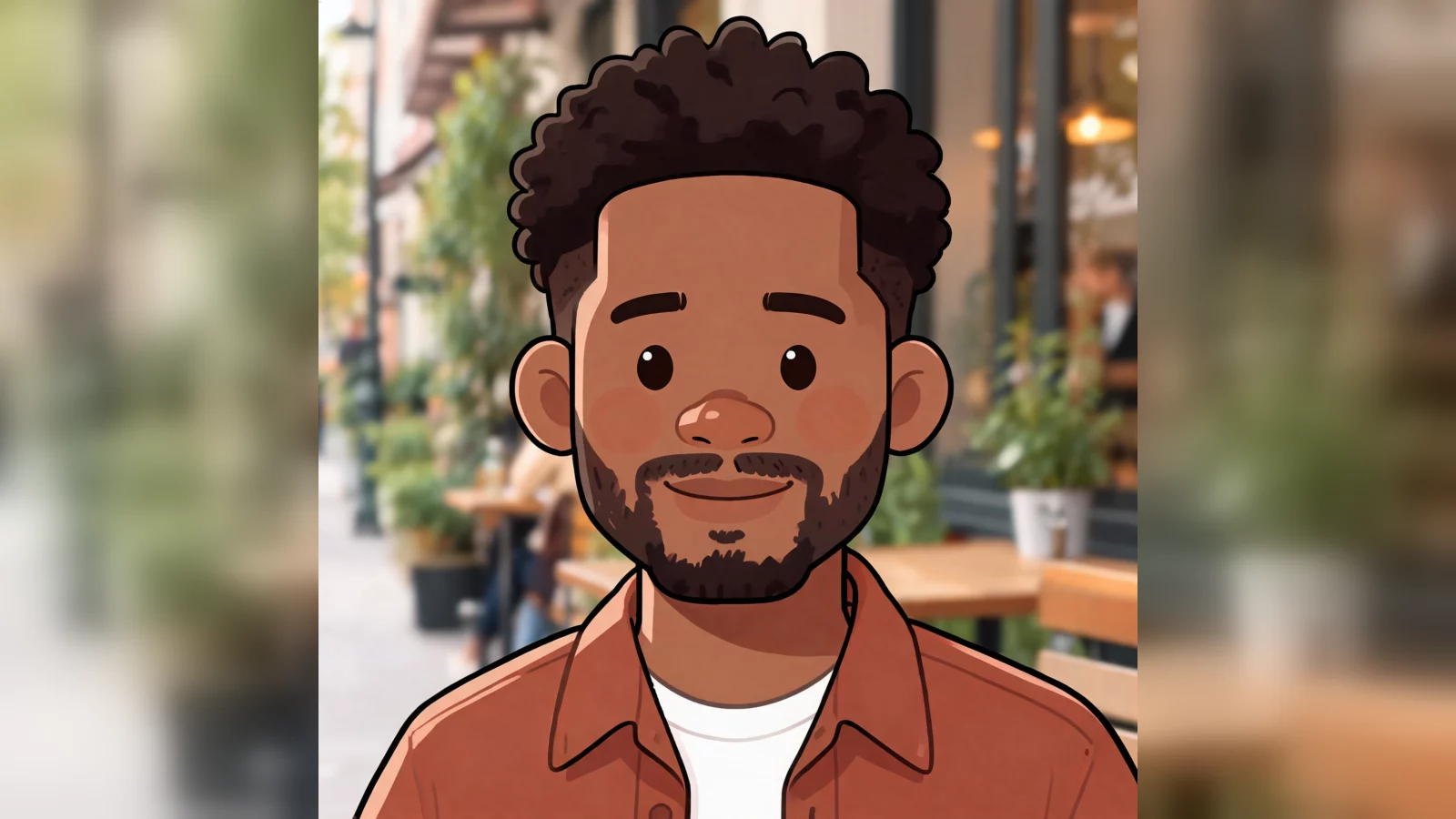
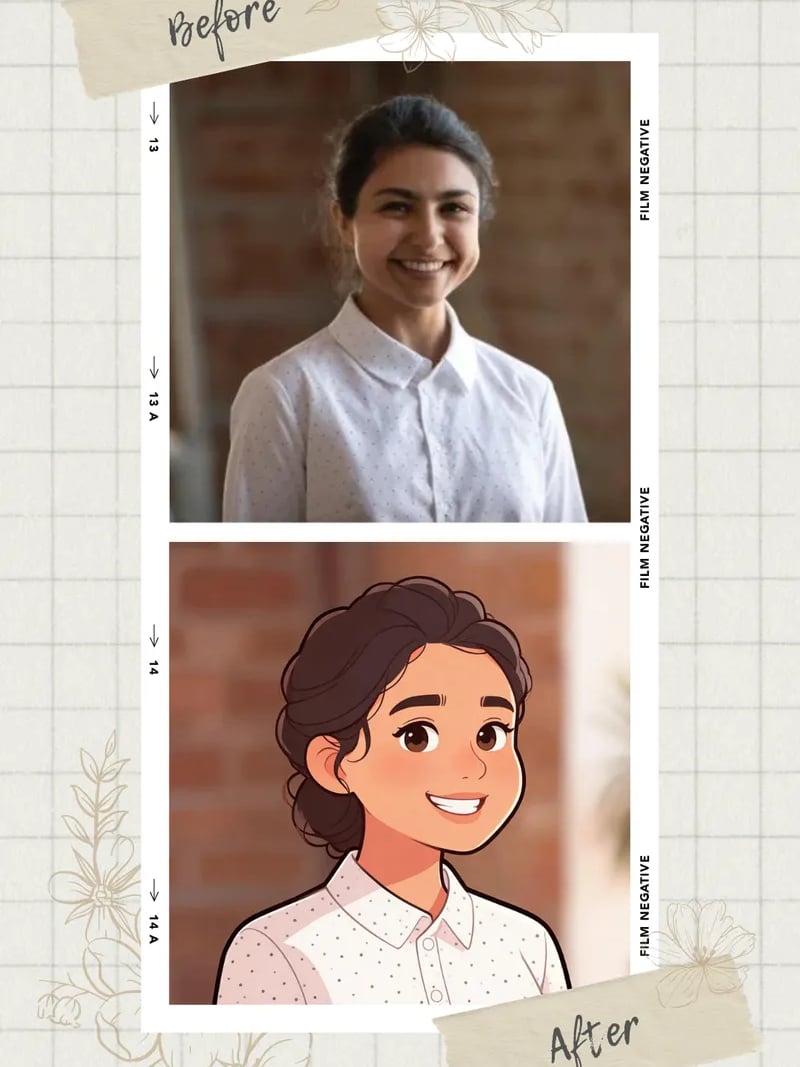
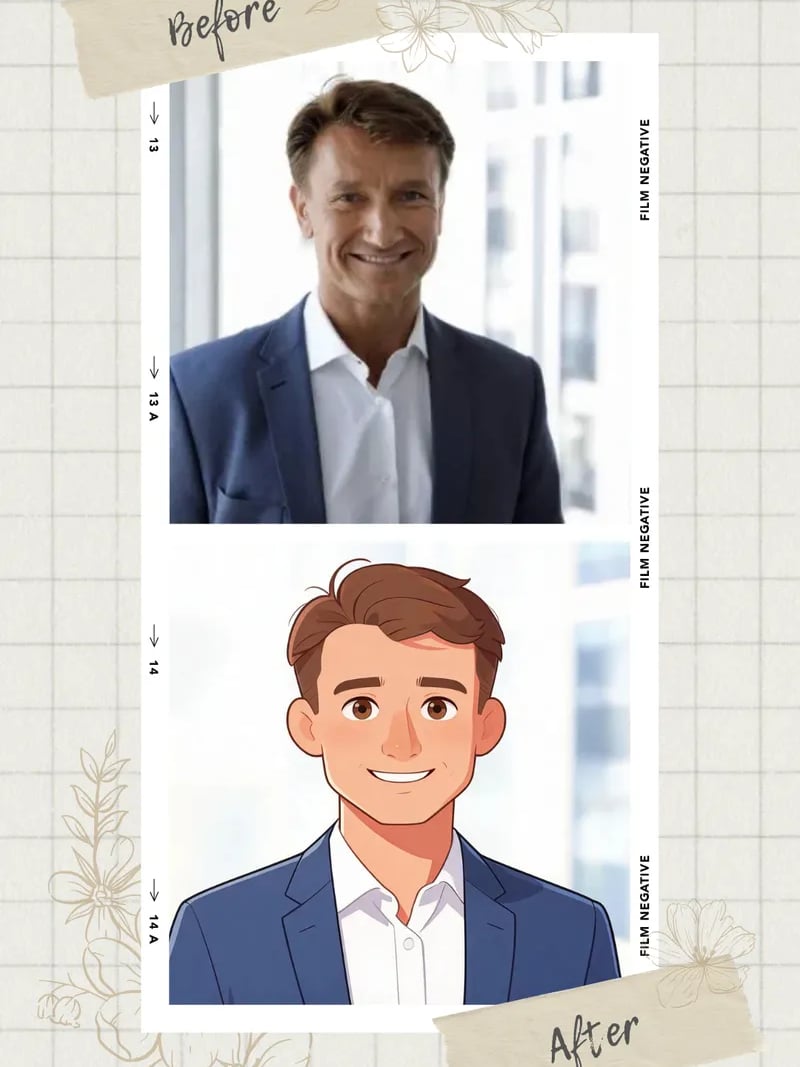
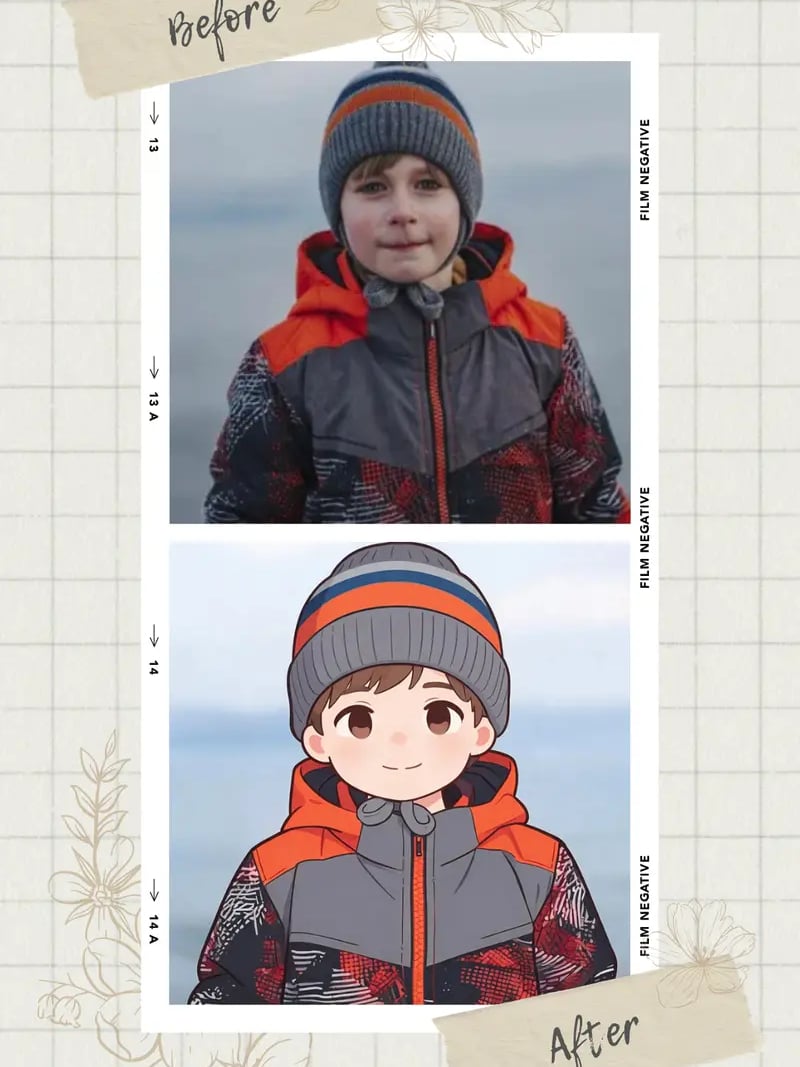
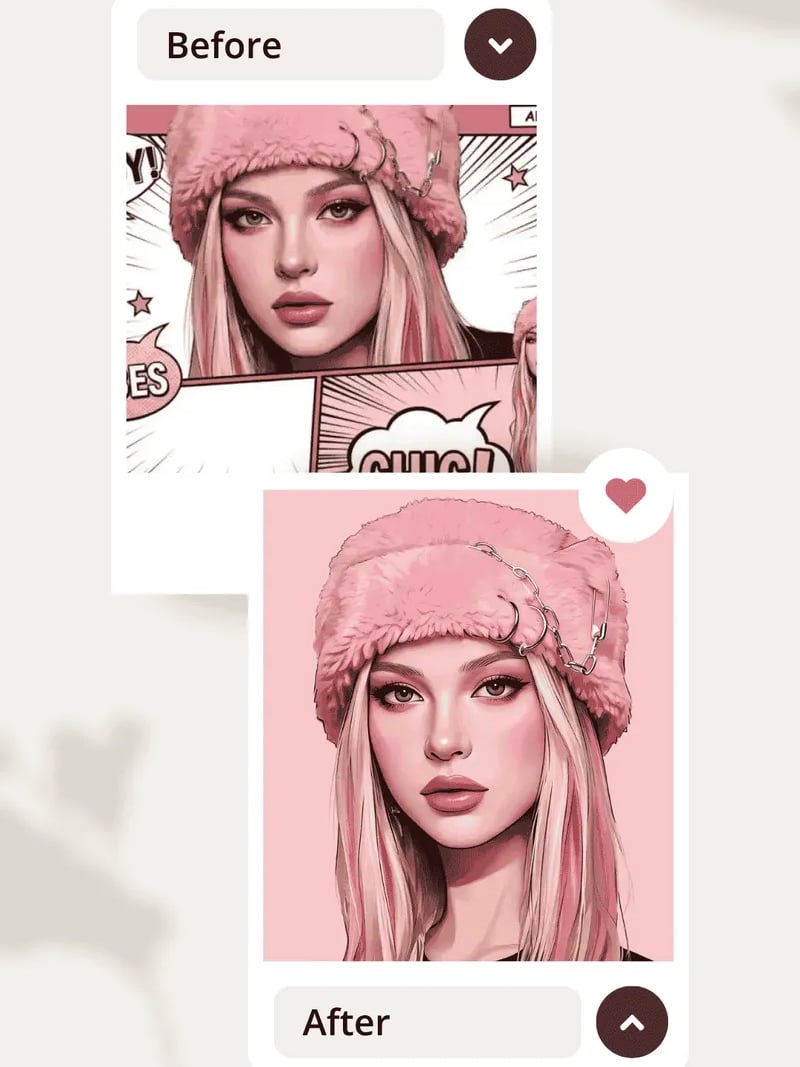
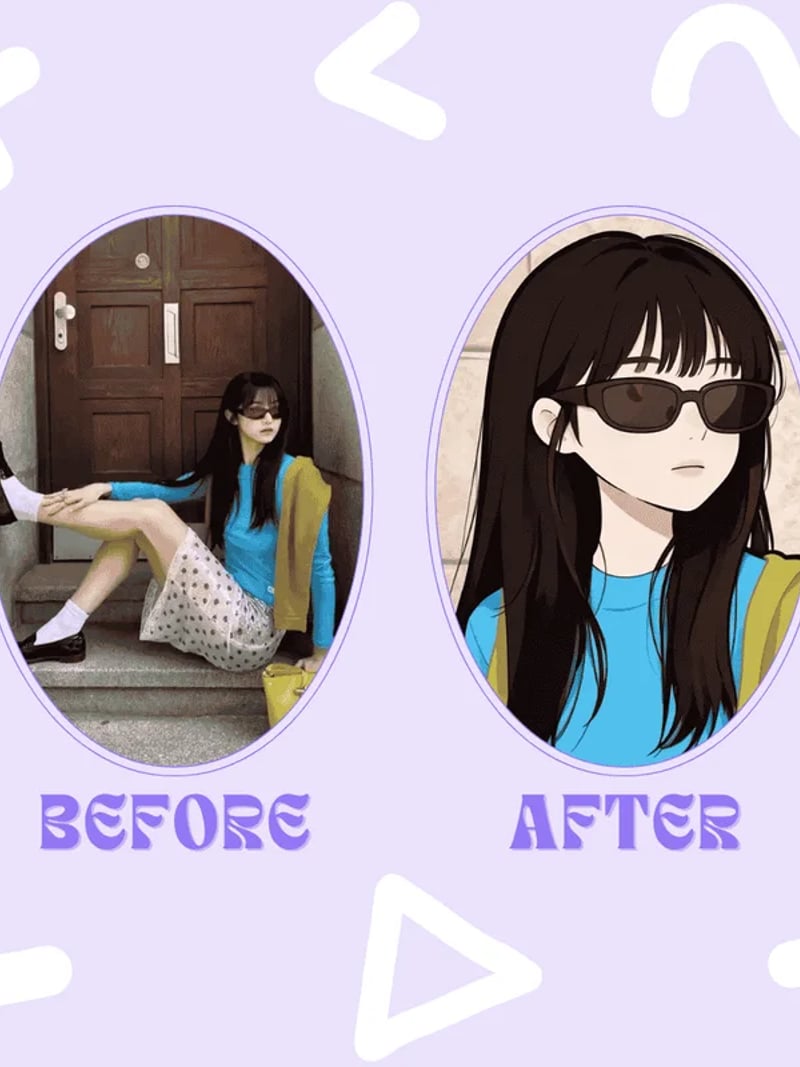
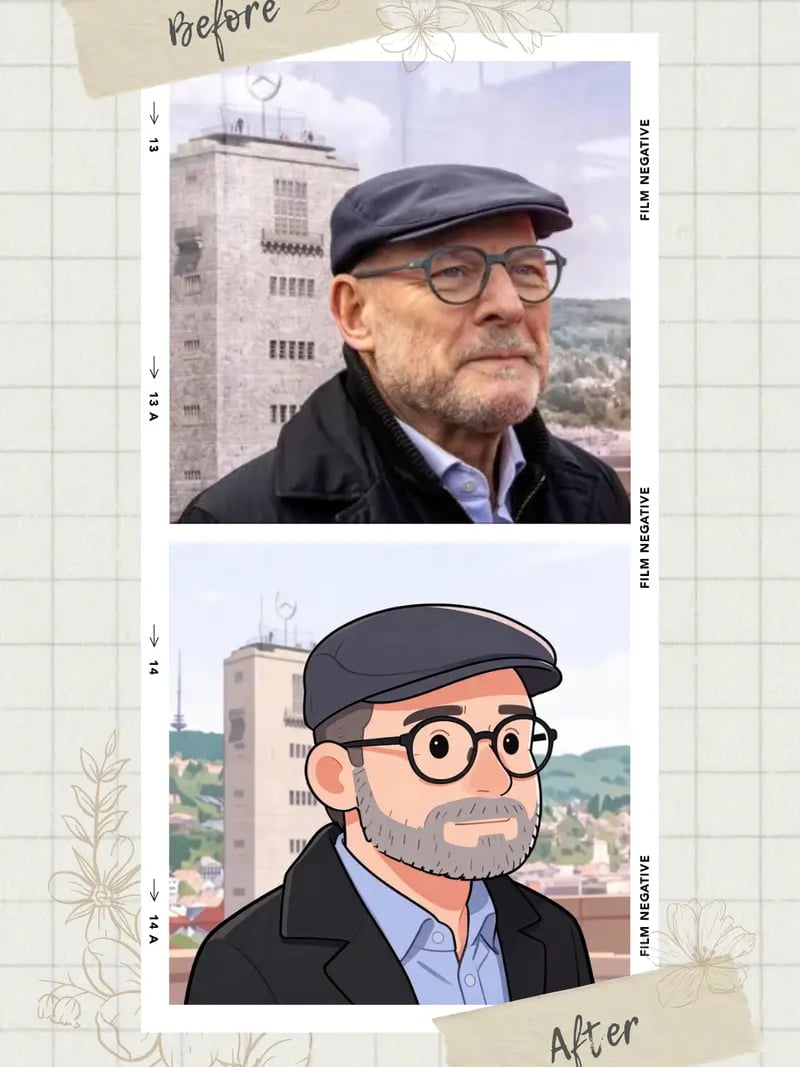
Before & after: square-face avatars
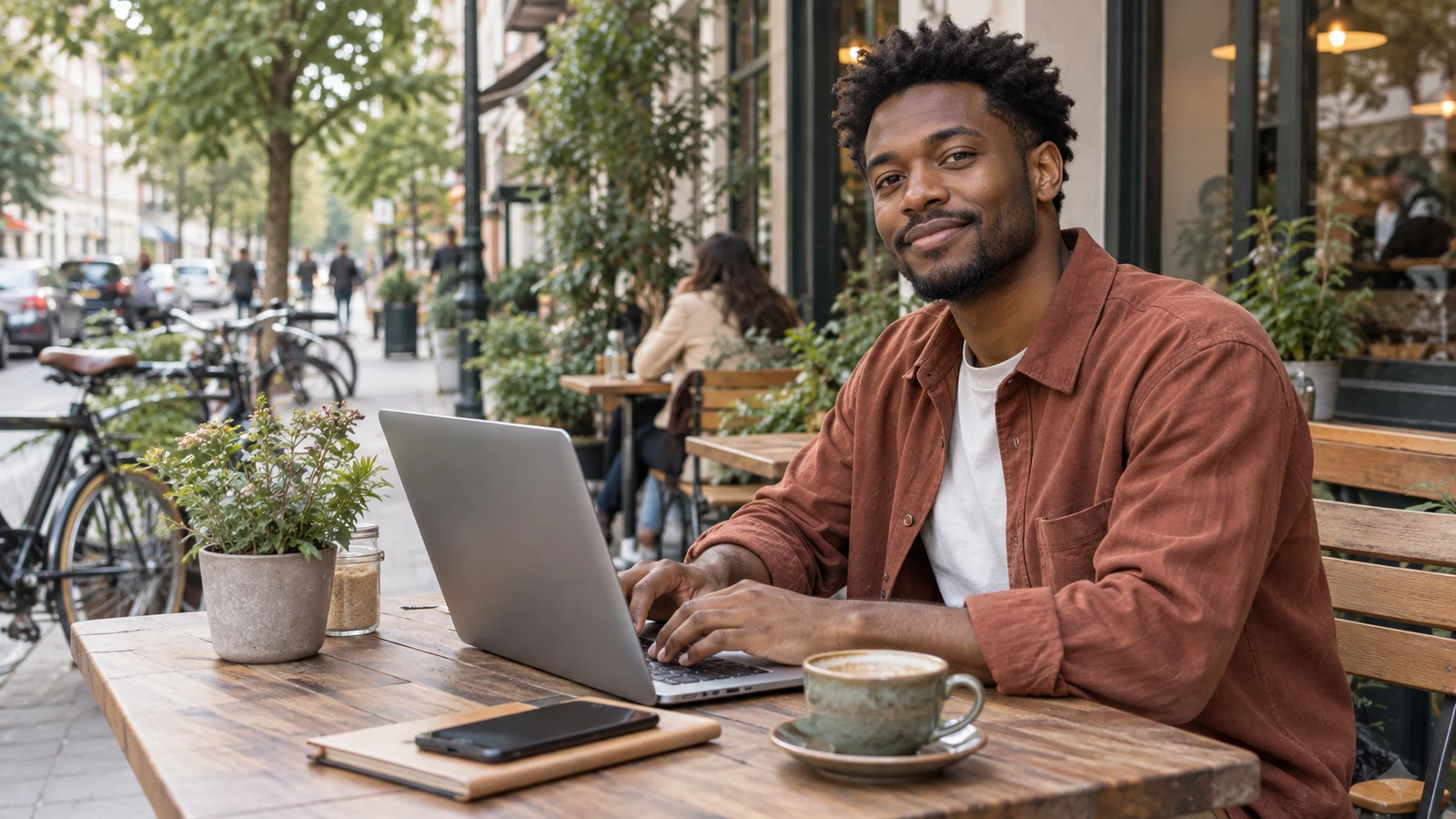
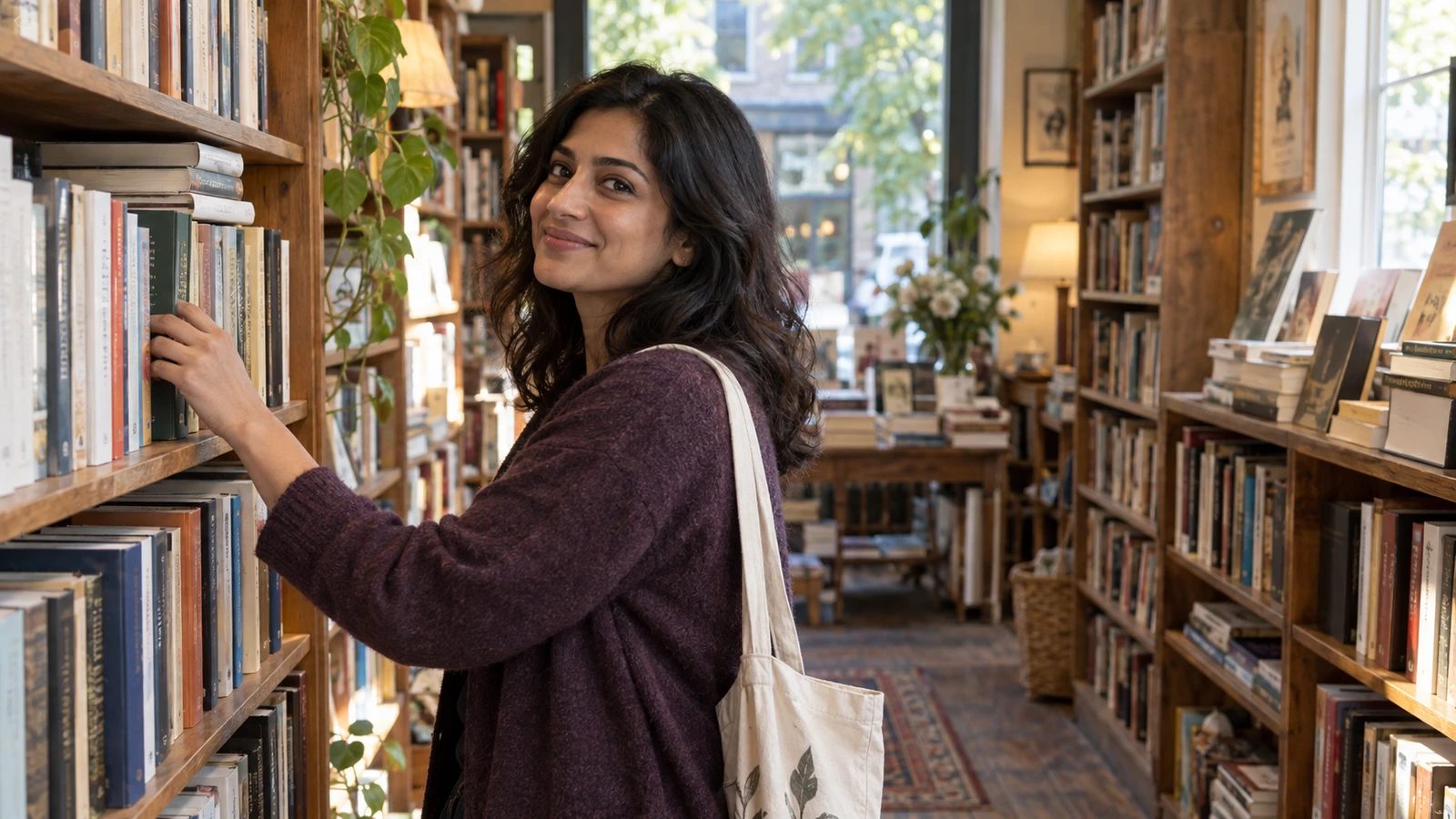
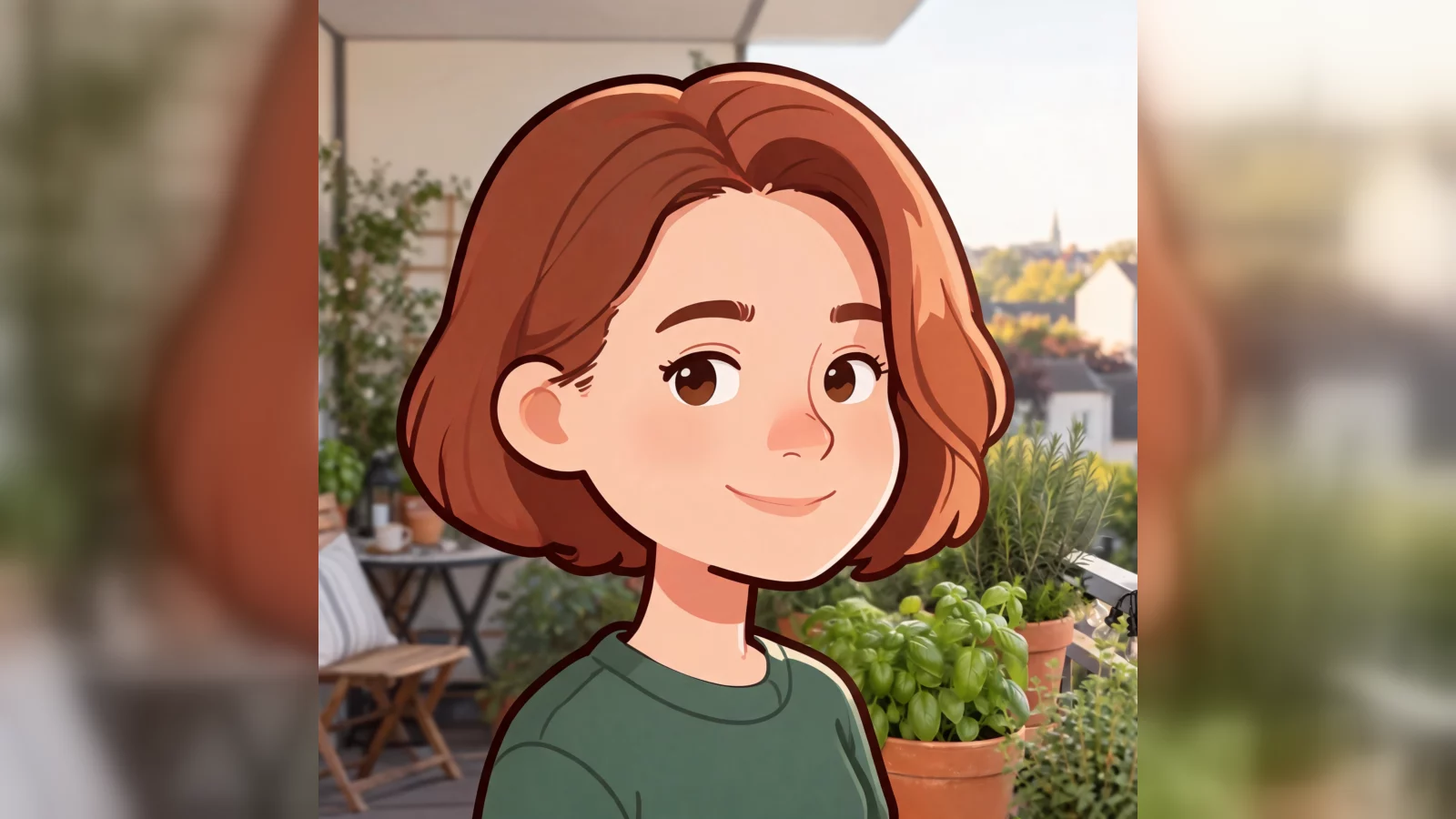
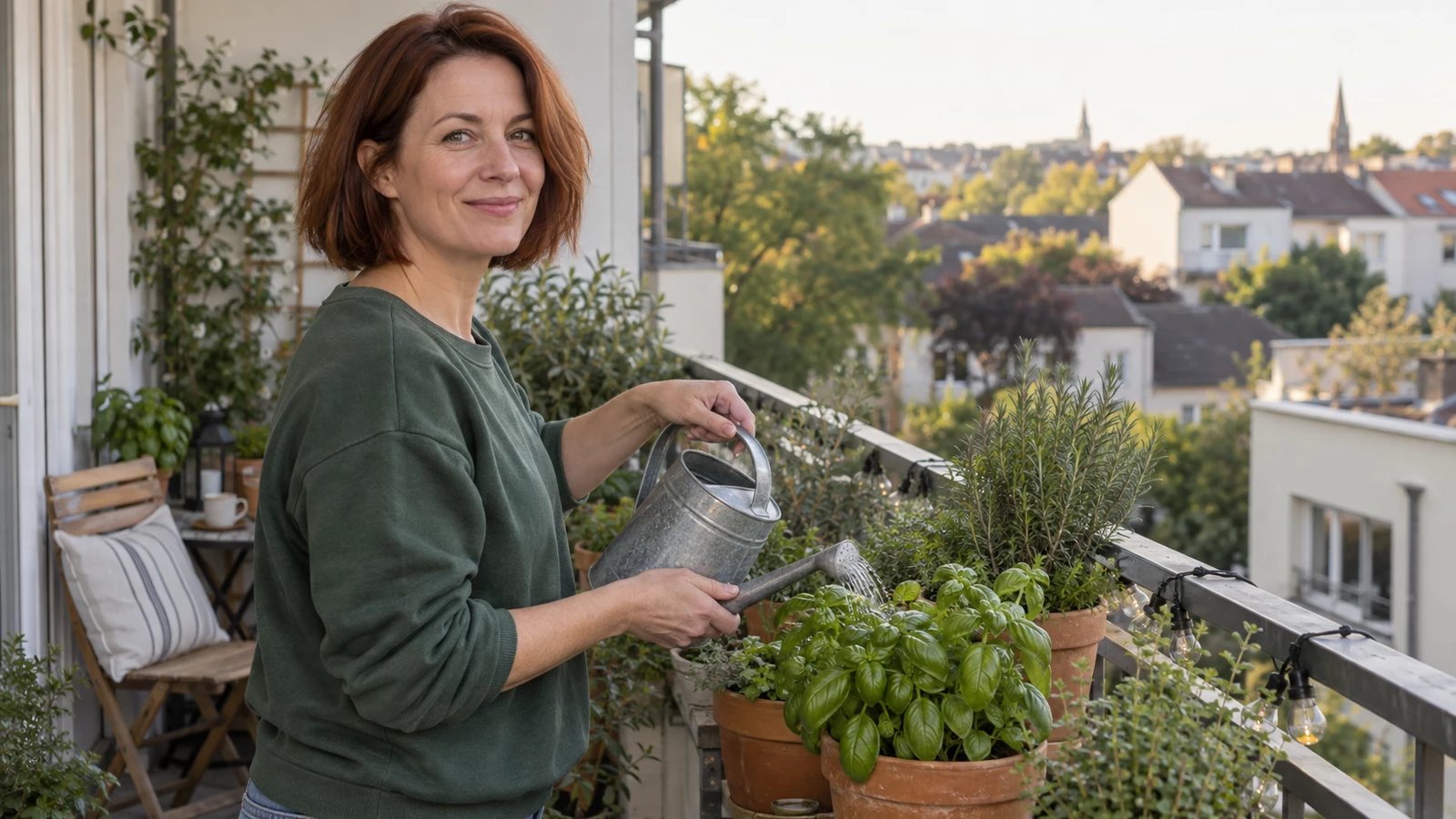
How to use Square Face Maker
- 1Upload your portrait
Open the workspace and add one JPG, PNG or WEBP photo to the Photo slot. A clear head-and-shoulders frame with the face, hairstyle and expression visible gives the most recognizable square face avatar.
- 2Set the quantity
Choose how many variations you want, from 1 to 4. Extra results let you compare different takes on the boxy face shape. Each generated image costs 3 credits from your balance.
- 3Generate and download
Click Generate and wait a few seconds to about a minute. Preview the square face results side by side, then download the one you like as your profile picture, chat icon or sticker.
Perfect for
Discord and gaming profiles
Square avatar frames are everywhere in gaming and chat communities. A square face icon made from your own photo fills that frame edge to edge with no awkward cropping, and the simple face shape holds up well at small avatar sizes. Moderators can run the same tool on each team photo for a matching set, once each member has agreed to it.
Streamer and creator branding
Use the boxy avatar as a channel icon, a chat badge, an emote base or an overlay corner graphic. Because the face shape is simple and the features stay yours, the icon scales down without turning to mush. Generate up to four takes and keep a spare for seasonal variants.
Team and roster pages
Some teams want a friendly, non-photographic headshot for an about page, a slide deck or an internal directory. A square face avatar keeps each person identifiable while lowering the formality of a corporate portrait. Collect signed-off photos from colleagues first, then run each one through the tool.
Stickers and messaging packs
The rounded-square style suits sticker sheets, reaction images and group chat icons. Start from a photo with a strong expression, since the square face filter preserves the smile or raised brow that makes a sticker readable. Download several results and build a small pack around one face.
Small brand mascots
Founders of small shops often want a mascot that still looks like a real person. A square face avatar sits between a photo and a logo: recognizable, simple enough to print small, and consistent across a site favicon, packaging and social profiles. Check the usage rules before commercial deployment.
Square Face Maker at a glance
FAQ
What is a square face maker?
A square face maker is a tool that redraws the face in a photo as a rounded-square cartoon icon. Ours works from your own portrait rather than from a menu of drawn parts, so the finished avatar keeps your hairstyle, features, skin tone and expression. The result is a square profile picture that still looks like the person in the original photo.
Will the avatar still look like me?
Yes, in most cases. Only the face outline and art style change, which is why friends usually recognize the avatar at thumbnail size. Front-facing or slight three-quarter shots with even lighting give the closest likeness, while heavy side shadow or sunglasses give the model less to anchor on. If a result feels off, generate again with a sharper photo of the same subject.
Is Square Face Maker free to use?
New accounts get free credits, so you can try the square face generator without paying and without entering a credit card. Each generated image costs 3 credits from your balance. Sign in with Google to claim your starting credits, then top up later only if you want to keep generating avatars.
How long does one square face avatar take?
Most results arrive within seconds, and a busy queue can stretch that to about a minute. Asking for more variations in one request can add a little time, since each result is generated separately. Results appear in the workspace as soon as they are ready, then download the file you prefer.
What image formats can I upload?
JPG, PNG and WEBP photos are accepted in the Photo slot. Upload a single face per image for the cleanest result; if your photo has more than one person, crop it first. Generation happens in the browser workspace, so there is nothing to install and no plugin to configure.
Can I use a photo of someone else?
Only with that person's clear permission. Turning someone's portrait into an avatar without asking is not acceptable, even as a joke, and results should never be used to impersonate anyone or to suggest an endorsement. Keep your use personal, creative and lawful, and delete your own downloaded copies if a subject asks you to stop using them.
How is this different from a normal cartoon filter?
A general cartoon filter restyles the whole head and often invents new features along the way. This square face filter deliberately targets the face outline, turning it into a boxy, rounded-square shape while leaving identity, pose, background and lighting as they were. That constraint is why the avatar stays recognizable instead of becoming a generic character.
What can I do with the finished square face image?
Use it as a profile picture, chat avatar, forum icon, sticker, stream badge or small mascot. Square frames are the standard on most social and gaming platforms, so the shape fits without cropping. For commercial use, review our terms first and make sure everyone shown in the photo has agreed to it.
What happens to the photos I upload?
Uploads may be processed and stored so we can generate and deliver your results, as described in our privacy policy. We do not promise automatic deletion, so avoid uploading images you consider sensitive. If privacy is your main concern, start with a photo you would already be comfortable posting publicly.