 Photography Colleges
AI Kiss
Best Examples
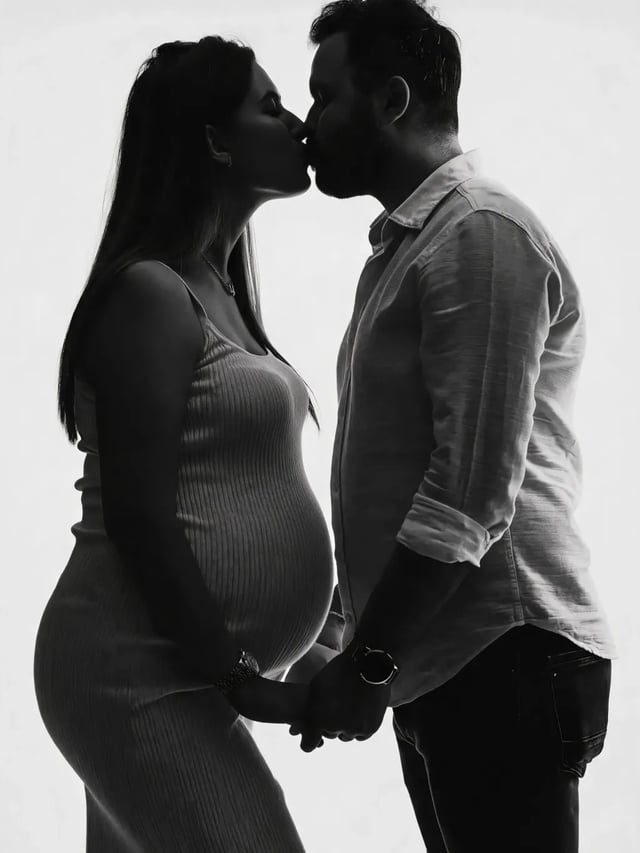
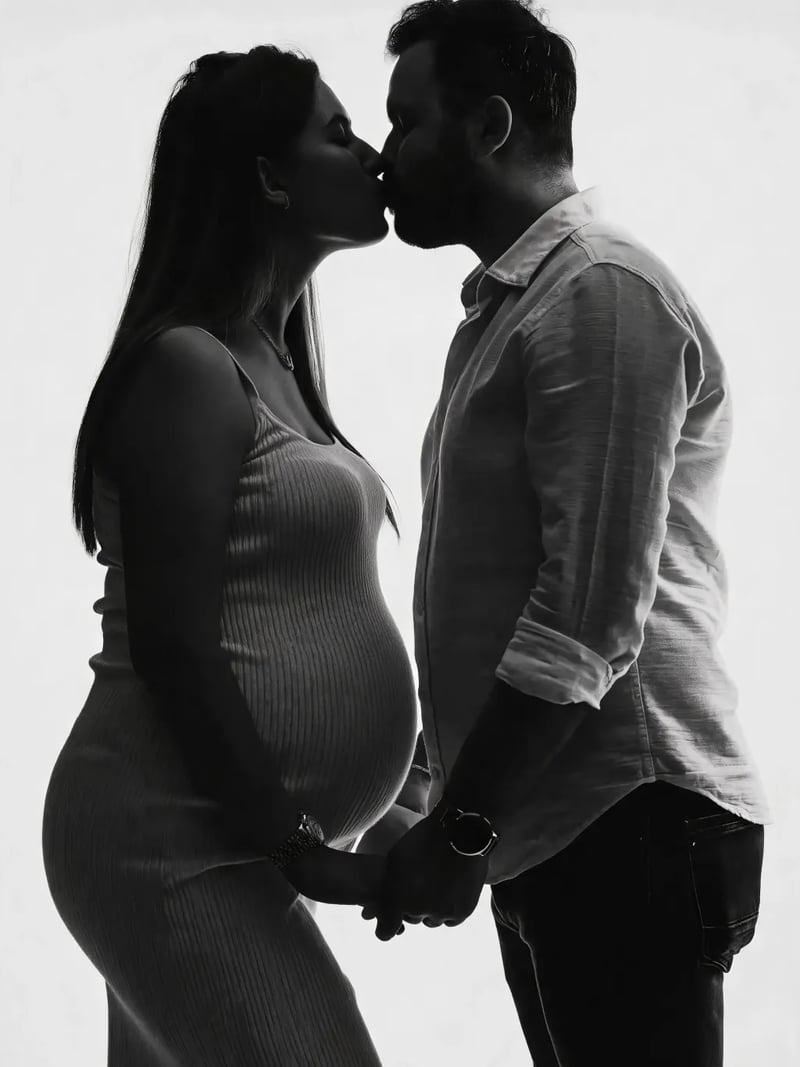
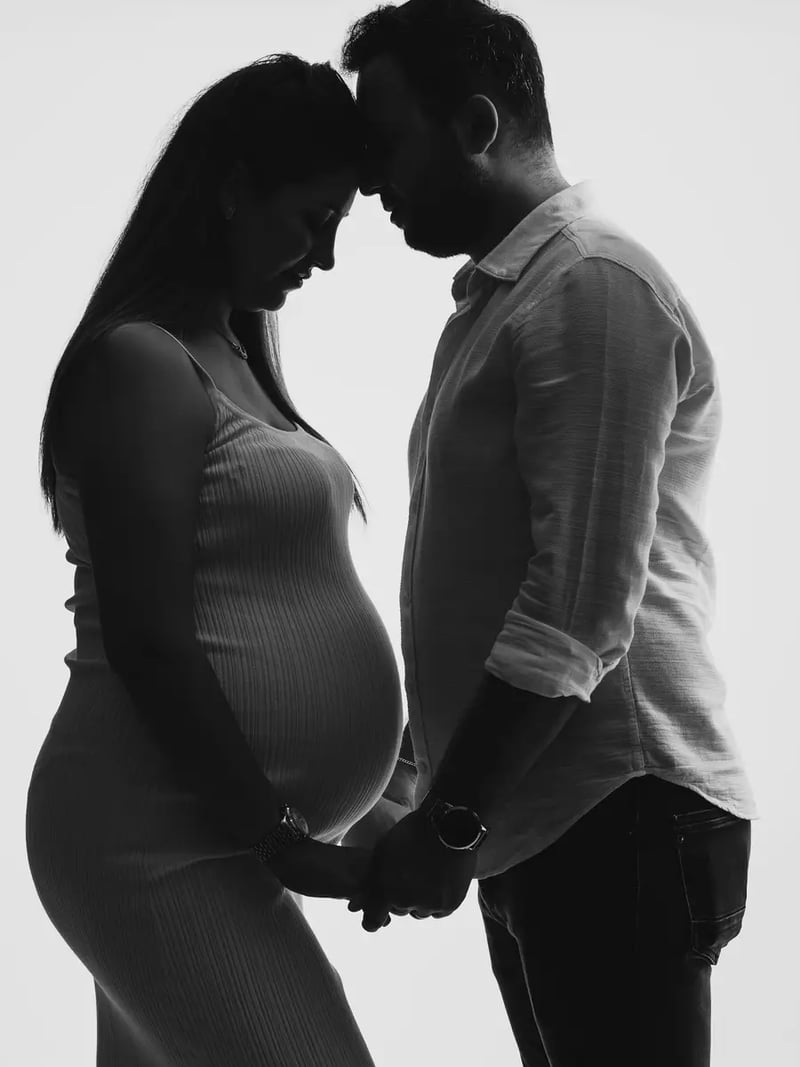
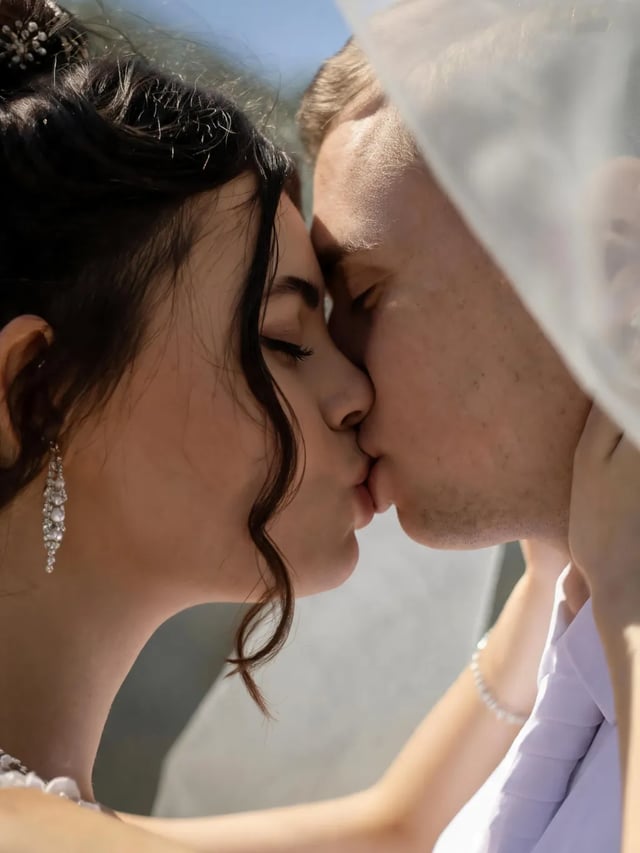
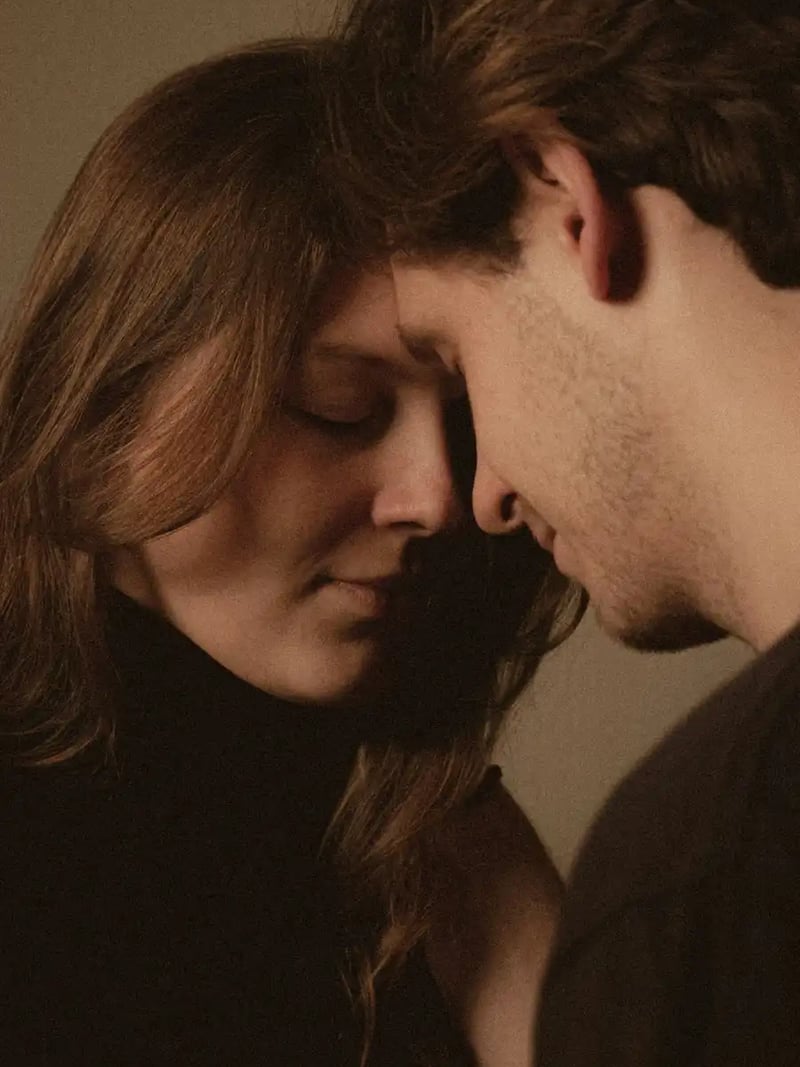
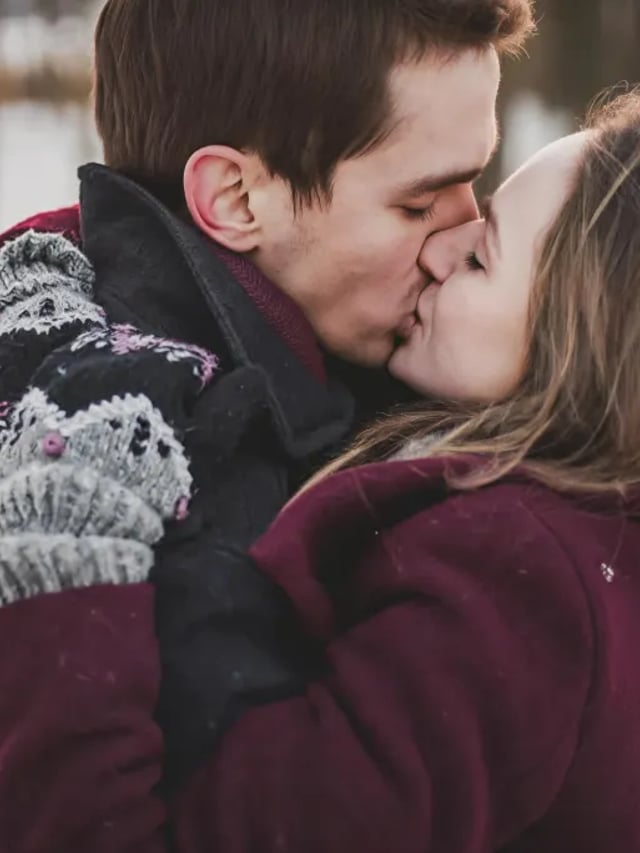
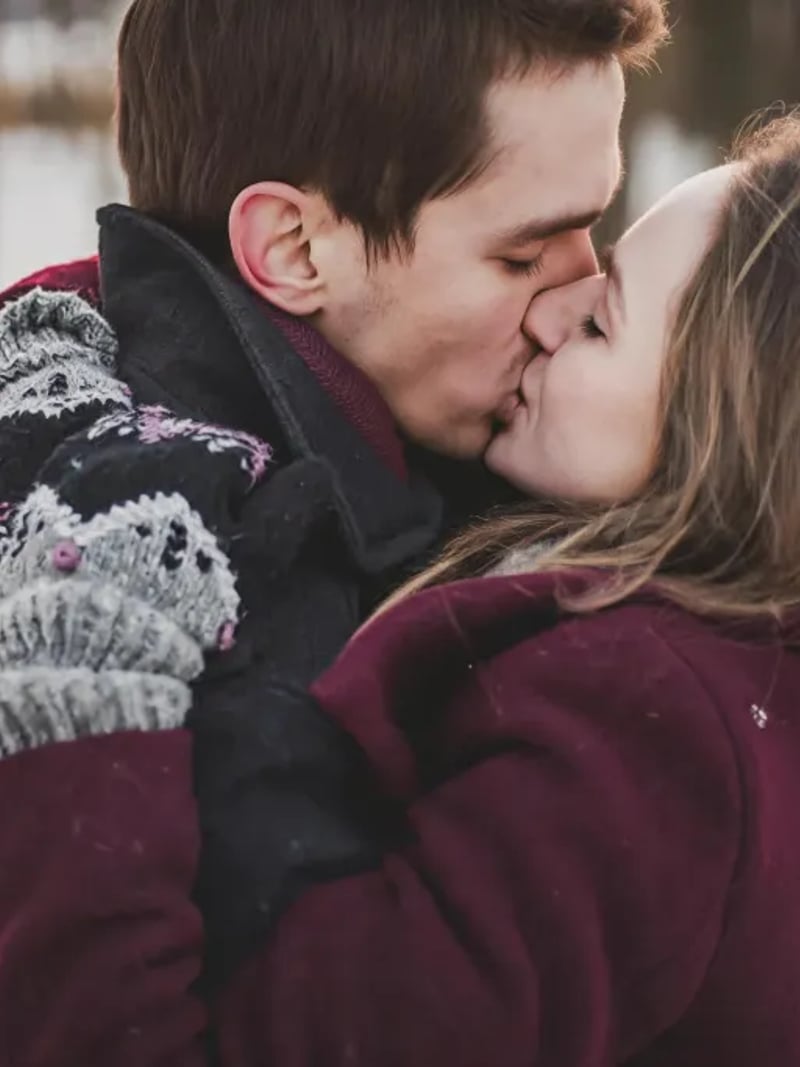
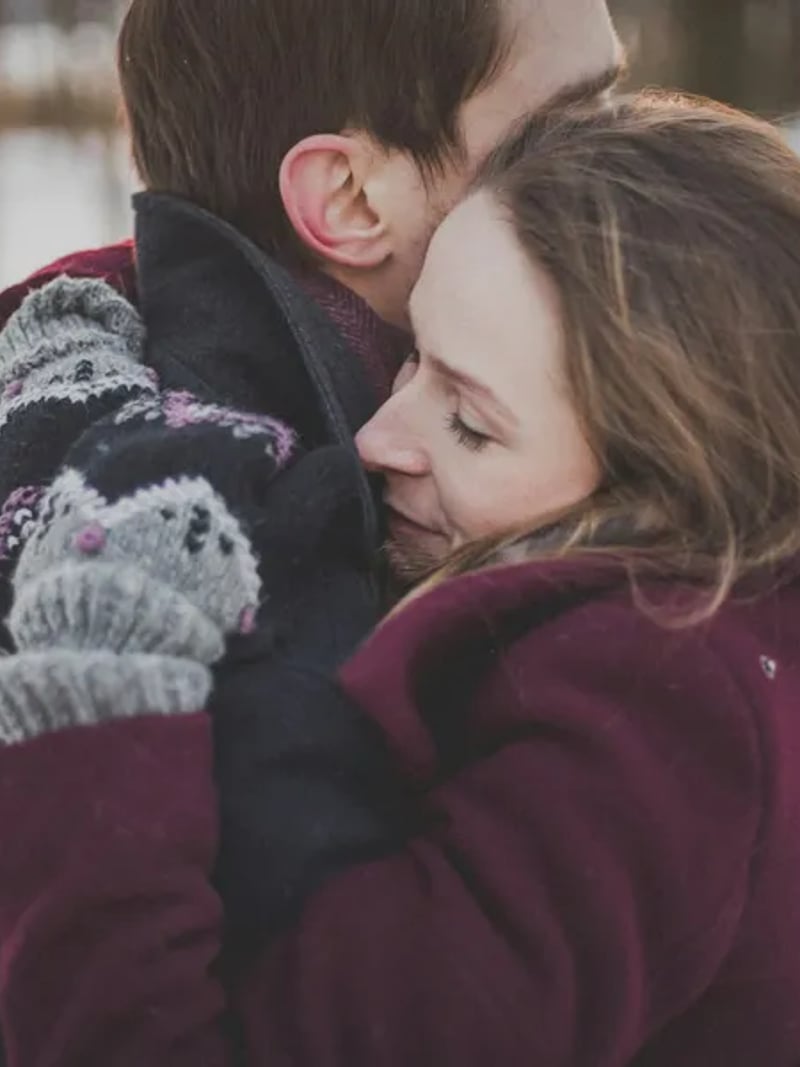
AI Kiss Generator: Turn a Couple Photo Into a Kiss Shot
Use the AI kiss generator to turn one couple photo into a tender kissing shot in seconds. Faces, outfits and background stay the same. Free to try, no card.
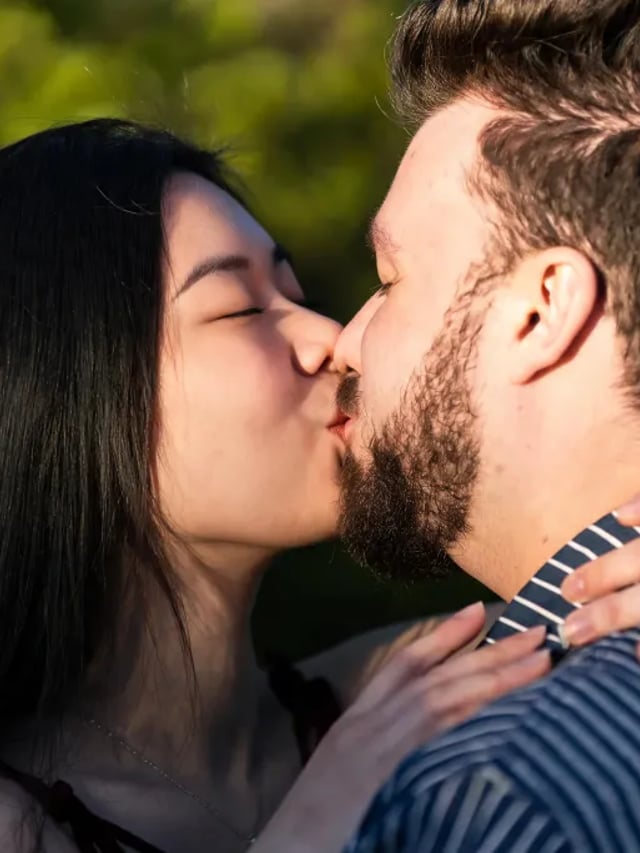
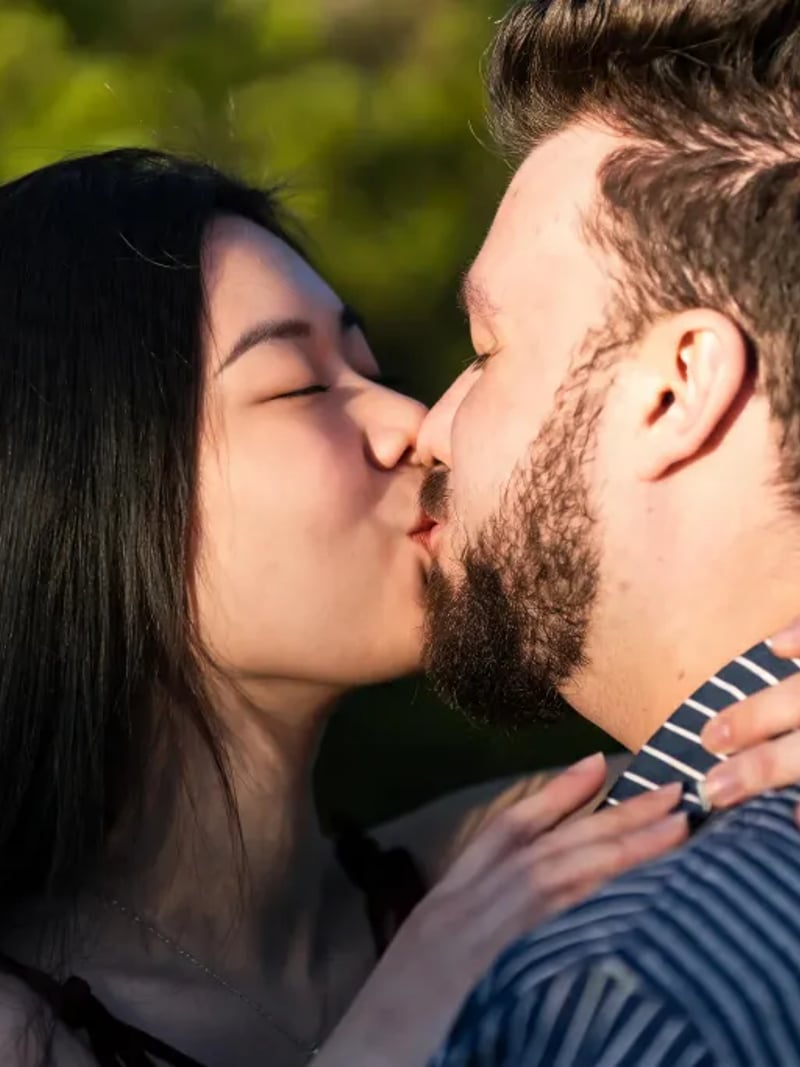
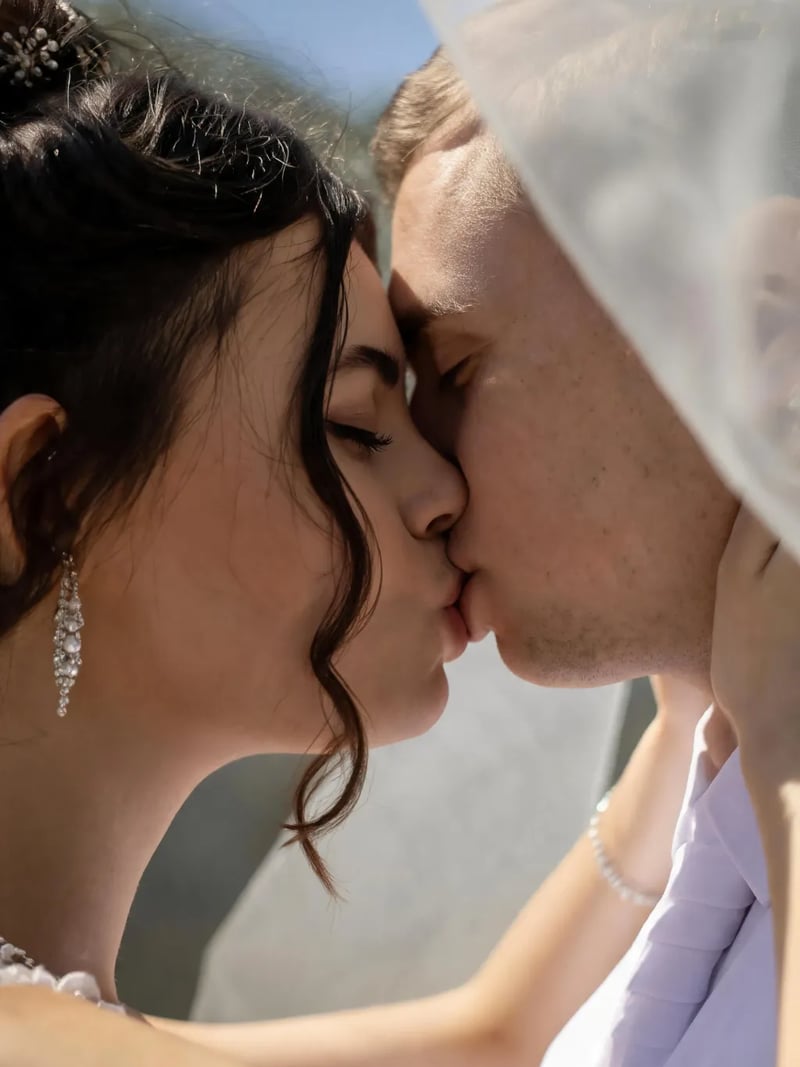
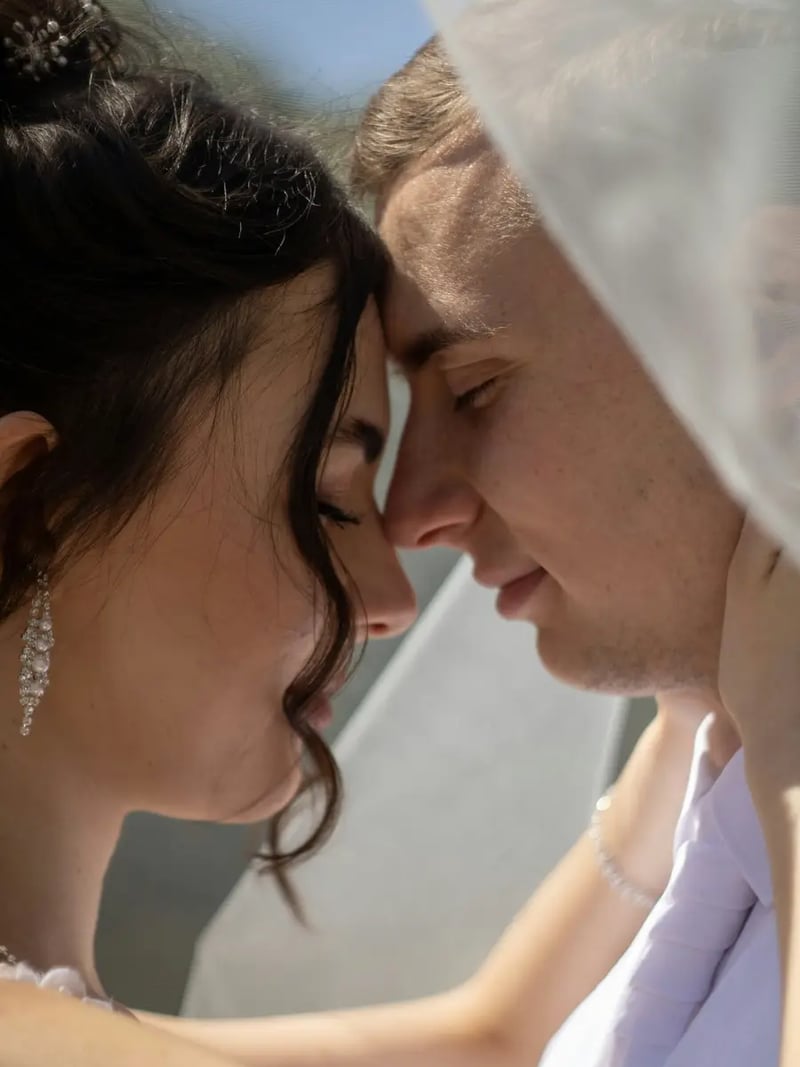
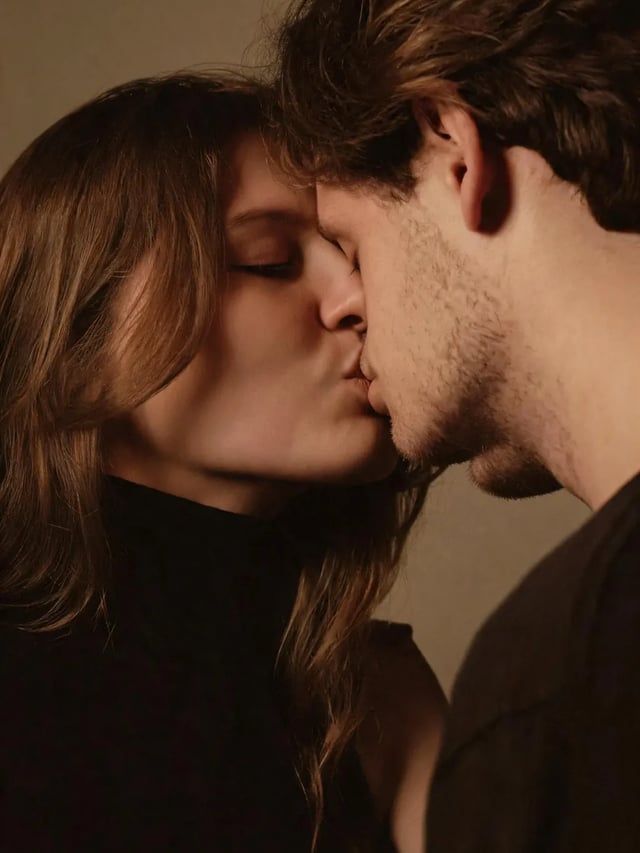
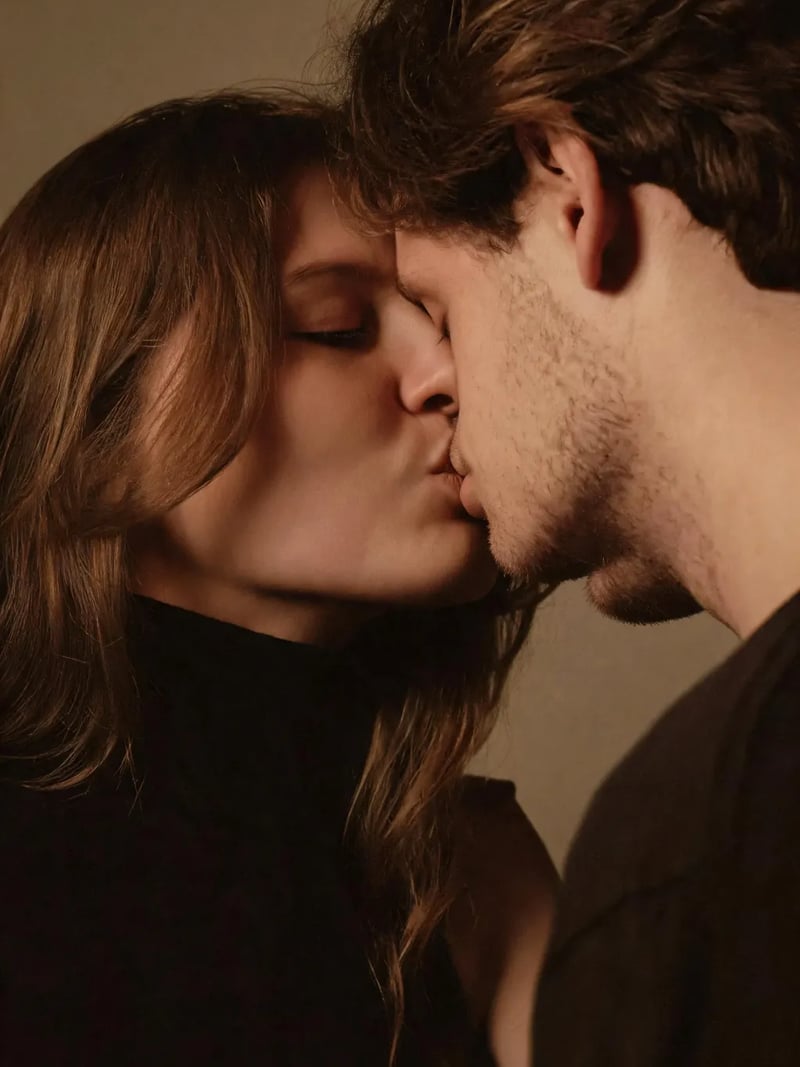
AI Kiss turns a single photo of two people into a warm, believable kissing shot. You upload one picture, press Generate, and the model brings the two faces together while the rest of the frame holds still. There is no prompt to write and no style menu to learn.
It suits couples, wedding and event designers, social creators and anyone assembling a keepsake: a long-distance pair working from the one good photo they took together, a card maker building an anniversary or Valentine's post, a studio previewing a romantic concept before a shoot is booked, because a rough idea is easier to sell when someone can actually see it.
Manual retouching for this effect is slow work. Reposing two heads, matching skin tone across a seam and rebuilding the lighting can eat an hour in a layered editor, and the seams still show under a phone zoom. This AI kissing generator handles the geometry and the light in one pass, so you judge a finished frame instead of nudging pixels, and a second take is another run rather than another hour.
How the AI kiss generator works from one photo
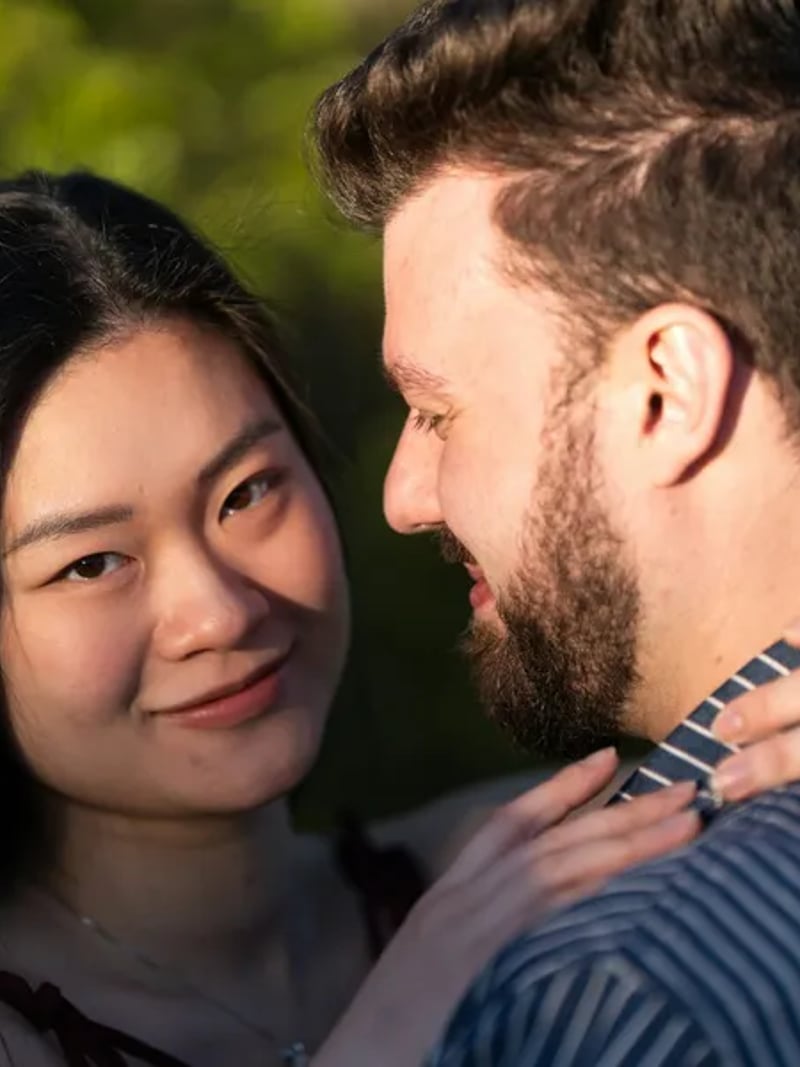
The tool takes one input: a photo containing both people. That single-image approach is deliberate. When both faces already share a frame, the model has the real outfits, the real room and the real light to work from. All it has to invent is the movement of the kiss itself. Nothing about the scene has to be guessed or replaced.
A fixed romantic preset runs behind the Generate button, so there are no sliders, no style grid and no prompt box to fill in. Upload, generate, download. Each run costs 3 credits, and new accounts start with free credits. You can see a real result on your own photo before deciding whether the effect suits your project.
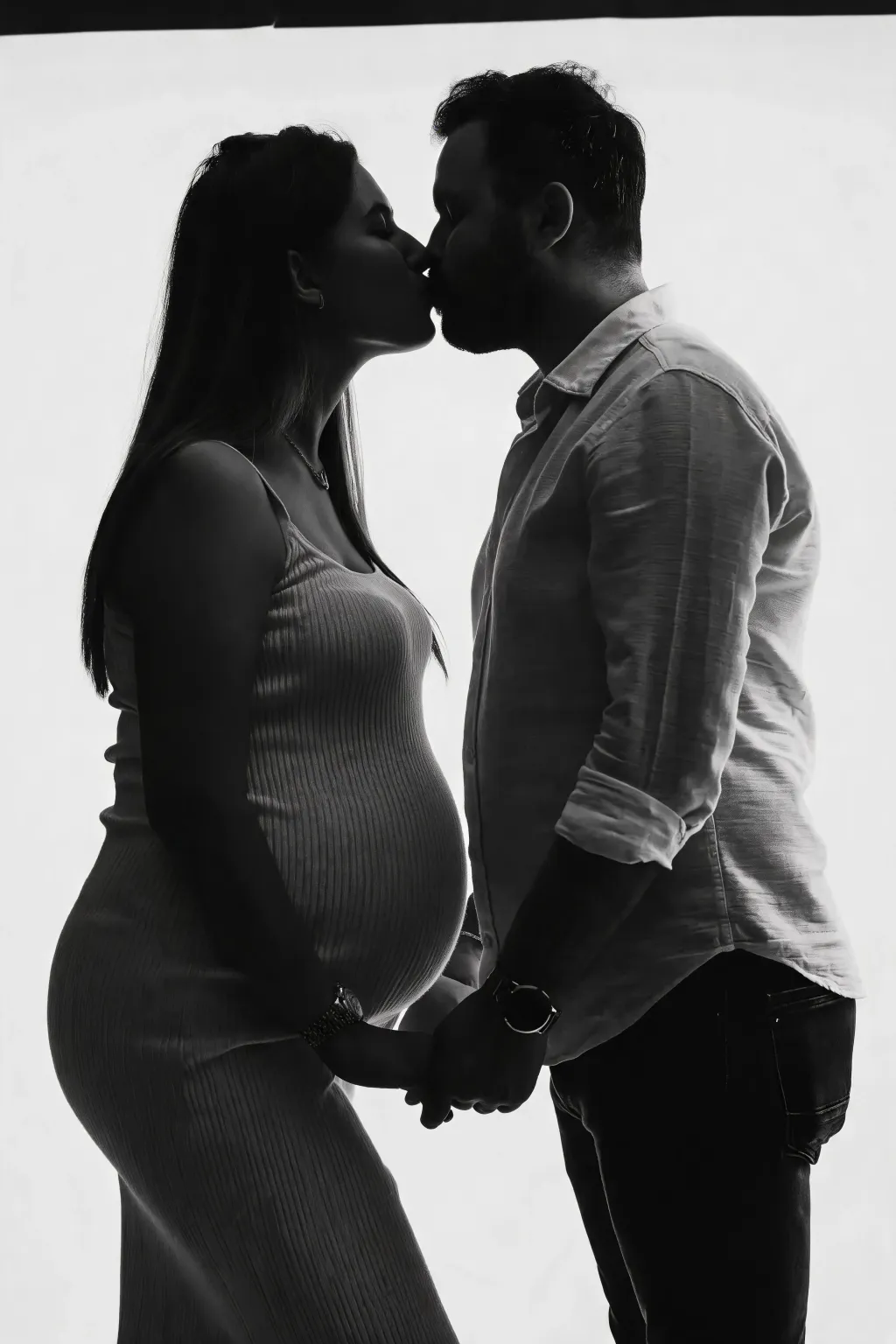
Realistic AI kissing photos that still look like you
Likeness is the whole test. A kiss image fails the moment a friend says the faces look off, so the model works around the identity in your source photo rather than replacing it. Facial structure, hair, skin tone and expression carry through. Everything outside the edited area, including pose, clothing, background and the direction of the light, is left exactly as you shot it.
Source quality still decides the ceiling. Clear, front-facing or gently angled faces, even lighting and a frame where both mouths are visible give the cleanest results. Heavy shadow, sunglasses, motion blur or faces that sit tiny in a wide crowd shot give the model less to hold on to. If a take looks wrong, swap in a sharper photo and run it again.
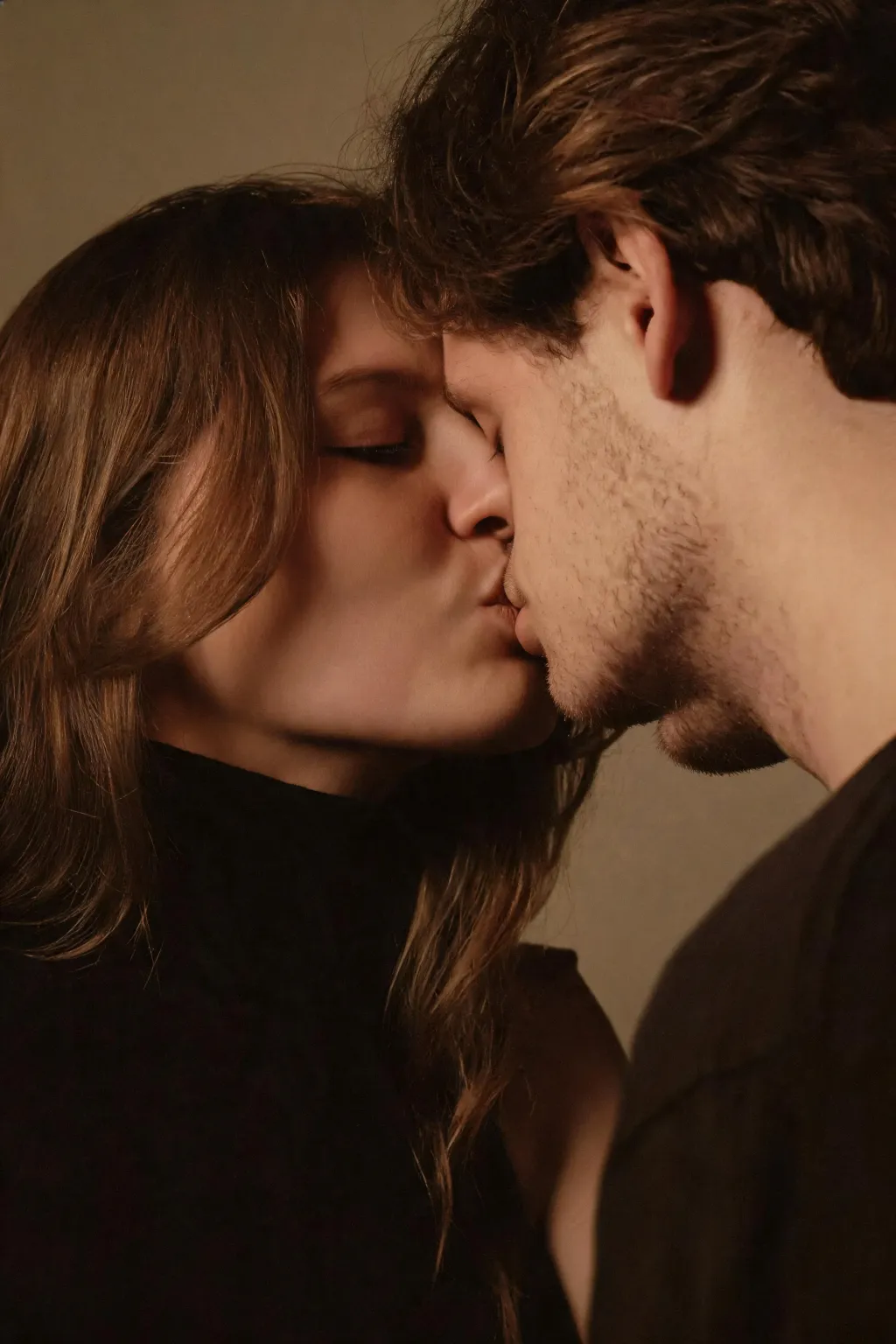
AI kiss versus editing the photo by hand
By hand, this is a composite job. You cut out two heads, rotate them toward each other, repaint the overlap, blend the skin tones and then rebuild highlights so the new angle agrees with the original light. Skilled editors do it well. It still takes real time, and one changed source photo means most of that work starts over.
The AI route trades that control for speed. A result arrives in seconds to about a minute, and a fresh attempt costs another 3 credits rather than another hour. Use the image as a finished keepsake, or as a fast draft you hand to a retoucher.
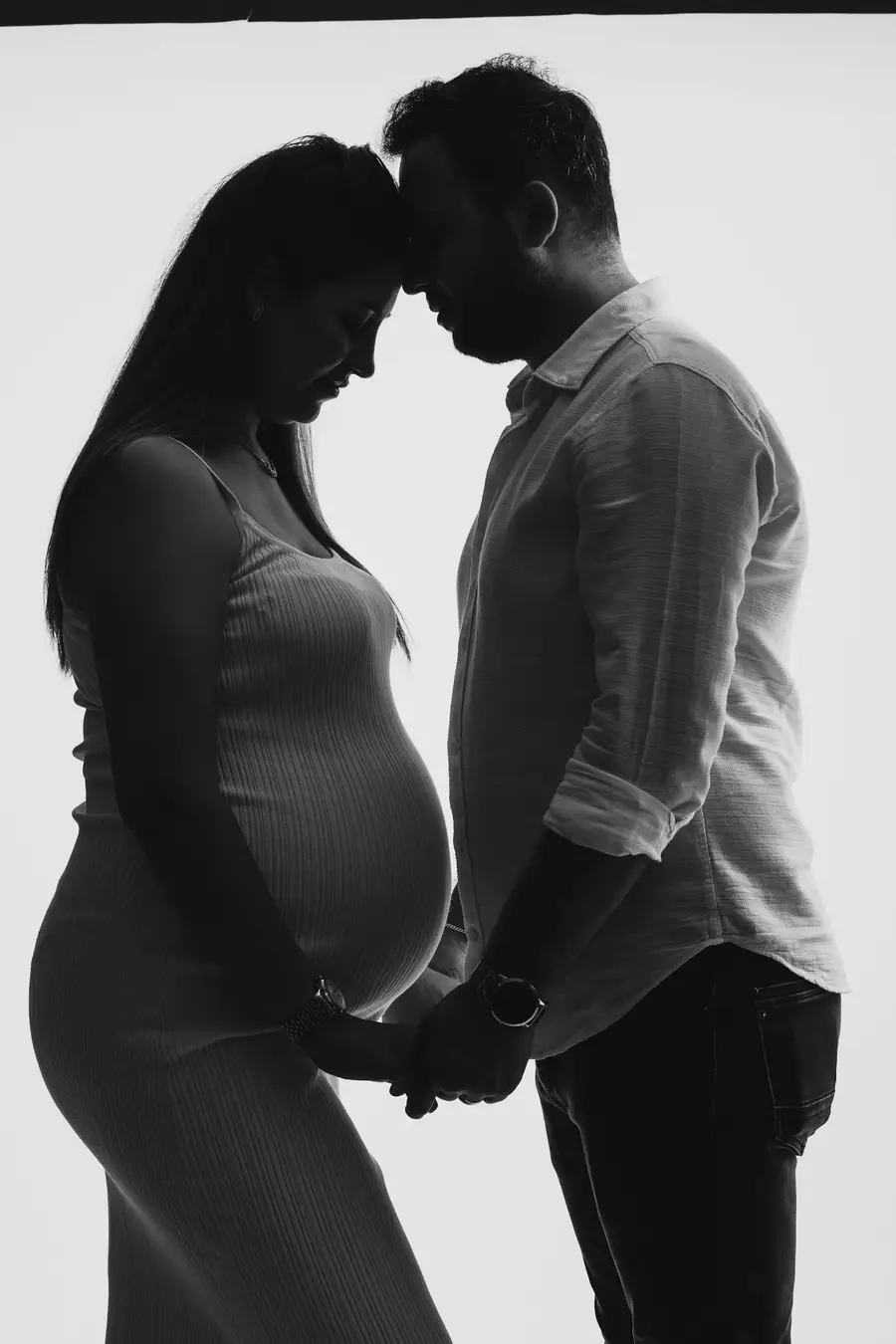
Whose photos you can use
Use photos of yourself, or photos of people who have agreed to both the edit and wherever you plan to post it. That single rule covers almost every honest use of this tool. Do not use pictures of celebrities, of an ex who has not agreed, of strangers or of anyone under 18. Romantic edits of people who never consented cause real harm and are unlawful in many places.
Results are for personal, creative and lawful use only. Uploads are processed and may be stored so we can run the generation and return your file; our privacy policy sets out the details. Read it before you send anything sensitive, and keep the same standard for sharing that you would apply to any photo of someone else.
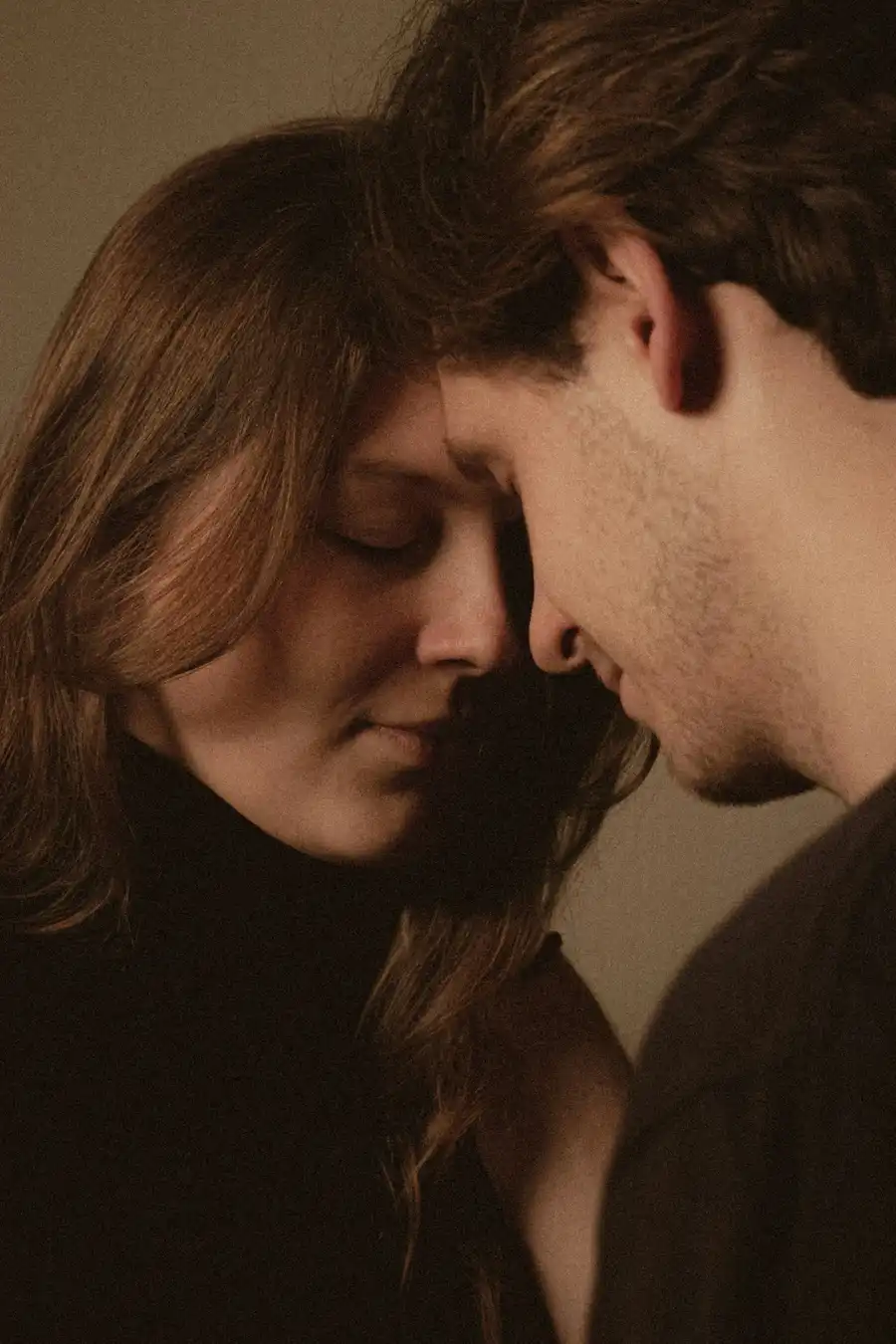
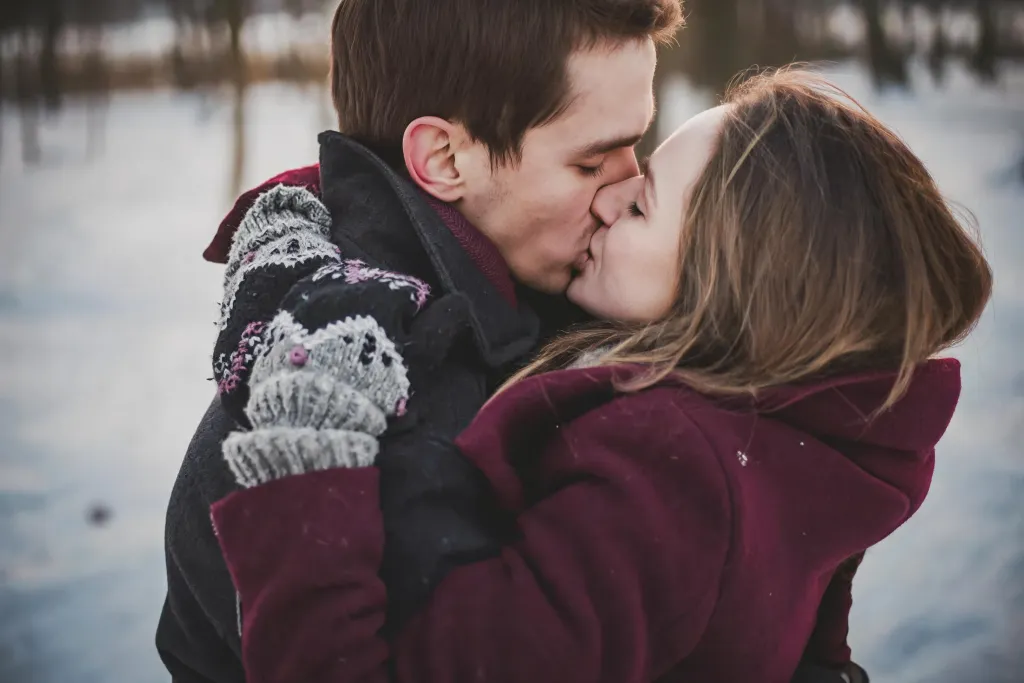
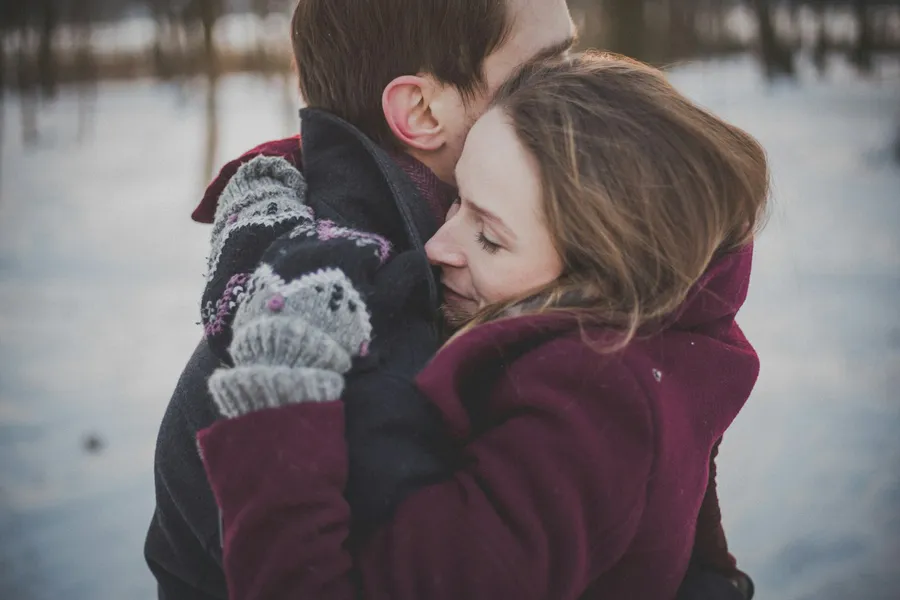
Before & After: AI kiss results
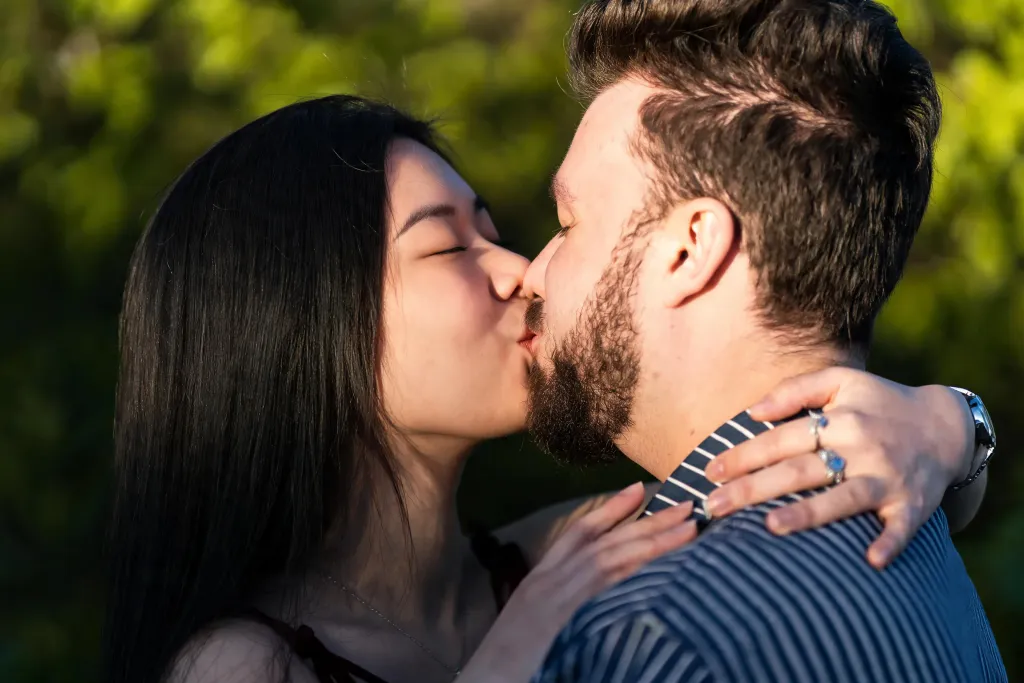
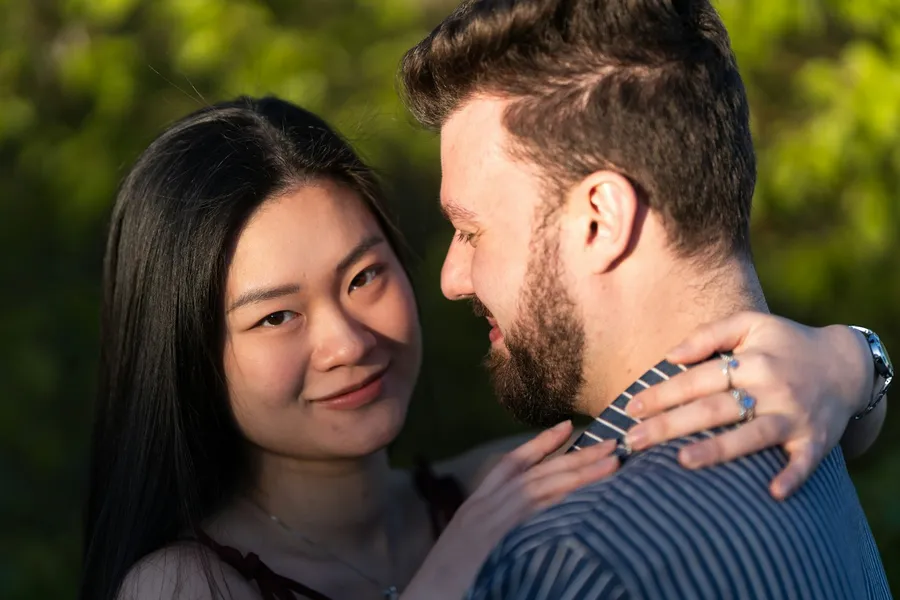
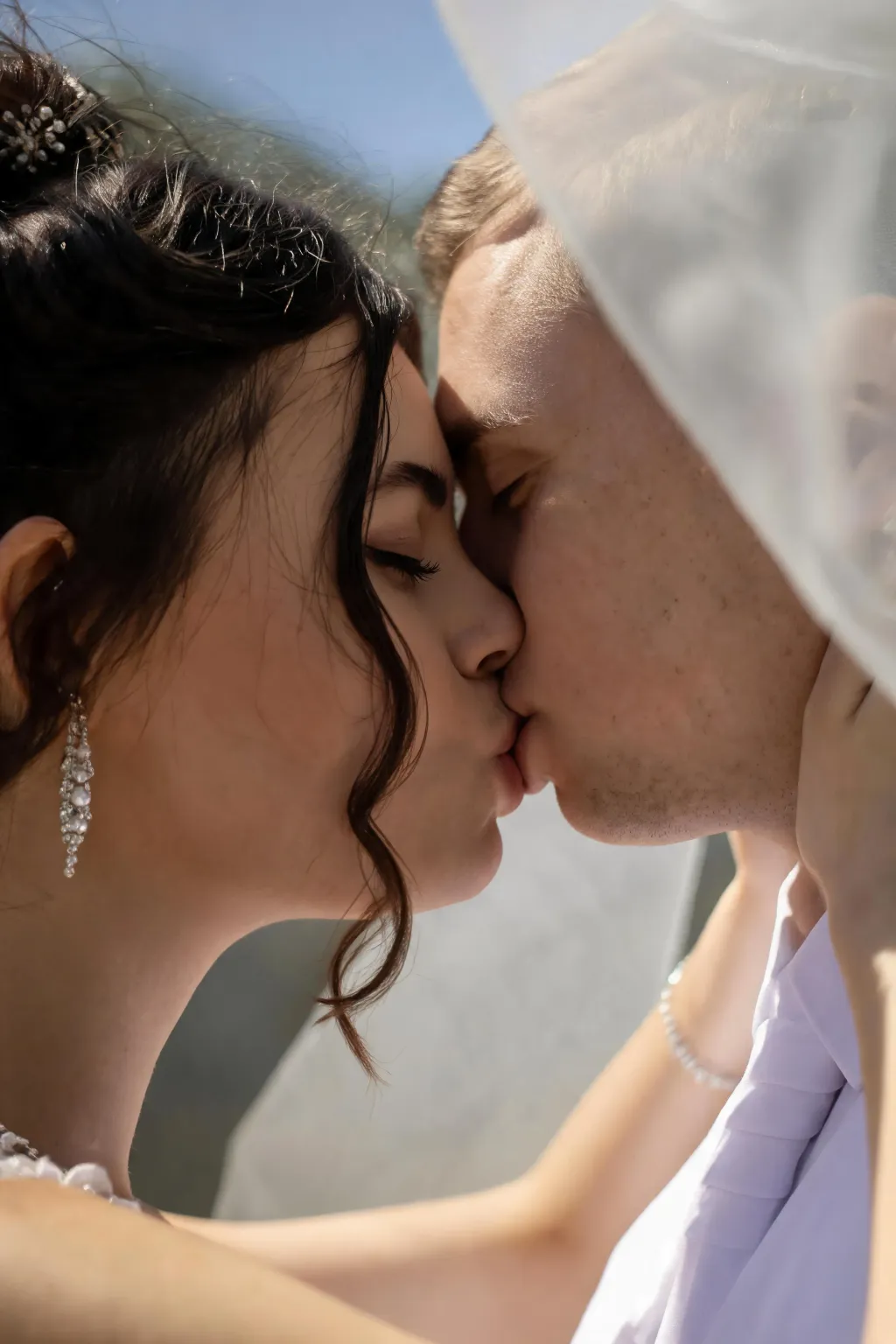
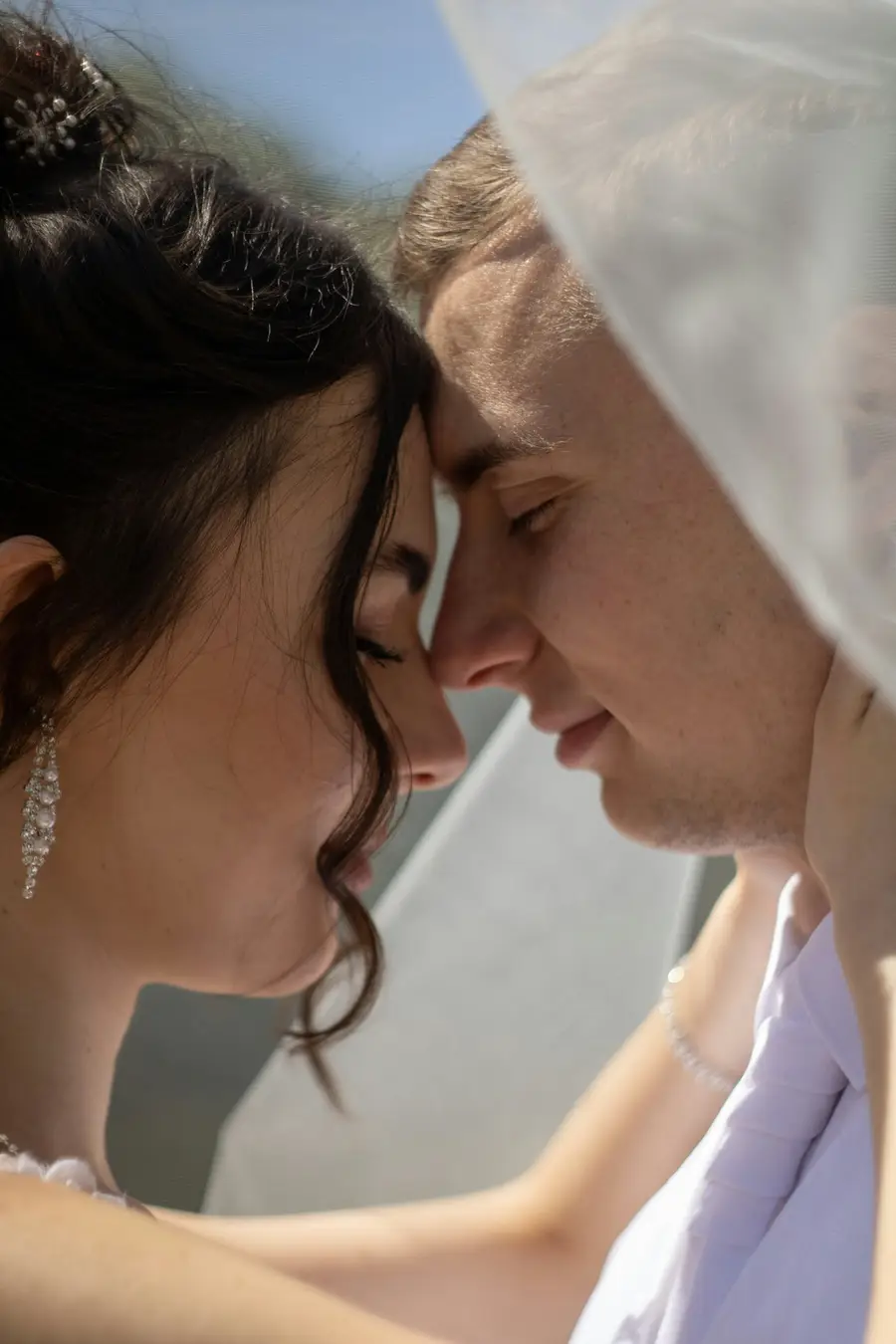
How to use AI Kiss
- 1Upload one photo of the two people
Open the workspace and drop your picture into the Photo slot. JPG, PNG and WEBP all work. Pick a frame where both faces are clear, evenly lit and reasonably large, since sharp sources give the most convincing kiss.
- 2Click Generate
Sign in with Google if you have not already, since new accounts start with free credits. There is nothing else to set. A built-in romantic preset runs on its own, so you write no prompt and choose no style. Each run costs 3 credits, and your result usually appears within seconds to about a minute.
- 3Review and download
Check the faces at full size, then download the file. The background, outfits and lighting come back unchanged. Not happy with the take? Upload a sharper photo and run it once more for a different result.
Perfect for
AI kiss photos for anniversaries and keepsakes
Turn the one good photo of you two into a framed print, an anniversary post or a surprise message. Because the original scene survives the edit, the result still reads as your day rather than a stock romance image pulled from somewhere else.
AI kiss maker for long-distance couples
When you only see each other a few times a year, the photo library gets thin. Take a picture from your last visit together and generate a tender version of that moment to send back. Use it for your own photos, or photos your partner has agreed to.
AI kissing photos for weddings and events
Designers build save-the-dates, invitations, countdown posts and reception slideshows on a tight timeline. Generate a kissing shot from an engagement photo the couple already approved, and keep their real faces, real outfits and the venue light from the original frame.
AI kiss generator for greeting cards and gifts
Valentine's, birthdays and anniversaries all want one warm image. Upload a photo the recipient already loves, generate a romantic version, and drop it into a printed card, a mug design or a digital note. The result downloads as a standard image file.
AI kissing photos for social posts
Couple accounts and short-form creators need fresh visuals every week without booking a photographer. Make an AI kissing photo from a recent shot, then crop it for a feed post or a story. Say plainly that the image is AI-edited when you publish it.
AI Kiss at a glance
FAQ
What is AI Kiss and what does it do?
AI Kiss is an online photo tool that turns a picture of two people into a romantic kissing shot. You upload one image and the model composes the kiss while keeping faces, outfits, background and lighting from your original. It returns a still image you can download, not a video clip, so it suits posts, cards and prints.
How do I make two people kiss with AI?
Upload a clear photo containing both people, then click Generate, and a fixed romantic preset does the rest. You download the finished image from the workspace. If a face looks off, try a sharper, better-lit source photo.
Is the AI kiss generator free?
New accounts get free credits, so you can try the tool without paying and without entering a card. Sign in with Google to claim them. Each generation costs 3 credits from your balance. Once your credit balance runs out you will need more credits before you can generate again. There is no unlimited or permanently free plan.
Do I need two separate photos?
No. This tool takes exactly one photo, and that photo should contain both people. Working from a single frame is what lets the model preserve the real outfits, room and lighting instead of inventing a scene. If your only pictures are separate portraits, put both people into one frame first with our Add a Person to a Photo tool at /tools/add-a-person-to-a-photo/, then run that combined image through AI Kiss.
Which image formats can I upload?
JPG, PNG and WEBP photos are accepted. The file type does not change the result, but the framing does, so pick the sharpest version of a shot rather than the largest. If all you have is a screenshot or a re-photographed print, expect softer faces than the original file would give you.
Will the background or the outfits change?
No. Everything outside the edited area stays as you shot it, including background, clothing, pose framing and the direction and color of the light. That is the core promise of the tool. Only the kiss itself is generated, which is why the finished image still reads as your original photograph.
Is it legal and safe to make an AI kiss image?
It is fine when you use your own photo, or a photo of people who agreed to the edit and to how you will share it. It is not fine to use images of celebrities, of an ex who has not agreed, of strangers or of minors. You are responsible for what you publish.
What happens to the photos I upload?
Uploads are processed and may be stored so the service can run your generation and hand back the result, as described in our privacy policy. Read that policy before uploading anything sensitive, and only upload pictures you have the right to use. Generated images are yours to download and keep from the workspace.
How long does one generation take?
Most runs finish in seconds, and a slower one takes up to about a minute. Timing shifts with image size and how busy the queue is at that moment. You stay on the workspace page while it renders, and the finished image appears in the result panel ready to download.
Can I make an AI kiss video with this tool?
No. AI Kiss returns a still image, not a video clip. Many searches for an AI kissing video generator end up here, so it is worth saying plainly: this tool edits one photo and hands back one photo you can download, post or print. If you need motion, this is not the right tool.
Is there a difference between AI kiss, AI kissing and kiss AI?
No, they are three phrasings of the same thing, and this page is the tool behind all of them. Whether you searched for an AI kiss generator, an AI kissing photo, an AI kiss maker or kiss AI, the job is identical: one photo of two people in, one kissing shot out.