 Photography Colleges
Age Swap
Best Examples



Age Swap — AI Age Change Photo Tool
Make anyone look younger or older with AI Age Swap. Choose an age from 5 to 85 while preserving the pose, clothing and background. Start with free credits.
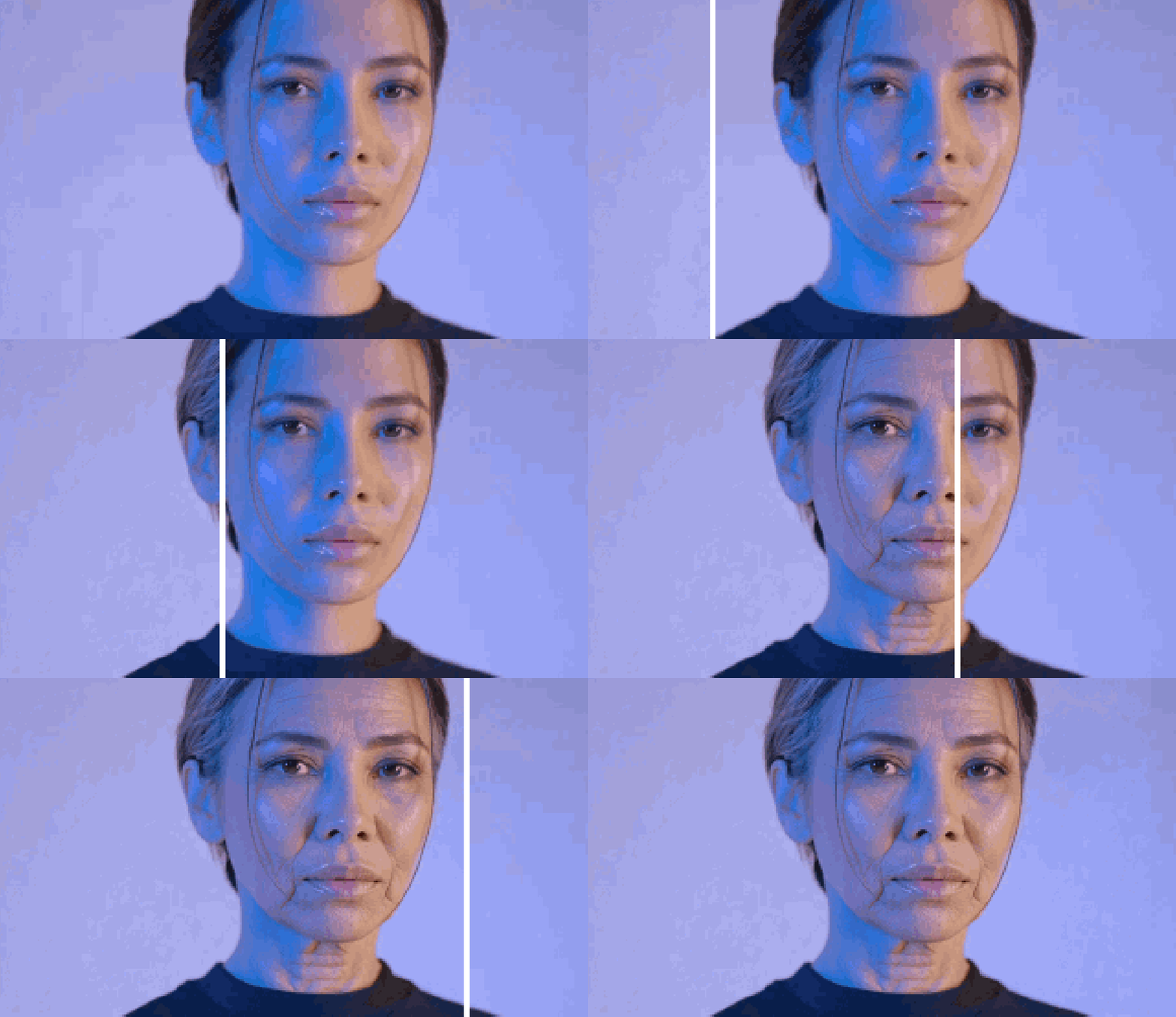
Age Swap lets you choose a precise target age instead of settling for a one-click old or young filter. Move the slider anywhere from 5 to 85 and the model rebuilds age-related details while keeping the person recognizable.
Use it to explore a future look, recreate a younger portrait, plan a character across a timeline or make a family keepsake. The pose, clothing, framing and background remain anchored to the uploaded photo, so the age change is easy to compare.
A clear, evenly lit portrait gives the model the best view of the eyes, jawline, skin and hair. The result is a creative visualization rather than a prediction of how anyone will actually age.
How a precise target age changes the portrait
The model starts with the identity cues already present in the upload, including eye spacing, nose shape, mouth line and overall bone structure. It then adjusts the signals associated with the selected age: facial fullness, skin texture, hair density and colour, and the definition around the jaw and eyes.
Because the slider supplies a specific target instead of a vague older-or-younger command, you can render the same portrait at several points and compare a gradual progression. The result remains a creative estimate, not a biological forecast.
What stays unchanged in an age swap
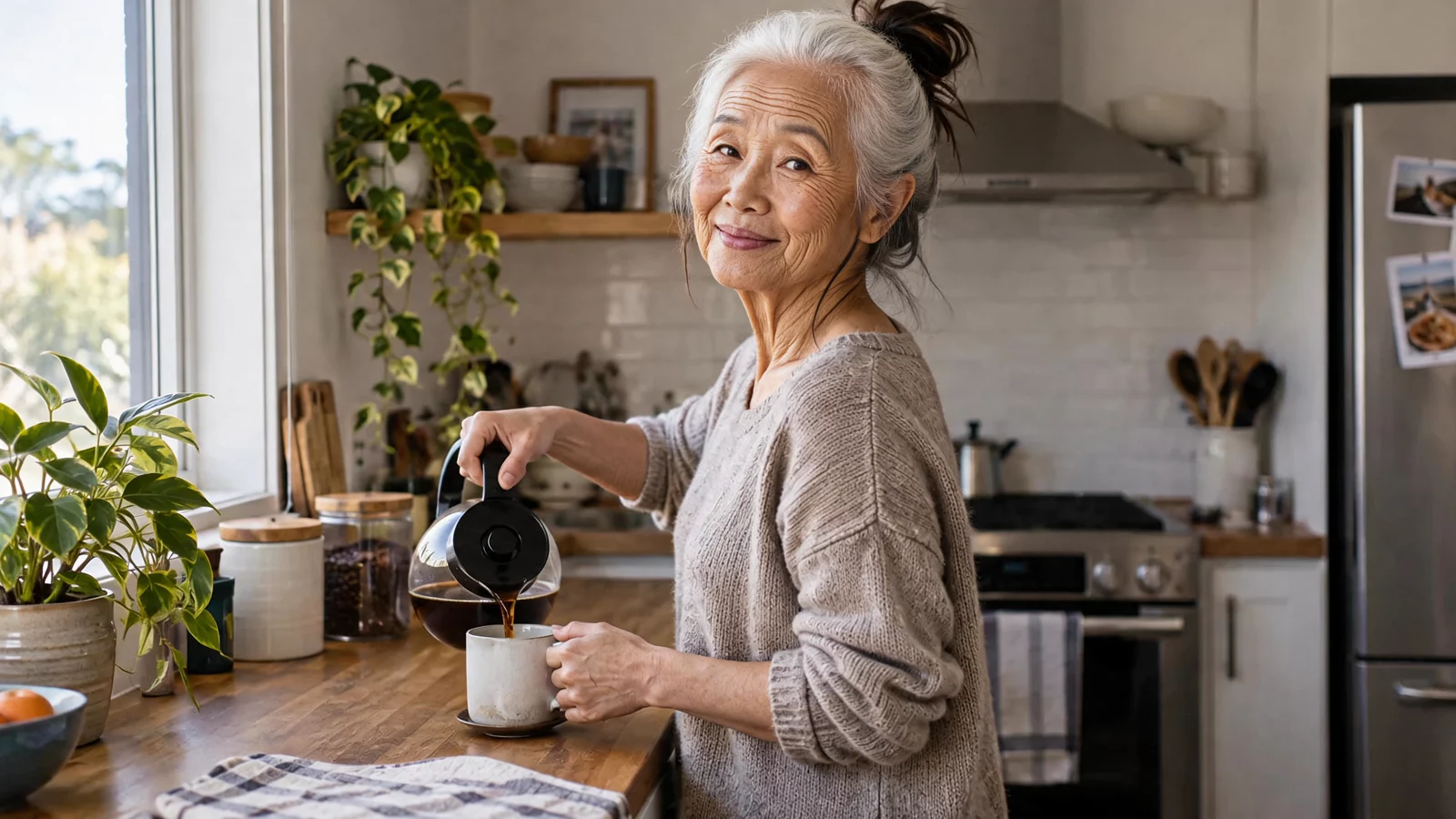
The edit is limited to age-related appearance. Head angle, expression, body, clothing, lighting and background stay tied to the source frame, which makes a before-and-after comparison meaningful instead of turning it into a different photograph.
For the cleanest result, use one clearly visible face with even light and little motion blur. Heavy filters, sunglasses and deep shadows hide the details the model needs to preserve identity across a large age jump.
Use age transformations responsibly
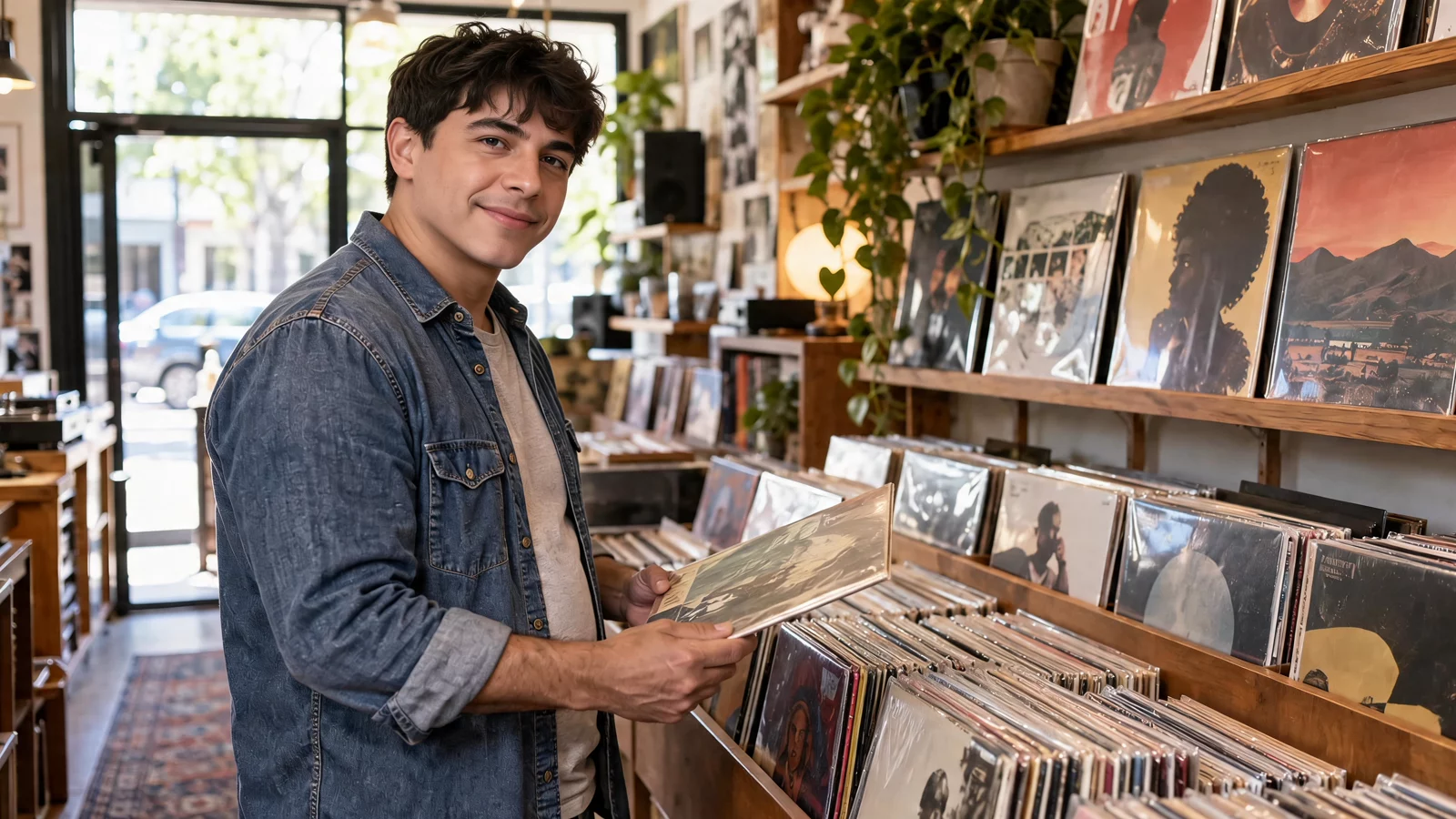
Only upload your own image or a photo you have permission to edit. A parent or guardian should approve any use involving a child, and an age-edited result must never be used to misrepresent someone on an identity document, dating profile or application.
Real aging depends on genetics, health, environment and lifestyle factors that a single image cannot reveal. Label public results as AI-edited and present them as creative visualizations rather than promises about the future.
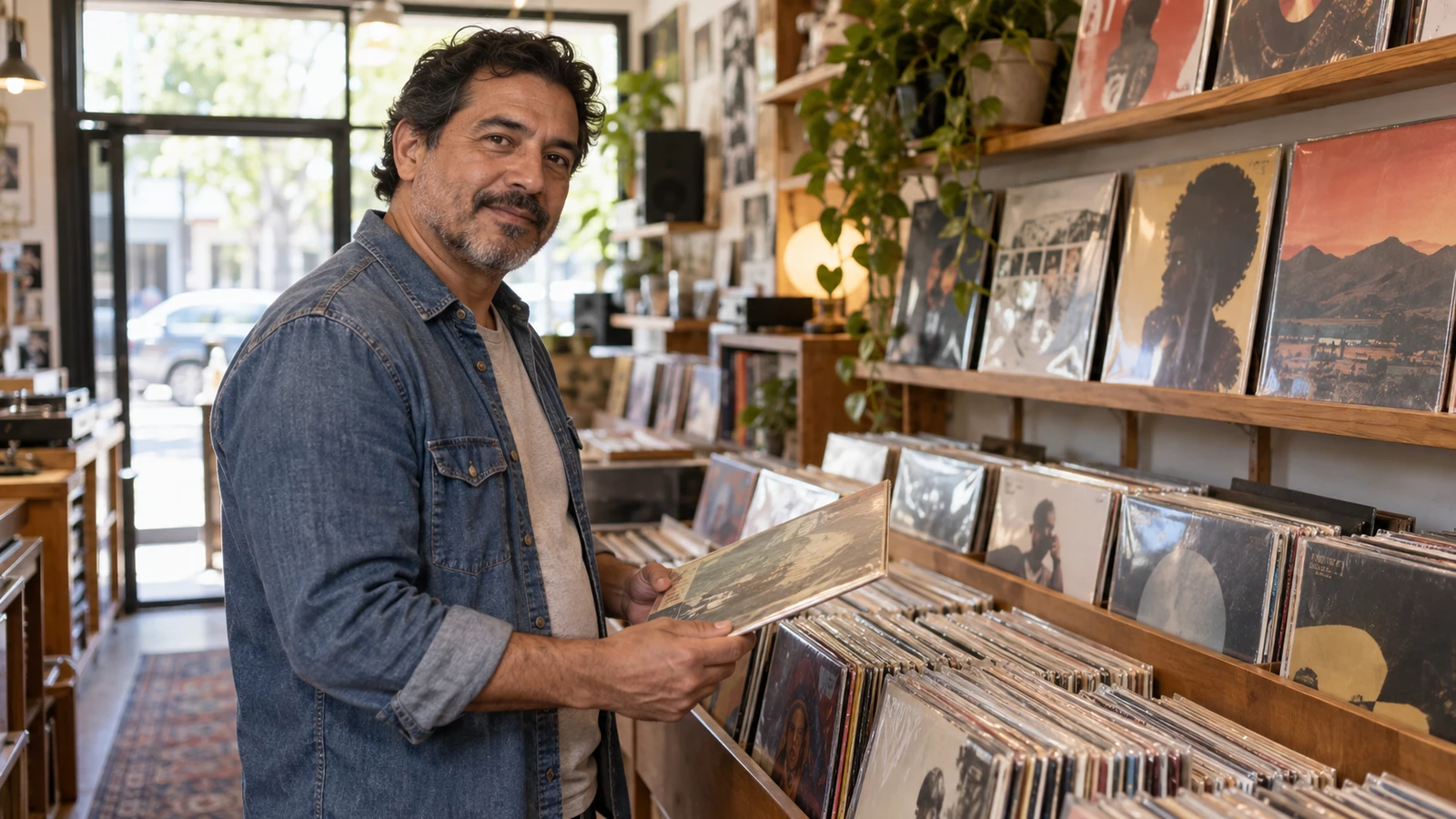
Before & after: Age Swap results

How to use Age Swap
- 1Upload a Photo
Start with a clear photo of the person whose age you want to change.
- 2Pick a Target Age
Drag the slider from 5 to 85 — the AI ages or de-ages the face, skin and hair accordingly.
- 3Generate & Download
AI keeps the pose, body, clothing and background unchanged. Download the result in seconds.
Perfect for
Future-self and younger-self portraits
Preview the same face at a later or earlier life stage without changing the setting, clothes or expression. Generate several target ages from one source photo to build a clear timeline.
Character and casting references
Writers, illustrators and production teams can keep one character recognizable across decades. A shared portrait at several ages makes storyboards and casting conversations more consistent.
Family keepsakes and social reveals
Create a playful future portrait or a side-by-side age reveal for a private keepsake or social post. Treat the output as an AI edit and get permission from everyone shown.
Age Swap at a glance
FAQ
What is Age Swap?
Age Swap is an AI tool that transforms the person in a photo to appear any target age from 5 to 85, adjusting facial features, skin texture and hair while keeping everything else — pose, body, clothing, background and lighting — exactly unchanged.
Can I make someone look older or younger?
Both. Drag the age slider down to make the person look younger (age regression) or up to make them look older (age progression).
Will the pose and background stay the same?
Yes. Only age-related characteristics (face, skin, hair, overall appearance) are changed — the pose, body proportion, clothing, background, framing and lighting of the original photo are preserved.
Is Age Swap free to use?
New users get free credits to try the tool. No credit card is required to get started.