 Photography Colleges
AI Aging
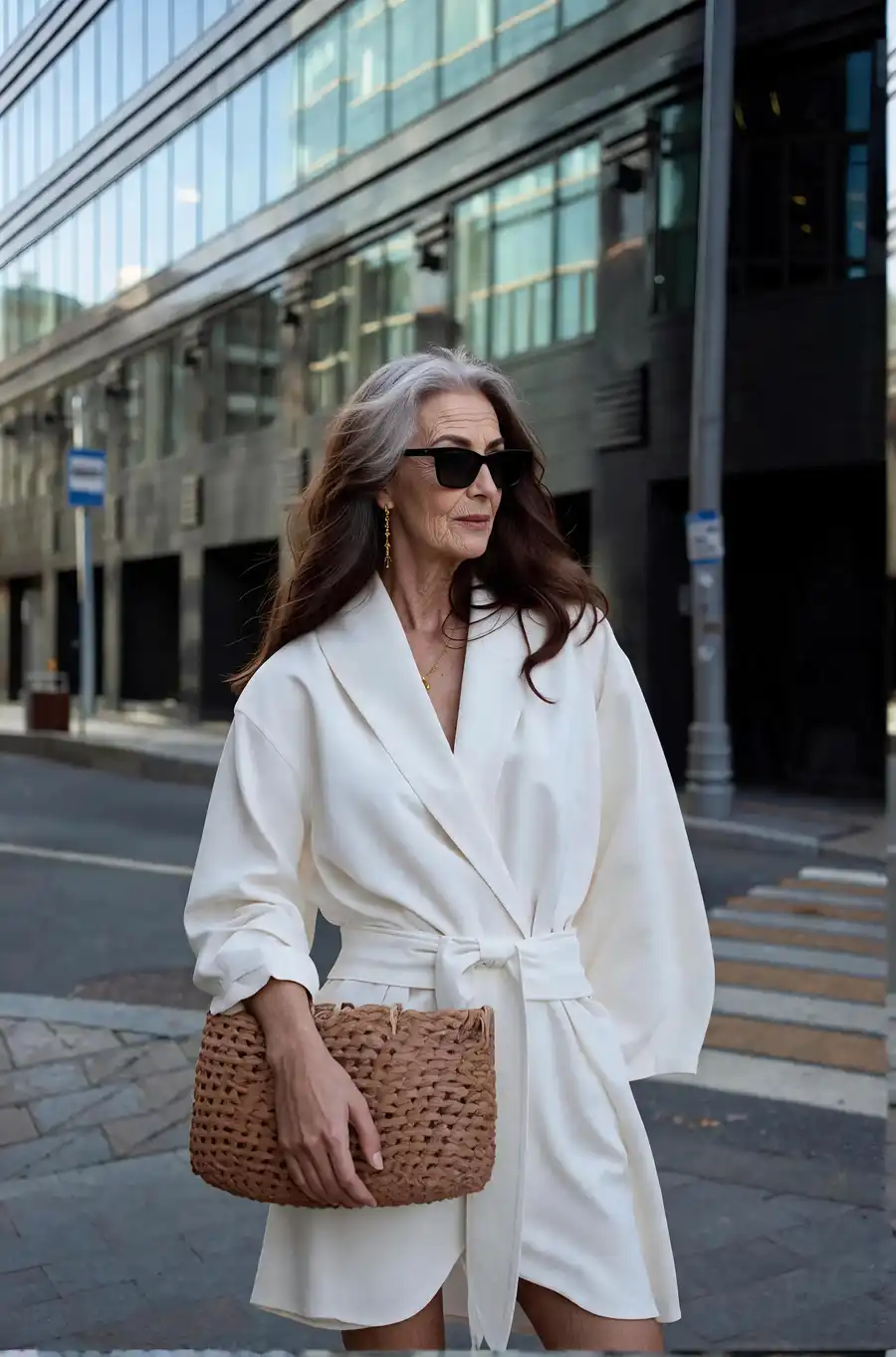
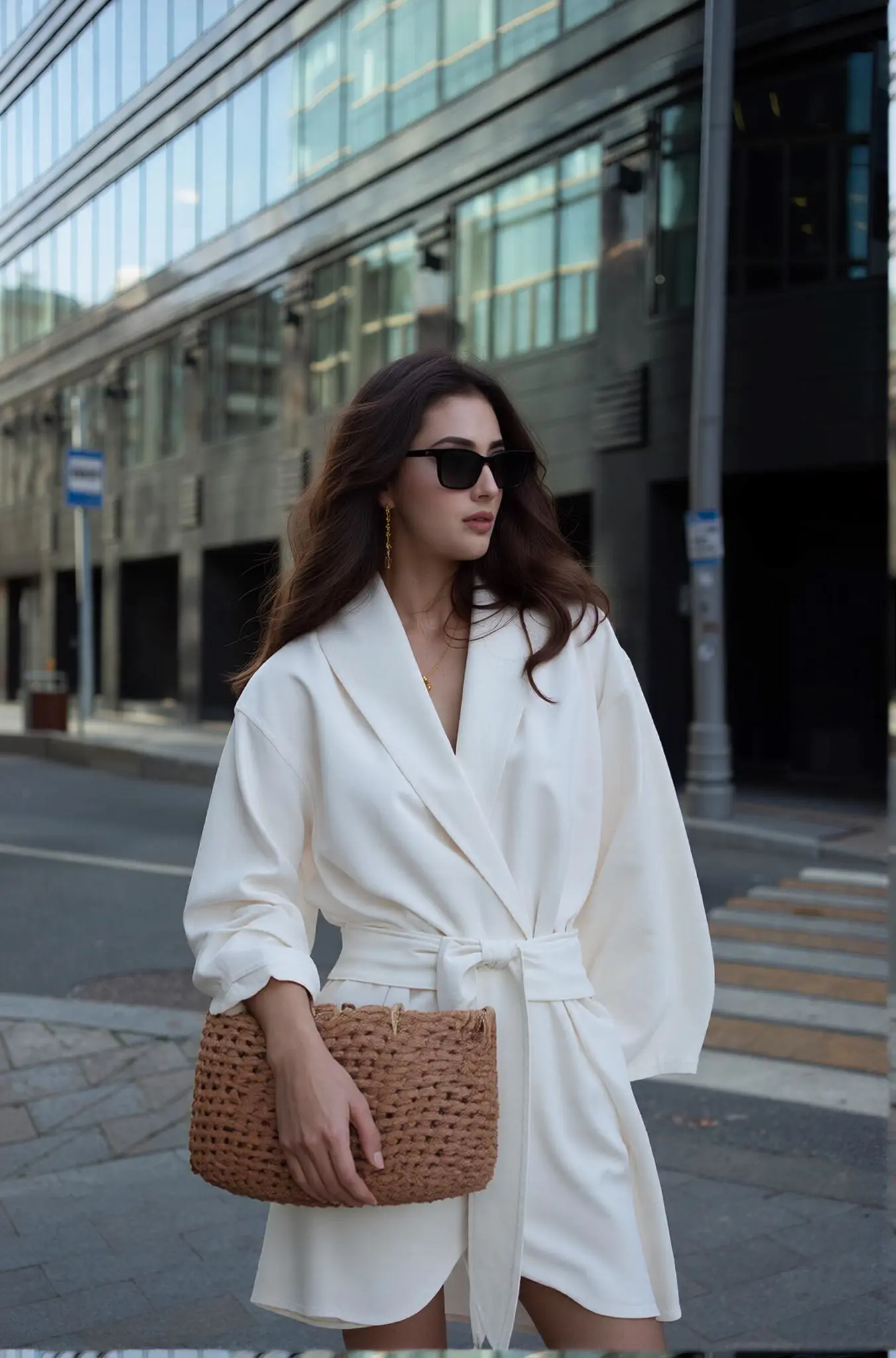
Best Examples
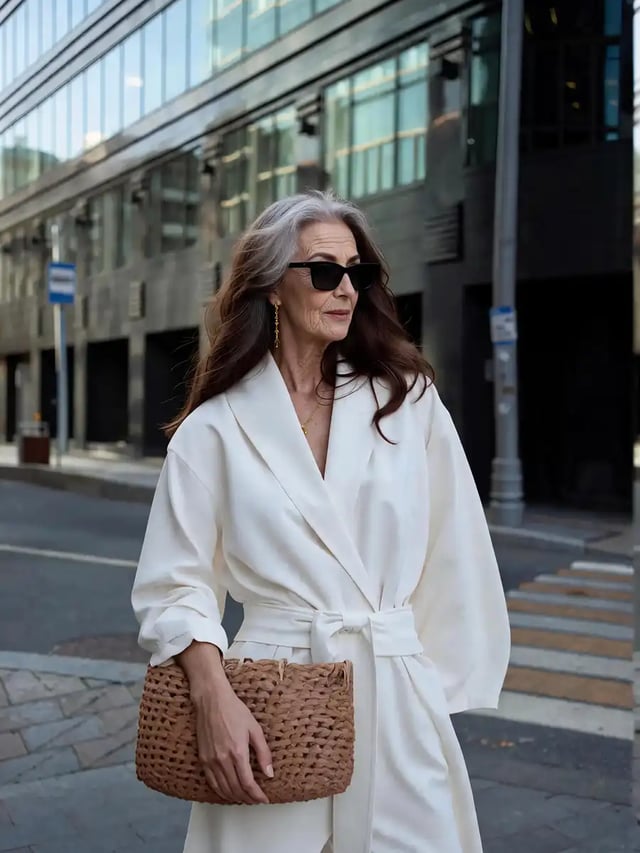
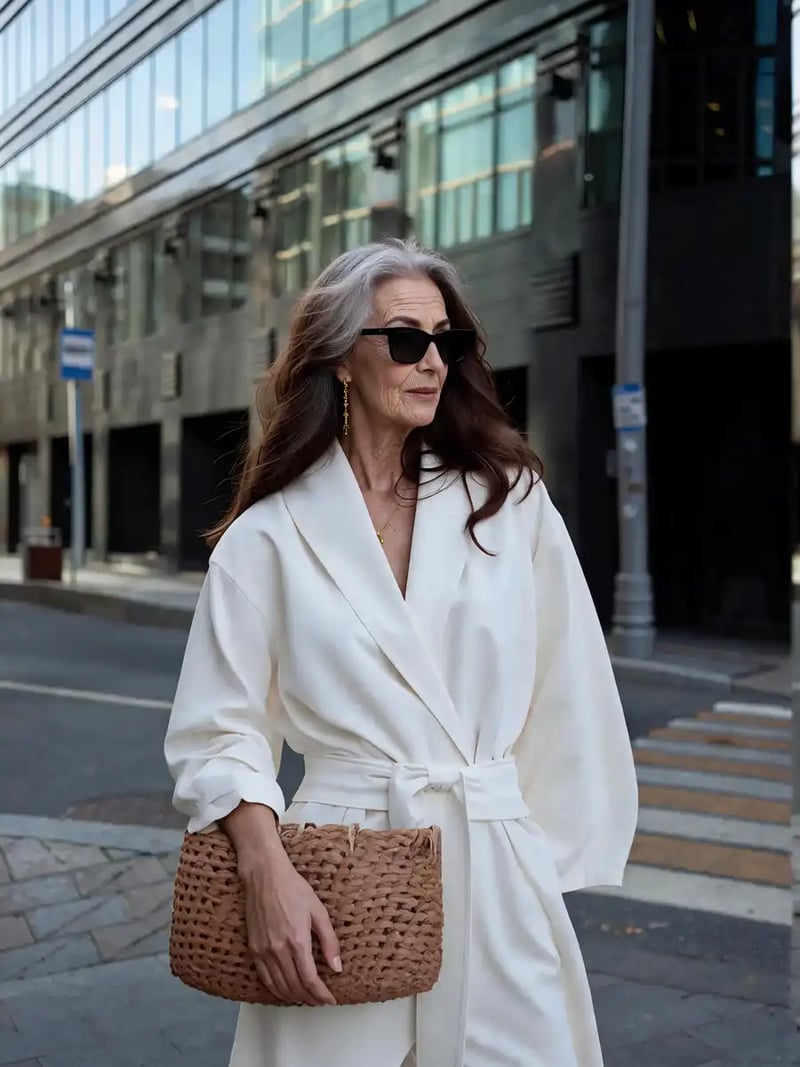
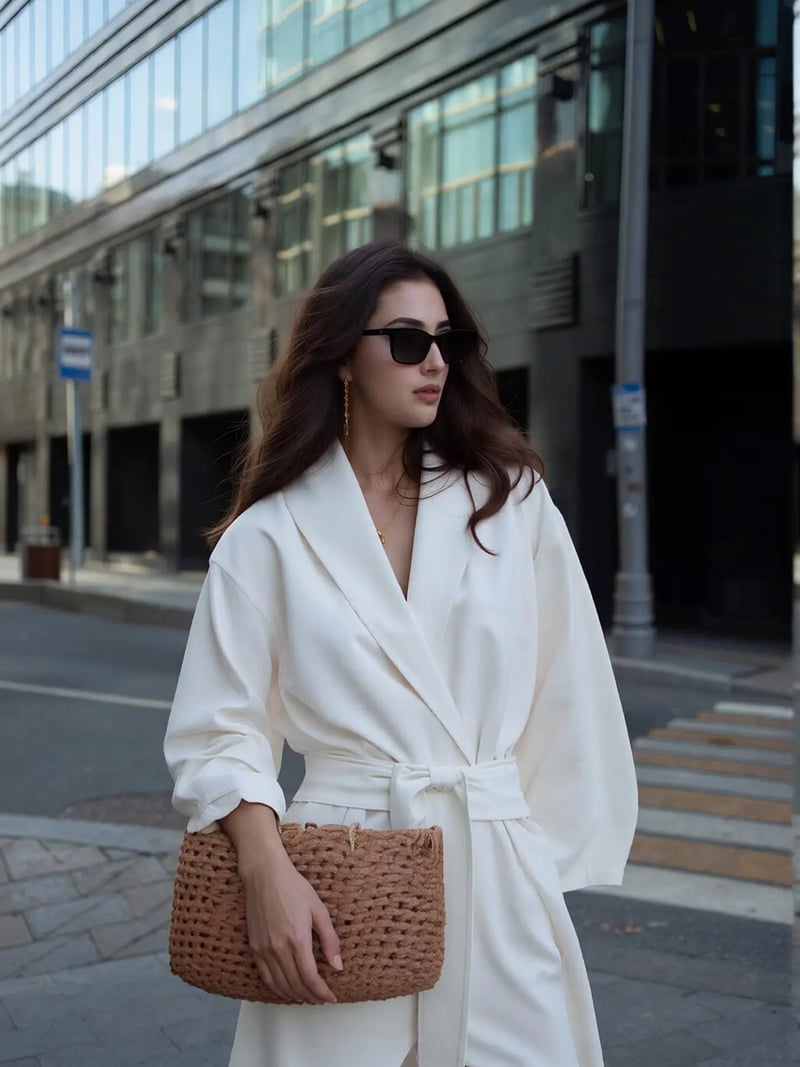
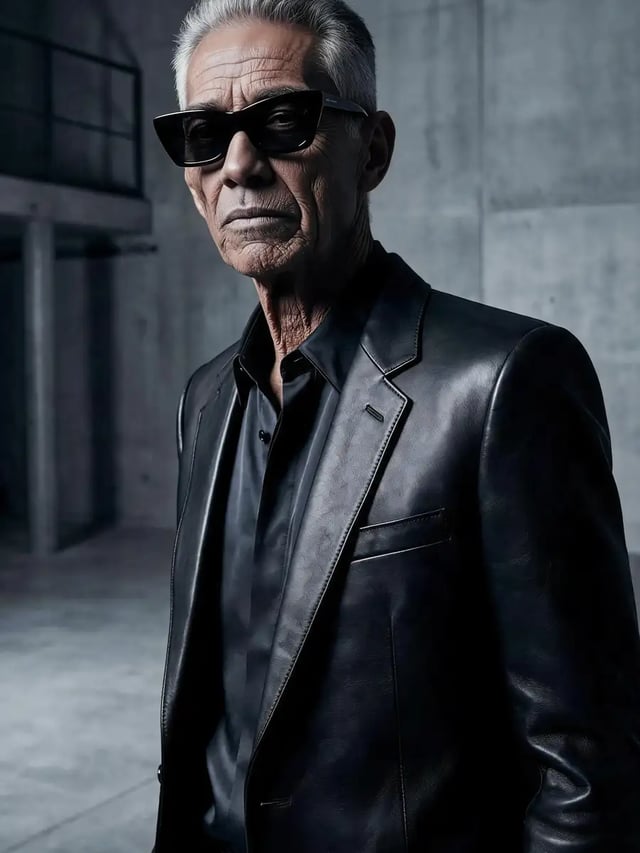
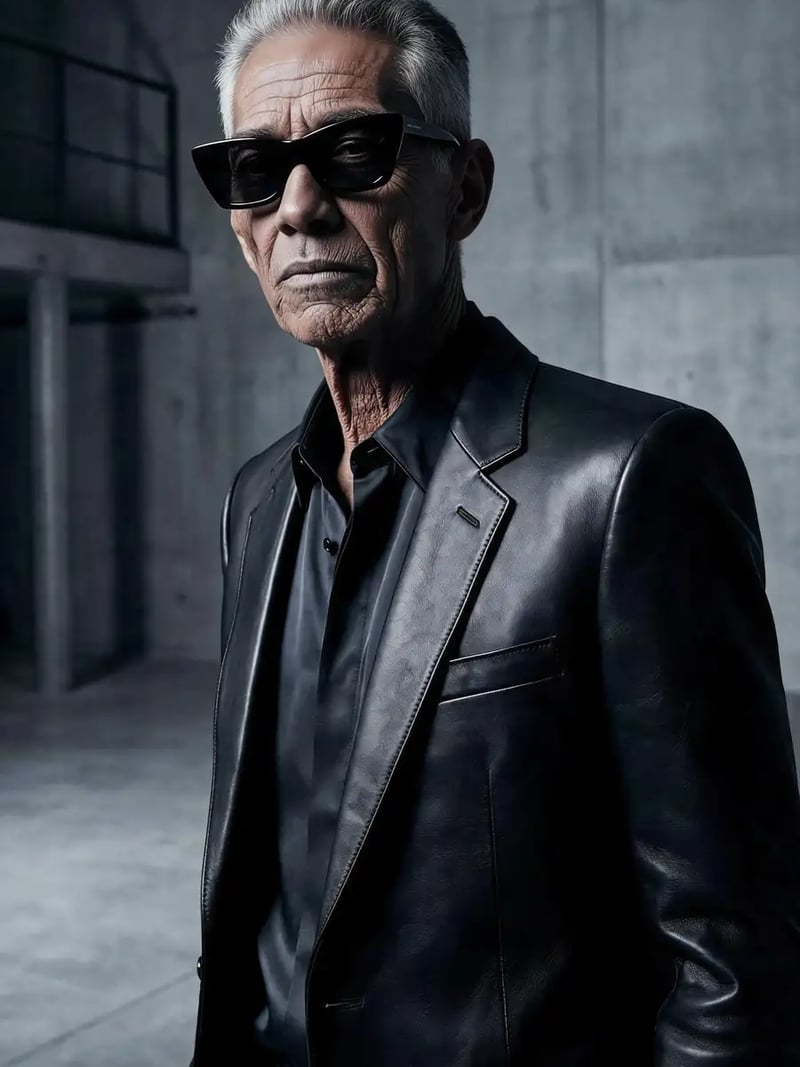
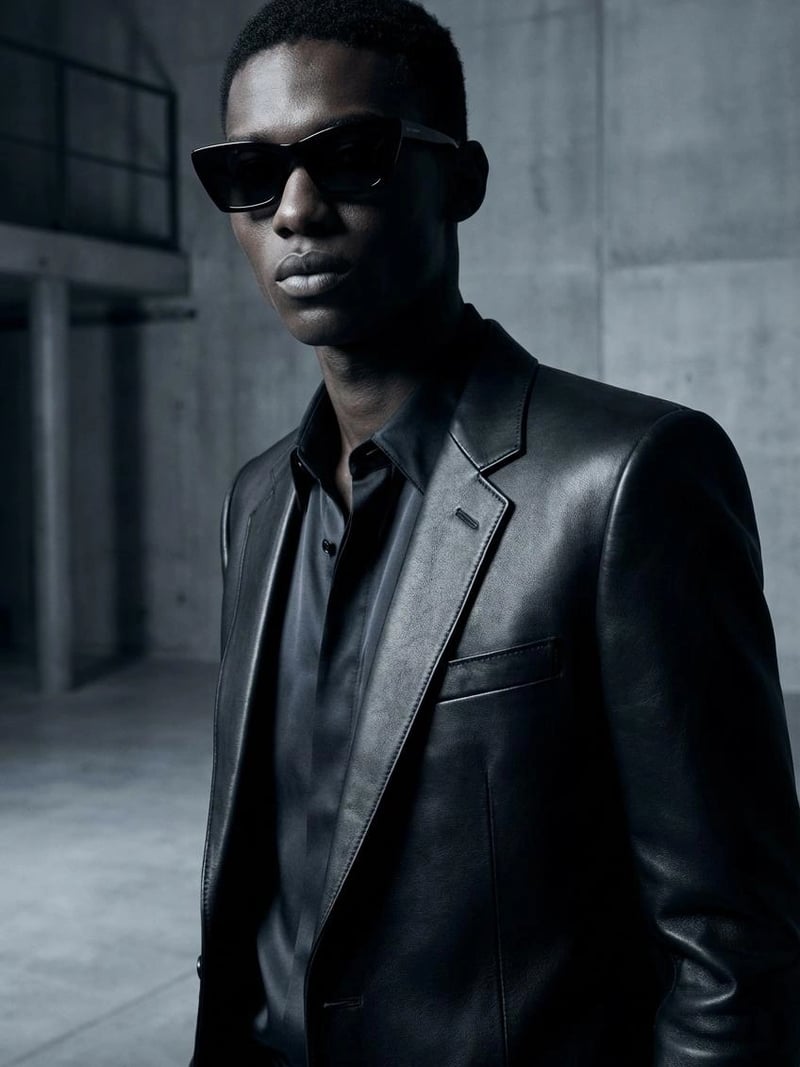
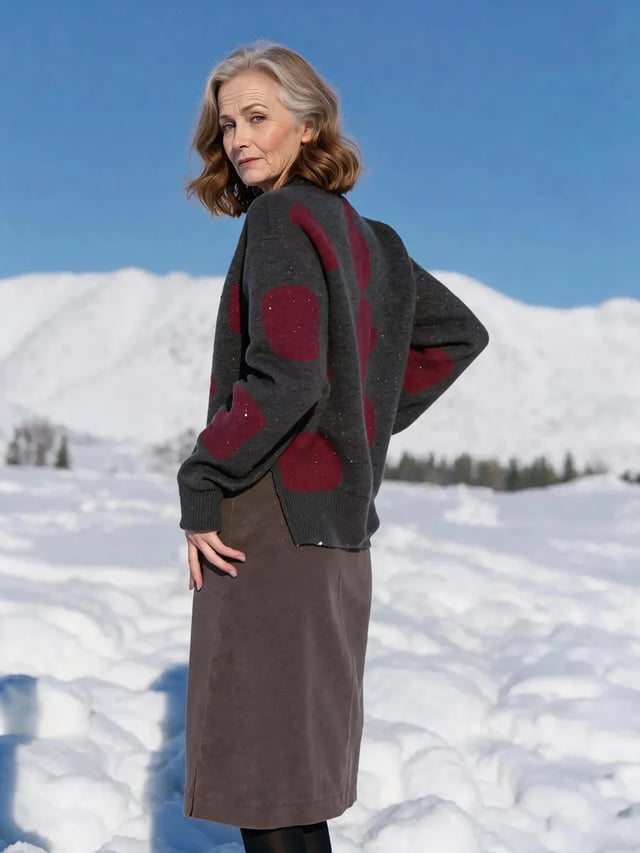
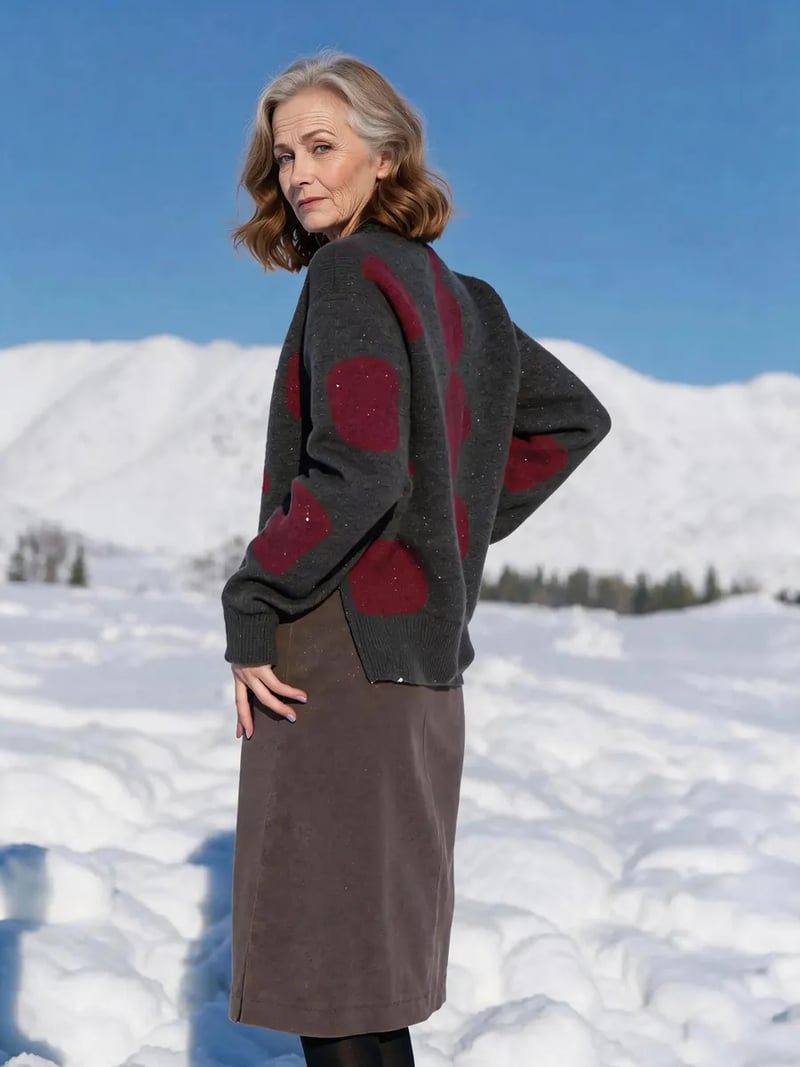
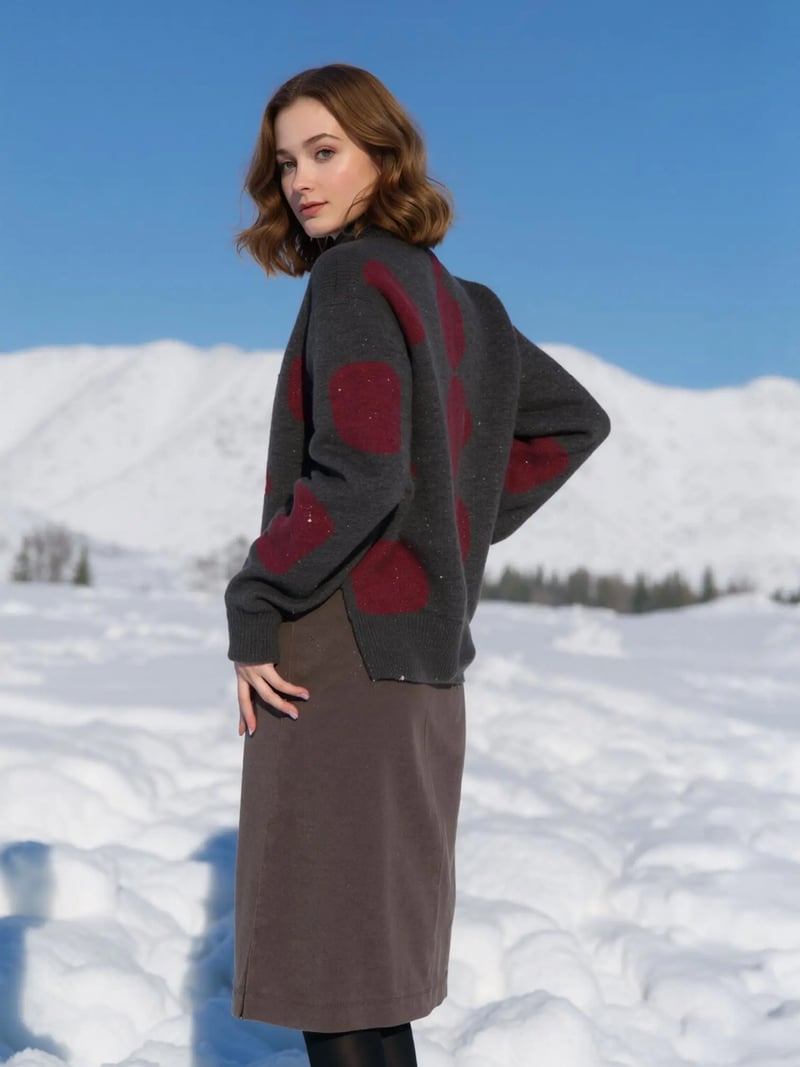
AI Aging Filter: See Any Age from 5 to 85 in a Photo
AI aging and age progression in one tool. Pick any age from 5 to 85, then watch the face age or de-age while pose and background stay put. Free to try.
AI Aging turns one portrait into the same person at a different age. Move the slider to any year between 5 and 85, and the model rebuilds skin texture, wrinkles, hairline and facial volume to match that stage of life. Everything you did not ask to change stays untouched: the expression, the head angle, the clothing, the room behind the subject and the light falling across the face.
The same tool runs in both directions, so one AI age changer covers both halves of a lifetime. Drag the target age up for age progression and a look at your future self. Drag it down for age regression and a younger version of the same face. It suits casting references, family keepsakes, then-and-now posts and character work that has to hold up across decades.
Manual age retouching is slow work. Painting believable wrinkles, greying hair strand by strand and reshaping a jawline takes hours in a layered editor, and the result often stops looking like the person. Here you upload once, choose a number, and get a result in seconds to about a minute. Sign in with Google and new accounts get free credits to test it.
How AI age progression works on a single photo
The model reads the face in your upload, locks onto the features that make it recognizable, then applies the changes that a specific age actually brings. Aging up means finer lines around the eyes, deeper nasolabial folds, thinner and greyer hair, softer jaw definition and drier skin texture. Aging down reverses the same signals: fuller cheeks, smoother skin, a denser hairline and rounder proportions.
Because only the age-related layer is rewritten, the rest of the frame survives intact. Your shirt collar, the window light, the blurred street behind you and the exact tilt of your head come back unchanged. That is what separates a real transformation from a sticker overlay that drops grey hair and stock wrinkles on top of the pixels.
Realistic AI aging, not a flat filter
Realism lives in the details people notice without naming them. Hair does not just turn grey; it thins at the temples and loses shine. Skin does not just crease; it changes in tone and pore structure. Eyes settle deeper into the socket. The AI aging model handles those shifts together, which is why a result at 65 reads as one coherent face rather than a young face wearing old-face makeup.
Bone structure is the anchor. Eye shape, nose width, lip line and the distance between features stay where they were, so the older or younger version still reads as the same person. Start from a sharp, well-lit, front-facing portrait with one visible face. Sunglasses, heavy beauty filters and motion blur all give the model less to work with.
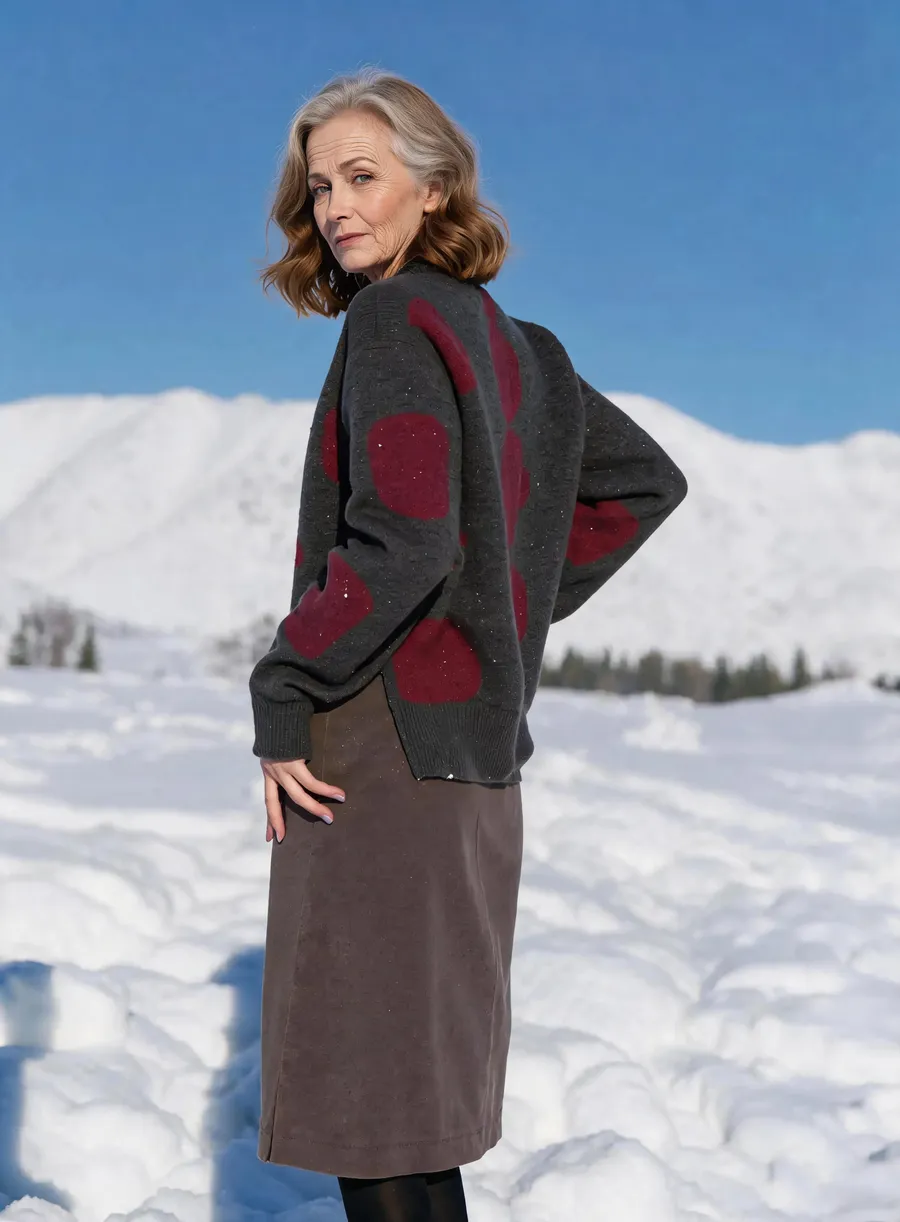
Faster than manual age retouching
A retoucher aging a portrait by hand works through frequency separation, dodge and burn, hair painting and skin texture cloning. It is skilled work, and it can take an afternoon for one convincing frame. Trying several ages multiplies that cost, so most projects settle for a single guess instead of a set of options.
With an age slider you can run the same upload at 30, then 50, then 70, and keep the three results to compare yourself. Each run costs 3 credits, so testing a range stays cheap. That matters for casting decks, storyboards and family projects where the useful answer is a spread of ages, not one static picture.
Accuracy, consent and fair use
Treat every result as a plausible simulation, not a forecast. Short jumps of ten or fifteen years tend to look the most convincing, because the model stays close to what your current face already shows. Longer jumps stay plausible, but real aging depends on genetics, sun exposure, health and habits that no photo can reveal.
Only upload your own photo or an image you have clear permission to use, and ask a parent or guardian before working with a child's picture. Results are meant for personal, creative and lawful use. Do not use an aged or de-aged portrait to misrepresent someone's age on a dating profile, an identity document or any application.
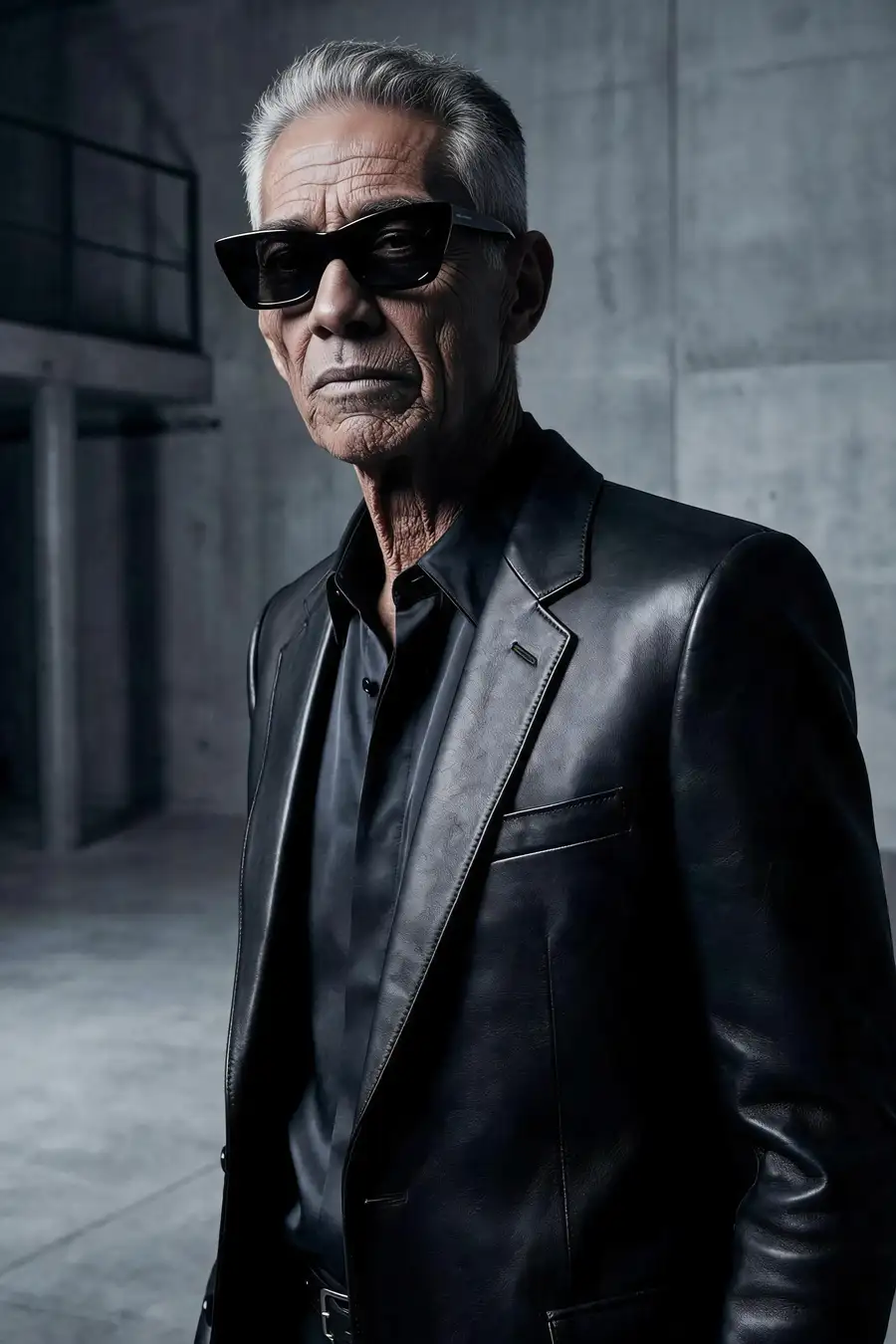
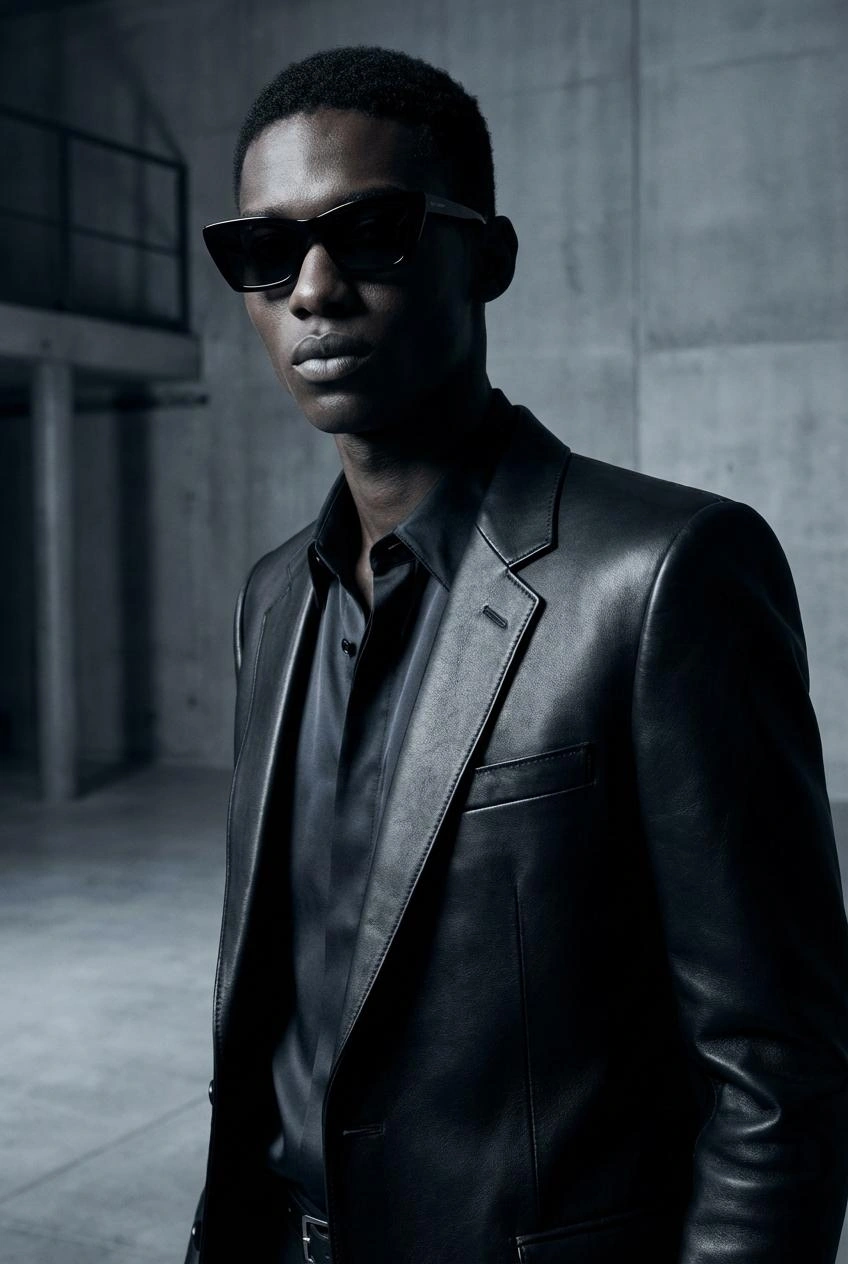
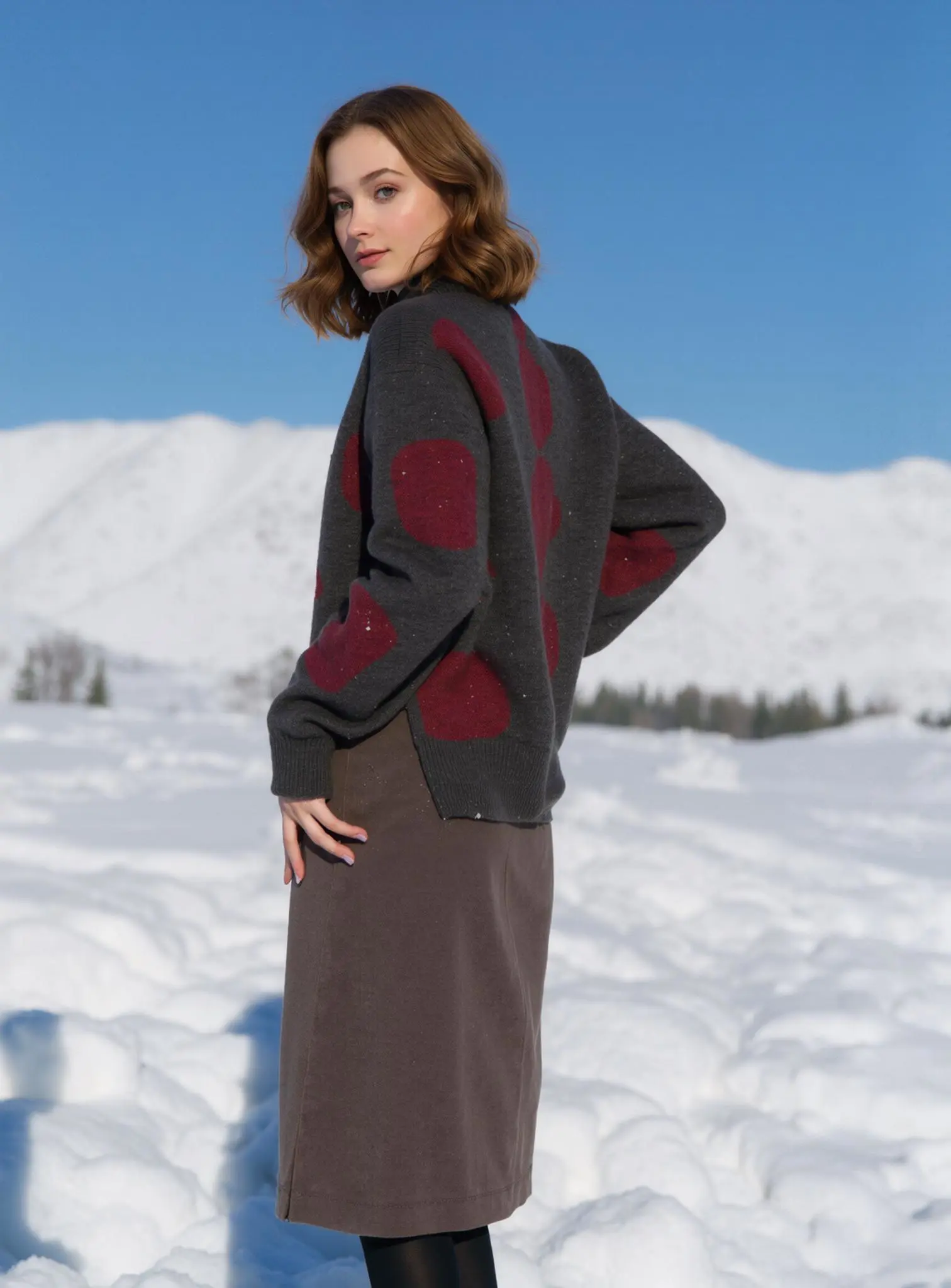
Before & after: AI aging results
How to use AI Aging
- 1Upload the portrait
Add one JPG, PNG or WEBP photo of the person whose age will change. A sharp, evenly lit, front-facing shot with a single clearly visible face gives the model the most to work with.
- 2Set the target age
Drag the Target Age slider anywhere from 5 to 85. Move it above the subject's current age for age progression, or below it for a younger look. The AI reshapes features, skin and hair to match.
- 3Generate and download
Click Generate and wait a few seconds to about a minute. Each image costs 3 credits. Check the result against your original, then download it, or change the age and run it again.
Perfect for
See your future self
Curious how you will look at 40, 60 or 80? Upload a recent selfie and step through the ages one at a time. Each run keeps your real background and pose, so the comparison reads as one photo of you rather than a stock face.
Casting and film previsualization
Show a director how an actor could read a decade older, or how a younger version of a character might look, before you book a screen test. Age references from the same headshot keep the comparison fair across a shortlist of candidates.
Family keepsakes and milestone gifts
Age a couple forward together for an anniversary card, or picture a child at their graduation age. With a guardian's permission, a childhood portrait aged forward makes a warm birthday print. Keep these for family fun rather than any official record.
Social content and then-vs-now posts
Then-and-now stills perform well because the reveal is instant. Render two or three ages from one photo, post them side by side, and let the unchanged pose do the work of proving that it is the same face throughout.
Character design and creative writing
Writers, game designers and illustrators use age regression and progression to hold a character consistent across a timeline. One reference face at 15, 35 and 70 keeps a design bible coherent when several artists are drawing the same person.
AI age generator at a glance
FAQ
What is the AI Aging tool?
It is a browser tool that changes the apparent age of the person in a photo. Choose any target age from 5 to 85, and the AI rewrites skin texture, wrinkles, hair color and facial volume to match. Expression, pose, clothing, background and lighting stay exactly as they were in your upload.
How do I generate age progression images with AI?
Upload one portrait, drag the Target Age slider to the age you want, and click Generate — the result arrives in seconds to about a minute for 3 credits. Sign in with Google first, then download the image or change the age and run it again.
Can AI aging make someone look younger too?
Yes. The slider works in both directions, so the same tool does age progression and age regression. Set a target below the subject's current age and the model smooths skin, restores hair density and rounds facial proportions. Set it higher and it adds the signs of age instead.
How accurate is AI age progression?
It is a realistic simulation, not a prediction. Jumps of ten to fifteen years usually look the most convincing, because the model stays close to the evidence already in your photo. Longer jumps remain plausible but cannot account for genetics, sun exposure, health or lifestyle. Treat results as creative references.
Is the AI aging filter free to use?
New accounts get free credits, so you can try the tool without paying and without entering a credit card. Sign in with Google to claim them. Each generated image costs 3 credits, and the balance shown in your account tells you how many runs you have left.
Whose photos am I allowed to upload?
Only your own photo, or a photo you have clear permission from the subject to use. For a child's picture, ask a parent or guardian first. Results are for personal, creative and lawful purposes. Never use an aged or de-aged image to misrepresent someone's age on documents, applications or dating profiles.
What happens to the photo I upload?
Uploads are processed on our servers to produce your result, and they may be stored as part of providing the service. Full details are in our privacy policy. If a photo is sensitive, think about that before uploading it. Download the results you want to keep once a run finishes.
What photo formats can I upload?
JPG, PNG and WEBP images all work. A sharp, well-lit, front-facing portrait with one clearly visible face gives the cleanest output. Sunglasses, heavy beauty filters and motion blur leave the model less identity information to work from, so the aged face drifts further from the original.
How long does AI age progression take?
Most results arrive within seconds, and a busy run can take up to about a minute. The image appears in the workspace when it is ready, and you can download it or send another age straight away.
Will the result still look like the same person?
Yes. The AI holds the identity anchors in place — eye shape, nose, lip line and the spacing between features — so only age-related traits move. Likeness holds best when the upload is sharp, front-facing and shows one face; a profile angle, sunglasses or a heavy beauty filter give the model less identity signal to lock onto.