 Photography Colleges
AI Hairstyle Changer
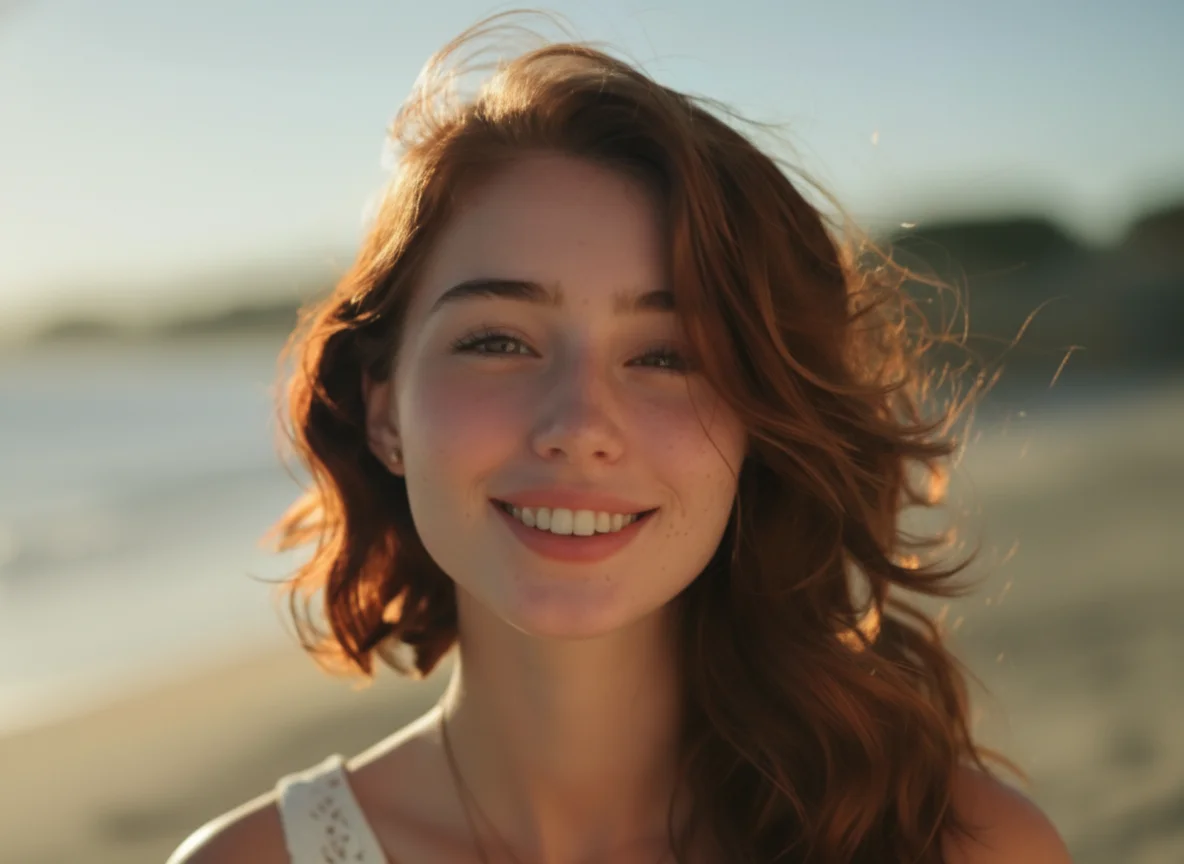
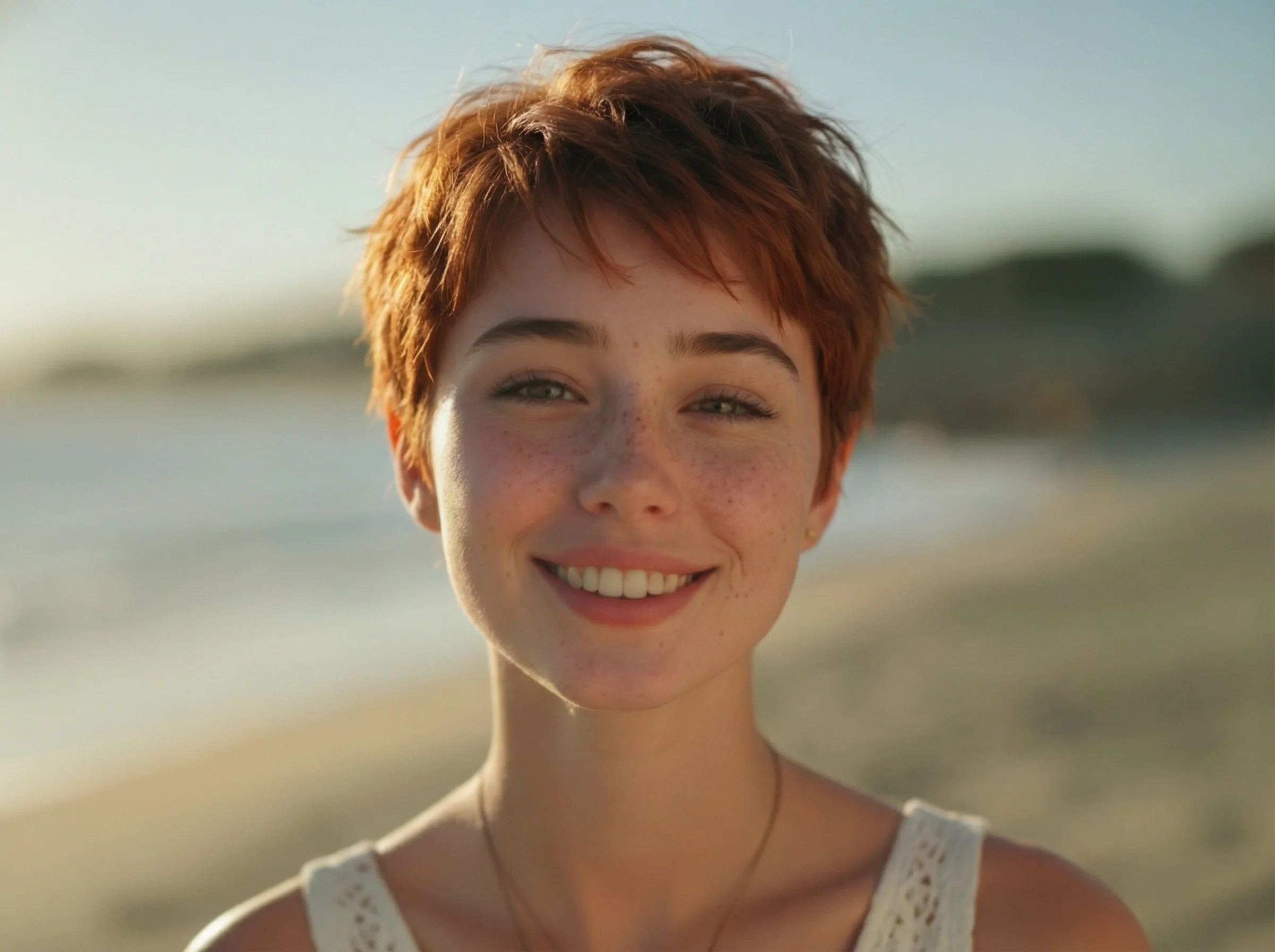
Best Examples
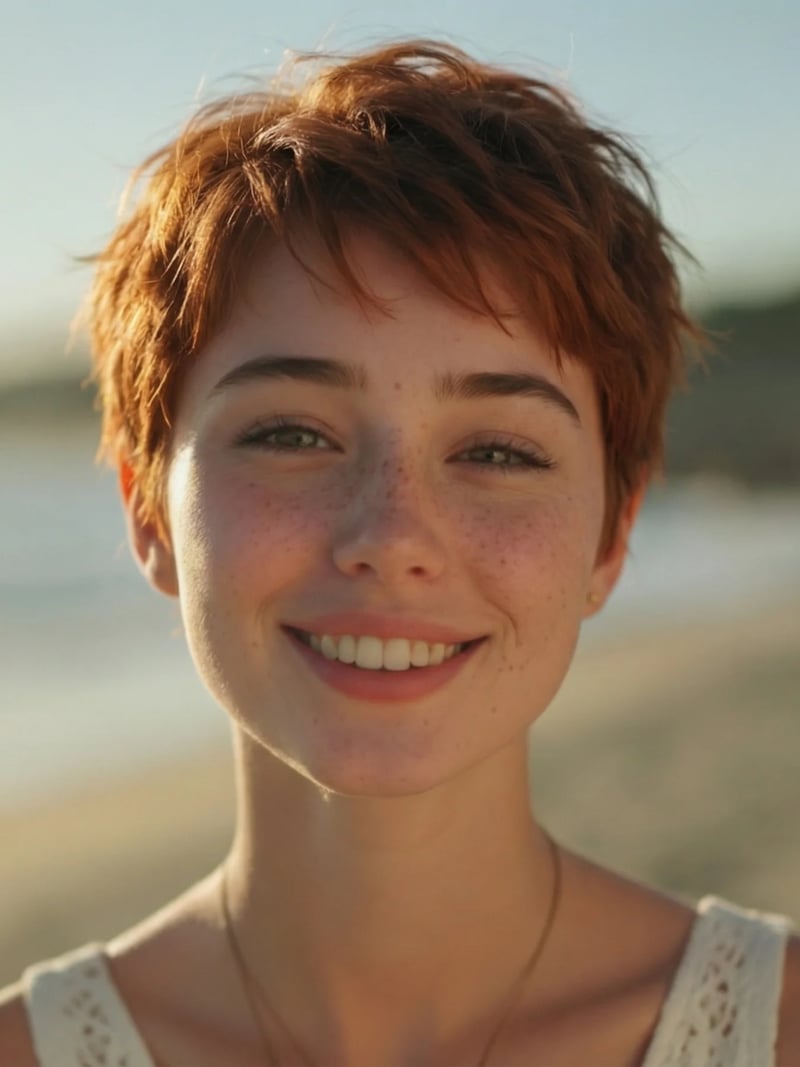
AI Hairstyle Changer: Try Any Haircut on Your Photo
Try any haircut with the AI hairstyle changer: upload a portrait plus a reference style and get a realistic new look while your face stays yours. Free to try.
The AI hairstyle changer puts a new haircut on a photo you already have. You upload two images: the portrait you want to restyle, and a reference photo of the hairstyle you like. The AI reads the cut, length, texture and color from the reference and rebuilds the hair on your head. Your face, expression, pose, clothing and background are left exactly as they were.
It is built for anyone weighing a real change. Book a bob or a fade with more confidence, test bangs before you commit, or show a stylist a picture instead of describing a cut in words. Photographers, creators and cosplayers use it to preview looks without wigs, extensions or heat damage. One clear portrait and one reference photo are all you need to start, and new accounts get free credits, so the first previews cost nothing.
Doing the same edit by hand means masking hair strand by strand, matching light direction and repairing the hairline. That is an hour of careful retouching for one look. Here you set the reference, pick how many versions you want, and compare results in about a minute.
How the AI hairstyle changer works on two photos
The workflow has exactly two image inputs. The Portrait slot takes the person whose hair should change, and the Hairstyle slot takes a photo of the cut you want copied. The AI locates the hairline, the head shape and the edge between hair and background. It then regenerates the hair region so the style sits on the skull instead of floating over it.
Everything the reference cannot dictate stays with your original photo. Skin texture, eyebrows, glasses, jewelry and the light in the room are untouched, so the result still reads as the same person on the same day. Set Quantity from 1 to 4 to receive several takes in one run, then keep the version with the best fringe fall and part placement.
Realistic hair, not a wig pasted on top
A convincing hairstyle preview lives or dies at the hairline. The new style is generated into the hair region rather than pasted over it, so the edge at the forehead and temples reads as hair instead of a cut-out. Everything outside that region, including your face, the light in the room and the background, comes straight from your original photo.
Texture matters as much as shape. Straight, wavy, curly and coily references each carry different volume and shine, and the result follows the reference rather than flattening every texture into one look. The closer your reference is to a clear photo of real hair, the closer the preview lands to what you had in mind.
An AI haircut simulator beats manual retouching or a salon trial
Hair is the hardest thing to composite by hand. Manual editing asks you to cut a mask around thousands of strands, rebuild the part, clone the forehead and repaint shadows on the neck. Change your mind about the length and most of that work starts over.
A reference photo removes the guesswork that text descriptions leave behind. Words like layered or shaggy mean different things to different people, while a picture fixes the length, the part and the fringe at once. Save the download and bring it to your appointment so your stylist can see the target instead of interpreting it.
Uploads, credits and fair use
Sign in with Google to open the workspace. New accounts get free credits and no credit card is needed to start. Each generation costs 3 credits, and one run can return up to four variations. Uploads can be JPG, PNG or WEBP files.
Use the tool on your own photos, or on photos of people who have agreed to be edited. Results are meant for personal, creative and lawful use. Do not use them to misrepresent someone or to imply an endorsement that never happened. Uploads may be processed and stored so the service can deliver and show your results, which our privacy policy explains in full.
Before & After: AI hairstyle changer results
How to use AI Hairstyle Changer
- 1Upload your portrait
Add the photo of the person whose hair should change. A clear, front-facing shot with the whole head and hairline visible works best. Avoid hats and heavy shadows across the forehead. JPG, PNG and WEBP files are accepted.
- 2Add a hairstyle reference
Upload a second photo showing the cut you want: a bob, curtain bangs, a wolf cut, a skin fade or long waves. The AI copies its length, shape, texture and color, so pick an image where the whole hairstyle is visible.
- 3Set quantity and generate
Choose 1 to 4 variations, then click Generate. Results arrive in seconds to about a minute, at 3 credits per generation. Compare the versions, download your favorite, and rerun with another reference if you want a second opinion.
Perfect for
Virtual hairstyle try-on before your salon appointment
See a big change on your own face before the scissors come out. Preview a chin-length bob, curtain bangs or a full pixie, compare two lengths side by side, and download the version you like. Bringing that image to your stylist makes the consultation shorter and the outcome closer to what you pictured.
AI haircut simulator for men's fades and crops
Test a skin fade, a taper, a textured crop or a grown-out mullet without waiting weeks between visits. Upload a reference photo of the cut you want and see how the shape reads against your own hairline and head shape. It is a quick way to decide whether to go shorter or let the top grow.
Wedding and event hairstyle previews
Hair trials cost money and take an afternoon. Preview an updo, soft waves or a half-up style on your own portrait first, then book the trial for the one you actually want. Share the image with your stylist and your photographer so everyone plans for the same look on the day.
Creators, cosplay and character work
Swap a character's hair onto your reference portrait without buying a wig or damaging your own hair with heat. Cosplayers use it to plan a build, and creators use it to test a look for a thumbnail before committing. Generate up to four takes and pick the frame that reads best when it is small.
Stylists and salon consultations
Turn a vague request into something you can both look at. Upload the client photo you took at the chair, with their permission, plus the inspiration picture they brought, and show them the style on their own face. It sets expectations early and cuts down on redo appointments.
At a glance
FAQ
What is an AI hairstyle changer?
It is an online tool that replaces the hair in a portrait with a hairstyle taken from a second photo. You upload the person and the reference cut, and the AI regenerates the hair region to match that length, shape, texture and color. The face, pose, lighting and background of your original photo stay unchanged.
Is the AI hairstyle changer free to use?
New users get free credits when they sign in with Google, so you can try the tool without paying and without entering card details. After that, each generation costs 3 credits. There is no unlimited free plan, and an account is required to generate.
Will the result still look like me?
Yes. Only the hair region is rebuilt, so your facial features, skin texture, expression and accessories carry over from the original photo untouched. Treat the image as a realistic preview rather than a guarantee. Your actual haircut will also depend on your hair density, growth pattern and how your stylist works with them.
What photos give the best results?
Use a sharp, well-lit portrait where the face and the whole hairline are visible, ideally front-facing and without a hat or sunglasses. For the reference, pick an image showing the complete hairstyle from the front or side. Blurry crops, extreme angles and hair covered by a hood give the AI less to work with.
How long does one generation take?
Most results come back in seconds, and a busy queue or a request for four variations can push it to about a minute. You stay in the workspace while it runs. When the images appear, you can compare them, download the one you want, or start another run with a different hairstyle reference.
Can I try a new hair color as well?
Yes, indirectly. The AI copies color along with the cut, so a reference photo of a copper bob gives you both the shape and the shade in one result. If you only want to change the shade and keep your current cut, our AI hair color changer is the better fit for that job.
Does the AI haircut generator work for men's hairstyles and all hair textures?
Yes. Fades, tapers, buzz cuts, textured crops and man buns work the same way as bobs, lobs, bangs and updos. Straight, wavy, curly and coily references are all supported, along with braids and locs. The closer the reference is to a real photo of hair, the more accurate the result will be.
Is it safe and legal to use?
Yes, for personal, creative and lawful use. Use it on your own photos, or on photos of people who agreed to be edited, and never to deceive anyone or fake an endorsement. Uploads may be processed and stored so we can run the tool and show your results, as described in our privacy policy.
What file formats can I upload?
The workspace accepts JPG, PNG and WEBP images for both the portrait and the hairstyle reference. Phone photos are fine as long as they are in focus and the hair is fully in frame.