 Photography Colleges
Add a Person to a Photo
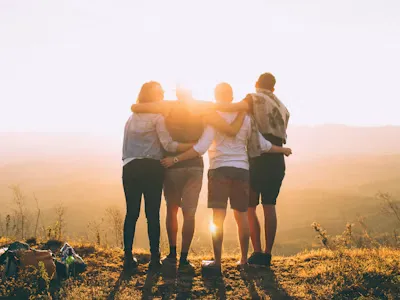
Best Examples
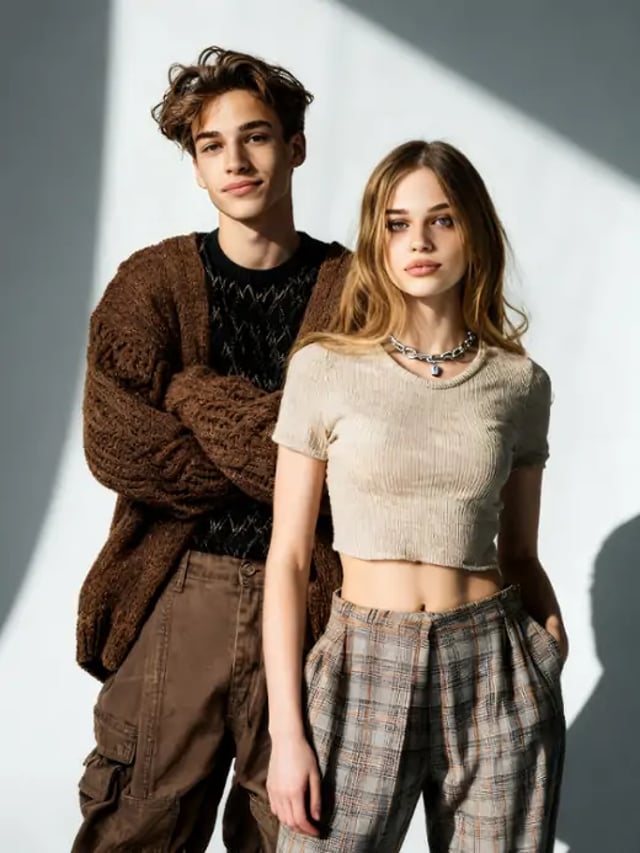
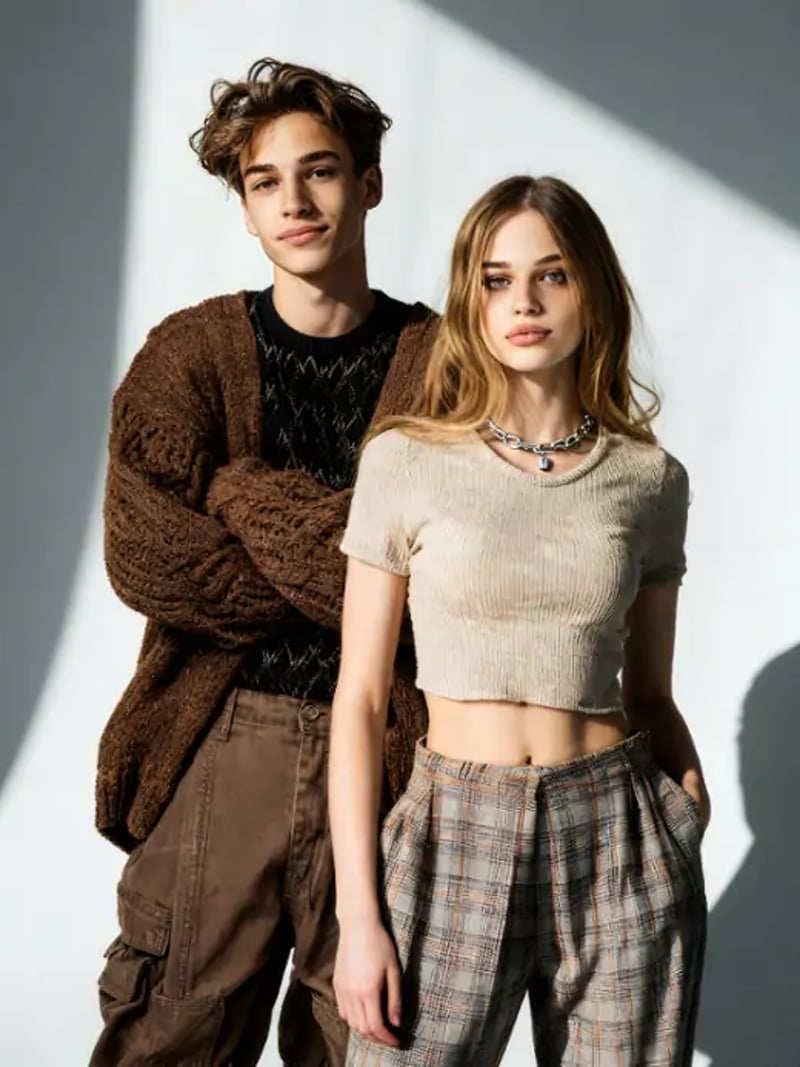
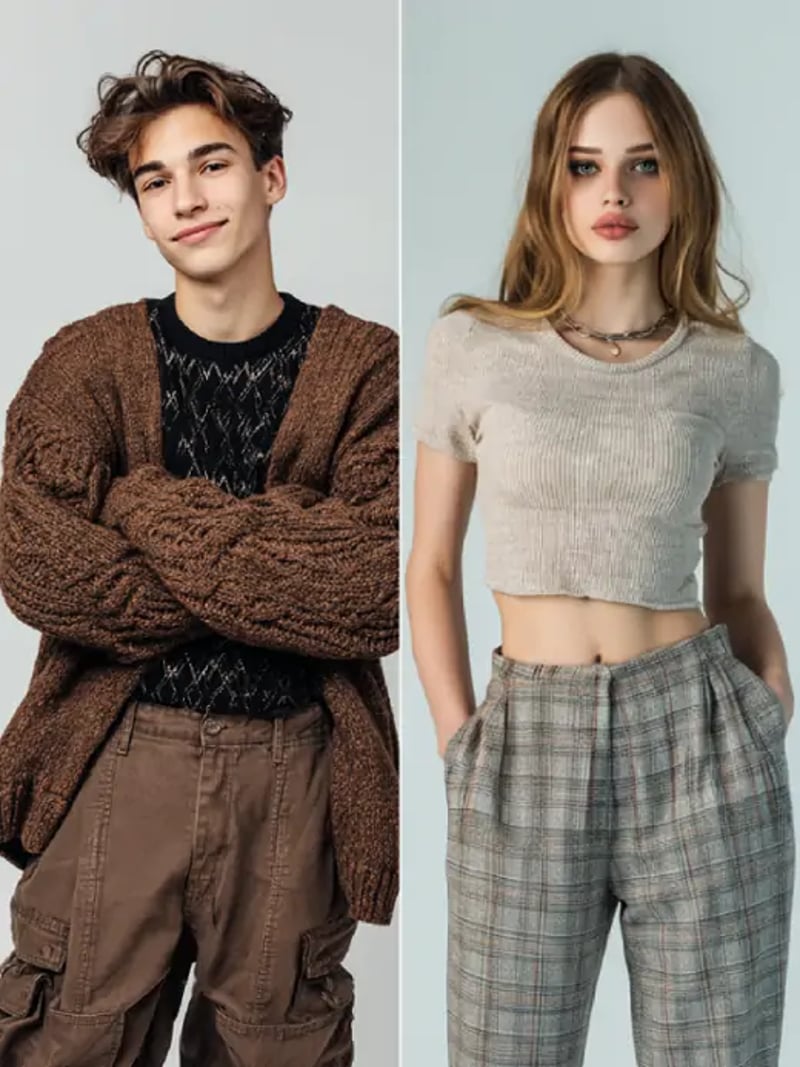
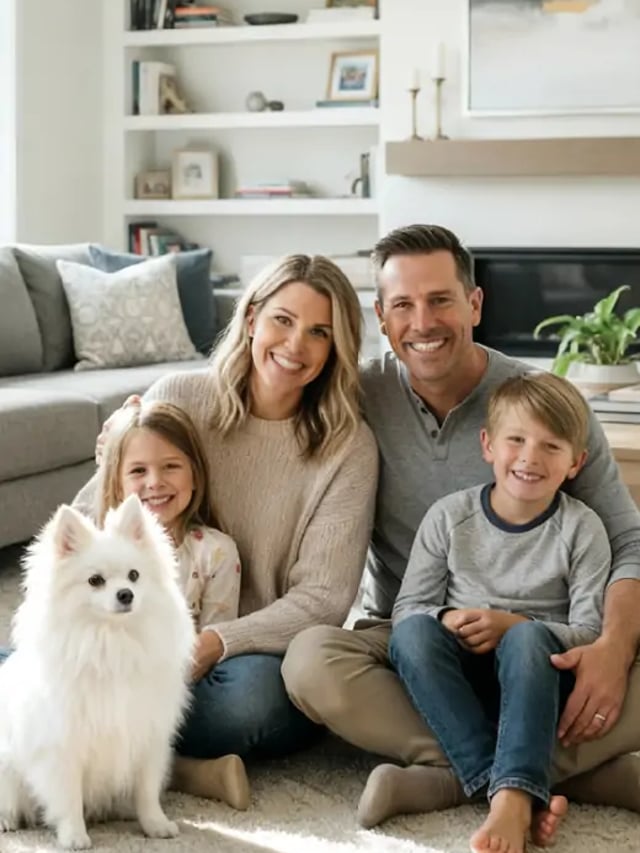
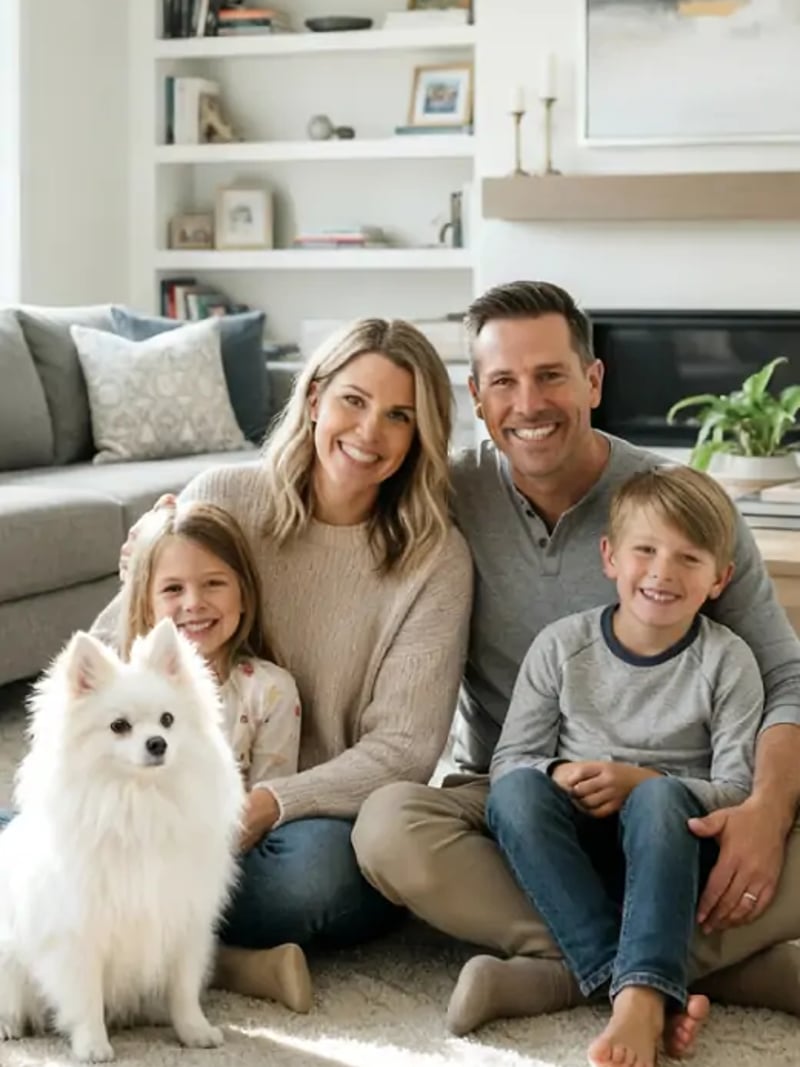
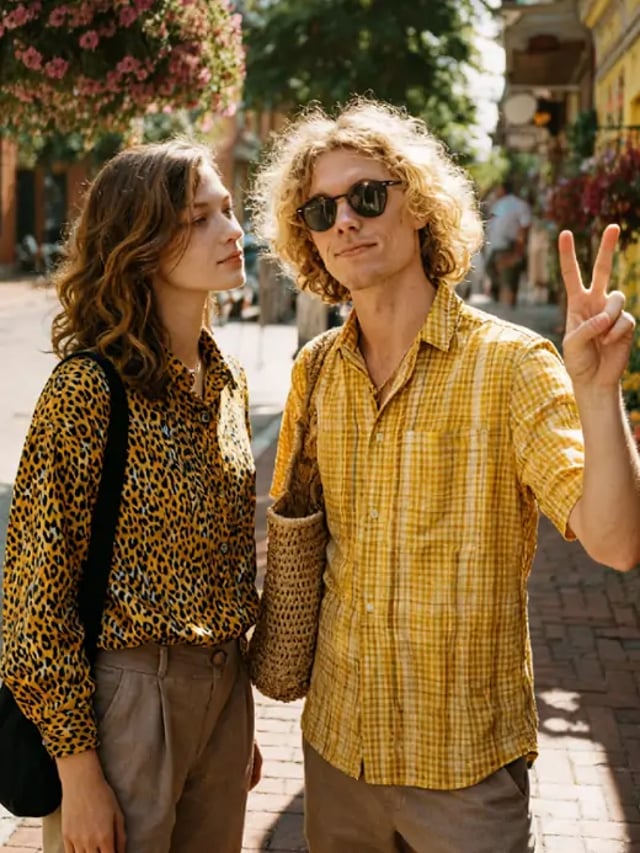
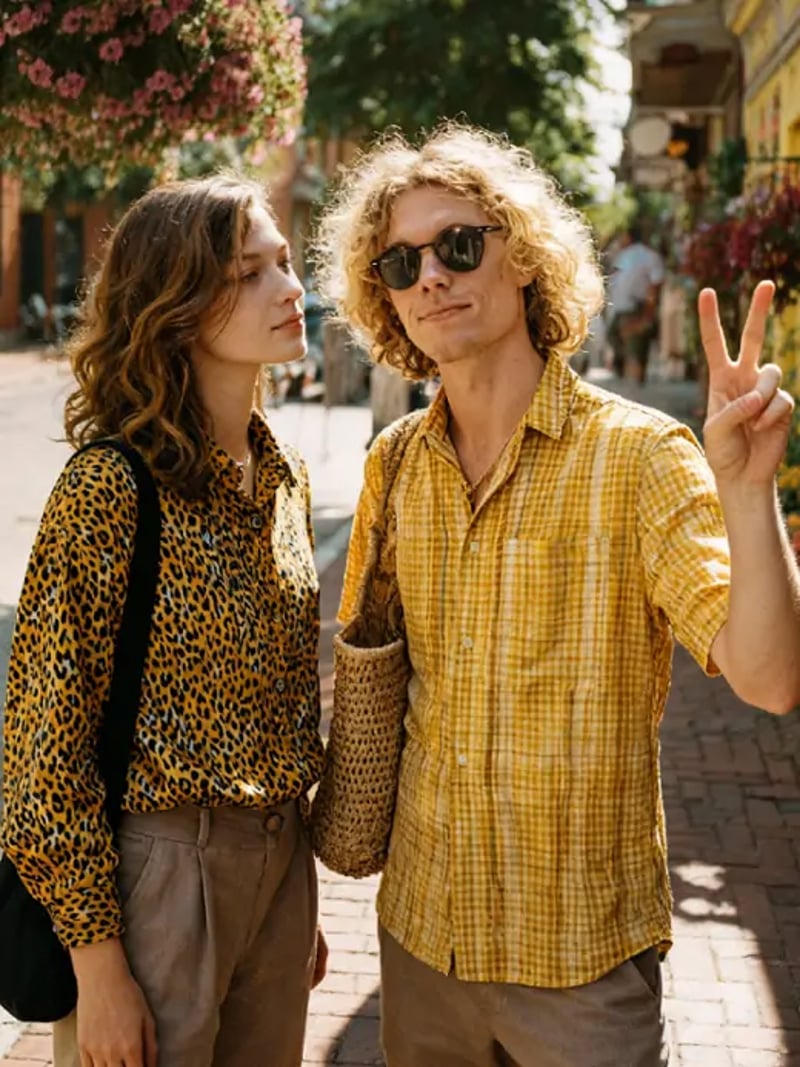
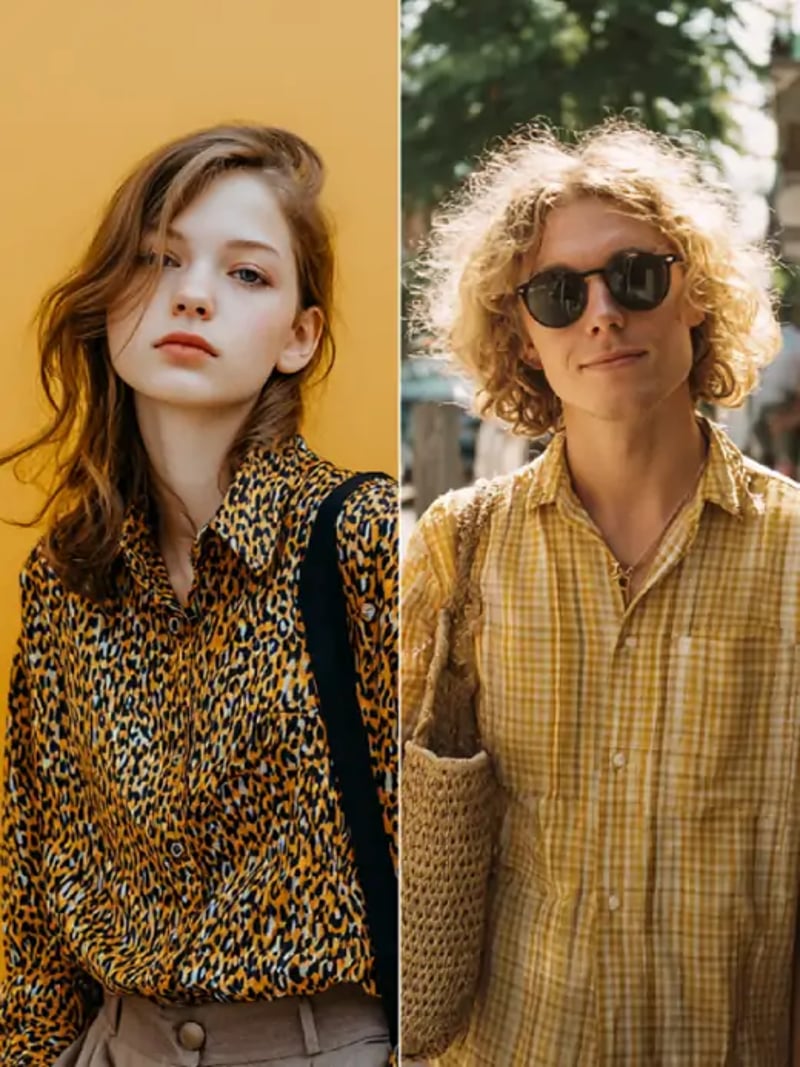
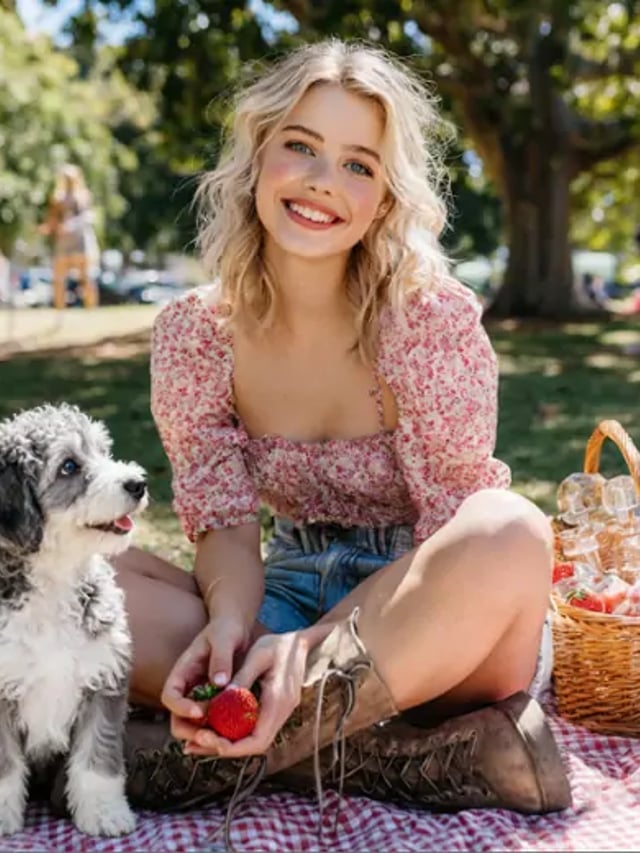
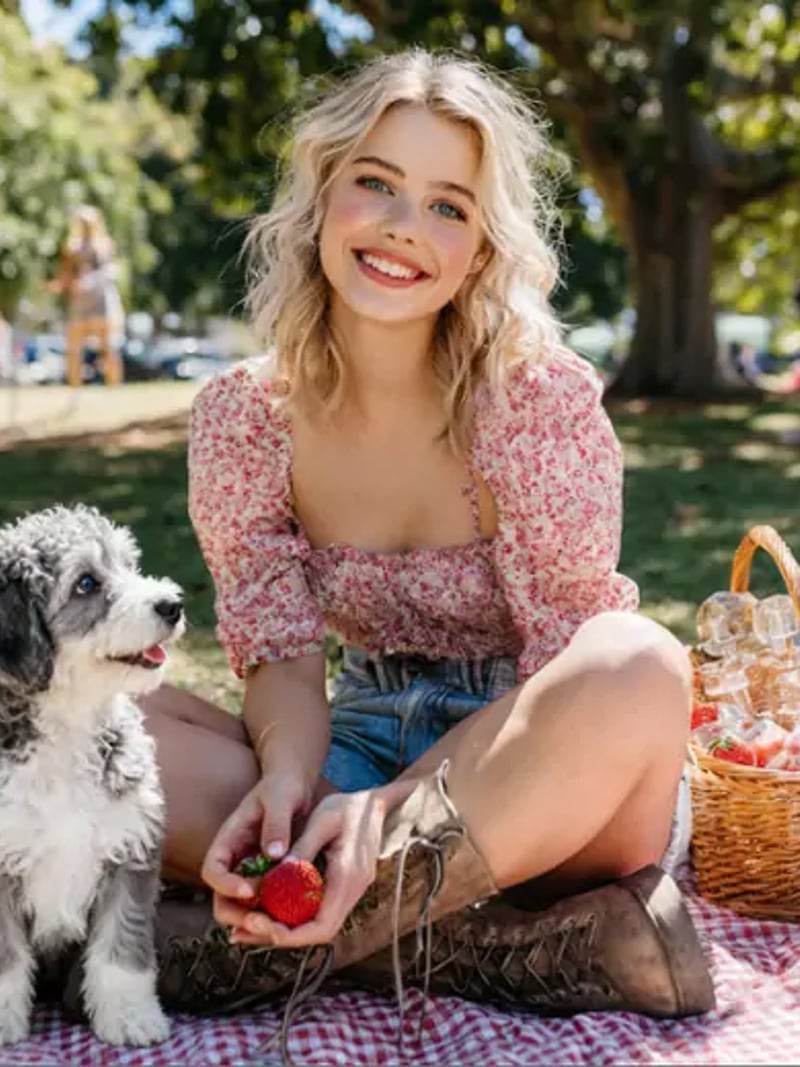
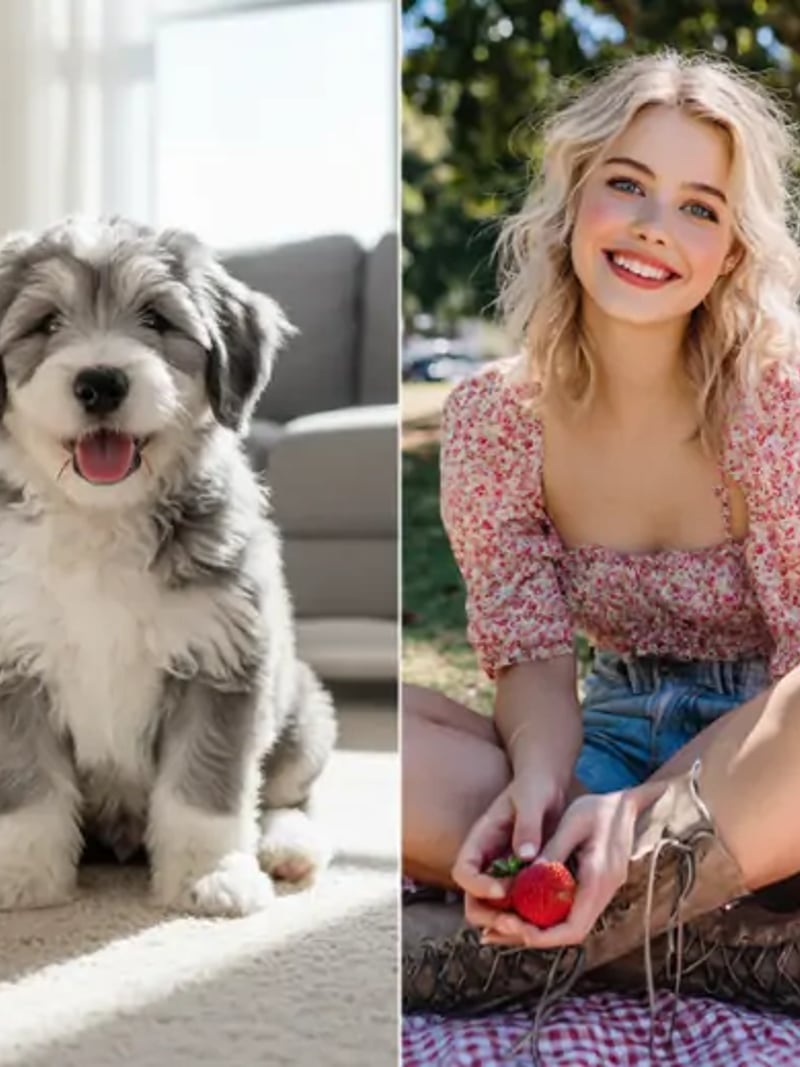
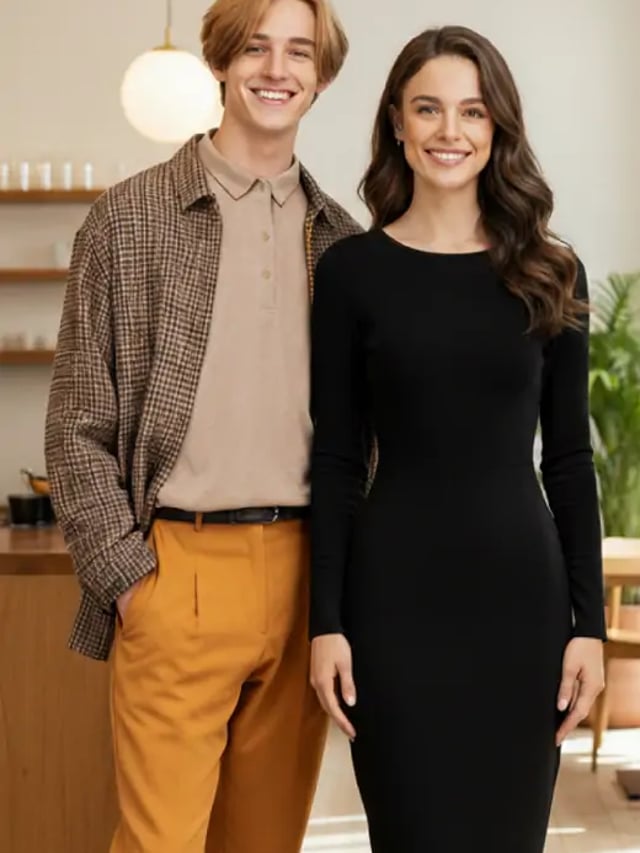
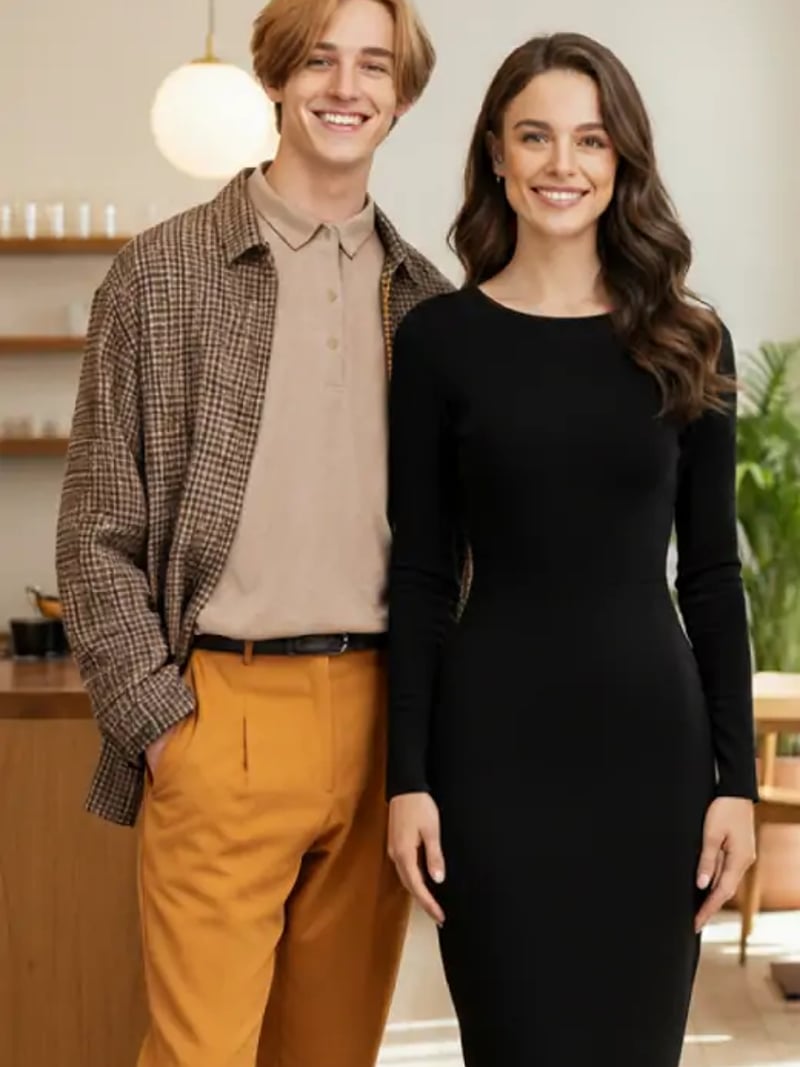
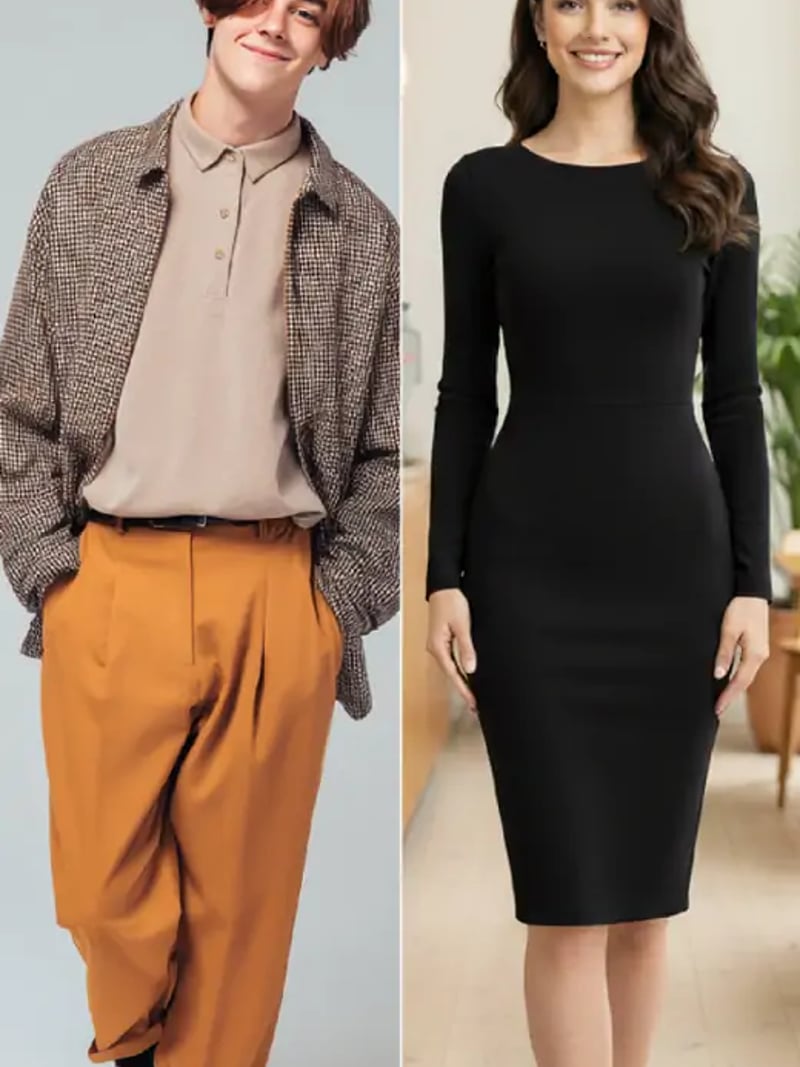
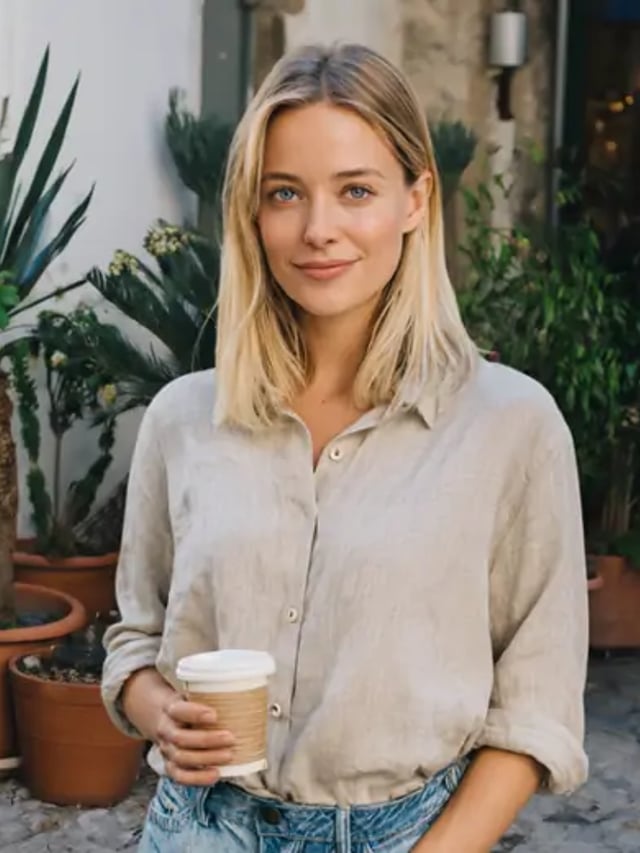
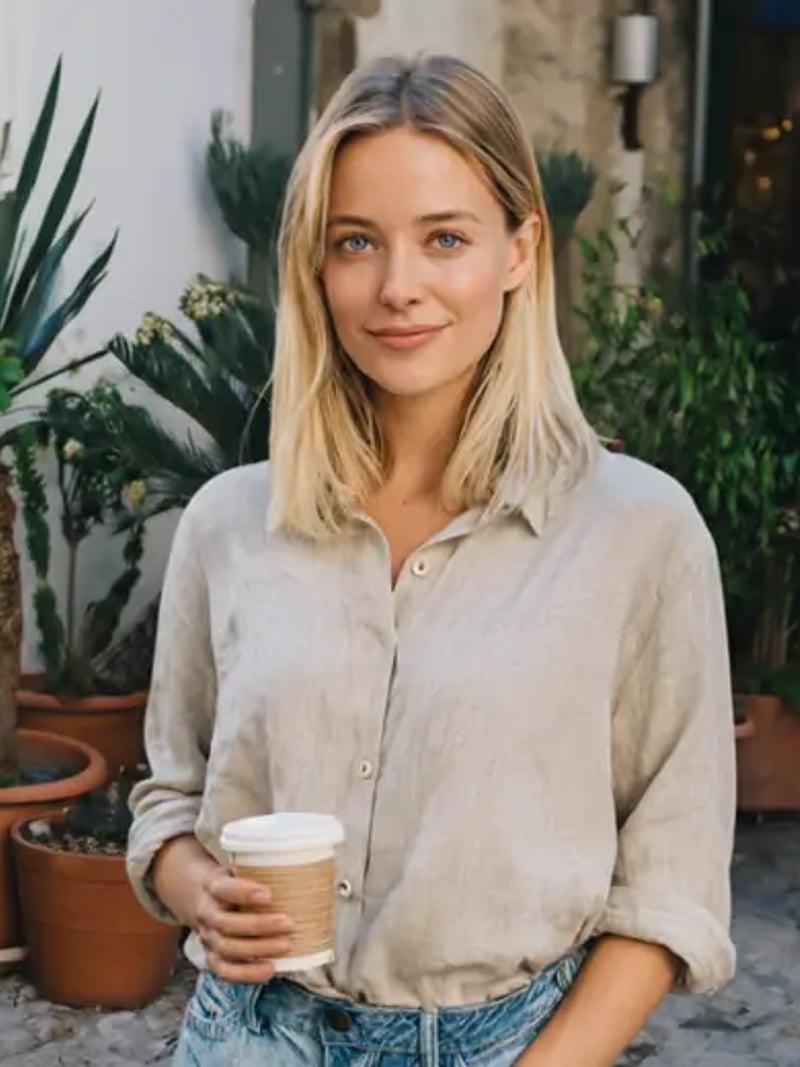
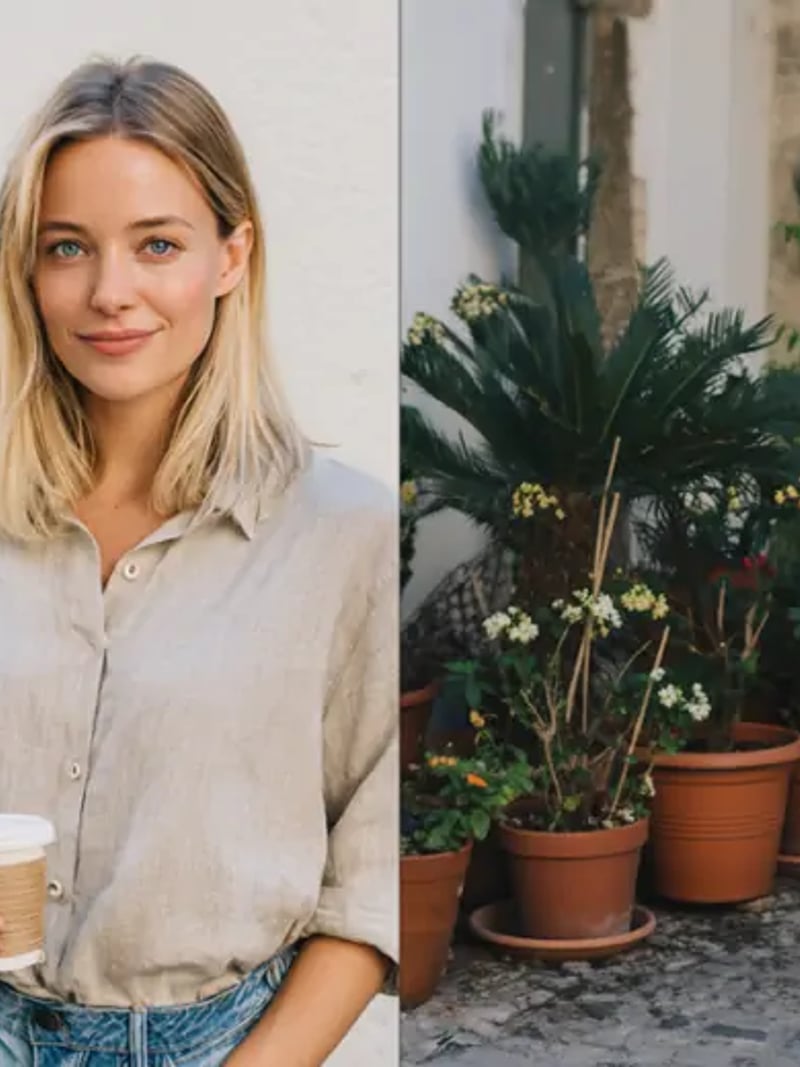
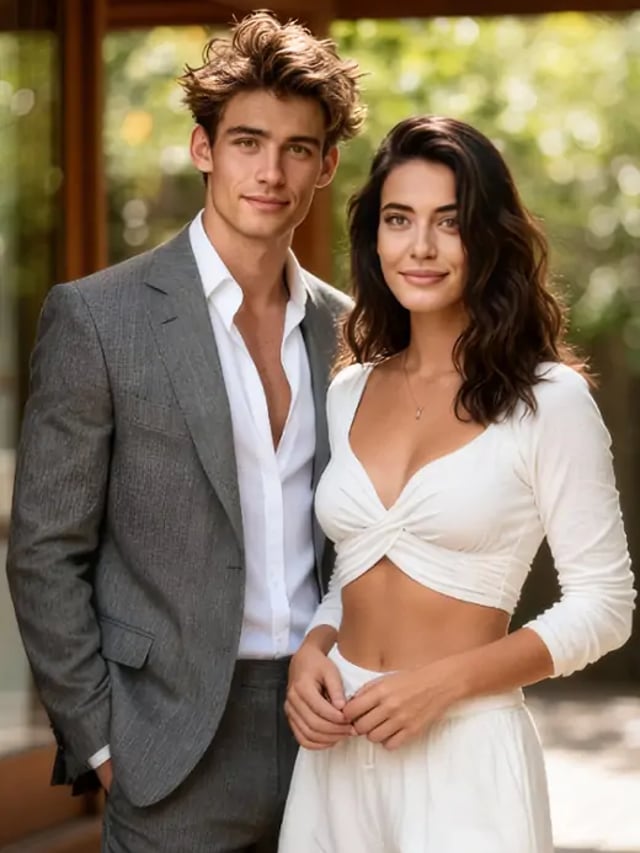
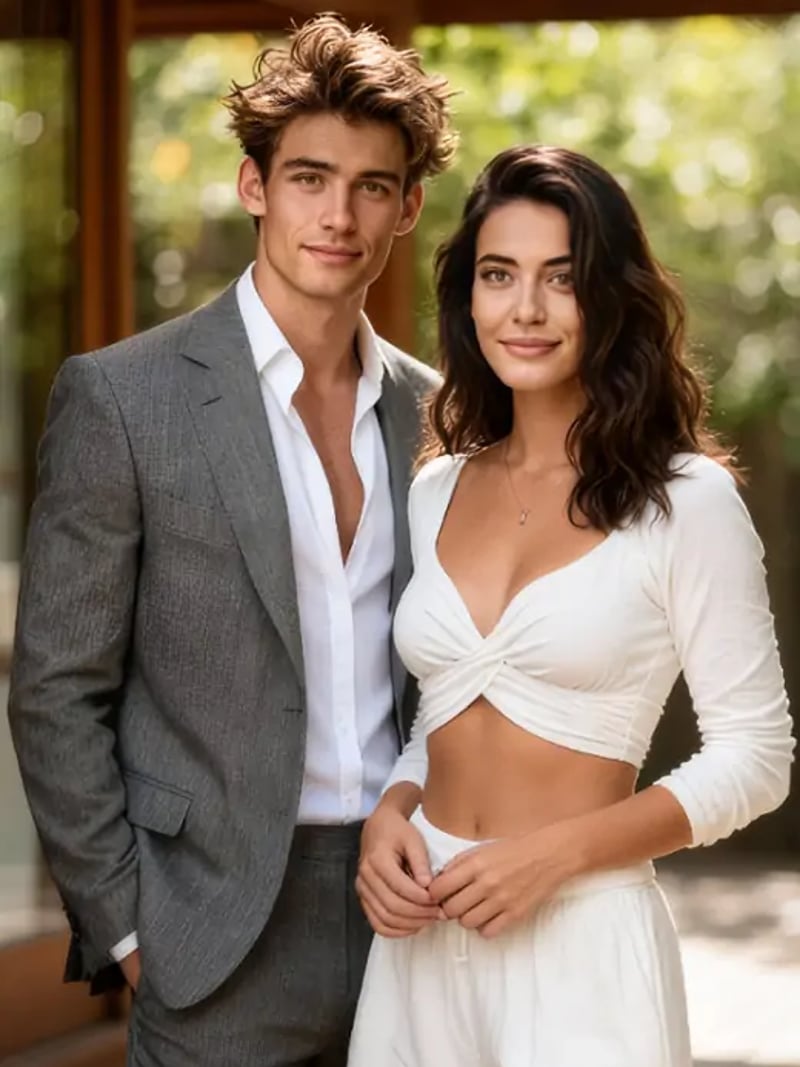
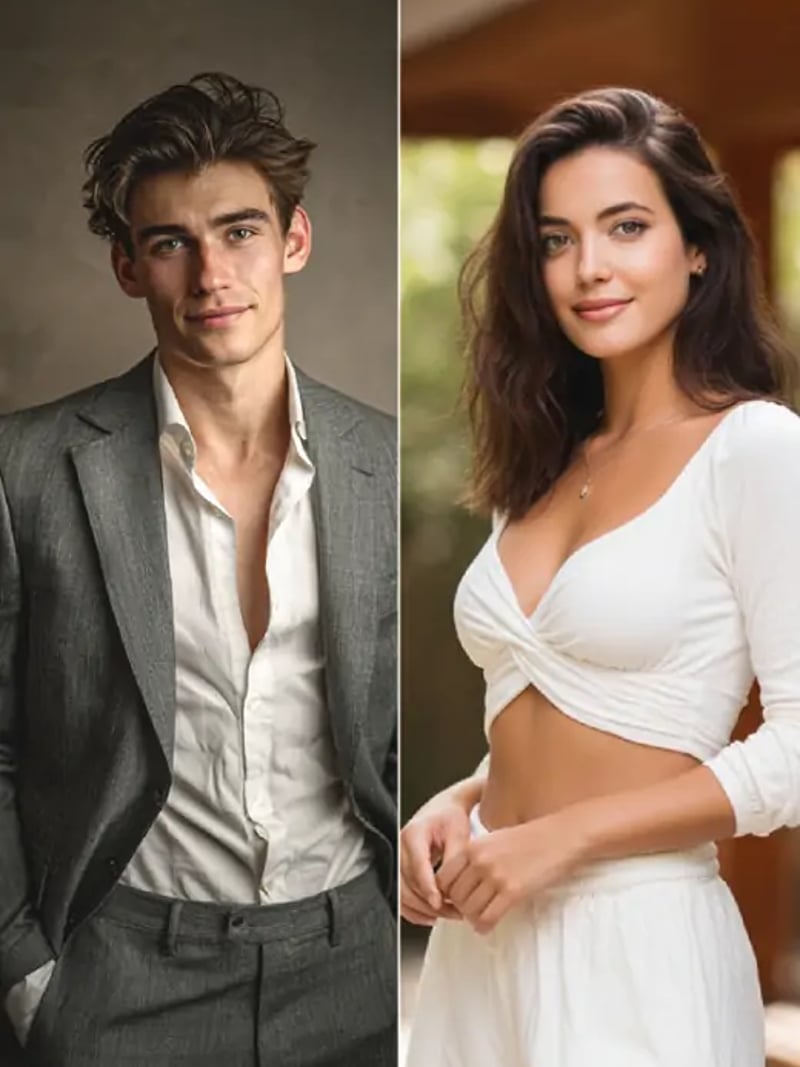
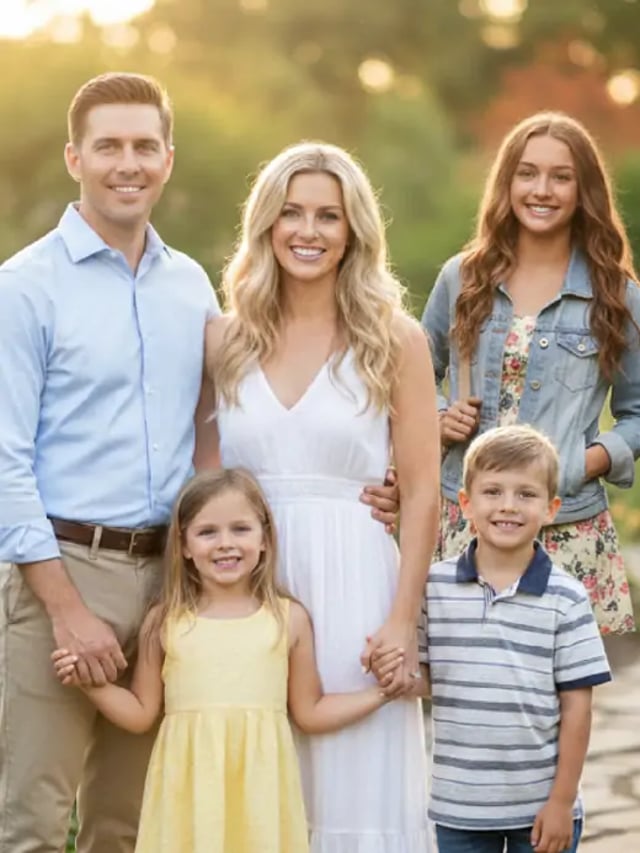
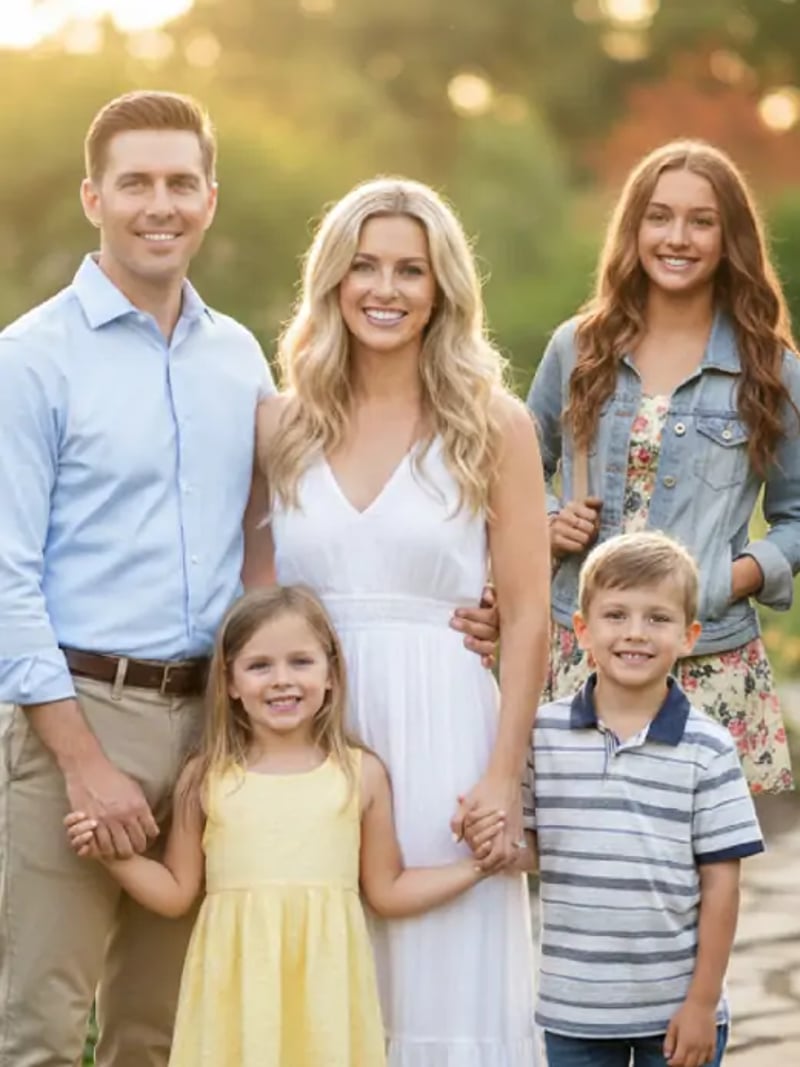
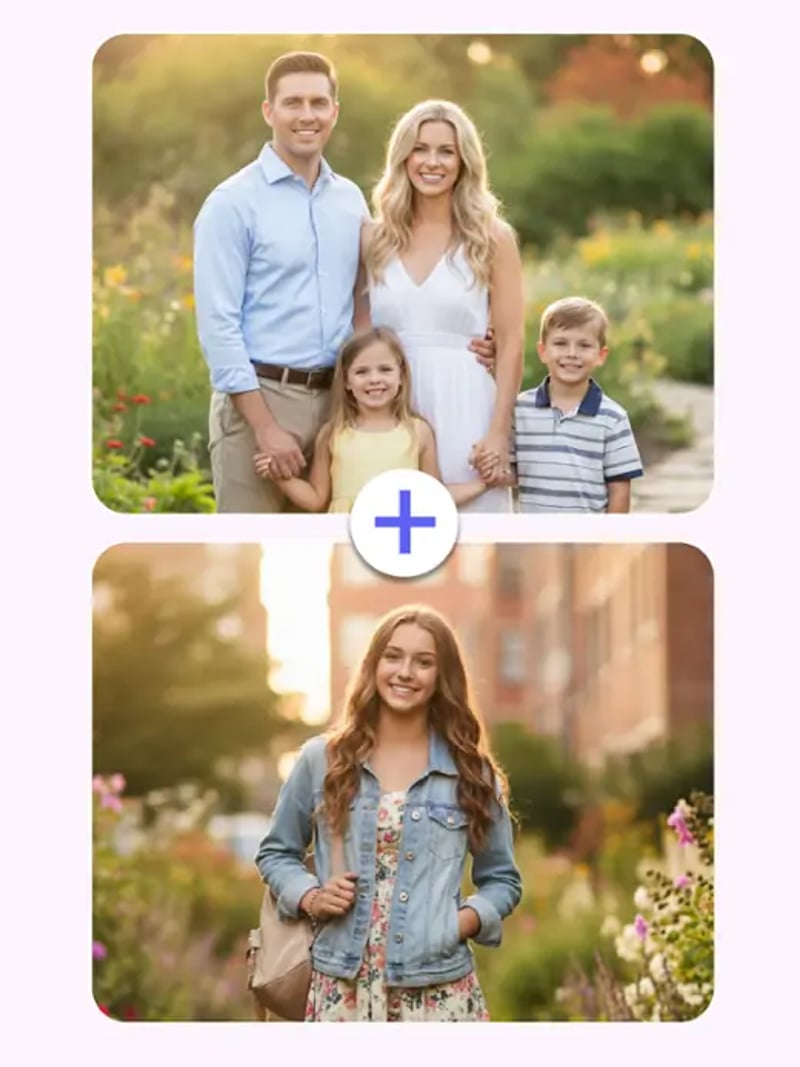
Add a Person to a Photo Online — Realistic AI Blend
Add a person to a photo with AI. Upload the scene plus a portrait and the new person is matched to the light, scale and perspective. Try free, no credit card.
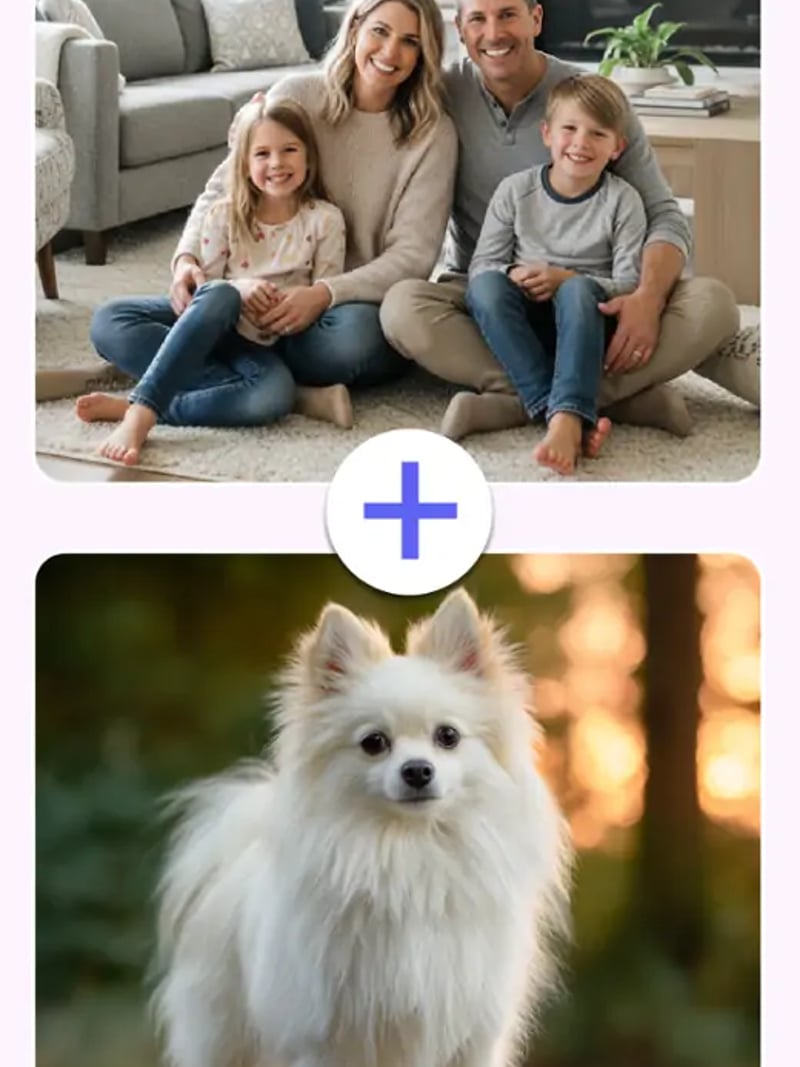
Add a Person to a Photo takes two images and returns one believable photograph. You upload the target photo you want to keep, then a clear portrait of the person you want to insert. The AI reads the light direction, color temperature, camera angle and body scale of the scene, then places the new person into it. Everything else in the frame stays as you shot it.
It is built for anyone who ended up outside the picture. The friend whose flight was late, the parent who stayed home, the person holding the camera at every family dinner. It suits photographers, social editors and small marketing teams too, whenever a reshoot is not worth the cost. No masks, no selection tools, and no prior editing experience needed.
Manual compositing can reach the same place, but it takes practice and time. You cut out a subject, feather the edge, repaint a shadow, then fight the color grade until it settles. Here that work happens in one pass. Generate up to four variations and download the version that reads as a single continuous shot.
How the AI adds a person to a photo naturally
The most common giveaway in a composite is light. A portrait lit from a window will never sit right in a scene lit by late afternoon sun. The AI matches the inserted person to the target photo's shadow direction, contrast and color, so the light on the new person agrees with the light already in the scene.
Scale and perspective get the same treatment. A person standing three steps behind the front row should read as smaller and slightly further away. Body size and eye line are fitted to the camera angle of your target photo, which is what removes the pasted-on sticker look.
Identity is protected throughout. Face shape, skin tone, hair and clothing come from your portrait, not from an invented average. The rest of the target photo is left alone, so existing people, background and framing stay exactly as they were.
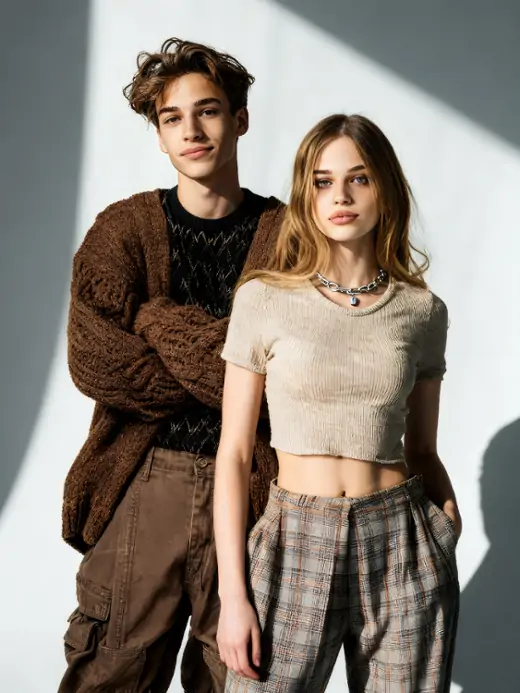
Add someone to a group photo without Photoshop
Group shots are the hardest thing to redo. People scatter, the light changes, and the moment is gone. Upload the group photo and one portrait, and the missing person is fitted into the row with plausible spacing and overlap instead of floating in front of everyone.
This also solves the oldest problem in family photography: whoever holds the camera is never in the result. Photograph the group first, then take a portrait of yourself in similar light, and add yourself to the frame afterwards. A waist-up source at the same camera height fits best.
The same two-image workflow covers other long-tail jobs. Add a person from one photo to another, put two people who live in different cities into one frame, or bring a friend into a travel picture they missed.
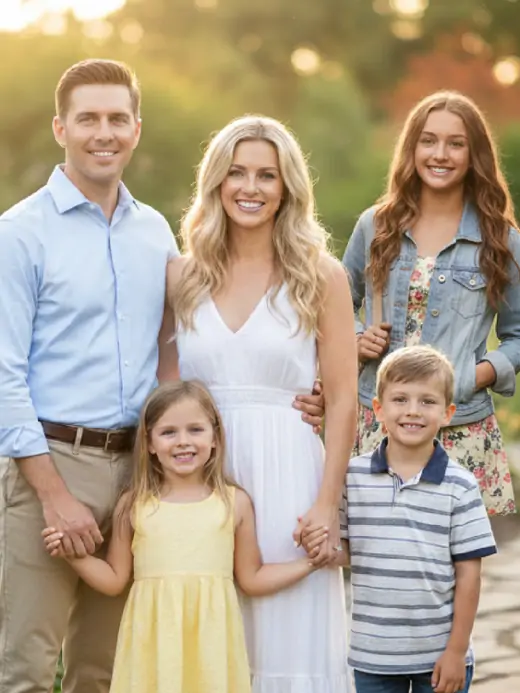
AI compositing versus manual photo editing
In a desktop editor you own every pixel, which genuinely helps when a client needs a specific hand position. The cost is time. A clean cutout, a hand-painted contact shadow and a matched grade is comfortably an hour of work, and it assumes you already know the software.
This tool trades that granular control for speed and consistency. One upload pair, one click, results in seconds to about a minute. Since you can request up to four variations per run, you are comparing finished options rather than undoing brush strokes.
The honest caveat is that output quality tracks input quality. A sharp, well-lit portrait taken at a similar angle to the scene produces a far better blend than a dark, low-resolution crop. If a first result looks off, swap the source portrait before you change anything else.
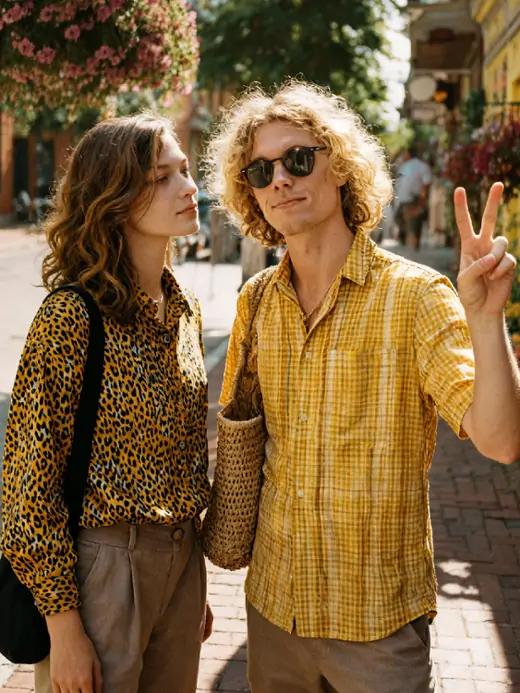
Consent, privacy and fair use
Only add people who have agreed to it, or who are your own family in your own photos. Do not use the tool to imply that someone attended an event, endorsed a product or stood next to a person they never met. Results are for personal, creative and lawful use, and impersonation is never an acceptable use.
Uploads are processed on our servers so the tool can run, and they may be stored to provide the service. Read the privacy policy before you upload anything sensitive. Photos of children should be handled by a parent or guardian, and memorial edits deserve the same restraint you would bring to a printed family portrait.
For commercial work, remember that the AI does not clear rights for you. Model releases, trademarks and location permissions still apply. Keep a record of who consented to appear in each composite.
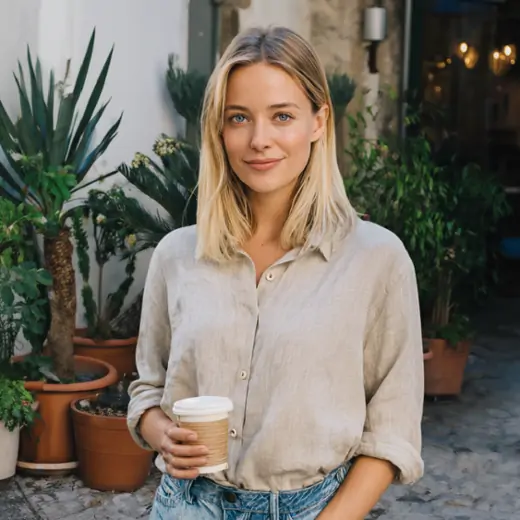
Before & After: add a person to a photo results
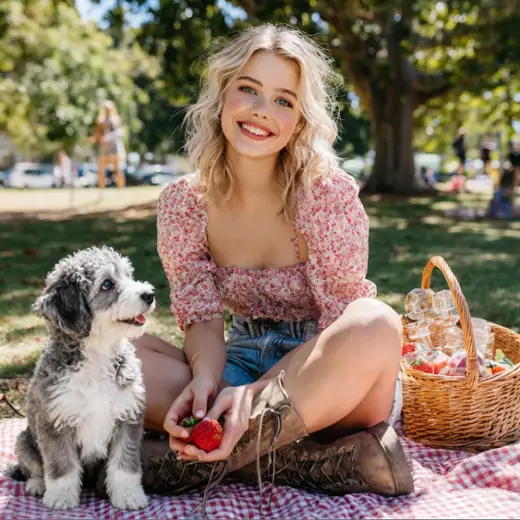
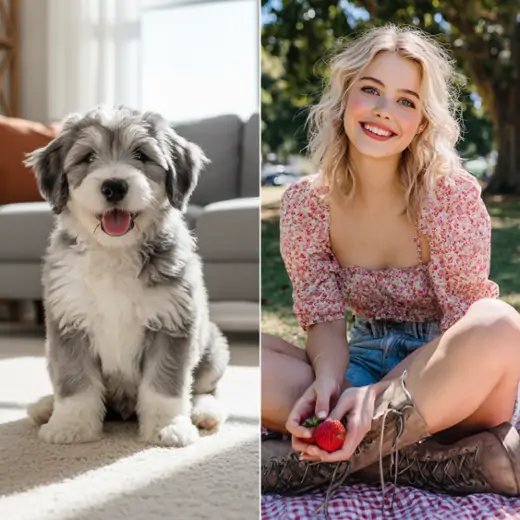
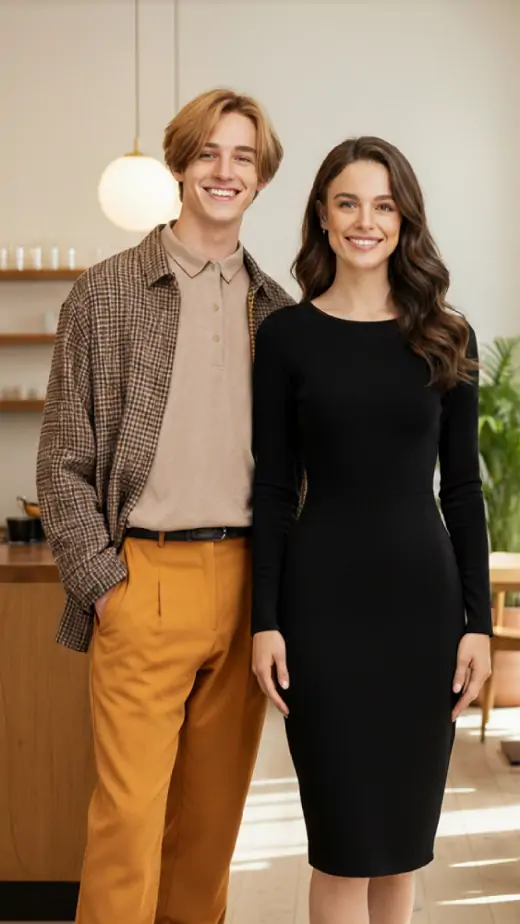
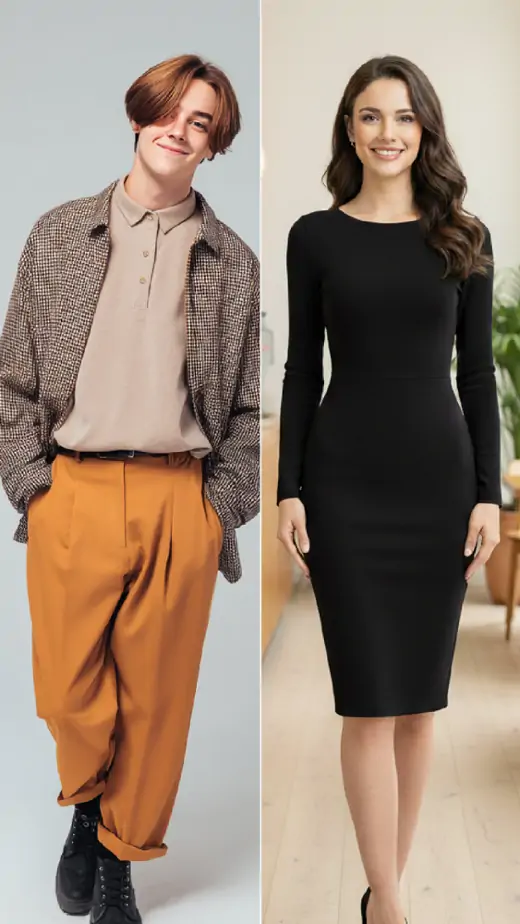
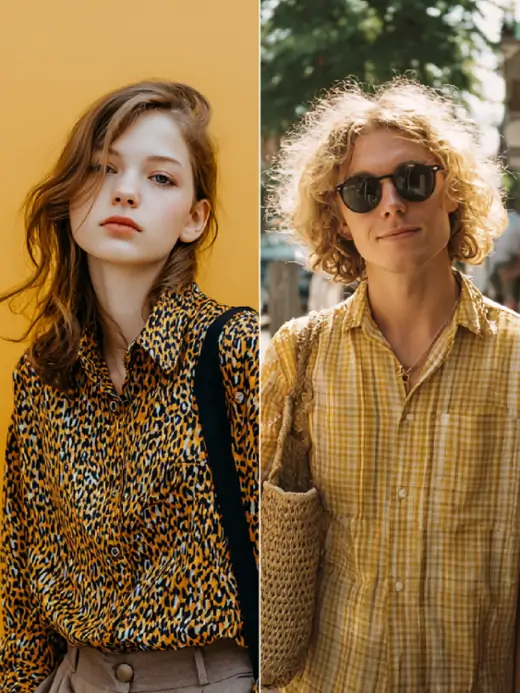
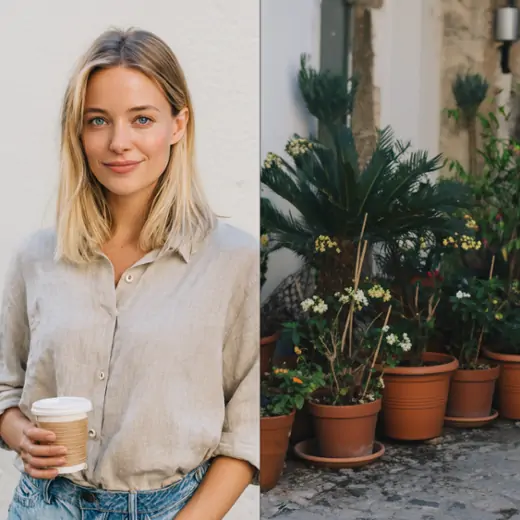
How to use Add a Person to a Photo
- 1Upload the target photo
Drop the photo you want to keep into the Target Photo slot as JPG, PNG or WEBP. Its scene, background, framing and everyone already in the shot stay unchanged, so pick the version you would print.
- 2Upload the person to add
Add a clear portrait in the Person to Add slot. A sharp, well-lit, waist-up or full-body shot taken at roughly the same camera height as the target photo gives the most natural placement and the truest skin tone.
- 3Set quantity and generate
Choose a Quantity between 1 and 4, then click Generate. Each image costs 3 credits. Results appear in seconds to about a minute; compare the variations and download the one that reads as a single photograph.
Perfect for
Complete a family or group photo
Someone missed the graduation, the wedding table or the holiday dinner. Upload the group shot and a portrait of the person who was not there, and they are placed into the row with believable spacing. It is the fastest way to add a missing person to a photo without another shoot.
Add yourself to the photo you took
If you always hold the camera, you are never in the frame. This is the family archive where one parent is missing from every shot. Add a person to a photo once and the whole set finally includes you, at the right size and with matching shadows.
Long-distance couples and friends
Two people in two cities can still share one frame. Upload one person's photo as the scene and the other as the portrait, and the AI builds a single image with consistent lighting. Useful for anniversary posts, care packages and printed cards when travel is not possible.
Marketing and product scenes
Small teams can test a campaign layout before booking a shoot. Place a colleague or a licensed model photo into a store interior, a product setup or an event backdrop, then generate four options to review. Confirm model releases before anything goes public.
Memorial and keepsake portraits
Families sometimes want a late relative present in a new portrait. Use a clear, well-lit archival photo and keep the edit restrained, matching the tone of the original picture. Treat the result as a private keepsake rather than a document of an event that took place.
At a glance
FAQ
How do I add a person to a photo online?
Upload two images and click Generate. The first is the target photo you want to keep, the second is a portrait of the person you want to insert. Set a quantity of 1 to 4, then let the AI match lighting, scale and perspective. Results arrive in seconds to about a minute, and you download the file directly from the workspace.
Can I add a person to a photo without Photoshop?
Yes. Everything runs in your browser, so there is no software to install and no layers, masks or cutouts to manage. Sign in with Google, upload the two photos, and the compositing happens automatically. It suits people with no editing background as well as professionals who want a fast first draft.
Is it free to add a person to a photo?
New users receive free credits to try any tool, and no credit card is required to start. Each generated image costs 3 credits, so a run of four variations uses 12. There is no unlimited plan.
Will the rest of the photo change?
No. The background, existing people, objects, framing and overall lighting of your target photo are preserved. Only the new person is added to the scene. That is the core promise of the tool, and it is why the result reads as one continuous photograph rather than a collage.
How realistic are the results?
Results are convincing when both source photos are sharp and lit similarly. The AI matches shadow direction, contrast, color and body scale so the inserted person sits in the scene. Quality varies with your inputs, though. Mismatched lighting is the most common cause of a fake-looking blend, and a portrait shot in similar light and at a similar camera height fixes most of them.
Which file formats can I upload?
JPG, PNG and WEBP photos are accepted for both slots. Use the highest quality version you have rather than a screenshot or a heavily compressed social media download. Detail in the face and clothing of your portrait affects how well the person blends in.
How long does a generation take?
Most runs finish within seconds, and a batch of four variations can take up to about a minute. You stay in the workspace while it processes, and each result appears as soon as it is ready. Generation runs on our servers, so you can leave the workspace open while it finishes.
Can I add a person to a photo on iPhone or Android?
Yes. The workspace runs in the mobile browser, so you can upload both photos from your camera roll and download the result on the phone. There is no app to install, and the generation happens on our servers rather than on the device.
Is it legal and safe to add someone to a picture?
Editing your own photos is fine, but only insert people who have agreed to it or who are your own family. Do not create images that imply attendance, endorsement or a relationship that never existed. Uploads are processed and may be stored so the service can run, so review the privacy policy first.
Can I add a deceased relative to a family photo?
Many families do this for keepsakes. Use a clear, well-lit archival photo of the person and keep the edit restrained so it matches the tone of the original picture. Treat the result as a private family keepsake rather than a record of an event that took place.