 Photography Colleges
Gender Swap
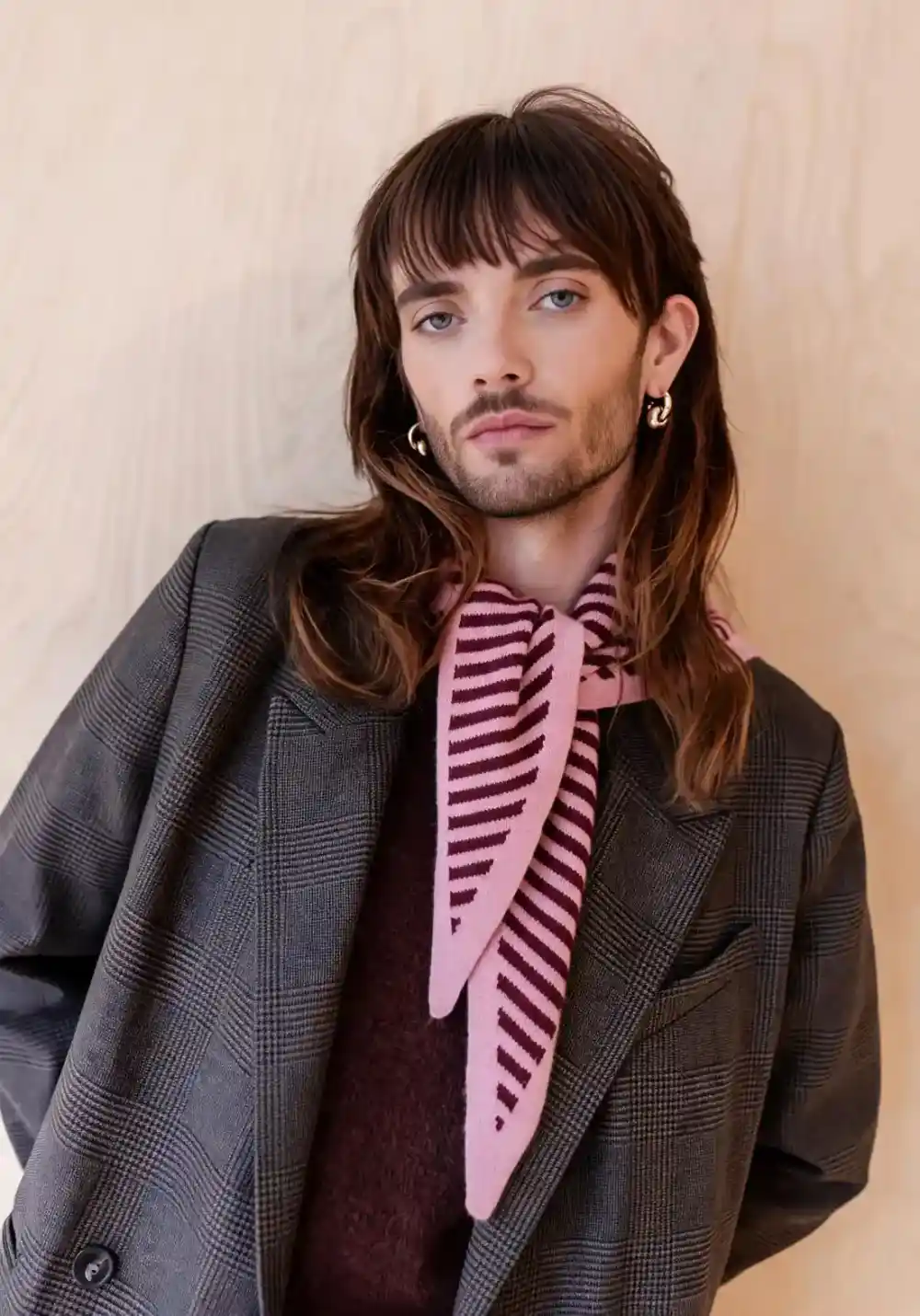
Best Examples
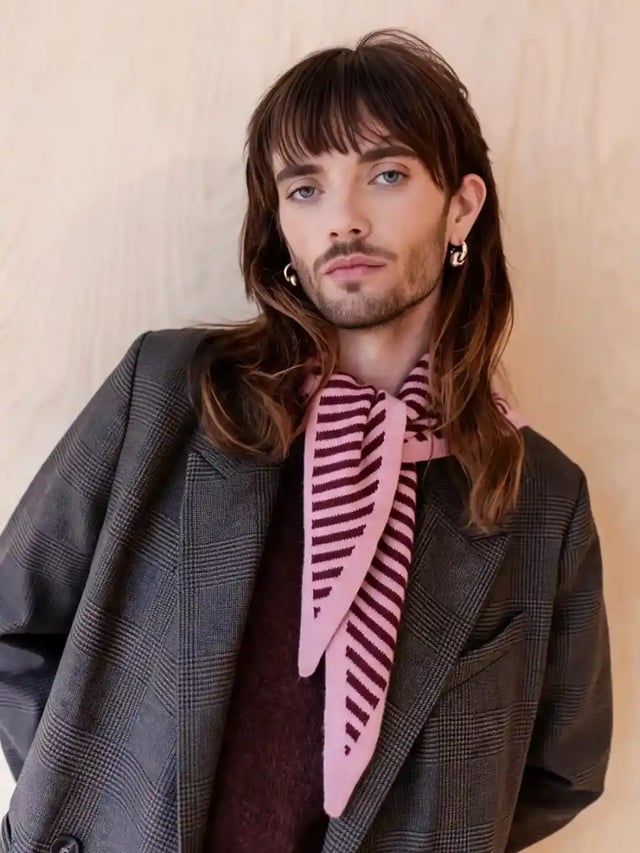
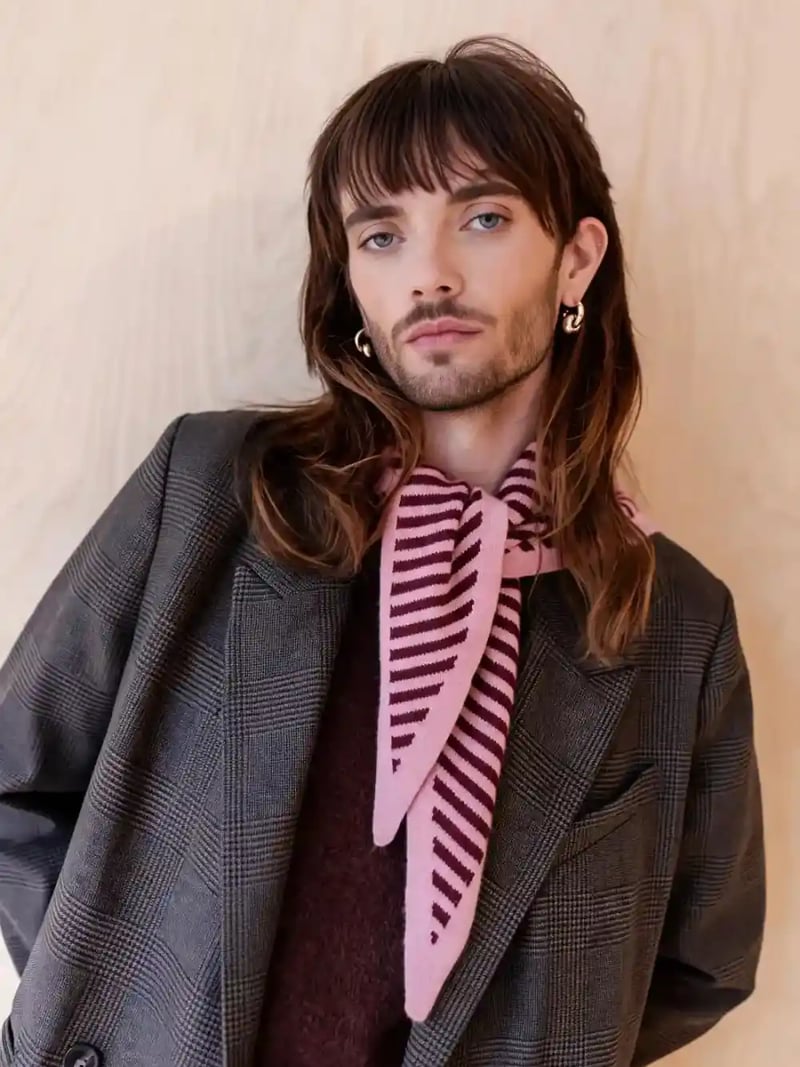
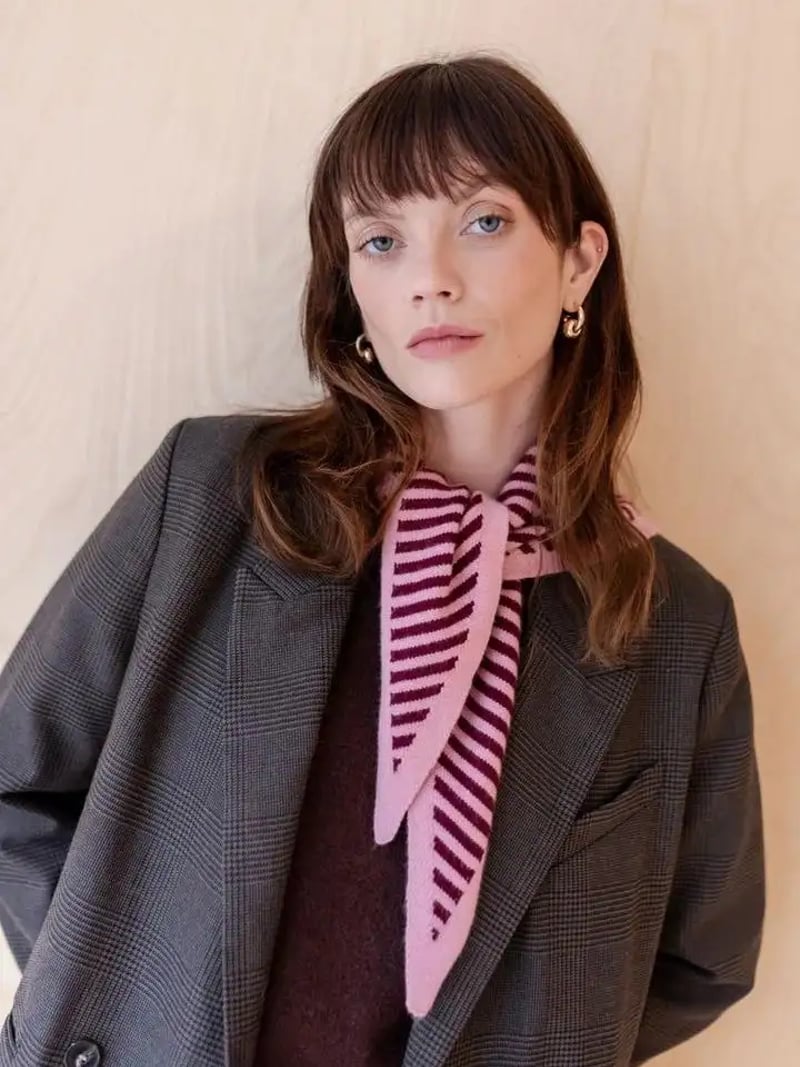
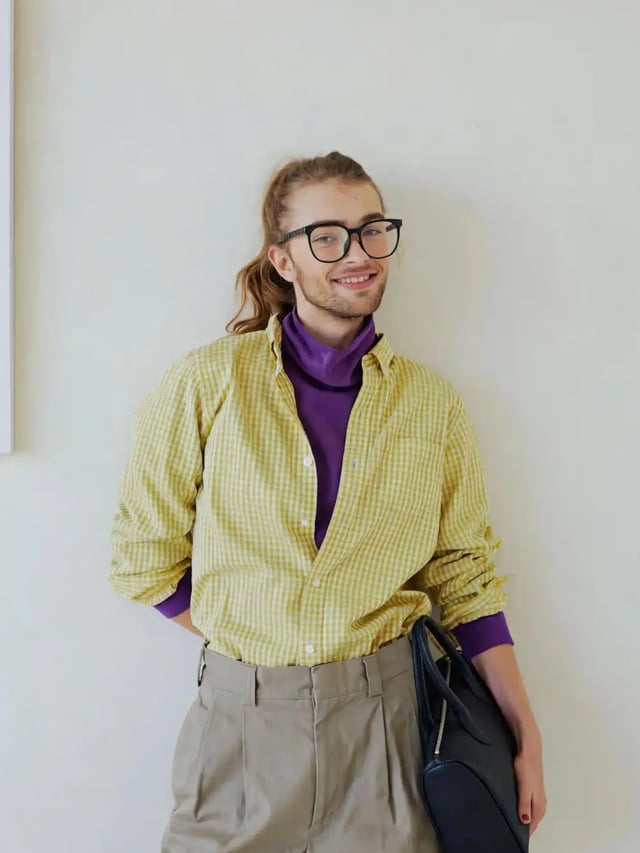
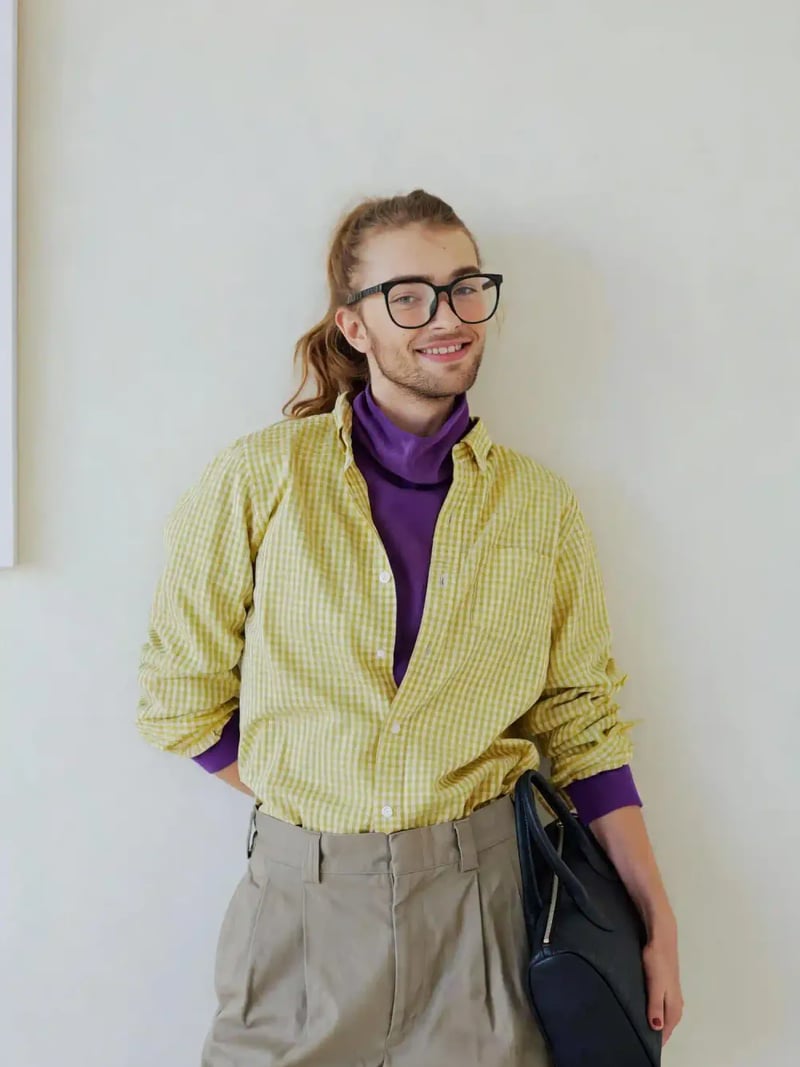
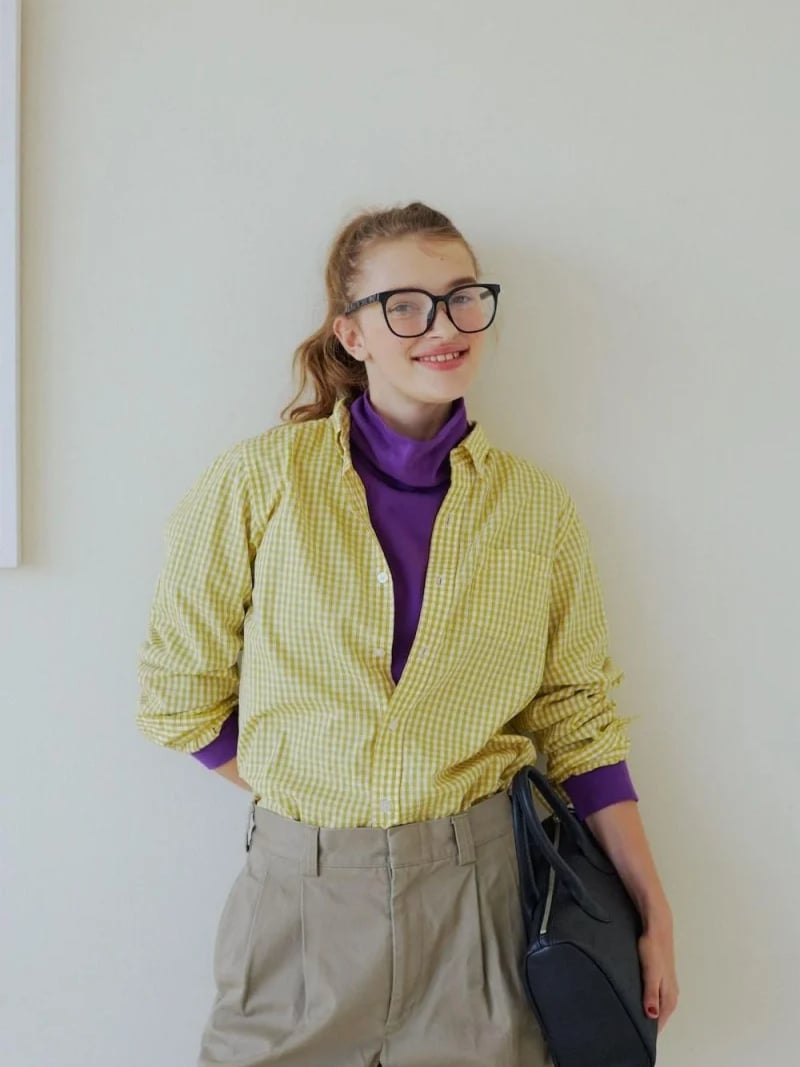
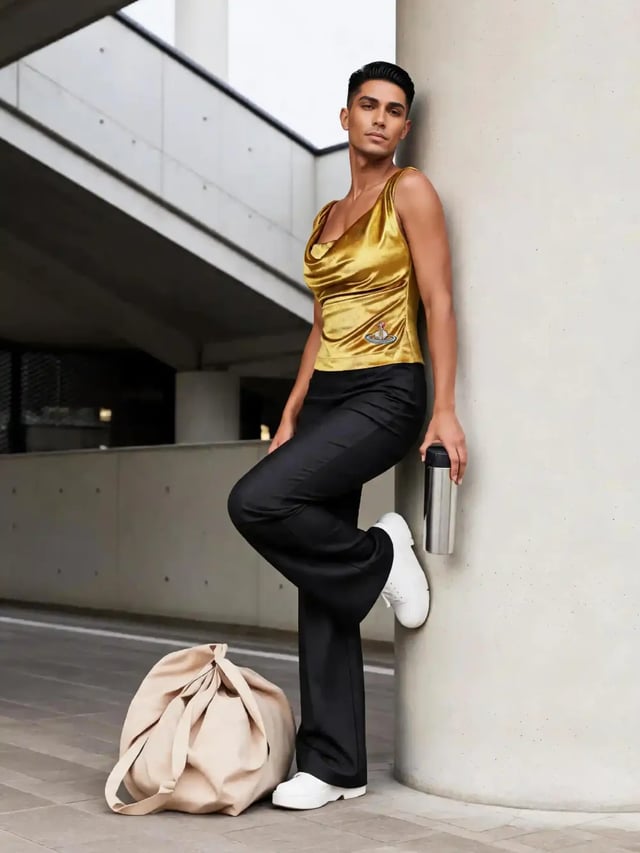
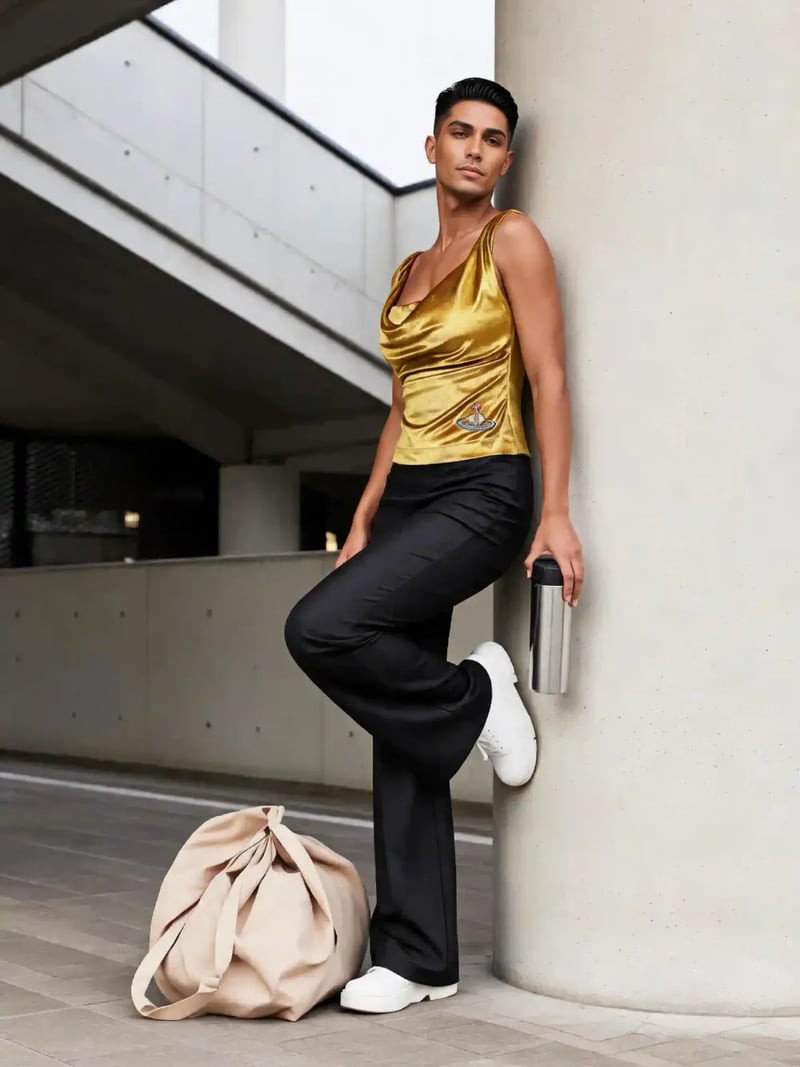
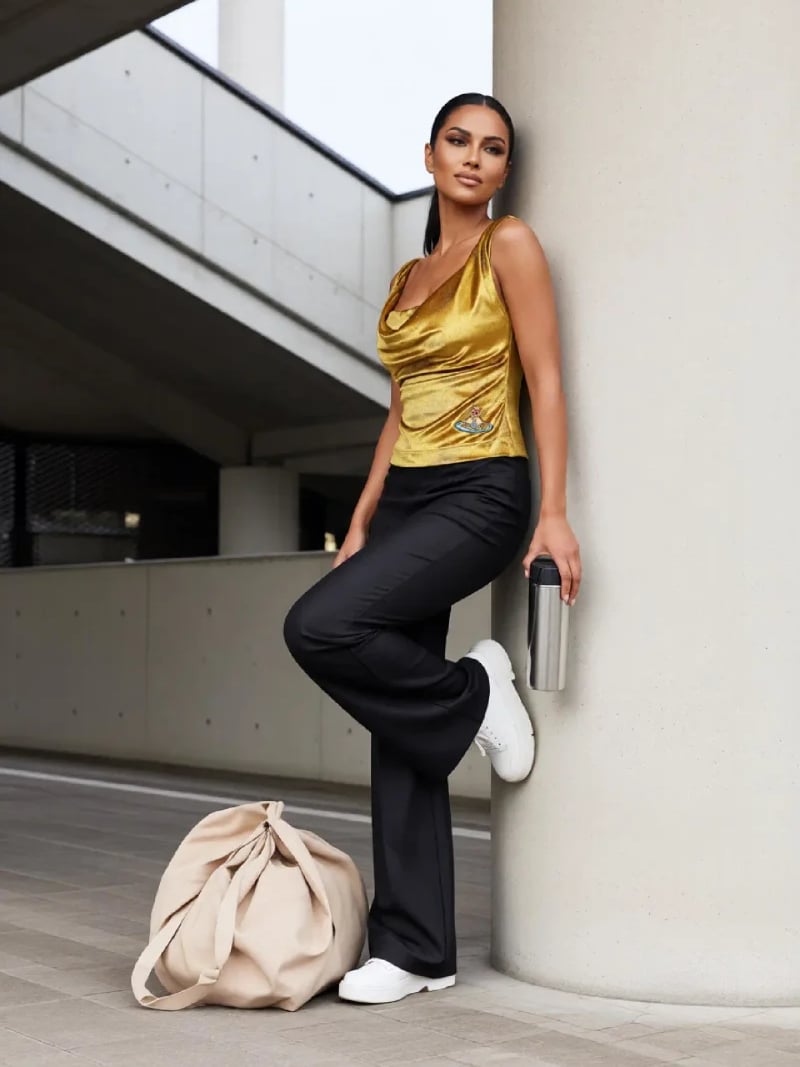
Gender Swap AI — Change Gender in Any Photo in Seconds
Use AI gender swap to turn any portrait into a male or female version of the same person, with pose, clothing and background untouched. Free to try today.
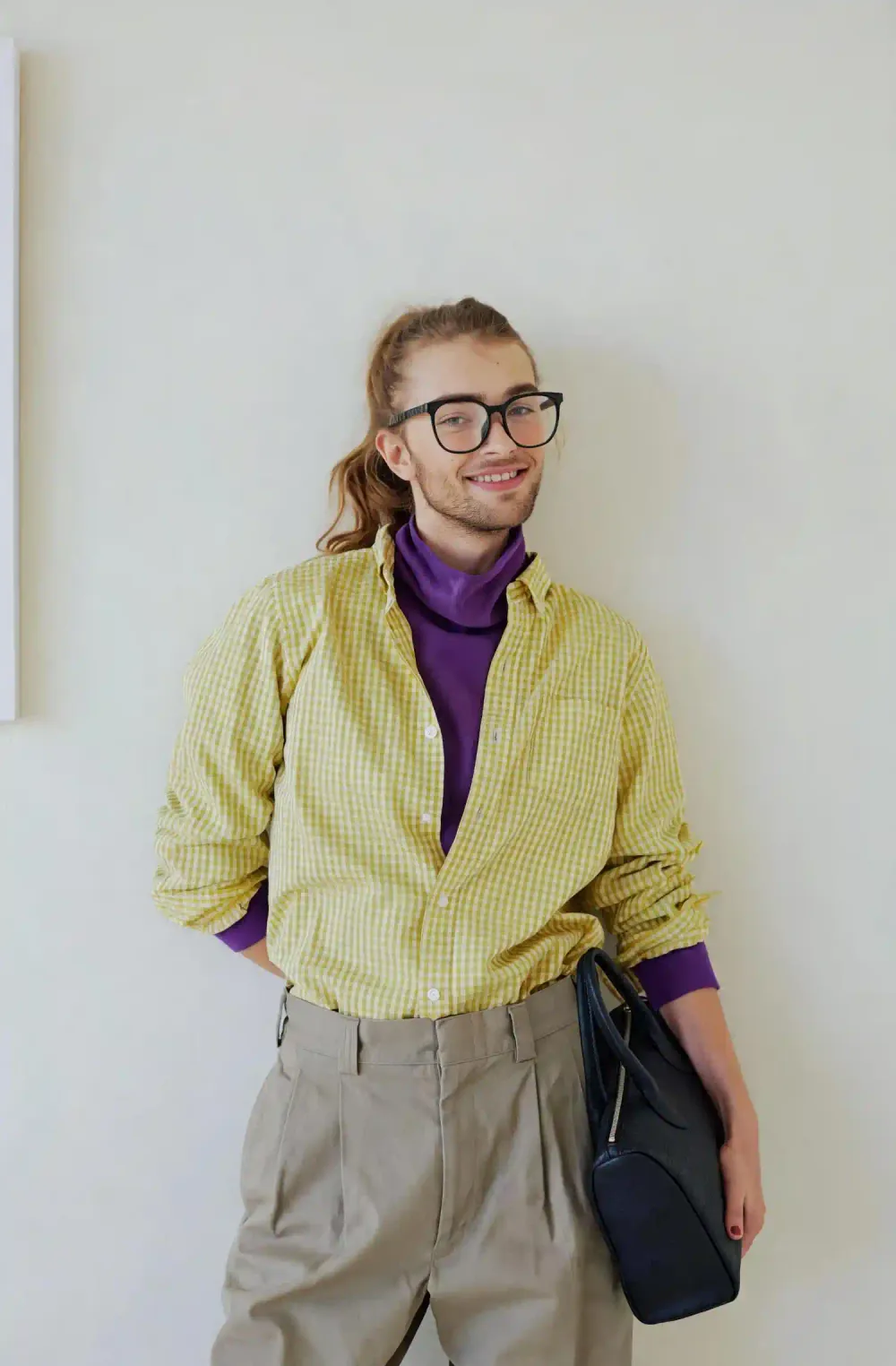
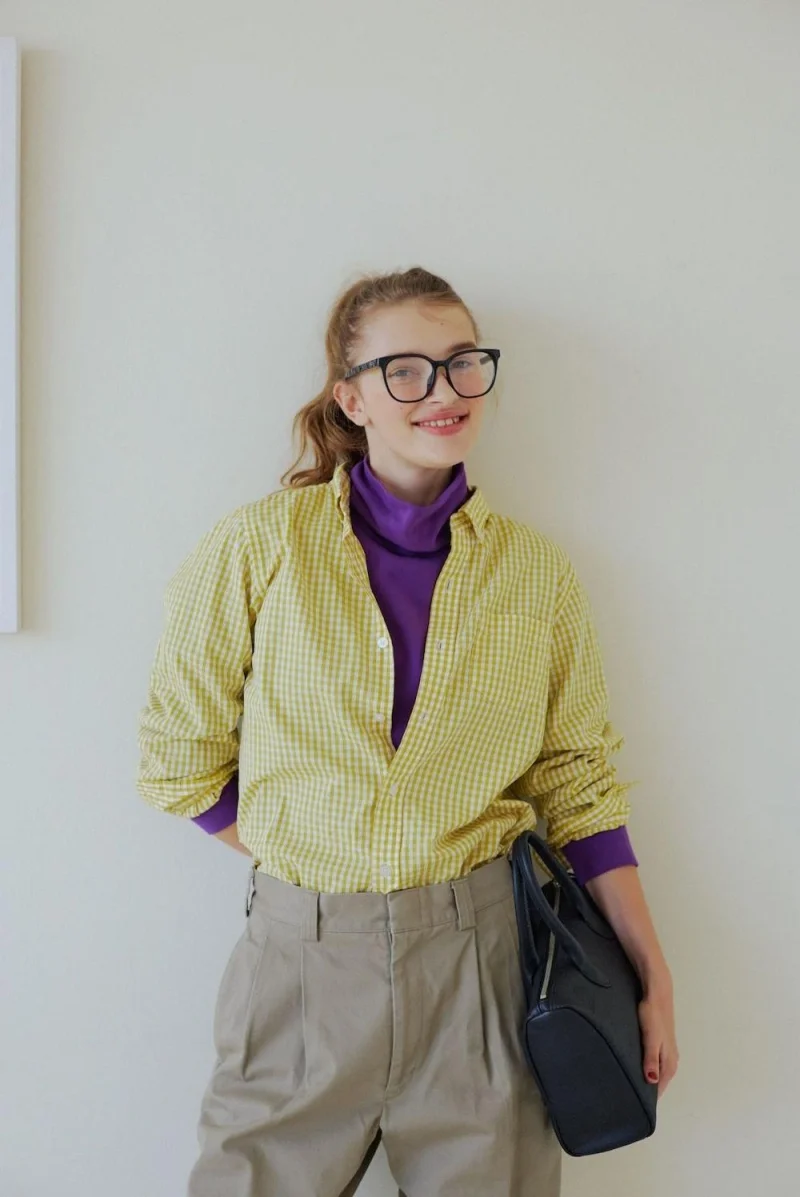
Gender Swap is an AI photo tool that rebuilds the face in your picture as a man or a woman. The rest of the shot stays exactly where it was. Upload one clear portrait, pick Male or Female, and the model reworks jawline, brow, cheek contour, skin texture and hairstyle to match. Pose, clothing, body proportions, background and lighting are left untouched.
The tool is built for anyone curious about the answer to a simple question: what would I look like as the other gender? Social creators use it for before-and-after posts. Character designers and cosplayers use it to sketch an alternate version of a face they already like. Illustrators and writers use it to test a concept before committing hours to it. One upload gives you up to four options to compare.
Matching this by hand is a retoucher's afternoon. A gender swap generated by AI handles the anatomy in one pass, keeps the lighting consistent across every edited pixel, and finishes in seconds. You need no masking skill, no Photoshop license, and no prompt writing. Results are for personal, creative and lawful use only.
How AI gender swap works on a single portrait
Unlike a gender swap filter that paints a generic mask over the camera feed, the model reads the face already in your photo instead of generating a stranger. It measures the traits that carry gender signal most strongly: jaw width, chin shape, brow ridge, cheekbone height, lip fullness, hairline and skin texture. Those get rebuilt toward the target you choose. Eye shape, nose proportion and the spacing between features stay close to the original, which is why people who know you still recognize the result.
Everything outside the face is protected. The AI does not repaint the shirt, move the shoulders, change the room behind you or relight the scene. Shadows fall the same direction they did in the source file, and the grain of the original photo carries through. That constraint is what separates a usable portrait from an obvious composite, and it is the core promise behind every tool on this site.
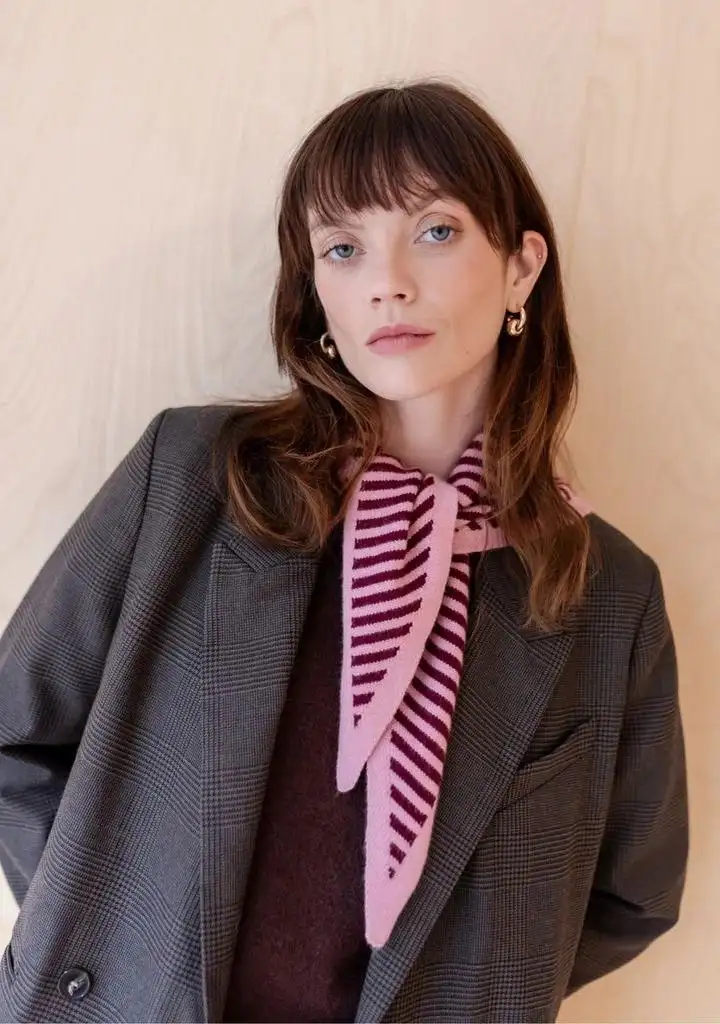
Male to female and female to male, both directions
The Target Gender selector has two settings and both are treated as first-class. Choose Female and the model softens the jaw, lifts the cheek contour, refines the brow and builds a longer hairstyle that fits the head shape and the lighting. Beard shadow is typically cleared rather than smudged. The neck and shoulders keep their original width, so the head never looks pasted onto a different body.
Choose Male and the process runs the other way. The jaw squares off, the brow gets heavier, skin texture becomes coarser, and the hair is rebuilt shorter with a plausible hairline. Facial hair is placed where it would plausibly sit on that face. Both directions run through the same identity-preserving pipeline, so female-to-male results get the same treatment as male-to-female.
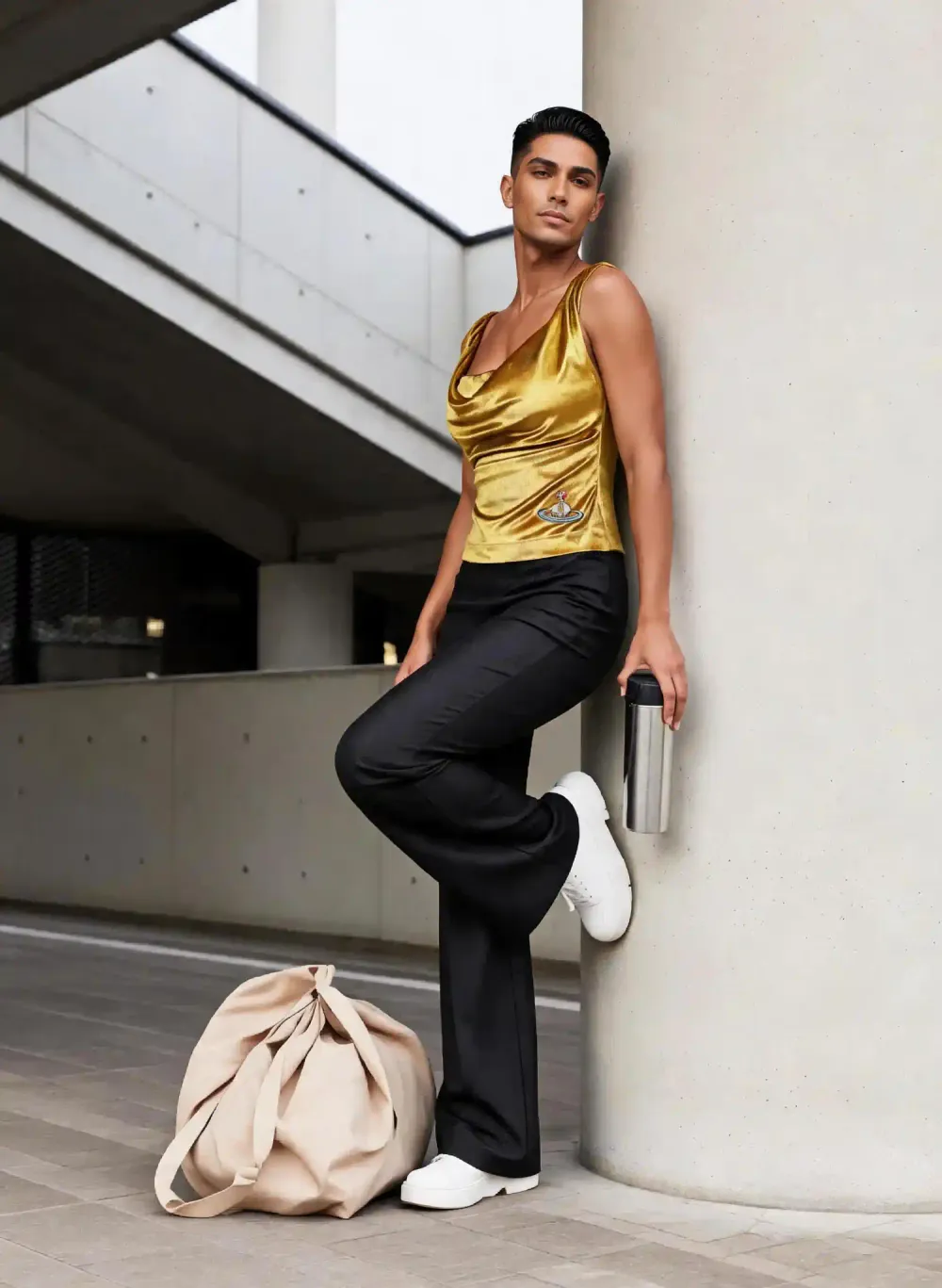
Gender swap AI versus manual retouching
A retoucher doing this by hand starts with liquify passes on the jaw and brow, then rebuilds skin texture. Next comes masking and compositing hair from a donor image, repainting the hairline and matching color temperature. Hand work like this runs to hours per portrait, and every step is another chance for a visible seam.
The AI route asks for three inputs: a photo, a target gender and a quantity. Results land in seconds to about a minute, at 3 credits per image. Because you can generate up to four variations per request, iteration is cheap: if a result is not convincing, you change the source photo and run it again instead of undoing forty layers.
Consent, honest labeling and fair use
Upload only photos you have the right to edit. That means your own pictures, or images of people who have agreed to this specific use. Do not use the tool to impersonate anyone, to build misleading content about a real person, or to harass. Edits of public figures presented as real, and any non-consensual use of someone's likeness, fall outside what this tool is for.
On the practical side, you sign in with Google, upload JPG, PNG or WEBP files, and work in the browser. Uploads are processed and may be stored so the service can generate and return your results; the privacy policy sets out exactly how. Keep the outputs for personal and creative work, and follow the terms of any platform where you publish them.
Before & after: gender swap results
How to use Gender Swap
- 1Upload your photo
Sign in with Google, then drop a JPG, PNG or WEBP portrait into the Photo slot. A front-facing shot with even lighting and an unobstructed face gives the model the most to work with.
- 2Pick the target gender
Set Target Gender to Male or Female. That single choice tells the AI which direction to rebuild facial contour, skin texture and hairstyle, while pose, clothing, body and background stay exactly as they were.
- 3Generate and download
Set Quantity between 1 and 4, then click Generate. Results appear in seconds to about a minute at 3 credits per image. Compare the variations, then download the file you like best.
Perfect for
Social posts and before-after content
The swap trend runs on side-by-side proof. Generate four takes from one selfie, pick the most convincing, and post the pair as a reel or carousel. Because the background and outfit are unchanged, the comparison lands immediately and needs no caption to explain it.
Character design and cosplay planning
Designers use a swapped portrait to test an alternate version of a character before drawing or building anything. Cosplayers preview how a wig, jawline and brow read on their own face, then plan makeup and styling from a real reference instead of guesswork. Run both directions to compare options.
Avatars and profile pictures
Build a second identity for a game profile, a Discord avatar or a storytelling account without hiring an illustrator. Start from a photo you already like, so the framing and lighting are already right, and the swapped portrait inherits both. Four variations per run give you room to pick a look.
Gender swap filter, without the phone app
The gender swap filter people post on TikTok and Snapchat applies at capture time and only inside that one app. This runs in a browser on desktop or mobile, takes a photo already in your library, and hands back a downloadable file. Useful when the shot you want came from a real camera.
Tool facts at a glance
FAQ
What is gender swap and how does the AI do it?
It is an edit that rebuilds the gender-linked features of a face in an existing photo. The AI analyzes jaw shape, brow, cheek contour, lip fullness, skin texture and hairline, then reconstructs them toward the target you select. Eyes, nose and feature spacing stay close to the original, and everything outside the face is preserved, so the person still looks like themselves.
Is the gender swap tool free to use?
New accounts get free credits, so you can try it without paying and without a credit card. Sign in with Google to claim them. Each generated image costs 3 credits, so a request for four variations costs 12.
How accurate is a gender swap result?
Accuracy depends mostly on the source photo. A sharp, front-facing, evenly lit portrait produces a result most people read as the same person. A profile angle, harsh side light or a heavy beauty filter gives the model less structure to work from, so the swap looks softer. Treat every output as a creative visual interpretation of how gender-linked features could look, not a prediction about a real person or any medical outcome.
Will my pose, clothes and background change?
No. Only the face, hairstyle and gender-presenting features are rebuilt. Your pose, body proportions, clothing, framing, background and lighting direction are carried through from the source file untouched. That is the core constraint the model works under.
What kind of photo gives the best result?
A front-facing portrait with even lighting and a clearly visible face works best. Avoid sunglasses, hats pulled low, hands across the face, heavy motion blur and strong beauty filters. A single, clearly visible face fills the frame best. If a result looks unconvincing, swap in a sharper or better-lit source photo before adjusting anything else, since input quality drives most of the difference.
How long does one image take?
Most results come back in seconds, and a busy queue can stretch that to around a minute. You stay in the browser workspace while it runs and see the images appear as they finish. Requesting four variations can take a little longer than a single image, and each result appears in the workspace as soon as it is ready.
Can I edit a photo of somebody else?
Only with that person's clear permission for this specific use. Do not upload photos of people who have not agreed, and do not create content that impersonates or misleads about a real person, including public figures. Results are for personal, creative and lawful use. When you publish an edited portrait, label it as AI-generated so your audience and the platform know what it is.
What happens to my uploaded photos?
Uploads are processed and may be stored so the service can generate your results and show them in your history; the privacy policy explains the details. Only upload images you are comfortable putting through an online service, and only ones you have the right to edit. Downloaded results are yours to keep for personal and creative work.
Which file formats can I upload?
JPG, PNG and WEBP photos are accepted. Upload the highest-quality version you have rather than a screenshot or a compressed copy from a chat app. Compression artifacts around the face cut the detail the model can rebuild. Results come back as downloadable image files.