 Photography Colleges
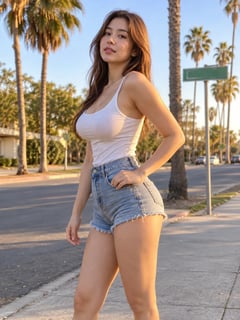 Your Photo
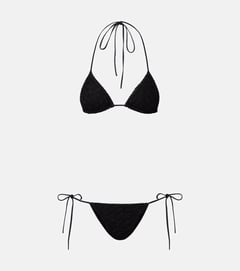 Clothing Photo
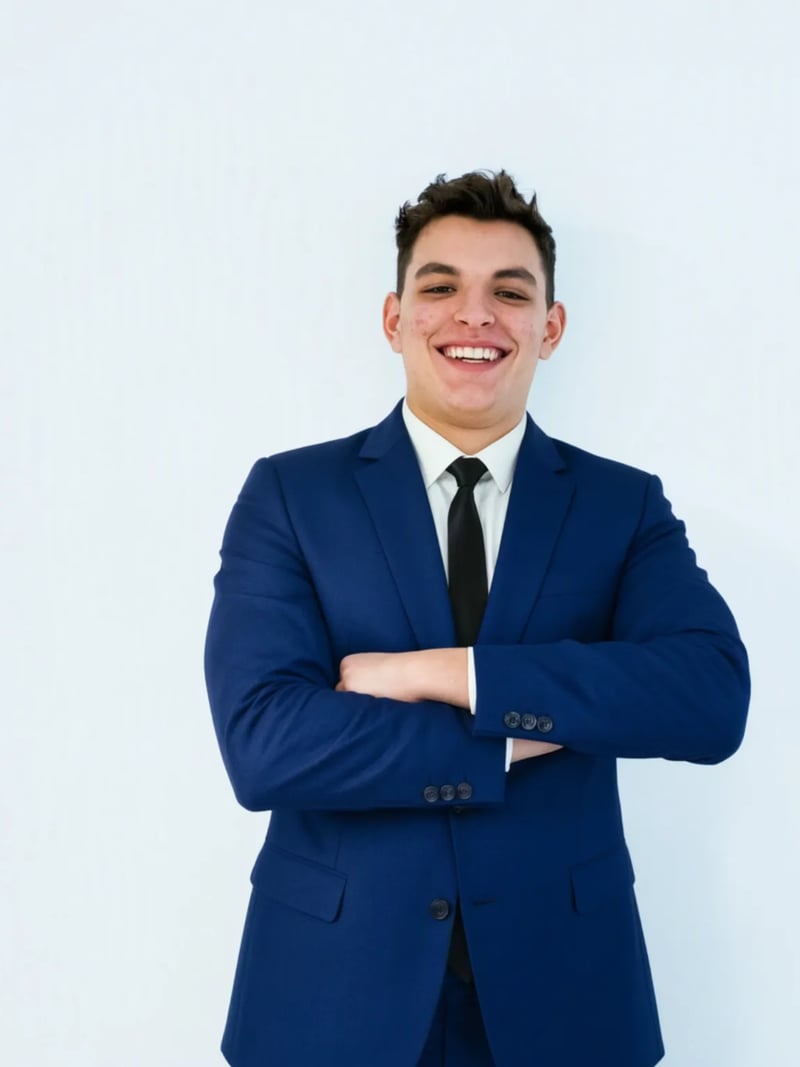

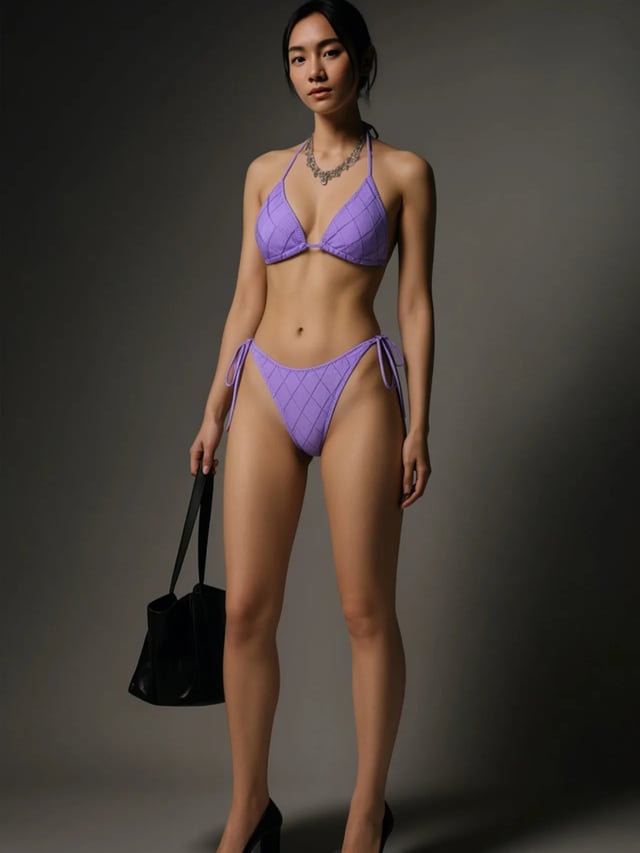
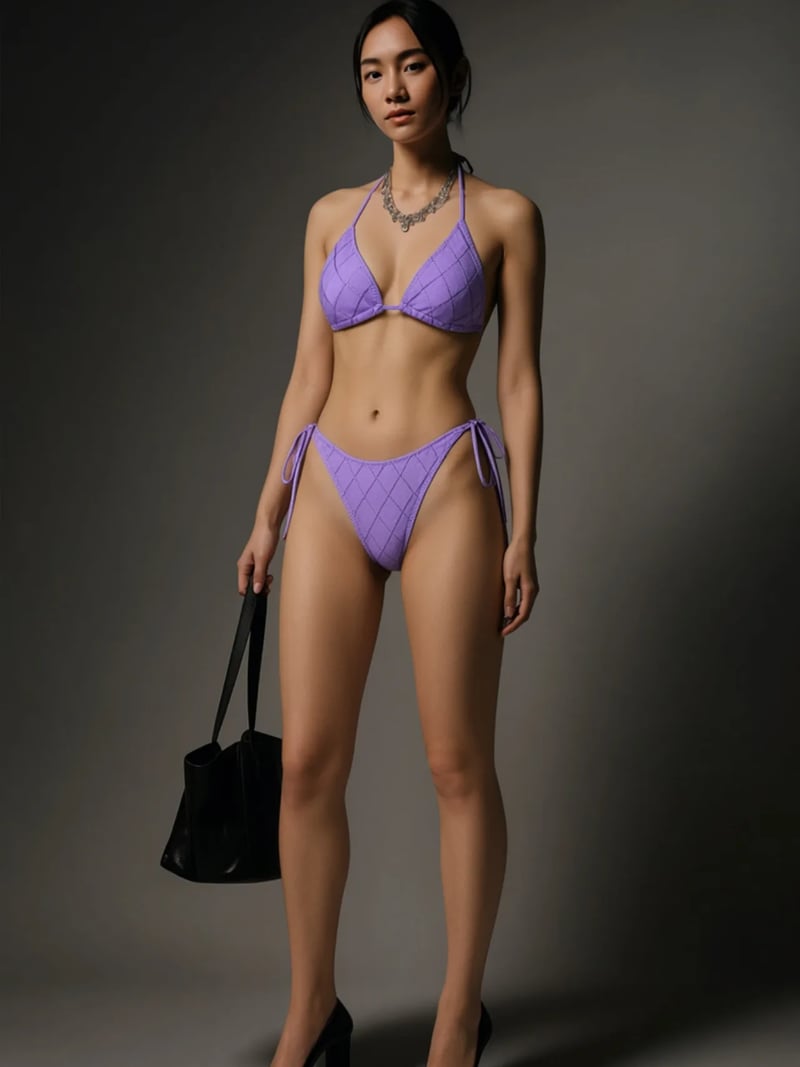
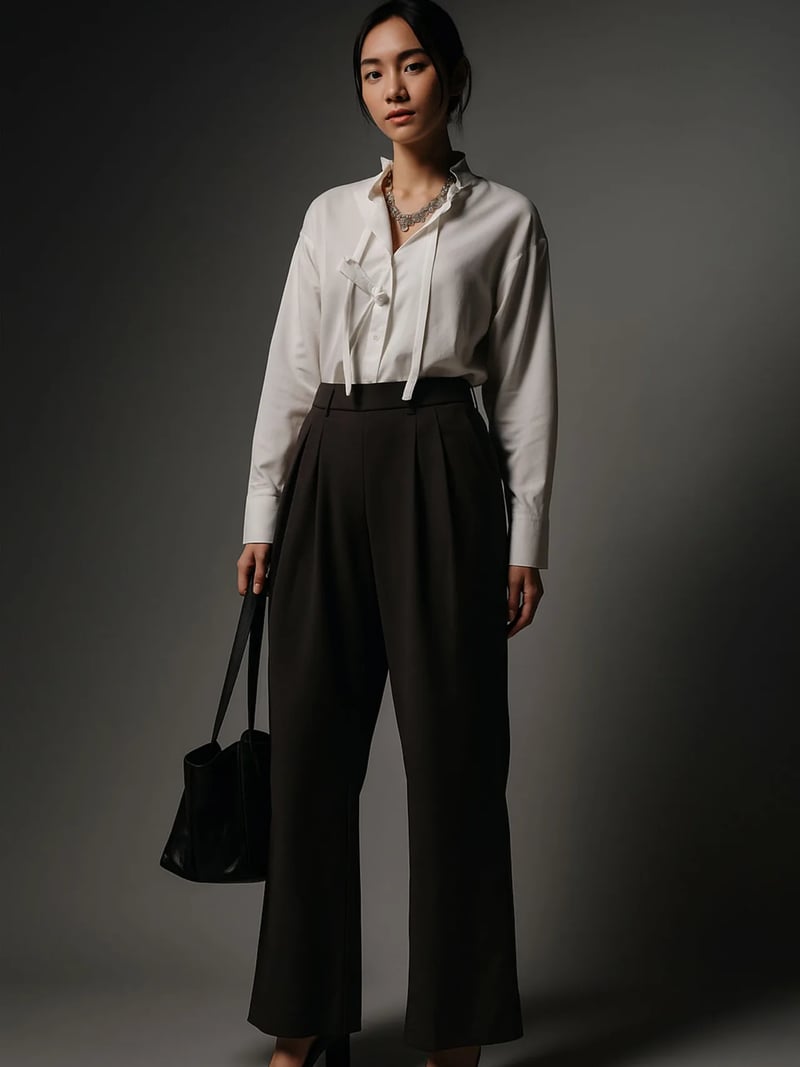
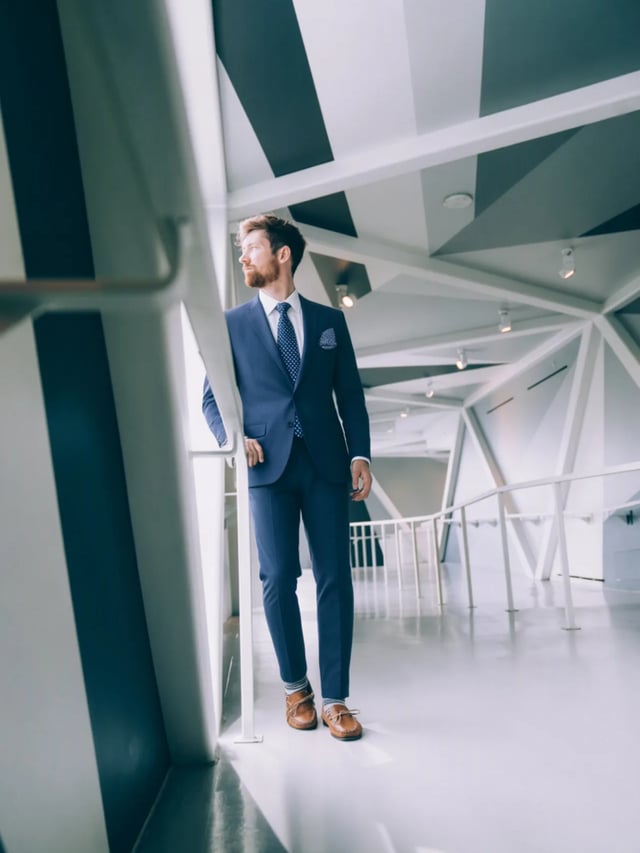
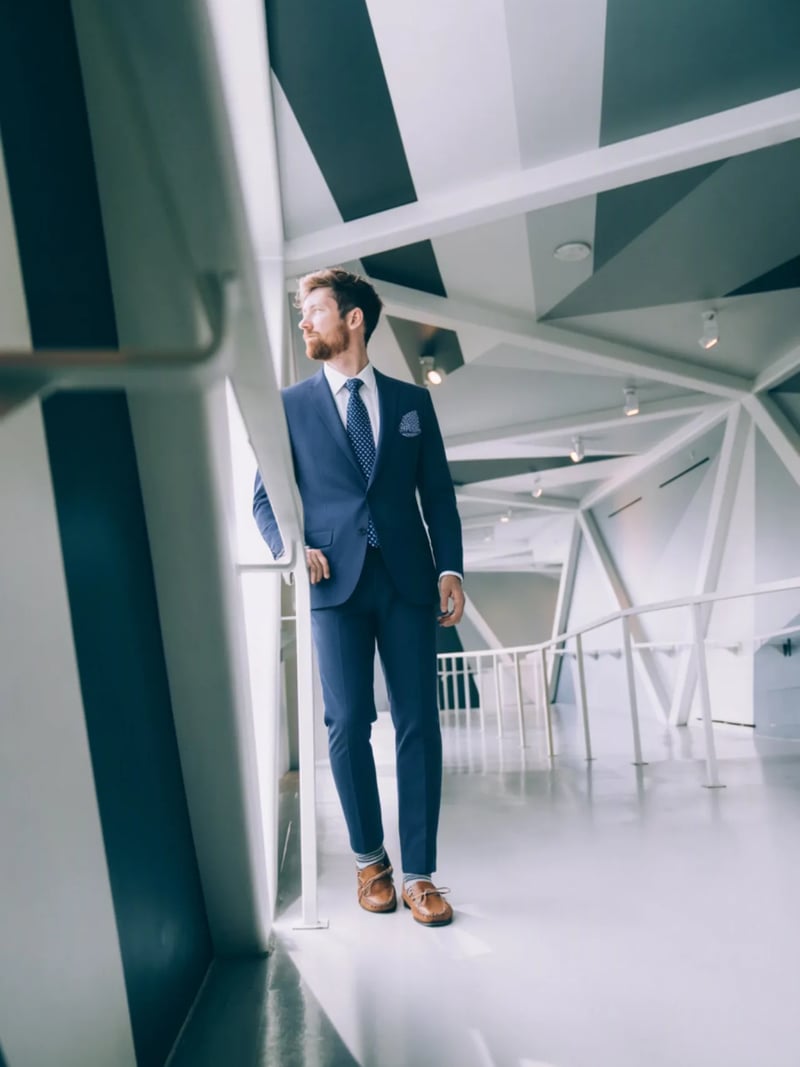
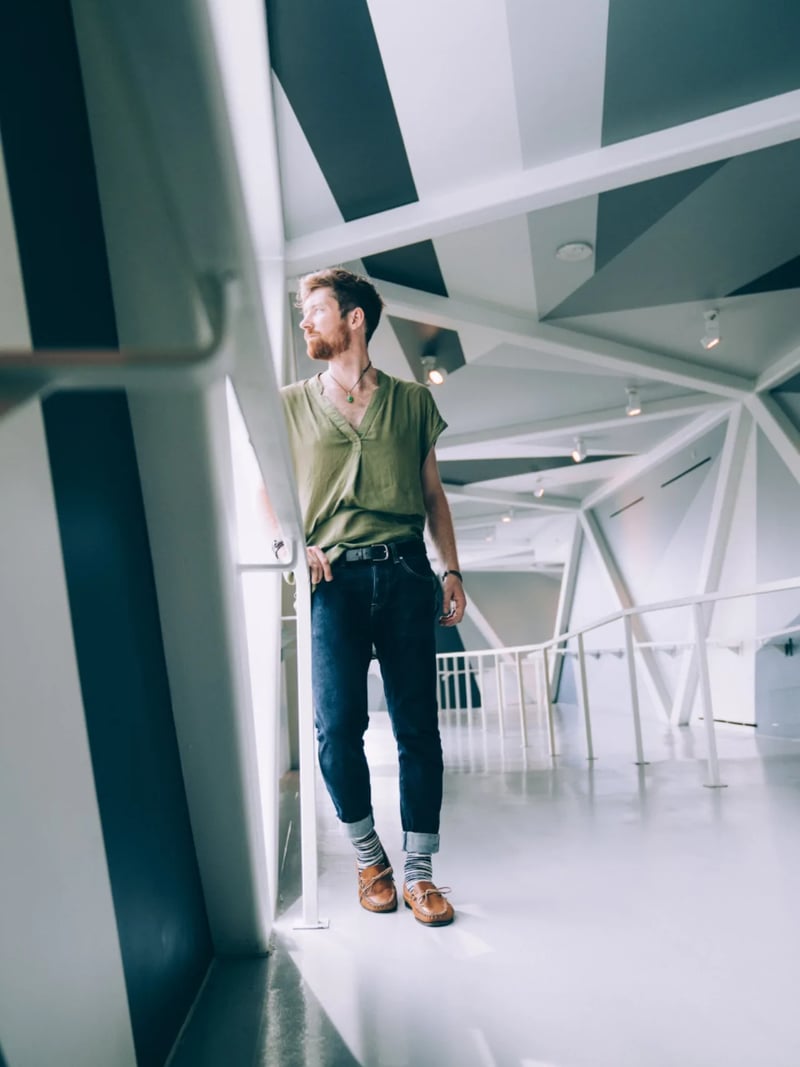
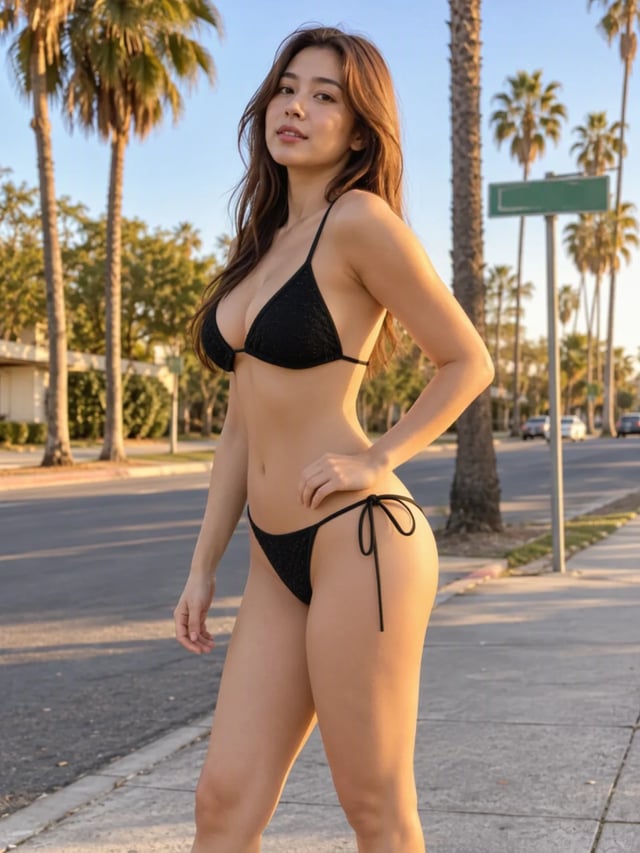
AI Clothes Changer: Swap Outfits in Any Photo
Change clothes in any photo with AI. Upload your photo and a picture of the clothes, and the AI dresses you in them. Your face, pose and background stay. Free credits to start.
Last updated 2026-11-10
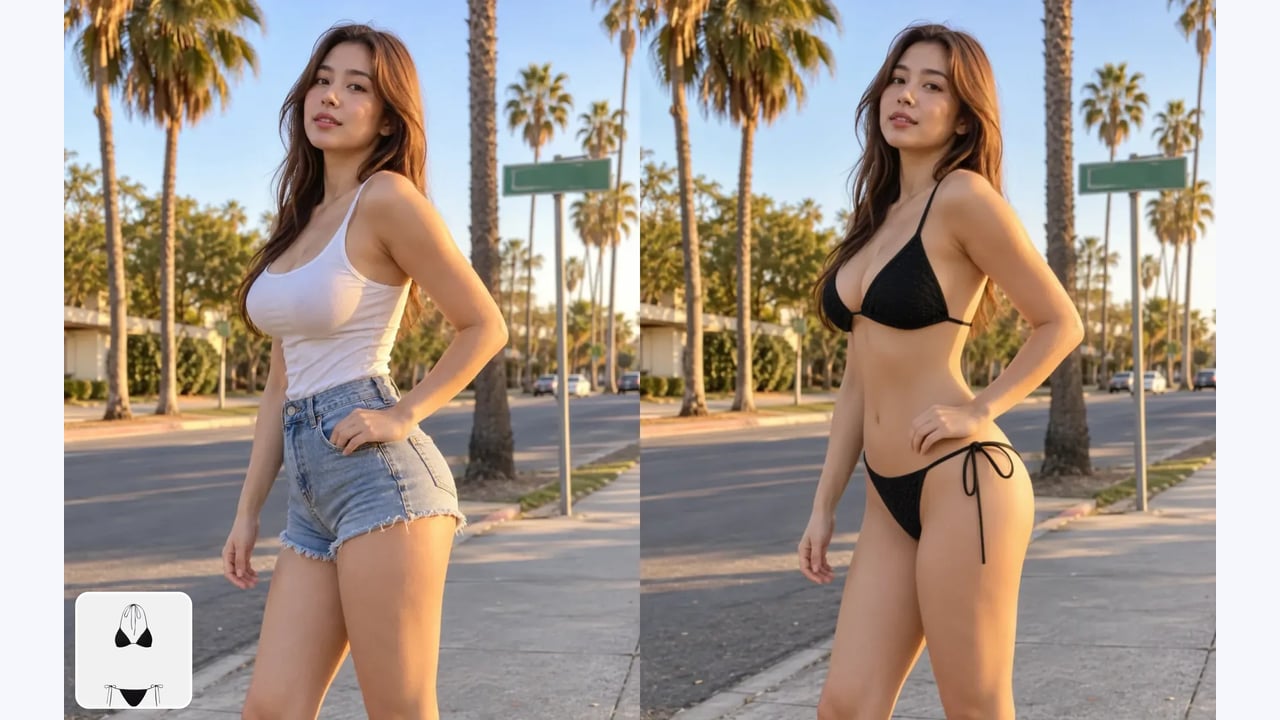
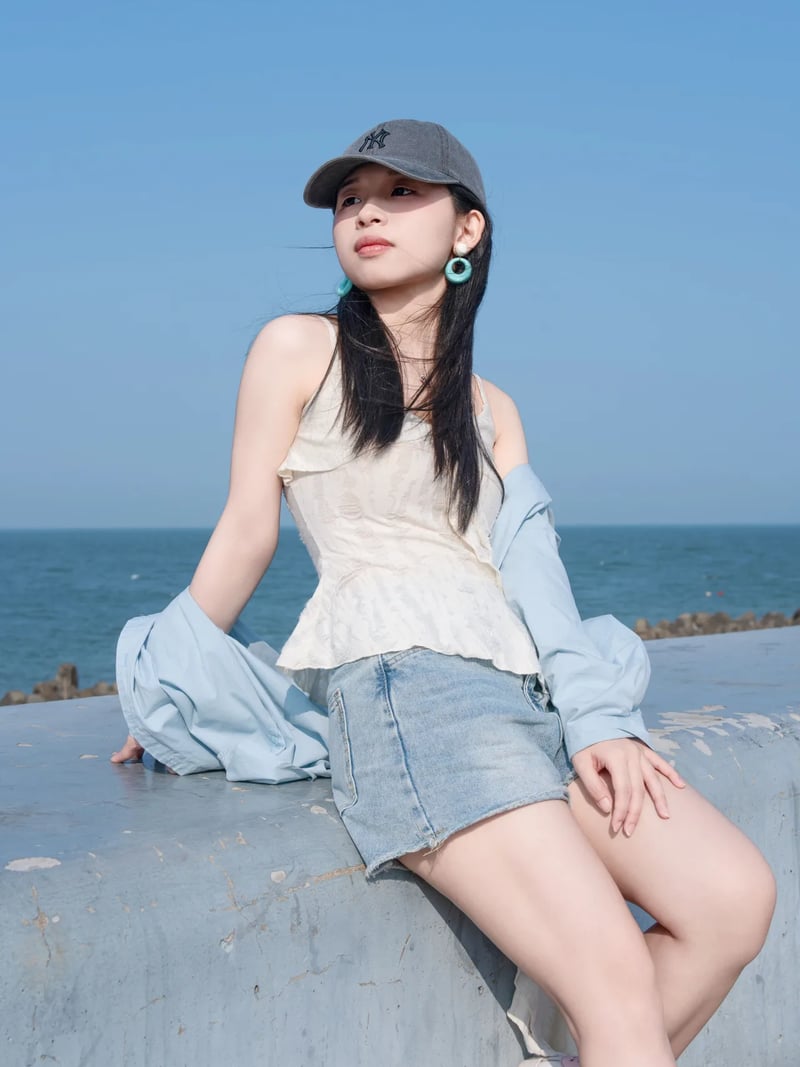
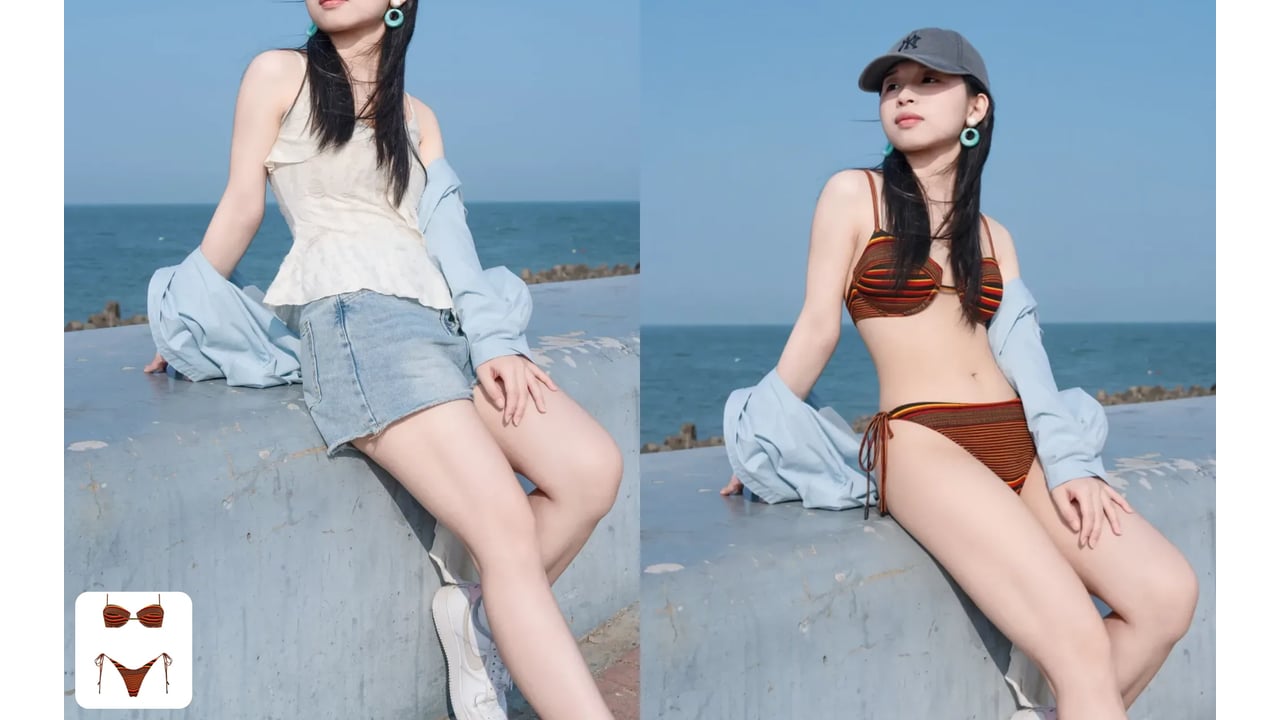
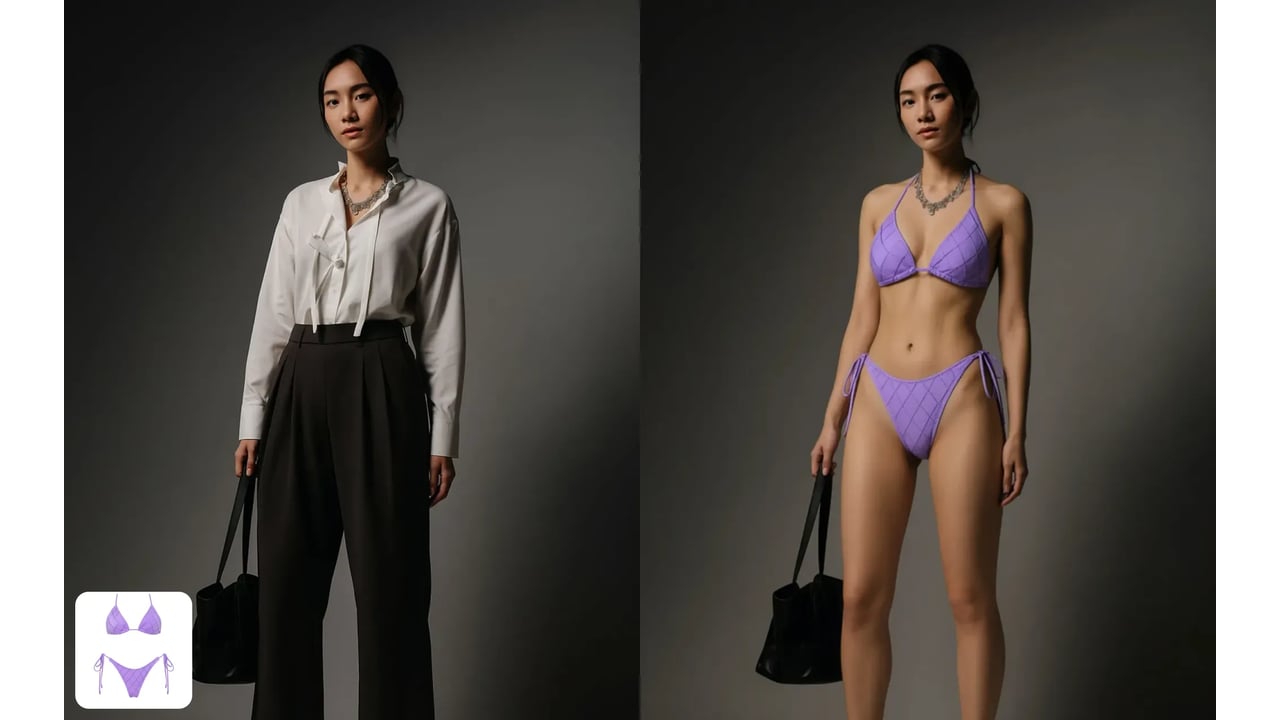
The AI clothes changer puts a different outfit on a photo you already have. Upload two pictures: the photo of the person, and a photo of the clothes you want them to wear. The AI dresses the person in that outfit and fits it to their body and pose. Their face, hair, pose and the background stay as they were.
Use it to try on clothes before you buy them, refresh a profile photo without a new shoot, plan an outfit for a wedding or interview, or make several looks from one picture for social posts. The clothing photo can be a store product shot, a flat lay on the bed, or a picture of someone else wearing it. Only the garment is taken from it, never the other person's face or body.
Changing clothes in a photo by hand means masking the old outfit, painting new fabric, and rebuilding folds and shadows so they match the light. Here that takes one click. Generate up to four versions in a run, compare them, and download the one where the fit looks right. Want to change more than the outfit? Try a new cut with the AI hairstyle changer on the same photo.
How the AI clothes changer keeps you and changes only the outfit
The AI first finds the clothing in your photo and the body underneath it: shoulders, arms, waist and how the person is standing. It then draws the new outfit onto that shape, so sleeves follow the arms and a jacket hangs from the shoulders the way it would in a real photo.
Light is the second half of a believable result. Folds, creases and shadows on the new fabric follow the light already in your photo, so the outfit does not look pasted on. The face, hair, skin tone, hands and background are taken from the original and left alone.
Where the clothing photo can come from
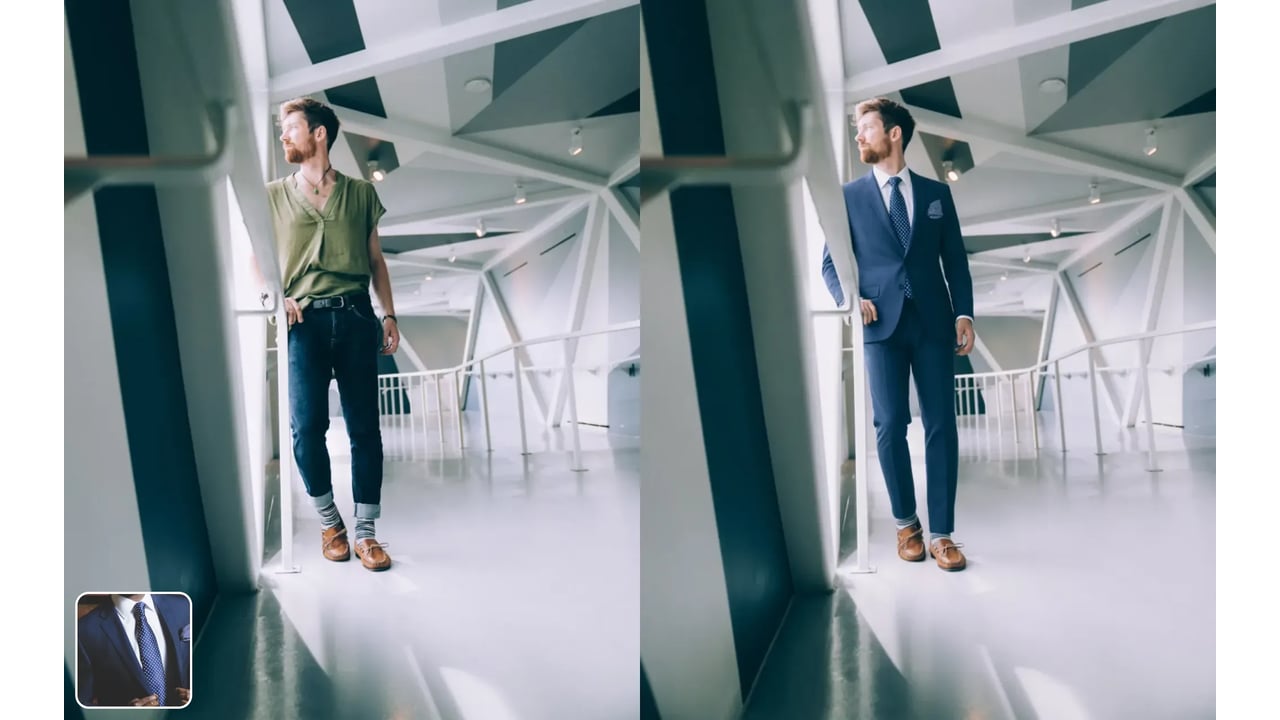
Upload a picture of the exact piece you want, such as a jacket from an online store, a dress laid flat on the bed or a friend wearing the outfit. The AI copies its cut, color, pattern and details. If someone is wearing it in the picture, only the clothes are used.
Any source works as long as the garment is clear: a screenshot of a product page, a photo of something hanging in your closet, or a street-style picture of an outfit you liked. To compare options, run the same photo with a few different clothing pictures and look at the results side by side.
Tips for a realistic outfit swap
Start with a good source photo. The person should be in focus, well lit and not covered by bags, pets or other people. A full-body or waist-up photo leaves room for the new outfit; a tight face crop has almost no clothing to replace.
Match the outfit to the photo. A long coat needs the legs in frame, and shorts need the knees. If a result looks off, try a clearer clothing photo before changing anything else, and generate a few variations to pick from.
Build a complete new look
Clothes are often only half of a makeover. Once the outfit is right, try a new cut with the AI hairstyle changer, a new shade with the AI hair color changer, or a different eye color with the eye color changer. Each tool changes one thing and keeps the rest of your photo.
Curious how the outfit would look years from now? See yourself older with AI aging, or try the same look as the opposite gender with Gender Swap.
Consent, privacy and fair use
Only change clothes in photos of yourself, or of people who have agreed to it. Do not use edited images to mislead anyone, to fake an endorsement, or to make sexual content of a real person. The tool keeps people clothed and is not built for anything else.
Uploads are processed on our servers so the tool can run and may be stored to show your results, as our privacy policy explains. For commercial use, the AI does not clear rights for you: model releases and clothing designs still need permission.
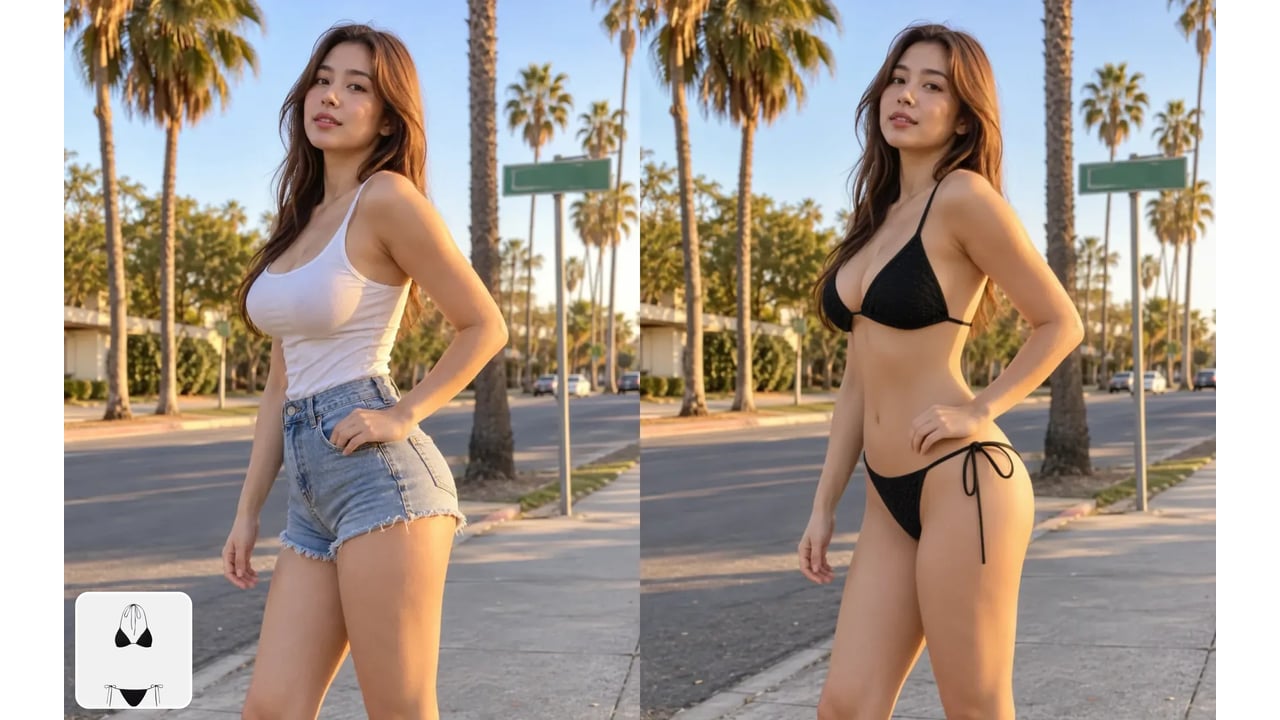
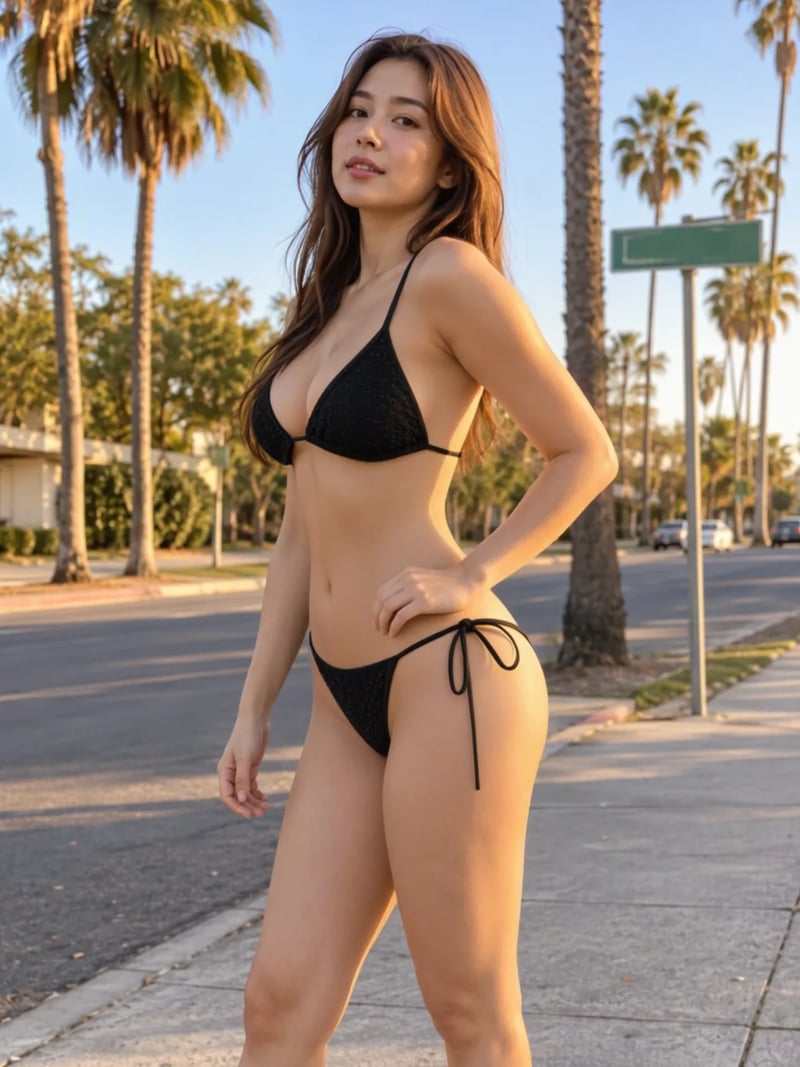
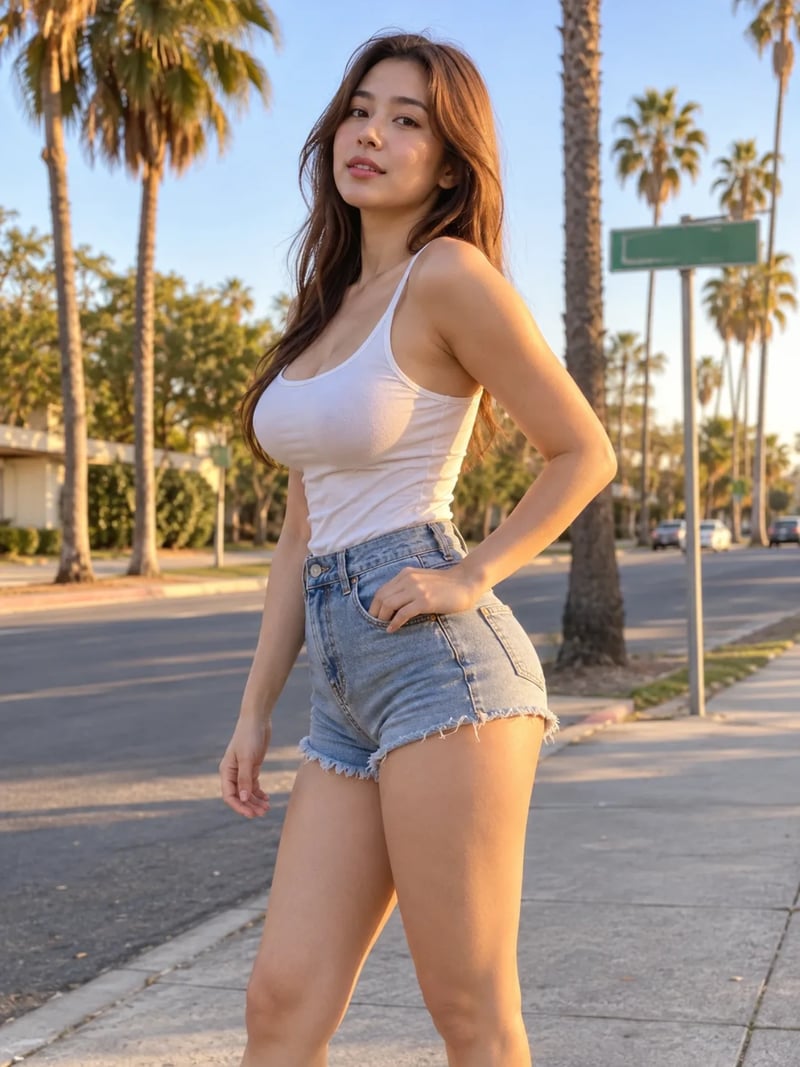
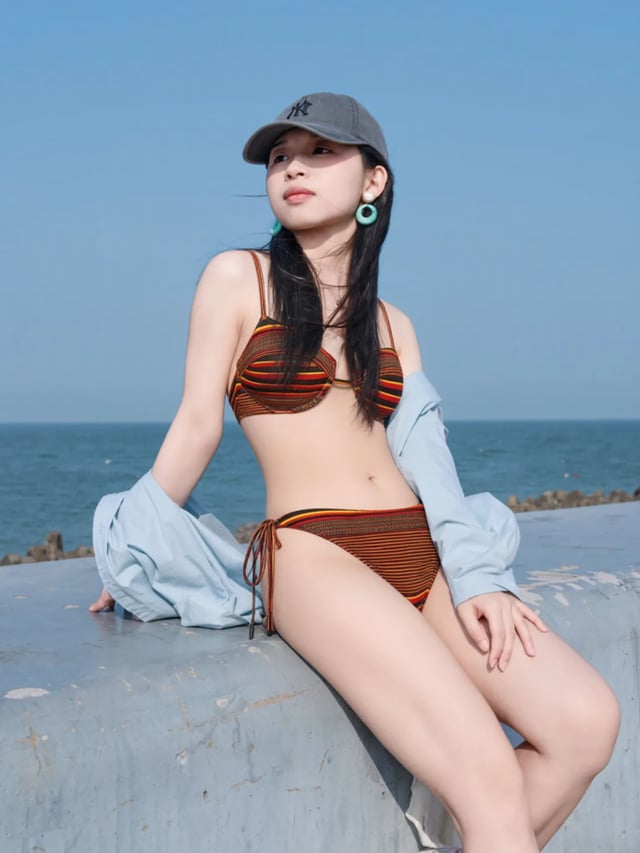
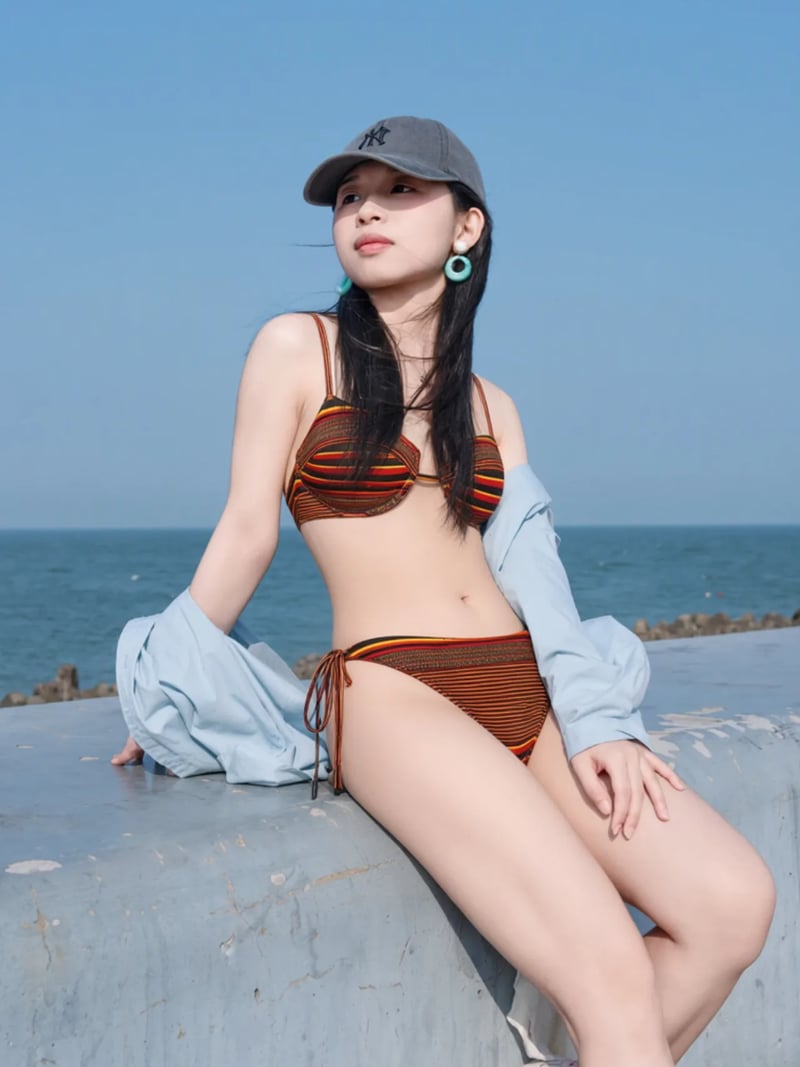
Before & After: AI clothes changer results

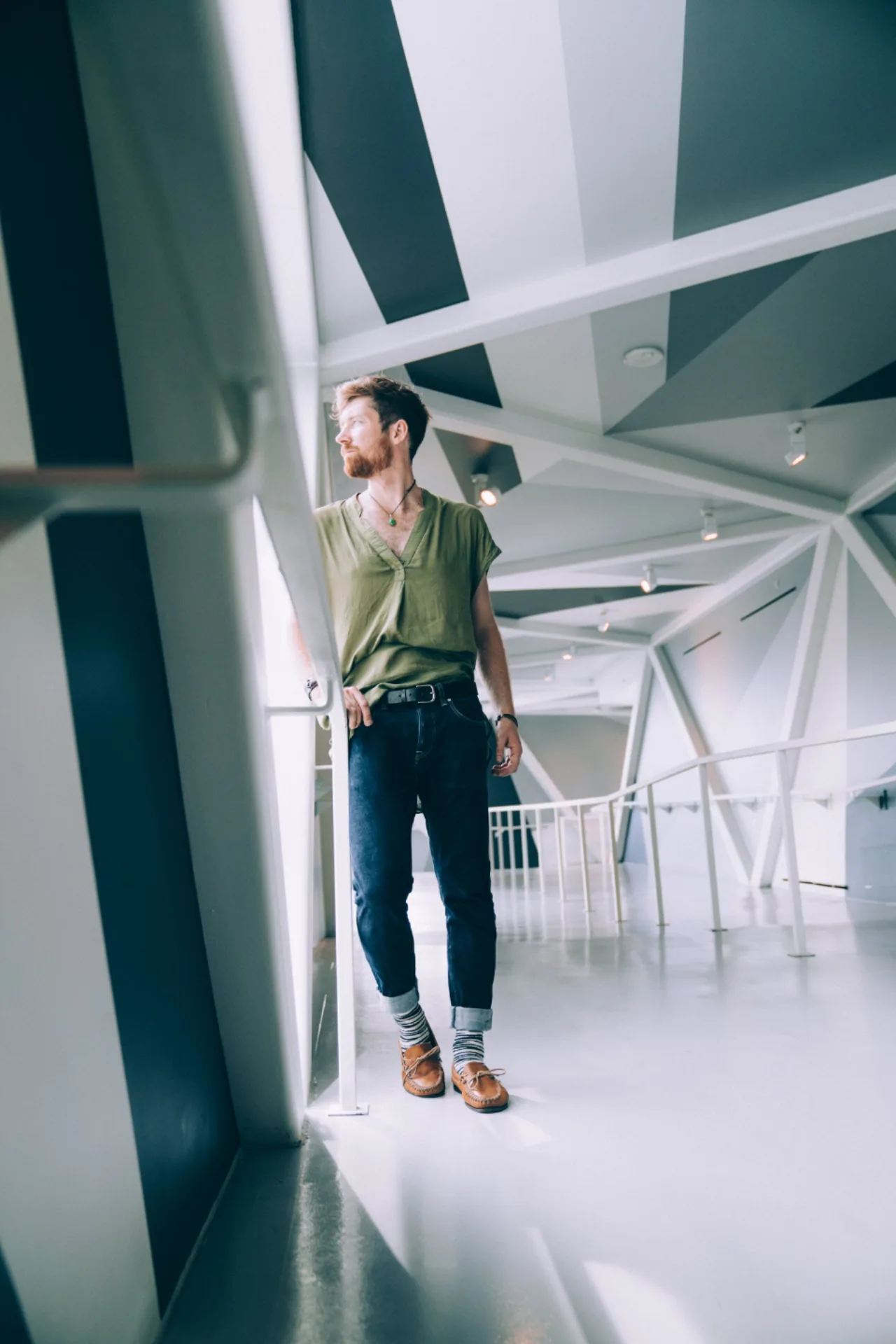
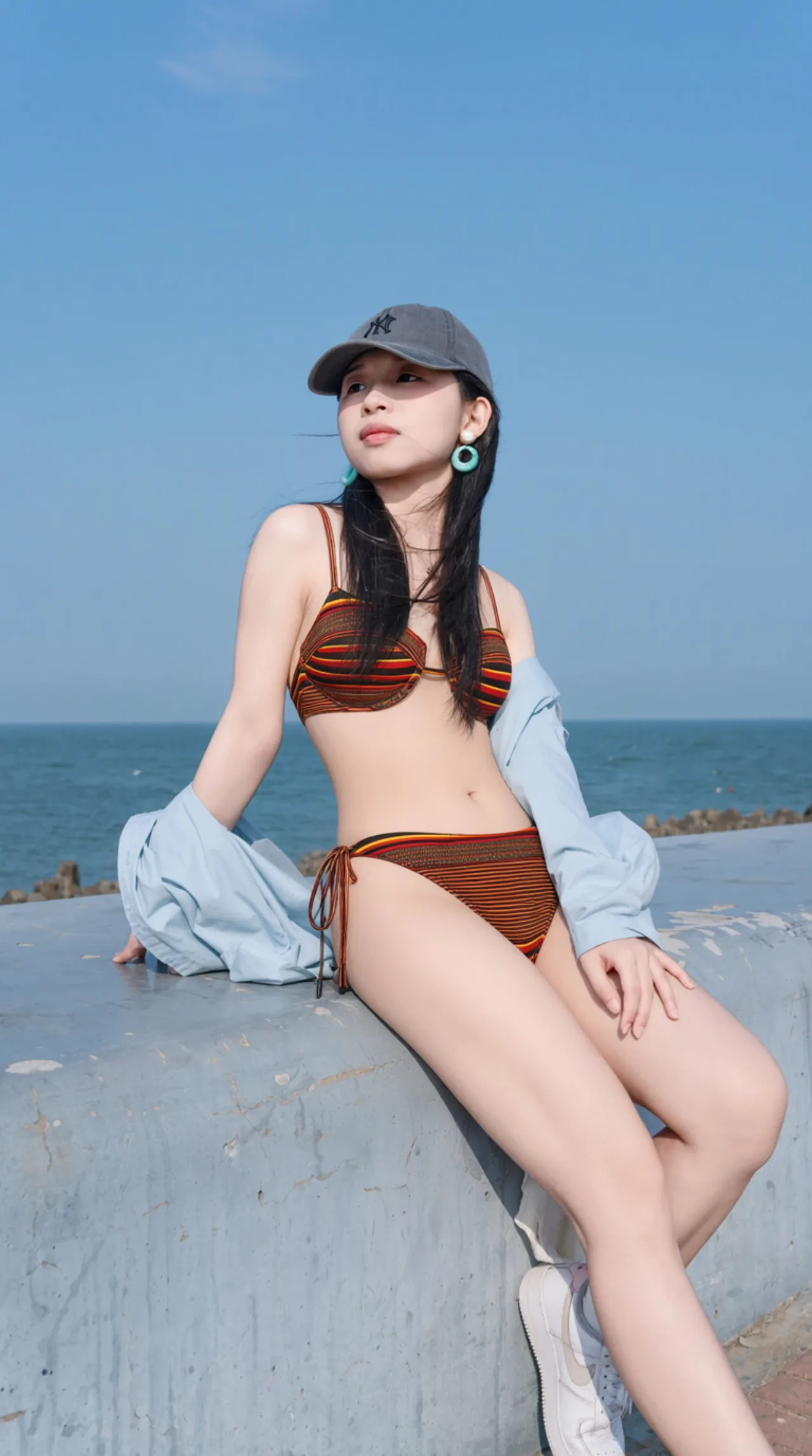
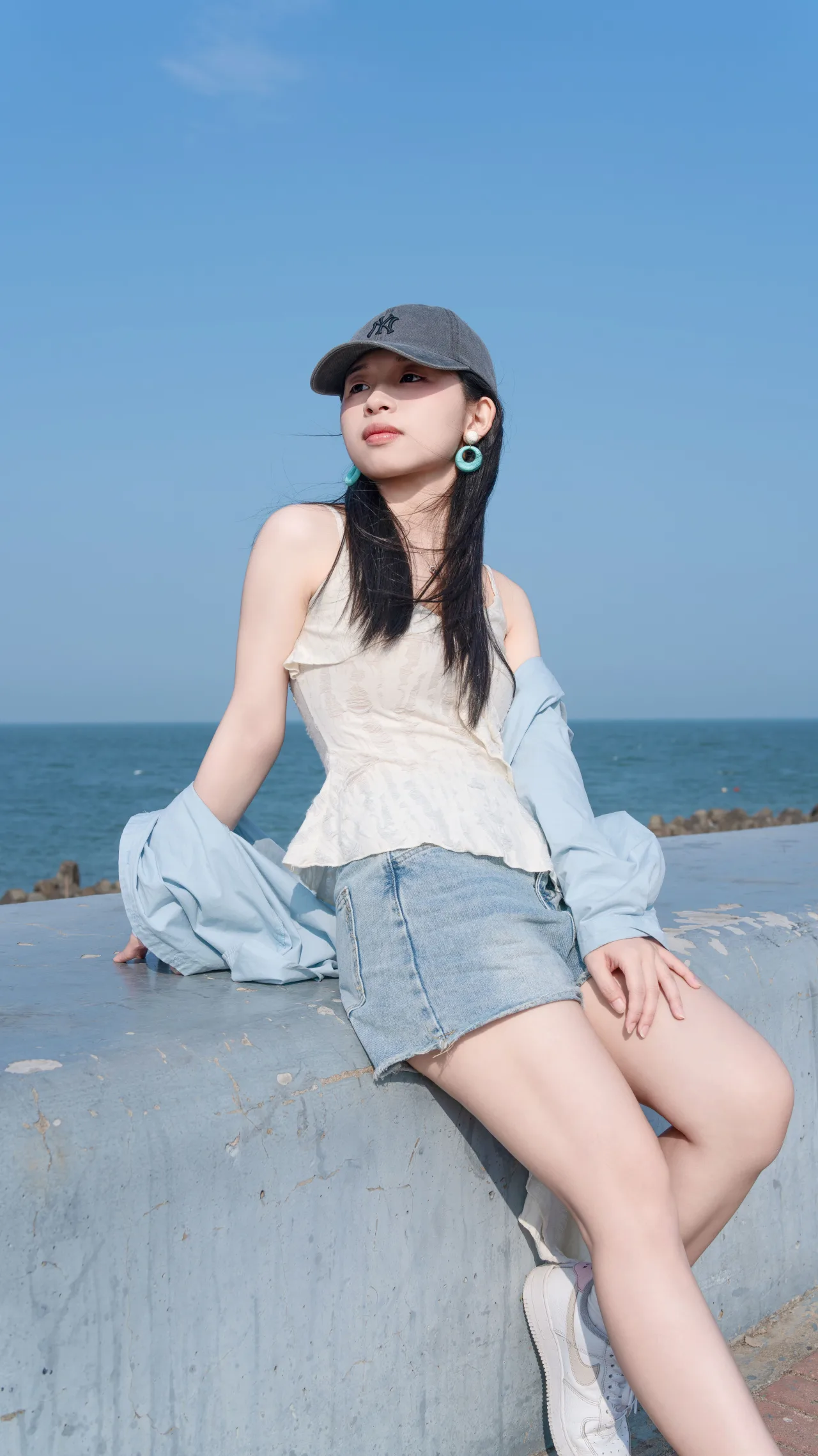
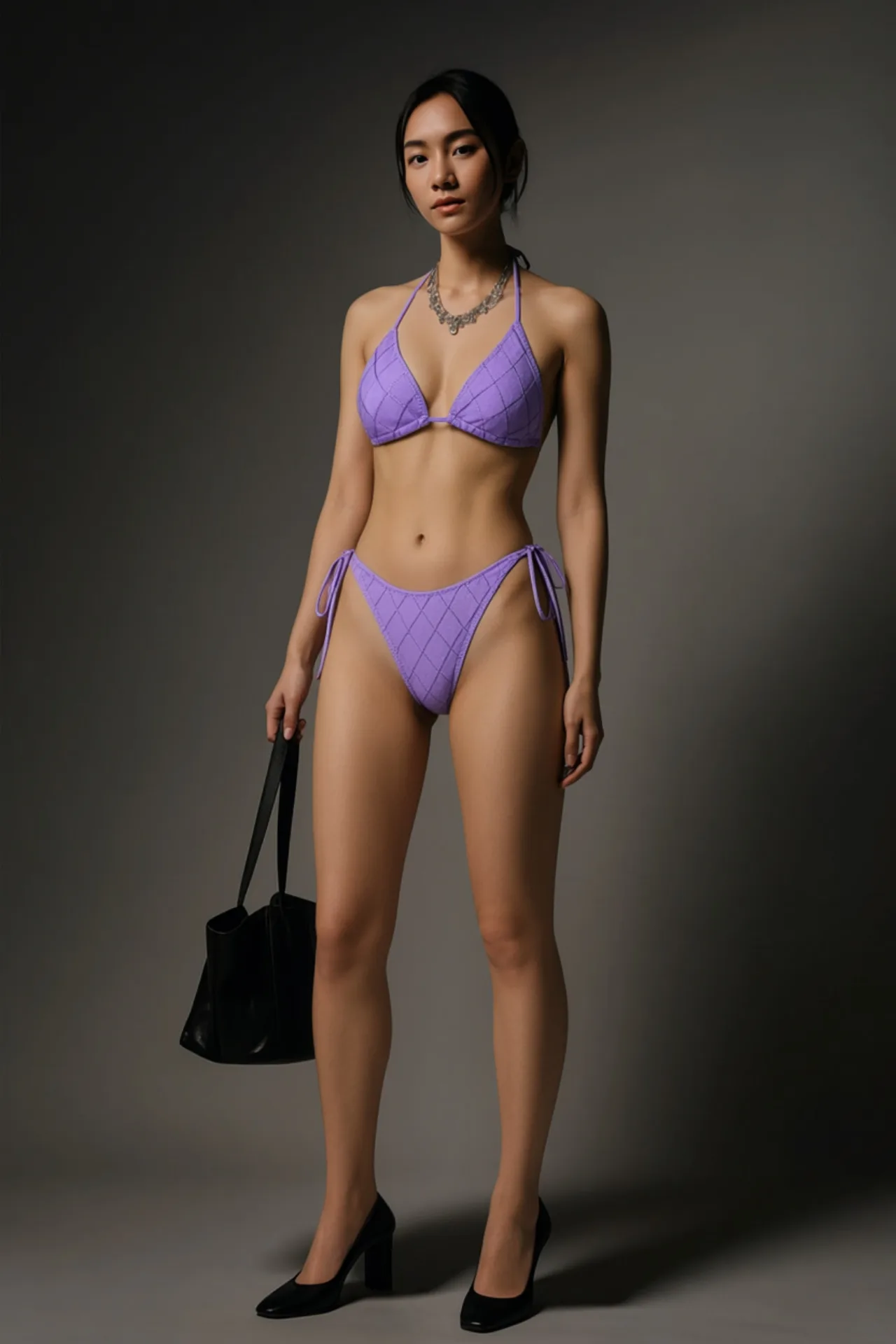
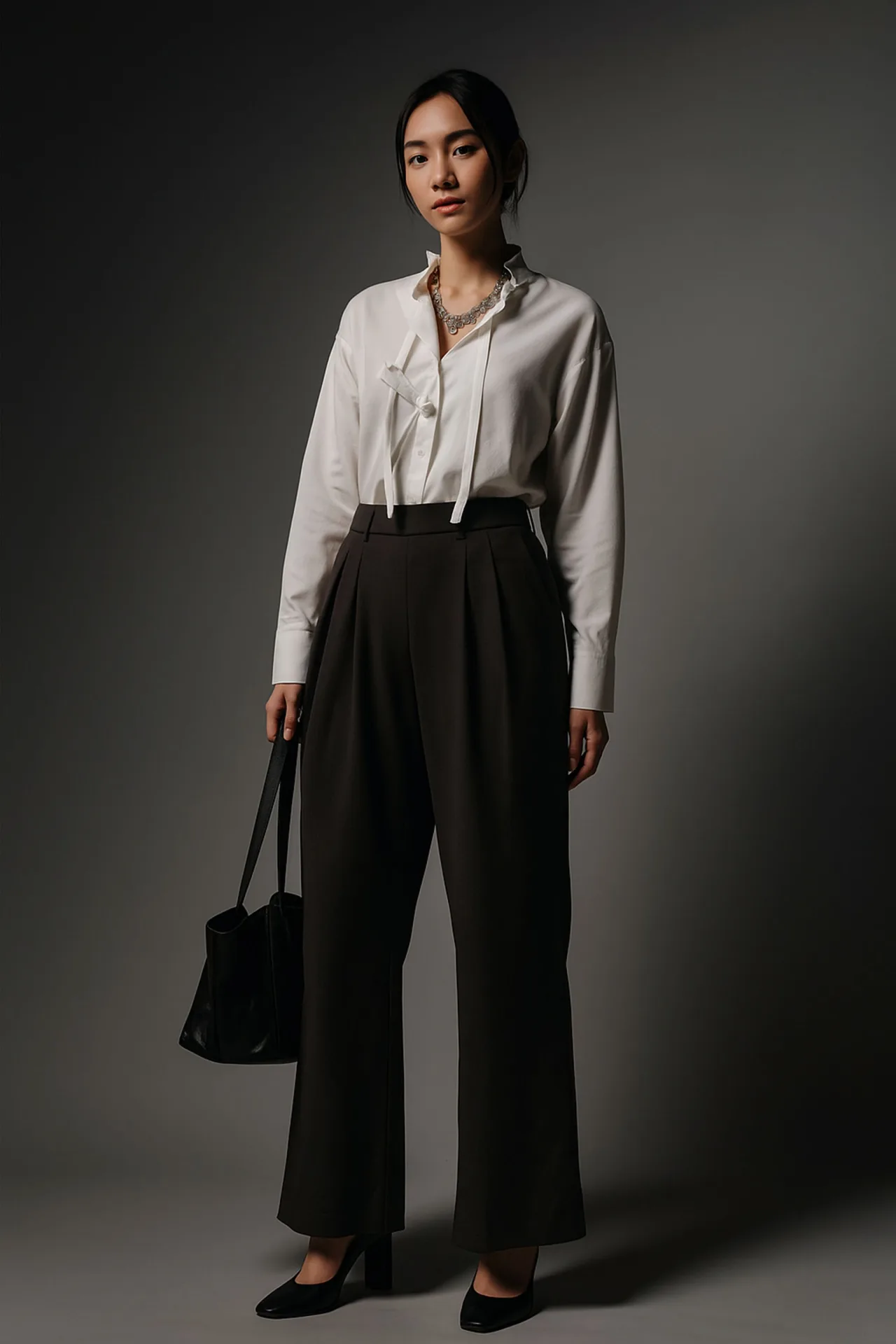
How to use AI Clothes Changer
- 1Upload your photo
Add the photo of the person whose outfit you want to change. A sharp, well-lit shot where the body and current clothes are clearly visible works best. Full-body or waist-up photos give the AI the most to work with. JPG, PNG and WEBP are accepted.
- 2Upload the clothing photo
Add a picture of the new clothes in the Clothing Photo slot: a store product shot, a flat lay on the bed, or someone wearing the outfit. Make sure the whole garment is visible. Only the clothing is used, never the other person's face or body.
- 3Generate and download
Choose 1 to 4 variations and click Generate. Each image costs 3 credits and arrives in seconds to about a minute. Compare the results, download the one with the best fit, or try another clothing photo for a different look.
Perfect for
Virtual try-on before you buy
Save the product photo from an online store and put it on a picture of yourself. See how the color and cut look on you before you order, and skip a few returns. It is a quick virtual try-on for clothes that works with almost any shop.
Refresh a profile or LinkedIn photo
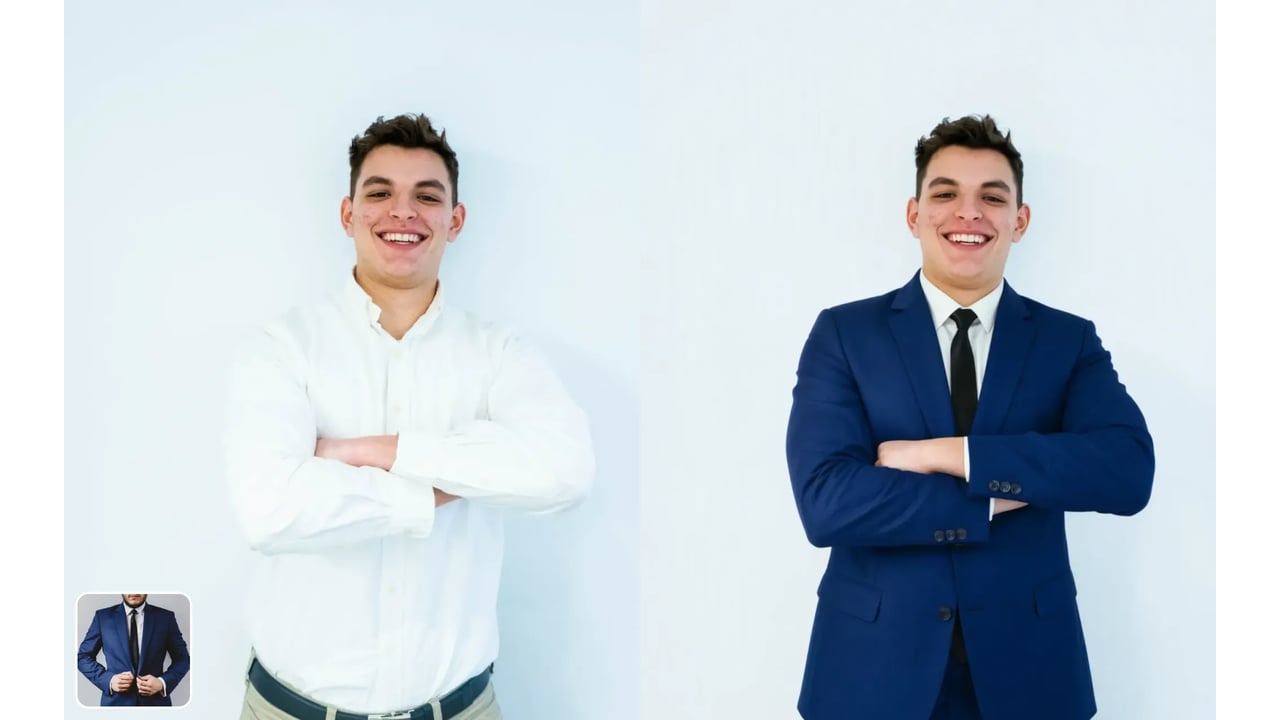
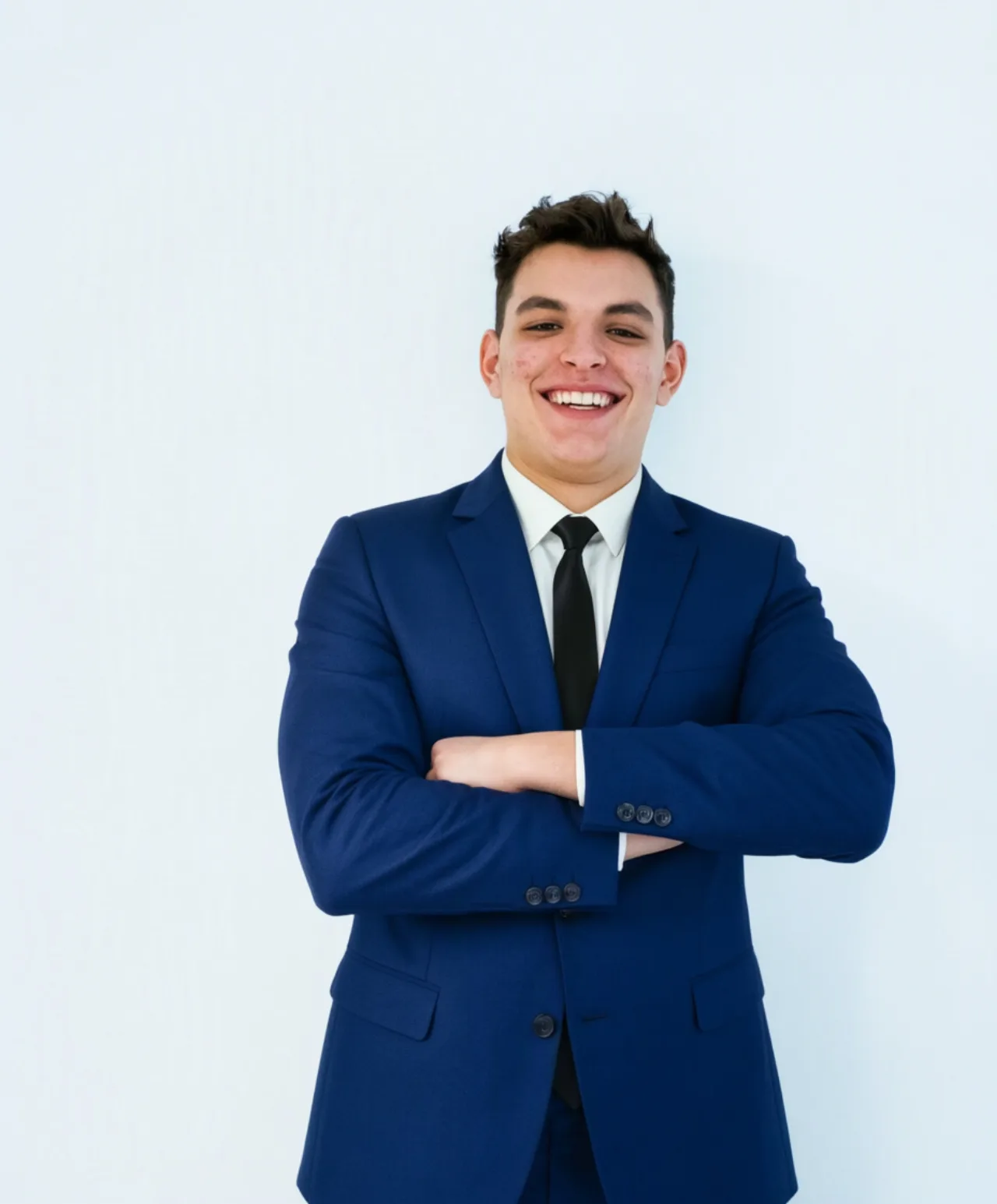
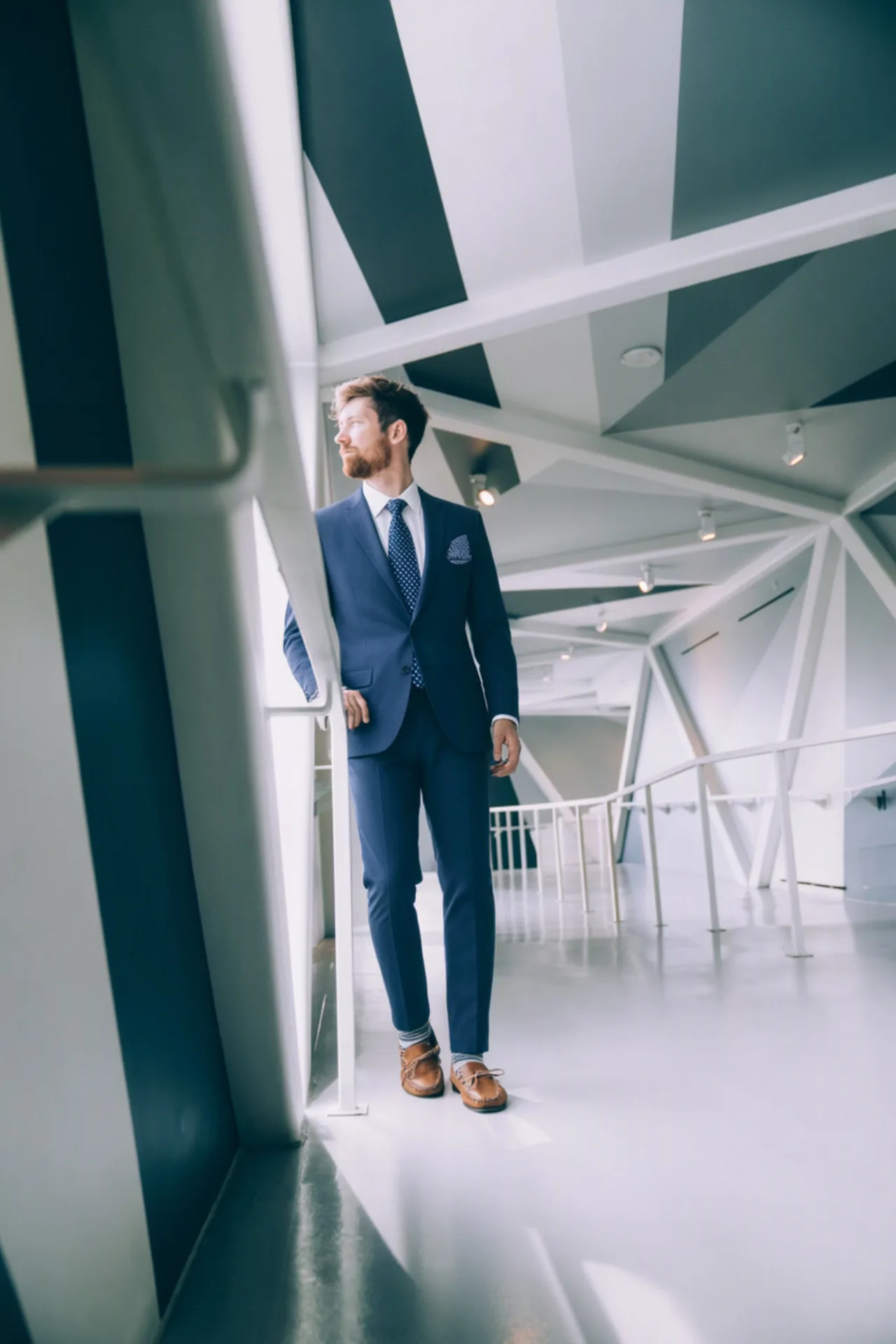
Your best headshot was taken in a hoodie. Upload a photo of a business suit or a smart casual outfit and keep the same face, light and background. Useful for LinkedIn, résumés, team pages and speaker bios when a new photoshoot is not worth it.
Plan an outfit for an event
Wedding guest, prom, graduation or a first interview: try two or three outfits on your own photo and compare them side by side. Planning the whole look? Preview the hair with the AI hair color changer too.
More looks for social media
Turn one good photo into several posts. Swap streetwear for an evening look, try this season's pieces from your favorite store, or test a theme for a series on Instagram and TikTok without changing clothes and reshooting.
E-commerce and clothing brand mockups
Show a new garment on an existing model photo before the sample arrives, or show one model in every colorway, one product photo at a time. Confirm you have the rights to the model photo and the design before anything goes live.
Group and couple photos
Matching outfits for a couple shoot or a team photo? Change each person's clothes, then add someone to the photo who missed the shoot, with the same light and scale.
At a glance
FAQ
What is an AI clothes changer?
It is an online tool that replaces the outfit in a photo with a different one. You give it a photo of a person and a photo of the new clothes, and the AI redraws the clothing to fit that person's body, pose and lighting. Everything else in the photo, including the face, hair and background, stays the same.
How do I change clothes in a photo with AI?
Upload your photo, upload a picture of the clothes you want, pick how many variations to make and click Generate. The results appear in the workspace in seconds to about a minute, and you can download them straight away.
Is the AI clothes changer free?
New users get free credits when they sign in with Google, so you can try outfit swaps without paying or entering card details. After that, each generated image costs 3 credits. There is no unlimited free plan, and an account is required to generate.
Do I need a picture of the clothes?
Yes. The tool always works from two images: your photo and a photo of the clothes. Almost any clear picture will do, such as a screenshot from an online store, a photo of something in your closet, or a street-style shot of an outfit you liked.
Will my face, body or background change?
No. The tool is built to change only the clothing. Face, expression, hair, skin tone, body shape, pose and background are kept from your original photo. Treat the result as a realistic preview: how a real garment fits also depends on its size and fabric.
What kind of clothing photo works best?
A clear picture where the whole garment is visible: a product photo from a store, a flat lay, or a person wearing it facing the camera. Avoid tiny crops, heavy filters and clothes half hidden behind bags or arms. If the clothing photo shows a person, only the outfit is used, not their face or body.
Can I change my hairstyle or hair color too?
Yes, with our other tools. Download the outfit result, then run it through the AI hairstyle changer for a new cut or the hair color changer for a new shade. Each tool changes one thing and keeps the rest of the photo.
Can the AI clothes changer remove clothes?
No. It replaces one outfit with another and does not produce nude, see-through or undressed images. The person always stays clothed. Only edit photos of yourself or of people who have agreed to it.
Can I use it for e-commerce or product photos?
Yes, for previews and mockups, such as showing your own garment on a model photo you have the rights to. Check that you own or have licensed both the model photo and the clothing design before publishing, and label edited images where your marketplace requires it.
Which file formats can I upload, and does it work on phones?
JPG, PNG and WEBP images are accepted for both photos. The workspace runs in your mobile browser, so you can upload from your camera roll and download the result on your phone without installing an app.