 Photography Colleges
The template sets the place, light and clothes. Faces and the number of people come from your photo.
AI Christmas Photo Generator
AI Christmas photo generator: upload one photo of your family, partner or pet, pick a template and get a realistic Christmas photo. Free for a limited time.
Last updated 2026-11-25
Upload one photo, pick a Christmas template, and the AI Christmas photo generator returns a Christmas photo of the same people. Faces, hair and the number of people stay; the clothes and the setting change to match the template you chose.
There are 22 templates: fireside trees, plaid and striped pajamas, Nordic sweaters, a white morning, a log cabin, vintage tinsel, a snowy window, a wood stove and more. It works for a solo portrait, a couple, a family group and pets, and there is no prompt to write.
If someone is missing from the picture, add a person to the photo first. To move instead of pose, turn two photos into a Christmas dance video.
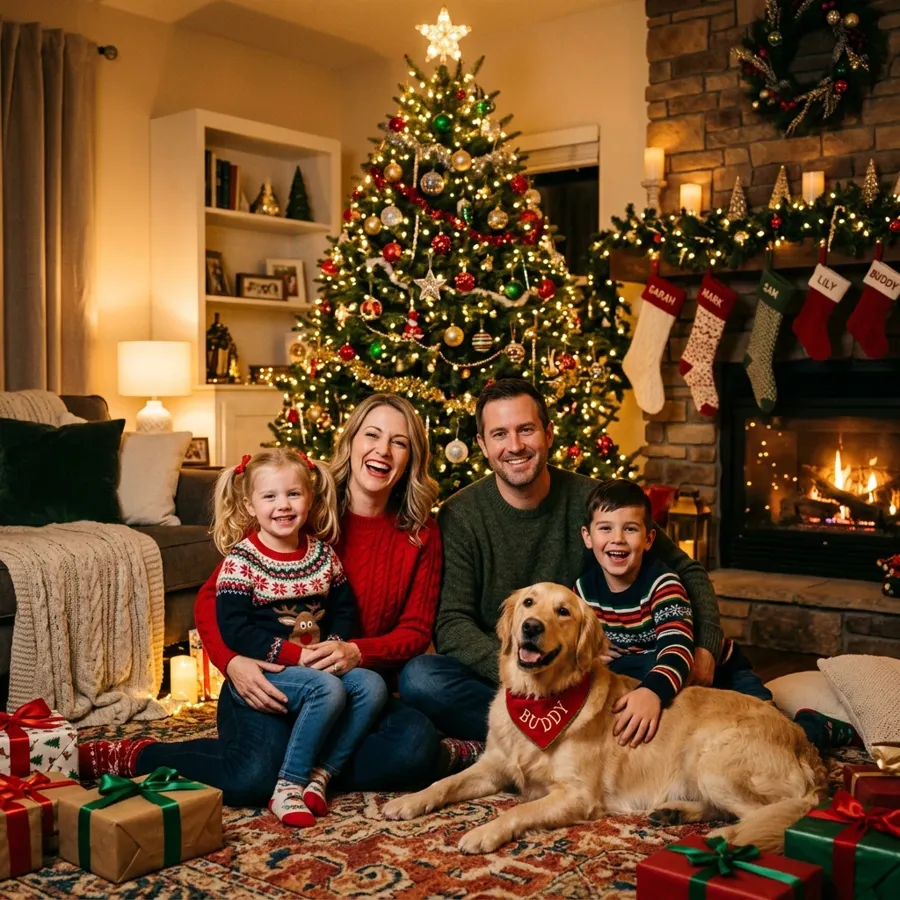
AI Christmas photos that keep the faces
The model reads the people in your photo first: how many there are, where they look, their hair, skin tone and build. Then it rebuilds the scene around them, so the light on the faces matches the fire, the snow or the tree.
A sharp photo matters more than a festive one. Heavy filters, sunglasses and faces at the edge of the frame leave the AI guessing.
22 Christmas templates, no prompt
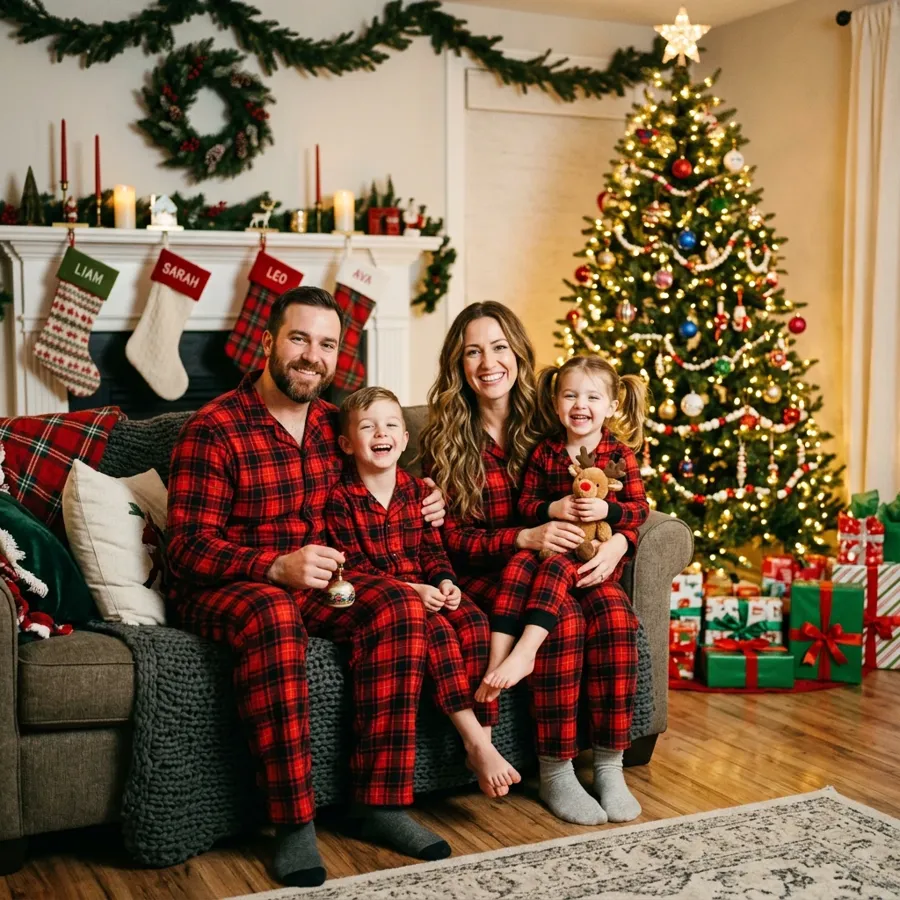
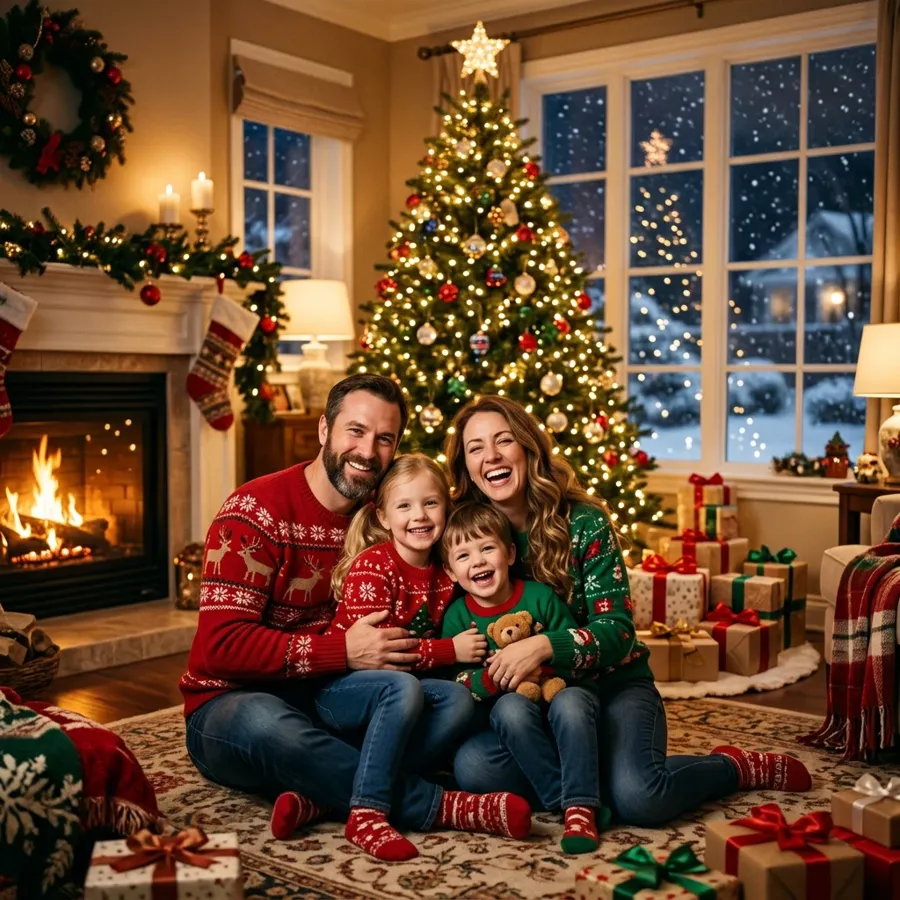
Every template sets the room, the light and the clothes, so you choose instead of describing. Pick Plaid Pajamas or Colorful Lights for a matching family look, Nordic Sweaters for a classic, White Morning for soft daylight, Log Cabin for a country Christmas and Snowy Window for snow behind the glass.
From AI Christmas photo to card or video
Download the image and drop it into a card template, or print it. When you want something that moves, the same people can star in a Christmas dance video with sound.
How to use AI Christmas Photo Generator
- 1Upload one photo
Use a JPG, PNG or WEBP with every face visible and in focus. Even light and a front-facing pose give the closest likeness.
- 2Pick a Christmas template
Choose one of the 22 templates. The template image shows the look; the result is rebuilt around the people in your photo.
- 3Generate and download
Set the quantity from one to four and press Generate. It is free for a limited time. Compare the results and download the one you like.
Perfect for
AI Christmas cards
Make the picture first, then add your greeting. White Morning and Golden Lights have the most room for text.
Family photos without a photo shoot
Use a photo from the summer and get matching pajamas in a minute. If one person was away, add them to the photo first.
Profile pictures for December
Golden Lights and Snowy Window work well as a square crop for social profiles.
Pet Christmas photos
A dog that never sits still for a costume can sit by the tree here.
At a glance
| 22 | Christmas templates |
|---|---|
| 1-4 | Images per run |
| 0 | Credits for now |
| 1 | Photo needed |
FAQ
What is an AI Christmas photo generator?
A tool that turns an ordinary photo into a Christmas photo. You upload a picture and choose a scene; the AI keeps the people and rebuilds the clothes, the light and the background.
Is the AI Christmas photo generator free?
Yes, for a limited time: generating takes no credits, you only need to sign in. When the offer ends, the price in credits is shown on the form before you generate.
Can I make an AI Christmas family photo?
Yes. Upload a group photo where every face is clear. Large groups and small faces are harder, so a photo of two to five people works best.
Does it work with pets?
Yes. Dogs and cats keep their markings. Use a sharp photo with the face visible.
Can I use the result as a Christmas card?
Yes. White Morning and Golden Lights have calm areas where you can add a greeting in any editor. The tool does not write text on the image.
Will we still look like ourselves?
That is the goal, and a sharp front-facing photo helps most. AI can still miss details such as hands or small faces, so check each result and generate again if needed.
Can I make a Christmas video too?
Yes. Christmas Dance AI turns two photos into a duo dance beside a lit tree, with sound.
Whose photos can I upload?
Your own, or photos of people who agreed. For children, only upload photos if you are the parent or guardian. Do not pass a generated image off as a real event.