 Photography Colleges
AI Kiss GIF
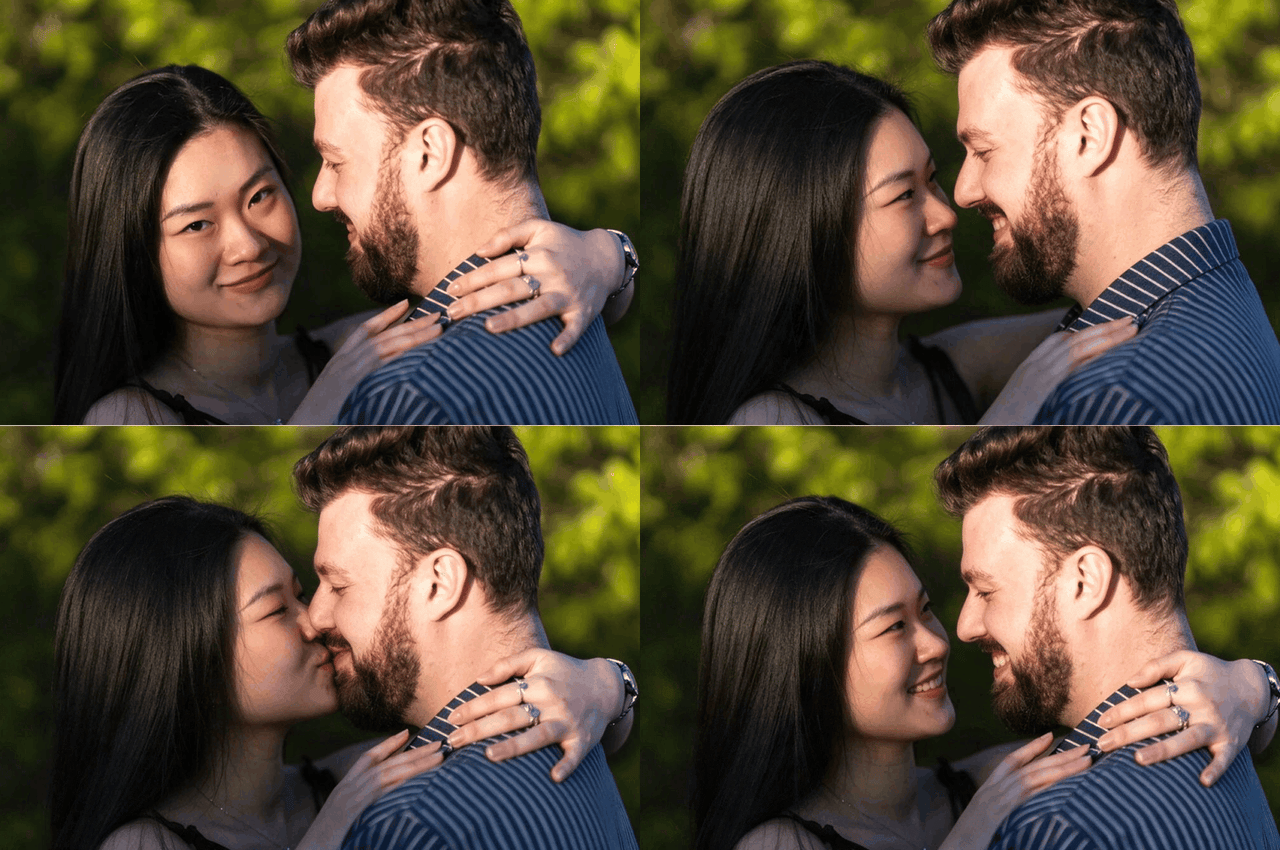
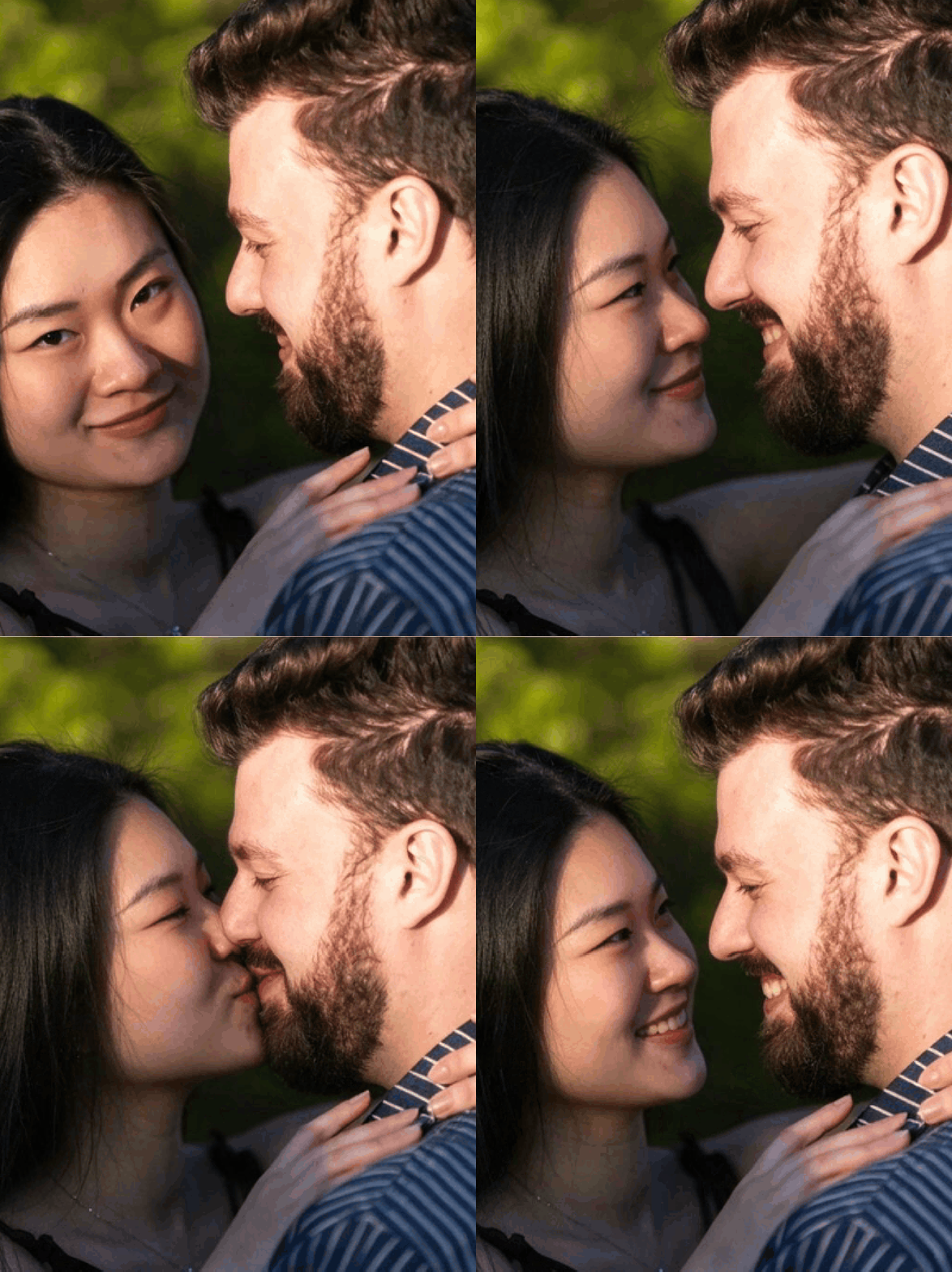
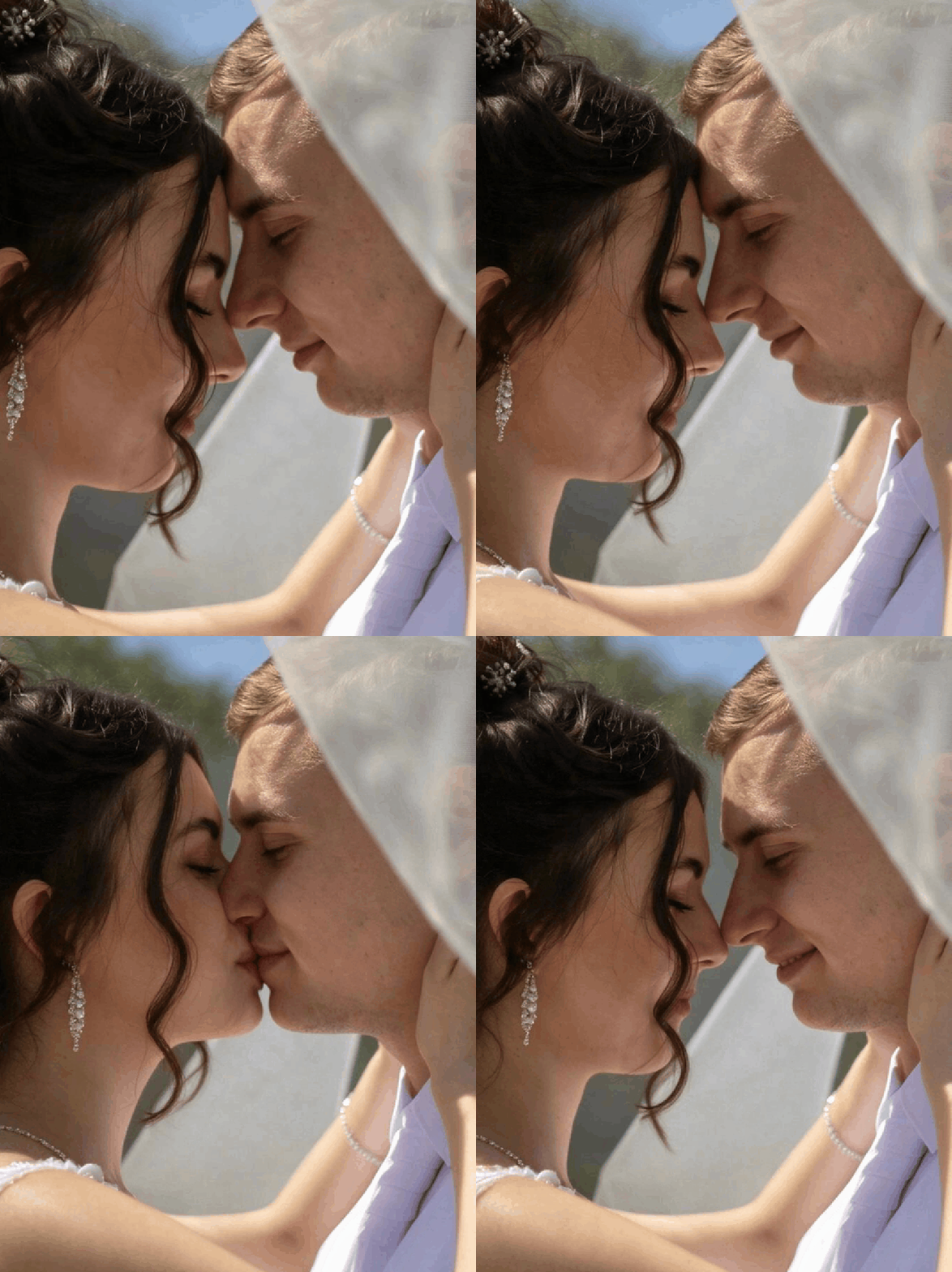
AI Kiss GIF Generator: Turn a Couple Photo or Two Single Photos Into a Kissing GIF
Upload one couple photo, or two single photos (one of each person), and get a looping four-frame kissing GIF in under a minute. Free credits to start.
Last updated 2026-11-05
AI Kiss GIF works from either one couple photo, with both people in the same picture, or two single photos, one of each person. Upload, press Generate, and you get a short GIF that plays four frames on repeat: a look, a lean in, a kiss and a smile.
It is a GIF, not a video. There is no sound, it plays on its own wherever images play, and it is easy to send in a chat. If you want a single still photo instead, AI Kiss makes one from the same uploads.
It is made for photos of yourself and of people who have agreed to the edit: couples sending a playful message, long-distance partners, and anyone putting together an anniversary or Valentine's post.
From one storyboard to a looping GIF
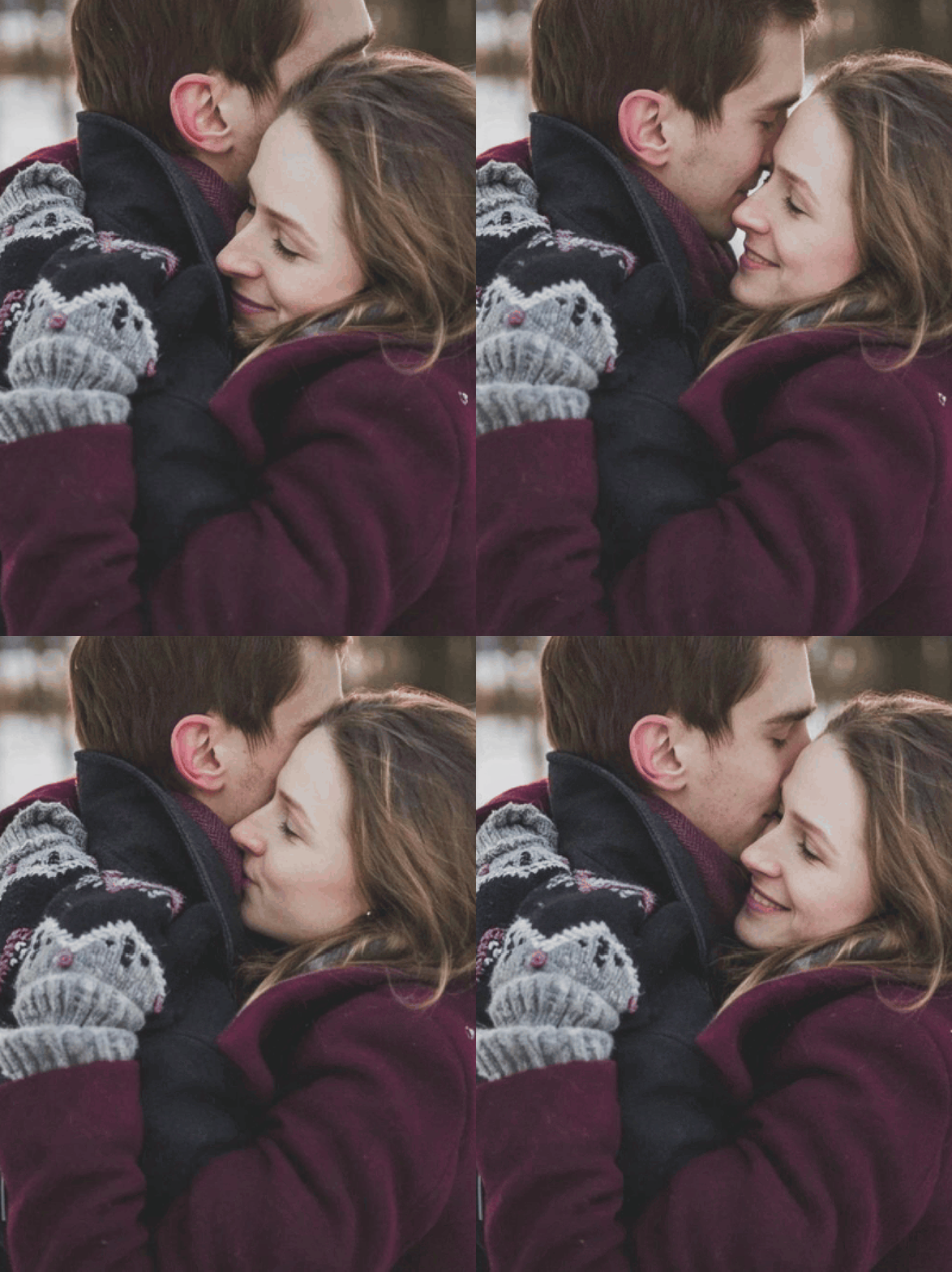
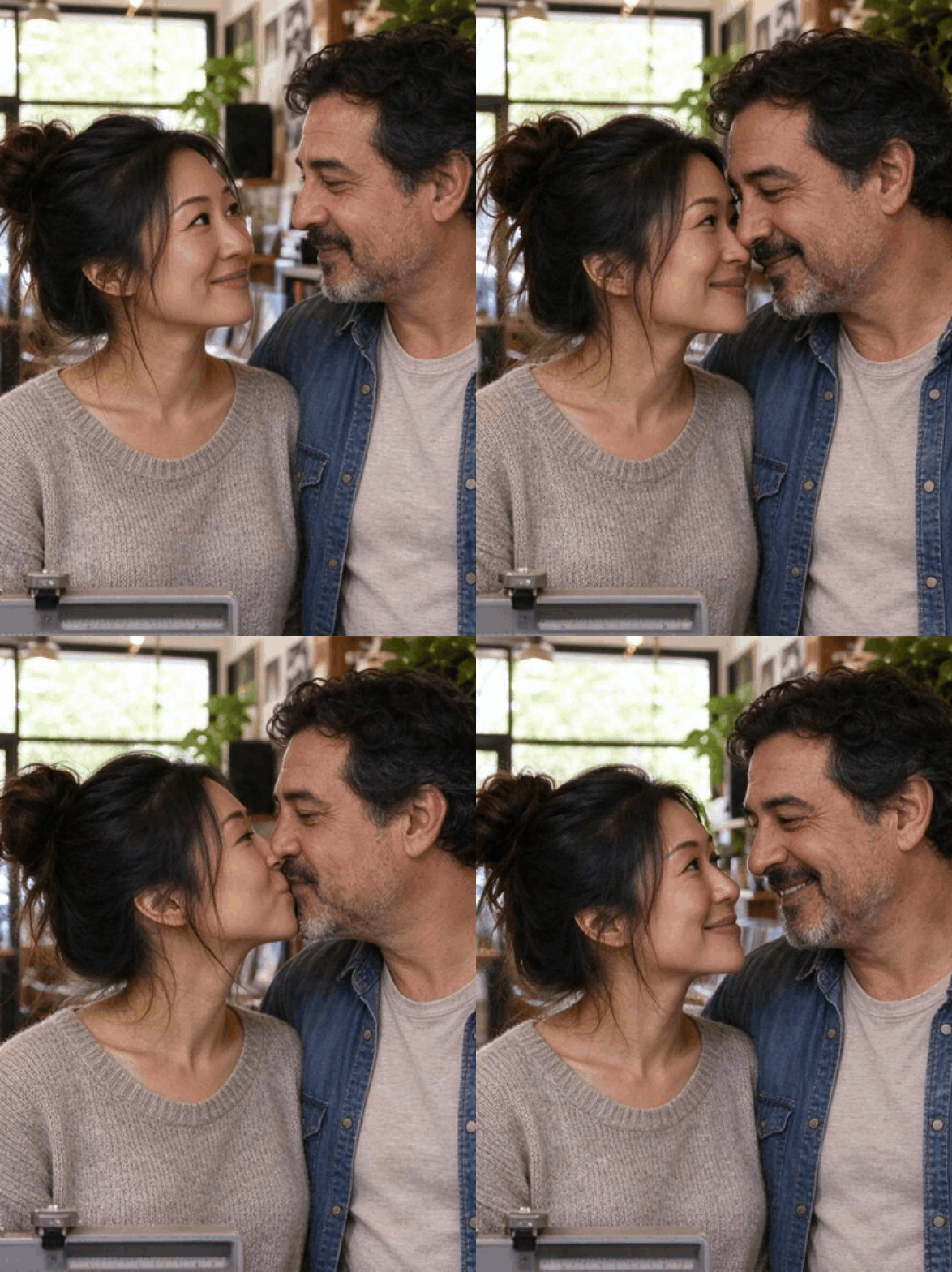
Each GIF starts as a single picture. The AI draws a 2×2 storyboard of one moment with the camera held still: the two of you as in your photo, a lean in, the kiss, and a smile afterwards. Drawing all four frames at once is what keeps faces, clothes and light consistent from one frame to the next.
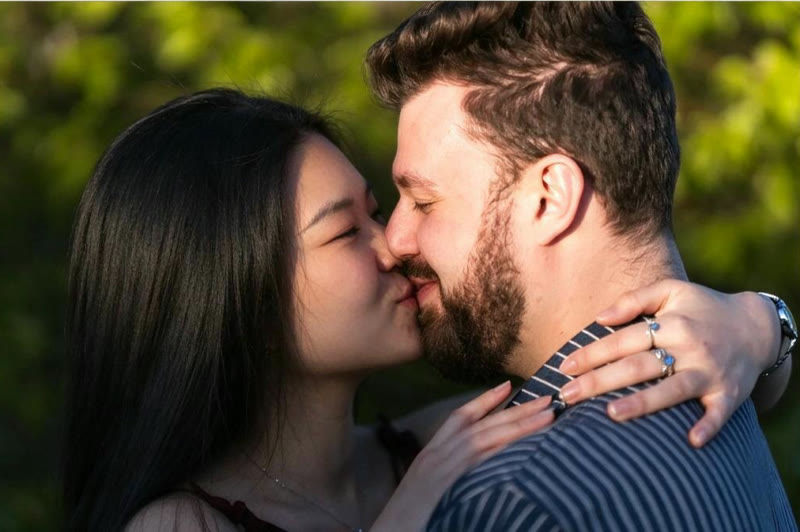
We then cut the storyboard into four frames and join them into a looping GIF. The kiss frame stays on screen the longest, about a second, so the moment reads clearly before the loop starts again. One round takes about 2.6 seconds.
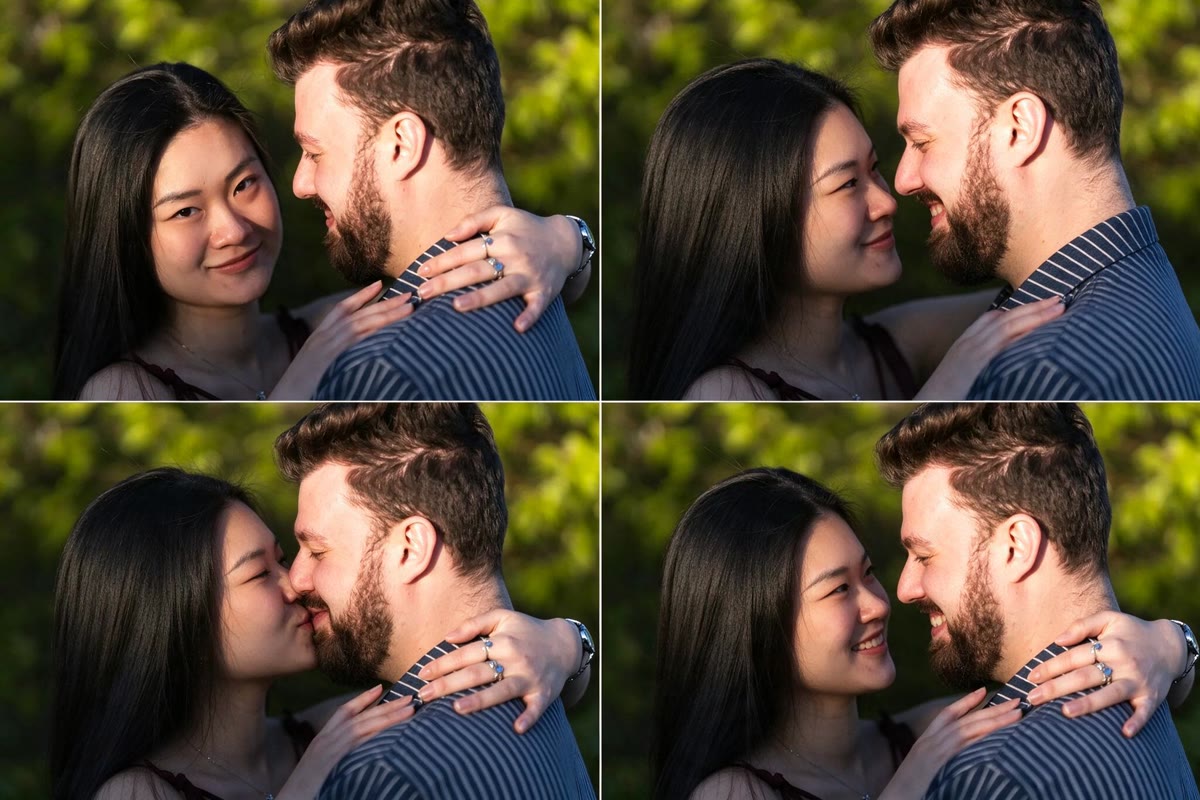
One couple photo or two single photos
Choose One couple photo when you already have a picture together. The GIF keeps that photo's setting, clothes and lighting, and only the heads and expressions move. It is the most faithful option, and it works best when you are already close: hugging, cheek to cheek or foreheads touching.
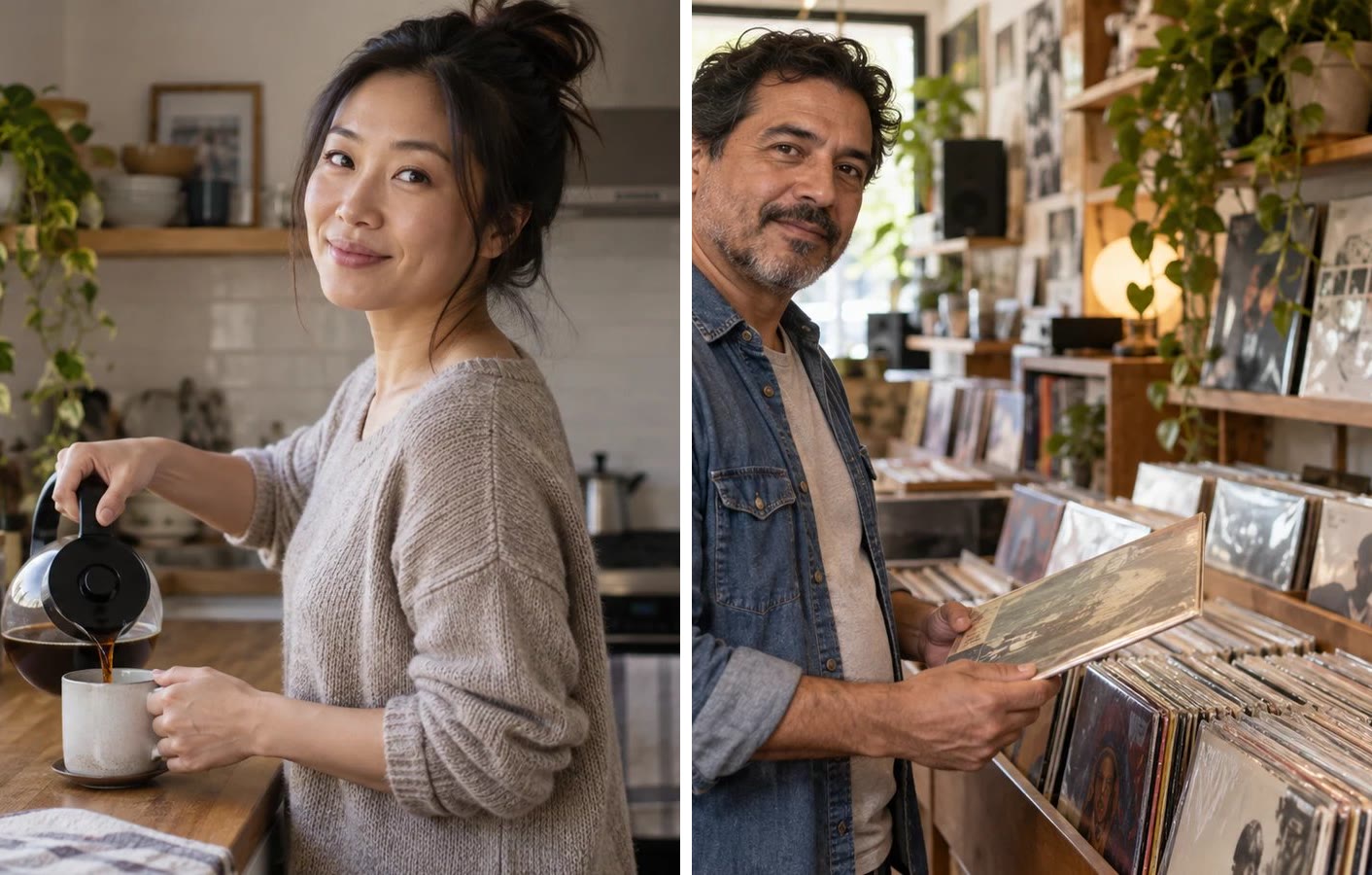
Choose Two single photos when each person is in their own picture. The AI places you side by side in a new, natural scene that suits your photos, keeps each person's own clothes, and animates the kiss from there. Front-facing portraits with clear faces at a similar size give the closest likeness.
Getting a smooth, natural kiss
Sharp, evenly lit faces matter most. Heavy shadow, sunglasses, masks, motion blur or very small faces give the AI less to work with, and the frames are more likely to drift. The original file works better than a screenshot of it.
Four frames keep the GIF light and quick to share, so the motion is a short loop rather than a smooth video. If a take jumps more than you like, run it again: each generation draws a fresh storyboard and gives a different version.
Whose photos you can use
Use photos of yourself, or of people who have agreed to the edit and to wherever you plan to share it. Do not use pictures of celebrities, of an ex who has not agreed, of strangers or of anyone under 18. Romantic edits of people who never consented cause real harm and are unlawful in many places.
Results are for personal, creative and lawful use. Uploads are processed and may be stored so we can run the generation and return your file; our privacy policy sets out the details. When you post an AI kiss GIF, say that it was made with AI.
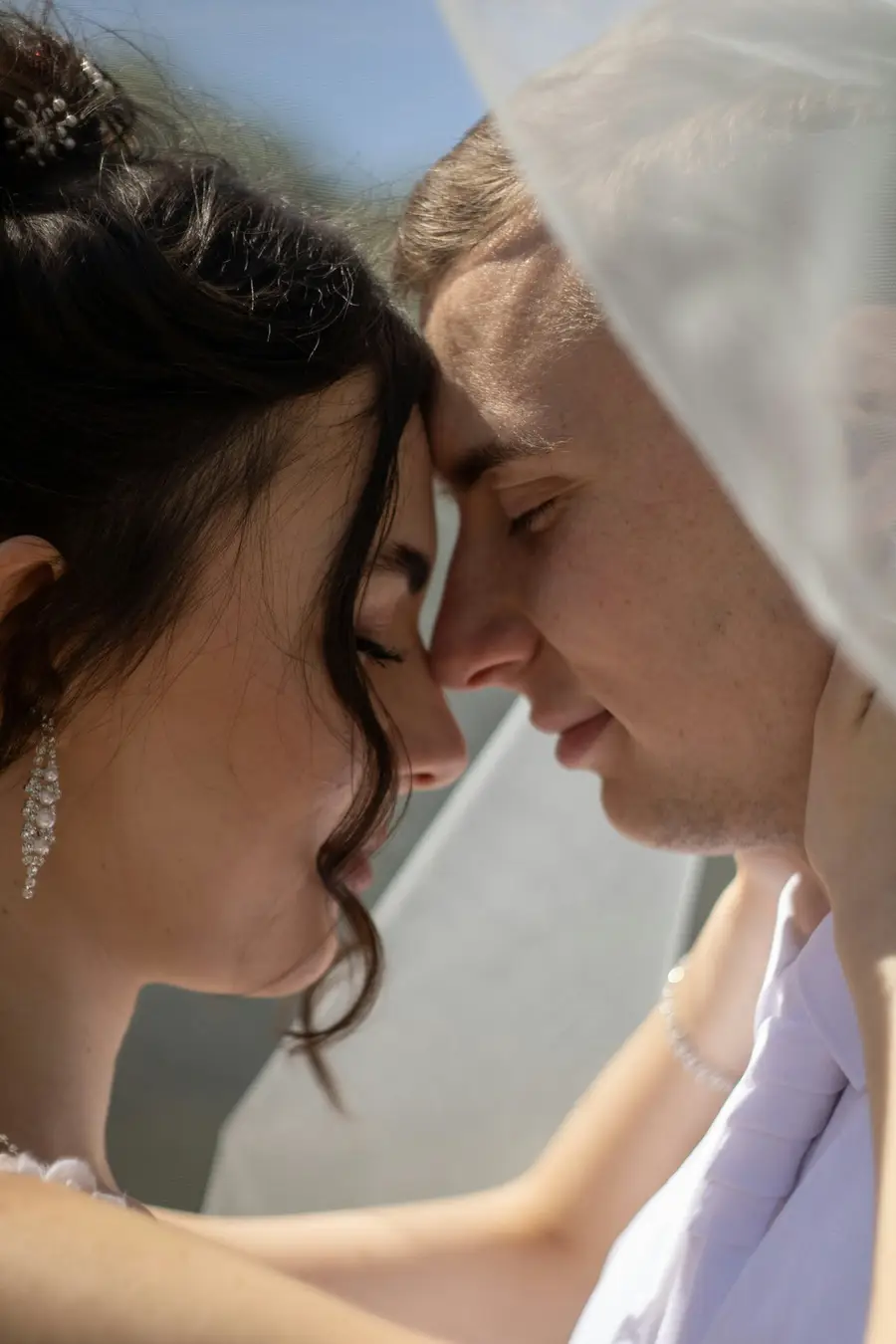
AI kiss GIF examples
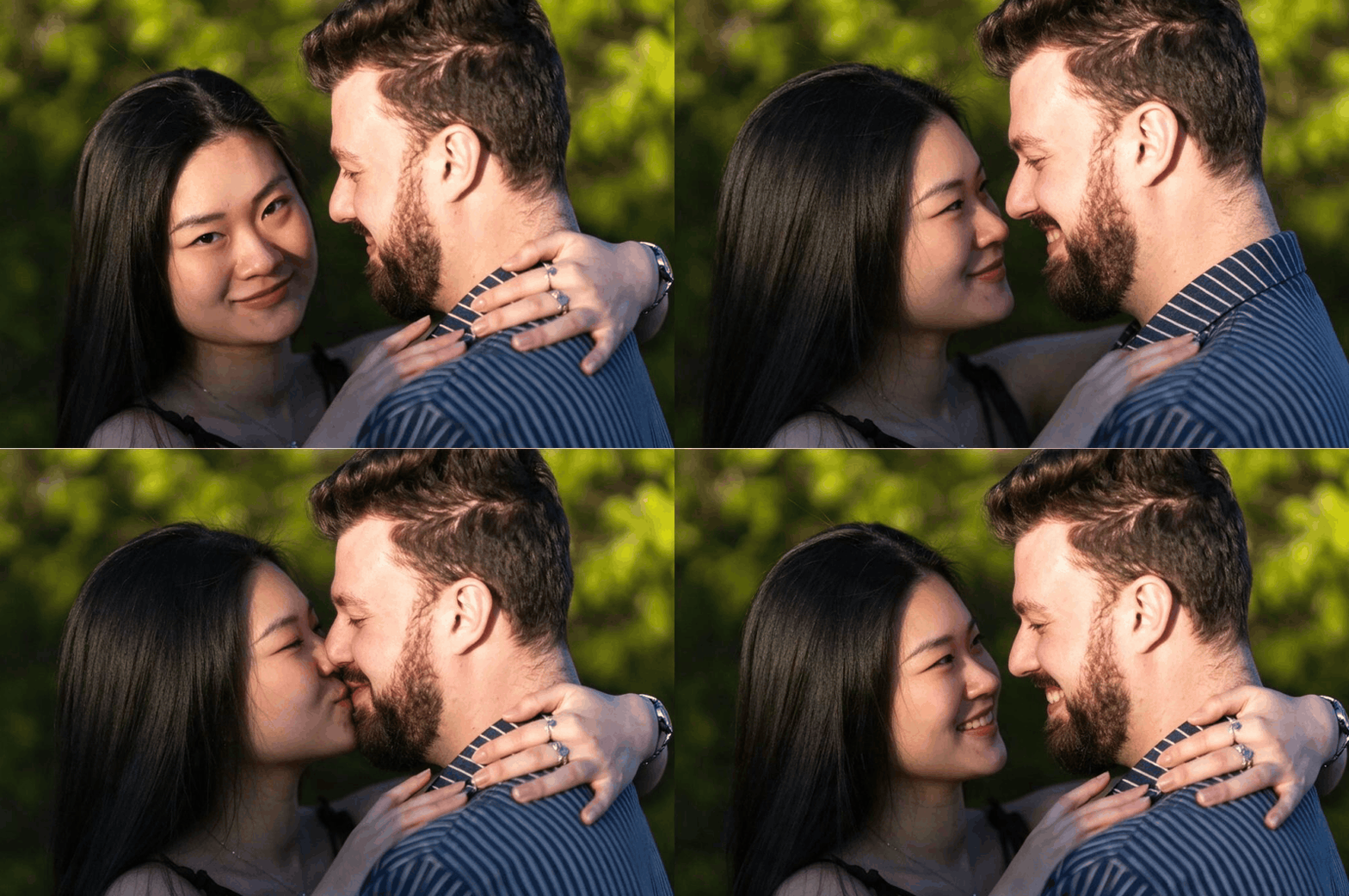
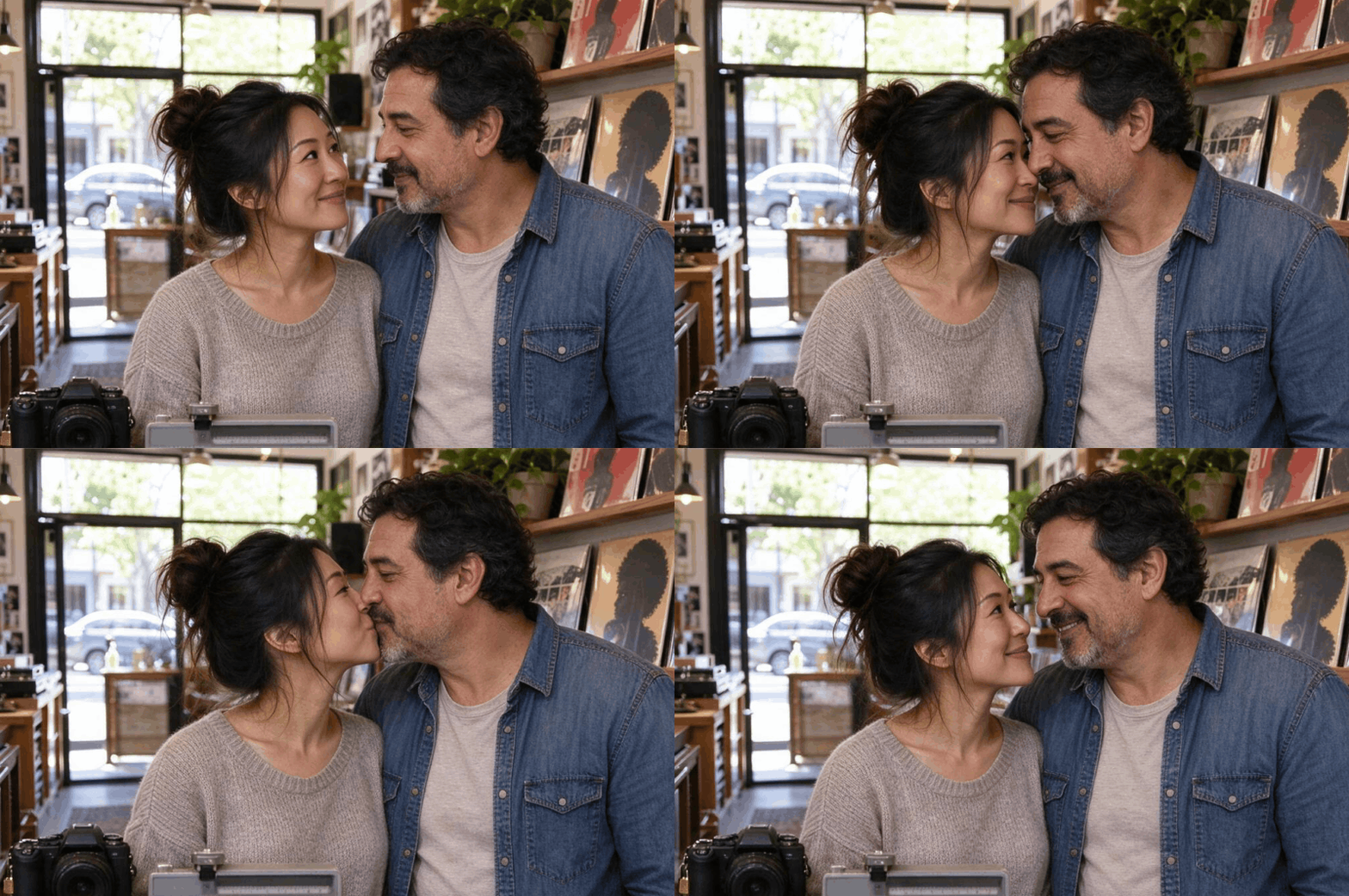
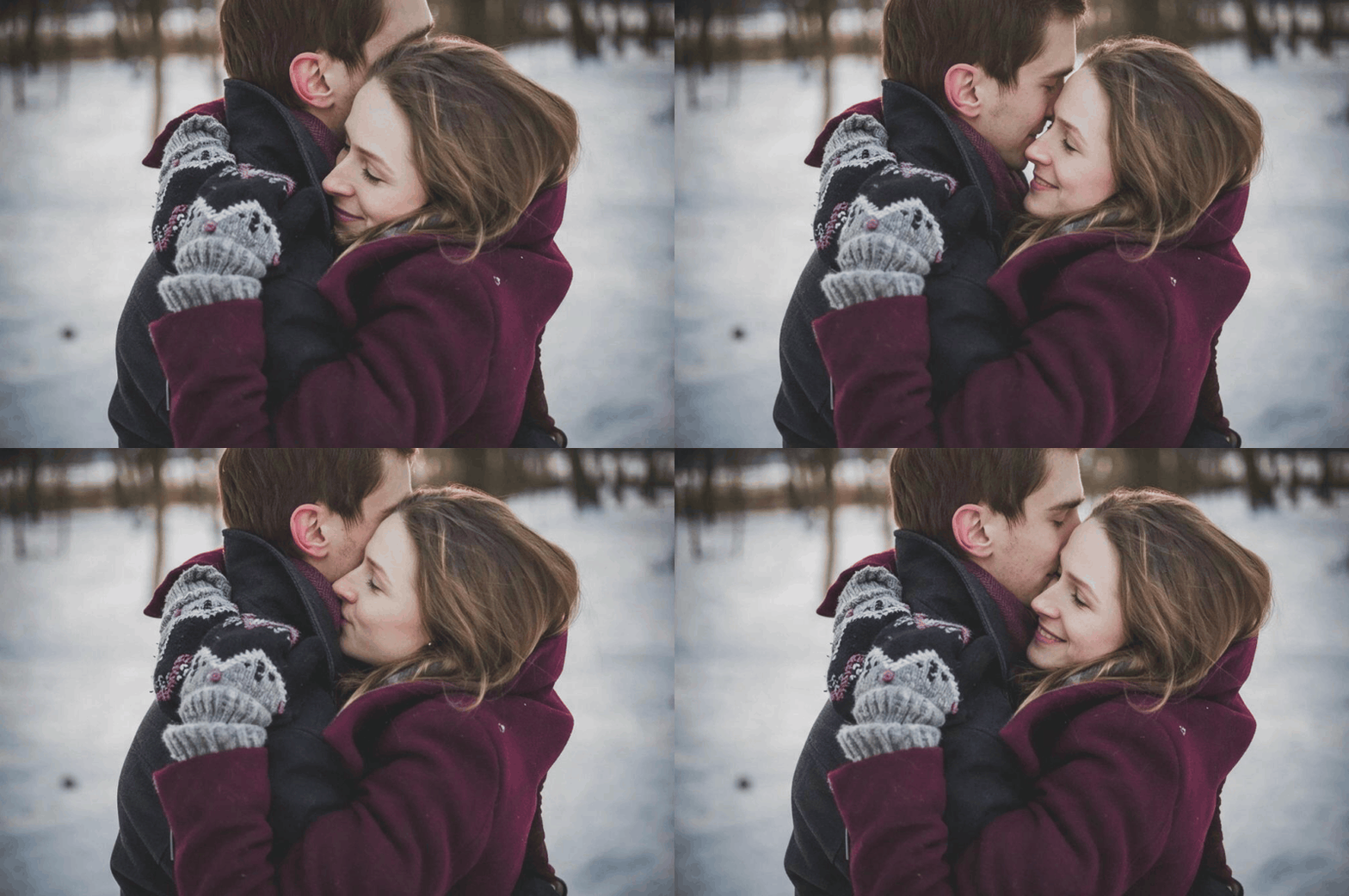
How to use AI Kiss GIF
- 1Choose one couple photo or two single photos
Pick One couple photo if both people are in the same picture, or Two single photos if each person is in their own picture. JPG, PNG and WEBP all work.
- 2Upload and generate
Drop the photo or photos into the slots and press Generate. Sign in with Google first if you have not; new accounts start with free credits. Each GIF costs 5 credits and usually arrives in under a minute.
- 3Download the GIF
Play the result in the workspace, then download it as a .gif file. Not the take you wanted? Run it again for four new frames, or try a sharper photo.
Perfect for
Messages and chats
Send a looping kiss to your partner instead of another heart emoji. A four-frame GIF made from your own photo feels personal in a way stock stickers do not.
Long-distance couples
When you are apart, two single photos are often all you have. Put both of you in one scene and send a small moment you have not had the chance to share yet. Use photos your partner has agreed to.
Anniversary and Valentine's posts
A looping kiss from a favorite photo makes an anniversary story, a Valentine's post or a digital card feel alive, without editing a video.
Wedding and engagement content
Turn an engagement photo the couple already approved into a short GIF for a countdown story, a wedding website or a thank-you message.
Couple accounts and social posts
Couple creators can turn a recent shot into a bit of motion for a feed post or a story without filming anything. Say plainly that the GIF is AI-made.
AI Kiss GIF at a glance
FAQ
What is AI Kiss GIF?
An online tool that turns photos into a short, looping kissing GIF. It accepts one couple photo or two single photos, one of each person, and the AI draws four frames of the same moment: a look, a lean in, a kiss and a smile. You get an animated .gif file you can download and share.
Can I use one couple photo or two single photos?
Both work. Use One couple photo when both people are in the same picture: the GIF keeps that photo's place, clothes and light. Use Two single photos when each person is in their own picture: the AI puts you side by side in one new, natural scene, each in your own clothes. Pick the option above the upload slots.
How long is the GIF?
Four frames that loop, about 2.6 seconds per round, with the kiss frame held the longest at about a second. Frames are up to 800 pixels on the long side, which keeps the file light enough to share.
How does the AI make the animation?
The model draws all four frames in one picture, as a 2×2 storyboard of the same moment with the camera held still. We then cut the storyboard into frames and join them into a GIF, with timing that holds on the kiss. Drawing the frames together is what keeps both faces consistent from one frame to the next.
Is AI Kiss GIF free?
New accounts get free credits, so you can try it without paying or entering a card. Sign in with Google to claim them. Each GIF costs 5 credits. When your balance runs out you need more credits to keep generating. There is no unlimited or permanently free plan.
Which photos work best?
Clear, in-focus faces with even light. For one couple photo, a close pose such as an embrace or foreheads touching gives the most natural kiss. For two single photos, front-facing portraits with both faces at a similar size work best. Sunglasses, masks, heavy shadow and tiny faces in a crowd make the result less convincing.
Will the GIF look like us?
The AI keeps faces, hair, skin tone and clothes close to your photos, and all four frames are drawn together so they match each other. It is still an AI drawing, so small details can change between takes. If a face looks off, run it again or use a sharper photo.
Is it a video? Does it have sound?
No. It is an animated GIF with four frames and no sound. It plays automatically and loops in browsers, chats and most social apps. If you need a still image rather than a loop, use AI Kiss.
Is it okay to make a kiss GIF of someone?
Only with your own photos, or photos of people who agreed to the edit and to how you will share it. Do not use pictures of celebrities, of an ex who has not agreed, of strangers or of anyone under 18. You are responsible for what you publish.
What happens to the photos I upload?
Uploads are processed and may be stored so the service can run your generation and hand back the result, as described in our privacy policy. Read that policy before uploading anything sensitive, and only upload pictures you have the right to use. Generated GIFs are yours to download and keep from the workspace.
How long does it take?
Usually under a minute from Generate to a finished GIF. Timing shifts with how busy the queue is at that moment. Stay on the page while it renders, and the GIF appears in the result panel ready to download.