
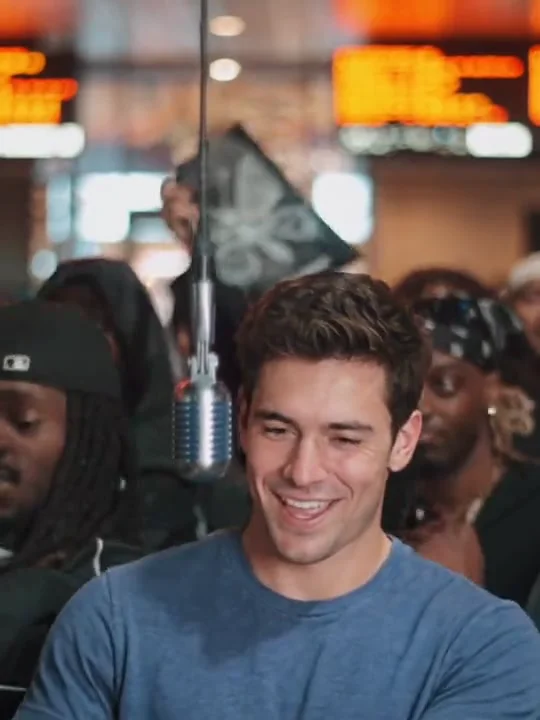
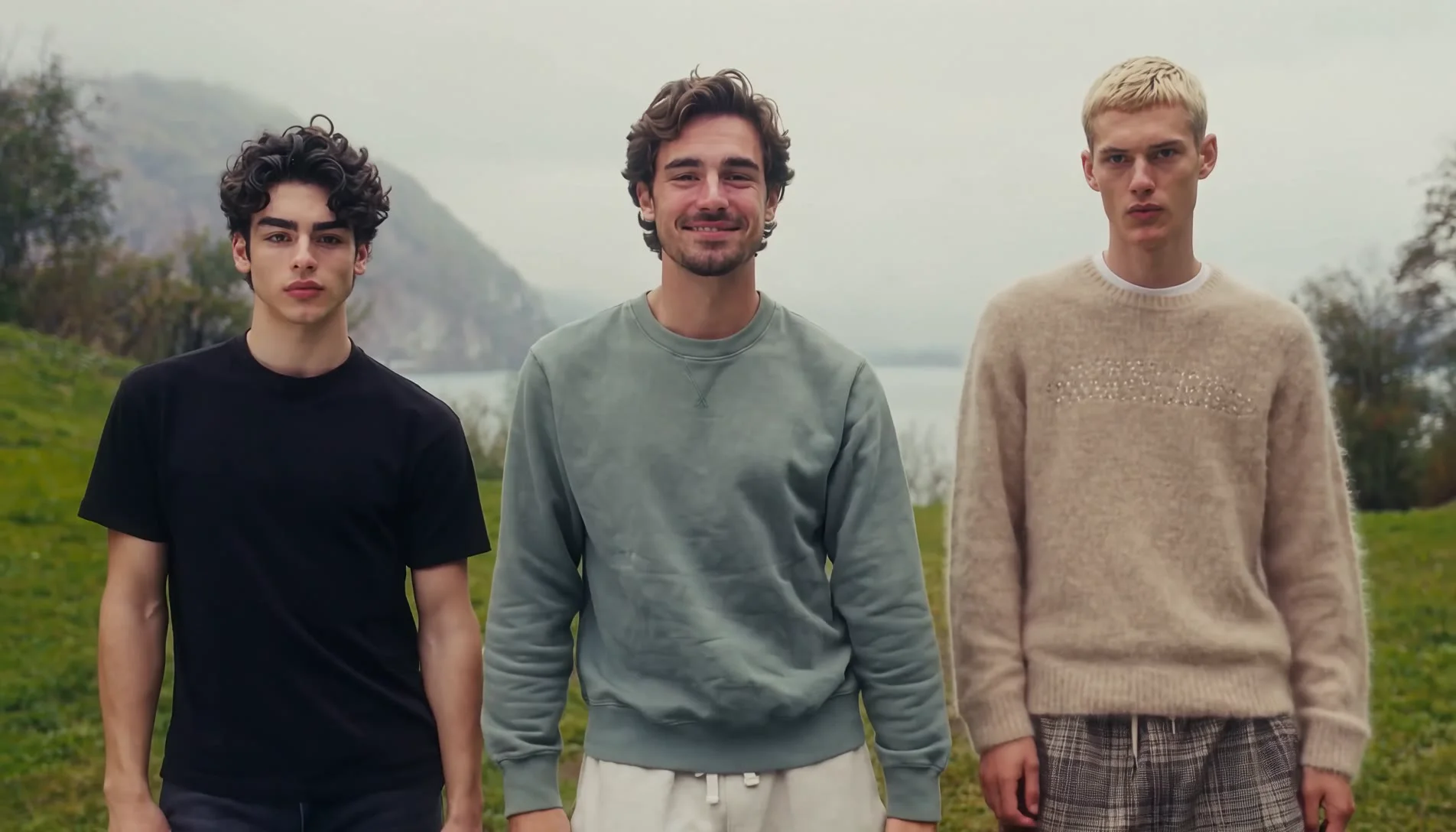
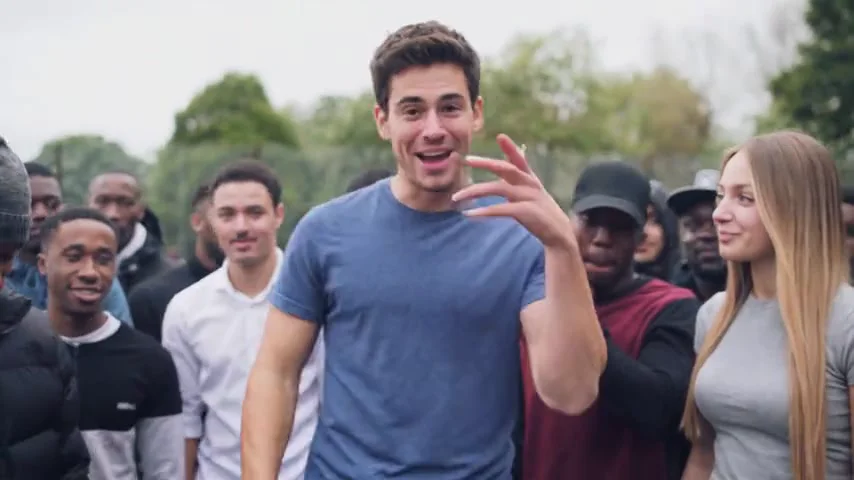
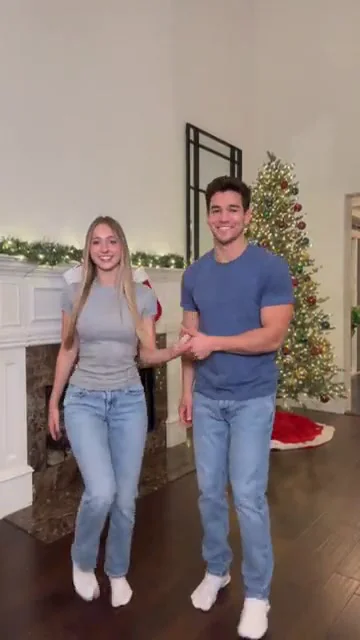
Video to video AI with your own reference
Free creation is a video to video AI tool: you upload a reference video, add photos of the people or things that should appear in it, and describe the change. The result follows the shots, the motion and the camera of your clip.
Use it as an AI character swap video maker, to replace a person in a video with AI, or to move a scene somewhere else while the action stays the same. Pick the model yourself and refer to your files with @ in the text, such as @Video1 and @Image1.
How to use Free creation
- 1Upload a reference video
Add the clip whose motion you want to keep. The panel shows the length, size and resolution the selected model accepts.
- 2Add references and describe
Add images, and audio on models that take it, then say what should change: “Replace the dancer in @Video1 with the person in @Image1.”
- 3Choose settings and generate
Set the resolution, length, aspect ratio and sound. The price in credits is on the button before you submit; the video waits in My creations.
Why use it
Several models, one form
Seedance 2.5 and 2.0, Wan 3.0, Kling 4.0 and MiniMax H3 share the same panel, so you can try the same idea on another model.
Character replacement
Give each person their own photo and say who replaces whom. Faces, hair, builds and outfits come from the photos.
Motion you already have
The reference decides the shots, gestures and timing, so there is no need to describe a dance move by move.
Clear limits before you pay
Files that a model would refuse are flagged when you pick them, with the reason.
FAQ
What is video to video AI?
It is AI video generation that starts from an existing clip instead of only a text prompt. The model follows the clip’s motion and camera and changes what you ask for, such as the people or the place.
How do I replace a person in a video with AI?
Upload the video, add one clear photo of the new person and write who should be replaced. With several people, add one photo each and name their positions or clothes.
Which model should I choose?
Start with the recommended one. Wan 3.0 is the economical choice for character swaps, Seedance 2.5 handles longer references and more images, and Kling 4.0 can also edit the original clip directly.
How much does it cost?
The price is the model’s credits per second at the chosen resolution times the length of the video. It is shown before you submit, and a failed generation returns its credits.
What videos can I upload?
MP4 or MOV clips you have the right to use. Length, size and resolution limits depend on the model and are shown in the panel. Some models refuse clips with real people or copyrighted music.
What is the difference from the templates?
A template has its video, model and settings fixed and only asks for photos. Free creation starts from your own video and leaves every choice to you. See all viral templates.