
Best AI Dance Video Generators in 2026
Which AI dance video generator fits which job, what each one needs from you, and what a finished video really costs. Prices checked 26 November 2026.
Published 8 min read
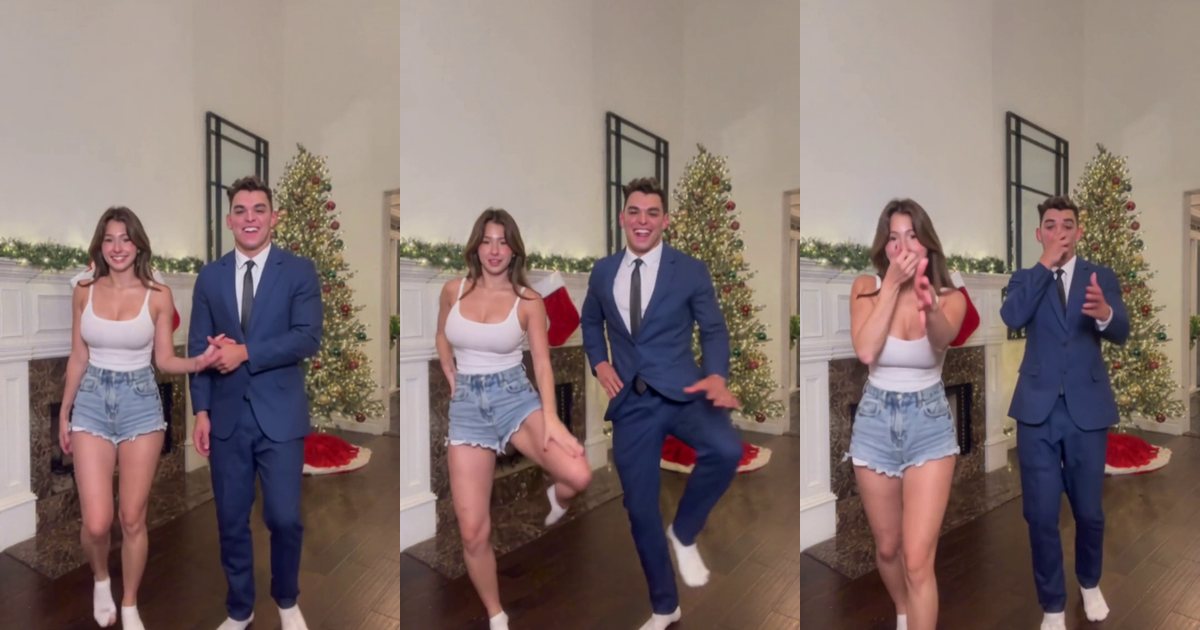
The best AI dance video generator depends on the video you want. To join a specific viral trend with your friends, Photography Colleges Viral Studio turns one photo per person into a fixed 10 to 18 second template for about $2 to $16 a video, with no subscription. To make your own character copy any dance clip, Viggle AI is the most flexible. For free templates inside an editor, use CapCut.
Disclosure: Photography Colleges makes Viral Studio, one of the six tools below. Competitor facts come from each vendor's own pricing and feature pages, checked on 26 November 2026; where a vendor page did not say something, the table says so instead of guessing.
AI dance video generators compared
The table compares the six tools on the questions buyers ask first: what you upload, how many people can be in the video, what comes out, what the free tier allows and what the paid plan costs.
| Tool | Best for | You upload | People | Output | Free tier | Paid price |
|---|---|---|---|---|---|---|
| Photography Colleges Viral Studio | Joining a named viral trend with friends | 1 photo per person; the template sets the dance | 1 to 3 per template, 5 in Tiny Desk AI | 10–18 s, 480p–1080p, sound on, no watermark | A few sign-up credits, enough to try a photo tool but not a video | One-time packs $9.90–$39.90; 200–975 credits per video (about $2–$16) |
| CapCut | Free photo-dance templates in an editor | Photos or clips, as many as the template asks | Set by each template | Template length, usually 9:16 | Free templates; CapCut says most exports are watermark-free, but users report a watermark on AI-feature projects since August 2026 | Pro $19.99/month or $179.99/year (varies by region) |
| Viggle AI | Making your character copy any dance clip | 1 photo per person plus a clip or template | Up to 5 in Remake Flash; more in Multi-Track | Remake: 720p, 24 fps | Daily free credits; Mix videos watermarked; 7-day storage | Pro $9.99/month, or $7.99/month billed yearly; 80 credits plus 5 a day |
| Pollo AI | The widest choice of one-click dance effects | 1 photo plus an effect or reference video | Mostly 1; a few effects have more | Not published per effect | Small, and invite-based since May 2026 (user reports); free outputs watermarked | Lite $15/month for 400 credits |
| media.io | Preset dance styles from one full-body photo | 1 full-body photo plus a preset or prompt | Not stated | Free: 720p export with watermark (pricing page) | 3 credits per daily check-in, about 1 video | Standard $15.99/month in the US, or $7.99/month billed yearly |
| Vidnoz | Free dance motions with music | 1 full-body photo plus one of 115+ motions | 1 (Vidnoz says it is built for a single person) | Free: up to 3 min at 720p, with watermark (pricing page) | Daily free credits | From $14.99/month |
CapCut: best free option if you already edit in CapCut
CapCut has a large library of photo-dance templates, and many are free. Each template decides how many photos or clips it needs, usually one. Because the result opens in the CapCut editor, you can add text and music before posting.
According to CapCut's help center, most exports are watermark-free; a watermark comes from a template's ending clip, which you can delete for free, or from premium elements, which need Pro. Since August 2026, though, many posts on r/CapCut report a watermark on projects that use AI features, removable only with Pro, so expect AI dance templates to need Pro for a clean export. CapCut Pro costs $19.99 a month or $179.99 a year, with prices that vary by region, and includes 1,200 AI credits a month. CapCut does not publish how many credits one AI dance video uses; the app shows the cost before each AI action.
Viggle AI: best for making your character copy any dance
Viggle AI animates a character from your photo to match a motion. Mix takes one photo plus a clip or template; its Remake Flash model takes one photo per person, up to five, plus a 5 to 15 second clip, and Multi-Track handles more characters. Remake outputs 720p at 24 fps and is available on paid plans on the desktop web. Viggle's rules do not allow uploading photos of other real people without their permission, celebrities included.
The free tier refreshes credits daily, watermarks Mix videos and keeps files for seven days. Viggle Pro costs $9.99 a month, or $7.99 a month billed yearly, with 80 credits a month plus 5 a day.
Pollo AI: the most one-click dance effects
Pollo AI lists many dance effects, from its AI Dance Generator to named dance styles: you upload a photo and pick an effect, or upload a reference dance video. Most effects take one person; a few, such as Megan Hada Dance, show three. One Pollo account also reaches many other video models, including Kling, Wan, Hailuo and Veo, according to its App Store listing.
Pollo's credits FAQ says free-plan videos carry a watermark and paid plans remove it. Pollo does not publish the credits each dance effect costs. In May 2026 several Reddit users reported that Pollo replaced its recurring free credits with invite rewards. Third-party reviews from November 2026 report plans from $15 a month for 400 credits (Lite) to $129 a month for 5,000 credits (Ultra); the App Store listing confirms the $15 Lite and $29 Pro monthly prices. Subscription credits do not roll over.
media.io and Vidnoz: free one-photo dance motions
media.io's AI Dance Generator turns one full-body photo into a dance from presets such as sway or jiggle, or from a prompt. Its pricing page lists the free tier as 3 credits per daily check-in, about one video, exported at 720p with a watermark, although the dance page itself says watermark-free. Standard costs $15.99 a month in the US, or $7.99 a month billed yearly; prices are lower in some countries. Note that media.io also has a product called Viral Studio; it is not the Photography Colleges Viral Studio described above.
Vidnoz animates one full-body photo of a single person with one of more than 115 dance motions and music. Its dance page calls the tool free; its pricing page lists free videos of up to three minutes at 720p with a Vidnoz watermark, and paid plans from $14.99 a month that add 1080p without a watermark.
What an AI dance video really costs
Subscriptions look cheaper per month but bill every month; one-time packs cost more up front but do not renew. On Photography Colleges, the smallest pack is $9.90 for 600 credits, which covers three 10-second trend videos at 480p (200 credits each) or two 15-second ones (300 credits each). A 1080p 15-second video costs 975 credits, about $9.73 with the $39.90 pack.
When you compare, look past the monthly price to three things: whether the free tier watermarks the video, the resolution you get on the plan you can afford, and whether a failed generation costs you credits. Retries are the hidden cost most often raised by AI video users on Reddit: a clip that fails or comes out unusable can still use up credits on some services, so the real price is the cost per usable video. Photography Colleges returns the credits of a failed generation. Every price on Photography Colleges is listed per tool and per template on the pricing page.
How to get a good AI dance video from a photo
Whichever tool you use, the photo decides most of the result. Use a sharp, well-lit photo with the whole face visible; a full-body photo helps tools that animate the body, such as media.io and Vidnoz. Use one photo per person, not a group photo, so the model knows who is who.
- Face the camera, without sunglasses or a hand over the face.
- Keep the outfit you want in the video; most tools carry clothing over from the photo.
- Only upload photos of people who agreed to be in the video.
Frequently asked questions
What is the best free AI dance video generator?
CapCut has free photo-dance templates; CapCut says most exports are watermark-free once you delete a template's end clip, although users report a watermark on AI-feature projects without Pro. Vidnoz and media.io also have free tiers, but their pricing pages list a watermark on free exports. Photography Colleges Viral Studio is not free: new accounts get a few credits to try the photo tools, and videos are paid with one-time packs from $9.90.
Which AI dance generator works with several people?
Photography Colleges Viral Studio templates take one photo per person, from one to three people, and Tiny Desk AI takes up to five. Viggle AI Remake Flash supports up to five people, and Multi-Track more. CapCut depends on the template; Vidnoz is built for one person.
How much does an AI dance video cost on Photography Colleges?
Between 200 and 975 credits, depending on the template and the resolution, which is about $2 to $16 depending on the pack. The price is shown before you generate, and credits are returned if a generation fails. See the pricing page for every template.
Is Photography Colleges Viral Studio the same as media.io Viral Studio?
No. They are different products from different companies that happen to share a name. Photography Colleges Viral Studio is at photography-colleges.com/viral-studio/.
For a named trend with friends, pick Photography Colleges Viral Studio. For your own dance clip, pick Viggle AI. For free templates you will edit further, pick CapCut.